
10 Best Google Ads Management Tools for Agencies (2026)
10 Best Google Ads Management Tools for Agencies (2026)


Juggling dozens of client accounts, chasing wasted spend, and still pulling reports by hand is how a lot of agencies get stuck. Native Google Ads is fine until your team is managing too many moving parts at once. Then the account work starts spilling into Slack, Sheets, screenshots, and late-night cleanup.
That's why Google Ads management tools for agencies matter. They don't just save clicks. They change the shape of the work. The best ones remove the repetitive tasks that drain account managers, tighten QA, and make it easier to scale without turning every new client into another operational headache.
The timing makes sense. Google Ads accounted for over 53% of global digital ad spend by 2024, and Google processed more than 3.5 billion searches daily, according to Statista and Google fiscal reporting summarized in the verified industry data. At that scale, agencies aren't choosing between manual work and software. They're choosing which kind of software fits the way they operate.
I've found that the wrong tool creates almost as much friction as no tool at all. A reporting platform won't fix keyword chaos. A bidding suite won't solve client-facing dashboards. A budget tool won't clean up search terms. So this list is built around workflow impact first. Not feature stuffing.
1. Keywordme
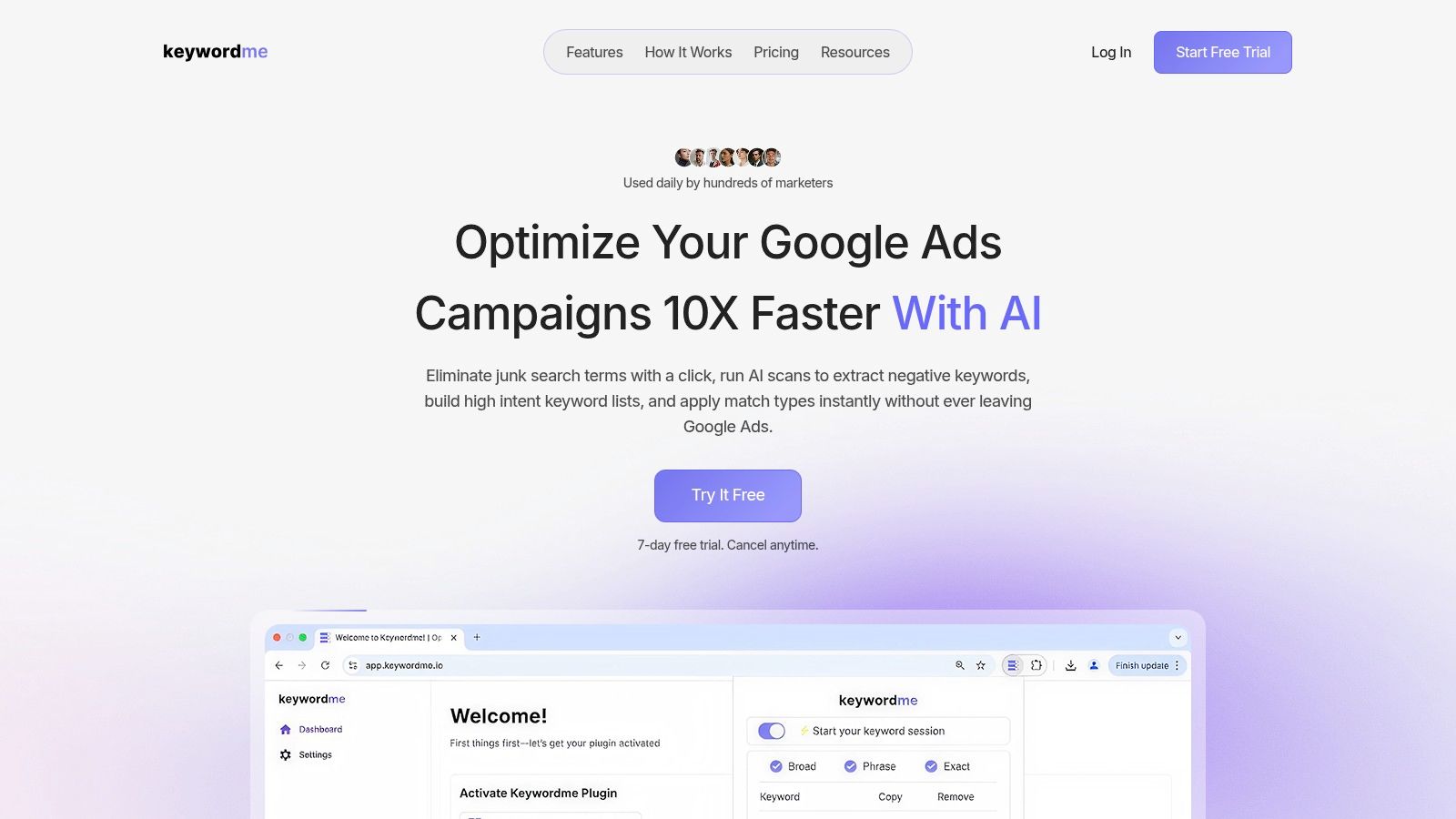
A common agency scenario looks like this. Search terms are piling up across active accounts, wasted spend is slipping through, and account managers are still cleaning query reports by hand at the end of the week. Keywordme fits agencies that know their primary bottleneck is search term cleanup and keyword control.
Keywordme is a Chrome plugin that works inside Google Ads. Its job is narrow, but useful. It pulls junk queries from the Search Terms report, turns findings into positive and negative keyword actions quickly, and applies match types without the usual spreadsheet cleanup. For teams buried in search term mining, that removes one of the most repetitive parts of account work.
Where Keywordme helps most
The workflow benefit is simple. Account managers stay in the Google Ads interface instead of bouncing between exports, Sheets, and manual list building. That matters more than feature breadth when the problem is execution speed inside search campaigns.
I see Keywordme as a specialist tool for agencies that already have a defined PPC account optimization workflow for agencies and want to tighten the keyword management step. It supports bulk paste, bulk download, campaign expansion from search data, and seat-based collaboration. Those are practical gains for lean teams or agency pods that need cleaner query handling without adding a full operations platform.
Practical rule: If wasted spend keeps coming from poor search term hygiene, fix that first. Then decide whether you also need a broader platform for reporting, pacing, or automation.
A few trade-offs are clear:
- Primary strength: Search term cleanup and keyword control inside Google Ads.
- Best fit: Small to midsize agencies, freelancers, and specialist PPC teams that spend too much time building negative lists and applying match types manually.
- Workflow upside: Faster query review, fewer formatting mistakes, and less context-switching for account managers.
- What it will not cover: Cross-channel reporting, enterprise approvals, advanced budget pacing, or multi-publisher management.
Pricing starts at $12 per seat per month with a 7-day free trial. That makes it easy to test on a live account before rolling it out more widely. The trade-off is scope. If your agency needs one tool to run reporting, governance, forecasting, and optimization across several ad platforms, Keywordme will be one part of the stack, not the whole stack.
2. Optmyzr
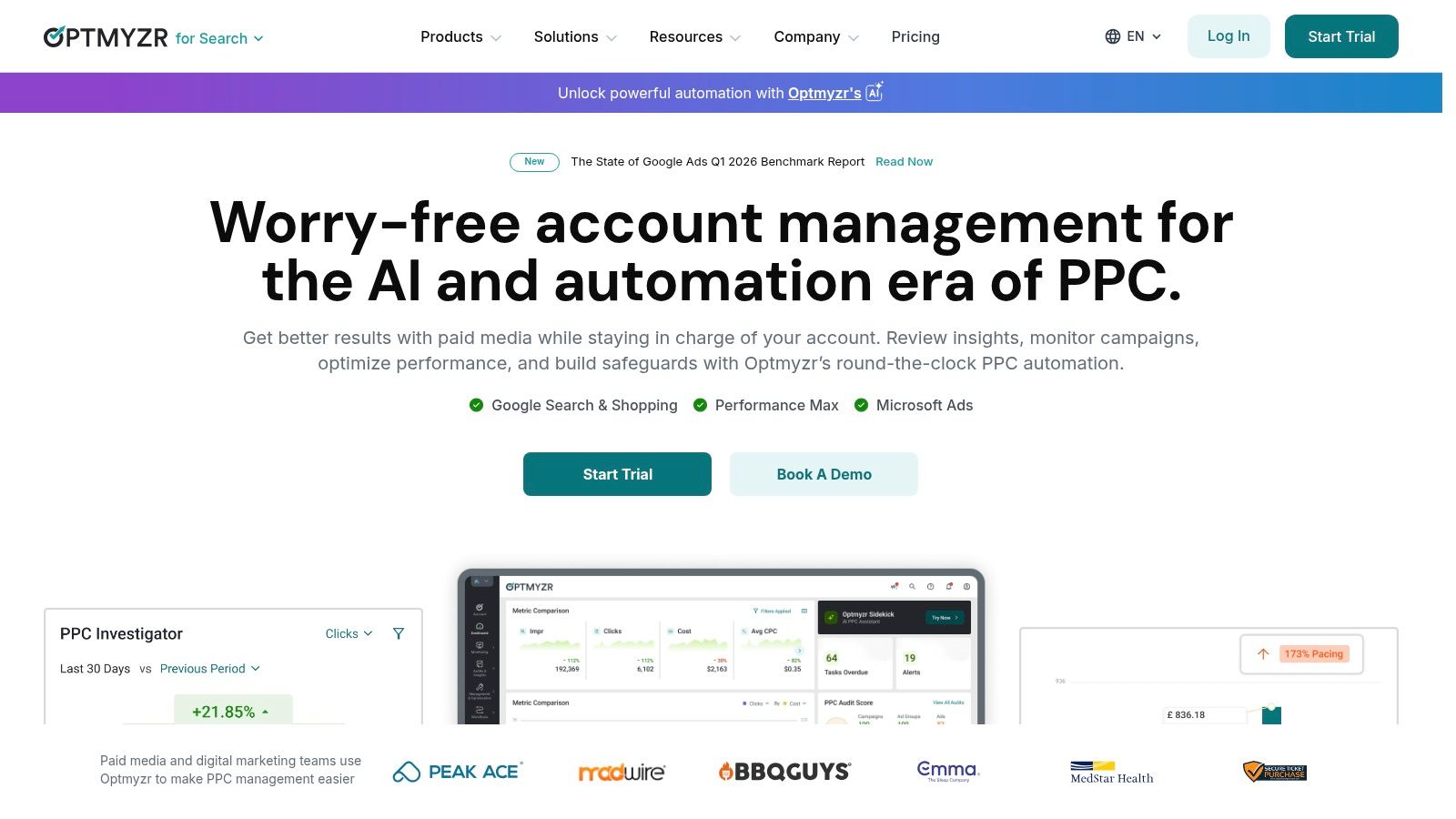
Optmyzr is what I'd call an agency operations platform disguised as a PPC tool. It's broad, mature, and built for teams that need to standardize work across a lot of accounts. If you run Google Ads, Microsoft Ads, Amazon, Meta, or LinkedIn under one roof, Optmyzr is one of the few tools that can cover the daily optimization layer without feeling too shallow.
Its strength is workflow depth. Rule Engine, Blueprints, budget pacing, projections, diagnostics, bulk ad operations, and cross-account monitoring all help account managers move from reactive cleanup to repeatable process. That matters when the issue isn't one messy client account, but thirty.
Where Optmyzr earns its keep
The useful thing here isn't that it has more features. It's that it lets agencies turn tribal knowledge into repeatable systems. If your senior team already has a strong PPC account optimization workflow for agencies, Optmyzr can help enforce it across the portfolio.
Verified industry data notes that agencies using advanced management tools can reduce manual workload by 40% to 60% while improving campaign ROI by 15% to 25% in the right setup. Optmyzr fits that profile because it automates the account maintenance work that usually clogs delivery teams.
- Choose Optmyzr if: You manage many accounts across several publishers and want rules, monitoring, and budget control in one place.
- Skip it if: You're a small Google-only agency that mainly needs reporting or keyword cleanup.
- Watch for: The learning curve. Teams that don't invest in setup often use only a fraction of what they're paying for.
Optmyzr is powerful, but it doesn't forgive weak process. Agencies with messy naming conventions and inconsistent account structures usually feel that pain first.
The downside is cost and complexity. Pricing scales with spend and feature needs, and smaller teams can end up buying an enterprise answer to a mid-market problem. If your agency already has structure, though, Optmyzr can save a lot of manual work.
3. Adalysis
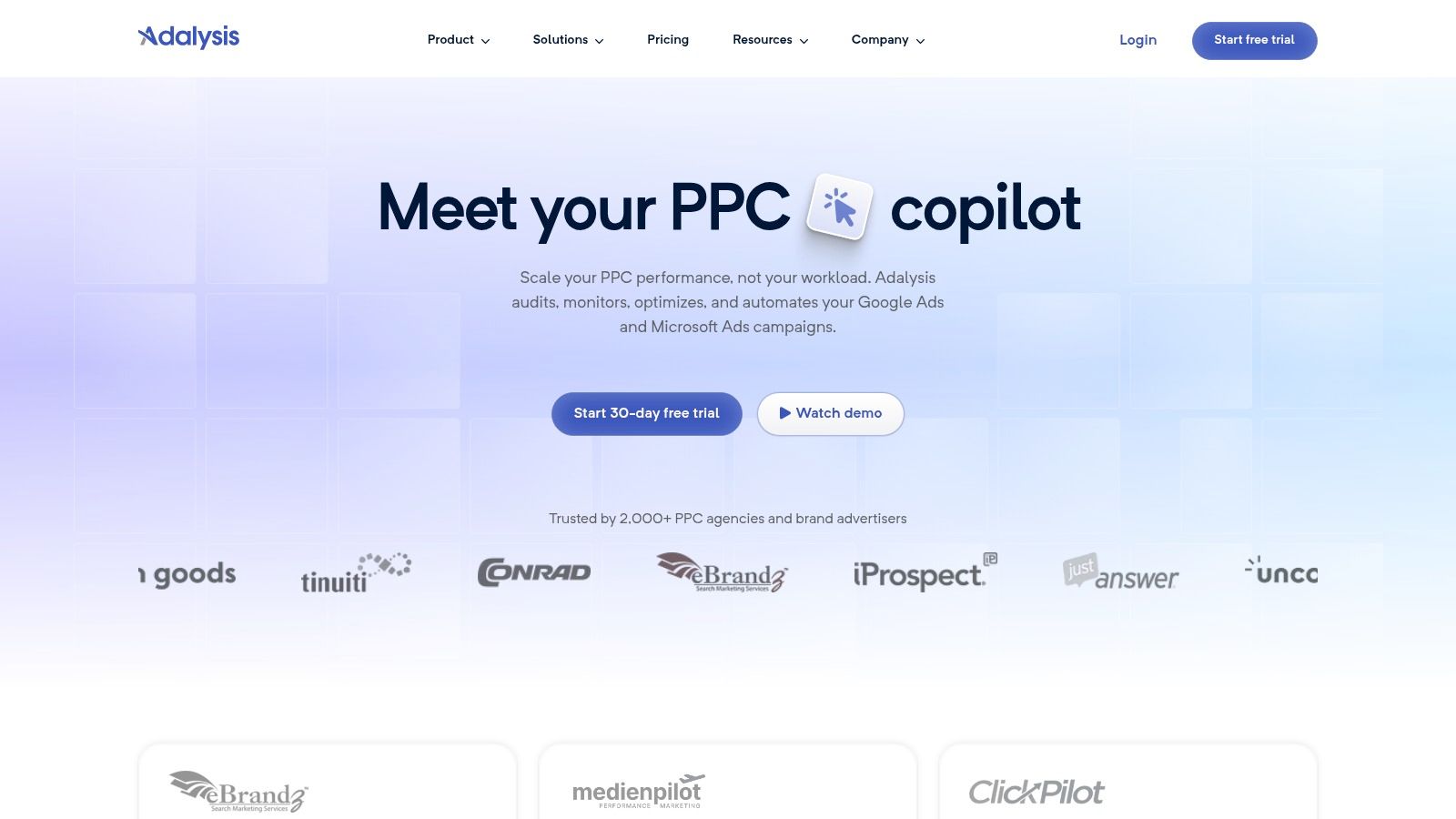
Adalysis has always felt most useful to agencies that want clear direction instead of endless dashboards. It's built around audits, testing, pacing, bulk fixes, and account checks that surface what needs attention now. That sounds simple, but simple is often what busy PPC teams need.
This is a particularly strong tool for search-heavy agencies. If you care about ad testing discipline, Quality Score analysis, search term mining, and prioritized recommendations, Adalysis keeps the work list clean. You get less platform sprawl and more direct task execution.
Best for teams that want a sharper to-do list
A lot of agency teams don't need another giant suite. They need a platform that tells them what to fix and lets them fix it quickly. Adalysis does that well, which is why it pairs nicely with a stronger foundational Google Ads optimisation process.
Historically, bulk editing and management tooling became essential as agencies scaled. Verified industry data shows that by 2015, over 75% of agencies were using bulk editing tools, and 85% of professional agencies considered bulk editing essential for managing 50+ campaigns efficiently, based on the PPC Heroes survey summary provided in the verified data. Adalysis sits in that tradition. It helps teams identify issues at scale, then apply changes without turning every fix into a manual slog.
A few practical notes stand out:
- Strongest use case: Audit-driven account management for Google Ads and Microsoft Ads.
- Nice operational edge: Unlimited accounts and users across plans makes it easier to roll out agency-wide.
- Limitation: It isn't trying to be a full cross-channel command center.
If your agency lives mostly in paid search and wants prescriptive recommendations instead of a giant control tower, Adalysis is a smart fit. If your clients expect broad multi-publisher workflow management, it may feel too focused.
4. Opteo
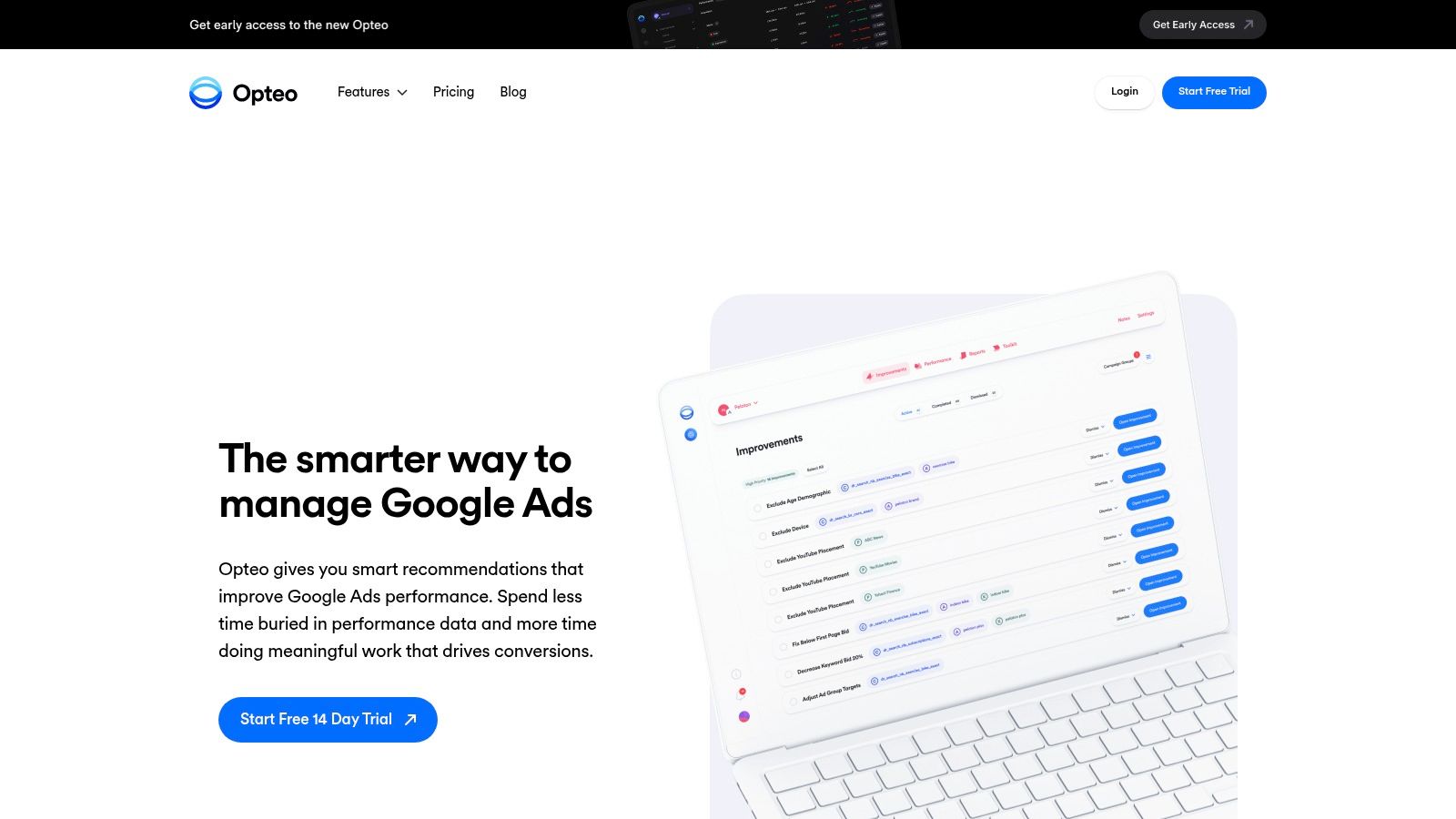
Opteo is one of the cleaner Google-only options for agencies that don't want to drown in setup. It surfaces improvement suggestions for bids, ads, negatives, and keywords in a way that feels approachable. That makes it a strong fit for smaller teams and growing agencies trying to standardize account management without buying an oversized platform.
The interface is part of the appeal. Opteo doesn't overwhelm account managers with too many control layers at once. You get improvements, budget management, pacing tools, alerts, and client-ready reporting in a package that's easier to onboard than many enterprise products.
Good when speed matters more than customization
If your team is still building process maturity, Opteo can be a good bridge. It gives junior account managers enough structure to catch common issues, while still letting senior people review strategy and exceptions. For agency owners, that matters because not every account task should depend on your best PPC lead.
Google Ads management tools for agencies tend to fail when they're too heavy for the team using them. Opteo generally avoids that problem. It helps agencies move faster inside a Google-centric workflow without requiring a weeks-long implementation project.
If your entire client book is mostly Google Ads, a focused tool often beats a bigger suite you'll only use halfway.
The trade-off is channel limitation. This is not the platform for agencies that need to manage Microsoft, Amazon, Meta, and reporting governance from one interface. It also doesn't go as deep on automation as some more advanced suites. Still, for small to mid-sized agencies that want a cleaner daily operating layer for Google Ads, Opteo is a practical choice.
5. Shape
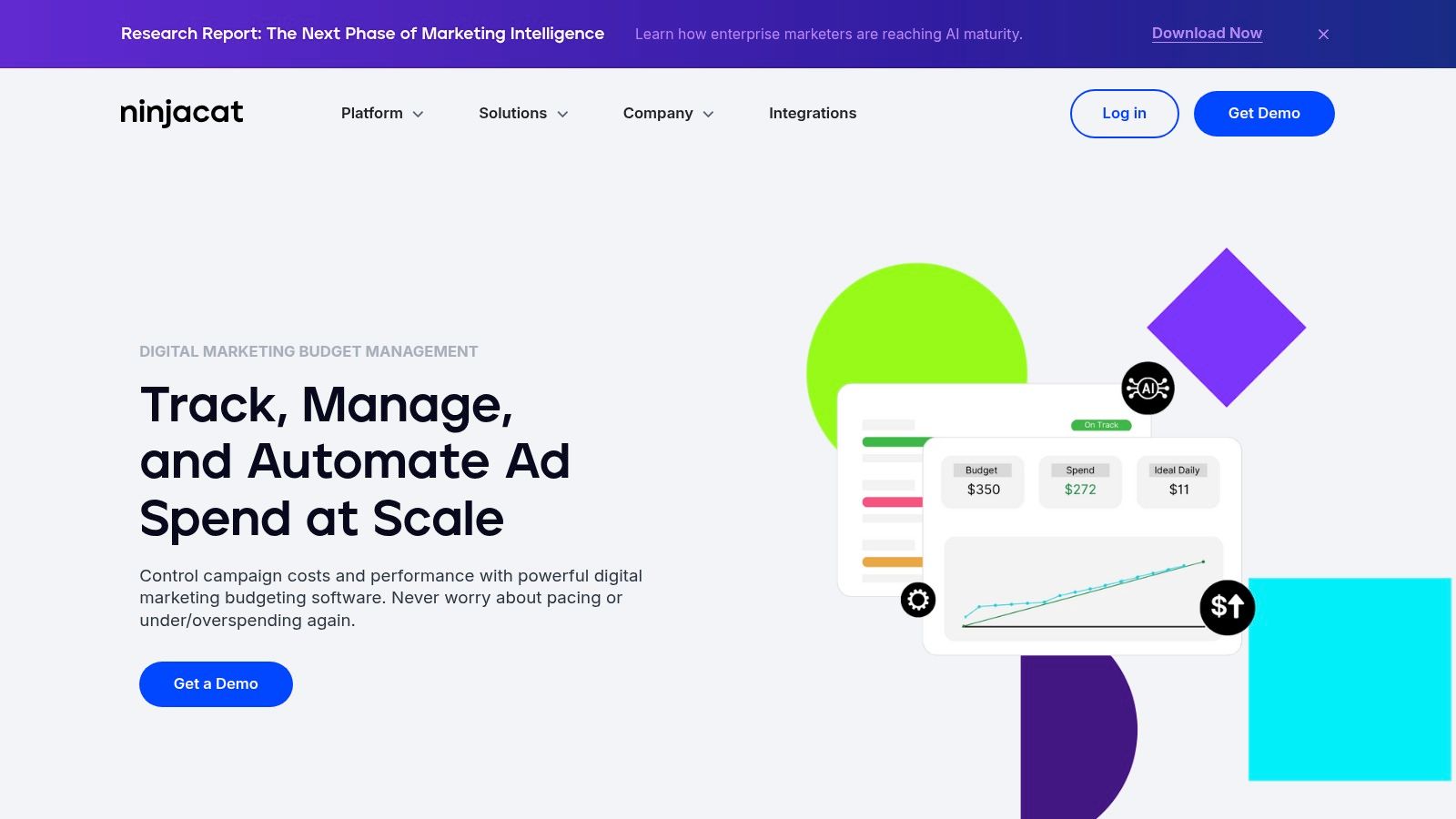
Shape solves a problem that often gets less attention than bidding or reporting. Budget governance. If your agency has ever overspent a client budget because pacing was tracked in a spreadsheet and noticed too late, you already know how painful that conversation is.
Shape is built for budget tracking, alerts, rollovers, anomaly monitoring, and automated governance across multiple clients and channels. It's less about campaign edits and more about financial control. That makes it useful for agencies where delivery pain comes from pacing errors, underdelivery, and messy budget handoffs between media buyers and account leads.
Best when budget pacing is the real fire
A lot of agencies buy feature-rich PPC software and still manage monthly budget pacing in a disconnected sheet. That's where Shape stands out. It centralizes spend data and gives teams a tighter operational grip across client books.
This kind of control matters more as account complexity grows. Verified industry data notes that multi-account structures drove a 40% annual increase in the complexity of budget reallocation and Quality Score diagnostics. That's exactly the kind of operational pressure a specialized budget platform is designed to absorb.
- Use Shape when: Your biggest recurring issue is budget pacing, underspend, overspend, or cross-channel allocation.
- Don't use Shape alone if: You need ad testing, search term cleanup, or optimization recommendations in the same product.
- Operational upside: It can remove a surprisingly large amount of spreadsheet dependency.
Shape is more specialized than a full all-in-one suite, and pricing is sales-led. That won't suit every agency. But if finance discipline and pacing accuracy are the weak points in your process, this tool tackles a problem plenty of PPC teams underestimate until it costs them trust.
6. TrueClicks
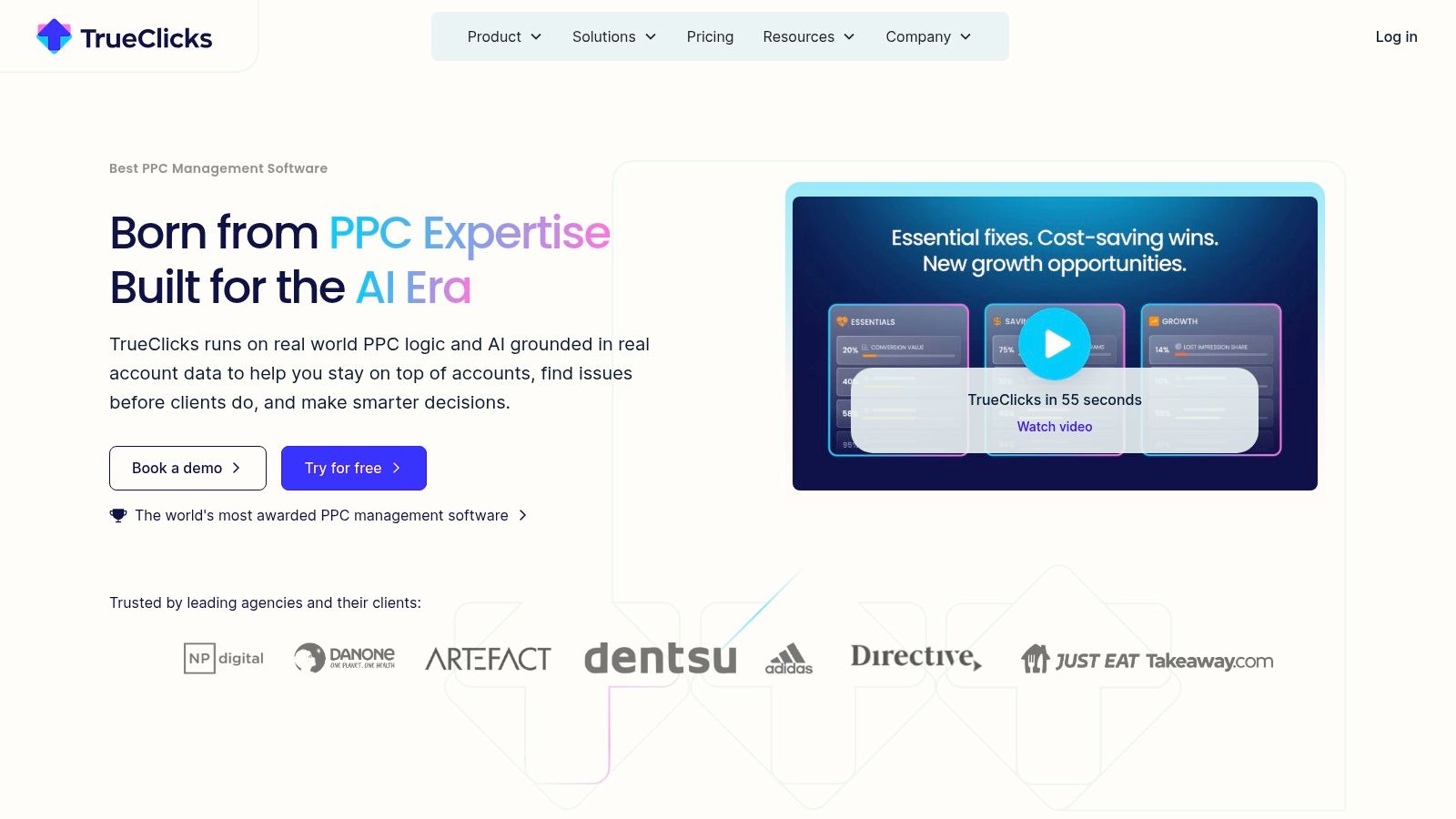
TrueClicks is a good pick for agencies that want objective oversight across accounts. It scores performance, runs best-practice checks, flags issues, and turns those findings into prioritized next actions. The practical value is simple. It helps teams catch problems before clients do.
That's especially useful in agencies where account oversight is split across several people. One strategist may own direction, another handles execution, and a manager needs confidence that nothing obvious is slipping. TrueClicks acts like a second set of eyes.
The appeal is accountability
I like tools like this when agencies are trying to tighten QA. TrueClicks gives you scoring, recommendations, budget and target monitoring, task assignment, and bulk fixes. It also connects with Sheets, Looker Studio, Slack, and Teams, which makes it easier to slot into an existing stack instead of forcing a total workflow reset.
There's also a practical entry point. The free tier for lower total monthly spend is useful for validating whether the alerts and scoring model improve team behavior before you commit further.
Good audit software doesn't just find issues. It helps less experienced team members know what matters first.
The limitation is scope. TrueClicks is narrower than the big enterprise suites, and very small teams may still find paid plans expensive once they outgrow the free layer. But for agencies that need structured oversight and a more proactive QA rhythm, it's a strong operational tool.
7. Swydo
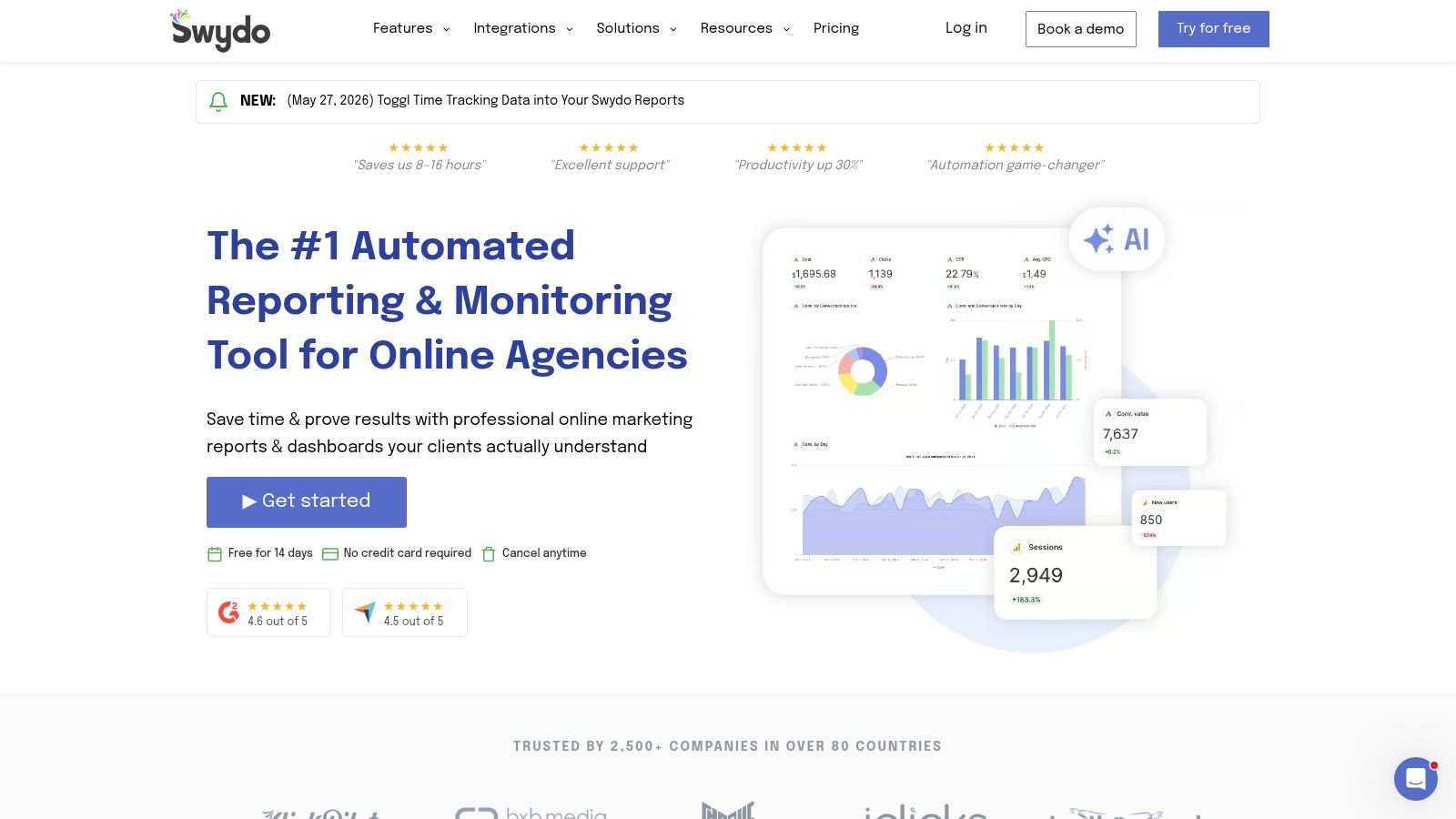
Swydo is the reporting-first option on this list. It doesn't pretend to be your campaign editor. It helps agencies consolidate data, standardize white-label dashboards, and push scheduled reporting without rebuilding the same client deck every month.
For mid-sized agencies, that's often enough to justify the spend. Verified comparative data provided for this piece states that Swydo is the most widely adopted tool among 80% of mid-sized agencies with 5 to 50 clients, with pricing starting at $69 per month for up to 10 data sources. That adoption lines up with its sweet spot. It's agency reporting software, not generic BI.
Where Swydo shines
The strongest feature here is report scalability. Linked templates, KPI boards, white-label dashboards, scheduled exports, and blended metrics make it easier to keep reporting consistent across a growing client roster. If your current reporting process depends on one ops person remembering which spreadsheet feeds which dashboard, Swydo can clean that up fast.
The same verified data says 92% of agencies rate Swydo's ease of use as excellent, and 87% report a 30% reduction in time spent on client reporting. That's exactly why agencies adopt it. Reporting isn't usually hard because the metrics are advanced. It's hard because the repetition crushes time.
- Best for: Agencies that need cleaner client reporting and faster monthly delivery.
- Not for: Teams expecting campaign editing, bid management, or search term optimization.
- Practical setup: Pair it with an optimization tool if you want both execution and presentation covered.
If client communication is your operational weak spot, Swydo earns attention quickly. Just don't expect it to manage the campaigns themselves.
8. Skai (formerly Kenshoo)
Skai is built for large agencies and brands running serious cross-channel complexity. Google Ads is only one part of the picture here. Retail media, social, app channels, planning, forecasting, activation, and centralized governance all sit inside the same enterprise environment.
This isn't a tool most small or mid-sized agencies should chase. But for global portfolios with multiple publishers, regional teams, and strict governance rules, Skai solves problems lighter tools can't touch. That's where its value shows up.
Enterprise control, not lightweight speed
Skai's portfolio-level bidding, budget allocation, workflow automation, bulk operations, and centralized governance make sense when many stakeholders are involved. If an agency manages global programs with regional nuance, native interfaces get messy fast. Skai creates one place to plan and operate.
Verified industry data included for this article notes that by 2024, fully autonomous AI-driven tools such as Ryze AI began gaining market share, with early adopters reporting up to a 15% to 30% reduction in CPA within six months of implementation. Skai sits near that broader market shift toward heavier AI assistance and portfolio management, though agencies still need strong controls around how automation is deployed.
The biggest downside is obvious:
- Too much for smaller agencies: You'll pay for complexity you don't need.
- Longer onboarding: Enterprise tools take process work, training, and usually internal champions.
- Best fit: Agencies that need central governance across large, multi-publisher media programs.
For the right agency, Skai is a serious operating platform. For everyone else, it's probably more software than the workflow requires.
9. Marin Software (MarinOne)
Marin Software has been around long enough to earn a specific kind of buyer. Agencies that want independence from native ad interfaces and need one dashboard for search, social, and retail media often still look at MarinOne for that reason.
The platform leans into unified administration. Portfolio bidding, rules, algorithmic bidding, bulk sheets, scripts, dynamic campaigns, and exports make it a fit for larger organizations with complex operational standards. If your agency is trying to keep account managers from living in five browser tabs all day, MarinOne can help centralize the work.
Better for operational consistency than speed-to-value
Some tools win because they're easy to adopt in a week. Marin usually wins when an agency values standardized cross-channel administration enough to tolerate a heavier implementation. That distinction matters. This is not the quickest fix for a small team.
Agencies that need more structure around how to manage multiple Google Ads accounts efficiently often end up evaluating platforms like Marin because native account switching and publisher-by-publisher workflows break down at scale.
The trade-offs are familiar:
- Why agencies buy it: Unified dashboard, enterprise administration, and cross-channel workflow control.
- Why some don't: Sales-led pricing and platform weight can be too much for mid-market teams.
- Who should care most: Agencies with many accounts, multiple channels, and a clear need for standardization.
Marin is not the trendy pick. It's the operational pick for teams that need governance and breadth more than they need simplicity.
10. Supermetrics
Supermetrics isn't a campaign management platform, but a lot of agencies rely on it anyway because reporting and QA are part of campaign management in practice. It pulls Google Ads and other data into Looker Studio, Sheets, BigQuery, Excel, Power BI, and other destinations so teams can build reliable reporting systems without constant exports.
That makes it especially useful for agencies with a custom reporting stack. If your team already knows what dashboards, QA checks, and pacing reports it wants, Supermetrics gives you the data plumbing to keep those assets running.
A connector layer that can save a lot of manual work
The value here is repeatability. Scheduled refreshes, destination flexibility, connector setup, and multi-client stack support help agencies stop rebuilding the same data pulls over and over. If your current workflow still depends on downloading CSVs from multiple platforms, this fixes a real problem.
It also fits with a broader reporting trend. Verified historical data states that Google Looker Studio launched in 2020 with native connectors to over 100 data sources, including Salesforce and HubSpot, enabling real-time revenue attribution for more than 90% of enterprise clients. Supermetrics makes that broader reporting ecosystem more useful by feeding it consistent marketing data.
Agencies get tripped up:
Supermetrics improves visibility, not optimization. If nobody acts on the dashboards, it becomes another reporting expense.
So use it for what it is. A strong data connector suite. Not a bid platform, not a search term tool, and not a campaign editor. In the right stack, it's valuable. On its own, it won't run your PPC operation.
Top 10 Google Ads Management Tools for Agencies, Feature Comparison
| Product | Core features | UX/Quality (★) | Price / Value (💰) | Target audience & USP (👥✨) |
|---|---|---|---|---|
| 🏆 Keywordme | Chrome plugin; AI search‑term extraction; one‑click negatives & match types; bulk paste/download; campaign expansion | ★★★★☆, intuitive, fast setup | 💰 From $12/mo per seat; 7‑day free trial | 👥 Agencies, freelancers, in‑house; ✨ One‑click Google Ads keyword cleanup & match‑type application, up to 10x faster, reduces wasted spend |
| Optmyzr | Rule Engine & Blueprints; multi‑account monitoring; budget pacing; reporting; Shopping/PMax tools | ★★★★★, powerful automation, steeper learning curve | 💰 Spend/feature‑based; can be costly (sales tiers) | 👥 Mid→large agencies; ✨ Deep cross‑channel automation & scale |
| Adalysis | 100+ automated checks; bulk “fix” actions; pacing/projections; RSA & Quality Score analysis | ★★★★☆, prescriptive to‑do lists | 💰 Tiered plans; 30‑day free trial; unlimited users on some plans | 👥 Agencies focused on testing & continuous opt; ✨ Prioritized fixes & strong ad testing workflows |
| Opteo | Always‑on “Improvements” suggestions; budget pacing; alerts; client reports & scorecards | ★★★★☆, clean UX, quick onboarding | 💰 Transparent spend/usage tiers | 👥 Small–mid agencies & freelancers; ✨ Simple Google‑only incremental improvements |
| Shape | Budget dashboards; automated adjustments/rollovers; anomaly monitoring; centralized spend infra | ★★★★☆, budget‑centric UX | 💰 Sales‑led pricing; one‑client trial available | 👥 Agencies needing strict budget governance; ✨ Cross‑client automated pacing & alerts |
| TrueClicks | Account scoring; 100+ checks; bulk fixes; budget & target monitoring; integrations | ★★★★☆, clear scoring & proactive alerts | 💰 Free‑forever tier ≤ $50K spend; paid tiers above | 👥 Agencies focused on QA & account health; ✨ Objective scoring + prioritized action list |
| Swydo | 30+ native integrations; templated/linked reports; AI summaries; white‑label dashboards | ★★★★☆, simple reporting UX | 💰 Data‑source pricing; unlimited users & reports | 👥 Agencies scaling client reporting; ✨ White‑label, templated multi‑client reports |
| Skai (Kenshoo) | GenAI planning; portfolio bidding; cross‑channel activation; global governance | ★★★★☆, enterprise‑grade, longer onboarding | 💰 Enterprise annual pricing (sales‑led) | 👥 Large enterprise agencies/brands; ✨ Global multi‑channel control with AI assistance |
| Marin Software (MarinOne) | Unified search/social/retail dashboard; Marin Ascend bidding; bulk edits & exports | ★★★★☆, robust enterprise workflows | 💰 Sales‑led enterprise pricing | 👥 Established agencies needing unified bidding; ✨ Advanced algorithmic bidding & cross‑channel unification |
| Supermetrics | 100+ connectors; Looker Studio/Sheets/BigQuery/Power BI destinations; scheduled refresh & blending | ★★★★☆, reliable connectors; needs BI setup | 💰 Connector/destination pricing; costs scale with sources/users | 👥 Data‑savvy agencies building BI/reporting stacks; ✨ Scalable automated data pipelines for reporting |
Your Next Step: From Overwhelmed to Optimized
The right tool changes more than efficiency. It changes what your team spends its attention on. That's the critical test with Google Ads management tools for agencies. Not whether a platform has the longest feature list, but whether it removes the specific work that keeps your agency slow, inconsistent, or harder to scale than it should be.
If your pain sits in keyword cleanup and negative list control, start with a specialist. If reporting delivery is the mess, fix reporting first. If budget pacing keeps causing client tension, buy for governance before you buy for automation. A lot of agencies get this backward. They invest in a giant all-in-one suite, then keep suffering from the same bottleneck because the tool didn't match the workflow problem.
The market has clearly moved toward automation. Verified industry data provided for this article shows that over 60% of top-tier agencies integrated at least one advanced automation platform between 2021 and 2024, and over 70% of agencies now report automation as their primary method for maintaining competitive Quality Scores and optimizing ad copy at scale. That doesn't mean every agency should hand everything to AI or buy the biggest platform available. It means manual-only management has stopped being a realistic growth model.
There's also a human side to adoption that gets ignored. A 2025 agency technology trends report cited in the verified data found that 68% of agency managers reported loss of control as a primary barrier to adopting next-generation AI tools, which led to a 22% increase in manual override time, as summarized in this buyer's guide reference. That's why hybrid setups often work better. Let the software handle speed and repetition. Keep humans on rules, exceptions, client context, and judgment.
How to choose comes down to operational maturity.
- Small agencies and freelancers: Prioritize fast onboarding, clear wins, and tools that remove repetitive work right away.
- Mid-sized agencies: Focus on reporting standardization, alerting, QA, and process consistency across pods.
- Larger agencies: Look harder at governance, portfolio management, cross-channel administration, and budget control.
If you're stuck deciding, don't run a full platform bake-off across ten vendors. Pick one bottleneck. Search terms. Reporting. Budget pacing. Audit workflow. Solve that first. Once one core process gets easier, the next tool choice usually becomes obvious.
A profitable agency isn't built on more dashboards. It's built on cleaner systems, fewer manual handoffs, and better decisions made faster. Start there.
If search term cleanup, negative keyword control, and match type work are slowing your team down, Keywordme is an easy place to start. It plugs directly into Google Ads, cuts the spreadsheet work out of keyword management, and gives agencies a faster way to reduce wasted spend without overhauling the entire stack.
.svg)