
Bulk Keyword Position Checker Tools: Top 10 in 2026
Bulk Keyword Position Checker Tools: Top 10 in 2026


Checking 500 keywords by hand isn't a workflow, it's a punishment. Incognito windows, one term at a time, positions typed into a spreadsheet that's already wrong by the time you reach row 200. And the page that slid from 4 to 12 is buried somewhere in the middle, invisible until traffic drops.
A bulk keyword position checker fixes the mechanical part. Paste a list, pick your markets and devices, get positions for the whole set back in one pass, with history you can diff from week to week.
The free option runs out fast. Search Console's standard performance tables and interface exports stop at 1,000 rows, and Google's Search Console export documentation says that cap can omit rare or long-tail queries even when those queries feed the chart's aggregate totals. So if your list is longer than a screen, you need something that pulls by keyword rather than by impression.
None of this matters if the list is junk. Spend the time on finding keywords that attract qualified leads before you spend money on a tracker, because a fast checker pointed at bad terms just tells you faster that nobody searches them.
Below are ten tools grouped by what you're trying to do: full suites, dedicated specialists, budget options, and desktop software. Honest limitations included. The comparison table further down sets plan structure and update cadence side by side, so you can shortlist two or three before you burn a trial on each.
1. Semrush Position Tracking
Already using Semrush for research, audits, or PPC? Position Tracking keeps rank monitoring in the same project. Lists can be imported from TXT or CSV, then organized with tags by client or search intent. Organic and paid positions sit alongside the other project data.
Position numbers won't always match Search Console. Google's Search Console documentation defines position as the average location of a site's topmost result across impressions. Its example shows results at positions 2, 4, and 6 producing an average position of 2. Compare trends within the same tool before treating a small difference between platforms as a real ranking change.
Where the Plan Structure Bites
Daily tracked keyword capacity is the limit to check before committing. Each location and device combination counts toward the allowance, so a list of keywords can use capacity faster than its raw row count suggests. Confirm the current limits on Semrush's pricing page before choosing a plan.
One login for multiple tasks: track rankings alongside keyword research, audits, and ads data.
Bulk imports and tags: keep large keyword sets organized by client or intent.
Competitor comparison: check which sites rank for the same terms in the same project.
For a position check on a small set of terms, Semrush may be more platform than you need. Compare its fit with other keyword performance tracking tools before committing to a tier.
Website: Semrush Position Tracking
2. SE Ranking Rank Tracker
How much traffic you lose when a page slips depends on the query, but click-through rate generally falls sharply as organic position drops. Google's performance reporting documentation connects average position with clicks, impressions, and CTR. That makes position useful for spotting changes, not a direct measure of traffic or business impact.
SE Ranking suits teams that want regular checks across a large keyword set. Import keywords in bulk, organize them with tags, and use daily updates or manual rechecks to investigate a sudden movement. Grouping terms by target page also helps surface queries where multiple URLs may be competing.
The dashboard puts your rankings beside competitors' results.
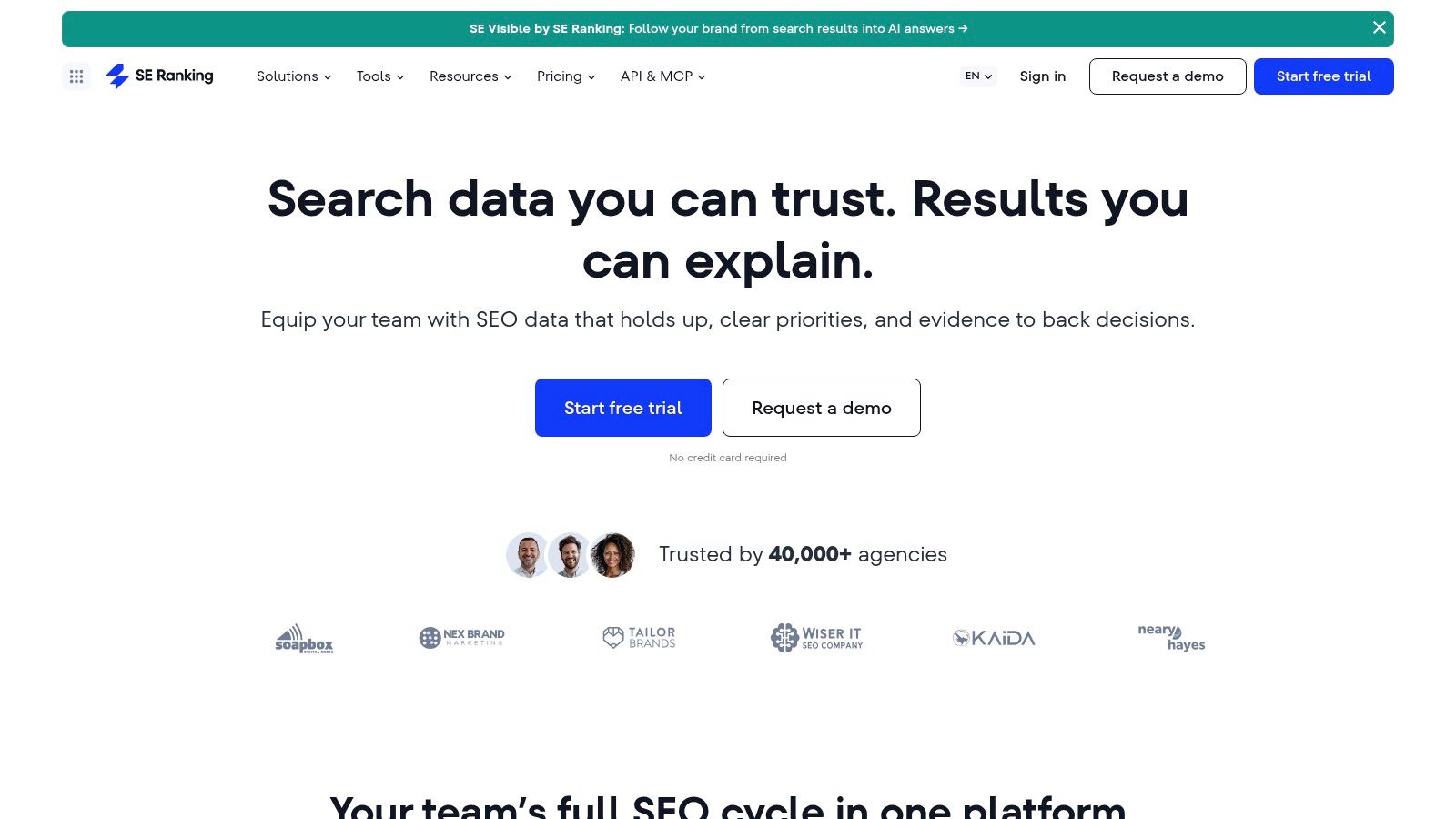
Reporting: daily updates give you a current view to share with clients, though the report still needs context about the query and target market.
Page grouping: organizing keywords by target URL can help identify possible cannibalization. Check the pages and search intent before treating overlap as a problem.
Trial: search results list a 14-day free trial, giving you time to compare the tracker's results against your own keyword set.
Check the tracking allowance before choosing a plan. Capacity is counted by search engine and location combination, so adding markets and devices can use up the allowance quickly. Agency features may also require a higher tier or add-on.
Website: SE Ranking
3. Ahrefs Rank Tracker
A top ranking doesn't guarantee the clicks it used to. Queries with AI Overviews can draw fewer clicks to standard search results, so position alone may not explain a traffic dip. Ahrefs reports SERP features, including AI Overviews, alongside rankings, helping you spot when the results page may be affecting performance.
Paste keywords or upload TXT and CSV files, then organize them with tags. Ahrefs tracks desktop and mobile positions by country, city, or ZIP code. You can compare up to 10 domains.
Local targeting is its clearest advantage. A city-level view can distinguish rankings in Leeds from rankings in Bradford, which matters when campaign decisions depend on local visibility.
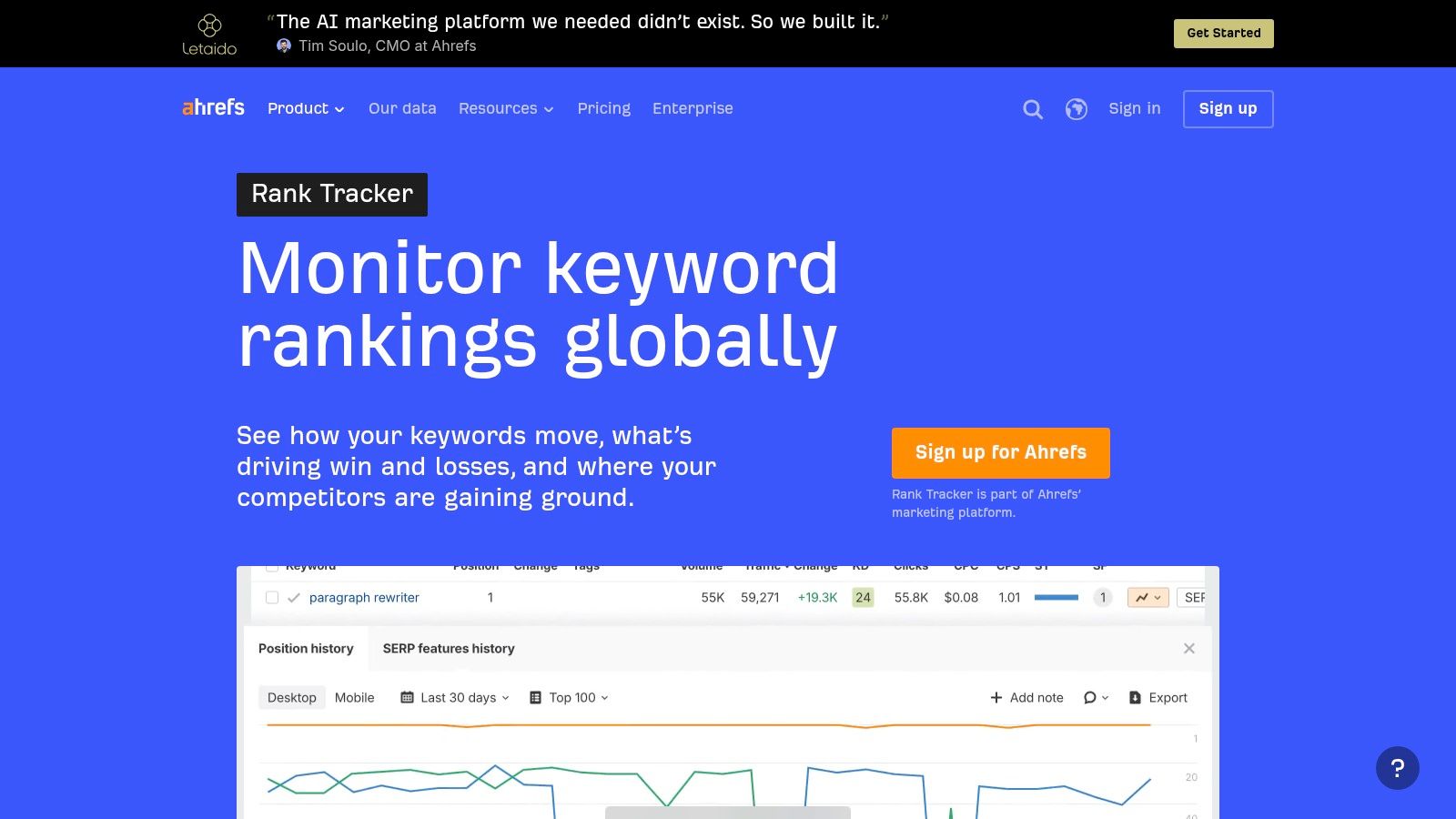
The trade-off is update frequency: rankings update weekly, so this isn't a fit for decisions that depend on day-to-day movement. Ahrefs is also a paid platform rather than a standalone checker, and the number of tracked keywords depends on your plan.
Website: Ahrefs Rank Tracker
4. Nightwatch
Do you know the conditions behind the number? Rankings shift by country, city, language, device, logged-in state, and even time of day, and an agency-wide average across markets hides local failures beautifully. Google's Search Console bulk export documentation makes the underlying distinction clear. Search Console reflects impressions and clicks from real searches, while a rank checker simulates chosen locations and devices. The two aren't substitutes.
Nightwatch is what I'd reach for when geography matters more than raw keyword count. Bulk CSV import and export, daily updates, real-time on-demand checks when a client asks a pointed question, and city-level location results.
City-Level Checks and White-Label Reports
Local businesses get the most from this. A single national average tells a multi-location client nothing useful; city-level results tell them which storefront page needs work.
Built for monitoring only: rank tracking is the product, not a bolt-on to an audit suite.
Seats don't inflate cost: current pricing information lists unlimited user seats, which suits agencies with rotating contractors.
Dashboards that match your brand: white-label reporting and Looker Studio integration land on eligible plans, and you can wire the data into customizable SEO dashboards your clients read.
Two things to know. Higher keyword volumes push you into pricier tiers, and the pricing page shows euros, so check the checkout currency before finance does.
Website: Nightwatch
5. AccuRanker
Every tracker sells daily updates as a feature. Volatility data says it's a requirement. A 2025 study covering 404,192 keyword-site pairs across 898 sites, measured daily for 41 consecutive days in the US and UK, found positions 11 to 50 were up to 22 times more volatile than the top three, and that 66% to 91% of keywords in those bands moved at least ten positions within a month, per SEOMonitor's dynamic depth crawling research. A weekly check misses the page-one cameo completely.
That's the argument for AccuRanker's whole model. Rank tracking is the core product, updates are daily, and keyword tagging with advanced filters lets you carve a 5,000-term list into queues you can act on. Reporting and data export are built in, and the Google Search Console and Google Analytics connections let you line positions up against actual traffic instead of guessing.
Higher tiers add dynamic tagging, AI CTR, and Looker Studio, which is where agencies doing a lot of client reporting get their value.
Practical rule: judge a tracker by its slowest update interval, not its fastest. If the terms sitting in positions 8 to 20 only get checked weekly, you're paying for history instead of decisions.
The drawback is price. Cost scales with the keyword volume you track, which makes it a hard sell for a small business watching 80 terms, and it's outright excessive for one-off checks before a pitch.
Website: AccuRanker
6. Keyword.com
Want a focused view of Google rankings without paying for a broader SEO suite? Keyword.com centers on position tracking, with bulk keyword lists, ranking history, competitor tracking, and a choice between top 50 or top 100 tracking depth.
Its API can support custom reporting alongside Google Search Console data. Google's Search Analytics API guide describes grouping performance by query, page, country, device, search type, and date, with clicks, impressions, CTR, and average position. That gives you a way to compare tracked positions with search performance rather than treating either metric as the full picture.
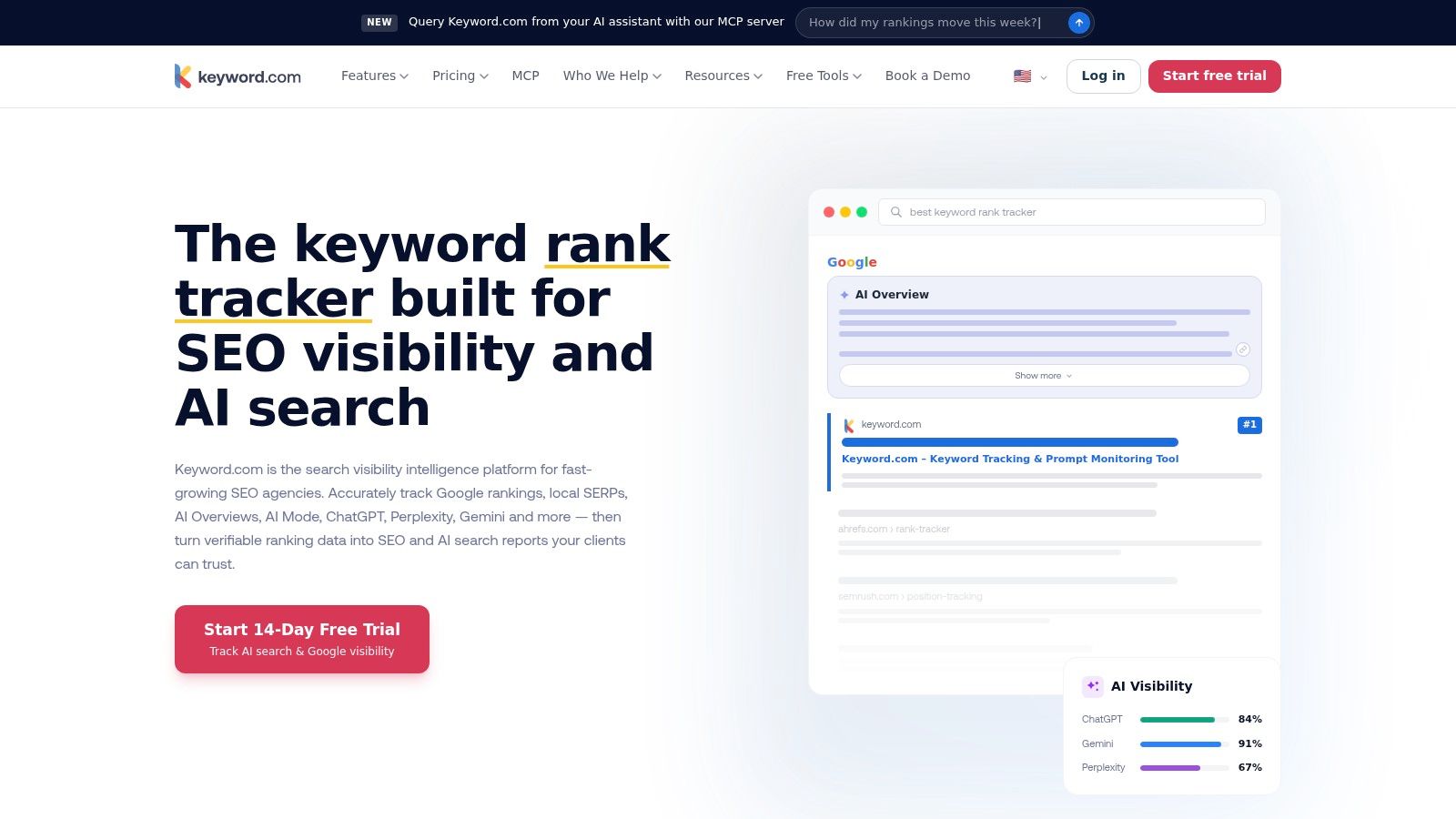
Volume-based plans: pricing varies with keyword count and update frequency, so check both against your tracking workload before choosing a tier. Trial access lets you assess the tool before committing.
Multi-domain and white-label options: worth considering if you need to report on several sites or present rankings under your own brand.
The trade-off is scope. Keyword.com focuses on Google SERPs, so keyword research and site audits require other tools. Check how each plan's keyword allowance and update schedule fit your needs; a low entry price matters less if the limits don't match your reporting cadence.
Website: Keyword.com
7. Serpstat Rank Tracker
Serpstat's appeal is continuity. You research a term, look at volume and difficulty, then move it into Rank Tracker without an export step. For a small team that hates stitching tools together, that flow saves real time.
Research and Tracking Under One Roof
Keywords can be added or imported in bulk, updates run daily with manual refreshes available, and positions are tracked across desktop and mobile for both organic and paid results. Competitor comparisons and ranking-change views sit in the same interface, and you can organize and export the data when a client wants a spreadsheet.
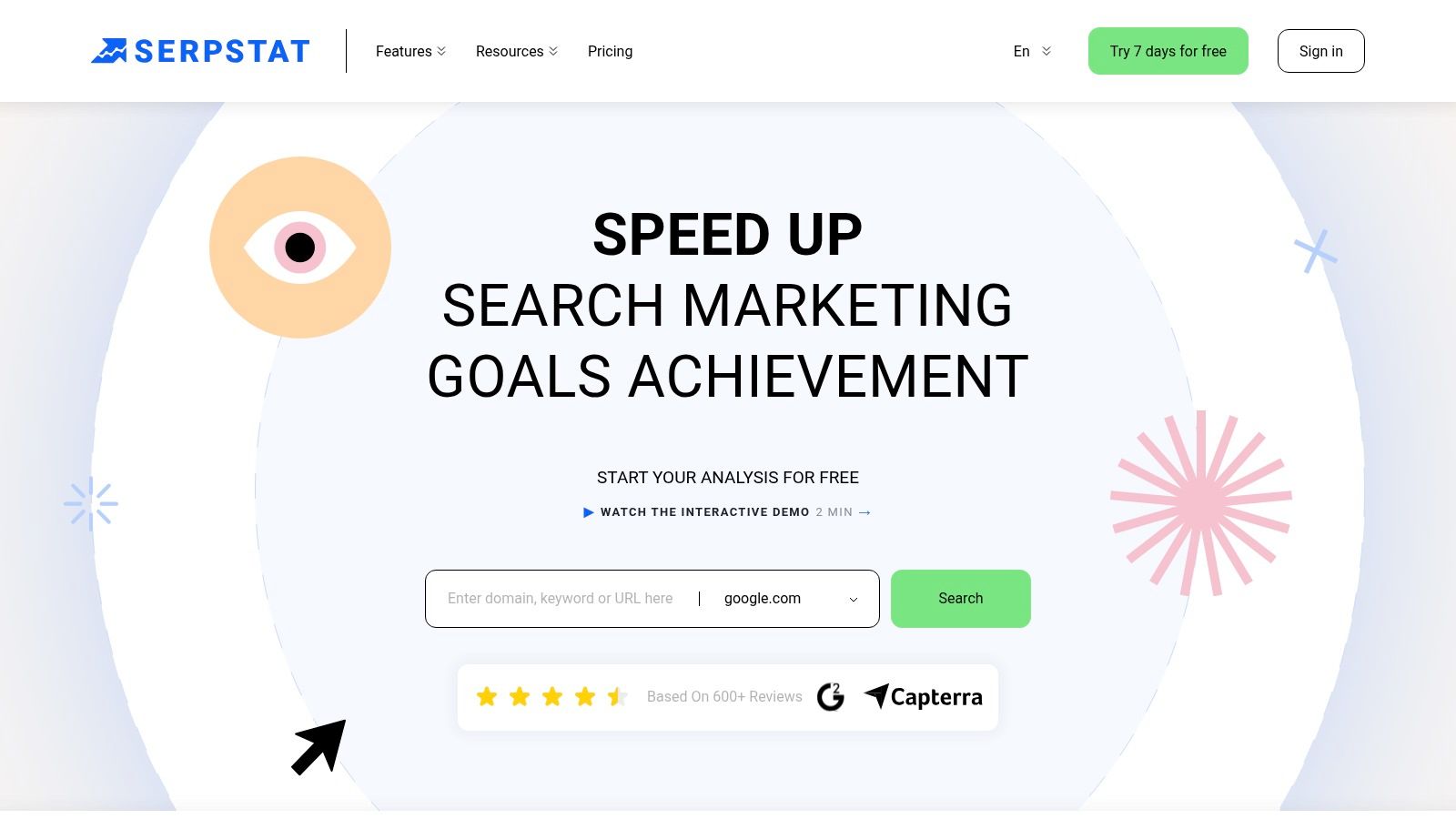
Research-to-tracking pipeline: no CSV shuffle between tools.
Daily updates and paid visibility: see where competitors buy their way onto the page.
Keyword file support: larger lists are workable if you plan the allowance.
If a plan charges by position checks, model the real workload first. Five hundred keywords across three locations on a daily schedule is 1,500 checks a day, not 500.
Two honest warnings. Plan limits count position checks, projects, and export rows separately, so a headline number can mislead. And the wider feature set takes a while to learn if all you wanted was a position column.
Website: Serpstat
8. SEO PowerSuite Rank Tracker
Desktop software in a browser-tool world. SEO PowerSuite's Rank Tracker installs on your machine, and its paid licenses list unlimited keywords, which is why budget-conscious consultants keep it around. There's a free version for evaluation, though saved projects and some reporting and export features are locked behind the license.
What you get for the money is breadth. Rankings across hundreds of search engines, scheduled checks, competitor monitoring, and ranking history, with an Enterprise license adding white-label reporting and exports. If you track a long tail of 20,000 terms and can't justify per-keyword billing, nothing else in this list competes on raw capacity.
The cost isn't the license, it's the logistics. Scheduled checks depend on the software and account setup running when they're supposed to, which means a machine that stays awake. Desktop also means no shared dashboard for a distributed team, no mobile glance at a client's positions during a call, and manual export if you want the data anywhere else.
Website: SEO PowerSuite Rank Tracker
9. SERPRobot
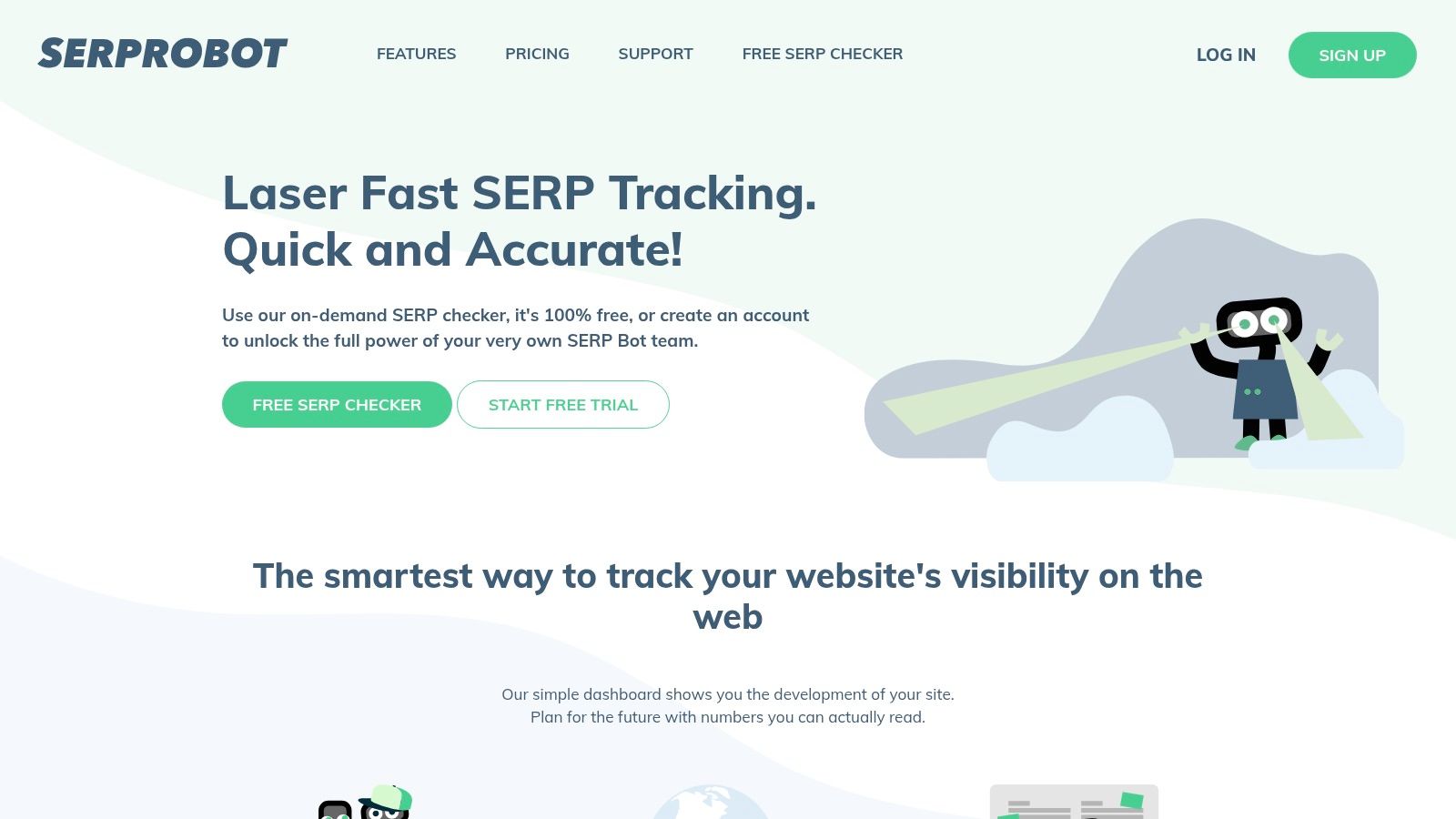
SERPRobot prices rank tracking by bot, so the total depends on how many keywords you need to monitor and how often you want updates. Each bot's daily capacity and trial terms are set by SERPRobot. Check its pricing page for current limits before buying, especially if your list is large.
Scheduled checks and a dashboard for managing bots and tracked terms keep the workflow straightforward. The trade-off is that the cost can rise as your keyword list grows, while location, device, export, and reporting options may be thinner than those in broader suites. Check that the available settings answer the questions your reporting needs, particularly for local rankings.
For custom workflows, a Google keyword position checker API can help you manage how position data is collected and stored.
Website: SERPRobot
10. Sitechecker Rank Tracker
Positions aren't permanent properties of a domain. Google's ranking systems guide describes page-level systems weighing query meaning, relevance, usability, source expertise, location, and search settings across hundreds of billions of pages, which is exactly why the same URL ranks differently by query, country, and device. Store the conditions with the number, or the number tells you nothing.
Sitechecker bundles rank tracking into a broader site-monitoring platform. Daily tracking runs across Google, Bing, and Yahoo, keywords organize by group or target URL, and you get country, city, and device settings, competitor visibility, ranking history, and CSV or Google Sheets exports for client reports.
Grouped by target URL: the fastest way to spot two pages splitting the same query.
Multi-engine coverage: useful when Bing traffic matters to the client.
Reporting and export included: less time rebuilding screenshots by hand.
Capacity is the constraint. Keyword allowance depends on your subscription, and multi-location, multi-device tracking draws down the same pool, so price your real configuration rather than the headline count. For a one-off bulk check, the platform is heavier than the job.
Website: Sitechecker
10 Bulk Keyword Position Checker Tools Compared
The best bulk checker depends on how you'll use the results: as part of an SEO suite, through a specialist tracker, or with a budget-friendly desktop tool. This comparison focuses on the practical differences: how keywords get into each tool, how often positions update, and whether tracking stands alone or shares a platform with other features.
| Tool | Best For | Bulk Import Method | Update Frequency | Standalone or Suite |
|---|---|---|---|---|
| Semrush Position Tracking | Rank tracking alongside SEO and PPC tools | TXT or CSV upload | Daily | Part of a broader SEO and marketing suite |
| SE Ranking Rank Tracker | Agencies and teams needing recurring tracking and reporting | Keyword import | Daily, with manual rechecks | Part of an SEO suite |
| Ahrefs Rank Tracker | SEO teams already using Ahrefs research tools | Paste keywords or upload TXT or CSV | Weekly | Part of the Ahrefs platform |
| Nightwatch | Agencies and local SEO teams needing granular rank monitoring | CSV import | Daily, with on-demand checks | Dedicated rank-tracking platform |
| AccuRanker | SEO professionals and agencies managing ongoing tracking | Import keyword lists | Daily | Specialist rank-tracking platform |
| Keyword.com | Focused Google SERP tracking with configurable plans | CSV import | Daily | Focused rank-tracking service |
| Serpstat Rank Tracker | Teams combining keyword research and rank monitoring | Import keyword lists | Daily, with manual refreshes | Part of a broader SEO platform |
| SEO PowerSuite Rank Tracker | Users wanting desktop tracking for large keyword sets | Paste or import keyword lists | Scheduled checks | Standalone desktop software |
| SERPRobot | Budget-conscious users needing basic recurring checks | Manage keyword lists in dashboard; import method not specified | Scheduled, up to daily per bot | Focused rank-tracking service |
| Sitechecker Rank Tracker | Teams combining rank tracking with site audits and monitoring | Add keywords in the tracker | Daily | Part of a broader SEO platform |
The update cadence and import workflow can change a tracker's cost. Weekly checks may be enough for stable terms, but they can miss quicker movement. Daily tracking gives a fresher view, while manual refreshes and scheduled checks mean you'll need to account for when results are collected. Bulk import also matters: file uploads and pasted lists are quicker for large sets than adding keywords one at a time.
Picking Your Checker and Putting It to Work
Start with what you're trying to do, not with a feature list.
If you need one vendor for everything, pick from the suites. Semrush, SE Ranking, Ahrefs, Serpstat, and Sitechecker all track positions as part of a wider platform, which means one bill, one login, and research, audits, and reporting under the same roof. You'll pay for modules you may not use, and keyword capacity will always feel tighter than the headline suggests.
If rank movement is the only deliverable, go specialist. Nightwatch handles geography and white-label reporting, AccuRanker handles large sets with daily cadence, and Keyword.com handles a straight Google list with API access. Specialists cost more per keyword and do less around the edges, which is usually the right trade when rank data is the product you sell.
If budget is the deciding factor, SERPRobot's per-bot blocks give you scheduled checks for very little, and SEO PowerSuite's desktop license gives you unlimited keywords for a flat annual fee. Both ask you to accept constraints: small daily blocks in one case, a machine that must stay awake in the other.
Four questions settle most of these decisions:
- Keyword volume. Count keyword, location, and device combinations, not keywords. That multiplication is where budgets break.
- Update frequency. Daily matters most for terms in positions 8 to 20, where movement is fastest and the payoff for a refresh is highest.
- Locations and devices. Track desktop and mobile separately, and never average unrelated markets into one reassuring figure.
- Reporting needs. White-label PDFs, Looker Studio, API access, and Sheets exports all live on different tiers.
Verify plan limits and trial terms on the provider's own pricing page, because allowances get restructured and third-party summaries lag. Then start with 50 keywords, not 5,000. Run both the new tool and Search Console side by side for two weeks, check whether positions roughly agree, and only then scale the list up. A tool that's wrong at 50 keywords will be wrong at 5,000, just faster.
One more habit worth building: when rankings improve and traffic doesn't, don't assume the tracker is broken. Check SERP features, check the click data, and check whether an answer box is eating the screen. For teams working on branded visibility alongside rank, the TheBestReputation search suppression tactics guide covers how those results interact with the pages you're tracking.
Sorting out which terms deserve the tracking budget starts with a clean keyword list, and that's where Keywordme saves you hours. Paste a list in bulk, apply exact, phrase, or broad match types in one click, then copy or download the formatted set straight into your tracker or Google Ads account. The Chrome plugin runs inside Google Ads so you never leave the interface, and the seven-day free trial gets you into the plugin immediately.
