
What Features to Look for in PPC Tools: 9 Must-Have Capabilities for Smarter Ad Management
Choosing the right PPC tool requires focusing on nine essential capabilities that genuinely improve ad management efficiency. This guide explores what features to look for in PPC tools, including keyword management, negative keyword automation, workflow integration, and reporting functionality—helping solo marketers and agencies identify solutions that reduce wasted spend and streamline optimization rather than adding unnecessary complexity.


The right PPC tool should save you time, reduce wasted spend, and make optimization feel less like a chore. But with dozens of options out there, knowing what features actually matter can be tricky.
This guide breaks down the essential capabilities you should look for—from keyword management and negative keyword handling to automation, reporting, and interface design. Whether you're a solo marketer juggling multiple accounts or an agency scaling client campaigns, these are the features that separate genuinely useful PPC tools from the ones that just add complexity.
We'll also highlight tools that excel in each area so you can make an informed choice.
1. In-Platform Workflow Integration
Best for: Advertisers who want to optimize without leaving Google Ads
Keywordme is a Chrome extension that operates directly inside the Google Ads Search Terms Report, eliminating context-switching and external dashboards.

Where This Tool Shines
The biggest productivity drain in PPC management is bouncing between Google Ads, spreadsheets, and third-party dashboards. Keywordme solves this by letting you take action right where you're already working—inside the native Google Ads interface.
You can remove junk search terms, add negatives, apply match types, and build keyword groups with single clicks. No exports, no copy-paste, no switching tabs. For agencies managing multiple clients, this workflow compression can cut optimization time by 60-70%.
Key Features
Native Interface Integration: Works directly inside Google Ads without requiring a separate dashboard.
One-Click Actions: Remove junk keywords, add negatives, or create new ad groups instantly from the search terms report.
No Spreadsheet Exports: Eliminates the need to download CSVs or manually build negative keyword lists outside the platform.
Multi-Account Support: Switch between client accounts seamlessly without losing your place or workflow momentum.
Keyword Clustering: Automatically groups related search terms by theme or intent for faster ad group creation.
Best For
Solo advertisers and agencies who spend most of their time in the Google Ads interface and want to eliminate workflow friction. Particularly valuable if you're tired of exporting search terms to spreadsheets or using clunky external tools that require constant tab-switching.
Pricing
$12/month per user with a 7-day free trial. Flat-rate pricing means no surprises as your ad spend grows.
2. Negative Keyword Management
Best for: Reducing wasted spend on irrelevant clicks
Strong negative keyword management is non-negotiable for any PPC tool. The best solutions let you add negatives in bulk, organize them into lists, and apply them across campaigns without manual work.
Where This Tool Shines
In most accounts I audit, 20-30% of search term spend goes to queries that will never convert. The problem isn't identifying these junk terms—it's the tedious process of adding them as negatives across the right campaigns.
Tools with robust negative keyword features let you select multiple bad search terms and instantly add them to existing negative lists or create new ones. The best implementations also suggest negative keywords based on patterns in your search term data.
Key Features
One-Click Negative Addition: Select multiple search terms and add them as negatives without leaving the interface.
List Organization: Build and manage negative keyword lists that can be applied across campaigns or ad groups.
Cross-Campaign Application: Apply negative lists to multiple campaigns simultaneously to prevent waste at scale.
Bulk Management: Handle hundreds of negative keywords in a single action rather than one at a time.
Pattern Detection: Identify recurring junk terms automatically based on spend and conversion data.
Best For
Anyone running broad or phrase match campaigns where irrelevant search terms are a constant issue. Especially valuable for e-commerce accounts with large product catalogs where junk queries multiply quickly.
Pricing
Varies by tool—some include this as a core feature, while others charge based on the number of keywords managed or ad spend processed.
3. Search Term Analysis & Filtering
Best for: Surfacing opportunities and identifying waste quickly
Advanced search term analysis goes beyond basic sorting. The best tools offer multi-dimensional filtering that helps you spot patterns in both wasted spend and high-intent queries you're missing.
Where This Tool Shines
Google Ads' native search terms report is functional but limited. You can sort by spend or conversions, but finding nuanced patterns requires manual work. What usually happens is you miss opportunities buried in the data or waste time scrolling through irrelevant terms.
Tools with smart filtering let you isolate specific query types—like high-spend zero-conversion terms, or low-volume queries with strong conversion rates. This makes optimization decisions faster and more data-driven.
Key Features
Multi-Dimensional Filtering: Filter by spend, conversions, impression share, match type, and custom metrics simultaneously.
Pattern Recognition: Automatically surface common themes in junk terms or high-performing queries.
Spend and Conversion Analysis: Quickly identify which search terms are driving results versus which are burning budget.
Quick Waste Identification: Highlight terms with high spend but zero conversions or poor ROAS.
Opportunity Surfacing: Flag high-intent queries that should be added as exact match keywords.
Best For
Advertisers managing large accounts where manually reviewing every search term is impractical. Also valuable for agencies who need to quickly audit new client accounts and identify optimization opportunities.
Pricing
Varies by tool—often included in broader PPC management platforms starting around $99-$249/month.
4. Keyword Clustering & Grouping
Best for: Building logical campaign structures and ad groups
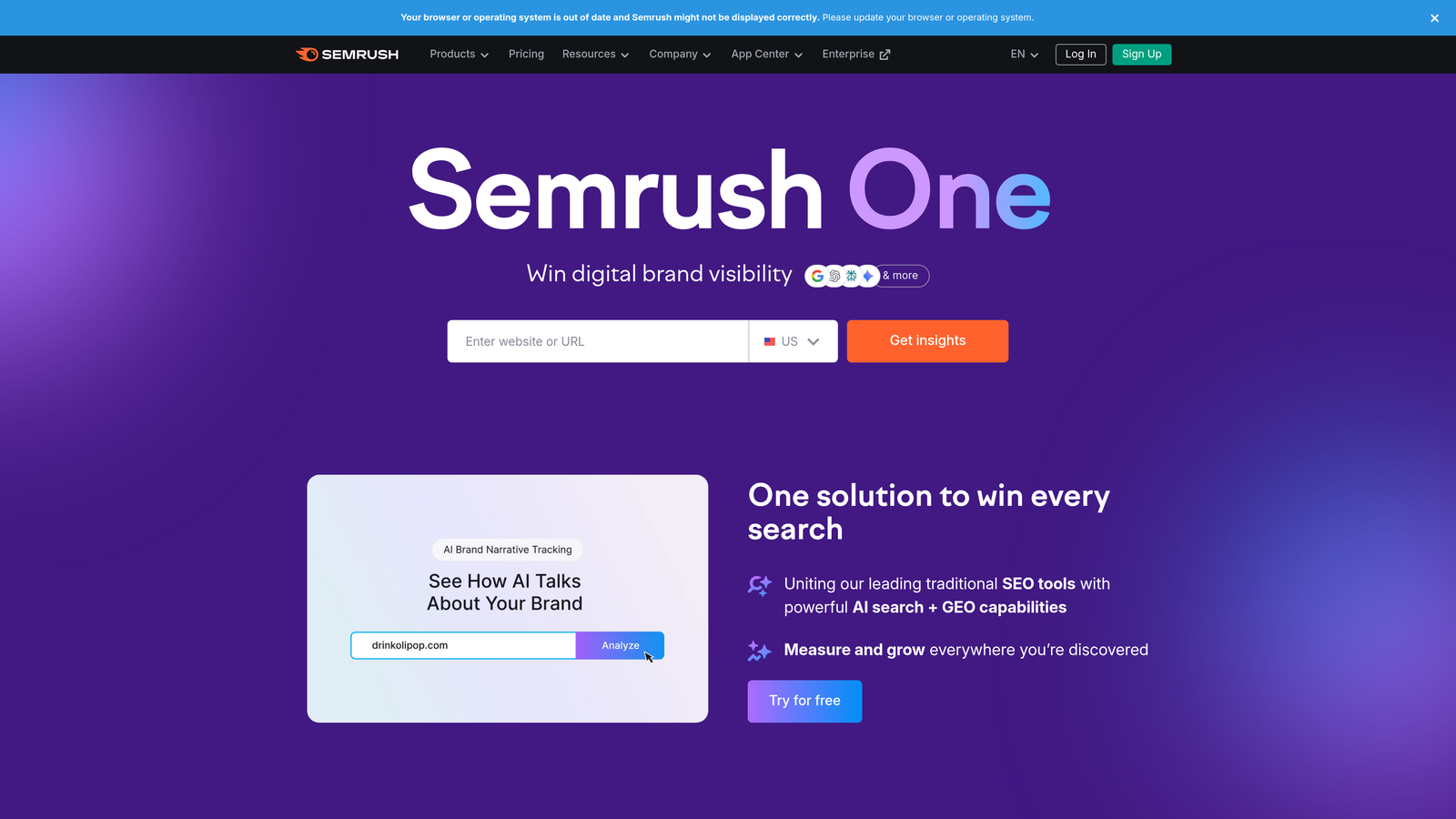
SEMrush and similar tools offer automatic keyword clustering that groups related terms by theme or search intent, making campaign structure planning significantly faster.
Where This Tool Shines
Building tight, relevant ad groups is one of the most time-consuming parts of PPC management. Manual grouping means reading through hundreds of keywords and deciding which belong together based on intent and theme.
Clustering tools use semantic analysis to automatically group keywords, saving hours of manual work. The best implementations also suggest ad group names and help you spot gaps in your keyword coverage.
Key Features
Automatic Theme Grouping: Groups keywords by semantic similarity without manual sorting.
Intent-Based Clustering: Separates informational, navigational, and transactional queries automatically.
Ad Group Suggestions: Recommends logical ad group structures based on keyword themes.
Semantic Analysis: Understands related concepts even when exact wording differs.
Gap Identification: Highlights missing keyword variations within clusters.
Best For
Campaign builders launching new accounts or restructuring existing ones. Also valuable for content marketers who need to understand topical relationships between keywords for SEO and PPC alignment.
Pricing
SEMrush starts at $139.95/month for their Pro plan, which includes keyword clustering and research tools. Higher tiers offer more keywords and projects.
5. Match Type Management
Best for: Controlling keyword targeting precision at scale
Quick match type application saves hours of manual work. The best tools let you apply broad, phrase, or exact match in bulk and switch between types based on performance data.
Where This Tool Shines
The mistake most agencies make is treating match types as a set-it-and-forget-it decision. In reality, you should be adjusting match types based on performance—tightening up terms that are attracting junk traffic and loosening terms that are converting well but have limited reach.
Tools with strong match type management let you make these adjustments in bulk rather than editing keywords one at a time. Some also provide historical performance breakdowns by match type so you can see how broad versus exact has performed for specific terms.
Key Features
Bulk Match Type Application: Apply match type changes to hundreds of keywords simultaneously.
Quick Switching: Toggle between broad, phrase, and exact match without re-entering keywords.
Match Type Recommendations: Suggests optimal match types based on search term data and conversion performance.
Historical Performance Analysis: Shows how different match types have performed for specific keywords over time.
Match Type Testing: Run controlled tests comparing performance across match types.
Best For
Advertisers who actively test and optimize match types rather than defaulting to phrase match for everything. Particularly useful for accounts with large keyword lists where manual editing is impractical.
Pricing
Varies by tool—often included as part of broader keyword management features in platforms ranging from $12-$500/month.
6. Bulk Editing & Automation
Best for: Handling repetitive tasks across large accounts
Optmyzr and similar platforms offer rule-based automation that handles repetitive optimization tasks like bid adjustments, budget pacing, and scheduled optimizations.

Where This Tool Shines
For large accounts, bulk editing is non-negotiable. Making the same change across 50 campaigns manually is both time-consuming and error-prone. What usually happens is you miss a few, introduce inconsistencies, or burn hours on work that should take minutes.
Automation tools let you set rules that execute optimization tasks automatically—like pausing keywords below a certain quality score, increasing bids on high-performers, or adjusting budgets based on time of day. The best implementations also provide audit logs so you can review what changed and why.
Key Features
Rule-Based Automation: Create custom rules that execute optimization tasks based on performance thresholds.
Bulk Bid Adjustments: Change bids across campaigns, ad groups, or keywords in a single action.
Scheduled Optimizations: Run optimization scripts at specific times or intervals automatically.
Custom Automation Scripts: Build advanced automation workflows tailored to your account structure.
Audit Logging: Track what changed, when, and why for accountability and troubleshooting.
Best For
Agencies managing multiple large accounts or in-house teams running high-volume campaigns. Automation becomes essential once manual optimization consumes more than a few hours per week.
Pricing
Optmyzr starts at $249/month for their Freelancer plan. Pricing scales with the number of accounts and features needed.
7. Multi-Account & Team Support
Best for: Agencies and teams managing multiple client accounts
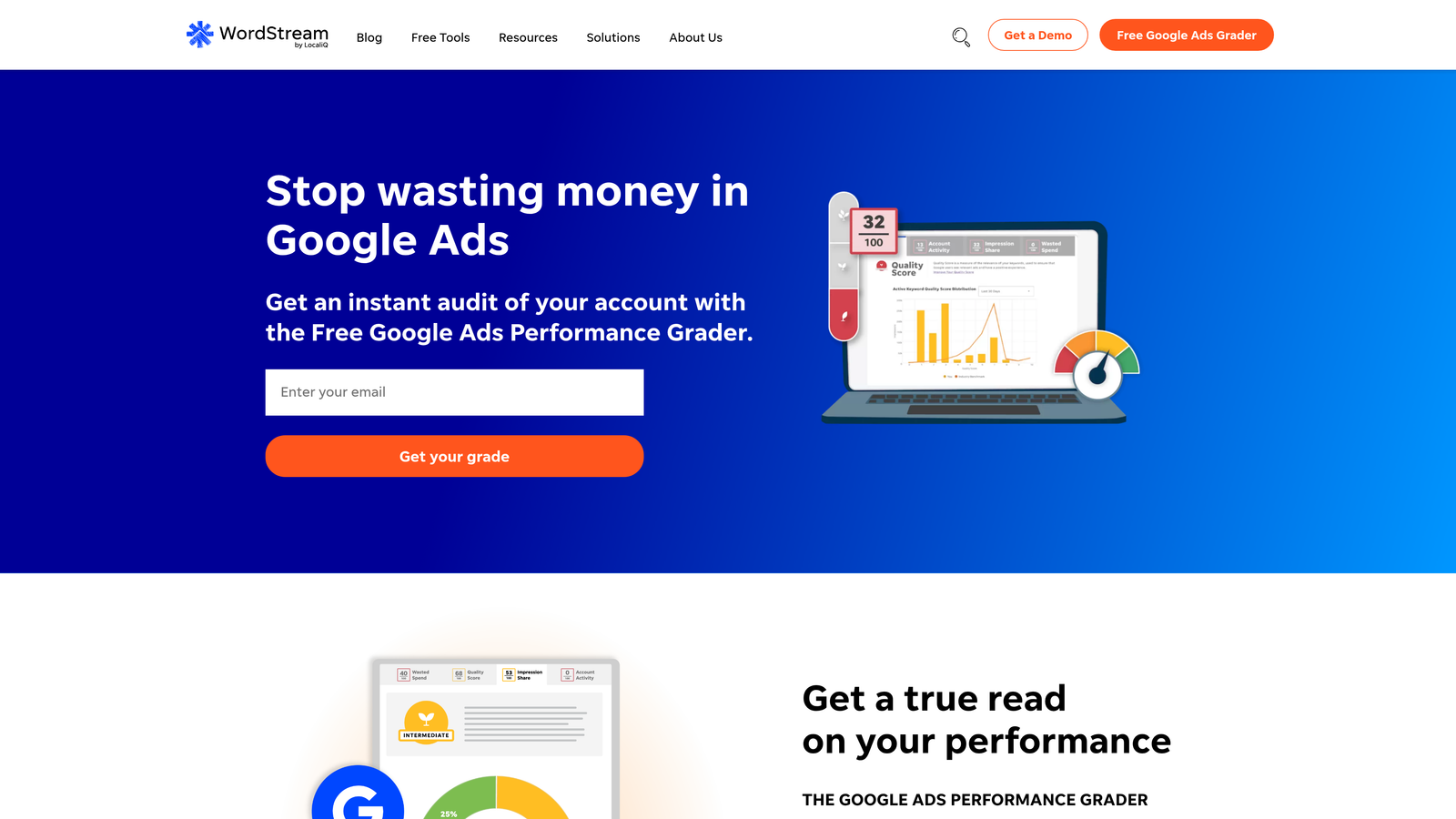
WordStream and similar platforms offer seamless account switching, team member permissions, and client management dashboards designed for agency workflows.
Where This Tool Shines
In most accounts I audit for agencies, the biggest time-sink isn't optimization—it's switching between client accounts, coordinating with team members, and tracking who changed what. Without proper multi-account support, you end up logging in and out repeatedly or using spreadsheets to track activity.
Tools built for agencies let you switch between client accounts with a single click, assign team members to specific accounts, and maintain activity logs that show who made changes. This eliminates coordination overhead and makes delegation actually work.
Key Features
Easy Account Switching: Jump between client accounts instantly without logging in and out.
Team Member Permissions: Control who can access which accounts and what actions they can take.
Client Management Dashboard: View performance across all client accounts from a single interface.
Activity Logging: Track changes made by team members for accountability and troubleshooting.
Client Reporting: Generate branded reports for clients directly from the platform.
Best For
Agencies managing 5+ client accounts or in-house teams where multiple people need access to the same campaigns. Essential once coordination overhead starts slowing down optimization work.
Pricing
WordStream pricing varies based on ad spend and number of accounts managed. Typical agency plans start around $300-$500/month.
8. Reporting & Performance Insights
Best for: Turning raw data into actionable optimization decisions
Adalysis excels at automated recommendations based on performance patterns, going beyond basic metrics to surface specific actions you should take.

Where This Tool Shines
Good reporting goes beyond raw data to provide actionable insights. Google Ads gives you all the metrics, but figuring out what to do with them requires analysis. What usually happens is you spend more time building reports than actually optimizing.
Tools like Adalysis analyze your account data and surface specific recommendations—like which keywords to pause, which ad groups need new ads, or which campaigns are underperforming relative to benchmarks. This turns reporting from a time-sink into a strategic advantage.
Key Features
Custom Report Building: Create branded reports with the exact metrics clients or stakeholders care about.
Automated Insights: Receive specific optimization recommendations based on performance patterns.
Performance Alerts: Get notified when campaigns deviate from expected performance or hit thresholds.
Client-Ready Exports: Generate professional reports in PDF or other formats for client delivery.
Competitive Benchmarking: Compare your performance against industry averages or similar accounts.
Best For
Agencies that need to deliver regular client reports or in-house teams that report to executives who want insights, not just data. Also valuable for advertisers who want proactive alerts rather than reactive monitoring.
Pricing
Adalysis starts at $99/month for their basic plan. Pricing scales based on ad spend and number of accounts managed.
9. Pricing Transparency & Value
Best for: Predictable costs and clear ROI calculation
Flat-rate pricing (like Keywordme's $12/month) offers predictability, while percentage-based models scale with spend. Always look for free trials before committing.
Where This Tool Shines
The PPC tool market has wildly inconsistent pricing models. Some charge a percentage of ad spend, others use flat monthly rates, and some tier pricing by features or account count. This makes comparing value difficult and can lead to surprise costs as your campaigns grow.
The best tools are transparent about pricing upfront and offer free trials so you can test before committing. Flat-rate pricing is particularly valuable for agencies or advertisers with fluctuating spend—you know exactly what you'll pay regardless of campaign performance.
Key Features
Transparent Pricing Models: Clear, upfront pricing without hidden fees or confusing tiers.
Free Trial Availability: Test the tool with your actual campaigns before paying.
No Hidden Fees: All costs disclosed upfront—no surprise charges for features or usage.
Scalable for Growth: Pricing that makes sense whether you're spending $5K or $500K per month.
Value Alignment: Cost should reflect time saved or results improved, not arbitrary metrics.
Best For
Any advertiser who wants predictable costs and clear ROI. Particularly important for agencies billing clients or small businesses with tight budgets where unexpected tool costs create problems.
Pricing
Ranges from $12/month for focused tools like Keywordme to $500+/month for full-suite platforms with automation and reporting.
Matching Features to Your Workflow
The features that matter most depend on how you work and what's slowing you down. If you're spending hours exporting search terms to spreadsheets, in-platform integration is your priority. If coordination across team members is the bottleneck, multi-account support moves to the top of the list.
For solo advertisers managing a handful of campaigns, focus on tools that eliminate manual work—negative keyword management, match type application, and basic automation. You don't need enterprise-level reporting or complex team features.
For agencies, prioritize multi-account support, client reporting, and bulk editing capabilities. The ability to switch between accounts seamlessly and delegate work to team members becomes essential once you're managing more than a few clients.
The mistake I see most often is choosing tools based on features you think you need rather than problems you actually have. Start with your biggest time-sink or pain point, then look for tools that solve that specific issue. A focused tool that eliminates your main bottleneck is worth more than a full-suite platform you'll only use 20% of.
Always take advantage of free trials. Test the tool with your actual campaigns and workflows—not demo accounts or hypothetical scenarios. If it doesn't save you time or improve results within the trial period, it probably won't later.
Optimize Google Ads Campaigns 10X Faster. Without Leaving Your Account. Keywordme lets you remove junk search terms, build high-intent keyword lists, and apply match types instantly—right inside Google Ads. No spreadsheets, no switching tabs, just quick, seamless optimization. Start your free 7-day trial (then just $12/month) and take your Google Ads game to the next level.
.svg)