
Performance marketing tools: 12 Must-Have Tools for ROI-Boosting Campaigns
Performance marketing tools: 12 Must-Have Tools for ROI-Boosting Campaigns


Running successful performance marketing campaigns today feels like trying to conduct an orchestra during a hurricane. You’ve got Google Ads, Meta, TikTok, and a dozen other platforms all demanding your attention, each with its own quirks and data silos. You're constantly toggling between spreadsheets, ad managers, and analytics dashboards, trying to connect the dots between ad spend and actual revenue. It’s exhausting, right?
What if you could get back hours of your week, cut the wasted ad spend that’s tanking your ROI, and actually focus on strategy instead of manual busywork? That’s where the right performance marketing tools come in. They’re not just 'nice-to-haves' anymore; they're essential for survival and growth. This isn't just a list; it's a strategic guide to building a more efficient and profitable marketing operation.
In this guide, we're cutting through the noise to bring you a curated list of powerful tools that solve specific problems, from automating tedious keyword management to providing crystal-clear attribution. For each tool, you'll find real-world use cases, honest pros and cons, pricing insights, and screenshots so you can see them in action. When curating your ultimate performance stack, don't overlook specialized solutions; you can explore the best influencer marketing tools to enhance your strategy. Let's find the right stack to make every click count.
1. Keywordme
Keywordme stands out as a powerful, workflow-native solution for anyone serious about mastering Google Ads. It’s a Chrome plugin that runs directly inside the Google Ads interface, making tedious keyword management tasks remarkably fast and efficient. Instead of juggling spreadsheets and browser tabs, you can refine your campaigns in context, turning raw search term data into actionable insights with just a few clicks. This is one of the best performance marketing tools specifically for PPC managers who live in the Google Ads UI.

The core strength of Keywordme is its ability to accelerate optimization. To ensure your performance marketing efforts yield the best results, it's crucial to continuously focus on strategies for efficient ad spend, including optimizing PPC campaigns for maximum ROI, a key strength of tools like Keywordme. The tool's AI-assisted scans automatically identify and surface irrelevant search terms, allowing you to build negative keyword lists instantly. At the same time, it highlights high-intent terms that are ripe for campaign expansion, taking the guesswork out of scaling.
Key Strengths & Use Cases
What makes Keywordme a must-have is its focus on practical, daily PPC work. You can select dozens of search terms and assign them as negative keywords or move them into new ad groups with the correct match types (exact, phrase, broad) in a single action. Its bulk formatting tools are a massive time-saver for agencies and freelancers managing multiple accounts, letting you paste, clean, and download ready-to-upload keyword lists in seconds.
- Best For: Agencies, in-house PPC teams, and freelance specialists managing Google Ads accounts.
- Pricing: Starts at a very accessible $12 per seat/month for the Pro plan. A 7-day free trial is available without a credit card.
- Website: https://www.keywordme.io
2. Skai (formerly Kenshoo)
Skai, widely known by its former name Kenshoo, is an enterprise-level platform built for managing huge ad budgets across multiple channels. It shines by unifying retail media (think Amazon, Walmart, Target), paid search, and paid social into a single, cohesive workflow. This is a game-changer for large brands and agencies that are tired of jumping between a dozen different dashboards to get a clear picture of their total ad spend and performance.
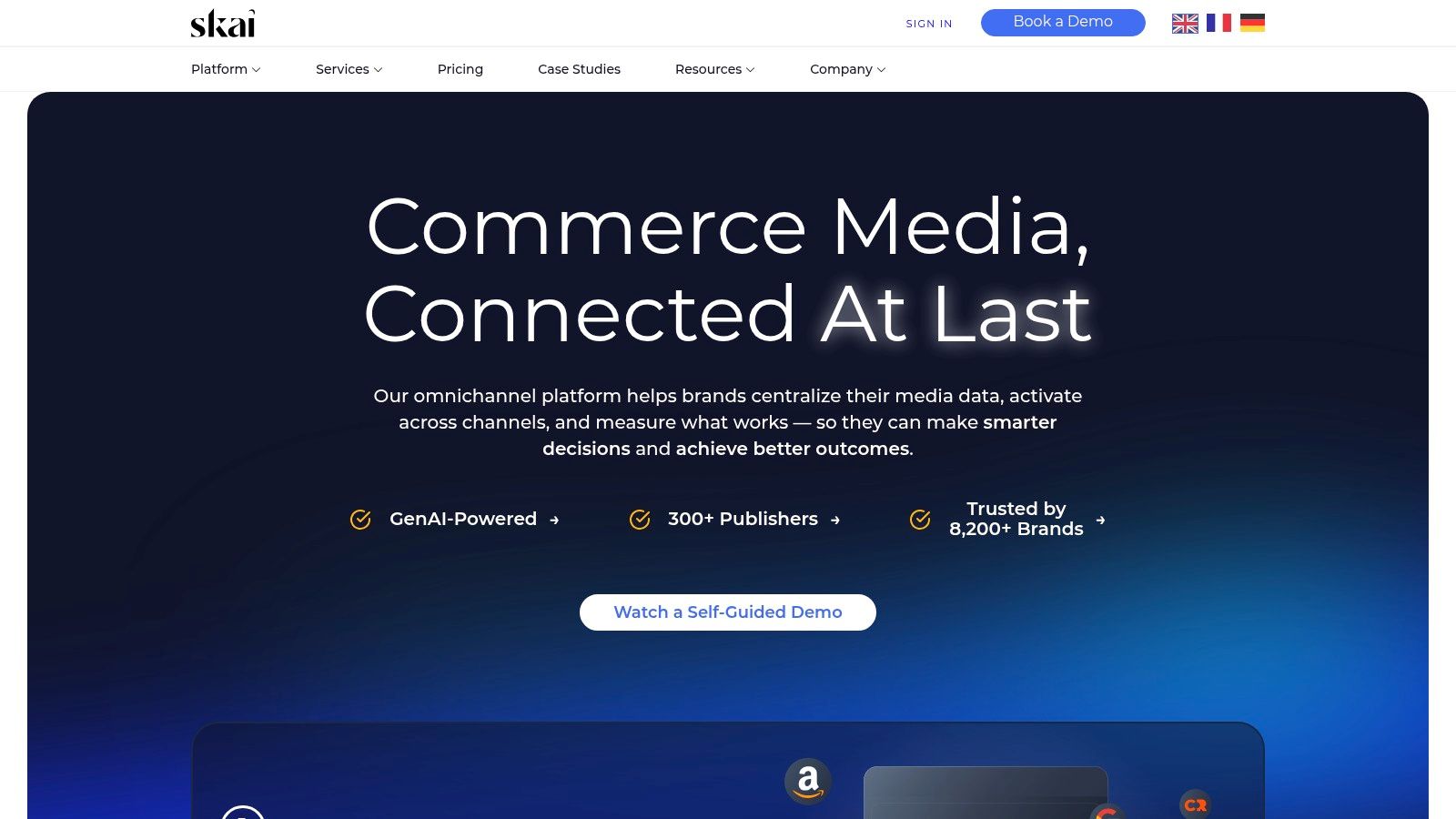
It's one of the few true omnichannel performance marketing tools that lets you manage, automate, and analyze campaigns in one place. Imagine adjusting your Amazon Ads budget based on real-time trends you're seeing on Google Ads and Facebook, all from one interface. That's the kind of power Skai delivers.
Use Case & Key Features
The primary use case is centralized management for complex, multi-channel advertising programs. A global CPG brand could use Skai to coordinate a product launch across Google Search, Instagram, and Walmart's retail media network, ensuring consistent messaging and shared learnings.
- Omnichannel Management: A single UI for Amazon, Walmart, Target, Instacart, Google, Microsoft, Meta, and more.
- AI-Powered Optimization: Features automated bidding and budget management to hit specific targets like ROAS or CPA.
- Advanced Analytics: Provides tools for market intelligence, trend spotting, and measuring incremental lift to prove the real value of your ads.
Pricing
Skai's pricing is quote-based and targets mid-market to enterprise clients, often with a minimum ad spend requirement. It's a significant investment, so it’s not a fit for small businesses or solo advertisers.
Pros & Cons
Pros:
- Reduces tool sprawl and consolidates reporting.
- Excellent automation for managing large-scale campaigns.
- Strong focus on the growing retail media space.
Cons:
- High cost makes it inaccessible for smaller advertisers.
- Can be complex to set up; there's a definite learning curve.
- Might be overkill if your advertising is focused on just one or two channels.
Website: https://skai.io
3. Google Search Ads 360 (SA360)
As Google's own enterprise-grade solution, Search Ads 360 (SA360) is built for managing massive search marketing programs across multiple engines. It’s designed for large agencies and in-house teams who are running campaigns on Google Ads, Microsoft Advertising, and others, and need a single source of truth for bidding, reporting, and budget allocation. Think of it as Google Ads on steroids, with added cross-engine capabilities.
The platform’s real strength comes from its deep integration within the Google Marketing Platform (GMP). If your team is already using Campaign Manager 360 or Google Analytics 360, SA360 slots in perfectly, allowing for powerful, unified performance marketing tools and workflows that other platforms can't match. Mastering it is key for anyone serious about large-scale PPC, which is why a solid grasp of Google Ads optimization is a prerequisite.
Use Case & Key Features
The main use case is centralized management and automation for enterprise-level search campaigns. A large e-commerce retailer could use SA360 to apply a single smart bidding strategy across both Google and Microsoft Ads, automatically shifting budget to the best-performing campaigns, regardless of the engine.
- Cross-Engine Smart Bidding: Apply Google's powerful machine learning-based bidding strategies across multiple search engines from one place.
- Budget Management & Planning: Automate budget pacing and forecasting to ensure you hit your spend targets efficiently.
- Deep GMP Integrations: Natively connects with Analytics 360, Campaign Manager 360, and other GMP products for a unified view of performance.
- Advanced Reporting: Offers web query capabilities and customizable reports that consolidate data from all connected ad accounts.
Pricing
SA360 operates on an enterprise contract model, and pricing is not publicly available. Access requires engaging with Google's sales team. It's built for organizations with significant ad spend, placing it well outside the budget for small businesses or individual advertisers.
Pros & Cons
Pros:
- Incredible automation and bidding power for large search programs.
- Native integrations provide seamless workflows within the Google ecosystem.
- Excellent for enterprise governance and reporting across multiple engines.
Cons:
- High cost and enterprise contracts make it inaccessible for most advertisers.
- Requires sales engagement and is not a self-serve platform.
- Complexity means it has a steep learning curve.
Website: https://marketingplatform.google.com/about/search-ads-360/
4. Smartly.io
Smartly.io is a powerhouse for brands that live and breathe paid social and retail media. It's built to solve the massive challenge of creating, testing, and optimizing ads at scale across platforms like Meta, TikTok, Snapchat, and Pinterest. Where it truly stands out is in its ability to connect creative automation directly with media buying and campaign performance.
This platform bridges the gap between creative teams and media buyers, enabling them to produce thousands of ad variations from a single template and automatically push them into campaigns. For large e-commerce brands or agencies managing dozens of accounts, this is a lifesaver, eliminating the tedious, manual work of constant creative refreshes.
Use Case & Key Features
The main use case is automating high-volume creative production and campaign management for paid social and retail media. A direct-to-consumer brand, for example, could use Smartly.io to automatically generate video ads featuring different products, offers, and call-to-actions, then test them across TikTok and Instagram to find the winning combinations without manual effort.
- Creative Automation: Tools to build dynamic image and video ad templates that pull from product feeds or other data sources.
- Cross-Platform Buying: Manage and optimize campaigns across major social and retail media channels from one central hub.
- Advanced Workflows: Features predictive budget allocation and automated rules to help large teams manage complex account structures efficiently. You can find more details on this in guides to the best campaign management software.
Pricing
Smartly.io's pricing is designed for larger advertisers. It operates on a percentage-of-ad-spend model, which often includes a monthly minimum commitment. It’s an enterprise-grade solution, so it’s not typically a fit for small businesses or those with modest ad budgets.
Pros & Cons
Pros:
- Excellent for streamlining high-volume creative iteration and testing.
- Consolidates campaign operations across key social channels.
- Pricing model aligns costs directly with media volume.
Cons:
- Requires significant ad spend to be cost-effective.
- Enterprise focus means the setup can be complex for smaller teams.
- Might be too specialized if your marketing mix isn't heavily focused on social media.
Website: https://www.smartly.io
5. Optmyzr
Optmyzr is an automation powerhouse built specifically for PPC managers who live and breathe Google, Microsoft, and Amazon Ads. It acts like a second brain for your campaigns, providing a suite of tools that help you audit, optimize, and report on performance without getting bogged down in manual tasks. It's particularly loved by agencies and in-house teams managing multiple accounts, as it surfaces optimization opportunities you might otherwise miss.
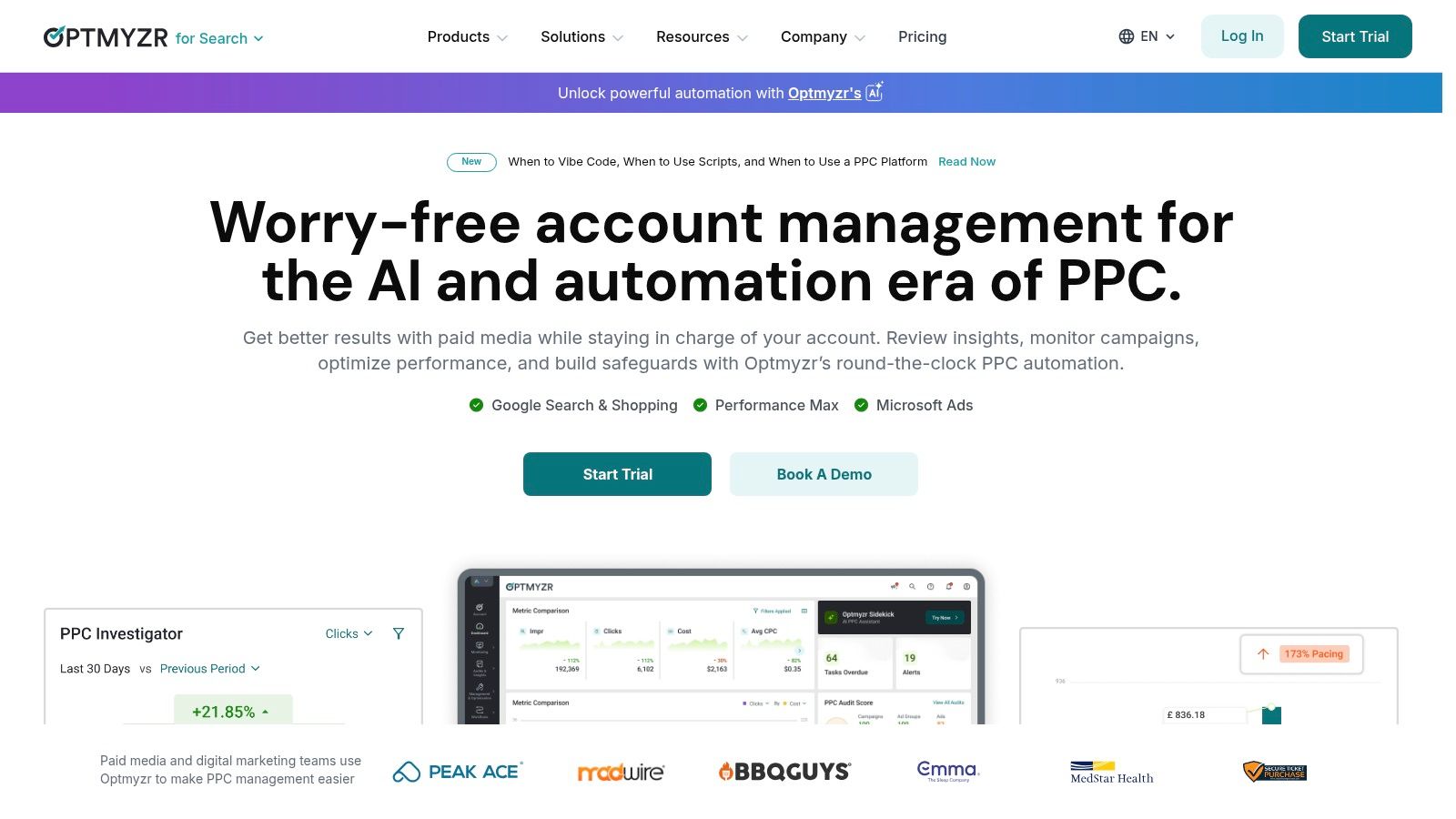
Unlike black-box automation, Optmyzr gives you control. It suggests changes-like adding negative keywords, adjusting bids, or pausing poor performers-and lets you approve them with a single click. This balance of automation and control makes it one of the most trusted performance marketing tools for hands-on campaign managers.
Use Case & Key Features
The main use case is saving time and improving results for complex PPC accounts. An agency could use its reporting templates to create custom client dashboards in minutes, while an e-commerce manager could use the Campaign Automator to build thousands of ads directly from a product feed.
- One-Click Optimizations: A system of alerts and suggestions for improving quality score, managing bids, and refining keywords.
- Budget Pacing & Alerts: Automatically monitors your ad spend against your targets and alerts you if you're on track to overspend or underspend.
- Rule Engine: Create custom, rule-based automations to manage bids, pause entities, and adjust campaign settings based on your specific KPIs.
- Advanced Reporting: Go beyond the standard platform reports with customizable dashboards and templates for client-facing updates.
Pricing
Optmyzr’s pricing is based on your monthly managed ad spend, with different tiers unlocking more features and user seats. Some advanced tools, like the Campaign Automator and social media integrations, are available as paid add-ons, which can increase the total cost.
Pros & Cons
Pros:
- Saves a significant amount of time on routine PPC tasks.
- Gives users control over automation, avoiding a "black box" approach.
- Strong coverage across Google, Microsoft, and Amazon Ads.
Cons:
- The spend-based pricing can become expensive for large accounts.
- Key features like the feed-based campaign builder require paid add-ons.
- The interface has many features, which can feel overwhelming for new users.
Website: https://www.optmyzr.com
6. Adalysis
Adalysis is a PPC management suite laser-focused on making Google Ads and Microsoft Ads accounts better through constant, automated analysis. It's designed for the hands-on PPC manager who lives in their ad accounts daily and needs a way to systematically find and fix problems without spending hours on manual checks. The platform excels at auditing accounts for inefficiencies and structuring A/B tests to get clear, actionable creative insights.
It’s one of the best performance marketing tools for workflow efficiency. Instead of guessing what to test or optimize next, Adalysis serves up a prioritized to-do list based on over 100 automated checks. This turns daily account maintenance from a reactive chore into a proactive, data-driven process.
Use Case & Key Features
The main use case is for agencies and in-house teams managing multiple PPC accounts who need a systematic way to maintain account health and improve ad performance. A digital marketing agency could use Adalysis to standardize its optimization process across all clients, ensuring no account falls through the cracks.
- Automated Audits: Runs 100+ checks to flag issues with keywords, ads, settings, and more, complete with prioritized alerts.
- Structured A/B Ad Testing: Provides a dedicated framework for testing ad copy variations and analyzing performance to find winning elements.
- Budget Management: Includes tools for monitoring spend, pacing budgets throughout the month, and creating performance reports.
Pricing
Adalysis offers tiered subscription plans based on monthly ad spend, starting around $99/month for accounts spending up to $10k. A key benefit is that all plans include unlimited Google and Microsoft Ads accounts and unlimited users, making it very scalable for agencies.
Pros & Cons
Pros:
- Provides clear, actionable diagnostics for daily PPC maintenance.
- Excellent value with unlimited accounts and users per subscription.
- Strong focus on systematic A/B ad testing.
Cons:
- Natively focused on Google Search and Microsoft Ads only.
- Lacks tools for social or retail media channels.
- Might not be necessary for advertisers with very small, simple accounts.
Website: https://adalysis.com
7. AppsFlyer
AppsFlyer is the go-to mobile measurement partner (MMP) for almost any brand serious about growing its app. If you’re running app install campaigns or trying to drive in-app actions, you need a single source of truth to see which channels are actually working. AppsFlyer acts as that independent referee, tracking every install and engagement back to the specific ad, network, or creative that drove it.
It solves the massive headache of mobile attribution, especially with the privacy-focused changes from Apple's SKAdNetwork (SKAN). Instead of guessing your ROI, you get clear reports showing which campaigns deliver high-value users. It stands out as one of the most essential performance marketing tools in the mobile app ecosystem.
Use Case & Key Features
The main use case is for mobile app marketers who need to measure and optimize their user acquisition spend. A gaming app, for example, could use AppsFlyer to see if TikTok or a specific ad network is bringing in users who make the most in-app purchases, then reallocate their budget accordingly.
- Mobile Attribution: Delivers a single source of truth for app installs, with SKAN modeling to navigate iOS privacy rules.
- Deep Linking Suite: Create seamless user experiences that take users from an ad directly to a specific page within your app.
- ROI and Cost Aggregation: Connects to all your ad partners to pull cost data and calculate your true ROI and LTV.
- Fraud Protection: Offers a mature suite (Protect360) to detect and block fraudulent installs, saving your ad budget.
Pricing
AppsFlyer's pricing is usage-based, often tied to the number of app installs and conversions you track. There's a free-forever "Zero" plan for very small apps, but most businesses will need a paid plan (Growth, Enterprise) which scales with volume. Advanced features like fraud protection are typically add-ons or included in higher tiers.
Pros & Cons
Pros:
- Huge network of integrated partners across the mobile ad space.
- Robust and trusted solution for fraud detection.
- Excellent support for navigating complex iOS attribution (SKAN).
Cons:
- Pricing can become expensive as your app's install volume grows.
- The most powerful features are reserved for higher-cost enterprise plans.
- The interface can feel complex for new users due to its depth.
Website: https://www.appsflyer.com
8. Branch
Branch is the go-to platform for solving the notoriously messy journey from a web ad click to an in-app action. It specializes in deep linking and mobile attribution, ensuring that when a user clicks your ad, they land exactly where you want them inside your app, not just on the generic home screen. This creates a seamless experience that is essential for driving app installs and engagement from paid media.
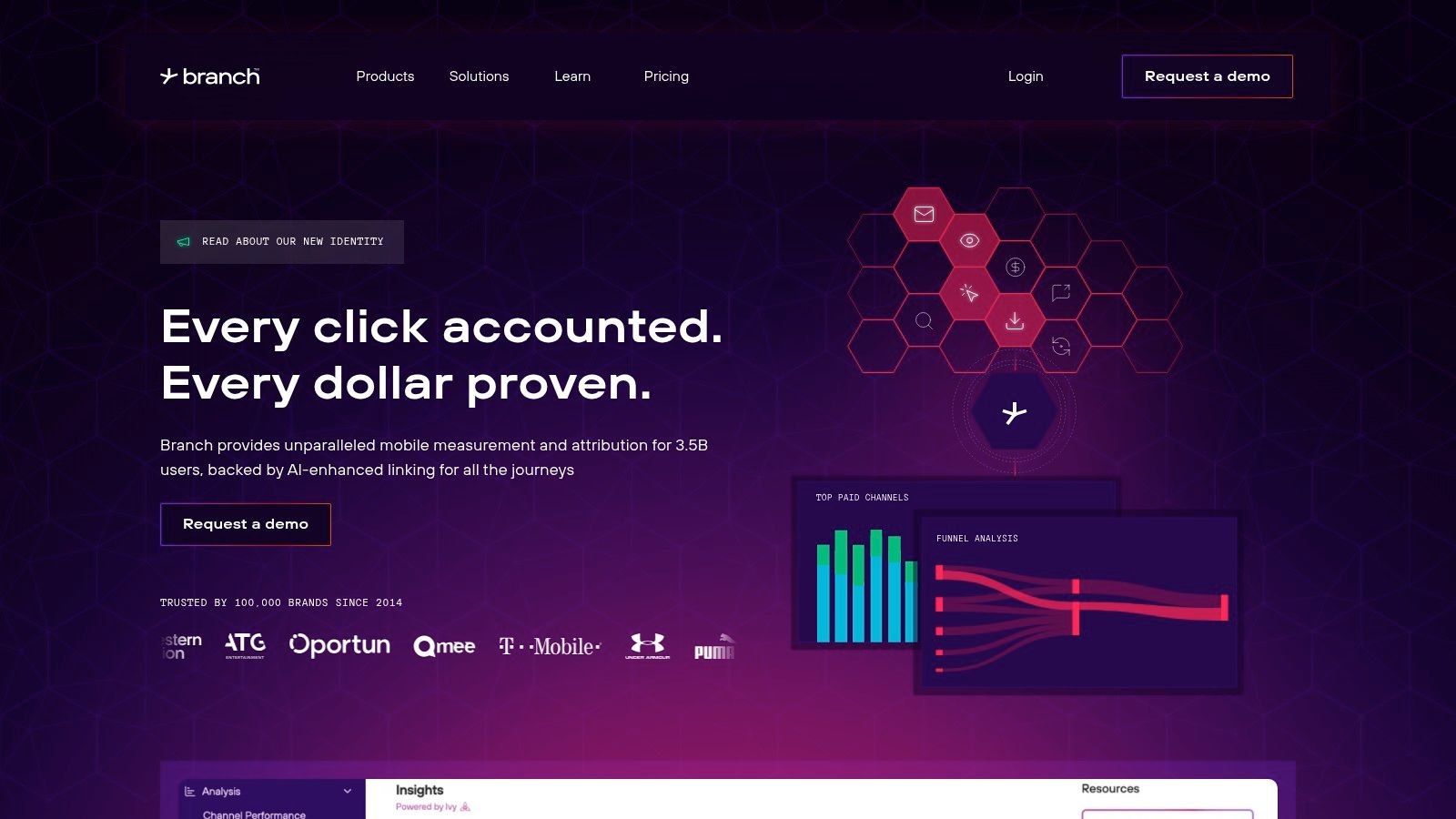
It’s one of the top performance marketing tools focused on the mobile ecosystem. Branch closes the attribution gap between different platforms, giving marketers a reliable source of truth for which channels are actually converting users. Its strength lies in making complex mobile user journeys simple to create and track.
Use Case & Key Features
The main use case is for any business with a mobile app that uses paid ads to drive installs and re-engagement. An e-commerce app, for example, could use Branch to send users who click a Facebook ad for a specific pair of shoes directly to that product page within the app, even if the user has to install the app first (this is called deferred deep linking).
- Deep Linking: Creates direct and deferred deep links that work across platforms, ensuring a smooth user journey from ad to app content.
- Ad Linking & Attribution: Provides reliable cross-platform measurement, connecting ad clicks to in-app events with partner postbacks and cost data APIs.
- Journeys Web-to-App Banners: Smart banners that prompt web visitors to open or install the mobile app for a better experience.
Pricing
Branch offers a transparent "Launch" plan for startups and smaller teams with a free tier for up to 10,000 monthly active users. Paid plans are volume-based and scale up to custom "Enterprise" tiers for larger businesses with advanced needs, which require a custom quote.
Pros & Cons
Pros:
- Developer-friendly with a strong focus on privacy-conscious measurement.
- Excellent for creating seamless web-to-app and app-to-app user flows.
- Clear starter pricing makes it accessible for early-stage apps.
Cons:
- Pricing can become a significant expense as user volume grows.
- Some advanced attribution features are locked behind higher-tier enterprise plans.
- Requires developer resources to implement the SDK correctly.
Website: https://branch.io
9. Adjust
Adjust is a mobile measurement partner (MMP) built to give app-focused marketers a clear view of their user acquisition efforts. It’s one of the core performance marketing tools for anyone running campaigns to drive app installs and in-app events. The platform answers the critical question: "Where did my users come from, and what are they doing inside my app?" This is fundamental for optimizing ad spend and understanding user lifetime value.
It serves as a single source of truth for app attribution, integrating with thousands of ad networks to de-duplicate installs and credit the correct touchpoint. Adjust also provides a full suite of tools for deep linking, fraud prevention, and analytics, making it a well-rounded solution for mobile-first businesses. Its strong support for SKAdNetwork helps marketers navigate Apple's privacy-centric framework.
Use Case & Key Features
The main use case is attributing and analyzing mobile app user acquisition. A gaming company could use Adjust to track which ad on TikTok drove the most valuable players, defined by those who make in-app purchases, and then use that data to reallocate its budget for a higher return on investment.
- Mobile Attribution: Accurately credits app installs and in-app events to the correct marketing channels and campaigns, with robust SKAN support.
- Subscription Analytics: Provides specific tools to measure and analyze revenue from subscription-based apps, a key feature not all MMPs focus on.
- Fraud Prevention Suite: Actively rejects fraudulent installs and clicks in real time, protecting ad budgets from being wasted.
Pricing
Adjust offers custom, quote-based pricing. The cost is typically tied to the number of attributed conversions (like app installs) tracked per month. Different plan tiers unlock more advanced features, so you'll need to contact their sales team for a plan tailored to your app's scale and needs.
Pros & Cons
Pros:
- Comprehensive measurement stack that includes subscription tracking.
- Well-documented help center and a large ecosystem of integrated partners.
- Strong real-time fraud prevention capabilities.
Cons:
- Pricing is custom and billed per conversion, which can be unpredictable for high-growth apps.
- Requires contacting sales for pricing details; no public-facing plans.
- The setup process requires technical implementation within your app's SDK.
Website: https://www.adjust.com
10. Northbeam
Northbeam is a lifeline for e-commerce and DTC brands struggling to understand where their sales are really coming from. In a world of signal loss and walled-garden platforms, it provides a clear, unified view of marketing performance by focusing on first-party data. It's built to give you trustworthy attribution so you can stop guessing and start allocating your budget with confidence.
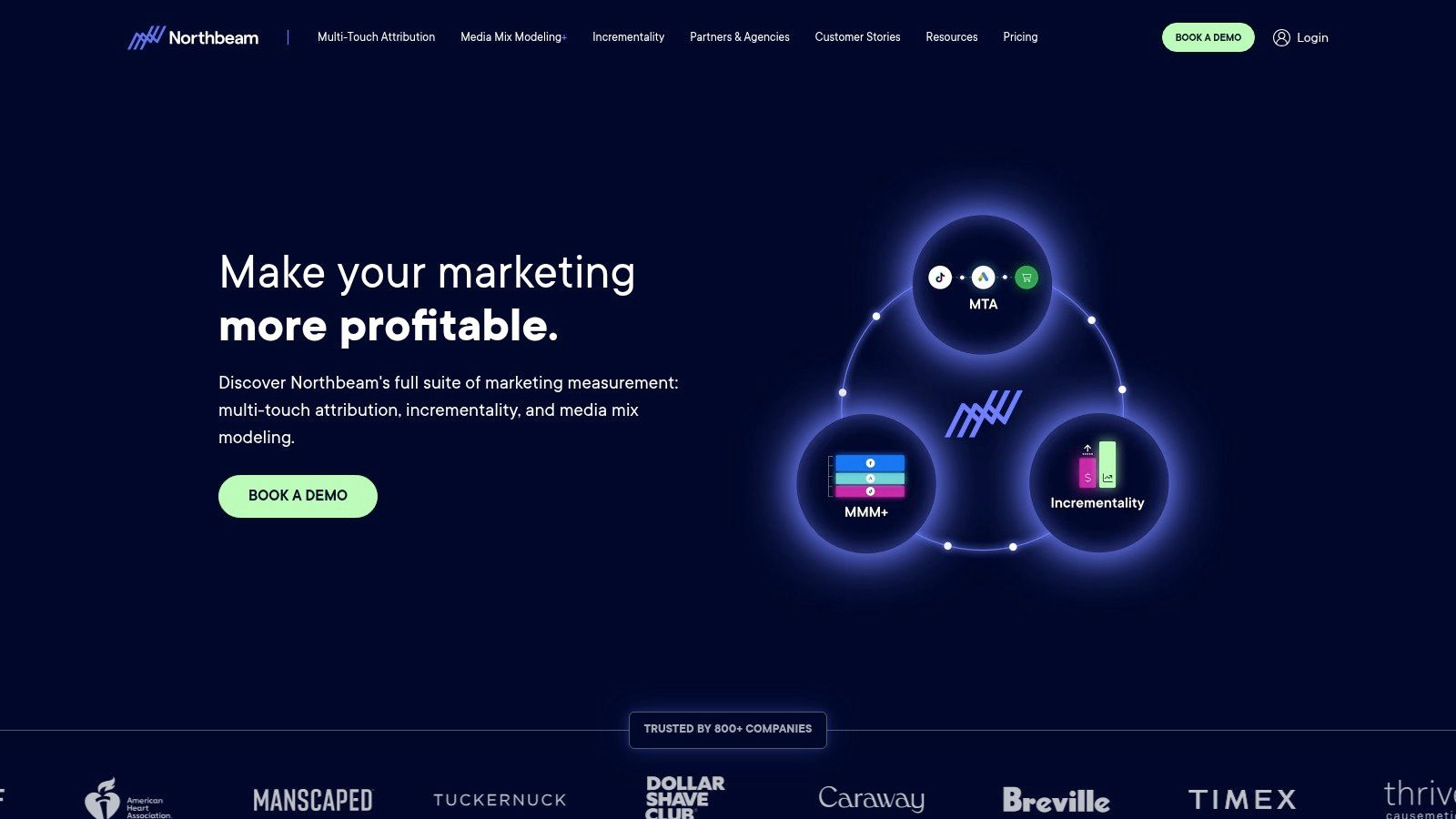
Unlike platform-reported metrics that often take all the credit, Northbeam stitches together the entire customer journey. This helps you understand which touchpoints, from initial ad view to final click, actually influenced a purchase. For performance marketers, this is essential for optimizing spend across a complex media mix, making it a standout among performance marketing tools for attribution. You can get more details on how this works by reading up on cross-channel attribution.
Use Case & Key Features
The primary use case is for any Shopify or DTC brand that needs to justify its ad spend with accurate attribution. A direct-to-consumer apparel company could use Northbeam to discover that while Facebook ads drive final clicks, their TikTok top-of-funnel content is a critical first touchpoint, preventing them from mistakenly cutting a valuable channel.
- Multi-Touch Attribution: Combines clicks and deterministic views, enriched with conversion data, to create a full journey map.
- Creative & Product Analytics: Drills down to show which ad creatives and products are driving the most profitable growth.
- MMM+ (Marketing Mix Modeling): An optional feature in higher tiers that provides a top-down view of marketing impact, complementing the daily MTA data.
Pricing
Northbeam offers transparent, tiered pricing that often starts with a base fee plus a percentage of tracked revenue, making it accessible for growing Shopify brands. Enterprise plans with advanced features like MMM+ and flat-rate billing are available on an annual basis and require a custom quote.
Pros & Cons
Pros:
- Transparent starter pricing is great for Shopify brands.
- Scales well from growing DTC to enterprise-level needs.
- Provides clarity in a post-iOS 14 advertising environment.
Cons:
- Advanced capabilities are reserved for higher, annual-only tiers.
- The starter plans are heavily focused on Shopify, which may not fit all business models.
Website: https://www.northbeam.io
11. Hyros
Hyros is a performance attribution and revenue tracking platform that has become a favorite among direct-response marketers, especially in the info-product, coaching, and e-commerce spaces. It's built to solve a specific, painful problem: ad platform metrics rarely match your actual bank deposits. Hyros connects the dots between every ad click, email open, and sales call, stitching together the full customer journey to give you an accurate picture of what's truly driving revenue.
Unlike the reporting inside Facebook or Google, which often over-reports or misattributes sales, Hyros focuses on long-term tracking and tying every marketing touchpoint to a real dollar amount. It helps advertisers make decisions based on profit, not just conversions, which is why it's considered one of the essential performance marketing tools for businesses obsessed with ROI.
Use Case & Key Features
The main use case is achieving revenue clarity in complex funnels where a customer might interact with ads, emails, and webinars over weeks or months before buying. An online course creator could use Hyros to see that a customer who first clicked a YouTube ad finally purchased three weeks later after opening five emails and attending a webinar.
- True Revenue Attribution: Maps the entire customer journey, from first click to final sale, providing a clear LTV and ROAS based on actual revenue, not just platform-reported conversions.
- AI-Powered Ad Optimization: Uses its tracking data to feed information back into ad platforms, helping you create smarter retargeting audiences based on user behavior across your entire ecosystem.
- Analyst-Assisted Onboarding: Provides hands-on support to get the tracking set up correctly, with specialists who understand specific business models like e-commerce or agency operations.
Pricing
Hyros pricing is quote-based and requires a demo. It is not a self-serve platform. Plans are typically tiered based on the amount of revenue you're tracking and your business type (e.g., e-commerce, info-product, agency), making it a premium solution for serious advertisers.
Pros & Cons
Pros:
- Delivers clarity on which marketing efforts are actually making money.
- Excellent hands-on onboarding and support from dedicated analysts.
- Focuses on bottom-line profit, a critical metric for performance marketers.
Cons:
- Pricing is not transparent and requires a sales call.
- Can be expensive, making it inaccessible for businesses with lower ad spend or revenue.
- Setup can be technical and requires careful implementation to work correctly.
Website: https://hyros.com
12. Voluum
Voluum is a cloud-based ad tracker and attribution platform built for the intricate world of affiliate and performance marketing. It’s the tool of choice for media buyers who need to track campaigns across dozens of different ad networks and traffic sources where a simple platform pixel just won't cut it. It acts as a central nervous system for your campaigns, tracking every visit, click, and conversion with extreme detail.
This platform gives you a single source of truth, letting you see exactly which traffic sources, ads, and landing pages are driving revenue. It's designed for marketers who need to route traffic based on performance, A/B test offers, and get a clear picture of profitability beyond what native ad platforms can provide.
Use Case & Key Features
The main use case for Voluum is granular, third-party tracking for performance marketers, especially in the affiliate space. A media buyer running campaigns on native ad networks, push notification platforms, and social media could use Voluum to see which combination of geo, device, and creative delivers the highest ROI, regardless of the source.
- Advanced Tracking: Offers redirect and direct tracking methods, plus impression and custom conversion tracking for a full-funnel view.
- Traffic Distribution AI: Automatically sends visitors to the best-performing offers and landing pages based on your historical data to maximize conversions.
- Automizer: Integrates with popular traffic sources to create rules that automatically pause poor-performing campaigns or adjust bids based on your Voluum data.
- Anti-Fraud Kit: Helps identify and filter out bot traffic, saving your ad budget from being wasted on fraudulent clicks.
Pricing
Voluum offers clear, published pricing tiers starting from $199/month (paid annually) for its entry-level plan, with costs increasing based on the number of events (visits, clicks, conversions) you need to track. Higher-tier plans add more features, like the Traffic Distribution AI and more user seats.
Pros & Cons
Pros:
- A mature and reliable tracker designed for complex performance marketing scenarios.
- Transparent pricing makes it easy to predict costs.
- Powerful automation and optimization features.
Cons:
- Can be overly complex for those just using one or two ad platforms.
- Requires a more technical setup and has a steeper learning curve than native pixels.
- The cost is an additional expense on top of your ad spend.
Website: https://voluum.com
12-Tool Performance Marketing Comparison
Building Your Perfect Performance Stack
And there you have it. We've just walked through a dozen of the most impactful performance marketing tools available today, from massive bid management platforms like Skai to specialized attribution wizards like Northbeam. It's a lot to take in, and the temptation to sign up for a bunch of free trials can be strong. But hold on a second. The goal isn't to collect more logins and dashboards; it's to build a smart, cohesive stack that actually solves problems and makes you a more effective marketer.
Jumping from tool to tool without a clear strategy is a recipe for wasted time and money. The real power comes from intentionally choosing solutions that plug specific leaks in your current workflow. Think of your daily and weekly tasks. Where are you bleeding the most time? What part of your reporting feels like a complete guess? That’s your starting point.
How to Choose Your Next Tool (Without the Overwhelm)
Picking the right software is less about finding the "best" one and more about finding the right one for you. A massive e-commerce brand with a seven-figure monthly ad spend has very different needs than a scrappy startup or a freelance PPC specialist managing a handful of clients.
Here’s a simple framework to guide your decision:
- Identify Your Biggest Pain Point: Don't start with the tool. Start with the problem. Are you drowning in search term reports from Google Ads, spending hours manually adding negative keywords? Then a search term management tool like Keywordme is your most direct path to a quick win. Is your primary challenge proving the value of your mobile app install campaigns? An MMP like AppsFlyer or Adjust should be at the top of your list. Is your team struggling to scale creative production for social ads? A platform like Smartly.io is built for that exact challenge.
- Consider Your Scale and Budget: Be honest about your capacity. A tool like Google's SA360 is incredibly powerful, but it comes with a price tag and complexity that’s often overkill for smaller teams. On the other hand, a more focused tool like Adalysis offers immense value for a fraction of the cost, making it perfect for solo operators and small agencies. Always map the potential cost against the time you'll save or the additional revenue you can generate. If a tool costs $300 a month but saves you 10 hours of manual work (at, say, $50/hour), it’s a no-brainer.
- Check for Integrations: Your performance marketing tools don’t operate in a vacuum. They need to talk to each other. Before you commit, make sure your potential new tool plays nicely with your existing stack. Does your attribution tool integrate with your ad platforms? Can you easily pipe data from your MMP into your analytics dashboard? A disconnected stack creates more manual work, defeating the purpose of automation.
Implementation Is Everything
Once you've made a choice, the real work begins. The most common reason new software fails to deliver is a lack of proper implementation and adoption. Simply signing up isn’t enough. You have to commit to integrating it into your daily routine. Block off time for onboarding, watch the training videos, and force yourself to use the tool for its intended purpose for at least a few weeks.
The right stack of performance marketing tools acts as a force multiplier. It automates the tedious, repetitive tasks that drain your energy, freeing you up to focus on the high-level strategy, creative thinking, and analysis that truly drives growth. You can move from being a reactive marketer who’s constantly putting out fires to a proactive strategist who’s building a resilient, scalable growth engine. Don't let paralysis stop you. Pick one problem, find the right tool from this list, and start building.
Tired of spending hours sifting through Google Ads search term reports? Keywordme automates the entire process, using AI to identify and add negative keywords for you, saving you time and wasted ad spend. Start your free trial of Keywordme today and see how simple it is to put your keyword optimization on autopilot.
.svg)