
Our Guide: How to Find New Keywords from Search Terms Report
Our Guide: How to Find New Keywords from Search Terms Report


SEO Title: Find New Keywords from Search Terms Report
Meta Description: Learn how to find new keywords from search terms report data, filter noise fast, spot winners, add negatives, and organize campaigns cleanly.
You're probably staring at a Search Terms report that looks more like a landfill than a growth lever.
There are rows everywhere. Some queries look promising. Others are obvious junk. A few have clicks but no conversions, and the account keeps spending money without getting any easier to manage. That's where most PPC teams get stuck. They open the report, scan for garbage, add a handful of negatives, and move on.
That leaves a lot on the table.
If you want to know how to find new keywords from search terms report data, the answer isn't “look for high clicks.” It's to build a repeatable system for separating three things: terms worth promoting, terms worth fixing, and terms worth blocking. Done right, the report stops being cleanup work and starts shaping your account structure.
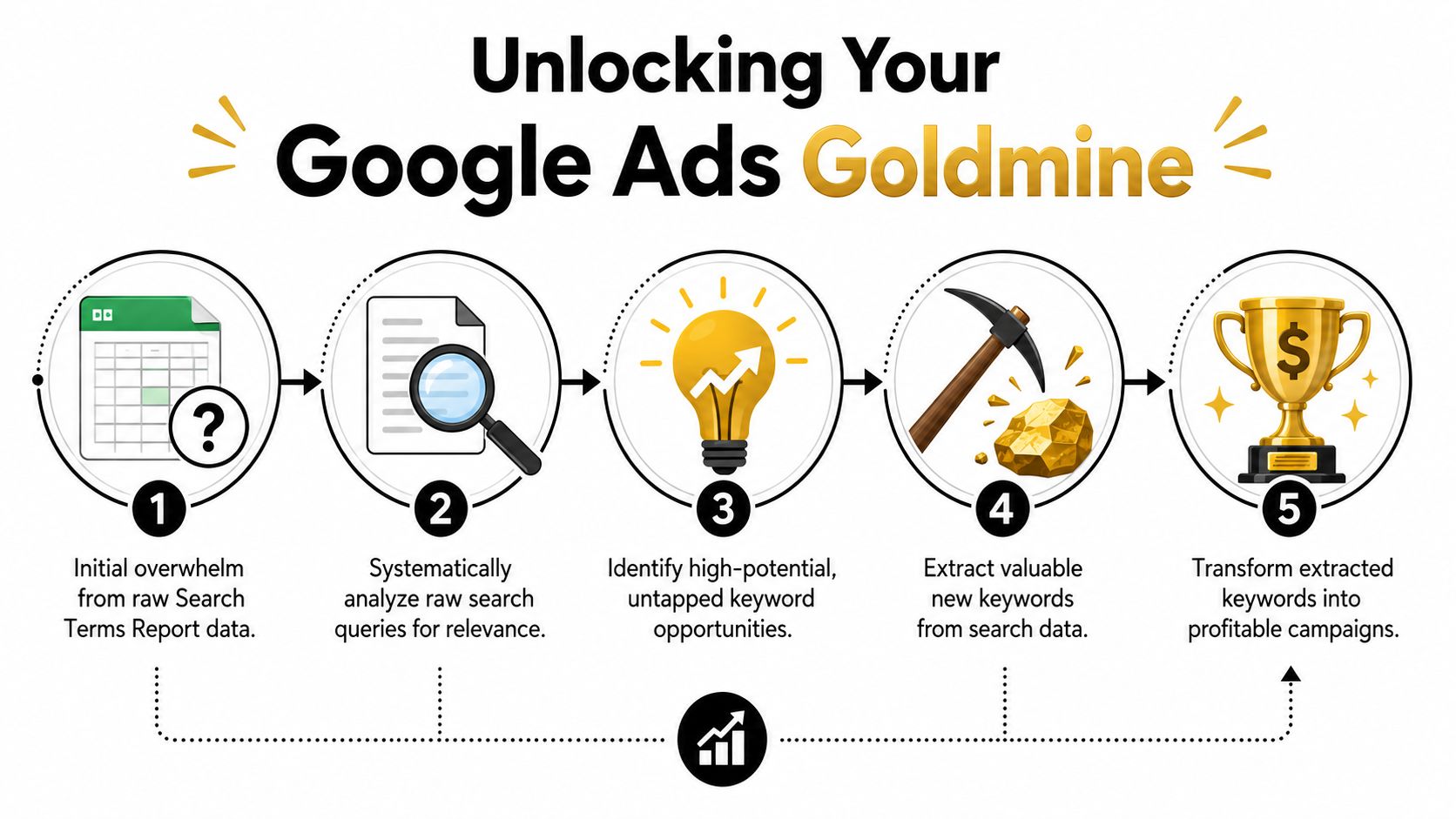
Your Google Ads Goldmine Hiding in Plain Sight
The Search Terms report feels tedious because it tends to be used reactively. Spend spikes, lead quality drops, or conversions flatten out, so they dive in and try to patch leaks. That's useful, but it misses the bigger value.
Google says the official Search terms report shows the actual queries that triggered your ads, and recommends using it to change keyword match types. That matters because it turns real user language into campaign decisions instead of relying on brainstormed keyword lists or planner guesses, as explained in Google Ads Search Terms report documentation.
Why this report matters more than keyword tools
Keyword tools give you possibilities. The Search Terms report gives you evidence.
That's the difference. These aren't theoretical ideas. These are queries that already triggered your ads, already attracted clicks, and already showed you something about intent. When I audit accounts, the easiest wins usually aren't buried in a fancy research platform. They're already sitting inside the report, mixed in with noise.
Practical rule: If a user typed it, clicked it, and converted on it, that query deserves more attention than a brainstormed keyword idea.
What strong PPC managers do differently
They stop treating the report like a spreadsheet to skim and start using it like a decision log. They ask:
- Which queries deserve promotion into dedicated keywords or ad groups
- Which queries show intent mismatch and need ad or landing page work
- Which queries are wasting budget and should become negatives
- Which patterns belong in another campaign type instead of the one currently catching them
That last point matters more now than it used to. Search term mining isn't just about discovery anymore. It's also about classification, because the same query can be valuable in one campaign and harmful in another.
Getting Your Hands on the Right Data
Most bad analysis starts with messy exports. If you pull everything, keep every brand term, and leave exact match duplicates in the file, you'll spend half your time reviewing rows that can't produce new ideas anyway.
Start inside Google Ads and open the Search Terms report for the date range you care about. Then export it. Keep the core columns that help you make decisions quickly: search term, keyword, match type, clicks, conversions, CTR, and cost. If you can only look at one version of the data, make it the one that keeps performance context visible.

Clean the file before you analyze it
The fastest shortcut is filtering out rows that won't teach you anything new.
Remove these first:
- Your own brand terms if this exercise is about net-new discovery. Brand queries often dominate reports and crowd out expansion ideas.
- Search terms already added as exact match keywords because they're usually management tasks, not discovery tasks.
- Queries with no relevance to your offer when they're obvious one-off junk and don't need deeper thought.
- Duplicate themes that appear across multiple campaigns but clearly belong to one bucket.
A lot of teams skip this. Then they complain the report takes forever to review. It does, if you insist on reviewing noise every single time.
Focus on real expansion opportunities
A practical workflow is to filter to broad and phrase match traffic before mining for new terms. That helps separate true expansion candidates from queries you already intentionally control. If you want a cleaner process for that setup, Keywordme's guide on Google Ads search terms report workflow is a useful reference.
The report only shows queries used by a significant number of users, so don't assume it captures every long-tail variation in the account. It captures enough to act on, but not everything.
That matters because some managers overestimate report coverage. If a theme is missing, it doesn't always mean there's no demand. It may just mean the query volume is too limited to appear.
The columns that matter most
I care about these combinations more than isolated metrics:
- Clicks plus conversions tells you whether interest turned into action.
- CTR plus conversion rate helps separate compelling search language from false positives.
- Cost plus conversions helps you spot expensive distractions and efficient winners.
Clicks alone are where people get into trouble. High click volume can mean relevance, curiosity, or just a loose match pulling in broad traffic. You need context before you promote anything.
Sifting for Gold with Data Analysis
Once the file is clean, the work becomes much easier. You're not looking for “good keywords” in a vague sense. You're looking for patterns that justify an action.
A practical workflow is to segment broad and phrase match queries, then sort by clicks, conversions, and CTR to isolate high-intent terms. The trap is treating every high-click term as a winner. Strong analysis compares CTR and conversion rate together before promoting a term, as outlined in this guide on analyzing Search Terms report data efficiently.
The obvious winners
These are the easiest promotions. They usually have three traits:
- They've already converted more than once
- Their cost per conversion is acceptable for the account
- The wording clearly matches the offer and landing page
If a term repeatedly converts through broad or phrase traffic, stop making that term earn its place every time through loose matching. Promote it. Usually, that means adding it as exact match so you can control bids, ad copy alignment, and search intent more tightly.
If a query keeps proving commercial intent, don't leave it buried inside another keyword's traffic.
I also like to look at the language itself. Sometimes the winner isn't just a new keyword. It's a clue that your customers use different wording than your ad groups do. That affects ads and landing pages too.
The near-miss terms
These are the terms newer managers mishandle. They see strong CTR and assume the query is a winner waiting for more budget. Not always.
Some queries attract clicks because the wording in the search is compelling, but they don't convert because the landing page promise doesn't line up. Others trigger ads from a keyword that's technically related but too broad in context. In both cases, the query may still be valuable. It just may not belong where it landed.
Look for terms with:
- Good CTR but weak conversion outcome
- Clear relevance to the product
- A mismatch between query wording and landing page message
- Repeated appearance across the same campaign or ad group
These aren't automatic negatives. They're investigation candidates. Sometimes they need their own ad group with better ad copy. Sometimes they belong in a different campaign. Sometimes the search intent is earlier-stage than the current landing page can handle.
The budget killers
This category is less glamorous, but it pays for everything else.
These terms often have enough clicks to matter, weak or no conversion signal, and wording that reveals poor fit. They can also be queries that look relevant on the surface but carry the wrong intent. That's common in accounts with broad match traffic and loose ad group themes.
Common warning signs:
- The term keeps spending without progressing
- The wording suggests research intent when you need buying intent
- It overlaps awkwardly with a different product line or service
- It creates internal confusion across campaigns
A lot of wasted spend comes from terms that are “close enough” to survive casual review. Don't give them that benefit of the doubt forever.
A simple way to review faster
Use a three-bucket pass instead of analyzing row by row forever:
- Promote terms with proven intent and solid performance
- Inspect terms with engagement but unclear post-click fit
- Exclude terms that repeatedly waste spend or clearly miss intent
That framework keeps you moving. It also makes handoff easier if multiple people touch the account.
Prioritizing Winners and Setting Match Types
You do not need to add every decent-looking query. That creates clutter fast.
Prioritization works better when you judge terms by fit, evidence, and control. If a query clearly matches the offer, has meaningful performance signal, and deserves tighter handling, it should move up the list. If one of those is missing, it drops down.
Use a simple decision filter
When reviewing candidates, ask:
- Did the query show strong intent for the thing being sold?
- Did it produce useful performance evidence rather than just traffic?
- Will adding it improve control over bids, messaging, or structure?
If the answer is yes across the board, promote it. If not, keep it in observation or route it elsewhere.
Keyword Prioritization Matrix
| Search Term Category | Metrics to Watch | Action to Take | Match Type to Use |
|---|---|---|---|
| Proven winner | Conversions, cost per conversion, CTR | Add as dedicated keyword, often in its own tightly themed ad group | Exact |
| Relevant but still broad | CTR, conversion rate, query relevance | Add for controlled expansion if intent is solid but variations still matter | Phrase |
| Discovery theme | Clicks, query patterns, downstream quality | Test carefully when you want more reach and can monitor closely | Broad |
| Intent mismatch | CTR with weak conversion outcome, landing page fit | Fix ad group mapping or landing page before adding | None yet |
| Irrelevant or wasteful | Cost, low relevance, poor conversion signal | Add as negative | Negative, not a target keyword |
Match type is a strategy choice
For mined search terms, exact match is usually the safest promotion path when a query has already proven itself. It preserves control and makes performance easier to isolate.
Phrase match is useful when the core wording is strong but you still want nearby variations to come through. This works best when the theme is commercially aligned and you want expansion without going fully open-ended.
Broad match is not where I'd start for a mined winner. Broad is better used deliberately for discovery, not as the automatic home for every good term you found in the report. If a search term already did the hard work of proving itself, give it structure.
Building a Rock-Solid Negative Keyword Strategy
A lot of PPC managers like discovery work more than exclusion work. That's understandable. New keywords feel like growth. Negatives feel like maintenance.
In practice, negative keyword work is what protects the account from repeating the same mistakes. If you keep mining winners but leave junk traffic untouched, your report gets fuller while your budget gets sloppier.
Where negatives should live
Not every bad term belongs in the same place. Placement matters.
- Ad group level works when a query is wrong for one tight theme but still useful elsewhere in the campaign.
- Campaign level makes sense when a theme is broadly irrelevant to that campaign's goal or product set.
- Shared list level is better for recurring account-wide junk that should never trigger ads anywhere.
That's the part many teams miss. A negative keyword decision is also a classification decision.
Some exclusions are surgical. Others are policy. Don't manage both the same way.
If a term is wrong for one ad group but right for another, don't throw it into a shared list and block it everywhere. On the other hand, if you keep finding the same irrelevant modifier across campaigns, stop solving it one campaign at a time.
Why negatives change account health quickly
Systematic negative keyword work often shows up faster than many other optimizations. One practical benchmark is that changes in relevance scores and efficiency often become visible within 2–3 weeks after consistent negative keyword implementation, according to Count's search term analysis guidance.
That's one reason I treat negatives as part of keyword expansion, not separate from it. Every useful search term report session should create both: new targets and cleaner exclusions. If you want a tighter process for building those exclusions, this walkthrough on using the Search Terms report to find negative keywords is worth keeping handy.
Two common mistakes
The first is adding negatives too narrowly and repeating the same cleanup every week.
The second is adding them too broadly and blocking traffic you wanted. When in doubt, apply the smallest exclusion that solves the problem, then expand only if the pattern repeats.
Deploying Keywords and Automating Your Workflow
Finding a winning query is only half the job. The harder part is implementing it cleanly across the account without creating overlap, duplication, or cross-campaign conflict.
Put new terms in the right structure
Some mined terms belong in an existing ad group because the theme is already tight and the ad copy still fits. Others deserve their own ad group because the wording is specific enough to justify dedicated control.
My default rule is simple:
- Same intent, same message, same landing page means add to the existing structure.
- Different wording or different promise means break it out.
This keeps ad groups focused without creating unnecessary sprawl.
The cross-campaign problem most teams run into
The messy part now is that a search term can trigger multiple actions depending on campaign type. One query may deserve promotion as an exact match keyword in Search, exclusion in a Performance Max setup, and separate monitoring if it keeps appearing in the wrong place.
That's why the value of the report is increasingly about classification across campaign types, not just discovery. Google has expanded Performance Max controls, but list handling still remains fragmented, which creates extra manual work in mixed-account structures, as discussed in this analysis of PMax search term and keyword workflows.
A manual workflow usually looks like this:
- Export the report
- Tag winners and losers
- Check whether the term already exists
- Add it as exact in one place
- Add it as a negative in another
- Copy the same logic into another campaign or list
That's where process fatigue kicks in.
Where automation earns its keep
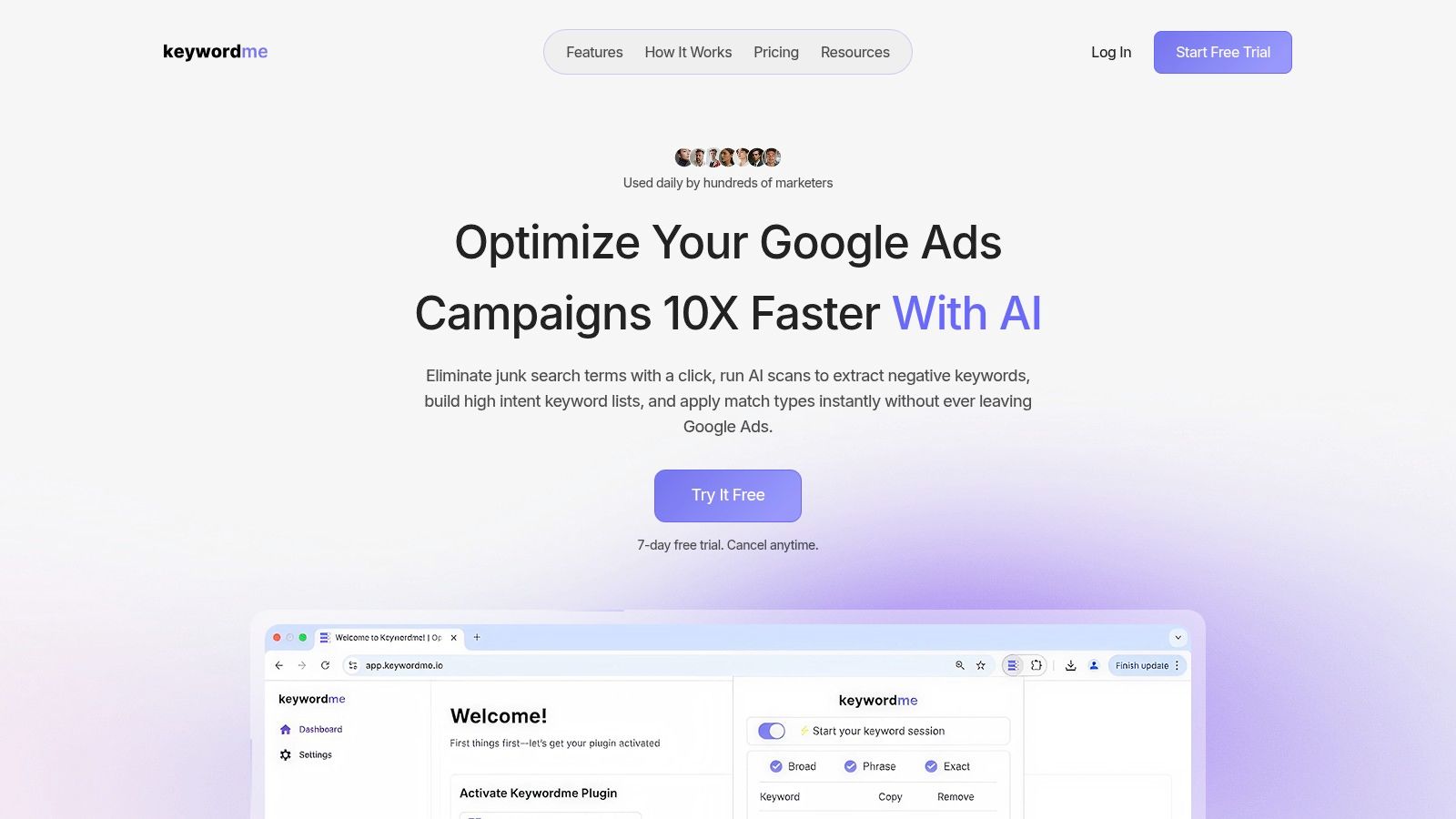
This is exactly the kind of workflow where a tool should remove friction instead of replacing judgment. Keywordme is one option built for this specific job. It works inside Google Ads, helps classify search terms, apply match types, and handle negatives without the usual copy-paste mess.
A quick look at the workflow helps:
If you're doing this manually across several campaigns, the bottleneck usually isn't knowing what to do. It's implementing the same decision over and over without losing track.
The better your workflow gets, the more often you'll review search terms. And the more often you review them, the easier it becomes to keep your account structure aligned with actual user intent instead of outdated keyword assumptions.
If you want a faster way to turn search term insights into exact keywords, negatives, and cleaner campaign structure, take a look at Keywordme. It's built for PPC teams that want to work directly from search term data without the usual spreadsheet grind.
.svg)