
9 Free Google Ads Chrome Extensions You Should Already Have
Managing Google Ads campaigns requires constant keyword research, competitor analysis, and optimization across multiple tabs and dashboards. This guide reviews the 9 best free Google Ads Chrome extensions in 2026 that streamline PPC workflows by enabling one-click search term management, ad spying, and campaign audits directly in your browser—saving hours of manual work for freelancers and agencies alike.


Managing Google Ads campaigns means juggling keyword research, competitor analysis, conversion tracking, and constant optimization—often across multiple browser tabs and clunky dashboards. The right Chrome extension can collapse hours of manual work into a few clicks, letting you research keywords, audit competitors, and optimize campaigns without ever leaving your browser.
This roundup covers the best free Google Ads Chrome extensions available in 2026, from search term management tools to ad spy utilities. Whether you're a freelancer juggling multiple client accounts or an agency scaling PPC operations, these extensions work directly in your existing workflow. We've tested each one and ranked them based on actual usefulness, ease of setup, and how much time they genuinely save.
1. Keywordme
Best for: One-click search term optimization directly inside Google Ads
Keywordme is a Chrome extension that transforms the Google Ads Search Terms Report into an optimization powerhouse.

Where This Tool Shines
Most PPC managers waste hours copying search terms into spreadsheets, manually adding negatives, and switching between tabs to apply match types. Keywordme eliminates that entire workflow by embedding optimization controls directly into the Google Ads interface.
You're already in the Search Terms Report reviewing performance. Now you can click once to remove junk keywords, add high-intent terms to ad groups, or build negative keyword lists—without opening a single spreadsheet. This is especially powerful for agencies managing multiple client accounts where context-switching kills productivity.
Key Features
One-Click Junk Keyword Removal: Instantly exclude irrelevant search terms without manual copy-paste.
Bulk Negative Keyword List Building: Create and apply negative lists across campaigns in seconds.
Match Type Application Without Spreadsheets: Apply exact, phrase, or broad match modifiers directly in the interface.
Multi-Account and Team Support: Manage multiple Google Ads accounts and collaborate with team members seamlessly.
Works Directly in Google Ads Interface: No separate dashboard—everything happens where you're already working.
Best For
Freelancers and agencies who spend significant time in the Search Terms Report. If you regularly review search queries to refine targeting, this tool cuts optimization time dramatically. It's particularly valuable for anyone managing multiple accounts or clients where speed matters.
Pricing
7-day free trial, then $12/month per user. The flat-rate pricing makes it predictable for agencies adding team members.
2. Google Ads Editor Companion
Best for: Syncing browser and desktop workflows for bulk campaign edits
Google Ads Editor Companion is the official browser extension that bridges the gap between the web interface and the desktop Editor app.

Where This Tool Shines
If you're making large-scale campaign changes—restructuring ad groups, updating hundreds of ad headlines, or adjusting bids across multiple campaigns—the desktop Editor is faster than the web interface. This extension lets you quickly jump between the two without losing context.
What usually happens is you're reviewing performance in the browser, spot something that needs bulk editing, and want to switch to Editor without hunting for the right campaign. The companion extension makes that transition seamless, especially when you're working offline or need to make changes before pushing them live.
Key Features
Sync Browser and Desktop Editor: One-click transition between web and desktop without losing your place.
Bulk Campaign Modifications: Make large-scale changes faster than the web interface allows.
Offline Editing Capability: Download campaigns, edit without internet, then upload when ready.
Multi-Account Management: Switch between client accounts efficiently when managing multiple advertisers.
Best For
Agencies and in-house teams making frequent bulk edits. If you're constantly restructuring campaigns, updating ad copy at scale, or managing large accounts where the web interface feels slow, this pairing is essential.
Pricing
Completely free. It's Google's official tool, so there's no premium tier or hidden costs.
3. Keyword Surfer
Best for: Instant keyword research data directly in Google search results
Keyword Surfer is a free keyword research extension that displays search volume, CPC estimates, and related keywords without leaving Google.

Where This Tool Shines
Traditional keyword research means opening Keyword Planner, typing terms, waiting for data, then repeating for variations. Keyword Surfer eliminates that workflow by showing search volume and CPC estimates directly in the Google search bar as you type.
You're already Googling terms to understand search intent. Now you see monthly volume and cost-per-click data instantly, letting you evaluate keyword viability in real-time. The sidebar also suggests related keywords, helping you discover variations you might have missed.
Key Features
Search Volume in SERPs: See monthly search volume for any term directly in Google results.
CPC Estimates: Get approximate cost-per-click data to gauge competitiveness.
Related Keyword Suggestions: Discover similar terms and variations in the sidebar.
Content Word Count Analysis: View word counts for ranking pages to inform content strategy.
Best For
Marketers doing initial keyword exploration before building campaigns. If you're researching new verticals, evaluating keyword ideas, or trying to understand search volume for long-tail variations, this gives you instant data without opening additional tools.
Pricing
Completely free with no query limits. It's one of the few keyword tools that doesn't gate data behind a paywall.
4. SimilarWeb Extension
Best for: Competitor traffic analysis and benchmarking in one click
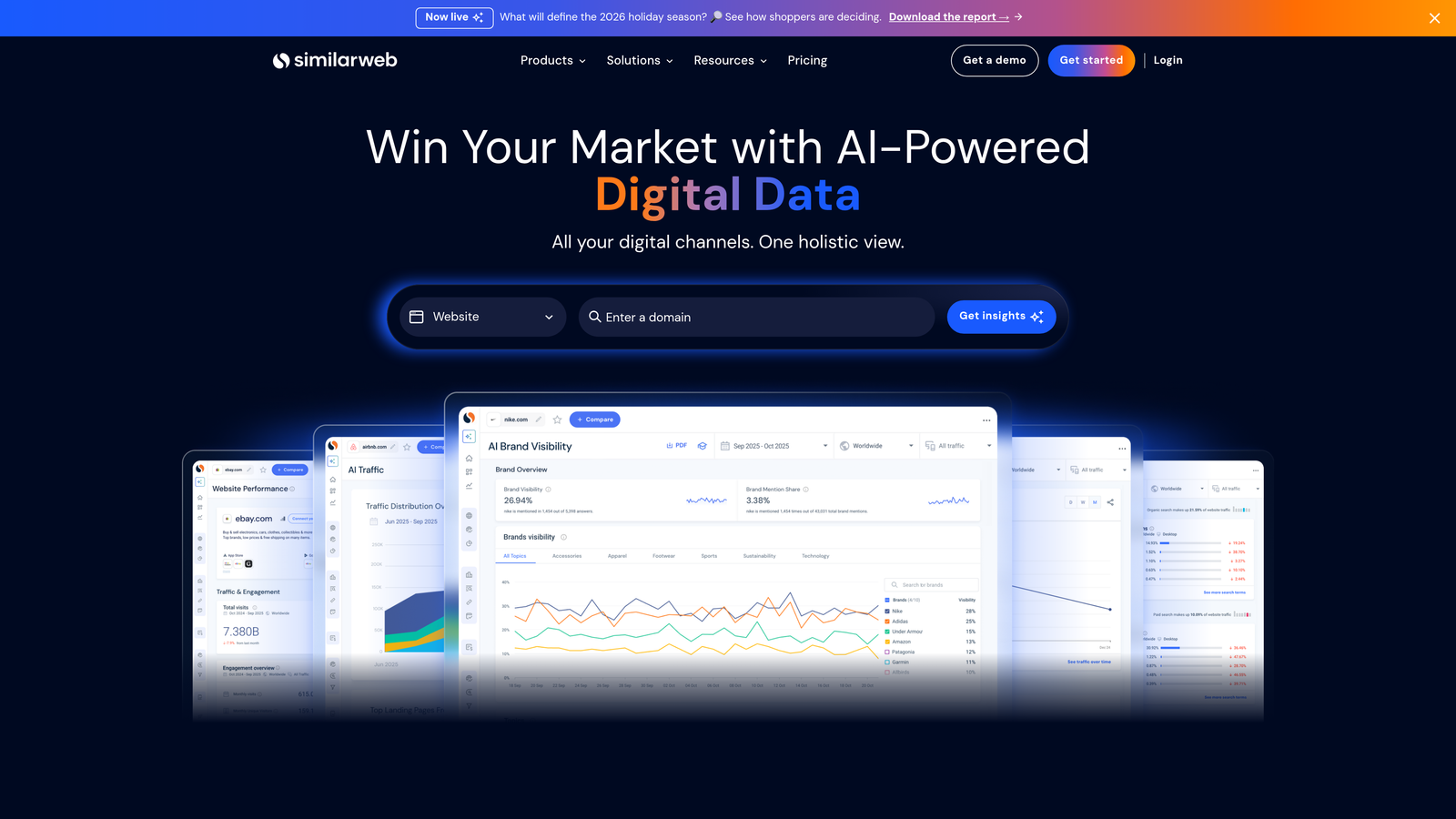
SimilarWeb Extension reveals estimated traffic, traffic sources, and engagement metrics for any website you visit.
Where This Tool Shines
When you're researching competitors or evaluating potential advertising partners, understanding their traffic composition matters. SimilarWeb's extension shows estimated monthly visits, traffic source breakdown (direct, search, social, referral), and engagement metrics like bounce rate and session duration.
The mistake most agencies make is assuming a competitor's visibility means they're driving massive traffic. This extension shows you the reality—whether their traffic is mostly organic, paid, or direct—helping you understand where to focus your own efforts. It's particularly useful when auditing competitor landing pages to see if their traffic justifies their ad spend.
Key Features
Traffic Estimates: See monthly visit estimates for any domain instantly.
Traffic Source Breakdown: Understand what percentage comes from paid, organic, social, or referral sources.
Competitor Benchmarking: Compare traffic patterns across multiple competitors quickly.
Industry Ranking Data: See where a site ranks within its category or industry.
Best For
Competitive researchers and strategists evaluating market positioning. If you're constantly analyzing competitors, deciding which brands to benchmark against, or trying to understand traffic composition before launching campaigns, this provides instant intelligence.
Pricing
Free tier with limited monthly queries. Enough for casual research, but power users will hit limits quickly.
5. Tag Assistant Legacy
Best for: Troubleshooting Google Ads conversion tracking and tag implementations
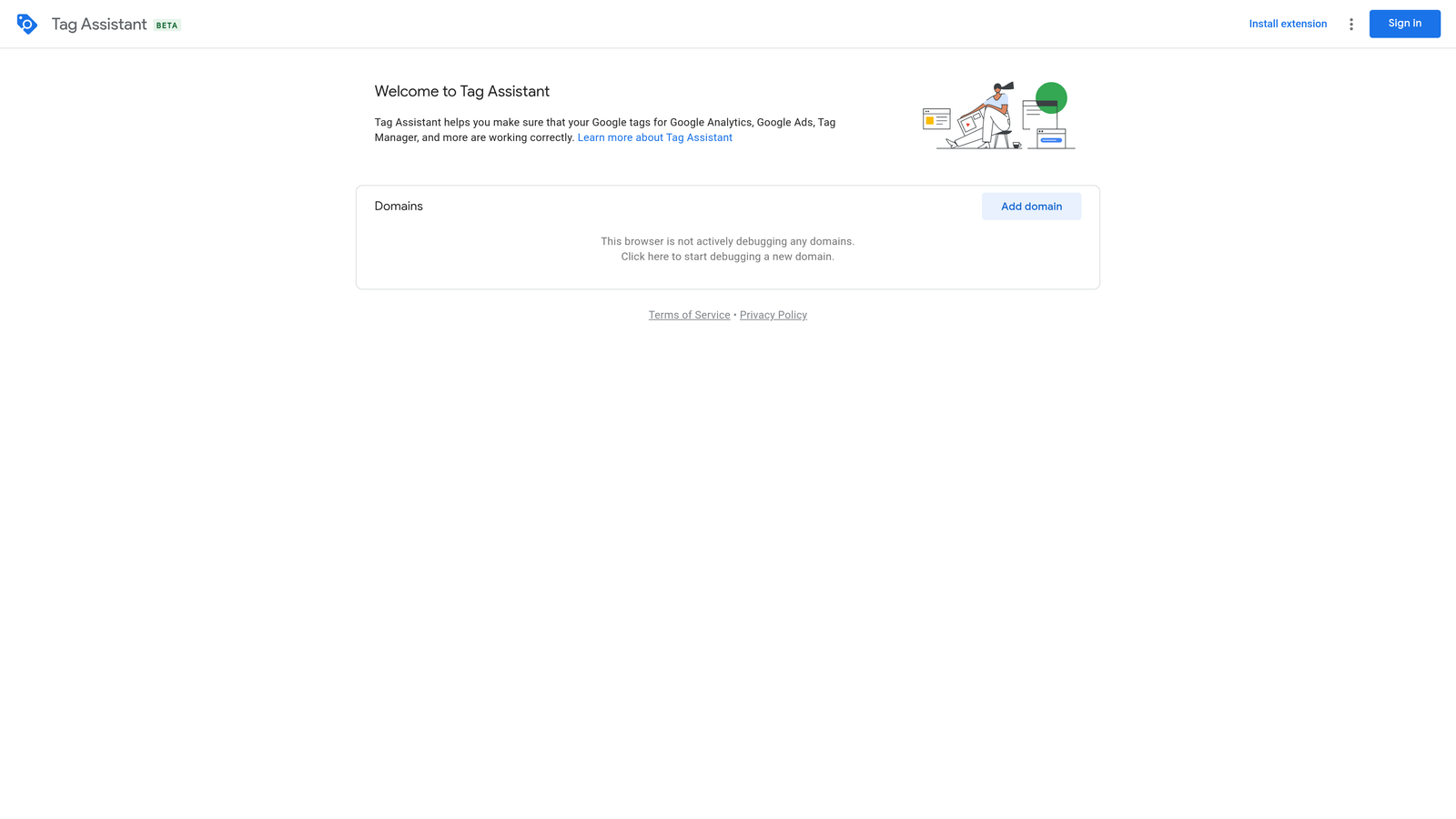
Tag Assistant Legacy is Google's official tag validation tool for debugging conversion tracking, Analytics, and Tag Manager setups.
Where This Tool Shines
Conversion tracking issues are one of the most frustrating problems in Google Ads. A tag fires inconsistently, a conversion doesn't record, or you're not sure if the tracking pixel loaded correctly. Tag Assistant shows you in real-time which Google tags are firing, whether they're configured correctly, and if there are errors preventing proper data collection.
What usually happens here is you set up a conversion action, test it, and aren't sure if it's working. Tag Assistant gives you immediate visual confirmation—green checkmarks for working tags, red warnings for errors. It's especially valuable when troubleshooting Google Ads conversion tracking, Analytics goals, or Tag Manager triggers.
Key Features
Tag Validation and Debugging: See which Google tags are present on any page and whether they're firing correctly.
Conversion Tracking Verification: Confirm Google Ads conversion pixels are recording properly.
Real-Time Tag Firing Status: Watch tags fire as you navigate pages to catch intermittent issues.
Error Identification: Get specific error messages explaining why tags aren't working.
Best For
Anyone implementing or troubleshooting Google Ads conversion tracking. If you manage conversion setups, validate tracking implementations, or frequently debug why conversions aren't recording, this is essential for diagnosing problems quickly.
Pricing
Completely free. It's Google's official debugging tool with no premium features.
6. Whatagraph Ads Preview Tool
Best for: Previewing Google Ads without affecting impression counts
Whatagraph Ads Preview Tool lets you see how Google Ads appear in different locations and devices without triggering impressions.

Where This Tool Shines
Every time you Google your own ads to see if they're showing, you generate an impression without a click—tanking your CTR and potentially affecting Quality Score. The Ads Preview Tool simulates searches from different locations and devices so you can check ad appearance without impacting account metrics.
This is particularly useful when you've just launched a campaign and want to confirm ads are showing correctly, or when a client asks "Why don't I see my ads?" You can demonstrate exactly when and where ads appear without damaging performance data.
Key Features
Location-Based Ad Preview: See ads as they appear in specific cities, regions, or countries.
Device-Specific Previews: Check how ads render on desktop, mobile, and tablet.
No Impression Impact: Preview ads without generating impressions that affect CTR.
Quick Ad Appearance Checks: Verify new campaigns are serving correctly immediately after launch.
Best For
Anyone managing geo-targeted campaigns or frequently checking ad visibility. If you're running location-specific promotions, managing multi-location businesses, or need to verify ad copy changes went live, this prevents the common mistake of searching for your own ads.
Pricing
Free as part of Whatagraph's suite. No query limits or premium restrictions.
7. SpyFu Extension
Best for: Competitive PPC intelligence and historical ad data
SpyFu Extension reveals competitor PPC keywords, ad history, and estimated ad spend for any domain.

Where This Tool Shines
When you're researching competitors, knowing which keywords they're bidding on and how long they've been running specific ads provides strategic intelligence. SpyFu's extension shows you a domain's top PPC keywords, historical ad variations, and estimated monthly ad spend—helping you identify profitable keywords and proven ad copy.
In most accounts I audit, advertisers are guessing which competitor keywords to target. SpyFu removes the guesswork by showing you exactly where competitors are investing their budget. If they've been running the same ad for months, it's likely profitable. If they've tested dozens of variations, you can see which messaging stuck.
Key Features
Competitor Keyword Lists: See which keywords competitors are bidding on and their estimated positions.
Historical Ad Data: View ad copy variations over time to identify winning messages.
PPC Spend Estimates: Get approximate monthly ad spend to gauge competitive intensity.
Domain Comparison: Compare multiple competitors side-by-side to find keyword gaps.
Best For
Competitive researchers and strategists building keyword lists. If you're entering a new market, evaluating competitor strategies, or trying to identify high-value keywords, SpyFu provides actionable intelligence without requiring separate research tools.
Pricing
Free tier with limited daily lookups and partial data. Enough to research a few competitors, but serious competitive analysis requires the paid version.
8. Ghostery
Best for: Revealing tracking pixels and ad tech stacks on competitor landing pages
Ghostery is a privacy-focused extension that identifies tracking pixels, ad tech, and analytics tools running on any website.

Where This Tool Shines
When you're auditing competitor landing pages, understanding their tech stack reveals strategic insights. Ghostery shows you which tracking pixels they're using (Google Ads, Facebook, LinkedIn), which analytics platforms they've implemented, and which retargeting tags are firing—giving you a blueprint of their measurement and remarketing strategy.
This is especially useful when a competitor's landing page is converting well and you want to understand their data infrastructure. Are they using heatmapping tools? Running A/B tests? Tracking multiple conversion events? Ghostery exposes the entire stack, helping you identify gaps in your own setup.
Key Features
Tracker Identification: See all tracking pixels, analytics tools, and ad tech running on any page.
Ad Tech Stack Reveal: Identify which advertising platforms competitors are using for retargeting.
Landing Page Auditing: Understand competitor measurement strategies by seeing their tracking setup.
Privacy Protection: Block trackers on sites you visit to protect your own browsing data.
Best For
Marketers conducting competitive landing page audits. If you're analyzing competitor funnels, trying to understand their remarketing strategy, or evaluating which tracking tools successful competitors use, Ghostery provides visibility into their technical implementation.
Pricing
Completely free with no premium tier. It's privacy-focused software supported by optional donations.
9. Google Analytics Debugger
Best for: Real-time validation of Analytics and conversion data flow
Google Analytics Debugger is a developer tool that outputs Google Analytics tracking calls to the browser console for real-time debugging.
Where This Tool Shines
When Google Ads conversion tracking isn't working correctly, the issue is often in the data flow between Google Analytics and Google Ads. GA Debugger shows you exactly which tracking calls are firing, what data they're sending, and whether events are recording properly—helping you diagnose integration issues without waiting for data to appear in reports.
The twist is that most conversion tracking problems aren't obvious in the interface. A goal might look configured correctly but isn't firing, or an event is recording in Analytics but not importing to Google Ads. GA Debugger exposes the underlying tracking calls, letting you confirm data is flowing correctly before it reaches your reports.
Key Features
Real-Time GA Debugging: See every Google Analytics hit as it fires in your browser console.
Console Output of Tracking Calls: View detailed parameters sent with each Analytics event or pageview.
Data Validation: Confirm conversion events are recording with correct values and parameters.
Integration Troubleshooting: Diagnose issues between Google Analytics and Google Ads conversion imports.
Best For
Technical marketers and developers implementing conversion tracking. If you're setting up Google Analytics goals, configuring Google Ads conversion imports, or troubleshooting why conversion data isn't flowing correctly, this provides granular visibility into the tracking layer.
Pricing
Completely free. It's a developer tool with no premium features or limitations.
Choosing the Right Extension for Your Workflow
The best Chrome extensions solve specific workflow problems. If you're spending hours in the Search Terms Report manually optimizing keywords, Keywordme eliminates that entire spreadsheet workflow. If you're constantly researching competitors, SpyFu and SimilarWeb provide instant intelligence without opening separate tools.
Most PPC managers stack 2-4 extensions depending on their focus. A typical setup might include Keywordme for in-platform optimization, Keyword Surfer for quick keyword research, and Tag Assistant for troubleshooting tracking issues. Agency teams managing multiple clients often add Google Ads Editor Companion for bulk editing efficiency.
Extensions only take you so far, though. Once the tooling is in place, the gains come from what you do with it. If your ads keep showing for the wrong searches, the fix is usually match type syntax rather than another install, and our guide to AdWords keyword modifiers covers the exact symbols and rules. If a low Quality Score is pushing your costs up, these Google Ads Quality Score improvement tools tackle that directly. And if traffic looks healthy but sales don't follow, benchmark your Google Ads conversion rate before you change anything else.
The key is matching extensions to your actual pain points. If you're not doing competitive research regularly, SpyFu's free tier will sit unused. If you're not troubleshooting conversion tracking frequently, GA Debugger is overkill. Start with the tools that address your most time-consuming tasks, then add others as your workflow evolves.
For most advertisers, the biggest time sink is keyword optimization: reviewing search terms, adding negatives, and refining match types. That's where an in-platform tool like Keywordme delivers immediate ROI by collapsing hours of manual work into quick, seamless clicks.
Optimize Google Ads Campaigns 10X Faster. Without Leaving Your Account. Keywordme lets you remove junk search terms, build high-intent keyword lists, and apply match types instantly, right inside Google Ads. No spreadsheets, no switching tabs, just quick, seamless optimization. Start your free 7-day trial (then just $12/month) and take your Google Ads game to the next level.
.svg)