
9 Best Google Ads Quality Score Improvement Tools in 2026
This guide reviews the 9 best Google Ads Quality Score Improvement Tools in 2026, covering search term analysis, keyword organization, ad copy feedback, and landing page performance — everything you need to address the three core Quality Score components and run more competitive, cost-efficient campaigns.


Quality Score affects two things that matter most to your Google Ads budget: how much you pay per click and where your ads appear. Google calculates it at the keyword level using three components: expected click-through rate, ad relevance, and landing page experience. Each one is rated Above Average, Average, or Below Average, and the combination shapes your ad's competitiveness in every auction.
One thing worth knowing upfront: Google has shifted its emphasis in recent years toward Ad Strength for responsive search ads and broader campaign-level signals. Quality Score is still a useful diagnostic, but it's a starting point for identifying relevance problems, not a single number to chase at all costs.
That said, improving the three underlying components is still very much worth your time. The challenge is that doing it manually across dozens of ad groups gets tedious fast. The tools below cover the full Quality Score picture: search term analysis, keyword organization, ad copy feedback, and landing page performance. Before diving in, if you're not sure what's broken in your account, our guide on what is wrong with my Google Ads campaign is a good place to start.
1. Keywordme
Best for: Cleaning up the Search Terms Report and tightening keyword grouping without leaving Google Ads
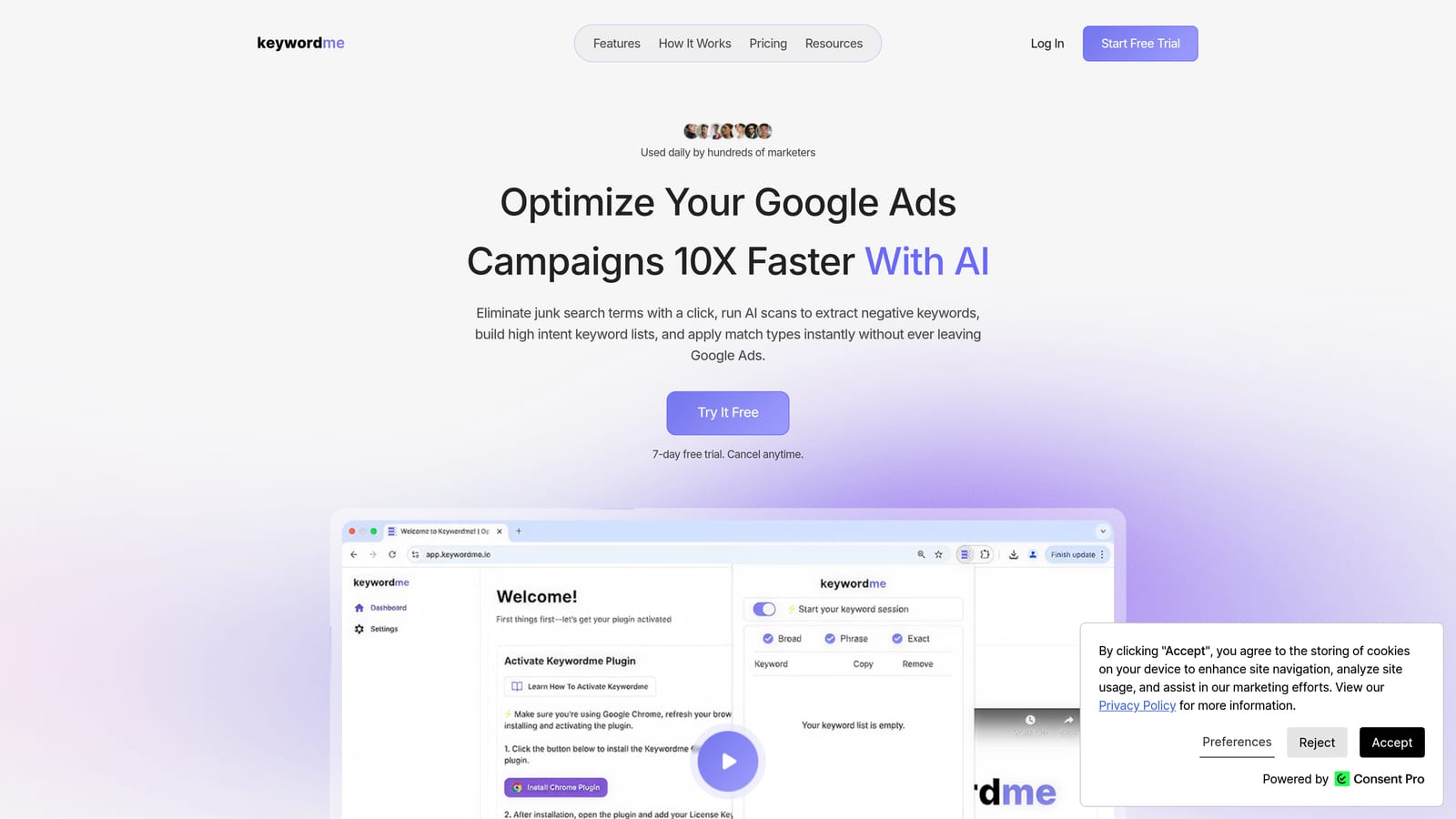
Keywordme is a Chrome extension that works directly inside the Google Ads Search Terms Report, letting you take action on keywords without switching to a separate tool or exporting to a spreadsheet.
Where This Tool Shines
Most Quality Score problems trace back to two things: irrelevant search terms dragging down expected CTR, and ad groups that are too broad to write a relevant ad for. Keywordme addresses both. You can add negative keywords with a single click from inside the Search Terms Report, which removes the copy-paste workflow that most advertisers tolerate but never enjoy. The keyword clustering feature helps you identify which search terms belong together, so you can build tighter ad groups where your ads and keywords actually share a theme.
It's worth being direct about scope: Keywordme improves the inputs that influence expected CTR and ad relevance. It does not directly affect landing page experience, which is a separate component you'll need other tools to address. But for the search term and keyword organization side of Quality Score, it removes a lot of friction from work you'd otherwise do manually. If you want more context on why match types matter here, the guide on match type optimization is worth reading alongside this tool.
Key Features
One-click negative keyword addition: Add negatives directly from the Search Terms Report without leaving the Google Ads interface.
Keyword clustering: Group search terms by theme to build tighter, more relevant ad groups that support better ad relevance scores.
Bulk match type application: Apply match types across multiple keywords at once without exporting to a spreadsheet.
Multi-account and team support: Manage multiple client accounts from one place, which is useful for agency workflows.
Native interface integration: Everything happens inside Google Ads—no separate dashboard, no tab switching.
Best For
Freelancers, in-house marketers, and agency teams who spend meaningful time in the Search Terms Report and want to move faster. Particularly useful for anyone managing multiple accounts who needs a repeatable, low-friction process for negative keyword management and ad group organization.
Pricing
$12 per user per month. A 7-day free trial is available with no commitment required.
2. Google Ads Keyword Planner
Best for: Building tightly themed keyword lists before launching or restructuring campaigns
Google Ads Keyword Planner is Google's native keyword research tool, available free inside any Google Ads account.
Where This Tool Shines
Keyword Planner doesn't report Quality Score directly, but it shapes the keyword decisions that influence it. When you build ad groups around closely related keywords, you're in a much better position to write ads that match searcher intent, which feeds into both expected CTR and ad relevance. Keyword Planner helps you identify which terms belong together and which are too broad or tangential to include.
The forecasting tool is also useful during planning. You can estimate expected clicks and impressions for a keyword set before you spend anything, which helps you prioritize which ad groups to build first. It's not a Quality Score tool in the strict sense, but it's foundational to the keyword strategy that Quality Score reflects.
Key Features
Keyword ideas from seed terms or URLs: Generate keyword suggestions based on a topic, phrase, or existing landing page.
Search volume ranges and competition indicators: Understand relative demand and advertiser competition for each keyword.
Bid estimates: See suggested bid ranges to inform keyword selection and budget planning.
Forecasting tool: Project expected clicks and impressions for a planned keyword set.
Free access: Available to any advertiser with an active Google Ads account.
Best For
Advertisers who are building new campaigns or restructuring existing ones and need a reliable, free starting point for keyword research. Also useful for agencies doing initial keyword discovery before moving into more specialized tools.
Pricing
Free with any Google Ads account.
3. Optmyzr
Best for: Large accounts that need ongoing Quality Score monitoring and rule-based automation
Optmyzr is a PPC management platform built for agencies and large advertisers who need systematic oversight across multiple accounts.

Where This Tool Shines
One of the practical frustrations with Quality Score is that it changes over time, and it's hard to track trends manually. Optmyzr tracks Quality Score at the keyword level historically, so you can see whether changes you made actually moved the needle. That kind of before-and-after visibility is genuinely useful when you're trying to prove the value of optimization work to a client or manager.
The rule-based automation layer is where Optmyzr separates itself from simpler tools. You can set up rules that flag low Quality Score keywords, adjust bids based on performance thresholds, or trigger alerts when specific conditions are met. For accounts with hundreds of ad groups, this kind of systematic monitoring is difficult to replicate manually.
Key Features
Quality Score tracking and historical trending: Monitor how Quality Score changes at the keyword level over time.
Rule-based automation: Set conditions that trigger bid adjustments, keyword actions, or alerts automatically.
One-click optimization suggestions: Review and apply account-wide recommendations in a single workflow.
Account audit reports: Identify low Quality Score keywords across the account with context on what's dragging them down.
Multi-account dashboard: Manage and report across multiple client accounts from one view.
Best For
Agencies and in-house teams managing large Google Ads accounts where manual monitoring isn't practical. Best suited for PPC practitioners who are comfortable with rule-based workflows and want systematic Quality Score visibility over time.
Pricing
Tiered pricing based on ad spend and account size. Verify current plans at optmyzr.com.
4. Semrush
Best for: Competitive keyword research and identifying gaps in your keyword strategy
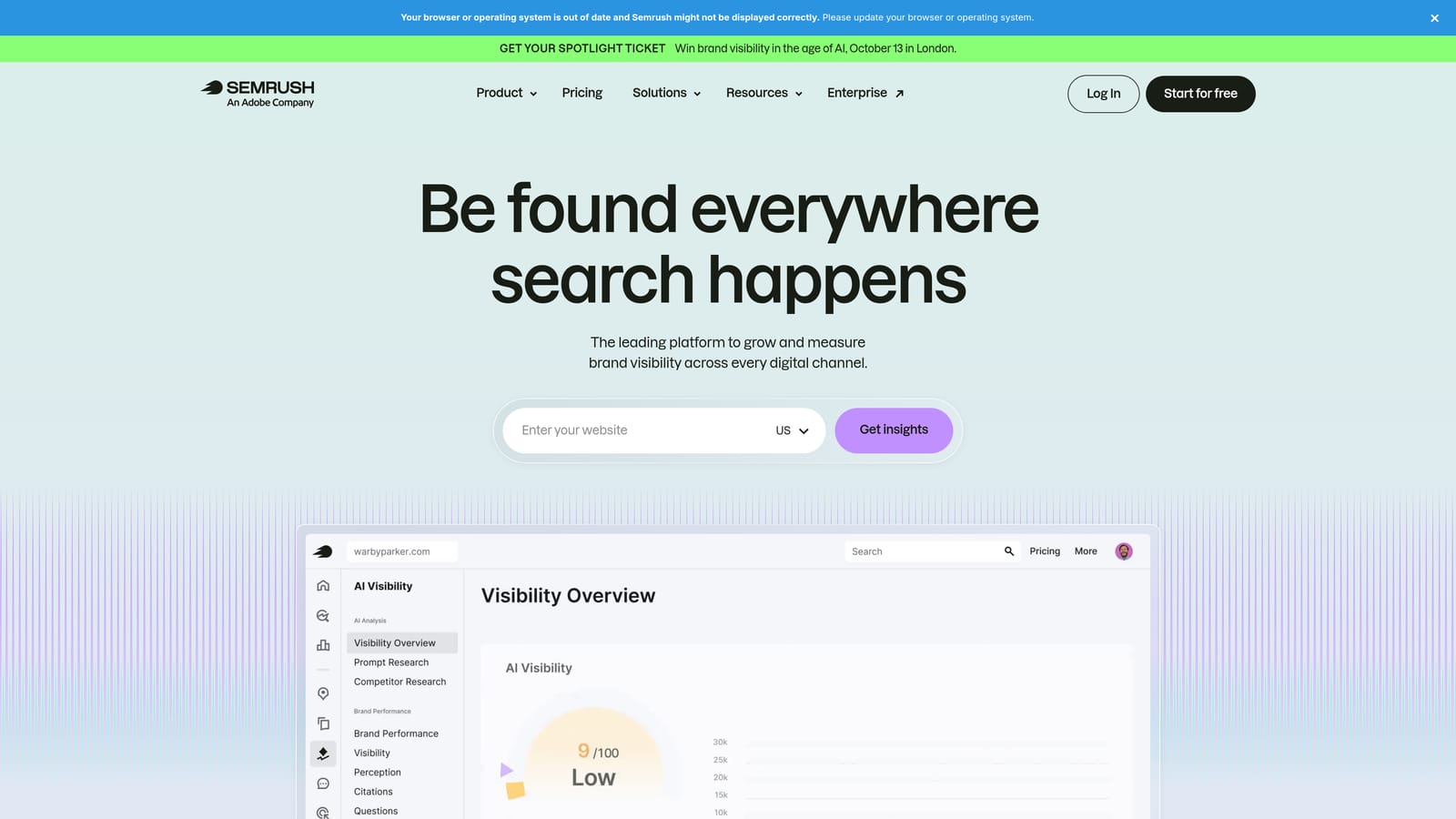
Semrush is a broad SEO and PPC research platform with one of the larger keyword databases available to advertisers.
Where This Tool Shines
Semrush is most useful in the planning and restructuring phase, before you're deep into optimization. The Keyword Gap tool shows you keywords that competitors are actively bidding on that you're not, which can reveal high-relevance opportunities you've missed. The Advertising Research feature shows competitor ad copy and the landing pages those ads point to, which is useful context when you're trying to understand why a competitor's ads might be performing well.
For Quality Score specifically, the value is in building more complete, better-organized keyword lists. Tighter keyword grouping leads to more relevant ads, and more relevant ads tend to improve both expected CTR and ad relevance scores over time. Semrush gives you the research foundation to make those decisions with better information.
Key Features
Keyword Gap tool: Compare your keyword coverage against competitors and find high-relevance terms you're missing.
Advertising Research: See competitor ad copy, landing pages, and ad history.
PPC keyword tool: Build, organize, and group keyword lists for campaign structure.
Ad history data: Review which ads competitors have run over time to identify what messaging sticks.
Keyword intent classification: Filter keywords by search intent to prioritize the most relevant terms for each ad group.
Best For
Advertisers who want competitive intelligence before rebuilding ad groups, or agencies doing keyword research for new clients. Less useful as a day-to-day optimization tool and more valuable as a research layer during campaign planning.
Pricing
Tiered subscription. Verify current pricing at semrush.com.
5. Unbounce
Best for: Building and testing landing pages to improve landing page experience scores
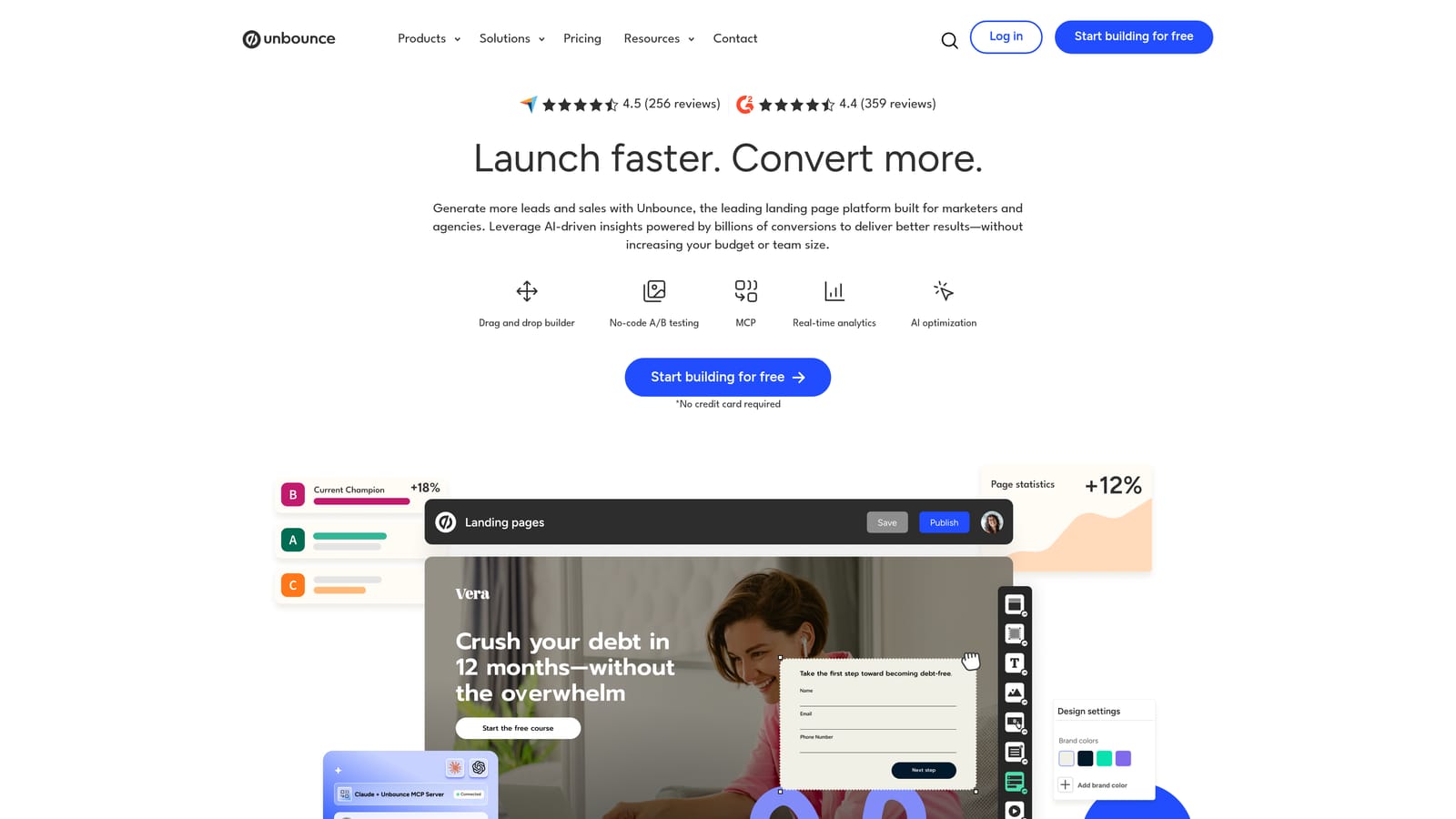
Unbounce is a landing page builder with A/B testing and an AI-powered traffic routing feature that addresses the landing page experience component of Quality Score directly.
Where This Tool Shines
Landing page experience is the Quality Score component that advertisers most often neglect, partly because fixing it requires more work than adjusting a keyword or rewriting an ad headline. Unbounce lowers the barrier by letting marketers build and test landing pages without developer involvement. You can create a page, run a variant, and let traffic determine which version performs better, all without touching code.
The Smart Traffic feature goes a step further by automatically routing visitors to the page variant most likely to convert based on their attributes. The dynamic text replacement feature is particularly relevant for Quality Score: it lets you match the landing page headline to the keyword or ad that triggered the click, which directly supports relevance alignment between your ad and your page.
Key Features
Drag-and-drop page builder: Create landing pages without writing code or involving a developer.
A/B testing: Run controlled experiments to compare page variants and identify what converts better.
Smart Traffic: AI-powered visitor routing that sends traffic to the highest-converting variant automatically.
Dynamic text replacement: Match landing page copy to the keyword or ad that drove the click, improving relevance alignment.
Google Ads integrations: Connect campaigns to specific landing pages for cleaner campaign-level management.
Best For
Marketers who have identified landing page experience as their weakest Quality Score component and need a faster way to test and iterate on page design without relying on a development team.
Pricing
Tiered subscription. Verify current pricing at unbounce.com.
6. Google Search Console
Best for: Diagnosing technical page experience issues that affect landing page experience ratings
Google Search Console is Google's free website performance tool that surfaces the technical signals most closely tied to landing page experience in Google Ads.
Where This Tool Shines
Google's landing page experience rating draws on page experience signals, including Core Web Vitals. Search Console gives you the Core Web Vitals report for your actual pages, broken down by mobile and desktop, so you can see which URLs are flagged as Poor or Needs Improvement. This is the diagnostic step that should come before any landing page redesign work, because it tells you where the real problems are.
The Mobile Usability report is also worth checking. Many advertisers run campaigns that drive traffic to pages with mobile usability issues, which directly affects the landing page experience rating for mobile users. Search Console identifies specific problems at the page level, so you know exactly what to fix rather than guessing.
Key Features
Core Web Vitals report: See LCP, INP, and CLS scores for mobile and desktop, broken down by URL group.
Mobile Usability report: Identify specific mobile usability issues on individual pages.
Coverage report: Catch indexing and crawl errors that may affect page accessibility.
Page experience signals: Aligned with the same signals Google uses across its quality systems.
Free access: Available to any site owner who completes the verification process.
Best For
Any advertiser who suspects their landing page experience rating is being held back by technical issues. It's the logical first stop before investing in landing page redesign or optimization tools, because it shows you what's actually broken.
Pricing
Free with a Google account and site ownership verification.
7. Google Ads RSA Ad Strength Tool
Best for: Getting real-time feedback on ad relevance and RSA asset quality inside Google Ads
The Ad Strength indicator is built directly into the Google Ads interface and provides immediate feedback on responsive search ad quality as you write and edit ads.
Where This Tool Shines
Ad Strength is Google's native signal for RSA quality, and it's worth distinguishing from Quality Score itself. Ad Strength reflects the variety, relevance, and uniqueness of your RSA assets. It's not the same as ad relevance in the Quality Score sense, but improving Ad Strength tends to support better ad relevance over time because both reward writing ads that clearly match the keywords in your ad group.
The asset performance labels are particularly useful. Over time, Google labels individual headlines and descriptions as Learning, Low, Good, or Best based on how they perform in combinations. This tells you which assets are pulling their weight and which ones to replace, without needing to run separate A/B tests. It's a feedback loop built into the tool you're already using.
Key Features
Ad Strength rating: Real-time Poor / Good / Excellent rating with specific suggestions as you build or edit ads.
Asset performance labels: See which headlines and descriptions are performing best in live combinations.
Combination preview: Preview how your headlines and descriptions appear together before publishing.
Improvement recommendations: Specific prompts for adding unique headlines, improving relevance, or increasing variety.
Free and native: No setup required—available in every Google Ads account.
Best For
Any advertiser writing or optimizing responsive search ads. Because it's built into Google Ads, there's no reason not to use it. It's especially useful for practitioners who want to improve ad relevance without adding another tool to their workflow.
Pricing
Free. Built into the Google Ads interface.
8. PageSpeed Insights
Best for: Identifying specific load performance issues that contribute to poor landing page experience ratings
PageSpeed Insights is Google's free page speed diagnostic tool, providing Core Web Vitals scores and prioritized recommendations for both mobile and desktop.
Where This Tool Shines
Slow page load speed is one of the most common causes of a Below Average landing page experience rating. PageSpeed Insights gives you both a score and a specific list of what's causing the slowdown, ranked by estimated impact. That prioritization is useful because page speed improvements often require developer time, and you want to focus on the changes that will move the needle most.
The tool combines lab data (simulated conditions) with field data from the Chrome User Experience Report where available, so you're seeing how real users are actually experiencing your pages, not just how they perform in a controlled test. For landing pages that receive meaningful traffic, the field data is often more informative than the lab score alone.
Key Features
Core Web Vitals scores: LCP, INP, and CLS scores for mobile and desktop on any URL you test.
Prioritized recommendations: Specific fixes ranked by estimated performance impact.
Lab and field data: Combines simulated test results with real-world CrUX data where available.
Resource-level diagnostics: Identifies render-blocking resources, oversized images, slow server response times, and other specific issues.
No account required: Test any public URL without logging in.
Best For
Advertisers and developers who need to identify and prioritize technical page speed improvements. Works best alongside Google Search Console, which shows you which pages have the most significant Core Web Vitals issues across your site.
Pricing
Free. No account required.
9. LocaliQ
Best for: Small business advertisers who need guided Quality Score optimization without deep PPC expertise
LocaliQ (formerly WordStream Advisor, following Gannett's acquisition of WordStream) is a guided digital advertising platform designed for advertisers who want structured recommendations rather than open-ended tools.
Where This Tool Shines
Most tools on this list assume you already know what to look for. LocaliQ takes a different approach: it surfaces low Quality Score keywords with suggested actions and walks you through a prioritized optimization workflow. For advertisers who manage Google Ads alongside other business responsibilities and don't have time to develop deep PPC expertise, that guided structure reduces the decision-making burden.
The performance alerting is useful for accounts that don't get checked daily. When a keyword drops in performance or Quality Score falls below a threshold, LocaliQ can flag it proactively rather than waiting for you to notice in a manual review. It's a reasonable fit for the advertiser who needs a system to keep things from slipping without building that system themselves.
Key Features
Guided optimization workflow: Prioritized action items that walk you through improvements step by step.
Quality Score visibility: Keyword-level performance reporting with Quality Score data surfaced in context.
Ad copy suggestions: Recommendations based on keyword themes to support ad relevance improvements.
Performance alerts: Notifications when keywords or campaigns underperform against set thresholds.
Designed for generalist marketers: Interface and recommendations are built for users without specialist PPC backgrounds.
Best For
Small business owners and generalist marketers who run Google Ads campaigns but don't have a dedicated PPC specialist. Less suited for experienced practitioners who prefer direct control over their optimization workflow.
Pricing
Contact LocaliQ for current pricing. Verify at localiq.com.
Which Tool Is Right for Your Situation
You don't need every tool on this list. Quality Score has three components, and the most useful thing you can do is identify which one is rated Below Average in your account and address that first.
If your expected CTR is the problem, the likely culprit is irrelevant search terms triggering your ads. Start with Keywordme to clean up the Search Terms Report, remove junk terms, and tighten your keyword grouping. It's the fastest way to address that component without leaving Google Ads or building a spreadsheet workflow. Before you can add negatives, you need to know which terms to exclude — our step-by-step guide on how to find negative keywords covers the Search Terms Report, competitor analysis, and keyword tools side by side. If you're new to this area, the guide on keyword optimization in Google Ads gives useful context on where to focus.
If ad relevance is the issue, the RSA Ad Strength tool inside Google Ads is the natural first stop because it's already there and it's free. Pair it with Keyword Planner if you need to restructure ad groups around tighter keyword themes, or Semrush if you want competitive research before rebuilding.
If landing page experience is Below Average, run your pages through PageSpeed Insights to identify specific technical issues, then check Google Search Console for Core Web Vitals data across your site. If the technical side is clean and you still need to improve page relevance or conversion rate, Unbounce gives you the testing infrastructure to iterate without developer dependency.
For large accounts or agency teams who need systematic monitoring across all three components over time, Optmyzr adds a layer of automation and historical tracking that's hard to replicate manually.
Quality Score improves incrementally. The biggest gains usually come from fixing the most obvious mismatches: what someone searched, what your ad said, and what your landing page delivered. Fix the biggest gap first, measure the change, and move to the next.
If you want to start with the search term and keyword side, Start your free 7-day trial of Keywordme and see how much time you save optimizing directly inside Google Ads. After the trial, it's $12 per user per month.
.svg)