
9 Best Keyword Management Tools for PPC and SEO
The best keyword management tools streamline PPC and SEO workflows by helping you discover high-intent keywords, organize them efficiently, track performance, and eliminate manual busywork like sorting through messy spreadsheets or managing negative keyword lists. This guide covers the top 9 platforms marketers and agencies use in 2026 to optimize campaigns faster, from tools integrated into ad platforms to standalone solutions offering competitive intelligence and massive keyword databases.


If you've ever exported a search terms report to a spreadsheet just to sort through junk keywords, you know the pain. Keyword management shouldn't mean wrestling with CSVs, losing track of negative lists, or switching between five different tabs to make a single optimization. The right tool cuts that workflow down from hours to minutes—whether you're cleaning up PPC campaigns, building SEO content strategies, or managing accounts for multiple clients.
The best keyword management tools help you discover high-intent terms, organize them efficiently, track performance over time, and optimize without drowning in manual work. Some live directly inside the platforms you already use. Others offer deep competitive intelligence or massive keyword databases. The key is matching the tool to your actual workflow—not just picking the one with the most features.
Here are the top keyword management tools that marketers, freelancers, and agencies are actually using in 2026.
1. Keywordme
Best for: Google Ads users who want to optimize campaigns directly in the Search Terms Report
Keywordme is a Chrome extension that integrates right into Google Ads' Search Terms Report, letting you manage keywords without ever opening a spreadsheet.

Where This Tool Shines
Most PPC managers spend hours each week exporting search terms, filtering junk keywords, building negative lists, and re-uploading everything back into Google Ads. Keywordme eliminates that entire workflow by putting optimization controls directly where you're already working.
You can remove irrelevant search terms with one click, apply match types instantly, and build negative keyword lists without leaving the native interface. For agencies managing multiple client accounts, the multi-account support and team collaboration features mean everyone can work faster without stepping on each other's toes.
Key Features
One-Click Junk Removal: Flag and remove irrelevant search terms directly in the Search Terms Report without exporting data.
Instant Match Type Application: Apply exact, phrase, or broad match modifiers to keywords with a single click.
Bulk Negative Keyword Building: Create and apply negative keyword lists across campaigns without switching tabs.
Multi-Account Support: Manage multiple Google Ads accounts with team collaboration features built for agencies.
Native Interface Integration: Works seamlessly inside Google Ads—no external dashboards or clunky third-party tools.
Best For
Google Ads managers who want to optimize campaigns up to 10x faster without leaving the platform. Especially valuable for agencies handling multiple client accounts or solo advertisers tired of spreadsheet gymnastics.
Pricing
Flat rate of $12/month per user with a 7-day free trial. No hidden fees or ad spend minimums.
2. SEMrush
Best for: All-in-one marketing teams managing both SEO and PPC campaigns
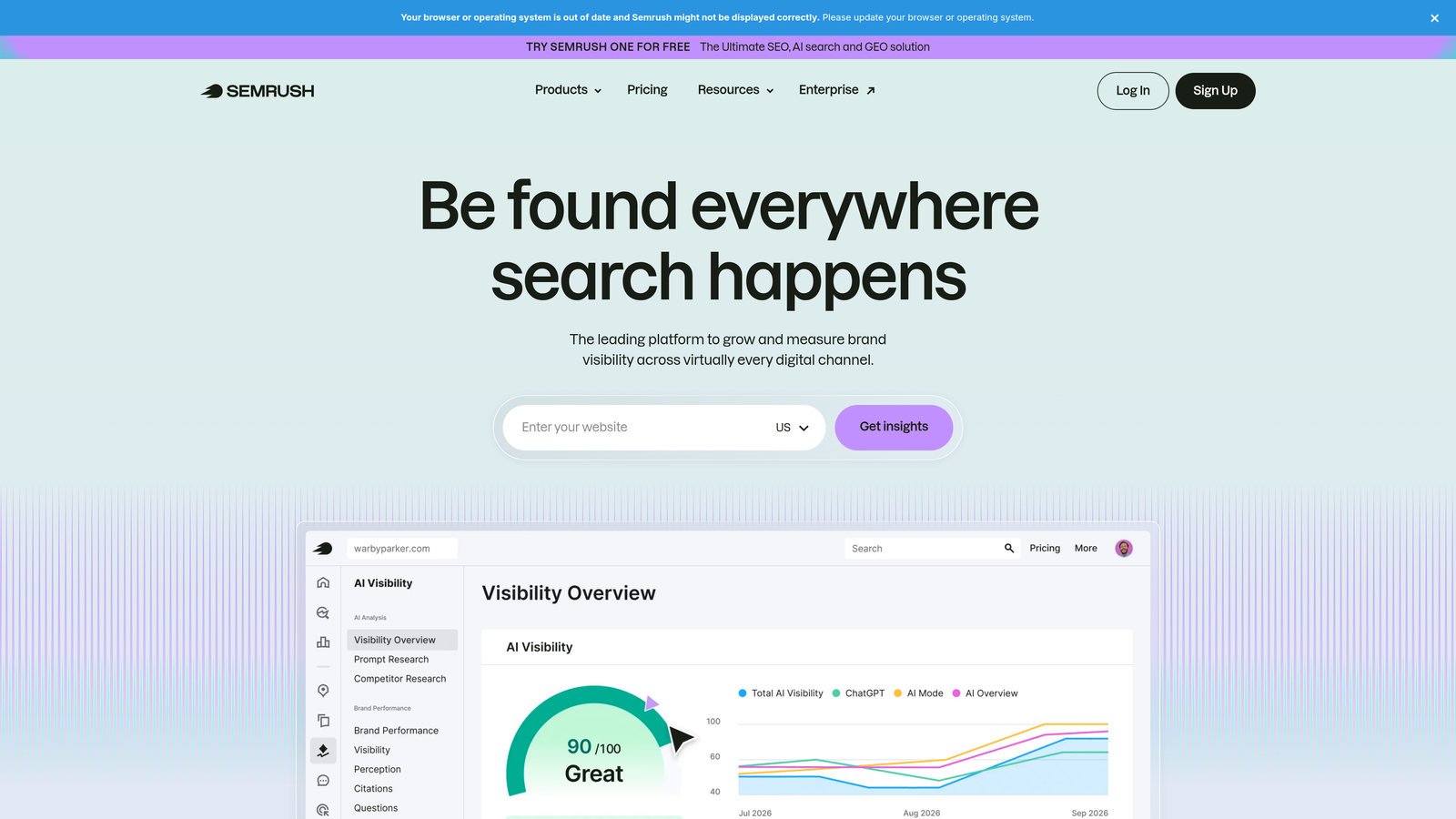
SEMrush is a comprehensive marketing toolkit offering keyword research, competitive analysis, and campaign management for both organic and paid search.
Where This Tool Shines
SEMrush's Keyword Magic Tool gives you access to over 25 billion keywords with detailed metrics like search volume, CPC data, and competitive density. The platform excels at showing you not just what keywords exist, but what your competitors are ranking for and bidding on.
The keyword gap analysis feature is particularly useful—you can compare your keyword profile against up to five competitors simultaneously and identify opportunities they're capturing that you're missing. For teams managing both SEO content and paid campaigns, having everything in one dashboard reduces context-switching significantly.
Key Features
Keyword Magic Tool: Access 25+ billion keywords with detailed search volume, difficulty scores, and CPC estimates.
Keyword Gap Analysis: Compare your keyword profile against competitors to identify opportunities.
PPC Keyword Research: Get CPC data, ad copy examples, and competitive bidding insights for paid campaigns.
Position Tracking: Monitor keyword rankings over time with SERP feature analysis.
Keyword Clustering: Automatically group related keywords for content planning and campaign structure.
Best For
Marketing teams and agencies that need a full-suite solution covering both SEO and PPC. Best when you're managing multiple channels and need deep competitive intelligence alongside keyword research.
Pricing
Starts at $139.95/month for the Pro plan. Higher tiers available for agencies and enterprises with more extensive needs.
3. Ahrefs
Best for: SEO-focused teams prioritizing accurate keyword difficulty and ranking potential
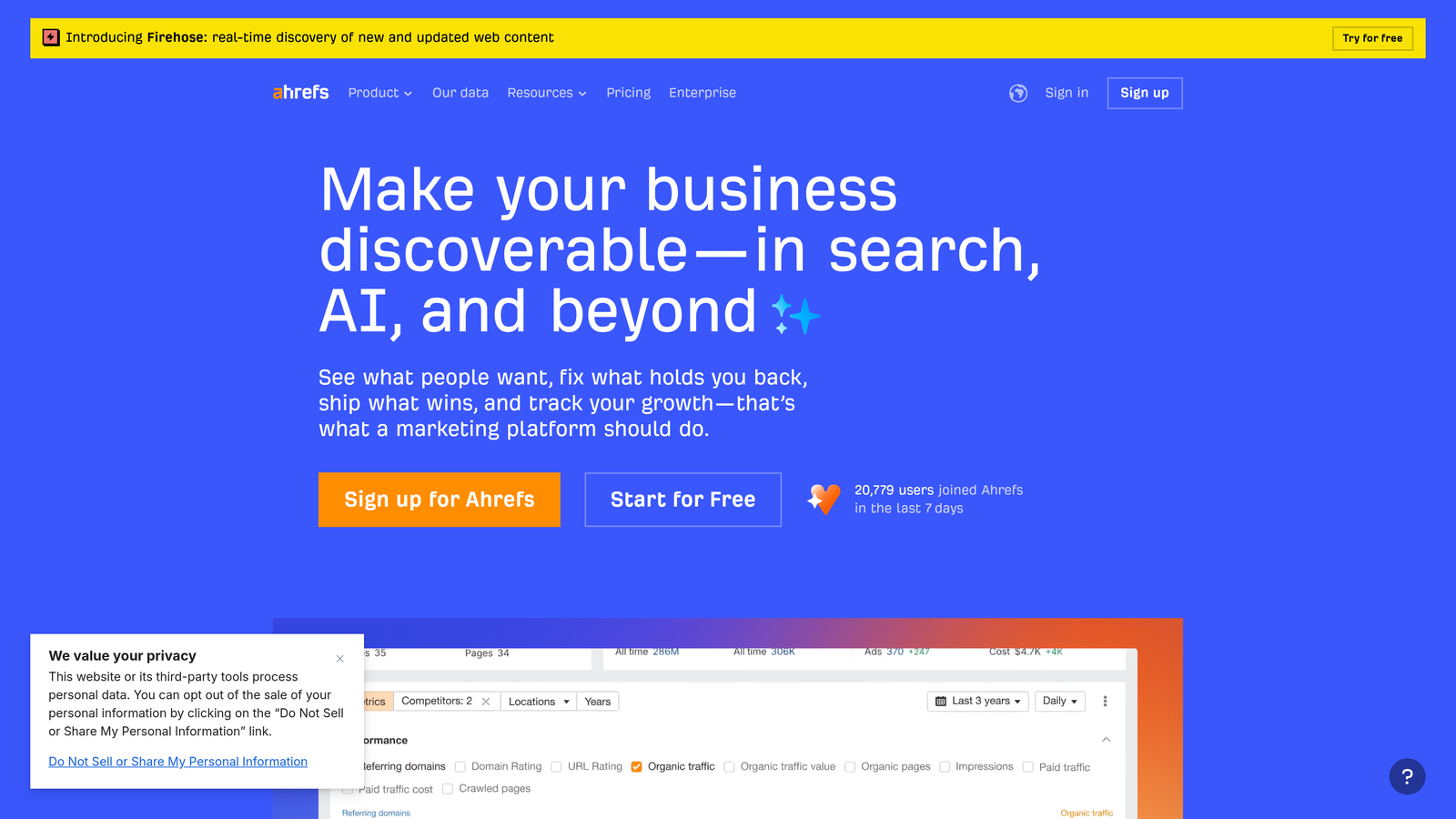
Ahrefs is an SEO toolset known for its massive backlink database and highly accurate keyword difficulty scores that actually reflect real-world ranking challenges.
Where This Tool Shines
Ahrefs' Keywords Explorer includes over 10 billion keywords with some of the most reliable keyword difficulty scores in the industry. Unlike tools that calculate difficulty purely on domain authority, Ahrefs factors in the actual backlink profiles of ranking pages, giving you a more realistic picture of what it takes to rank.
The click metrics feature is particularly valuable—it shows you how many actual clicks a keyword generates, not just search volume. This helps you avoid high-volume keywords where featured snippets or ads steal most of the traffic. The parent topic identification also helps you avoid creating multiple pieces of content that cannibalize each other.
Key Features
Keywords Explorer: 10+ billion keywords with detailed metrics and accurate difficulty scores based on backlink analysis.
Click Metrics: See actual CTR potential beyond raw search volume to identify truly valuable keywords.
Parent Topic Identification: Avoid keyword cannibalization by grouping related terms under parent topics.
SERP Overview: Analyze ranking pages with backlink profiles, traffic estimates, and historical ranking data.
Content Gap Analysis: Find keywords your competitors rank for that you don't.
Best For
SEO professionals and content teams who need accurate keyword difficulty assessments and want to avoid wasting time on impossible-to-rank keywords. Especially valuable for competitive niches where backlink analysis matters.
Pricing
Starts at $129/month for the Lite plan. Higher tiers offer more keyword queries and additional features.
4. Google Keyword Planner
Best for: Budget-conscious advertisers who need reliable search volume data directly from Google
Google Keyword Planner is Google's free keyword research tool built into Google Ads, providing search volume data and keyword suggestions straight from the source.

Where This Tool Shines
No third-party tool can match Google Keyword Planner for accuracy on search volume and bid estimates—because it's pulling data directly from Google's search engine. For PPC campaigns, the forecasting tools help you estimate impressions, clicks, and costs before launching campaigns.
The tool is particularly useful for discovering keyword variations and related terms you might not have considered. While it lacks the advanced filtering and competitive intelligence of paid tools, it's hard to beat free access to Google's own data. Just keep in mind that search volume ranges can be broad unless you're actively running campaigns.
Key Features
Direct Google Data: Search volume, competition levels, and bid estimates straight from Google's search engine.
Keyword Suggestions: Generate related keyword ideas based on seed terms or your website URL.
Historical Trends: View search volume patterns over time to identify seasonal opportunities.
Forecasting Tools: Estimate impressions, clicks, and costs for planned campaigns before launch.
Free Access: No cost beyond having a Google Ads account (even without active campaigns).
Best For
Small businesses, freelancers, and anyone starting out with PPC who needs reliable keyword data without paying for premium tools. Also useful as a supplementary tool for validating data from other platforms.
Pricing
Completely free with a Google Ads account. You don't need to run active campaigns to access it.
5. Moz Keyword Explorer
Best for: Marketers who want simplified keyword prioritization with actionable scoring
Moz Keyword Explorer is a user-friendly keyword research tool featuring Moz's proprietary Priority score that combines volume, difficulty, and CTR into a single actionable metric.

Where This Tool Shines
Moz's Priority score solves a common problem: how do you quickly identify which keywords are actually worth targeting? Instead of manually weighing search volume against difficulty and CTR potential, Moz calculates a single score that helps you prioritize opportunities at a glance.
The tool's organic CTR estimates are particularly useful for understanding how much traffic you'll actually get if you rank. A keyword with 10,000 monthly searches might only generate 2,000 clicks if featured snippets and ads dominate the SERP. Moz shows you this upfront, helping you avoid chasing high-volume keywords that won't drive real traffic.
Key Features
Priority Score: Combines search volume, keyword difficulty, and CTR potential into a single actionable metric.
Organic CTR Estimates: See how many clicks you'll actually get if you rank, accounting for SERP features.
SERP Analysis: Analyze ranking pages with domain authority, page authority, and backlink data.
Keyword Suggestions: Generate related terms and questions based on your seed keywords.
List Management: Save and organize keyword lists for different projects and campaigns.
Best For
Content marketers and SEO teams who want simplified keyword prioritization without analyzing multiple metrics manually. Great for teams that need to move quickly and make decisions efficiently.
Pricing
Starts at $99/month for the Standard plan, which includes keyword tracking and site audits alongside keyword research.
6. SpyFu
Best for: Competitive intelligence and uncovering competitors' most profitable keywords
SpyFu is a competitive intelligence tool that reveals competitors' keyword strategies in both organic search and paid advertising, with historical data going back years.

Where This Tool Shines
SpyFu's real strength is showing you exactly which keywords your competitors have been bidding on and ranking for over time. You can see their ad copy, estimated ad spend, and which keywords they've consistently invested in—strong signals that those keywords are actually profitable.
The shared keyword analysis is particularly useful for PPC. You can identify keywords where multiple competitors are actively bidding, which often indicates high-intent, high-converting terms worth testing. The historical data also helps you spot trends—keywords competitors used to bid on but abandoned might reveal opportunities or pitfalls.
Key Features
Competitor Keyword History: See which keywords competitors have ranked for and bid on over multiple years.
PPC Ad Copy and Spend Estimates: View competitors' actual ad copy and estimated advertising budgets.
Keyword Grouping: Organize keywords into logical campaign structures based on competitive insights.
Shared Keyword Analysis: Identify keywords where multiple competitors are actively bidding.
Ranking History: Track how competitors' rankings have changed over time for specific keywords.
Best For
Agencies and in-house teams focused on competitive strategy. Especially valuable when entering new markets or trying to understand why competitors are successful with certain keywords.
Pricing
Starts at $39/month for the Basic plan, making it one of the more affordable competitive intelligence tools.
7. Keyword Tool
Best for: Long-tail keyword discovery across multiple platforms beyond Google
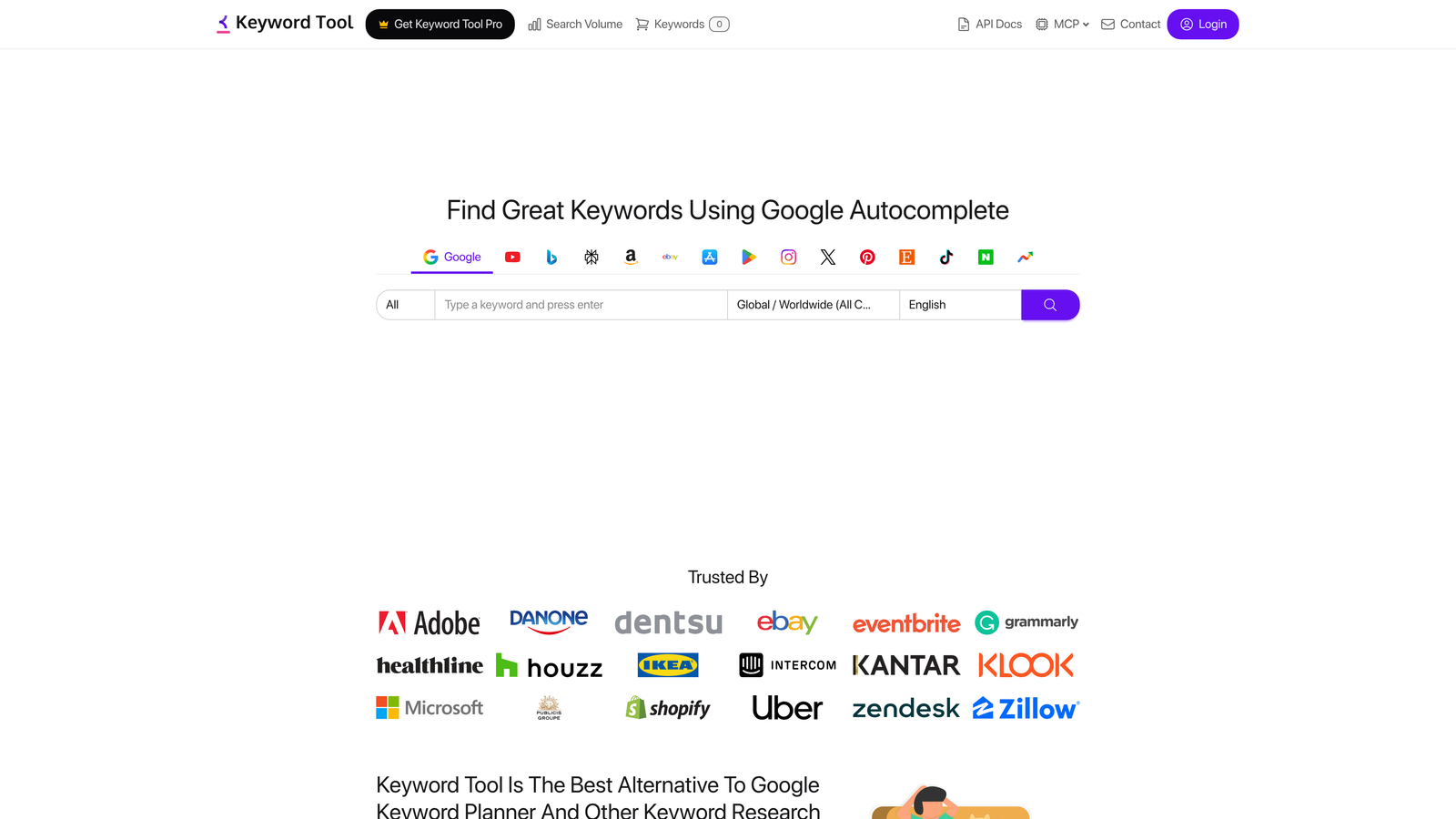
Keyword Tool is a long-tail keyword generator that pulls autocomplete suggestions from Google, YouTube, Bing, Amazon, and other platforms to uncover search queries users are actually typing.
Where This Tool Shines
Keyword Tool excels at finding long-tail variations and question-based keywords that other tools often miss. By pulling directly from autocomplete suggestions across multiple platforms, it surfaces the actual phrases people type into search bars—not just variations of your seed keyword.
The multi-platform approach is particularly useful if you're managing content or ads beyond Google Search. YouTube keyword research helps with video optimization, Amazon keywords inform e-commerce listings, and Bing suggestions can reveal opportunities in less competitive search engines. The question-based keyword discovery also helps with content planning for FAQ sections and featured snippet opportunities.
Key Features
Multi-Platform Keyword Generation: Pull keywords from Google, YouTube, Bing, Amazon, eBay, and more.
Long-Tail Suggestions: Generate hundreds of long-tail keyword variations from autocomplete data.
Question-Based Discovery: Find question keywords for FAQ content and featured snippet opportunities.
Multiple Languages and Locations: Research keywords in different countries and languages for international campaigns.
Bulk Export: Download keyword lists in CSV format for easy integration with other tools.
Best For
Content creators and marketers managing multi-channel strategies who need long-tail keywords across different platforms. Also useful for international campaigns requiring localized keyword research.
Pricing
Free version available with limited features. Pro plans start at $89/month with full data access and export capabilities.
8. Optmyzr
Best for: Enterprise PPC teams managing large-scale campaigns with complex automation needs
Optmyzr is an advanced PPC management platform offering automated keyword optimization, rule-based actions, and comprehensive reporting for large-scale Google Ads and Microsoft Ads campaigns.
Where This Tool Shines
Optmyzr is built for scale. If you're managing dozens of campaigns across multiple accounts, the automation features save enormous amounts of time. You can set up custom rules for bid adjustments, keyword additions, and negative keyword management that run automatically based on performance thresholds you define.
The search term analysis tools help identify patterns across large datasets—finding negative keywords that should be applied account-wide or discovering high-performing search terms that deserve their own campaigns. The one-click optimizations present recommended actions with all the context you need to approve or reject them quickly, making it easy to delegate optimization work to junior team members.
Key Features
Automated Keyword Optimization: Set rule-based actions for bids, match types, and keyword additions based on performance data.
One-Click Optimizations: Review and approve recommended optimizations with full context and impact estimates.
Search Term Analysis: Identify negative keyword patterns and high-performing terms across large campaign portfolios.
Multi-Account Dashboard: Manage multiple client accounts or business units from a single interface.
Custom Reporting: Build automated reports with alerts for performance anomalies.
Best For
Enterprise marketing teams and large agencies managing substantial ad spend across multiple accounts. Best when you need sophisticated automation and can justify the higher price point with time savings.
Pricing
Starts at $249/month. Pricing scales with ad spend and number of accounts managed.
9. WordStream
Best for: Small businesses wanting guided PPC optimization with minimal time investment
WordStream is a PPC management platform designed for small businesses, featuring guided optimization workflows and the popular 20-Minute Work Week feature that prioritizes high-impact actions.
Where This Tool Shines
WordStream's 20-Minute Work Week is exactly what it sounds like: a guided workflow that presents the most impactful optimizations you can make in about 20 minutes. For small business owners managing PPC alongside everything else, this focused approach prevents optimization paralysis and ensures you're addressing the highest-priority issues first.
The platform manages Google Ads, Microsoft Ads, and Facebook Ads from a single dashboard, making it easier to coordinate cross-channel campaigns. The performance grader provides benchmarking data so you can see how your campaigns compare to industry averages, helping you identify whether poor performance is due to your strategy or broader market conditions.
Key Features
20-Minute Work Week: Guided optimization workflow that prioritizes high-impact actions for time-constrained users.
Keyword Research Tool: Discover relevant keywords with search volume and competition data.
Cross-Platform Management: Manage Google Ads, Microsoft Ads, and Facebook campaigns from one dashboard.
Performance Grader: Compare your campaign performance against industry benchmarks.
Automated Alerts: Get notifications about significant performance changes or optimization opportunities.
Best For
Small business owners and solo marketers managing PPC campaigns without dedicated advertising teams. Especially valuable if you need guided workflows and can't dedicate hours each week to optimization.
Pricing
Custom pricing based on monthly ad spend. Contact WordStream for a quote tailored to your budget.
Keyword Management Tools: Quick Comparison
Use this table to quickly match your workflow to the right tool before diving into the full reviews below.
| Tool | Best For | PPC / SEO | Starting Price | Standout Feature |
|---|---|---|---|---|
| Keywordme | Google Ads search term management | PPC | $12/month | Optimize directly in Google Ads — no spreadsheets |
| SEMrush | All-in-one SEO + PPC teams | Both | $139.95/month | 25B+ keyword database with gap analysis |
| Ahrefs | SEO teams in competitive niches | SEO | $129/month | Most accurate keyword difficulty scores |
| Google Keyword Planner | Free PPC planning & volume data | PPC | Free | Direct Google search data & bid estimates |
| Moz Keyword Explorer | Content teams needing fast decisions | SEO | $99/month | Priority score combining volume, difficulty & CTR |
| SpyFu | Competitive intelligence | Both | $39/month | Years of competitor keyword & ad spend history |
| Keyword Tool | Long-tail & multi-platform research | Both | $89/month | Pulls autocomplete data from Google, YouTube, Amazon |
| Optmyzr | Enterprise PPC automation | PPC | $249/month | Rule-based automation for large account portfolios |
| WordStream | Small businesses & solo marketers | PPC | Custom | 20-Minute Work Week guided optimization |
How to Choose: Quick Decision Guide
- Running Google Ads campaigns? Start with Keywordme for in-platform optimization + Google Keyword Planner for research.
- Managing SEO and PPC together? SEMrush gives you both in one place. Ahrefs is better if SEO is your primary focus.
- On a tight budget? Google Keyword Planner (free) covers the basics. SpyFu at $39/month adds competitive intelligence.
- Need competitive intel on what rivals are bidding? SpyFu's historical PPC data is hard to beat.
- Managing enterprise ad spend? Optmyzr's automation pays for itself at scale. Keywordme handles the hands-on search term work.
- Solo advertiser or small business? WordStream's guided workflows or Keywordme's streamlined interface keep optimization manageable.
How to Manage PPC Keywords Effectively: A Practical Workflow
Choosing the right tool is only half the battle. Without a repeatable keyword management process, even the best software won't stop wasted spend from accumulating. Here's the workflow that high-performing Google Ads accounts follow consistently.
The Core Keyword Management Cycle
Keyword management in PPC is not a one-time setup task — it's an ongoing cycle with four recurring steps:
- Audit search terms weekly. Open the Search Terms Report in Google Ads and scan for irrelevant queries triggering your ads. These are your primary source of wasted spend. Any term that doesn't match your offer should become a negative keyword immediately.
- Promote high-performers. When a search term drives conversions or qualified clicks, add it as a keyword with phrase or exact match. This gives you direct bidding control over proven winners instead of leaving them inside a broad match bucket.
- Prune low-performers. Keywords with significant spend and zero conversions after a statistically meaningful number of clicks (typically 50–100 per keyword, adjusted for your average CPC) should be paused or removed. Keeping them active dilutes your Quality Scores and burns budget.
- Expand strategically. Use Keyword Planner, competitor analysis, or a tool like Keywordme to surface new high-intent terms. Add them to tightly themed ad groups — one theme per group keeps Quality Scores high and reporting clean.
Keyword Management Checklist
| Task | Frequency | What to Look For |
|---|---|---|
| Review Search Terms Report | Weekly | Irrelevant queries, misspellings, competitor brand terms (if not desired) |
| Add negative keywords | Weekly | Queries with zero intent match — add at ad group or campaign level |
| Promote converting search terms | Weekly | Search terms driving conversions that aren't yet tracked as keywords |
| Pause non-converting keywords | Monthly | Keywords with 50+ clicks and zero conversions over 30 days |
| Check Quality Scores | Monthly | Keywords scoring below 5/10 — improve ad relevance or landing page alignment |
| Expand keyword list | Monthly | New long-tail opportunities, competitor gap terms, seasonal variations |
| Audit match type distribution | Quarterly | Over-reliance on broad match without sufficient negatives to protect spend |
| Review negative keyword lists | Quarterly | Outdated negatives accidentally blocking relevant traffic |
Common Keyword Management Mistakes
- Managing in spreadsheets instead of natively. Exporting, editing, and re-uploading creates lag and introduces errors. Tools that work directly inside Google Ads (like Keywordme) eliminate this friction entirely.
- Adding keywords without negatives. Broad and phrase match keywords will match irrelevant queries from day one. Build your negative keyword list before or immediately after launching.
- Duplicate keywords across ad groups. The same keyword in multiple ad groups creates internal auction competition and splits your performance data. Use ad group-level negatives to steer traffic cleanly.
- Ignoring match type strategy. Using only broad match without Smart Bidding and a strong negative list is one of the fastest ways to exhaust budget on low-quality traffic. Use exact and phrase match for proven high-value terms.
- Setting and forgetting. Google's algorithm changes, competitor strategies shift, and seasonal patterns affect which keywords perform. Accounts that aren't reviewed monthly start drifting toward wasted spend within 60–90 days.
Making the Right Choice
The best keyword management tool depends entirely on where you're actually spending your time. If you're deep in Google Ads every day optimizing campaigns, you need something that works right where you already are—Keywordme eliminates the spreadsheet shuffle and keeps you in the native interface. For agencies juggling multiple clients, the multi-account support and team features mean everyone can move faster without stepping on each other's toes.
SEO-focused teams have different needs. Ahrefs gives you the most accurate keyword difficulty scores when you're targeting competitive niches, while Moz's Priority score helps content teams make fast decisions without getting lost in analysis paralysis. SEMrush covers both worlds if you're managing SEO and PPC together and need everything in one dashboard.
Budget matters too. Google Keyword Planner is free and pulls data directly from Google—hard to beat for basic research. SpyFu starts at $39/month and reveals what competitors are actually bidding on, which often pays for itself quickly. Keyword Tool finds long-tail opportunities across multiple platforms beyond just Google Search.
For small businesses without dedicated marketing teams, WordStream's 20-Minute Work Week keeps optimization manageable. Enterprise teams managing massive ad spend will find Optmyzr's automation and rule-based actions worth the higher price point.
Most accounts I audit are losing money on junk search terms that could be eliminated in minutes with the right workflow. The mistake most advertisers make is trying to manage keywords in spreadsheets when they should be optimizing directly in the platform where decisions happen. The time you save compounds quickly—what takes three hours in a spreadsheet takes 15 minutes when you're working natively.
If you're running Google Ads and tired of the export-filter-upload cycle, start your free 7-day trial of Keywordme and see how much faster optimization becomes when you're working right inside the Search Terms Report. No spreadsheets, no switching tabs—just quick, seamless keyword management that actually fits your workflow.
.svg)