
9 Best Tools for Keyword Analysis
Keyword analysis is essential for SEO and PPC success, but manual research is time-consuming and inefficient. This guide highlights the top tools for keyword analysis in 2026, ranging from free Chrome extensions to enterprise platforms that uncover hidden opportunities, reveal competitor rankings, and help prioritize high-impact keywords that drive real results.


The short answer: The best keyword analysis tools for Google Ads and SEO in 2026 are Keywordme (for PPC optimization inside Google Ads), Ahrefs (for SEO competitive intelligence), SEMrush (for all-in-one search), and Google Keyword Planner (free, direct Google data). The right tool depends on whether you're optimizing paid campaigns, building organic content strategy, or both.
If you've ever stared at a spreadsheet full of keywords wondering which ones are actually worth your time, you're not alone. Keyword analysis is the foundation of both SEO and PPC success — but doing it manually is painfully slow and riddled with guesswork. The right tool surfaces hidden opportunities, shows you what competitors are ranking for, and helps you prioritize keywords that actually move the needle.
Here's a quick comparison of the top tools, followed by in-depth breakdowns of each:
| Tool | Best For | Starting Price | PPC / SEO |
|---|---|---|---|
| Keywordme | Google Ads search term optimization | $12/month | PPC |
| Ahrefs | SEO competitive intelligence | $99/month | SEO |
| SEMrush | All-in-one SEO + PPC research | $139.95/month | Both |
| Google Keyword Planner | Free PPC research from Google | Free | PPC |
| Moz Keyword Explorer | Simplified keyword prioritization | $99/month | SEO |
| Ubersuggest | Budget-friendly research | $29/month | Both |
| SpyFu | Competitor PPC & SEO intelligence | $39/month | Both |
| AnswerThePublic | Question-based & long-tail keywords | $99/month | SEO / Content |
| Keyword Surfer | Quick in-SERP keyword lookup | Free | Both |
1. Keywordme
Best for: PPC managers optimizing Google Ads campaigns directly within the Search Terms Report
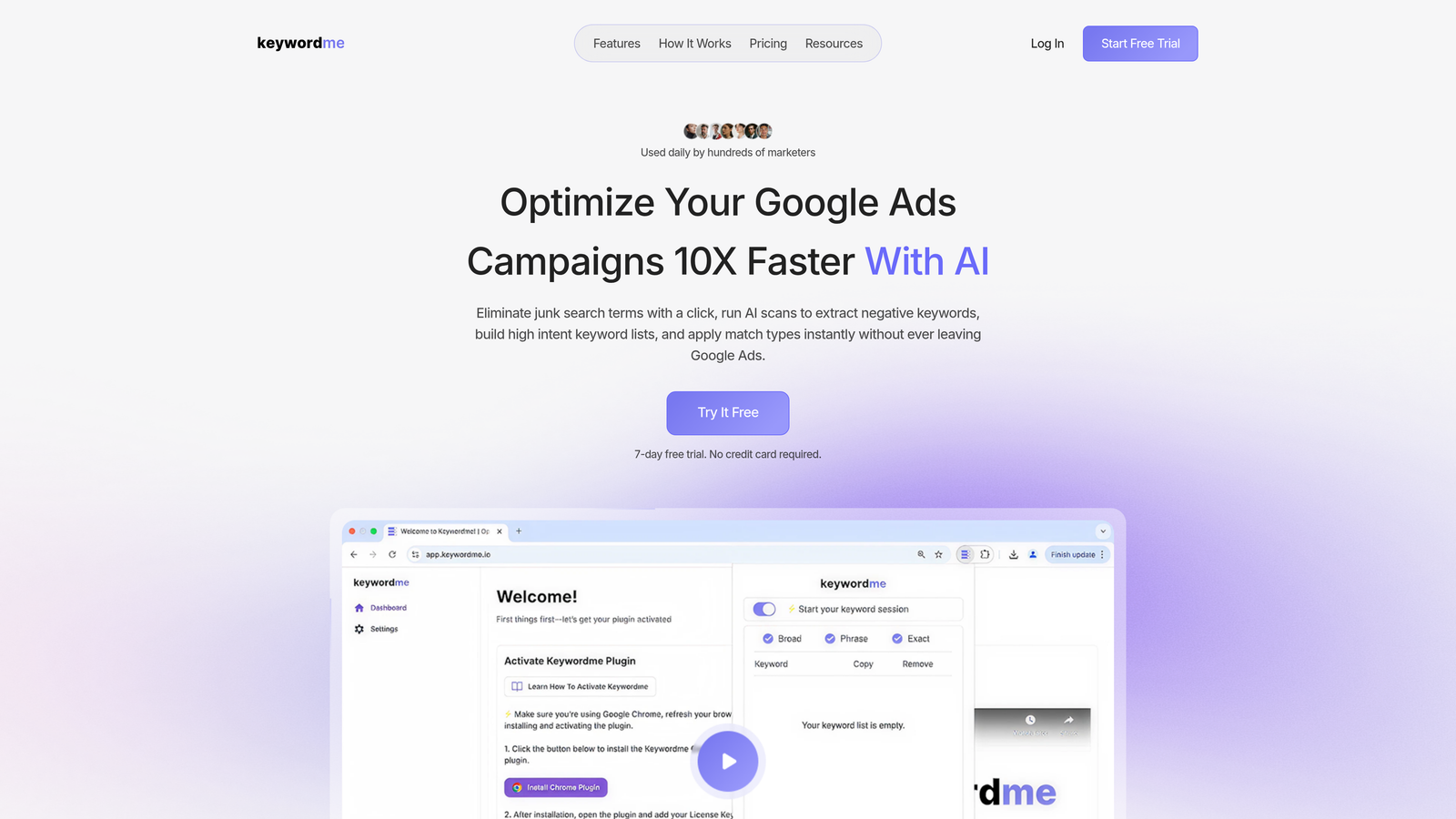
Keywordme is a Chrome extension built to streamline keyword analysis and optimization for Google Ads users without leaving the native interface.
Where This Tool Shines
Most keyword tools force you to export data, analyze it in spreadsheets, then manually apply changes back in Google Ads. Keywordme eliminates that entire workflow by letting you take action directly inside the Search Terms Report. You can remove junk search terms with one click, add high-intent keywords to campaigns, apply match types instantly, and build negative keyword lists—all without switching tabs or opening a CSV.
For agencies managing multiple client accounts, the multi-account support and team collaboration features make it easy to scale optimizations across portfolios. The keyword clustering feature automatically groups related terms, helping you spot patterns and organize campaigns more intelligently than you could by manually scanning through hundreds of search queries.
Key Features
One-click junk keyword removal: Instantly filter out irrelevant search terms that are wasting ad spend.
Instant match type application: Apply exact, phrase, or broad match modifiers without manual editing.
Negative keyword list building: Create and update negative lists directly in the interface.
Keyword clustering: Automatically group related search terms for better campaign structure.
Multi-account and team support: Manage multiple Google Ads accounts with shared workflows for agencies.
Best For
PPC managers and agencies who spend hours each week optimizing Google Ads campaigns. If you're tired of the spreadsheet shuffle and want to cut your search terms optimization time by up to 10x, this is built for your workflow.
Pricing
$12/month per user with a 7-day free trial. Flat-rate pricing makes it predictable for agencies billing multiple clients.
2. Ahrefs
Best for: SEO professionals who need the deepest keyword database and most accurate difficulty scores
Ahrefs is a comprehensive SEO toolset with one of the largest keyword databases in the industry, covering over 10 billion keywords across 170 countries.

Where This Tool Shines
Ahrefs doesn't just show you keyword volume—it shows you what's actually happening in the SERPs. The Keyword Explorer tool provides accurate keyword difficulty scores based on backlink profiles of ranking pages, not just vague estimates. You get historical ranking data, SERP feature breakdowns, and click metrics that show whether searchers are clicking organic results or getting answers directly in the SERP.
The Content Gap analysis is where Ahrefs really pulls ahead. You can compare your site against multiple competitors and instantly see keywords they rank for that you don't. This turns competitive research from guesswork into a data-driven playbook for content strategy.
Key Features
Keyword Explorer with 10+ billion keywords: Massive database with global coverage and frequent updates.
Accurate keyword difficulty scores: Based on actual backlink analysis of ranking pages, not just domain authority.
SERP analysis and ranking history: See who ranks now and how positions have shifted over time.
Content gap analysis: Identify keywords competitors rank for that you're missing.
Click metrics showing actual CTR potential: Understand whether searchers click results or get answers in-SERP.
Best For
SEO teams and content strategists who need deep competitive intelligence and reliable difficulty scoring. Ideal for agencies managing organic search campaigns across multiple clients.
Pricing
Starts at $99/month for the Lite plan. Higher tiers unlock more projects, keywords tracked, and historical data.
3. SEMrush
Best for: Marketing teams managing both SEO and PPC who want everything in one platform
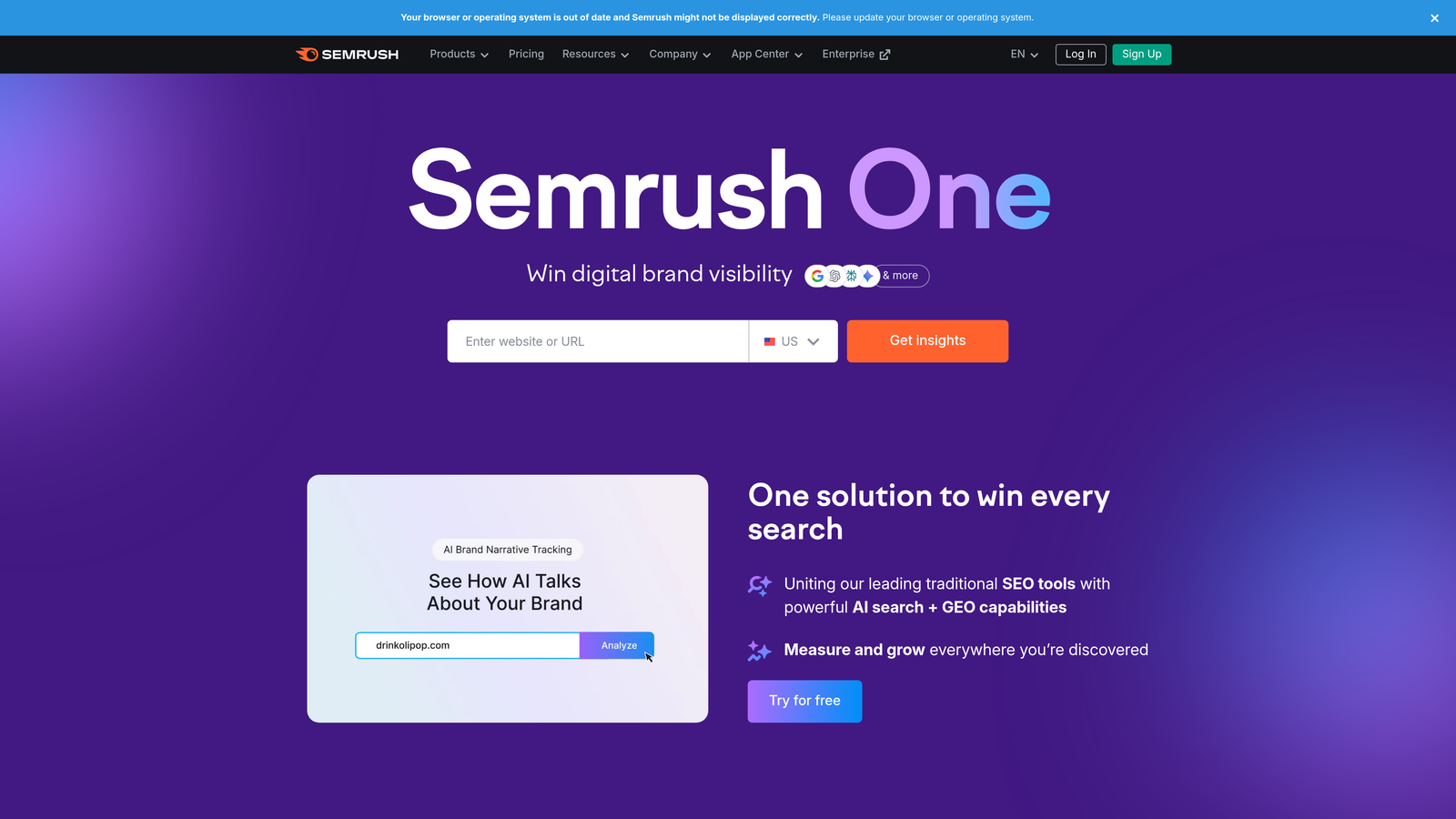
SEMrush is an all-in-one marketing platform with robust keyword research, competitive analysis, and campaign tracking capabilities across 25+ billion keywords.
Where This Tool Shines
SEMrush excels at bridging the gap between SEO and PPC. The Keyword Magic Tool generates thousands of keyword ideas from a single seed term, then lets you filter by intent, difficulty, and SERP features. The Keyword Gap tool is especially powerful—it shows you exactly where competitors are outranking you and which keywords are driving their traffic.
For PPC teams, the integration with Google Ads data means you can analyze both organic and paid keyword opportunities side by side. The Topic Research feature helps you build content clusters around keyword themes, making it easier to plan comprehensive content strategies rather than chasing individual keywords.
Key Features
Keyword Magic Tool with 25+ billion keywords: Generate massive keyword lists with advanced filtering options.
Keyword gap analysis vs competitors: See exactly which keywords competitors rank for that you don't.
Position tracking and SERP features: Monitor rankings and track featured snippets, local packs, and other SERP elements.
PPC keyword research integration: Analyze both organic and paid opportunities in one interface.
Topic research for content clusters: Build thematic content strategies around keyword groups.
Best For
Marketing teams managing both organic and paid search who want a unified platform for keyword research, competitive analysis, and rank tracking. Works well for agencies juggling multiple client campaigns.
Pricing
Starts at $139.95/month for the Pro plan. Higher tiers add more projects, keywords tracked, and team seats.
4. Google Keyword Planner
Best for: PPC beginners and small businesses needing accurate Google search data for free
Google Keyword Planner is a free keyword research tool built directly into Google Ads, designed primarily for campaign planning and bid estimation.

Where This Tool Shines
When you need actual Google search volume data—not third-party estimates—Keyword Planner delivers. The data comes straight from Google's own search query logs, making it the most accurate source for understanding search demand. You can plug in seed keywords or URLs and get hundreds of related keyword ideas along with bid estimates and competition levels.
The historical trends and forecasting features are especially useful for seasonal campaigns. You can see exactly when search volume spikes throughout the year and plan your budget accordingly. While it's built for PPC, SEO teams often use it to validate keyword volume data from other tools.
Key Features
Direct Google search volume data: The most accurate source for understanding actual search demand.
Bid estimates for PPC planning: See suggested bids and competition levels for each keyword.
Keyword ideas from seed terms or URLs: Generate hundreds of related keywords from a starting point.
Historical trends and forecasts: Understand seasonal patterns and plan campaigns around demand spikes.
Free with Google Ads account: No subscription cost—just sign up for a Google Ads account.
Best For
PPC advertisers who need accurate Google data for campaign planning and budget forecasting. Also useful for SEO teams validating keyword volume estimates from other tools.
Pricing
Completely free. You just need a Google Ads account to access it—no ad spend required.
5. Moz Keyword Explorer
Best for: SEO teams who want simplified keyword prioritization without drowning in metrics
Moz Keyword Explorer is an SEO keyword tool known for its unique Priority score that combines volume, difficulty, and click-through rate into a single metric.

Where This Tool Shines
Most keyword tools throw dozens of metrics at you and leave the decision-making up to you. Moz simplifies this with the Priority score—a single number that weighs search volume, ranking difficulty, and organic CTR potential. This makes it much easier to quickly identify which keywords are actually worth targeting without building complex spreadsheets.
The organic CTR estimates are particularly valuable. Moz shows you not just how many people search for a term, but how many actually click organic results versus getting answers from featured snippets or ads. This helps you avoid chasing high-volume keywords where the actual click opportunity is low.
Key Features
Priority score combining volume, difficulty, and CTR: Simplifies keyword selection with a single, weighted metric.
Organic CTR estimates: See how many searchers actually click organic results for each keyword.
SERP analysis with feature tracking: Identify featured snippets, local packs, and other SERP elements.
Keyword suggestions with relevance scoring: Get related keywords ranked by topical relevance, not just volume.
Integration with Moz Pro suite: Works seamlessly with rank tracking, site audits, and link analysis tools.
Best For
SEO teams and content marketers who want faster keyword prioritization without manually weighing multiple metrics. Works well for agencies managing content strategies across multiple clients.
Pricing
Starts at $99/month for the Standard plan. Higher tiers unlock more keyword queries and additional Moz Pro features.
6. Ubersuggest
Best for: Small businesses and freelancers who need solid keyword research on a tight budget
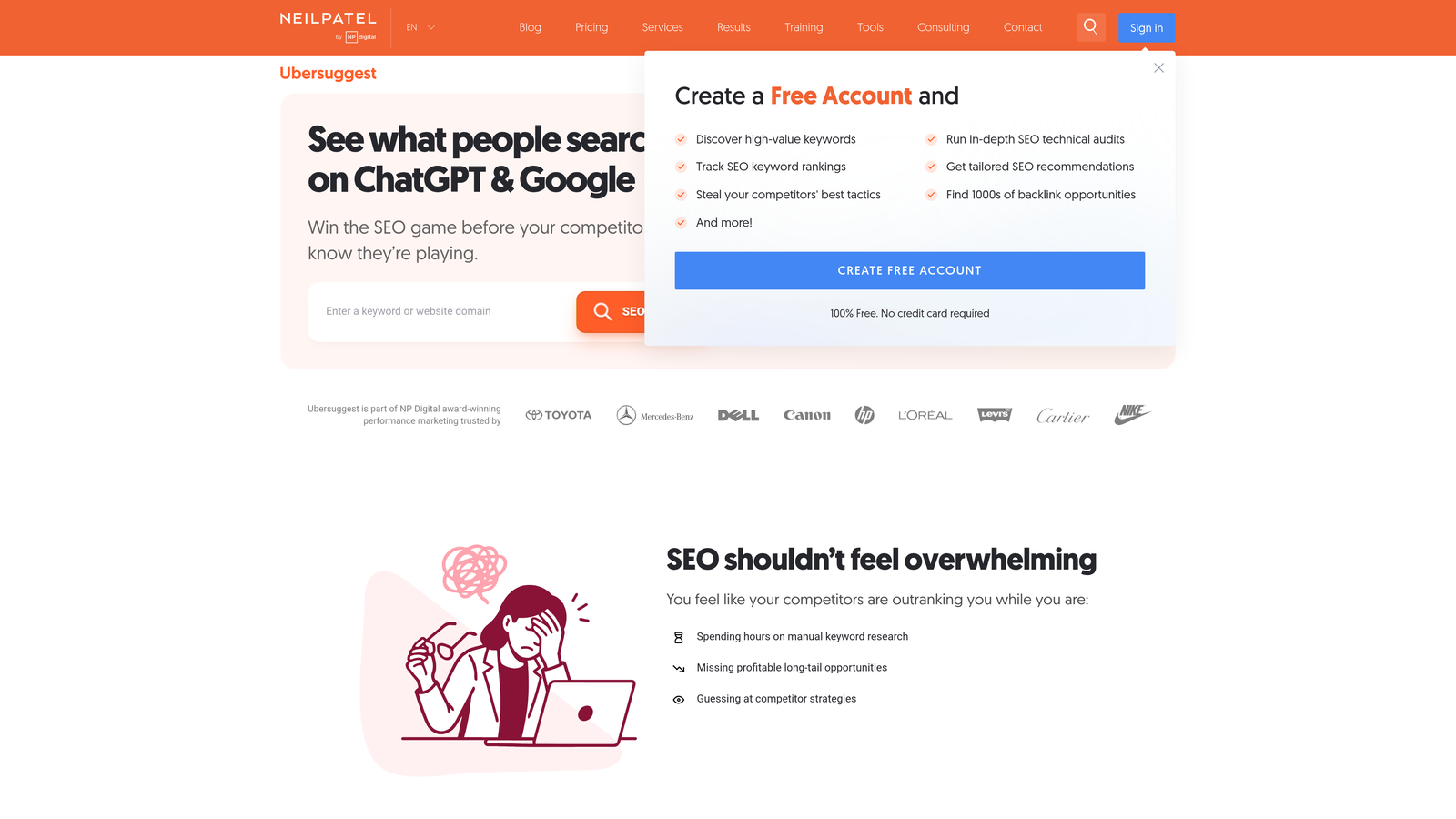
Ubersuggest is a budget-friendly keyword research tool with a unique lifetime pricing option, making it accessible for solopreneurs and small teams.
Where This Tool Shines
Ubersuggest delivers surprisingly robust keyword data at a fraction of the cost of enterprise tools. You get search volume, CPC estimates, SEO difficulty scores, and hundreds of keyword suggestions—all in a clean, beginner-friendly interface. The Content Ideas feature is especially useful: it shows you the top-performing pages for any keyword, along with social shares and backlink counts.
The Chrome extension lets you analyze keywords directly in Google search results, giving you instant volume and difficulty data without opening a separate dashboard. For freelancers juggling multiple clients on a budget, the lifetime pricing option ($290 one-time) makes it one of the most cost-effective tools available.
Key Features
Keyword ideas with search volume and CPC: Generate hundreds of related keywords with key metrics.
SEO difficulty scoring: Understand how hard it'll be to rank for each keyword.
Content ideas based on top-performing pages: See what's already ranking and how much engagement it's getting.
Backlink data integration: Analyze link profiles of ranking pages to understand competition.
Chrome extension for on-the-go research: Get keyword data directly in Google search results.
Best For
Freelancers, small businesses, and solo marketers who need reliable keyword research without enterprise pricing. The lifetime option makes it ideal for budget-conscious teams.
Pricing
Free tier available with limited searches. Paid plans start at $29/month, or $290 for lifetime access.
7. SpyFu
Best for: Competitive intelligence and uncovering competitor PPC and SEO keyword strategies
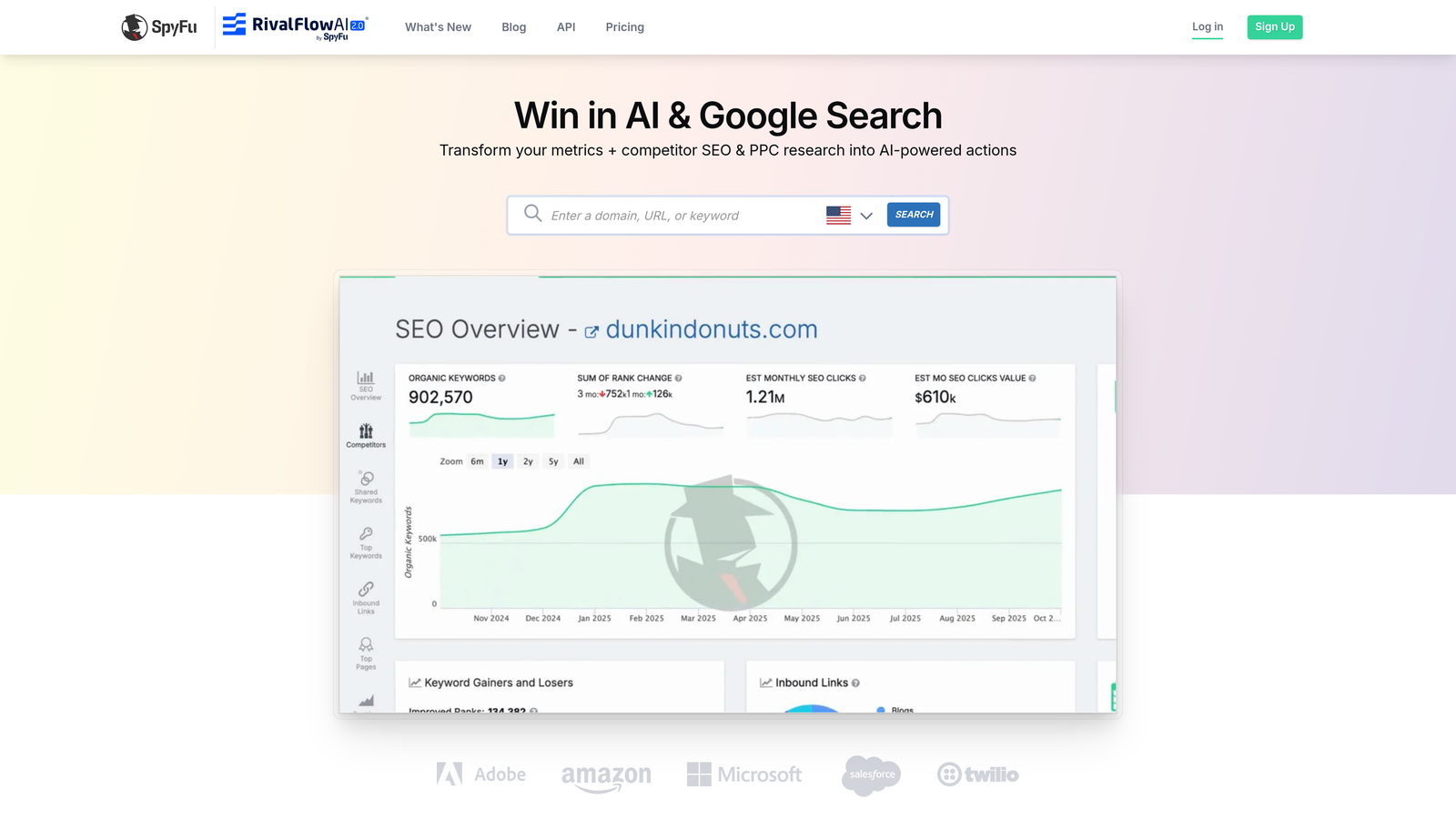
SpyFu specializes in competitor keyword analysis, with historical data going back up to 17 years for both organic and paid search.
Where This Tool Shines
SpyFu is built for competitive research. You can plug in any competitor's domain and see every keyword they've bought on Google Ads, every keyword they rank for organically, and even their estimated ad spend over time. The historical data is what sets it apart—you can see how competitors' keyword strategies have evolved over years, not just what they're doing today.
The Kombat tool is especially powerful for finding keyword overlap. You can compare multiple competitors at once and see which keywords they all rank for that you don't. The AdWords Advisor feature analyzes your Google Ads account and recommends keywords your competitors are bidding on that you're missing.
Key Features
Competitor keyword history (up to 17 years): See how competitor strategies have evolved over time.
PPC competitor ad copy and spend estimates: View actual ad copy and estimated budgets for competitor campaigns.
Keyword grouping and export tools: Organize and export keyword lists for campaign planning.
AdWords Advisor for campaign recommendations: Get keyword suggestions based on competitor analysis.
Kombat tool for keyword overlap analysis: Compare multiple competitors and find keyword gaps.
Best For
PPC managers and SEO teams focused on competitive intelligence. Ideal for agencies analyzing competitor strategies across multiple industries.
Pricing
Starts at $39/month for the Basic plan. Higher tiers unlock more competitor tracking and historical data.
8. AnswerThePublic
Best for: Content creators hunting for question-based and long-tail keyword opportunities
AnswerThePublic is a visual keyword research tool that maps out question-based searches, prepositions, and comparisons in an easy-to-digest wheel format.
Where This Tool Shines
When you're brainstorming content ideas, AnswerThePublic surfaces the actual questions people are asking about your topic. Instead of just showing you keyword volume, it visualizes how searchers phrase their queries—"how to," "what is," "why does," and so on. This makes it incredibly useful for building FAQ sections, blog post outlines, and video scripts.
The visual wheel format is surprisingly effective for brainstorming sessions. You can quickly scan hundreds of related questions and spot patterns in what people want to know. The search listening alerts notify you when new questions start trending around your keywords, helping you stay ahead of emerging topics.
Key Features
Question-based keyword visualization: See exactly what questions people are asking about your topic.
Preposition and comparison keyword mapping: Discover "for," "with," "versus" variations.
Export to CSV for further analysis: Download keyword lists for campaign planning or content calendars.
Search listening alerts for new questions: Get notified when new questions start trending.
Visual wheel format for brainstorming: Quickly scan hundreds of related queries in one view.
Best For
Content marketers, bloggers, and video creators who need question-based keywords for audience-focused content. Works well for building FAQ pages and structuring long-form articles.
Pricing
Free tier with limited searches per day. Pro plan starts at $99/month for unlimited searches and data exports.
9. Keyword Surfer
Best for: Quick keyword research directly in Google search results without leaving your browser
Keyword Surfer is a free Chrome extension that displays keyword data directly in Google search results as you search.
Where This Tool Shines
Keyword Surfer eliminates the need to open a separate tool for basic keyword research. As soon as you search anything in Google, you see search volume, CPC estimates, and related keyword suggestions in the sidebar. The extension also shows word count and keyword density for ranking pages, giving you instant insight into what it takes to compete.
Because it's completely free and requires no account signup, it's perfect for quick on-the-fly research. You can validate keyword ideas while browsing, check search volume before writing a blog post, or explore related keywords without interrupting your workflow. For casual keyword research, it's hard to beat the convenience.
Key Features
Search volume shown in Google SERPs: See keyword volume directly in search results as you browse.
Related keyword suggestions in sidebar: Discover related keywords without opening a separate tool.
Word count and keyword density for ranking pages: Understand content length and optimization for competitors.
Cost-per-click estimates: Get PPC data alongside organic search volume.
Completely free with no account required: Install and start using immediately with no signup.
Best For
Bloggers, freelancers, and marketers who need quick keyword validation without opening a full-featured tool. Ideal for casual research and content brainstorming.
Pricing
Completely free. No subscription, no account required—just install the Chrome extension.
Making the Right Choice
The best keyword analysis tool depends on where you're working and what you're optimizing. If you're managing Google Ads campaigns and tired of the spreadsheet shuffle, Keywordme streamlines your entire search terms workflow right inside the platform. For deep SEO competitive intelligence, Ahrefs and SEMrush offer the most comprehensive data. If budget is tight, Google Keyword Planner and Keyword Surfer deliver solid insights for free.
PPC managers should prioritize tools that integrate with their existing workflow—Keywordme for Google Ads optimization, SpyFu for competitor PPC analysis. SEO teams need robust databases and accurate difficulty scores, making Ahrefs, SEMrush, or Moz the stronger choices. Content creators hunting for question-based keywords will find AnswerThePublic invaluable for brainstorming. Small businesses and freelancers on a budget should look at Ubersuggest's lifetime pricing or stick with free options like Google Keyword Planner.
If you're running Google Ads and spending hours each week cleaning up search terms, building negative lists, and applying match types, start your free 7-day trial of Keywordme. It eliminates the export-analyze-import cycle and lets you optimize campaigns 10x faster without leaving Google Ads. At $12/month, it pays for itself in time saved on your first campaign review.
.svg)