
10 Best Sites Similar to Semrush (2026 Guide)
10 Best Sites Similar to Semrush (2026 Guide)


Feeling Semrush Price Shock? Let’s Find Your Perfect Fit.
You know the moment. You open Semrush, click around, maybe love the data, then hit the pricing page and pause. Or you’re already paying for it and realizing half the toolkit sits untouched while you still need something better for your actual day-to-day work.
That’s why people start looking for sites similar to Semrush. Not because Semrush is bad. It isn’t. It’s broad, powerful, and useful. But broad and useful can also mean expensive, cluttered, and overbuilt for the job in front of you.
If your work leans hard into backlinks, you may be better off with Ahrefs. If you mostly care about competitor traffic patterns, Similarweb makes more sense. If your week lives inside Google Ads, a specialized PPC tool can be the smarter buy because you’re not paying for a giant SEO suite just to do search term cleanup, keyword expansion, and match-type work.
That’s the guiding principle for this list. Not “which platform has the longest features page,” but “which one fits your workflow.” A freelancer, an in-house SEO lead, a PPC manager, and an agency owner usually shouldn’t buy the same software.
If you want another practical angle for smaller businesses, this helpful comparison for UK SMEs is worth a look too.
1. Ahrefs

A common buying mistake is paying for a broad SEO suite when the actual workload is narrower. If your team spends more time auditing links, checking competitor backlink growth, and finding pages that attract authority than building dashboards across every channel, Ahrefs usually fits better than Semrush.
Ahrefs has earned its reputation by going deeper on off-page SEO. The company says its index covers over 35 trillion external backlinks and 576 million domains, which explains why link-focused teams keep it in rotation for prospecting, link gap analysis, and historical backlink checks (Ahrefs data overview).
Best for backlink-heavy SEO teams
This is the Semrush alternative I’d choose for SEO programs where authority is a ranking constraint, not a side task. Agencies doing digital PR, in-house teams cleaning up link profiles after a migration, and consultants diagnosing why a competitor keeps winning usually get more day-to-day value from Ahrefs than from a broader suite.
The trade-off is straightforward. Ahrefs is strong for backlinks, organic keyword discovery, content gap work, and rank tracking. It is less compelling if your team wants one subscription to cover SEO, PPC, reporting, and a wider stack of adjacent tools.
Ahrefs also points to internal 2025 comparison testing showing it found 8x more keyword opportunities on average, which is relevant if the job is building expansion lists from competitor domains or spotting terms your current content misses (Ahrefs keyword opportunities comparison). For PPC teams, that kind of discovery matters most at the research stage. Once the work shifts into ad account structure and query filtering, a PPC competitive analysis workflow for Google Ads teams is often the more cost-effective path than buying a full SEO platform.
- Choose Ahrefs if links are a ranking bottleneck: It gives SEO teams sharper backlink intelligence, stronger link intersect workflows, and better visibility into how competitors are building authority.
- Choose Ahrefs if competitor SEO research is a weekly task: Content gap analysis, top pages, and keyword discovery are useful for planning content and finding missed topics.
- Pass on Ahrefs if you need an all-in-one marketing stack: It does not replace a broader suite for every reporting, PPC, and cross-channel use case.
- Pass on Ahrefs if price sensitivity is high: Plans start at $129 per month, which is hard to justify if you only need occasional research.
One practical rule helps here. If backlinks show up in your weekly priorities before technical audits or paid search tasks, Ahrefs is usually the better fit. If backlinks matter only occasionally, the extra depth can go underused.
2. Similarweb
Similarweb fits a specific job. A team is evaluating a new category, leadership wants a realistic view of competitor reach, and nobody needs a 50-tab keyword workflow yet. In that situation, traffic share, channel mix, referrals, and audience patterns matter more than another list of long-tail terms.
Best for market sizing and channel-level competitor intelligence
Similarweb works best higher up the decision chain. It helps marketers judge whether a market is worth pursuing, which competitors are winning attention, and which channels deserve budget before execution starts.
That makes it a better pick for strategy leads, agencies preparing client recommendations, and in-house teams building a market-entry case. If Semrush often feels too tied to SEO operations, Similarweb can be the cleaner choice because it answers a different question.
The trade-off is straightforward. You get stronger market context and weaker keyword-level control. Teams that need to build ad groups, filter search queries, or map content to specific terms will usually need another tool alongside it. For paid search teams, that often means using Similarweb for direction, then shifting into a more execution-focused workflow. If you are weighing a market-intelligence platform against a PPC-first research tool, this Semrush vs SpyFu comparison for PPC research helps clarify where each one fits.
One caution matters here. Similarweb relies on modeled data, so the numbers are most useful for relative comparison, not as a substitute for first-party analytics. Used that way, it is valuable. Used as exact truth, it can send teams in the wrong direction.
- Choose Similarweb if market sizing comes before campaign building: It is strong for traffic mix, audience behavior, referral sources, and competitor benchmarking.
- Choose Similarweb if leadership asks for strategic context: The reporting is easier to use for market reviews than a tool built mainly for SEO operators.
- Pass on Similarweb if daily keyword work drives the job: It will not replace a hands-on SEO or Google Ads research stack.
- Pass on Similarweb if exact traffic numbers are the priority: Treat its estimates as directional and compare them against your own data where possible.
A practical rule works well here. If your first question is "Is this market worth chasing?" Similarweb makes sense. If your first question is "Which keywords and ad structures should we build next?" a specialized PPC tool such as Keywordme or a more execution-heavy suite will usually be the smarter buy.
3. SpyFu

A common scenario looks like this. The account is live, spend is already going out the door, and the actual question is not market size or top-level visibility. It is which competitors are bidding, how long they have stayed on certain terms, and what ad angles they keep reusing. SpyFu is built for that job.
SpyFu works best as a PPC research tool with enough SEO data to support competitor analysis. That distinction matters. Semrush aims to cover a wider operating range across SEO, content, ads, and site auditing. SpyFu is narrower, but it often gets to paid search insights faster because the interface keeps pulling you back to ad history, keyword overlap, and competitor patterns.
Best for PPC competitor research
The buyer profile is fairly clear. A verified comparison from the SE Ranking blog's review of Semrush alternatives notes SpyFu starts at $39 per month and is widely used for Google Ads history and keyword overlap research. That pricing and positioning make sense for freelancers, lean in-house teams, and agencies that already have an SEO suite but want a cheaper way to study paid competitors.
SpyFu also says its plans include unlimited search results and data exports, and its pricing page highlights access to large volumes of PPC and SEO data for ongoing research (SpyFu pricing). That is useful in practice if your workflow involves repeated competitor pulls, ad-copy reviews, or building keyword lists without worrying about hitting export caps.
If you are comparing the two platforms directly, this Semrush vs SpyFu comparison for PPC research is a helpful way to sort out which one fits your workflow.
- Choose SpyFu if paid search research is the main job: It is strong for ad history, keyword overlap, and identifying which rivals keep showing up on the same terms.
- Choose SpyFu if budget matters more than suite breadth: It covers a lot of competitive PPC ground without pushing you into higher all-in-one pricing.
- Pass on SpyFu if you need technical SEO depth: It is not the tool I would buy for site audits, content operations, or serious backlink work.
- Pass on SpyFu if you want one platform to run everything: Many teams still pair it with another SEO tool, or skip the suite model entirely and use a focused Google Ads tool such as Keywordme when campaign build quality matters more than broad reporting.
That is the trade-off. SpyFu is often the smarter buy when your decision framework starts with paid competition and cost control. If the brief is broader than that, a fuller suite will usually make more sense.
4. SE Ranking
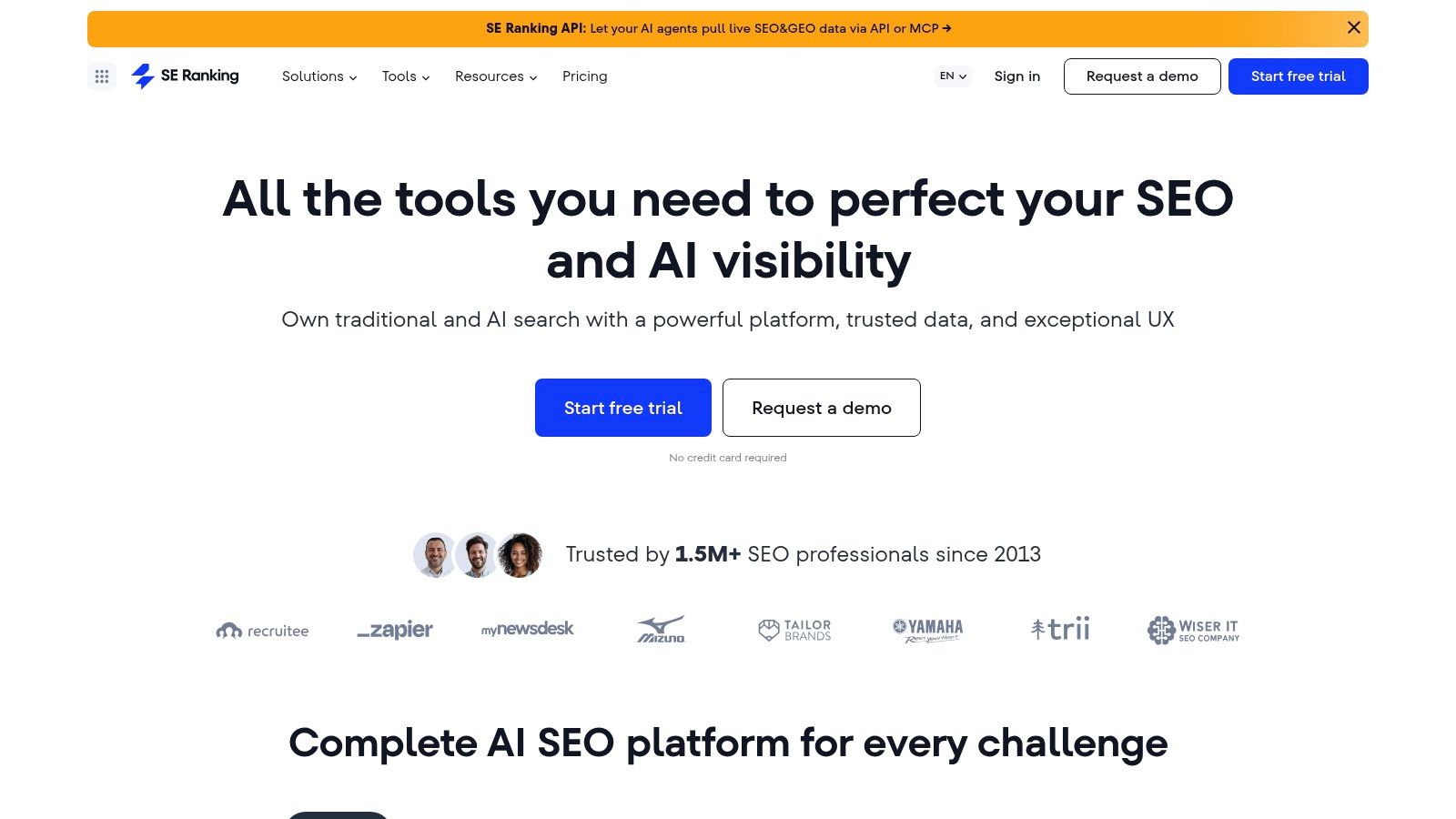
A common agency scenario looks like this: clients expect fresh ranking reports every month, a few want branded dashboards, and nobody wants to pay Semrush-level pricing just to keep that process running. SE Ranking fits that job well.
SE Ranking is a practical choice for teams that need rank tracking, site audits, keyword research, and client-facing reporting in one platform. Its own pricing page makes that positioning clear, with tiered plans built around SEO workflows rather than enterprise sprawl. For agencies and lean in-house teams, that matters more than having the biggest database in every category.
Best for agencies that sell ongoing SEO reporting
SE Ranking makes the most sense when delivery matters as much as research. If you manage retainers, track local and national terms, and need reports clients can read, it covers the day-to-day work without the cost and clutter that come with heavier suites.
That is the trade-off.
You are choosing a platform optimized for repeatable operations, not for squeezing every last edge out of backlink analysis or competitor intelligence. In practice, that often makes it the better buy for small agencies, freelancers with multiple accounts, and in-house marketers who need visibility reporting to run on schedule.
- Choose SE Ranking if rank tracking and reporting are central to the service: It is well suited to recurring client updates, white-label deliverables, and portfolio-level monitoring.
- Choose SE Ranking if you need broad SEO coverage at a more manageable price point: It handles audits, keyword research, and tracking well enough for a lot of real-world workflows.
- Pass on SE Ranking if your team wins on data depth: Ahrefs or Semrush usually give you more for backlink analysis, large-scale competitive research, and advanced content planning.
- Pass on SE Ranking if paid search is the main job: A full SEO suite can be more tool than you need. If the goal is Google Ads build quality and search term control, a specialized tool such as Keywordme is often the cleaner and cheaper choice.
SE Ranking is a good fit when your decision framework starts with client delivery, reporting cadence, and operational efficiency. If your team needs maximum data depth, look elsewhere. If your team needs a dependable all-in-one that does the daily work well, it deserves a serious look.
5. Serpstat

A common buying scenario looks like this. The team has outgrown free tools and one-off crawlers, but a top-tier Semrush or Ahrefs subscription still feels hard to justify. Serpstat fits that gap well.
Serpstat works best for teams that need one platform for keyword research, site audits, rank tracking, and basic competitor review without paying for the deepest data in every category. That distinction matters. If your workflow depends on broad coverage and acceptable depth, Serpstat can be a smart buy. If your edge comes from squeezing every possible insight out of link data or enterprise-scale research, it is usually not the strongest option.
Best for budget-conscious teams that still need broad coverage
Serpstat’s value is practical rather than flashy. You get enough functionality to run the day-to-day SEO process in one place, and that often matters more than having the biggest index on paper. For smaller agencies, in-house teams, and consultants managing several moving parts, that can keep work faster and tool costs under control.
It also helps in mixed search programs. Serpstat includes CPC and keyword data that can support early PPC planning, so it is useful when SEO research and Google Ads planning overlap. If paid search is the main job, though, an all-in-one suite can still be more software than you need. In those cases, a specialized Google Ads tool such as Keywordme is often the more cost-effective choice.
Here is the decision framework I would use:
- Choose Serpstat if budget discipline matters as much as feature breadth: It covers the core SEO jobs well enough for many real teams.
- Choose Serpstat if you want one subscription for general search marketing work: It is a solid fit for keyword research, audits, rank monitoring, and light competitor checks.
- Pass on Serpstat if backlink analysis is the deciding factor: Ahrefs usually goes deeper, and that difference shows up fast in link-led campaigns.
- Pass on Serpstat if your team relies heavily on proprietary metrics or Moz-based reporting: In that case, NameSnag's guide to Moz DA is a useful reference for understanding how those score-based workflows are evaluated.
Serpstat is a good option for companies in the awkward middle stage. They need more than entry-level tools, but they do not need to pay premium-suite pricing just to cover standard SEO operations. That makes it less of a direct Semrush replacement and more of a sensible fit for teams choosing based on workflow, budget, and how much practical data depth they will use.
6. Moz Pro
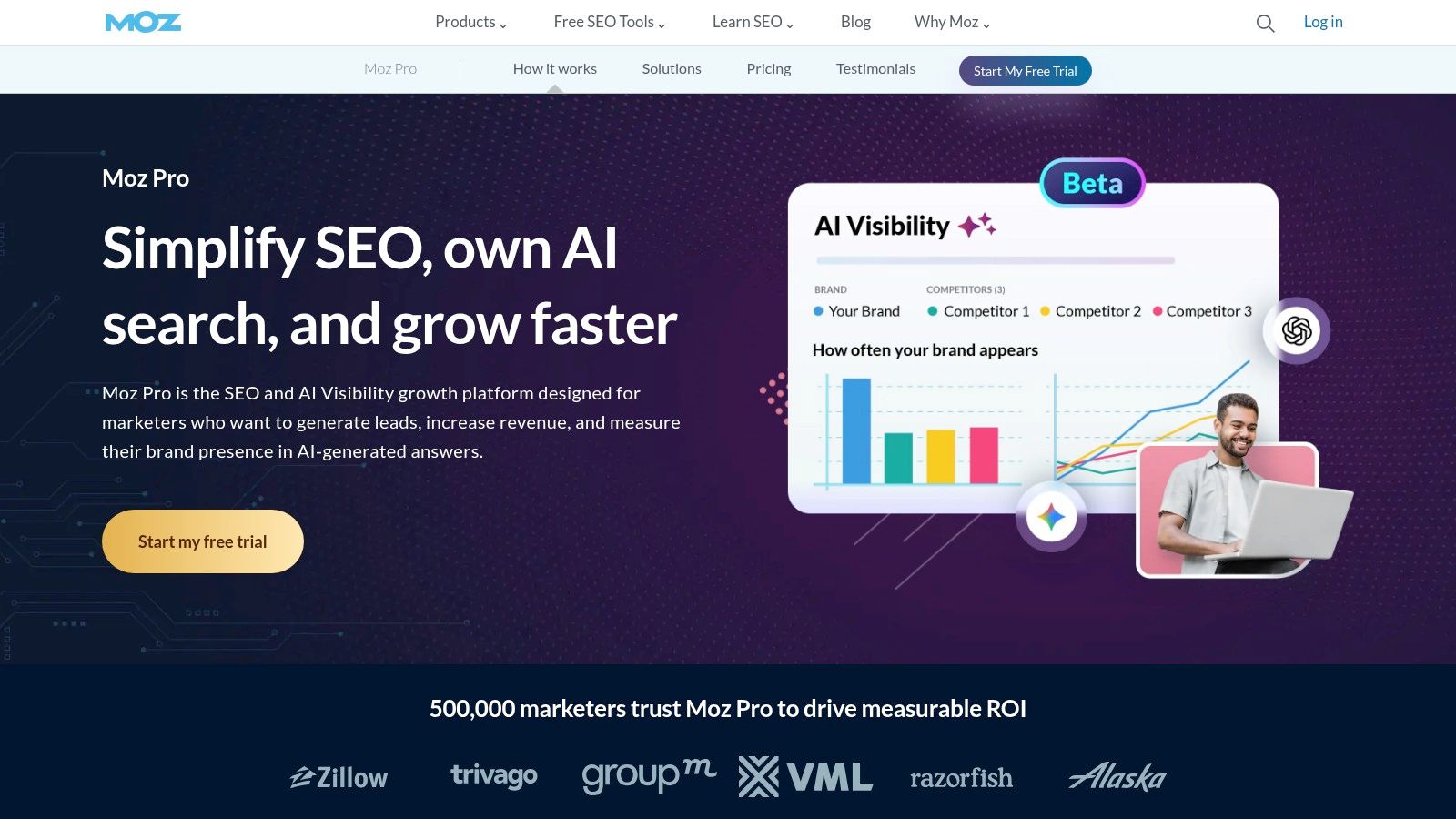
Moz Pro fits a specific kind of team. Someone needs SEO software, Semrush feels too heavy, and the main priority is getting consistent work done without a long training curve. In that scenario, Moz Pro still makes sense.
Its value is not raw depth. Its value is clarity.
Best for teams that want simple reporting and Moz-based workflows
Moz Pro is easier to adopt than several larger suites, especially for in-house teams, junior marketers, and agencies that do not need constant competitor teardown work. The interface is cleaner, the core jobs are familiar, and the reporting logic is easier to explain to clients who already recognize Moz metrics.
That last point matters more than many buyers admit. If your reporting, prospecting, or internal benchmarks still rely on Domain Authority, changing tools can create friction even if the replacement is stronger in other areas. In that case, keeping the metric source aligned has practical value. If your team needs a refresher on how that score is interpreted, NameSnag's guide to Moz DA is a useful reference.
Moz Pro starts to lose ground when the job calls for broader keyword discovery, heavier competitor research, or deeper backlink analysis. That does not make it a weak platform. It makes it a better fit for disciplined SEO operations than for aggressive search intelligence.
Here is how I would decide:
- Choose Moz Pro if ease of use will determine adoption: A simpler tool that gets used every week beats a larger suite that sits half-configured.
- Choose Moz Pro if your team already reports with Moz metrics: Keeping DA-based workflows intact can save time and reduce stakeholder confusion.
- Pass on Moz Pro if data depth is the buying priority: Teams doing large research projects usually outgrow it faster than they expect.
- Pass on Moz Pro if paid search is the main job: A dedicated Google Ads tool such as Keywordme is often the more cost-effective choice than paying for a broader SEO suite you will only use partially.
Moz Pro works best for teams that want structure, familiar scoring, and lower operational friction. It is less compelling for power users who want one platform to cover every research angle.
7. Mangools
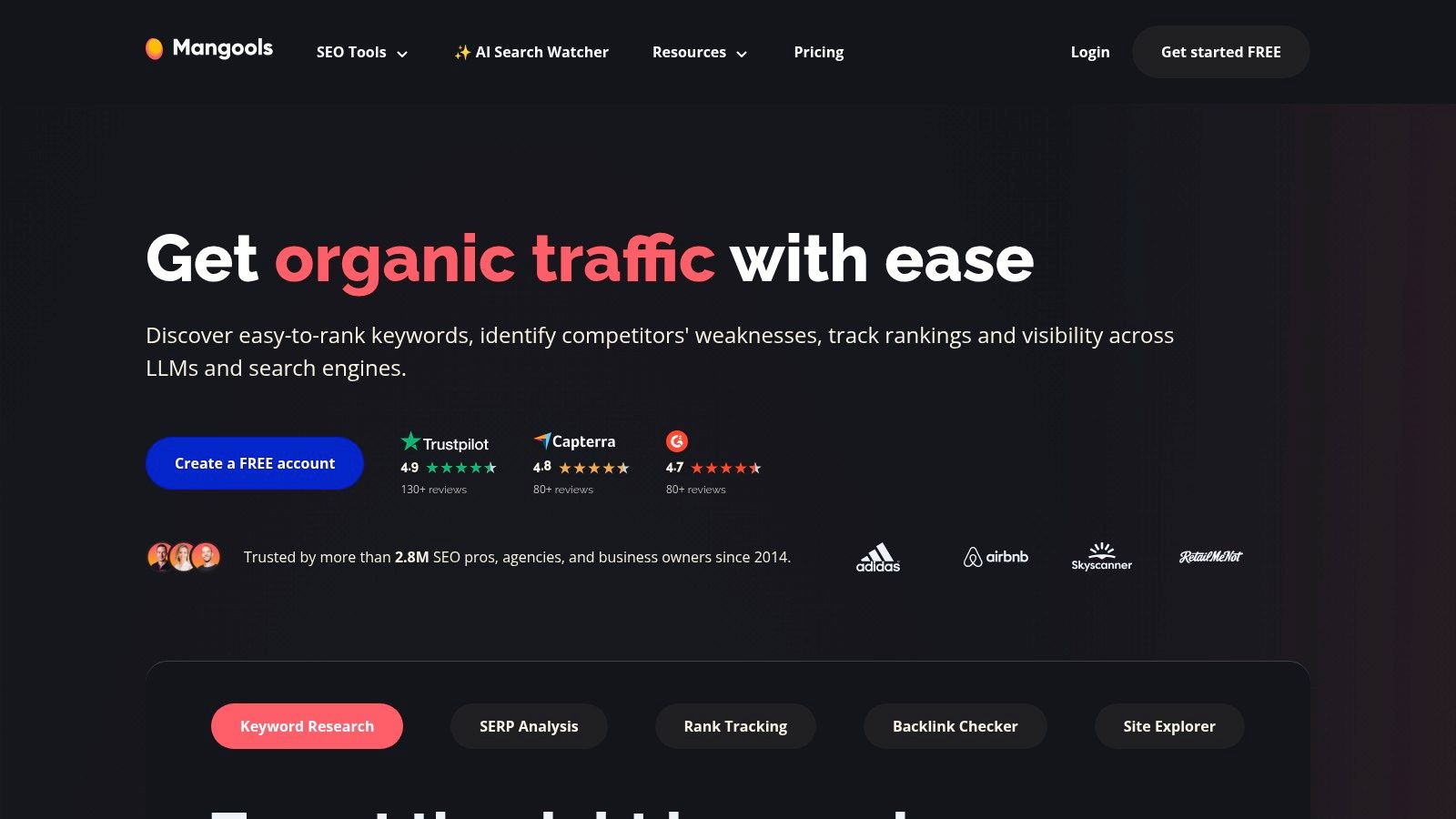
A common buying mistake looks like this. A freelancer or small in-house team signs up for a large SEO suite because it feels safer, then spends the next few months using 20 percent of it. Mangools is the alternative I point to when the task at hand is straightforward SEO execution, not cross-channel research or enterprise reporting.
Its advantage is focus. The suite keeps keyword research, SERP analysis, rank tracking, and backlink checking easy to access, which matters more than feature volume when one person is doing the work. Tools that are quick to open and easy to interpret tend to get used consistently. That usually produces better output than paying for a broader platform your team never fully adopts.
Best for freelancers and small teams
Mangools fits teams that need to publish, track rankings, and evaluate search opportunities without a long setup process. KWFinder is usually the reason people start, but the bigger benefit is that the rest of the product follows the same logic. You can move from keyword ideas to SERP review to rank tracking without much friction.
There is a real trade-off. Mangools is lighter by design, so it will not satisfy teams that need deep competitor intelligence, large-scale backlink analysis, or serious paid search research. If Google Ads is the main channel, a specialized tool like Keywordme is often a smarter spend than paying for a broad SEO platform with PPC features you will barely touch.
Here is how I would decide:
- Choose Mangools if the buyer is a freelancer, consultant, or lean marketing team: It covers the core SEO workflow without a heavy learning curve.
- Choose Mangools if software adoption is the risk: Simpler interfaces usually produce better weekly usage than larger suites packed with rarely used modules.
- Pass on Mangools if competitive research drives big-budget decisions: You may want deeper data than this tool is built to provide.
- Pass on Mangools if you need PPC intelligence as much as SEO data: This is an SEO-first suite, not a serious paid media research platform.
Mangools works best for operators who want speed, clarity, and enough data to make sound SEO decisions. It is a weaker fit for teams buying one platform to cover every search use case.
8. Ubersuggest
Ubersuggest plays in the “good enough and affordable” category. That sounds dismissive, but it isn’t. For a lot of businesses, good enough is exactly the right purchase. If you’re a small business owner, a junior marketer, or someone who needs a low-friction way to do keyword research and run basic audits, Ubersuggest can cover the essentials.
I wouldn’t choose it over stronger suites for high-stakes competitive work. I would choose it over paying for an oversized platform you won’t use properly.
Best for beginners with tight budgets
Ubersuggest works as a starter tool or a secondary tool. You can move quickly, get keyword ideas, review basic site issues, and build a rough content plan without a steep learning curve.
Its weakness is confidence at scale. Once your decisions affect larger budgets, more pages, or more aggressive growth targets, you’ll want to validate key findings elsewhere.
- Good first tool for small businesses: It lowers the barrier to entry.
- Helpful as a supplement: Some teams use it alongside a stronger primary platform.
- Less reliable for deep competitive analysis: Treat important metrics as directional.
If Semrush feels like overkill and Mangools still feels more SEO-focused than you need, Ubersuggest is one of the easier ways to get moving.
9. SISTRIX

SISTRIX is one of those tools that serious SEO practitioners often respect even when it’s less visible in mainstream “best tool” lists. It’s especially well known for visibility tracking and historical search performance analysis.
If your team cares about how search visibility changes over time, and not just current keyword snapshots, SISTRIX can be a strong fit.
Best for visibility tracking and historical SEO analysis
Its appeal is less about trying to replace every Semrush module and more about giving you a reliable lens on organic visibility. That makes it attractive for professional SEO teams, especially those working across European markets.
The trade-off is straightforward. It’s not where I’d send a PPC-first team, and it’s not the easiest recommendation for buyers who want one broad platform covering every digital marketing angle.
- Use SISTRIX for historical SEO context: It helps when trend analysis matters as much as current rankings.
- Use SISTRIX if visibility indexing fits your reporting style: Some teams prefer that framing.
- Don’t choose it for paid media depth: PPC intelligence is not the main value here.
For the right team, SISTRIX feels disciplined. For the wrong team, it feels too narrow.
10. iSpionage

iSpionage is a niche pick, and that’s exactly why some marketers love it. It focuses on PPC surveillance, landing page monitoring, and ad creative observation. If your work is more about studying competitors’ paid search moves than building a full SEO operating system, that focus can be useful.
This is not the platform I’d recommend as a broad Semrush replacement for general use. It is a practical option for paid search specialists who want a faster read on rival ad behavior.
Best for landing-page and ad creative monitoring
There’s a real difference between a broad suite and a focused workflow tool. With iSpionage, the value is speed to insight for SEM audits, launch prep, and creative review. You can look at how competitors position offers, what pages they send traffic to, and how messaging changes over time.
The weakness is scale and ecosystem. Compared with larger platforms, you’ll want to validate major decisions before rolling them out broadly.
Narrow tools win when the question is narrow. They lose when you expect them to run your entire marketing stack.
- Good for PPC audits: Especially useful before launching into a crowded auction.
- Good for creative research: Landing page review is part of the appeal.
- Less useful as an all-purpose suite: it's commonly paired with another solution.
Top 10 SEMrush Alternatives: Features & Pricing
| Tool | Core features & PPC focus | UX & data quality | Target audience | Price / Value & USP |
|---|---|---|---|---|
| Ahrefs | Backlinks, Keywords, Site Audit (limited PPC) ✨ | ★★★★☆, deep, fresh backlink data 🏆 | 👥 Technical SEOs, agencies | 💰 Premium, top backlink index, strong competitive intel |
| Similarweb | Traffic & ads intelligence, market sizing, cross‑channel ✨ | ★★★★☆, broad coverage; modeled estimates | 👥 Enterprises, market analysts | 💰 Enterprise, large-scale traffic & paid-share insights 🏆 |
| SpyFu | Historic Google Ads, ad copy, keyword/ad group ideas ✨ | ★★★★☆, PPC-focused, modeled data | 👥 PPC specialists & agencies | 💰 Mid, great PPC competitive value, historical ad tests |
| SE Ranking | Rank tracking, site audit, white‑label reporting ✨ | ★★★★☆, daily ranks, solid reporting | 👥 Agencies & SMBs | 💰 Mid, strong agency workflows & white‑label options |
| Serpstat | Keyword research, rank tracking, batch tools & API ✨ | ★★★★☆, good capacity for price | 👥 Growing teams & agencies | 💰 Budget‑Mid, scalable limits, API & integrations |
| Moz Pro | Link Explorer, DA/Spam metrics, on‑page suggestions ✨ | ★★★★☆, trusted metrics, educational | 👥 Small teams, learners | 💰 Mid, proprietary authority metrics, strong education |
| Mangools | KWFinder, SERPChecker, LinkMiner, simple keyword discovery ✨ | ★★★★☆, clean UI, easy to learn | 👥 Freelancers & SMBs | 💰 Budget, great UX for solo marketers |
| Ubersuggest | Keyword ideas, content suggestions, basic audits ✨ | ★★★☆☆, beginner friendly, shallower data | 👥 Beginners & cost‑conscious users | 💰 Low, cheapest entry, quick insights |
| SISTRIX | Visibility Index, SERP/features, historical datasets ✨ | ★★★★☆, reliable historical depth (EU strength) | 👥 Professional teams, EU markets | 💰 Mid‑High (EUR), excellent visibility tracking |
| iSpionage | PPC & landing‑page surveillance, ad copy + alerts ✨ | ★★★☆☆, focused SEM workflows, smaller dataset | 👥 PPC creatives & landing‑page auditors | 💰 Mid, landing‑page gallery & change monitoring |
Choose the Right Tool for the Job
The biggest mistake people make with sites similar to Semrush is assuming they need another all-in-one suite. Sometimes they do. A lot of the time, they don’t.
If your work is broad SEO across content, links, rank tracking, and technical audits, then yes, an all-in-one platform makes sense. Ahrefs is the obvious pick when backlinks and competitive SEO depth matter most. SE Ranking and Serpstat make more sense when you want broad functionality without paying top-tier suite prices. Moz Pro still works for beginner-friendly SEO management. Mangools is excellent when usability matters more than enterprise complexity.
But if your daily work lives in Google Ads, the economics change fast.
A general SEO suite can help with keyword discovery and competitor research, but that doesn’t mean it’s the best tool for negative keyword handling, search term cleanup, bulk match-type work, or turning paid search data into fast account actions. That’s where people overpay. They buy a large platform because it feels safer, then spend half their week exporting data and formatting it manually anyway.
That’s the “all-in-one tax.” You’re paying for breadth when your actual bottleneck is execution.
The market data supports that split. Verified comparisons show this space is fragmented by use case, with buyers choosing specialized tools when specific workflows matter more than feature sprawl. That’s why SpyFu remains relevant for PPC competitor analysis, Similarweb remains useful for traffic intelligence, and lighter tools like Mangools keep winning smaller teams that prefer simple, actionable interfaces over cluttered dashboards.
For agencies, the right answer usually comes down to service mix. If you sell SEO retainers, reporting, technical work, and content strategy, a broader suite earns its keep. If your agency mostly manages paid search, a PPC-focused stack is often the smarter setup because your team needs speed inside campaign operations more than backlink reports.
For in-house teams, I’d ask one blunt question. What are you doing every day?
If the answer is auditing pages, tracking rankings, checking backlinks, and reviewing competitors’ organic wins, buy the SEO suite that fits your budget and depth requirements. If the answer is mining search terms, expanding ad groups, cleaning junk queries, and applying match types, buy tools that reduce those specific tasks.
That’s where local search ranking tools can also be a useful reminder. Specialized products often beat broad platforms when the workflow is narrow and important.
Keywordme fits naturally into that second camp. It’s relevant when your priority is Google Ads keyword management rather than full-spectrum SEO software. If you need help handling search term cleanup, negative keyword workflows, campaign expansion, and match types inside a more focused PPC process, a specialized tool can be a more practical buy than another general suite.
The right choice isn’t the tool with the biggest reputation. It’s the one your team will use well, every day, without wasting budget on features sitting idle.
If Semrush feels too broad or too expensive for the way you manage Google Ads, take a look at Keywordme. It’s built for PPC keyword research, negative keyword handling, match type assignment, and campaign expansion, so you can spend less time wrestling with exports and more time improving account performance.
.svg)