
10 Best PPC Software Tools for 2026: Pricing and Picks
10 Best PPC Software Tools for 2026: Pricing and Picks


It's Monday morning and the search terms report has 4,000 rows, half of them junk, with three more client accounts waiting before lunch. You don't need another dashboard to admire. You need PPC software that kills the copy, paste, format, repeat grind that eats your week.
I've sorted these ten tools by the job they do, not by feature count. Some clean up keywords and search terms. Some watch account health. Some manage across channels, and a couple are pure research. Each pick comes with a clear use case and the limitation the vendor won't volunteer, because that's where the key decision lives.
One bit of context before the list. Google launched AdWords in October 2000 after a beta involving approximately 350 advertisers, then shifted to pay per click pricing in 2002, according to Search Engine Land's history of Google AdWords. You're still living with the consequences of that auction model every time you open an account. For reporting context once you've done the cleanup, Netco Design's guide to SEM reporting is worth a look.
1. Keywordme
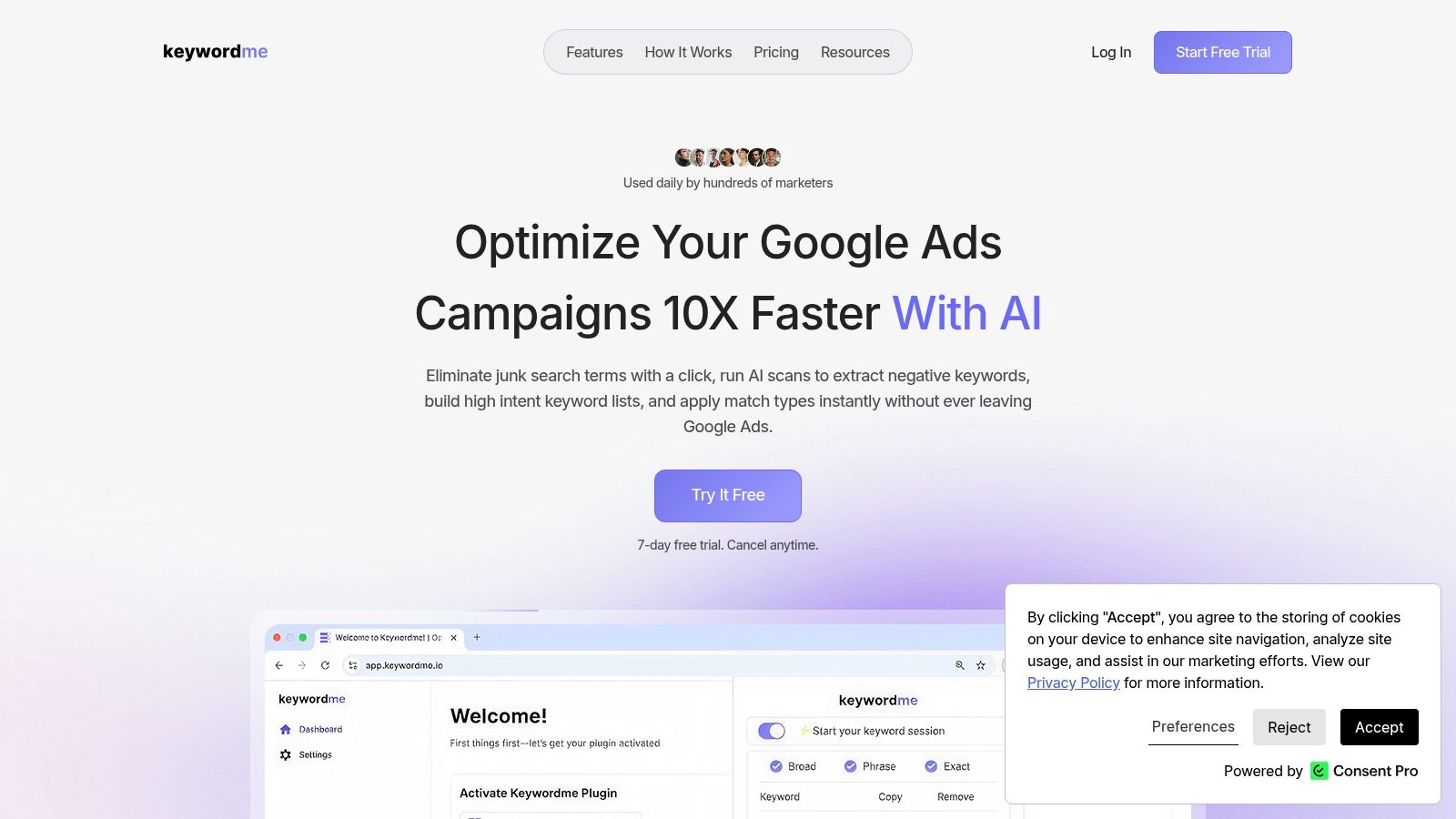
This one's a Chrome extension, and that single fact explains most of its appeal. Keywordme works inside Google Ads, so you're not exporting to a spreadsheet, formatting lists in a tab you forgot about, then pasting them back and praying nothing broke. You highlight junk in the search terms report, build the negative list, and move on.
That workflow lines up with how Google says the report should be used. The Google Ads search terms report help page notes the report shows the actual searches that caused ads to appear and connects each search with the keyword that triggered it. The useful loop is simple. Add the winners as keywords, exclude the irrelevant queries, refine. Most of us know that. Doing it at scale without losing an afternoon is the hard part.
What It Handles Well
Match types in one click matter more than they sound. Google's match type documentation describes broad as the default that can match searches related to a keyword's meaning, while exact match gives the greatest control using square brackets such as [red shoe]. Applying exact, phrase, or broad across a bulk pasted list, then downloading a fully formatted version, removes a stupid amount of manual error.
There's a catch with negatives that catches people out. Google's negative keyword documentation states negative keywords require separate additions for synonyms and singular or plural versions when those variants must also be excluded. One exclusion is rarely the whole job. Good list building has to account for variants, and doing that by hand is where accounts leak money.
Pricing is straightforward. There's a 7-day free trial, then $12 per seat per month, with help center access and chat support included. We run AI scans to extract negative keywords, and high converting keywords can be added straight from the search terms report. The advertised speed improvement isn't independently verified, so treat it as a product claim and judge it on your own account during the trial.
"Great tool and a great time saver. It's a must have for people with many Google Ads accounts to manage." Mike M
Pick this if your main pain is search term cleanup, negative list building, and match type formatting inside Google Ads. The limitation is real. It's Google Ads and Chrome only, so if your week lives in Microsoft Ads or Meta, this won't cover that work, and per seat pricing adds up across a big team.
2. Optmyzr
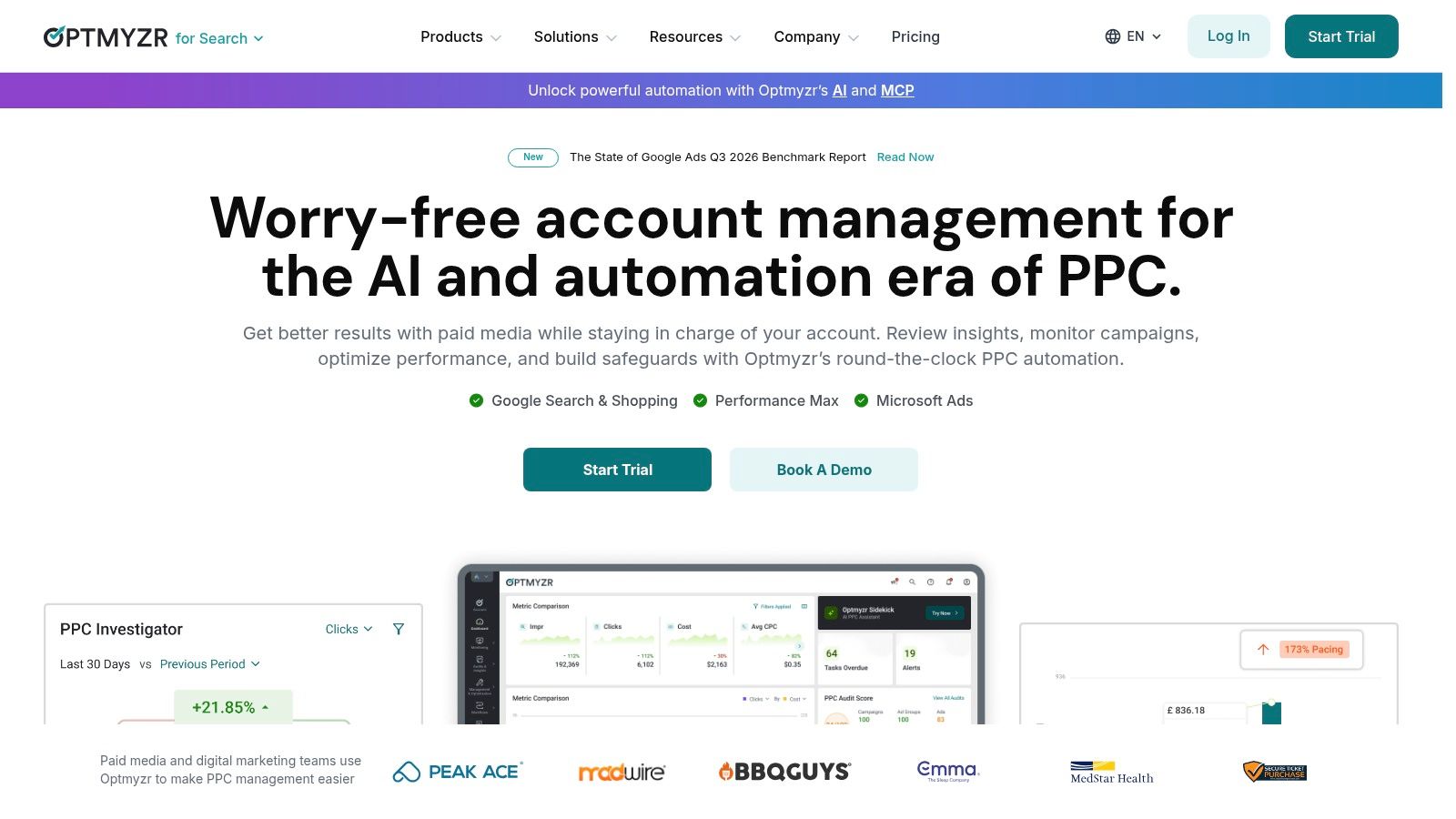
Optmyzr is the heavyweight here. It's a broad management and optimization platform for agencies and in-house teams juggling multiple accounts, covering audits, recommendations, reporting, budget tools, and automation across Google Ads, Microsoft Ads, Amazon Ads, Meta, LinkedIn, and Yahoo! Japan Ads. If you want one login for most of your paid media, this is the pitch.
The Rule Engine is the part serious operators care about. You build automations around your own conditions rather than accepting platform defaults, with more frequent scheduling and portfolio workflows on advanced plans. That human-supervised approach fits where the industry stands, because a 2026 Northwestern Medill study reported that 78% of search marketing professionals use AI for paid search campaign management, while only 23% allow full automation. Most of us want help, not autopilot.
Where It Earns Its Keep
- Optimization depth: Keyword, search query, ad, and Performance Max tools sit alongside budget management and reporting.
- Low risk trial: There's a 14-day trial without a credit card, so you can test it on a real account first.
Pick this if you're an agency or in-house team with serious spend and you need automation plus reporting in one place. The limitation is that breadth takes time to learn, pricing is tied to plan and monthly ad spend so costs rise as you scale, and some of the best capabilities sit on higher tiers. It makes a good operator faster. It won't make a weak strategy good.
3. Adalysis
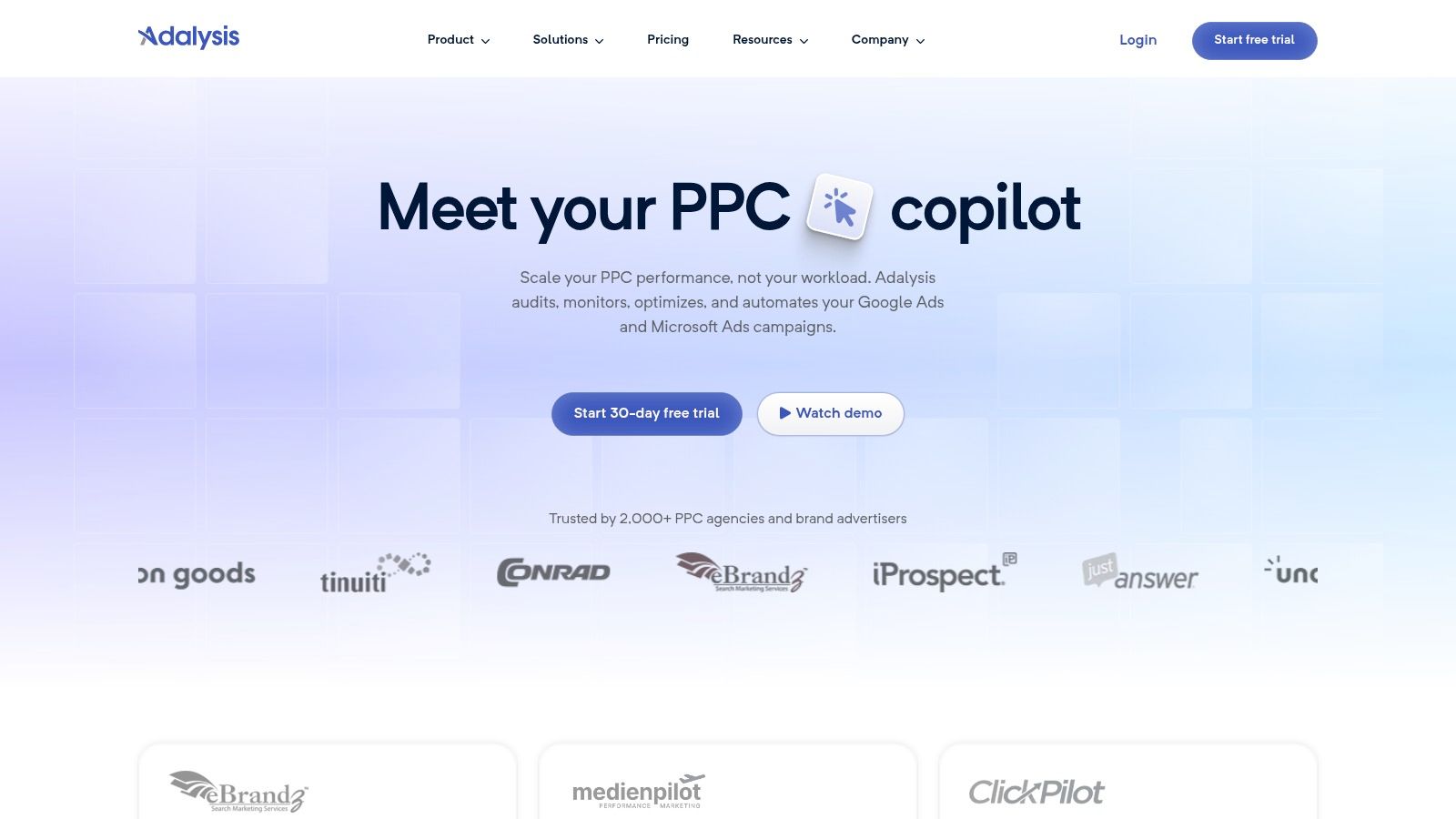
Ask yourself a different question with Adalysis. Not "what can I build" but "what's broken in this account right now." It's a health and optimization platform built around audits, ad testing, and budget oversight for Google Ads and Microsoft Ads, with more than 100 automated checks running across search terms, keywords, ads, and account structure.
That audit mindset matters because clicks lie. A National Bureau of Economic Research working paper on eBay paid search experiments reports that search engine marketing accounted for 46.3% of U.S. internet advertising revenue in 2012, equivalent to $16.9 billion, yet the experiments found conventional observational estimates overstated returns because people who click ads are often already more likely to purchase. Account checks that push you toward incremental results, not raw click volume, are worth more than another pretty report.
The feature set is pragmatic. You get custom alerts and automated actions, n-gram analysis, Quality Score analysis, bidding tools, RSA asset analysis, and Performance Max support. Listed plans include unlimited Google Ads and Microsoft Ads accounts and users, which agencies will appreciate. Pricing is based on monthly ad spend, and the entry plan includes a 30-day trial, the longest runway on this list alongside the free tools.
Pick this if you manage enough accounts that things slip between checks and you want structured audits to catch them. The limitation is focus. This is a specialist PPC management tool, not an all purpose marketing suite, pricing moves with your spend, and some training and support benefits depend on plan level.
4. Adpulse
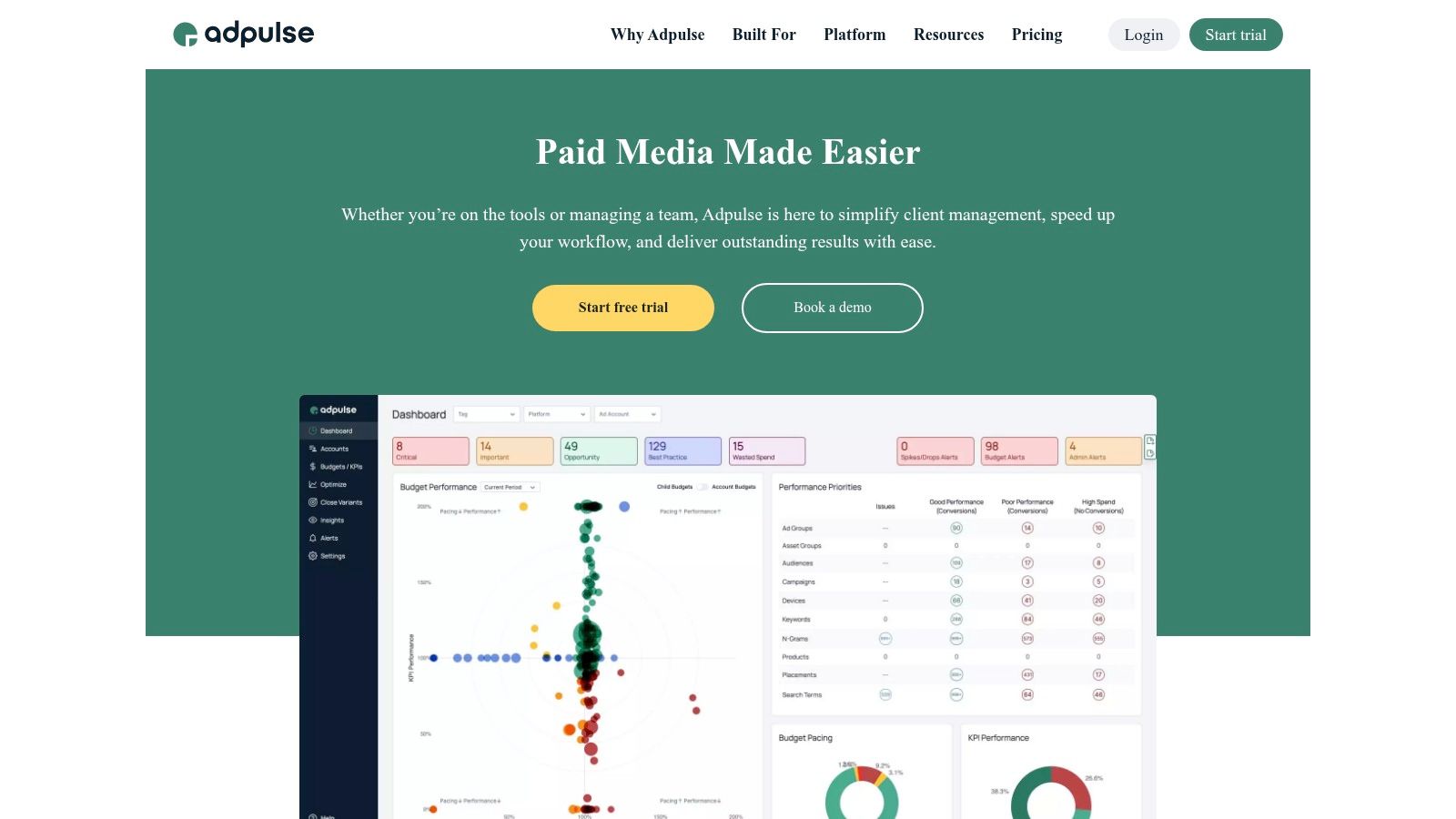
Close variants can make keyword lists hard to manage. Adpulse focuses on that problem with its Close Variant Manager, which helps categorize and review search queries in Google Ads and Microsoft Ads, then add or exclude variants. Search-term and n-gram analysis, including Performance Max query support, extends the focus to query-level cleanup.
There's a limit to what any tool can show. Google's Search terms insights documentation explains that low-volume queries may be omitted from the Search terms report for privacy reasons, with activity grouped into subthemes instead. You may see a theme's performance without seeing the exact queries behind it, so treat query analysis as a partial view.
Beyond Search Terms
Adpulse also tracks budget pacing across Google, Microsoft, Meta, TikTok, LinkedIn, Pinterest, Reddit, and Amazon Ads. Its tiers are priced by managed ad spend. A 14-day trial includes multiple users; check Adpulse's pricing page for current figures.
Pick this if close-variant cleanup and cross-channel budget pacing are your main jobs. The limitation: exclusions need careful review because a close variant can still be relevant, and costs rise with managed spend.
5. Opteo
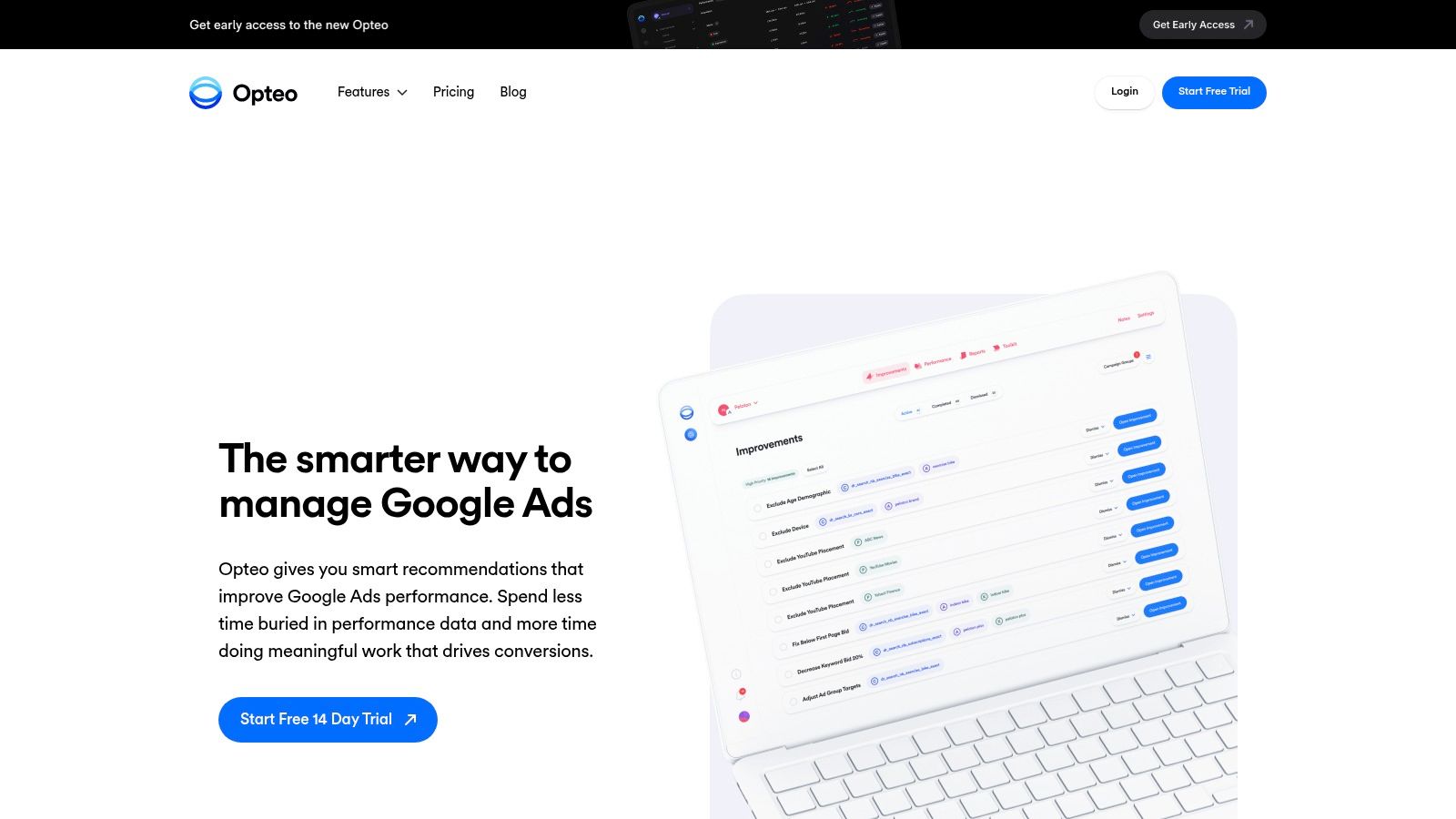
Opteo focuses on Google Ads optimization. It monitors performance, surfaces recommendations, and lets you review each change before applying it. That human checkpoint suits teams that want help spotting opportunities but still want control over what goes live.
Google's AI Max for Search documentation describes expanded reach through broad match and keywordless technology, along with search term reporting and campaign-level negative keywords for Performance Max. As targeting relies less on explicit keywords, marketers still need to judge whether a converting query belongs in a campaign and which match type makes sense. Recommendations can help frame that decision, but they cannot make the judgment for you.
Opteo also provides performance monitoring, spend tracking, alerts, and reports. Its plans are organized around account count and monthly spend, so check current pricing against your account setup before committing.
Practical rule: A recommendation you can't inspect before it goes live isn't automation. It's delegation to a black box.
Pick this if you're a freelancer or small team working primarily in Google Ads and want to approve recommendations one by one. The limitation is its platform scope: you still need to assess each suggestion against campaign context, and the account and spend limits depend on the plan.
6. TrueClicks
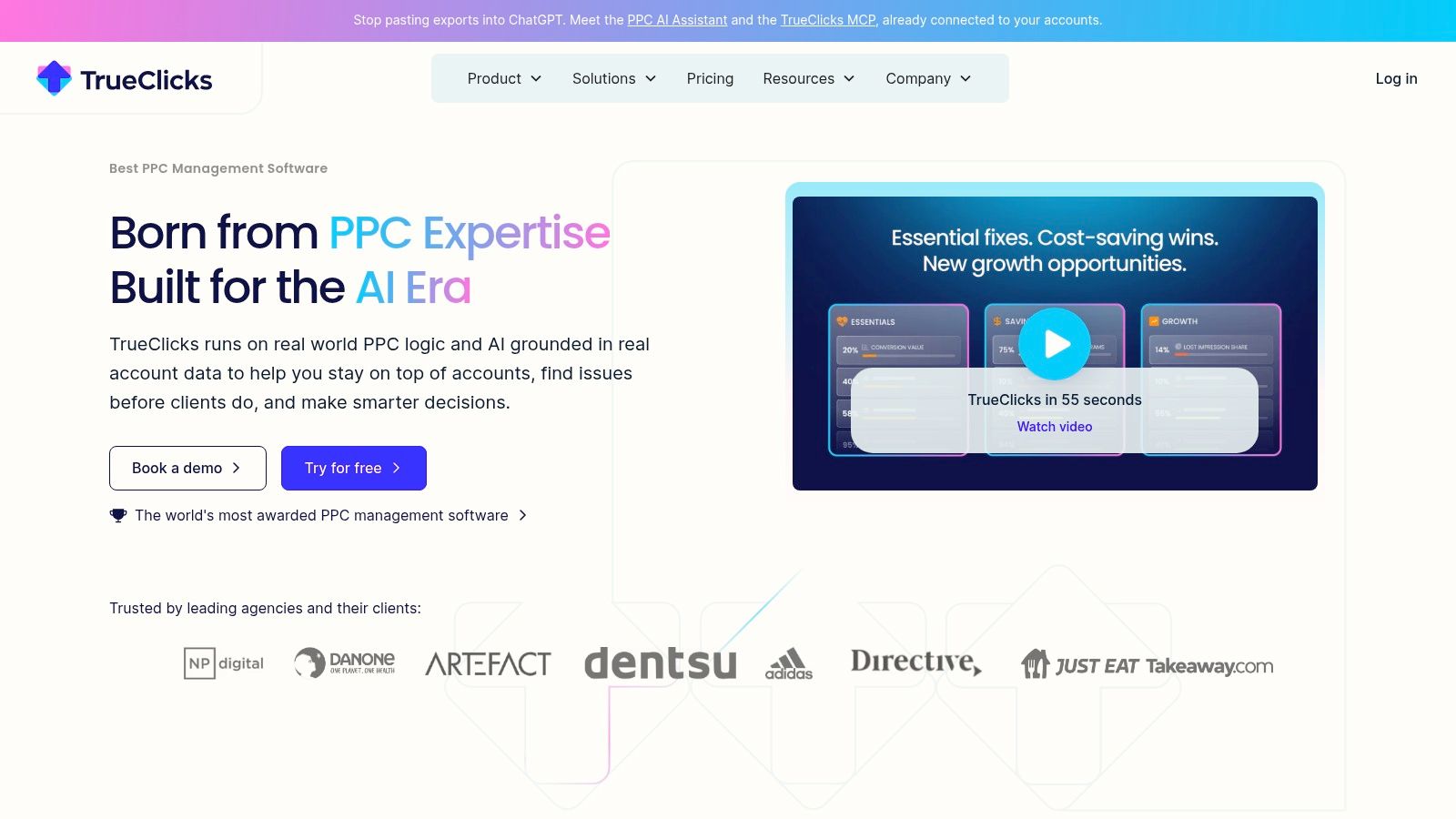
Think of TrueClicks as a second pair of eyes rather than another set of hands. It's an independent monitoring and auditing tool for Google Ads and Microsoft Advertising that flags account issues and opportunities for you to inspect and act on. It doesn't try to build your campaigns. It tries to stop you missing what's wrong with the ones you've got.
The pricing entry point is useful for smaller operations. The vendor advertises a free tier for up to $50,000 in monthly ad spend, with paid plans priced according to spend after that. Listed plans include unlimited accounts and users, and the vendor says it does not appear as a Google Ads or Microsoft Ads user or manager, which matters when client account access is a sensitive conversation.
What's in the box is account monitoring, audit style checks, and optimization insights with issue detection. That's a deliberately tight remit. For a busy account manager running a portfolio, a tool that reliably surfaces problems beats a platform with forty features nobody opens.
Pick this if you want an extra review layer across Google and Microsoft accounts without paying for a full management platform. The limitation is that it's monitoring and quality checks, not complete campaign building, pricing scales with spend once you outgrow the free tier, and agencies should confirm client data sharing permissions before connecting anyone's account.
7. Adzooma
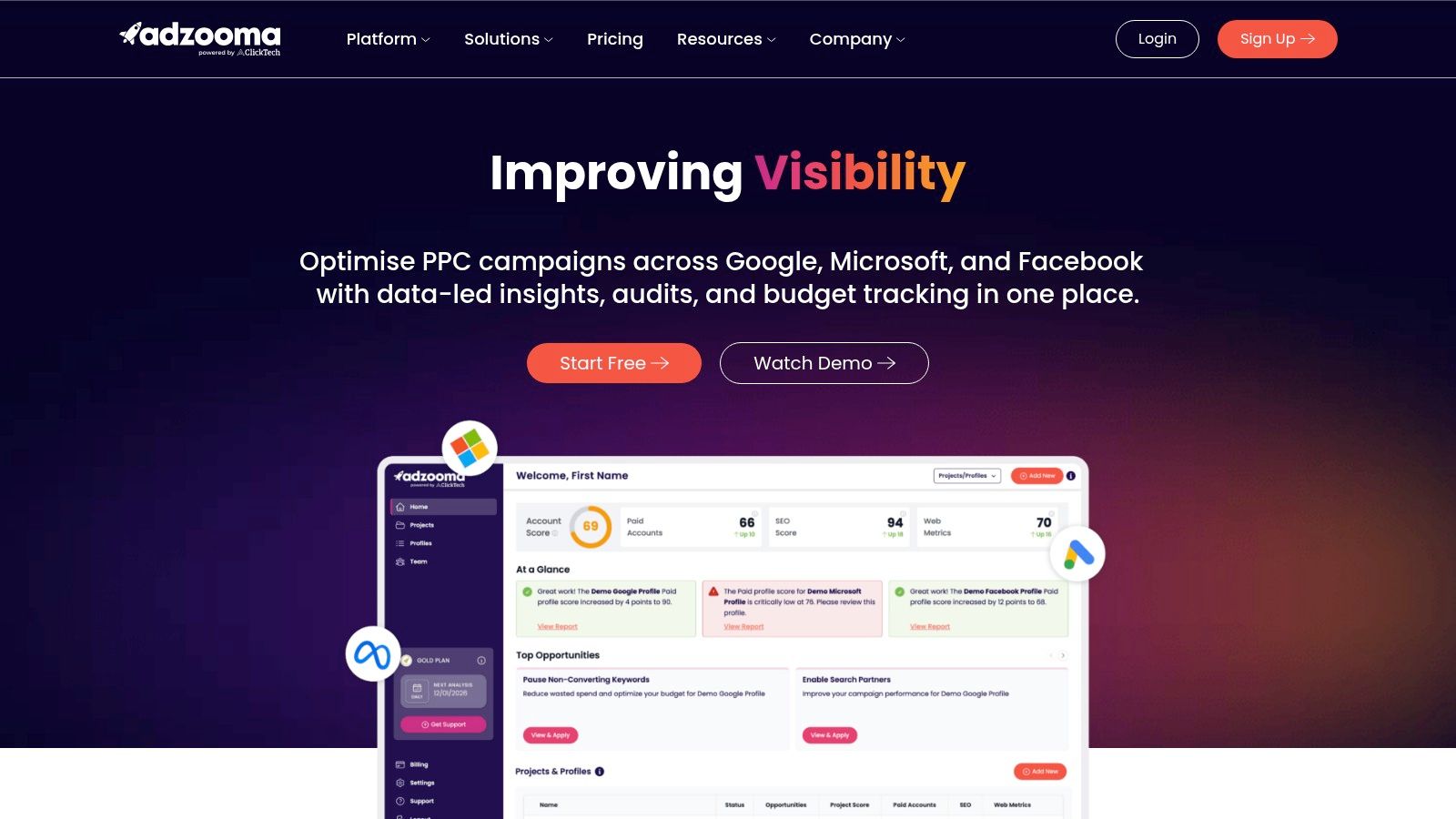
Here's the situation Adzooma is built for. You've got Google, Microsoft, and Meta accounts, limited time, and no appetite for a steep learning curve. Its Opportunities feature surfaces suggested changes around performance, wasted spend, best practices, and account structure, and you apply, acknowledge, or ignore each one. Keyword additions and weak ad fixes show up as one click actions rather than tasks you have to hunt for.
The cost of entry is hard to argue with. The vendor lists a free plan, with paid plans at $69 and $179 per month. You get account and project views for grouping multiple ad accounts, plus reports, alerts, and budget tracking across the three platforms. For a small business owner doing their own ads between everything else, guided recommendations can make routine checks far more approachable.
The Honest Catch
- Slow refresh on free: The free plan refreshes reports and opportunities monthly, which is a long time in a fast moving account.
- Generic suggestions: A best practice recommendation doesn't know your margins, your seasonality, or why that campaign is structured the way it is.
Pick this if you want a low cost, low friction way to keep an eye on several platforms and act on obvious fixes. The limitation is depth and freshness. Recommendations won't fit every strategy, and you'll need a paid plan for more frequent updates, additional alerts, or fuller reporting.
8. Google Ads Editor
Every experienced operator I know keeps Google Ads Editor installed, even if they grumble about it. It's Google's free desktop app for downloading campaigns, editing them offline in bulk, and uploading changes after review. Search and replace, copy or move actions, file import and export across multiple accounts. Unsexy, essential.
There's one mechanic worth knowing before you bulk apply negatives through it. Google's negative keyword lists documentation states that for Display and Video campaigns, all negative keywords are considered broad match and advertisers cannot change the match type. Search campaigns let you choose broad, phrase, or exact for negatives. Display and Video don't, and a maximum of 5,000 negative keywords are considered for any given ad in those campaign types per the Editor documentation. Bulk power plus wrong assumptions equals bulk mistakes.
If you're new to it, work through a walkthrough first, like this guide to using Google Ads Editor, before you post changes across a client account. The draft review step is your friend. Use it every time, and sync fresh data before you start so you're not editing a stale snapshot.
Pick this if you make large scale, repetitive edits in Google Ads and want to prepare them offline for free. The limitation is that it supports Google Ads only, not every platform feature is covered, and it's an editor, not an optimizer. It executes your decisions faster. It doesn't make them for you.
9. Google Keyword Planner
Before you spend anything, you plan, and Google Keyword Planner is still the default starting point. It generates keyword ideas from terms, products, services, or a website, shows estimated monthly searches and cost related estimates, and lets you filter by location and language before building keyword plans with forecasts. There's no separate subscription. You access it through a Google Ads account.
Used well, it's a reality check rather than an oracle. The estimates tell you whether a market is worth entering and roughly what clicks might cost, so you can sanity check a client's expectations before real money moves. If you want the step by step, this guide to using Google Keyword Planner covers the workflow in detail.
How I'd Actually Use It
- Seed and filter: Start from your product pages, then cut hard by location and language so volumes reflect your real market.
- Forecast with skepticism: Treat projected results as directional for budget conversations, never as a promise to a client.
Pick this if you need free, first party keyword ideas and volume estimates tied directly to Google Search. The limitation is that it requires a Google Ads account and billing information may be needed for basic features, forecasts are estimates and not guaranteed results, and it's research only. Planning a campaign and managing one are different jobs, and this only does the first.
10. Semrush Advertising Toolkit
The last entry doesn't manage campaigns at all, and that's fine. Semrush Advertising Toolkit is advertising intelligence. You use it before you build, to see which paid search keywords competitors are bidding on, what their ads look like, and how they're approaching Google Shopping, then you make smarter targeting and creative decisions with that picture in mind.
The toolkit covers competitor paid search keyword and ad research, Google Shopping ad research, and advertising insights for campaign planning. The Pro tier adds competitor insights for display, video, and social advertising, so you can see whether a rival's push is search only or part of a wider play. If you're weighing it against a cheaper rival, this Semrush versus SpyFu comparison breaks down where each one wins.
Where it earns its place is in the planning phase of a competitive market. Launching into a niche blind, guessing at keyword targets and copy angles, costs more than research does. Seeing which keywords competitors sustain spend on over time tells you where the money converts, because nobody funds losing keywords forever.
Pick this if competitive research shapes your campaign planning and you want paid search and Shopping intelligence in one place. The limitation is that it's research oriented rather than a campaign editing and management workflow tool, it's hard to justify if you only need basic keyword discovery, and the deeper competitor and non search ad research requires the higher tier. It informs the work. You'll still need something else to do the work.
How the 10 PPC Software Tools Compare on Price, Trials, and Best Use
Price only means something next to the job. A cleanup seat, an audit platform, and a research suite are different buys.
| Item | Starting Price | Free Option | Best For |
|---|---|---|---|
| Keywordme | $12 per seat per month after trial | 7-day free trial | Fast Google Ads keyword and search-term workflows |
| Optmyzr | Spend-based plans | 14-day trial | PPC optimization across multiple accounts and channels |
| Adalysis | Monthly plans based on ad spend | 30-day trial | PPC audits, ad testing, and account health checks |
| Adpulse | $33 per month | 14-day trial | Search-term management and cross-channel budget oversight |
| Opteo | $129 per month | 14-day free trial | Guided Google Ads optimization |
| TrueClicks | Free to $50,000 monthly ad spend, then spend-based paid plans | Free tier up to $50,000 monthly ad spend | Google Ads and Microsoft Advertising monitoring |
| Adzooma | Free plan; paid plans at $69 per month | Free plan | Recommendations and reporting across connected ad accounts |
| Google Ads Editor | Free | Free to use | Bulk and offline Google Ads editing |
| Google Keyword Planner | Free | Free to use within Google Ads | Google Search keyword research and planning |
| Semrush Advertising Toolkit | Tiered paid plans | Paid subscription | Competitor advertising research and campaign planning |
Optmyzr and Adalysis do not publish one starter fee in this comparison. The bill moves with plan and monthly ad spend, so the 14-day and 30-day trials are the fixed part you can test. TrueClicks is free until monthly ad spend passes $50,000. Semrush sells the Advertising Toolkit in tiers, not as a free editor. Google Ads Editor and Keyword Planner stay at $0 and still leave negatives, audits, and cross-channel budget work to a paid tool. A 7-day trial only works if search terms are already waiting. Thirty days gives you room to run a live account through the workflow.
Pick the Tool That Fits Your Workflow, Not the Hype
You don't need all ten tools, and buying three subscriptions to solve one problem is how software budgets balloon. Start by naming the single job that wastes the most time in your week. Is it cleaning search terms across accounts. Catching account problems before a client spots them. Editing in bulk without breaking something. Researching a market before you commit budget. That answer points at one or two tools on this list, and that's your shortlist.
The economics argue for focus too. A 2025 benchmark analysis of 16,446 Google Ads campaigns found an average cost per click of $5.26, with CPC up 12.88% year over year while conversion rate rose 6.84%. Clicks keep getting more expensive, so the win isn't more traffic. It's converting the traffic you've got and cutting the irrelevant queries you're paying for. Judge every tool here against conversion value and CPA, not against how much activity it generates.
A quick way to sort your options:
- Keyword and search term cleanup: If negative lists and match type formatting eat your Mondays, start with the tools built for query level work inside or alongside Google Ads.
- Account health monitoring: If things break between your manual checks, an audit focused platform earns its subscription the first time it catches a budget leak early.
- Cross channel management: If you're reporting across Google, Microsoft, Meta, and more, pay for the consolidated view and accept the learning curve that comes with it.
- Pure research: If you're entering new markets, fund the intelligence tools and keep management lean with free options like Ads Editor and Keyword Planner.
Trial properly, whatever you choose. Run the tool on one real account with real mess in it, not a tidy demo, and time how long your usual weekly tasks take with and without it. Signing up for our free trial gives instant access to the Chrome plugin, so you can test negative keyword cleanup on a live campaign this week and see the time difference yourself before committing to $12 per seat per month. That test beats any feature comparison chart, including this one.
The best PPC software for your team is the one your team still opens in month three, not the one with the longest feature page.
One last bit of honesty. No tool on this list fixes weak landing pages, unclear offers, or conversion tracking you can't trust. Paid search tools amplify what's already there. Get the fundamentals right, pick the software that removes your biggest bottleneck, and let the hours you save go into the strategy work no platform can do for you.
If search term cleanup is the job eating your week, Keywordme puts negative keyword list building, one click match type assignment, and bulk keyword handling right inside Google Ads, so you can turn real query data into cleaner campaigns without the spreadsheet detour. Start the free trial, run it on one messy account, and see how much of your Monday you get back.
