
8 Best PPC Management Extensions for Google Ads
Managing Google Ads campaigns involves constant tab-switching, manual reporting, and time-consuming match-type decisions — but the right PPC management extension brings optimization tools directly into your browser. This guide reviews the eight best Chrome extensions and browser-based tools for Google Ads in 2026, evaluated on workflow impact, ease of use, and suitability for solo advertisers, freelancers, and agency teams.


If you manage Google Ads campaigns, you already know the drill: jumping between tabs, exporting search term reports to spreadsheets, manually flagging irrelevant queries, and trying to remember which match type you applied last Tuesday. It adds up fast, and most of that time isn't actually improving your campaigns.
PPC management extensions solve this by bringing optimization tools directly into your browser. No dashboards to log into, no CSV imports, no context switching. This list covers the best Chrome extensions and browser-based tools for PPC management in 2026, evaluated on workflow impact, ease of use, and fit for solo advertisers, freelancers, and agency teams managing multiple accounts.
One thing worth noting upfront: not every tool here is a true browser extension. Some are web dashboards, and one is a desktop app. Where that distinction matters for your workflow, we'll call it out clearly.
1. Keywordme
Best for: Google Ads managers who want fast, in-interface search term optimization without leaving the native UI
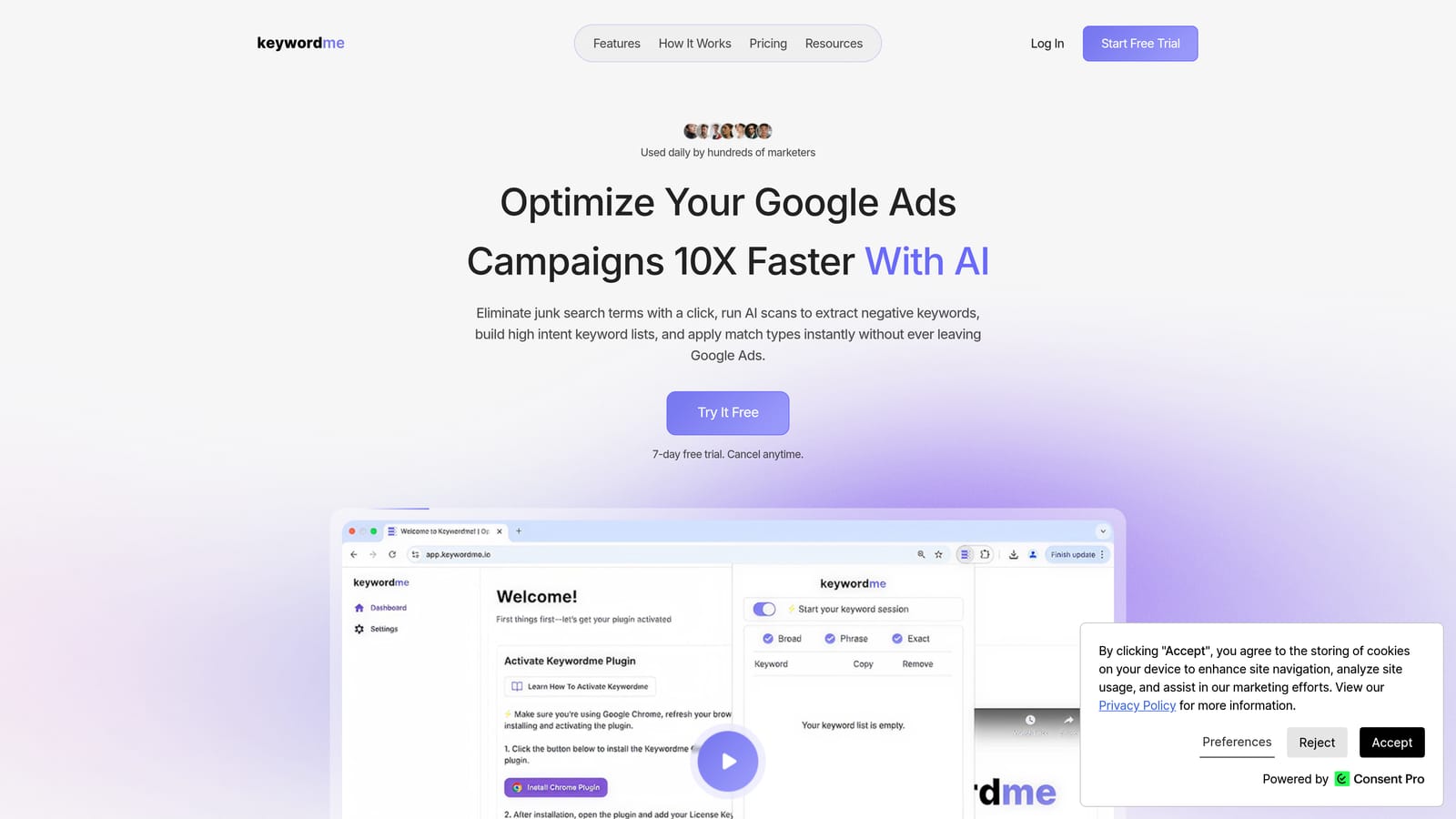
Keywordme is a Chrome extension that works directly inside the Google Ads Search Terms Report, letting you act on search terms with one click rather than exporting them somewhere else first.
Where This Tool Shines
The core value proposition is friction reduction. Instead of downloading a CSV, opening a spreadsheet, sorting by cost, identifying junk terms, then uploading a negative keyword list, you handle all of that without leaving Google Ads. You can add a negative keyword, apply a match type, or create a new keyword group in a few clicks while you're already reviewing your search terms.
For agencies managing multiple client accounts, the multi-account and team support features make this particularly useful. Keywordme's marketing copy claims the tool can speed up optimization tasks up to 10x faster than manual workflows, though that figure comes from the company's own materials rather than independent testing. The workflow improvement is real; the exact multiplier will vary by how you currently work.
Key Features
One-Click Negative Keyword Addition: Add negative keywords directly from the Search Terms Report without exporting or switching tools.
Instant Match Type Application: Apply broad, phrase, or exact match types to keywords without leaving the Google Ads interface.
Keyword Clustering: Group related search terms quickly to build tighter, more structured keyword lists.
Bulk Editing: Act on multiple search terms at once instead of processing them one by one.
Multi-Account and Team Support: Manage multiple client accounts and collaborate with team members, making it practical for agency use.
Best For
Freelancers and agency owners who spend significant time in the Search Terms Report each week will get the most out of Keywordme. It's also a strong fit for solo advertisers who want to move faster without learning a complex platform. If your main bottleneck is the manual process of cleaning up search terms and managing negatives, this addresses that directly.
Pricing
$12/month per user, flat rate. A 7-day free trial is available with no commitment required.
2. Google Ads Editor
Best for: Bulk offline editing and large-scale campaign changes across one or more accounts
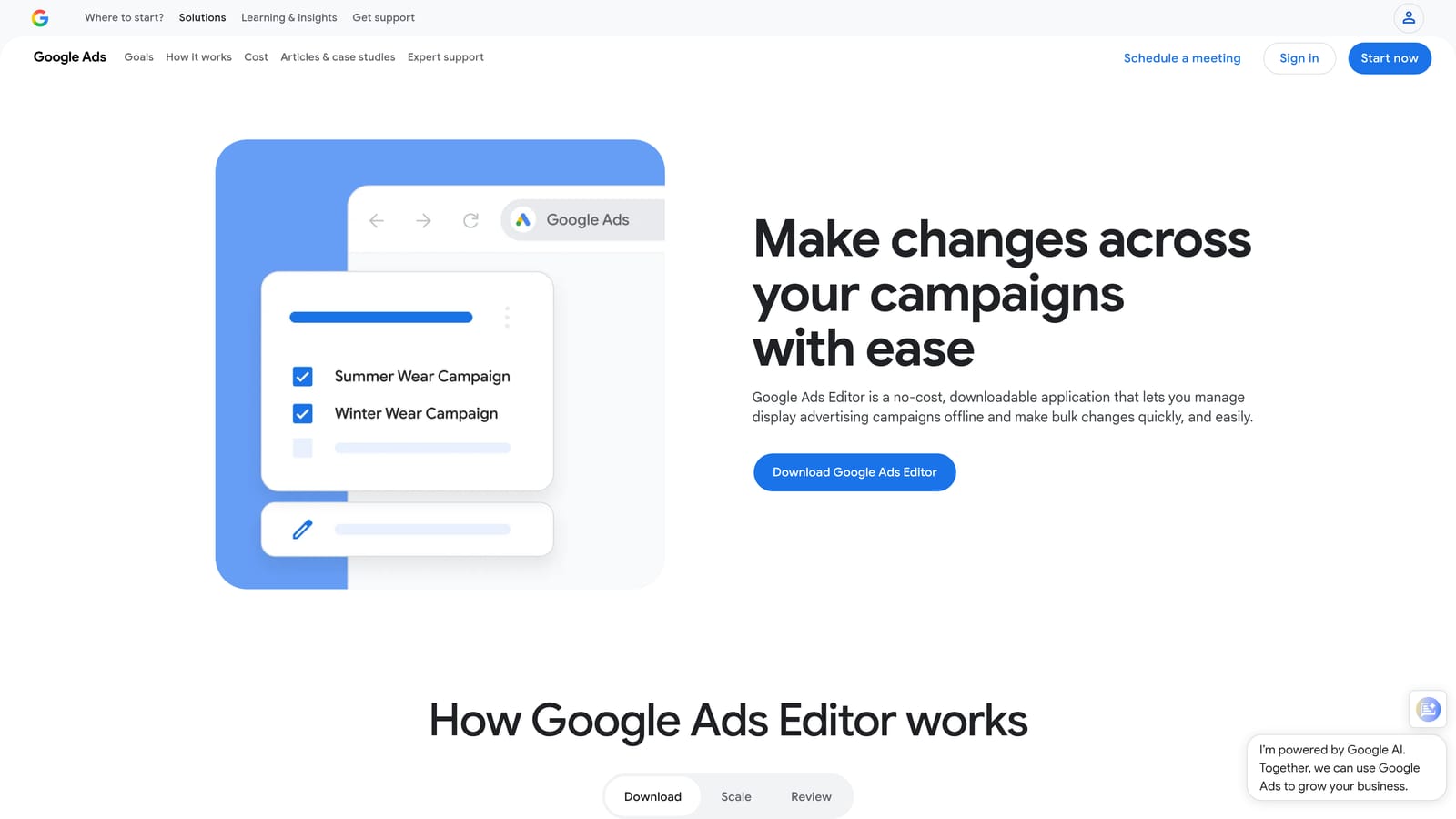
Google Ads Editor is Google's free desktop application for managing campaigns offline. It is not a browser extension, but it's an essential companion tool for any PPC manager handling large accounts.
Where This Tool Shines
When you need to make sweeping changes across an account, such as renaming ad groups, updating bids across hundreds of keywords, or restructuring campaigns, doing that inside the Google Ads web interface is slow and error-prone. Google Ads Editor lets you download the account, make bulk edits offline, review everything before it goes live, and then push changes in one sync.
The find-and-replace function alone saves significant time on large accounts. It's also the most reliable way to handle multi-account edits when you're managing several clients and need to apply similar changes across all of them.
Key Features
Offline Bulk Editing: Edit campaigns, ad groups, keywords, and ads without an active internet connection.
Find-and-Replace: Update text strings across the entire account in seconds.
Multi-Account Management: Switch between multiple accounts from a single interface.
Draft and Review: Preview all pending changes before pushing them live to avoid mistakes.
CSV Import/Export: Move data in and out for large-scale edits or record-keeping.
Best For
Any PPC manager handling large accounts or multiple clients will want Google Ads Editor in their toolkit. It's especially useful for campaign restructures, bulk keyword uploads, and any situation where you need to make many changes quickly and review them before they go live.
Pricing
Free. Available directly from Google.
3. Optmyzr
Best for: Agencies and advanced advertisers who want rule-based automation and cross-channel PPC management in one platform
Optmyzr is a web-based PPC management platform with one-click optimization suggestions, rule-based automation, and multi-channel reporting. It is a dashboard, not a browser extension, so it requires logging into a separate interface.

Where This Tool Shines
Optmyzr is built for teams managing complex accounts across multiple channels. Its one-click optimizations surface recommended changes for bids, budgets, and keywords, and you can accept or reject them individually. The rule-based automation engine lets you build custom optimization workflows without writing code, which is useful for agencies that want to systematize recurring tasks across client accounts.
The cross-channel support, covering Google Ads, Microsoft Ads, Meta Ads, and Amazon Ads, makes it one of the more versatile platforms on this list if your clients run campaigns across multiple networks.
Key Features
One-Click Optimization Suggestions: Actionable recommendations for bids, budgets, and keywords that you review and apply selectively.
Rule-Based Automation: Build custom optimization rules without coding knowledge.
Multi-Channel Reporting: Unified reporting across Google, Microsoft, Meta, and Amazon Ads.
Shopping Campaign Tools: Dedicated features for managing and optimizing Google Shopping campaigns.
PPC Audit and Account Health Monitoring: Identify issues and opportunities across accounts at a glance.
Best For
Agencies managing multiple clients across different ad platforms, or advanced in-house teams that want automation without custom scripting. Less suited to solo advertisers or small accounts where the platform's complexity and cost may outweigh the benefit.
Pricing
Starts at approximately $208/month. Pricing tiers vary by account size and features. Verify current pricing at optmyzr.com before making a decision, as SaaS pricing changes frequently.
4. Adalysis
Best for: Advertisers who run structured ad tests and want automated alerts for account anomalies
Adalysis is a web-based Google Ads and Microsoft Ads management tool built around ad testing, statistical significance tracking, and automated account audit alerts. Like Optmyzr, it's a dashboard rather than a browser extension.
Where This Tool Shines
Ad testing is one of the most commonly neglected parts of PPC management because tracking test results manually is tedious. Adalysis automates that process, monitoring your ad variations and flagging when results reach statistical significance so you can make confident decisions rather than guessing. The account audit alerts are also practical: they notify you when quality scores drop, ads get disapproved, or performance anomalies appear, so you catch issues before they compound.
For managers running many campaigns simultaneously, having automated monitoring in the background reduces the risk of something slipping through unnoticed.
Key Features
Automated Ad Testing: Monitor ad variations and track statistical significance without manual spreadsheet tracking.
Account Audit Alerts: Automated notifications for quality score changes, ad disapprovals, and performance anomalies.
Performance-Based Ad Rotation: Pause underperforming ads or rotate them based on defined rules.
Keyword and Search Term Analysis: Tools for reviewing keyword performance and search term data.
Customizable Dashboards: Build performance views that match your reporting needs.
Best For
Advertisers who take ad testing seriously and want statistical rigor built into their workflow. Also useful for agencies that need automated monitoring across multiple accounts to catch issues without manually checking each one daily.
Pricing
Tiered by monthly ad spend. Verify current pricing tiers at adalysis.com before committing, as tiers and rates are updated periodically.
5. WordStream Advisor (LocaliQ)
Best for: Small businesses and generalist marketers who want guided PPC management with simplified weekly workflows
WordStream Advisor, now operating under the LocaliQ brand (part of Gannett), is a web-based PPC management platform designed to simplify Google and Microsoft Ads management through structured weekly recommendations. Verify current product naming at localiq.com, as the transition from WordStream to LocaliQ branding has been ongoing.
Where This Tool Shines
WordStream's original appeal was its 20-minute weekly workflow model: log in, follow the action items, and get back to running your business. For small businesses or marketers who manage ads alongside many other responsibilities, that guided approach lowers the barrier to consistent optimization. The platform handles recommendations for keywords, negatives, and bids in a simplified format that doesn't require deep PPC expertise to follow.
If you're looking for a more hands-on alternative, the WordStream alternative comparison on the Keywordme blog covers how different tools compare for active PPC managers.
Key Features
Weekly Action Items: Guided recommendations delivered on a weekly cadence to simplify ongoing optimization.
Keyword and Negative Keyword Suggestions: Automated recommendations for expanding or refining your keyword lists.
Performance Grader: Account health scoring to identify gaps and opportunities.
Google and Microsoft Ads Management: Manage both platforms from a single interface.
Reporting and Alerts: Performance summaries and notifications for account changes.
Best For
Small business owners and generalist marketers who want structure and guidance rather than granular control. Less suited to experienced PPC managers or agencies who want to work at a faster pace with more direct control over optimization decisions.
Pricing
Custom and quote-based. Contact LocaliQ directly or verify current pricing at localiq.com for up-to-date figures.
6. SEOquake
Best for: Quick competitive SERP analysis and ad presence research during PPC keyword planning
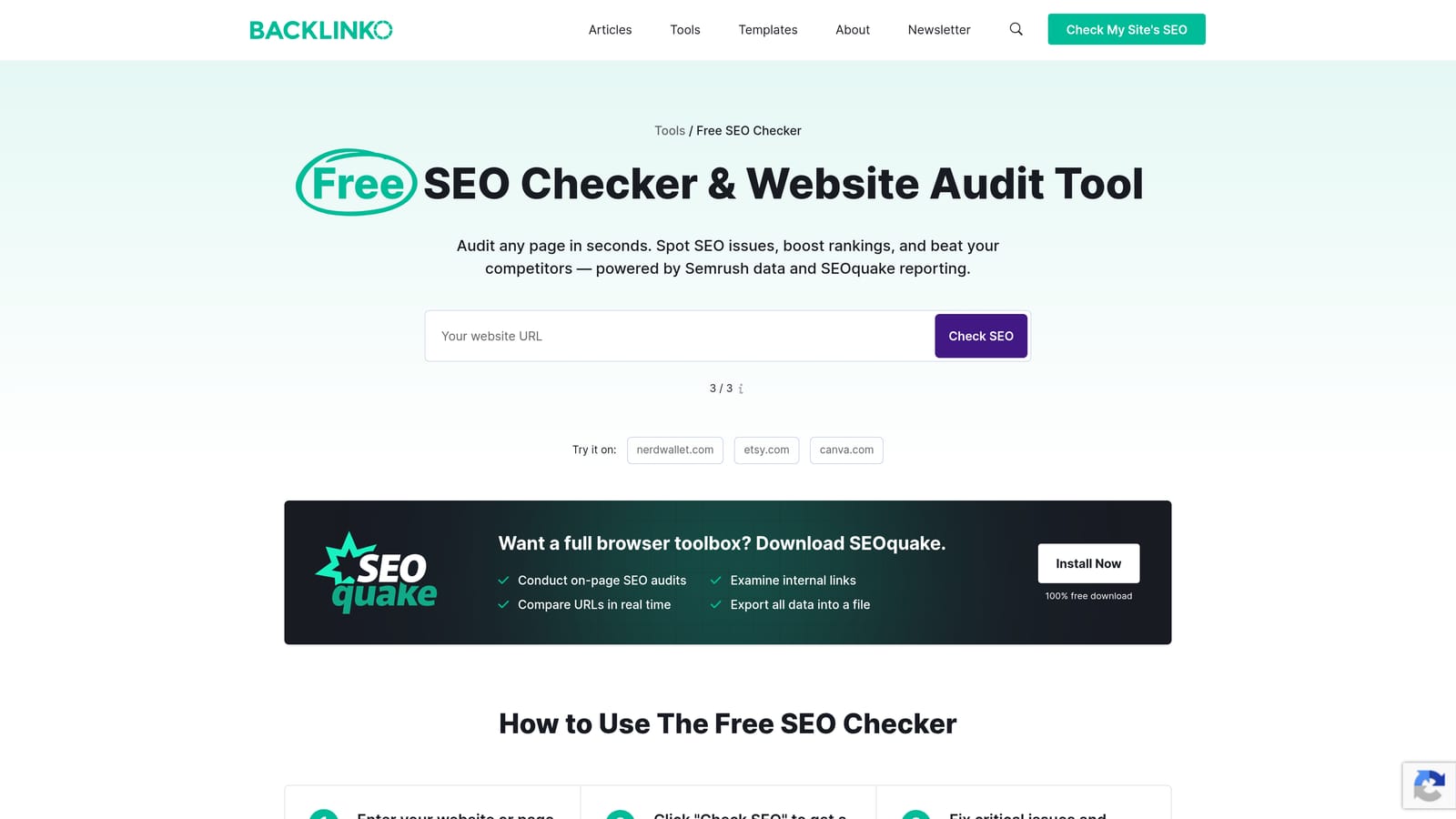
SEOquake is a free Chrome and Firefox extension from Semrush that overlays SEO and ad metrics directly on Google SERPs. It's primarily an SEO tool, but its PPC use case is competitive research: seeing who's running ads on a given SERP without opening a separate platform.
Where This Tool Shines
When you're doing keyword research or planning a new campaign, SEOquake lets you quickly see ad competition on the SERP without logging into Semrush or another paid tool. You can spot which domains are consistently appearing in paid results, get a rough sense of competitive density, and export SERP data to CSV for further analysis. It's a lightweight layer of intelligence that doesn't require switching contexts.
Keep in mind that SEOquake is not a campaign management tool. It won't help you apply negatives, manage bids, or edit keywords. Its value is specifically in the research and competitive analysis phase.
Key Features
SERP Overlay: Instant display of domain authority, backlinks, and ad data directly on search results pages.
Competitor Ad Visibility: See which domains are running paid ads on any SERP without opening a separate tool.
Page-Level Metrics: Access SEO and ad data for individual pages without leaving the browser.
CSV Export: Export SERP data for offline analysis or client reporting.
Multi-Search Engine Support: Works on Google, Bing, Yahoo, and other search engines.
Best For
PPC managers who want a fast, free way to check competitive ad presence during keyword research. Also useful for anyone who does both SEO and PPC and wants a single overlay tool for SERP analysis.
Pricing
Free. Full data depth requires a Semrush subscription.
7. Ahrefs SEO Toolbar
Best for: PPC keyword research and search intent validation directly on Google SERPs
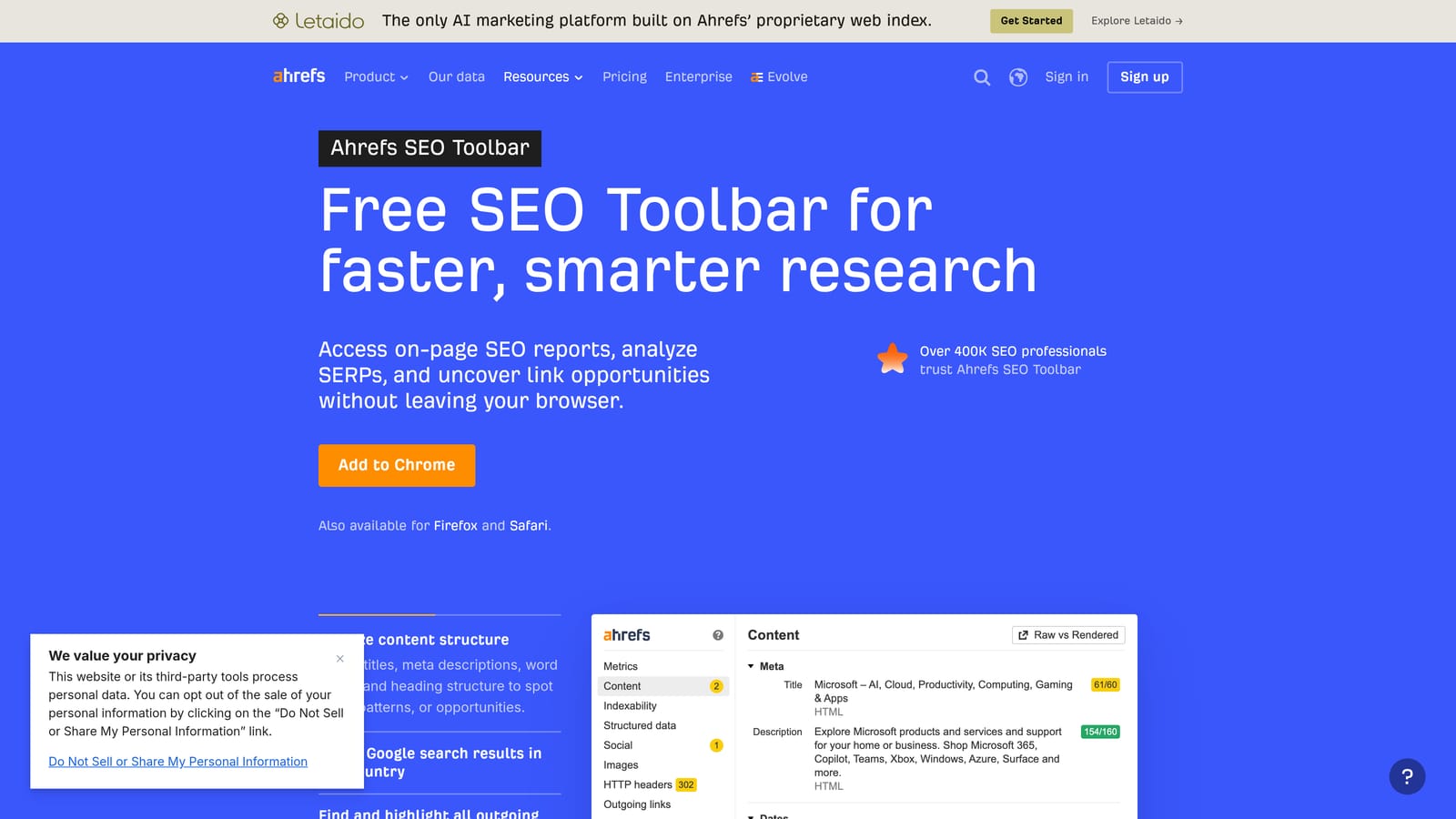
Ahrefs SEO Toolbar is a free Chrome and Firefox extension that surfaces keyword difficulty, search volume estimates, and traffic data directly on Google SERPs and competitor pages. Like SEOquake, it's an SEO tool with practical applications for PPC keyword research.
Where This Tool Shines
The toolbar is most useful during keyword planning when you want to quickly validate whether a search term has meaningful volume before adding it to a campaign. Seeing organic difficulty and traffic estimates on the SERP itself helps you assess intent and competition without opening the full Ahrefs dashboard. For PPC managers who also handle SEO, the on-page report feature gives you a quick structural view of any URL.
It won't replace a dedicated keyword research tool for deep analysis, but for fast, in-context checks while browsing, it's a practical addition to the browser.
Key Features
Keyword Metrics on SERPs: See keyword difficulty, search volume, and traffic estimates directly on Google search results pages.
Page-Level Traffic Estimates: View estimated organic traffic and backlink counts for any page you visit.
On-Page SEO Report: Quick structural analysis of any URL including headings, meta data, and word count.
Broken Link Checker: Identify broken links on any page without opening a separate tool.
No Dashboard Required for Basic Data: Core metrics are available without opening the full Ahrefs platform.
Best For
PPC managers who want fast keyword volume and intent checks during research, especially those who also handle SEO for the same clients or accounts. Not a campaign management tool, but a useful research layer for the planning phase.
Pricing
Free for basic data. Full keyword metrics and traffic data require an active Ahrefs subscription.
8. PPC Samurai
Best for: Search term analysis and negative keyword discovery at scale using n-gram pattern analysis
PPC Samurai is a web-based Google Ads tool focused on identifying wasted spend patterns across large search term datasets. It is not a Chrome extension or desktop app, but a web dashboard you log into separately.
Where This Tool Shines
The standout feature is n-gram analysis, which breaks down search terms into word fragments and identifies patterns that are consistently generating cost without conversions. On large accounts with thousands of search terms, spotting those patterns manually is nearly impossible. PPC Samurai surfaces them systematically so you can build more targeted negative keyword lists based on actual data rather than intuition.
For accounts with significant search term volume and ongoing wasted spend, this kind of pattern-level analysis can surface opportunities that row-by-row review would miss entirely.
Key Features
N-Gram Analysis: Identify high-cost, low-converting word patterns across your entire search term dataset.
Negative Keyword Discovery: Build negative keyword lists from data-driven pattern analysis rather than manual review.
Search Term Segmentation: Filter and segment search terms by performance metrics to prioritize action.
Wasted Spend Reporting: Account-level visibility into where budget is being consumed by irrelevant queries.
Bulk Negative Keyword Application: Apply negative keywords in bulk once patterns are identified.
Best For
PPC managers handling large accounts with high search term volume who want to move beyond manual search term review. Particularly useful for agencies running Google Ads at scale where wasted spend from irrelevant queries is a recurring problem.
Pricing
Verify current pricing at ppcsamurai.com before making a decision, as pricing details are subject to change.
Which Tool Fits Your Workflow
The right tool depends on where your biggest bottleneck actually is. Here's a quick breakdown by use case to help you decide.
If your main time drain is working through search terms and managing negatives, Keywordme is the most direct solution. It works inside Google Ads rather than adding another platform to your stack, which matters when you're already switching between enough tabs. The flat $12/month pricing also makes it accessible for freelancers and small agencies without a large tool budget.
If you need to make bulk structural changes across large accounts, Google Ads Editor is indispensable and free. It's not a browser extension, but no serious PPC manager should be without it.
For agencies managing clients across Google, Microsoft, Meta, and Amazon Ads who need automation and cross-channel reporting, Optmyzr is worth evaluating at the higher price point. If ad testing and account monitoring are your priority, Adalysis offers strong automated tracking for those specific needs.
Small businesses or generalist marketers who want guided weekly recommendations rather than granular control will find WordStream/LocaliQ more approachable than the other platforms here.
For keyword research and competitive SERP analysis during the planning phase, SEOquake and the Ahrefs SEO Toolbar are both free and worth installing alongside your campaign management tools. And if you're dealing with large-scale wasted spend patterns that manual review can't catch, PPC Samurai's n-gram analysis fills a specific gap that the other tools don't address. Before scaling to pattern-level analysis, it helps to have a solid process for how to find negative keywords from your search terms data, competitor research, and keyword tools — the foundational methods that feed any negative keyword workflow at scale.
Extensions work best when they reduce friction in your existing workflow, not when they create a new one. Start with the tool that addresses your most painful recurring task. For most Google Ads managers, that's the search terms report.
Keywordme lets you remove junk search terms, build high-intent keyword lists, and apply match types instantly, right inside Google Ads. No spreadsheets, no switching tabs, just quick, seamless optimization. Start your free 7-day trial (then just $12/month) and see how much faster your weekly optimization routine can actually be.
.svg)