
7 Best Negative Keywords List Tools & Templates for 2026
7 Best Negative Keywords List Tools & Templates for 2026


You open the Google Ads search terms report and immediately spot the usual junk. “Free [your product] alternatives.” “[Your job title] salary.” Random research queries from people who were never going to buy. That sinking feeling is familiar because every PPC manager has paid for traffic like this.
The annoying part is that manually excluding terms one by one feels like progress, but it rarely fixes the system. New junk queries keep showing up. Shared lists get messy. Match types get applied inconsistently. Someone on the team blocks too broadly, and now useful traffic disappears too.
A solid negative keywords list is not just a cleanup task. It is account hygiene, budget protection, and campaign control. Done well, it helps with optimizing ad spend and boosting campaign ROI. Done poorly, it creates blind spots and strangles volume.
The baseline is straightforward. New campaigns should start with a universal list of common exclusions, then expand using search term data. Benchmarks suggest many advertisers begin with 50 to 100 universal negatives and grow beyond 200 within 60 days through search term review and automation rules tied to terms with 20+ clicks and zero conversions, according to negative keyword analysis benchmarks. That is the practical starting point. Not perfection. Coverage.
What matters next is workflow.
The best setup combines templates, native Google Ads controls, bulk-edit tools, and one layer of automation that makes search-term mining less painful. That is what this guide focuses on. Not just a list of software, but the toolkit that helps you build, apply, and maintain a negative keywords list without living in spreadsheets.
1. Keywordme
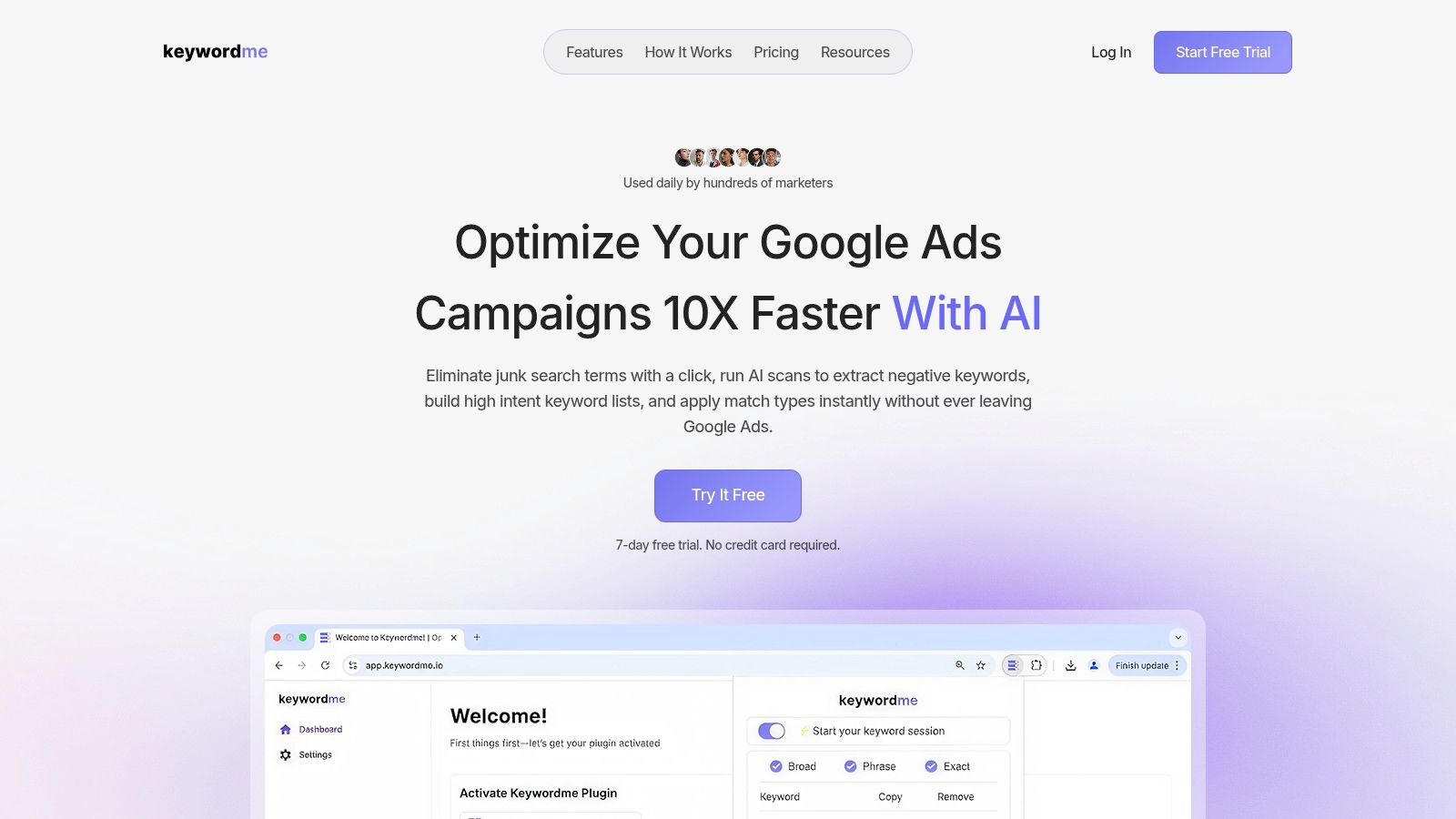
A familiar PPC problem: the search terms report is full of junk, the spreadsheet cleanup has started, and nobody wants to spend another hour formatting negatives for upload. Keywordme was built for that exact job.
It is a specialist tool, and that is the point. Instead of trying to replace your reporting stack, it speeds up the repetitive work around search term review and negative keyword list building inside Google Ads. Because it runs as a Chrome extension, the workflow stays close to where the account work already happens.
Why it fits a real workflow
Keywordme helps turn raw search term data into usable exclusions faster. You can review queries, pull out irrelevant terms, apply exact, phrase, or broad negatives, and export clean lists without jumping between multiple tabs and files.
That matters more than it sounds.
In practice, negative keyword work breaks down because of friction. A manager means to review terms weekly, then puts it off because the process is annoying. Or the cleanup gets delegated, and the handoff introduces sloppy match types, duplicate entries, or inconsistent formatting. A tool like this cuts those failure points.
It also fits the broader workflow this guide is pushing: start with a reusable template, mine live search term data, then push the cleaned negatives into the right campaigns quickly. If you need a refresher on structure and match type handling, this guide to Google Ads negative keywords and list setup is a useful companion.
The tool your team uses every week will usually outperform the one with more features and more friction.
Keywordme includes AI-assisted scans and one-click extraction, which helps with first-pass cleanup. Human review still matters. Automation is good at spotting obvious waste. It is not good at understanding account structure, offer nuance, or the difference between low intent and early-stage research traffic.
What stands out in use
A few features are especially practical in day-to-day account work:
- Fast exclusion flow: You can go from search term review to negative application without the usual copy, clean, paste routine.
- Built-in match type control: Exact, phrase, and broad are available in the same step, which reduces careless exclusions.
- Bulk formatting and downloads: Useful for teams that maintain shared negative keyword list templates or want clean exports for review.
- Search-term-based expansion: Helpful when building lists from live query data instead of relying only on a generic starter file.
The time savings are real because the tool removes repetitive formatting and transfer work. That does not replace judgment. It gives experienced managers more time to make the calls that affect spend quality.
Trade-offs to know before you adopt it
Keywordme is tightly focused on Google Ads. That is a strength if most of your negative keyword work happens there. It is a limitation if your team needs one system to cover Microsoft Advertising, Meta, and other channels from the same interface.
It is also Chrome-based, so teams with stricter browser policies need to account for that. And like many lightweight PPC tools, the value comes from consistent use, not from buying access and hoping the process fixes itself.
Pricing is seat-based, with a low entry point and a free trial. That makes it easy for freelancers and small teams to test. Larger teams should still think through rollout. If only one person uses the tool while everyone else keeps working from old spreadsheets, the workflow stays fragmented.
This type of tool earns its place when negative keyword maintenance is frequent, manual, and slowing the team down. For advertisers who want a faster path from search term mining to a clean negative keywords list, Keywordme is a strong specialist option.
2. Google Ads
If you cannot manage a negative keywords list well inside Google Ads itself, no third-party tool will save you.
The native setup is the foundation. Campaign-level negatives, ad group negatives, account-level exclusions for eligible inventory, and shared lists give you the core control structure you need. For many small accounts, this is enough.
Where Google Ads is stronger than people admit
Google Ads supports up to 20 negative keyword lists per account and up to 5,000 negative keywords per list, according to Google Ads negative keyword list guidance summarized here. For large advertisers, that shared-library structure is what keeps exclusions from turning into chaos.
That native shared-list model works especially well for:
- Universal exclusions: Free, cheap, jobs, careers, salary, template, DIY
- Regional filtering: Cities or countries you never serve
- Brand control: Terms you want blocked in generic campaigns
- Campaign separation: Product-line negatives that prevent overlap
If you need a refresher on setup and match types, this guide on Google Ads negative keywords is worth bookmarking.
The catch with native management
The Google Ads UI is fine until volume shows up.
Once you are reviewing lots of search terms across many campaigns, native management gets slower. Bulk edits are clunky. Shared-list maintenance is easy to neglect. You also have to understand how Google treats negative match types and query variants, because the platform does not protect you from bad exclusion logic.
The symbol behavior is one of the biggest gotchas. Google Ads Help notes that some symbols in negative keywords, including periods and plus signs, may be ignored in matching behavior, which can create unexpected triggers if you assume the formatting itself will do the filtering. That nuance is explained in Google Ads Help for negative keywords.
Native Google Ads controls are reliable for governance. They are not great for discovery. That is why most experienced teams pair Google Ads with a dedicated review workflow.
Use Google Ads as the source of truth. Build your shared lists there. Keep your evergreen exclusions there. But if your team is manually mining search terms at scale, the native interface becomes the bottleneck fast.
3. Google Ads Editor
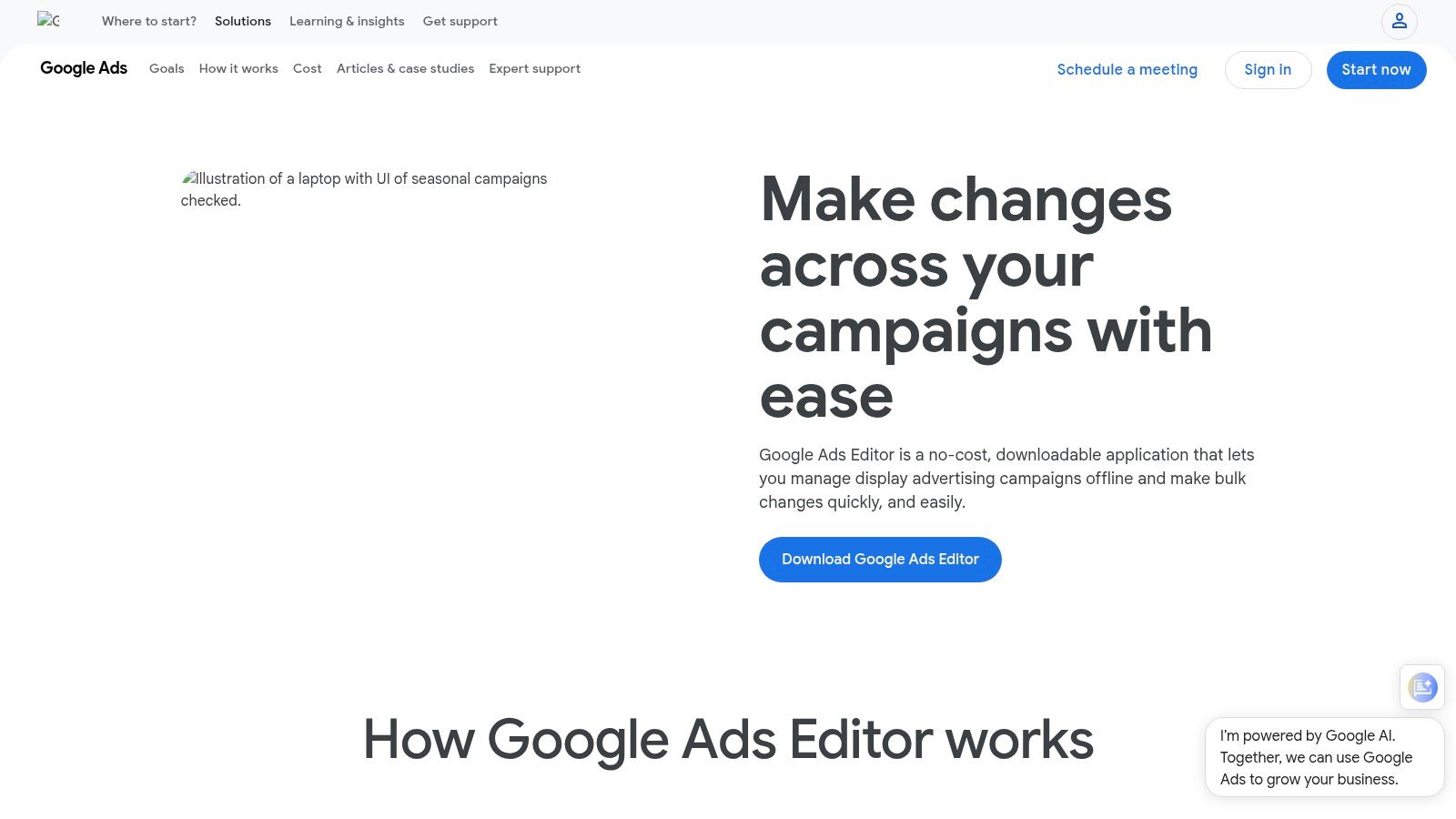
Google Ads Editor is what I reach for when an account needs surgery, not touch-ups.
It is free, offline-friendly, and built for bulk changes. If you manage large accounts or several accounts, Editor turns negative keyword updates from a slow browser task into a proper batch workflow.
Best use case for Editor
Editor shines when you already know what needs to be applied.
That means it is not the best discovery tool, but it is excellent for pushing large negative keywords list updates across campaigns or ad groups, moving exclusions between levels, and auditing what is already in place before posting changes.
Typical jobs where it wins:
- Bulk imports: Push large sets of negatives by CSV
- Structural cleanup: Move ad-group negatives up to campaign level
- Cross-campaign consistency: Apply the same filtered list across many campaigns
- Pre-post review: Catch mistakes before they go live
If you have not spent much time with it, this walkthrough on how to use Google Ads Editor helps shorten the learning curve.
What annoys people about it
Editor is powerful, but it is not intuitive for newer users. Shared library handling is less elegant than specialist tools, and there is no built-in suggestion engine surfacing likely negatives from recent search behavior. You still have to do the analysis elsewhere.
That is the trade-off. Editor is fantastic at applying decisions. It does very little to help you make them.
For teams with disciplined processes, that is fine. You pull search terms from Google Ads, identify junk patterns, then use Editor to deploy the changes quickly and safely. For solo advertisers who want a simpler in-platform workflow, Editor can feel like overkill.
One more practical point. Editor is especially useful when your browser gets sluggish in huge accounts. Offline editing sounds old-school until the web UI starts choking on bulk changes.
4. Optmyzr
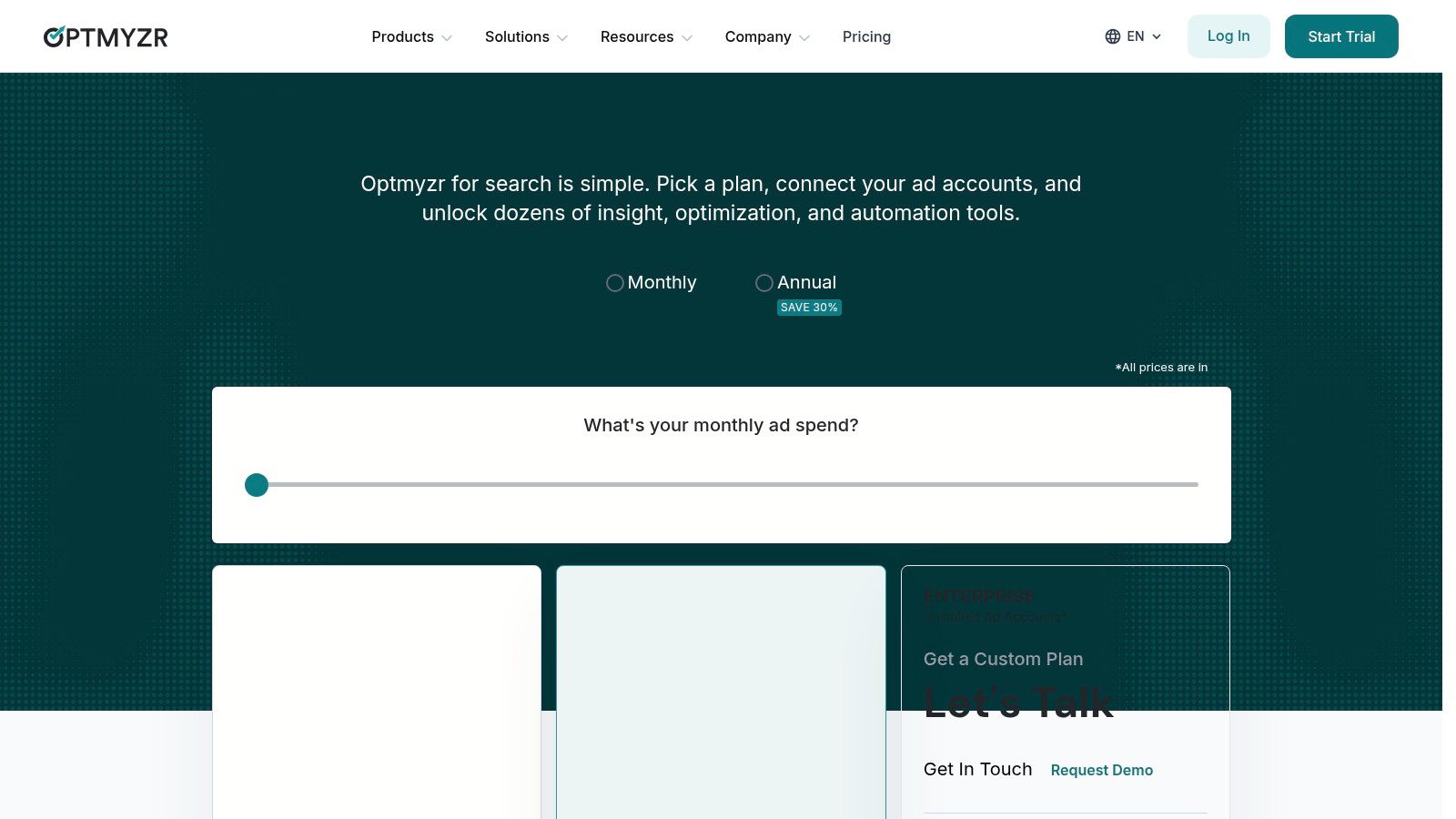
Optmyzr is for teams that want negative keyword management as part of a broader PPC operating system.
You do not buy Optmyzr just to build a negative keywords list. You buy it because your account footprint is big enough that search-term mining, n-gram analysis, rule-based automation, and cross-account workflows need a real command center.
Where Optmyzr earns its keep
Its big advantage is scale.
The platform’s Negative Keyword Finder and n-gram reporting help identify repeat waste patterns across accounts. That is useful when you manage multiple clients in the same vertical, or when one account’s junk traffic teaches you something that should be blocked elsewhere too.
The Rule Engine is also the kind of feature serious PPC teams appreciate. Automated rules tied to thresholds can flag likely negative candidates and shorten the gap between wasted spend and action.
This aligns with a benchmark many mature teams already use. Data from groas.ai notes that campaigns using extensive lists of 200+ negative keywords materially outperform the many advertisers still using fewer than 50 negatives, with stronger CPA, CTR, and CPC outcomes in that benchmark set, based on managed-spend negative keyword analysis.
Trade-off considerations
Optmyzr is not lightweight.
You need account volume and process maturity to justify it. If you are only solving a negative keyword problem, it can be more platform than you need. The best value comes when your team also uses its bid management, reporting, budget monitoring, and broader optimization stack.
- Best for agencies: MCC-level workflows and repeatable automation
- Best for in-house teams with scale: Central oversight across a large account structure
- Less ideal for freelancers with a few campaigns: The platform can feel heavy if you do not need the rest of the toolkit
Pricing is subscription-based, and current rates should be checked directly on Optmyzr pricing.
What works in practice is using Optmyzr to surface patterns, then keeping a human in the approval loop. Blanket automation on negatives is still risky. Bottom-funnel terms like “review,” “vs,” or “price” can be waste in one campaign and valuable intent in another. That is where experienced account management still matters.
5. Adalysis
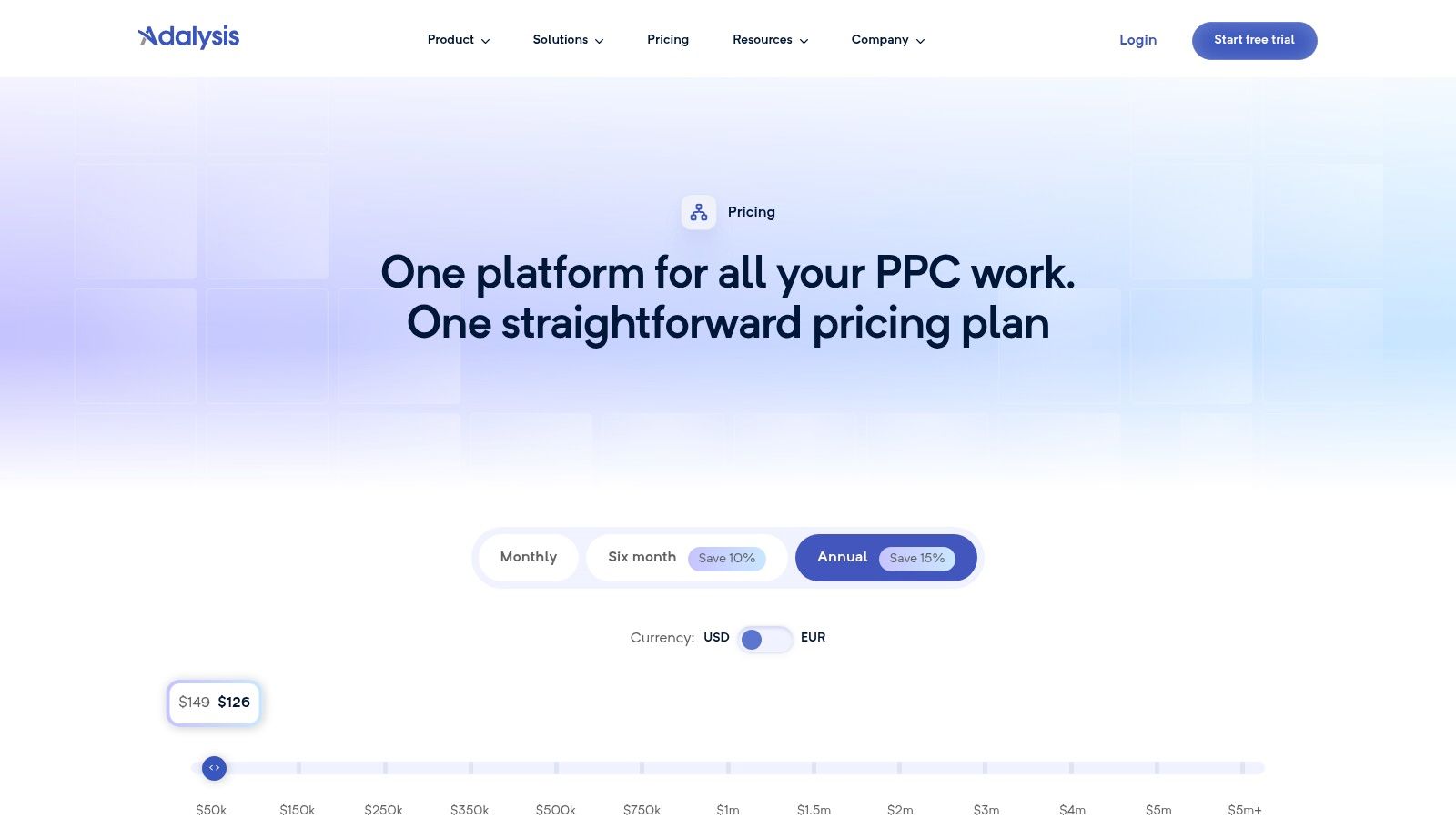
Adalysis has always made sense to PPC managers who like structure.
Some tools are flashy. Adalysis is more methodical. That is a compliment. Its negative keyword tooling is built around analysis, migration, alerts, and governance, which is exactly what breaks down in messy accounts.
Why Adalysis is useful in account cleanup
One of the most practical features is negative keyword migration. Moving exclusions between ad group, campaign, and shared list levels sounds boring, but it solves a very common account problem. Teams add negatives reactively, then months later the account is full of scattered exclusions that should have been centralized.
Adalysis also leans on n-gram and search-term analysis to surface exclusion opportunities. That is useful because bad traffic often appears as a pattern before it appears as a single obvious term.
For example, a services account might not need to block one random query. It may need to block a recurring cluster built around employment, training, or educational intent. Pattern analysis gets you there faster than line-by-line review.
Where it can feel heavy
Adalysis is not the easiest tool to absorb in one sitting. There is interface depth, and that usually means onboarding time.
Its pricing is tied to ad spend, which makes sense for larger accounts but becomes a consideration as portfolios grow. You can review current details on Adalysis pricing.
Adalysis is strongest when a team needs discipline. If your account problem is not just finding junk queries, but keeping exclusions organized over time, it is a good fit.
I would choose Adalysis over a simpler tool when the account already has negative keyword debt. Too many scattered exclusions. Too many overlapping campaign themes. Too little consistency in how the team applies negatives.
If you just want quick one-click cleanup inside Google Ads, there are faster specialist options. If you want a more governed process, Adalysis is a strong pick.
6. Semrush PPC Keyword Tool
Semrush PPC Keyword Tool is the planning-first option in this list.
That distinction matters. It is not an in-account negative keyword automation tool. It is more useful when you are building campaigns, auditing a market, or organizing keyword and exclusion logic before launch.
Best for planning a negative keywords list early
Semrush works well when the negative keyword conversation starts before spend goes live.
Inside PPC Keyword Tool projects, you can group terms, organize keyword sets, import and export lists, and identify related or long-tail queries that probably belong in your negative stack rather than your target stack. That is especially handy during account builds, competitor reviews, or category expansion projects.
If you are trying to map core terms, edge cases, and exclusion themes at the same time, it is a comfortable environment. And if you already use Semrush for broader research, keeping PPC planning in one ecosystem is convenient.
For newer advertisers, this guide on how to find negative keywords pairs nicely with Semrush’s planning workflow.
A lot of teams weigh research suites against one another before committing. If you are comparing ecosystems, this SE Ranking vs Semrush comparison gives useful context.
Where Semrush falls short for active account management
This is not the tool I would choose for weekly search-term firefighting inside Google Ads.
Its strength is organization and research, not in-account execution. You can curate a solid negative keywords list with it, but you will still need a workflow for applying those negatives and maintaining them as live data changes.
That means Semrush is more valuable in two situations:
- Campaign build-outs: You want to define positives and negatives together
- Audits and strategy work: You need market and competitor context around search behavior
It is less compelling if your immediate pain is operational. If your team spends hours every week mining live search terms and pushing exclusions, a specialist tool or native-plus-bulk workflow will help more.
Semrush is smart at the front of the process. It is not the cleanest tool for the middle of the week when junk clicks are already eating budget.
7. Karooya Negative Keywords Tool
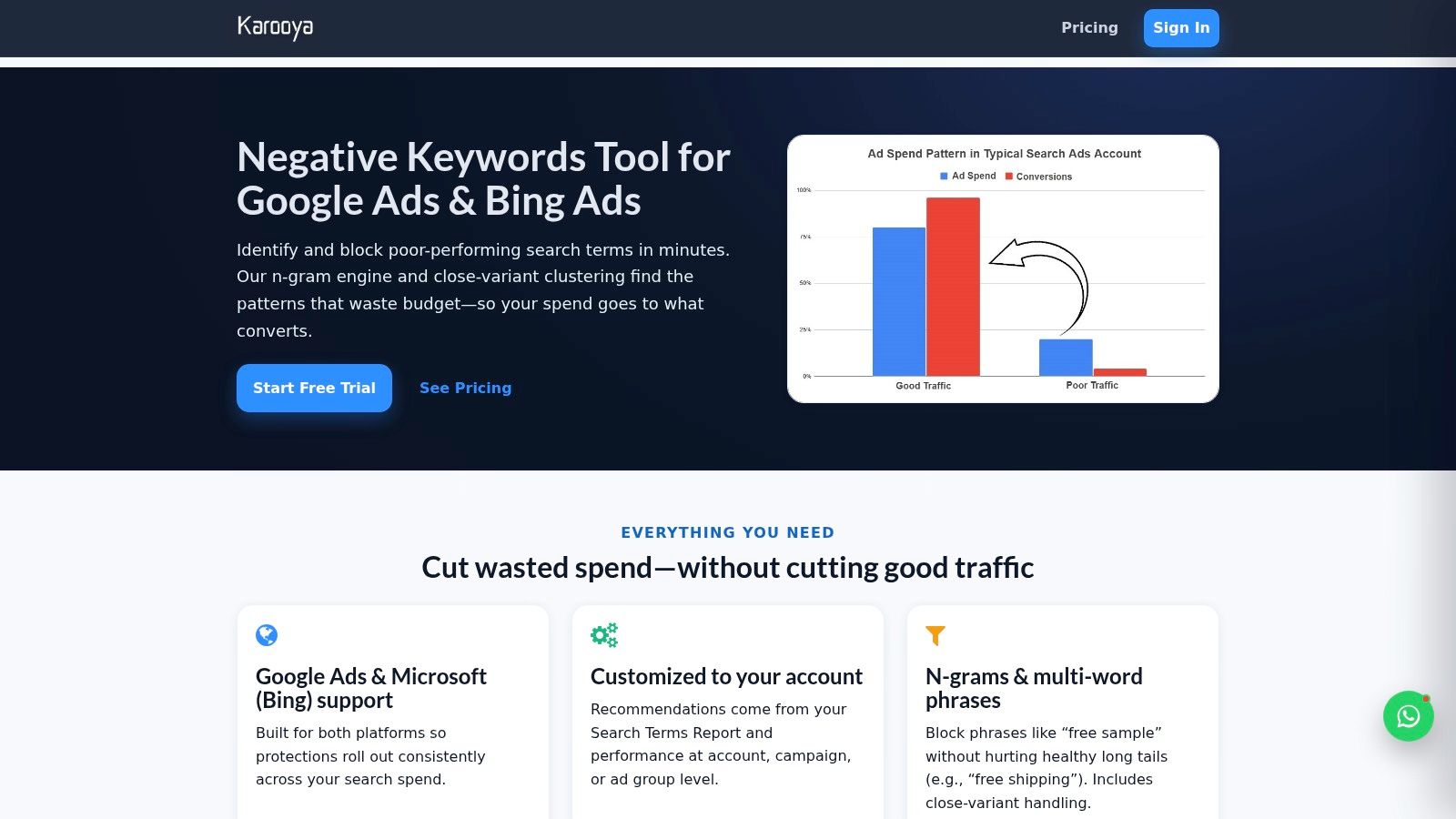
Karooya Negative Keywords Tool is one of the few products here that stays tightly focused on negative keywords instead of trying to become your entire PPC platform.
That makes it appealing for teams who know the problem they want to solve.
What Karooya does well
It is built around automated discovery, suggestions, dashboards, and ongoing review. It supports Google Ads and Microsoft Advertising, which is useful if your paid search mix extends beyond Google and you want one exclusion-focused process across both.
The decision-support angle is also practical. Rather than forcing immediate application, the platform aims to show likely impact before you commit. That extra layer matters because over-negating is one of the fastest ways to hurt a campaign while feeling productive.
Karooya is a good fit when:
- You care mainly about exclusions: Not full-suite PPC management
- You run both Google Ads and Microsoft Advertising: Cross-platform support helps
- You want suggestions with human review: Faster than manual, safer than blind automation
The narrower scope is both good and limiting
The simplicity is a feature, but it also means you will probably still need other tools for reporting, account editing, budget management, or deeper PPC diagnostics.
That is not a knock. Specialist tools are often better than all-in-one suites at one important job. You just need to know you are buying a focused layer, not a complete operating system.
One strategic point matters here. A one-size-fits-all negative keywords list rarely performs as well as a customized one by industry and offer type. The AdConversion angle on customized negatives is directionally right, and the broader benchmark trend supports strategic customization over generic blocking, especially when accounts differ sharply by niche or funnel stage, as discussed in this industry-specific negative keyword perspective.
Karooya suits that mindset well. It is for people who want continuous exclusion management, not just a static list downloaded once and forgotten.
Top 7 Negative Keywords Tools Comparison
| Solution | Implementation (🔄 Complexity) | Resources & Cost | Speed / Efficiency (⚡) | Expected Outcomes (📊 ⭐) | Ideal Use Cases (💡) |
|---|---|---|---|---|---|
| Keywordme | Low: install Chrome extension, in‑UI workflow | $12/seat/month; Chrome only; minimal training | ⚡ Very fast: one‑click extraction, bulk paste/format | 📊 Reduce wasted spend; faster negative management; clear ROI | Agencies, freelancers, SMBs needing quick Google Ads negatives |
| Google Ads (native negative keyword lists) | Low: built‑in UI/API but rule nuances require QA | Free; account/shared lists; manual governance time | ⚡ Moderate: centralized but limited bulk UI | 📊 Consistent account‑level exclusions; official match behavior | Advertisers preferring no third‑party tools and native control |
| Google Ads Editor | Moderate: desktop app; offline workflows to learn | Free; CSV import/export; good for large accounts | ⚡ High for bulk: reliable batch edits and audits | 📊 Accurate large‑scale updates; fewer web UI limits | Large accounts, multi‑account managers, bulk migrations |
| Optmyzr | Moderate–High: SaaS setup, rule engine learning | Paid subscription; best for MCC/multi‑account teams | ⚡ High: automated discovery and cross‑account application | 📊 Scales automation; time savings for complex accounts | Agencies and enterprise teams needing cross‑account automation |
| Adalysis | Moderate: feature‑rich interface requires onboarding | Paid; pricing scales with ad spend | ⚡ High: migration tools, alerts and automated workflows | 📊 Reduces spreadsheet work; scalable governance | Teams that need alerting, migration and spend‑tiered workflows |
| Semrush PPC Keyword Tool | Low–Moderate: part of Semrush platform; planning focus | Paid as part of Semrush; can be costly | ⚡ Moderate: strong for planning, not in‑account automation | 📊 Better campaign planning and competitor insights | Campaign build‑out, audits, and combined market research |
| Karooya Negative Keywords Tool | Low: SaaS integration with Ads & Microsoft | Paid; trial/contact for details; simpler than suites | ⚡ High: automated suggestions and impact dashboards | 📊 Quick wins reducing wasted spend; learns over time | Teams focused specifically on negative discovery across platforms |
From List to Profit Your Next Move
Monday morning. Search terms are full of junk, spend drifted over the weekend, and nobody is fully sure which negatives were already reviewed, which were added at the ad group level, and which still need to be pushed account-wide.
This is the core problem a negative keywords list should solve.
A static list helps at the start, but paid search waste rarely comes from the obvious terms alone. New query patterns show up as campaigns expand, match types widen, offers change, and traffic shifts between research and purchase intent. Teams that keep costs under control treat negatives as an operating process, not a one-time setup.
The workflow is usually straightforward. Start with a base list, apply it through shared lists and campaign controls, then review search terms on a cadence that matches account volatility. High-volume campaigns need tighter review. Mature campaigns can handle a lighter schedule. The key is ownership. If nobody is responsible for weekly query review, wasted spend stays in the account longer than it should.
The gains usually come from repeated cleanup, not one large purge. A poor-fit query gets spotted, classified, blocked with the right match type, and, if it reflects a broader pattern, added where the rest of the account benefits from it too. That is how negative keyword management turns into margin improvement instead of occasional maintenance.
Each tool in this guide supports a different part of that system. Google Ads handles native controls. Google Ads Editor speeds up bulk work. Optmyzr and Adalysis help larger teams manage scale, rules, and oversight. Semrush is more useful before launch and during audits. Karooya stays focused on negative discovery.
Keywordme fits the workflow where many PPC teams get stuck. Search-term review and application. That is usually where time disappears, copy-paste errors creep in, and routine upkeep gets postponed until the account is already wasting budget.
A practical setup looks like this:
- Use a starter list: Block universal junk terms that almost never convert
- Review live search terms on a schedule: Static templates will miss account-specific waste
- Choose match types carefully: Exact and phrase negatives often give more control than broad exclusions
- Store recurring negatives centrally: Shared lists reduce duplication and inconsistency
- Use the right tool for the slowest step: Discovery, formatting, review, and bulk application are different jobs
I have seen plenty of accounts with a decent negative keyword list and a weak process behind it. The list looked fine. The workflow did not. That usually shows up in preventable spend, repeated bad queries, and patchy implementation across campaigns.
The fix is rarely complicated. Assign ownership, tighten the review cadence, and remove the friction that causes teams to delay search-term cleanup in the first place.
If your account keeps leaking spend through irrelevant queries, the next move is to build a workflow your team will maintain every week. Keywordme is built for that day-to-day part of the job. It helps turn search-term review from spreadsheet cleanup into a faster operating loop inside Google Ads, so good exclusions get found and applied while they still matter.
.svg)