
9 Best Low Cost Google Ads Tools in 2026
This guide reviews the 9 best low cost Google Ads tools available in 2026, covering free and affordable options that help marketers, freelancers, and agency owners reduce wasted spend, discover better keywords, improve Quality Scores, and manage campaigns more efficiently — no matter the budget.


The best Google Ads tools don't have to be expensive. Many of the most impactful options are either free or cost under $20/month—and several come from Google itself.
This guide covers nine tools that genuinely help: cutting wasted spend, finding better keywords, improving Quality Score, and managing campaigns more efficiently. The list is practical and weighted toward tools that deliver real value without enterprise-level pricing.
Whether you're a solo advertiser, a freelancer managing client accounts, or a small agency running multiple campaigns, there's a useful option here at every budget level—including $0.
1. Keywordme
Best for: PPC practitioners who want to optimize search terms and keywords directly inside Google Ads
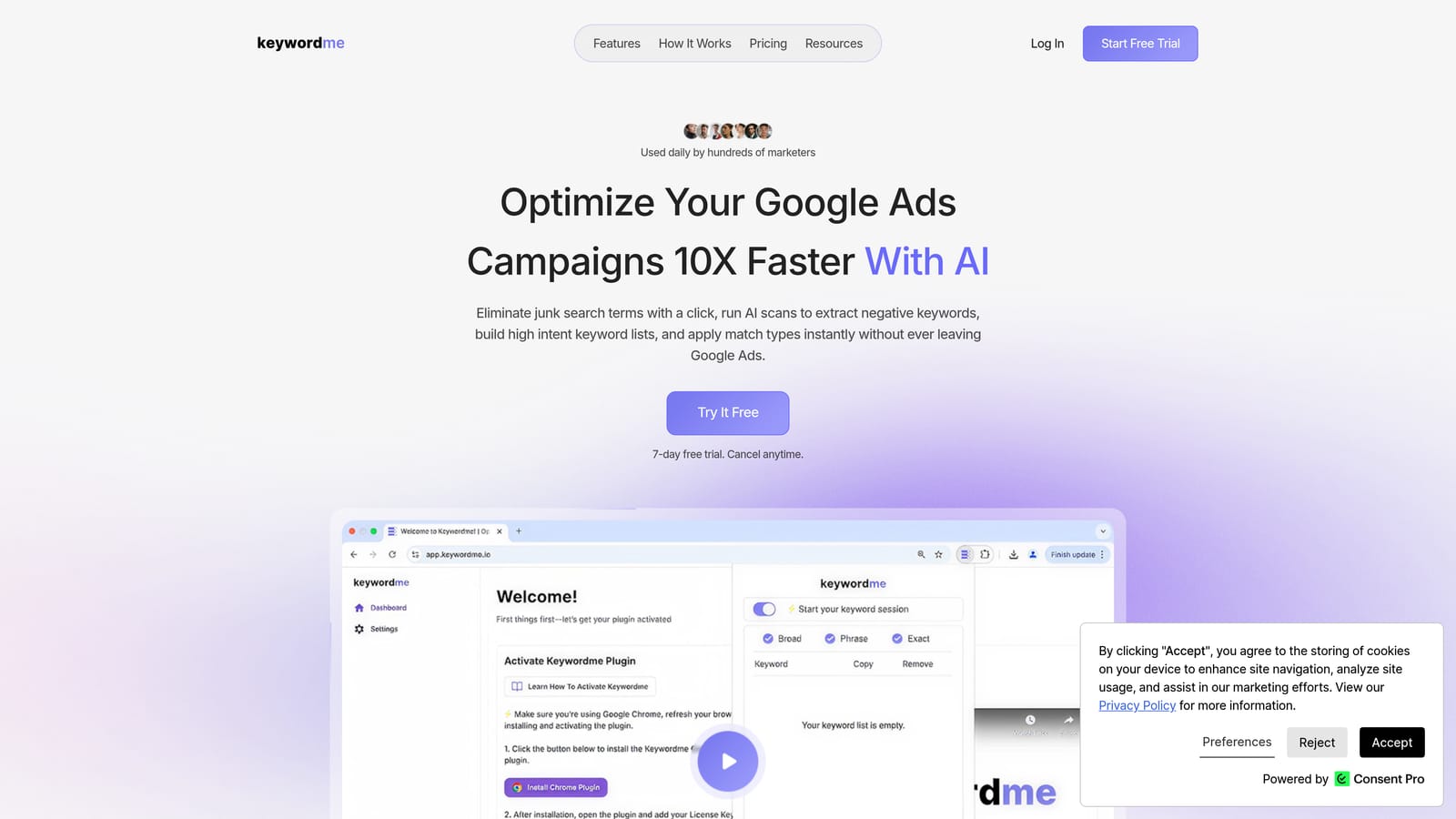
Keywordme is a Chrome extension that plugs directly into Google Ads' Search Terms Report, letting you manage keywords and negatives without ever leaving the native interface.
Where This Tool Shines
Most PPC workflows involve a painful loop: export search term data to a spreadsheet, sort through it, decide what to add or exclude, then manually re-enter changes back into Google Ads. Keywordme cuts that loop entirely. You work inside the Search Terms Report itself, applying changes with a click.
This is especially useful for agencies managing multiple client accounts. The multi-account and team support means you're not jumping between separate tools or training clients on external dashboards. Everything stays inside the interface your team already knows.
Key Features
One-Click Negative Keyword Additions: Remove junk search terms directly from the Search Terms Report without exporting to a spreadsheet.
Match Type Application: Apply exact, phrase, or broad match types to keywords without leaving Google Ads.
Keyword Clustering: Group related search terms into logical keyword clusters to build tighter, more relevant ad groups.
Bulk Editing: Make large-scale changes across campaigns quickly, reducing the time spent on repetitive manual tasks.
Multi-Account and Team Support: Manage multiple client accounts and collaborate with team members from a single extension.
Best For
Keywordme is a strong fit for solo advertisers who want to work faster, and for agency teams that need a low-friction way to handle search term cleanup across multiple accounts. If you're spending meaningful time each week reviewing search terms in spreadsheets, this tool addresses that specific pain point directly.
Pricing
$12/month per user with a 7-day free trial. Flat-rate pricing with no spend-based tiers, which is a meaningful advantage for agencies managing high-spend accounts at a fixed overhead cost.
<strong>2. Google Keyword Planner</strong>
Best for: Building initial keyword lists and estimating search volume before launching campaigns
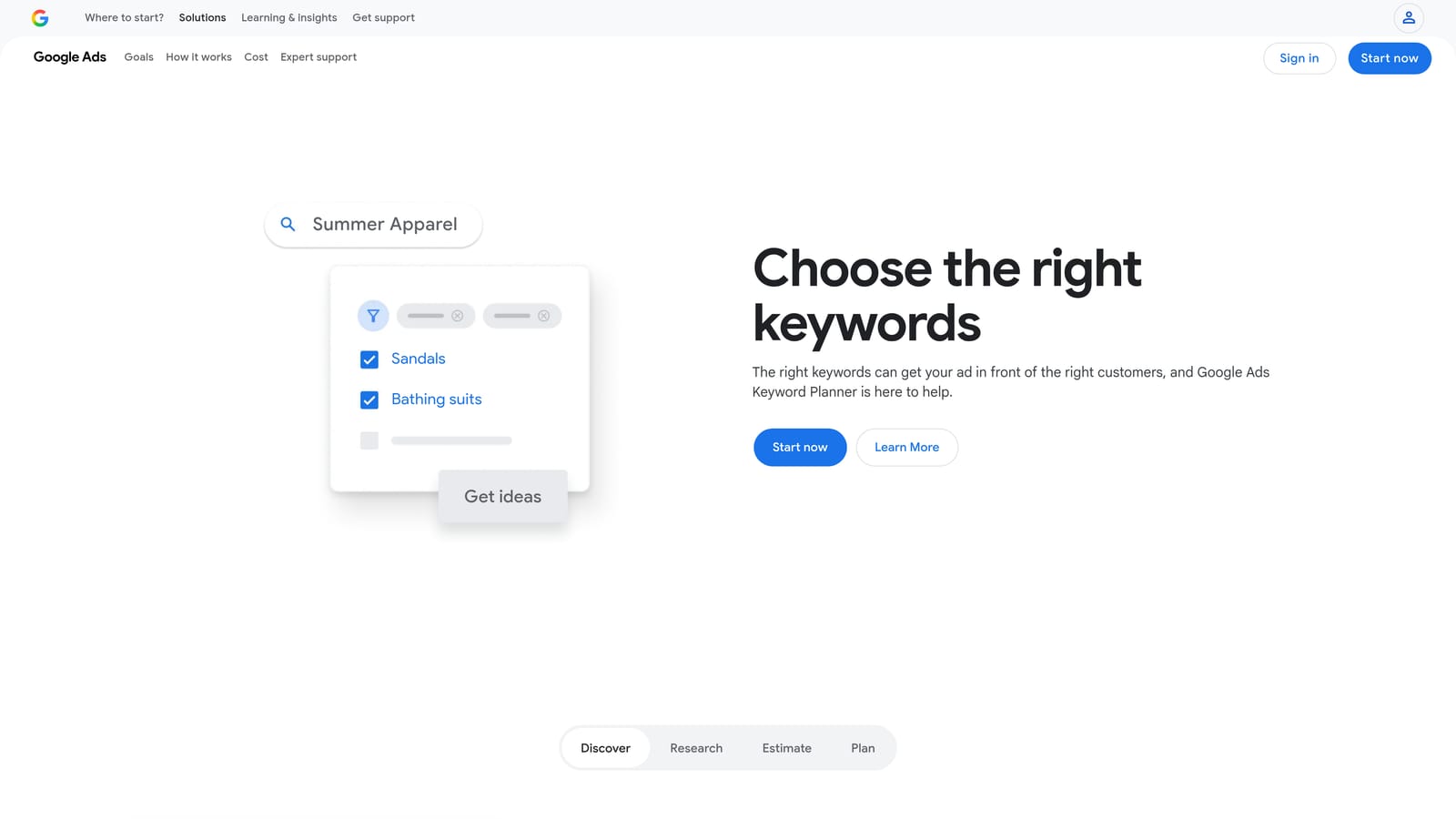
Google Keyword Planner is Google's own free keyword research tool, built into every Google Ads account and often underused by experienced practitioners.
Where This Tool Shines
For new campaigns or accounts entering unfamiliar verticals, Keyword Planner gives you a solid starting point. Enter a seed keyword or a URL, and it returns keyword ideas alongside estimated monthly search volumes, competition levels, and suggested bid ranges.
It's also useful for identifying negative keyword opportunities early. If you're seeing keyword ideas that clearly don't match your offer, you can flag them as negatives before your campaign ever goes live, rather than discovering wasted spend after the fact. For a systematic approach to this process, our guide on how to find negative keywords covers the full range of methods — from mining your search term data to competitor analysis and keyword tools.
Key Features
Keyword Ideas from Seed Terms or URLs: Generate keyword suggestions based on a word, phrase, or landing page.
Estimated Monthly Search Volume Ranges: See how often keywords are searched, though volume is shown as ranges for accounts with limited spend history.
Suggested Bid Ranges: Get a rough sense of what advertisers are paying for a keyword before you bid on it.
Competition Level Indicators: Understand how many advertisers are competing for a given keyword.
Completely Free: Available to any active Google Ads account holder at no additional cost.
Best For
Marketers starting a new campaign, entering a new vertical, or building out a keyword list from scratch. It's also useful for freelancers who need to show clients keyword opportunity data without paying for a third-party research tool.
Pricing
Free with any Google Ads account. No subscription required.
3. Google Ads Editor
Best for: Bulk campaign edits, offline work, and large-scale account restructuring
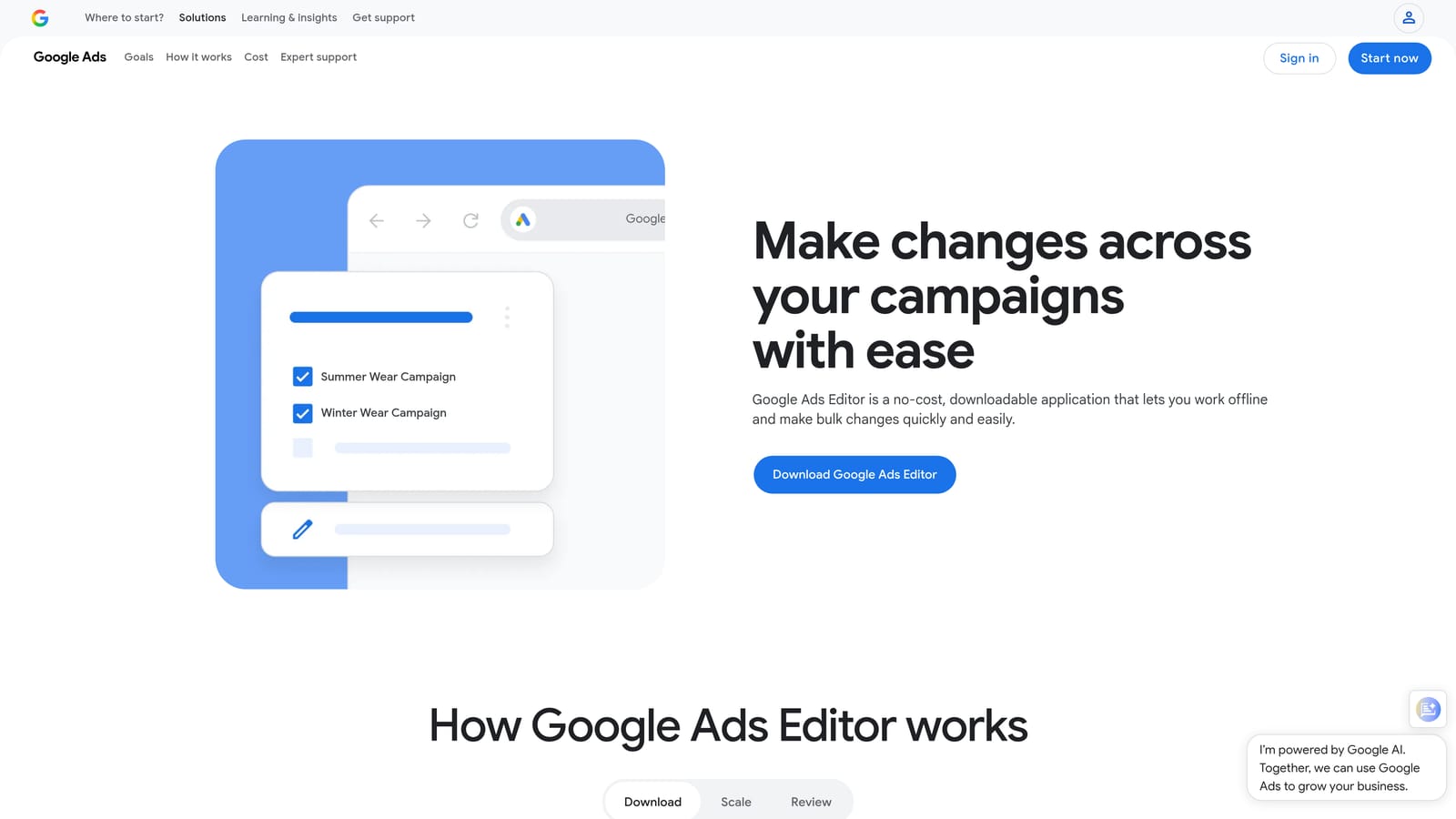
Google Ads Editor is a free desktop application from Google that lets you download your campaigns, make bulk edits offline, and sync changes when you reconnect.
Where This Tool Shines
If you've ever tried to add hundreds of negative keywords through the Google Ads web interface, you understand why Ads Editor exists. Bulk operations that would take an hour in the browser can take minutes in the desktop app. It also lets you copy campaigns, ad groups, and settings across accounts, which is a genuine time-saver for agencies building similar campaign structures for multiple clients.
The offline editing capability is practical for anyone who needs to prepare large account changes before a client call or campaign launch, without relying on a stable internet connection throughout.
Key Features
Bulk Campaign Edits: Update bids, budgets, keywords, and ad copy across multiple campaigns simultaneously.
Offline Editing with Sync: Work on campaigns without an active connection, then push changes when you're back online.
Copy and Paste Across Campaigns and Accounts: Duplicate campaign structures, keyword lists, and ad groups without rebuilding from scratch.
Multi-Account Management: Access and edit multiple accounts from a single desktop interface.
Free for Windows and macOS: No cost, no subscription.
Best For
Agency managers handling large accounts or multiple clients, and any advertiser who regularly makes structural changes at scale. Less useful for small accounts with simple campaign structures where the web UI is sufficient.
Pricing
Free. Available as a download from Google for both Windows and macOS.
4. Optmyzr
Best for: Rule-based automation, optimization suggestions, and campaign health monitoring
Optmyzr is a PPC management platform that combines automation rules, optimization suggestions, and reporting into a single interface for Google Ads accounts.

Where This Tool Shines
Optmyzr is built for practitioners who want to automate repetitive optimization tasks without writing scripts. You can set rules for bid adjustments, budget pacing, and keyword management, and the platform flags issues before they become expensive problems. The Quality Score tracking feature is particularly useful: it surfaces keywords with poor scores and suggests actions to address them.
Entry-level plans are available for smaller accounts, which makes it accessible to freelancers and small agencies who want automation capabilities without paying for an enterprise platform.
Key Features
Automated Bid and Budget Rules: Set conditions that trigger bid or budget changes based on performance thresholds.
Quality Score Tracking and Alerts: Monitor Quality Score changes across your account and get notified when scores drop.
Campaign Health Checks: Regular optimization suggestions based on account performance data.
Reporting Dashboards: Build and share performance reports for clients or internal stakeholders.
Entry-Level Plans: Pricing tiers designed for smaller ad spend accounts, not just enterprise clients.
Best For
Freelancers and small agency owners managing multiple Google Ads accounts who want automation and reporting without building custom scripts. Verify current pricing and plan limits at optmyzr.com before committing.
Pricing
Paid plans available with entry-level options for smaller accounts. Check current pricing at optmyzr.com, as it varies by plan and ad spend under management.
5. SEMrush Advertising Toolkit
Best for: Competitor research, keyword gap analysis, and combined SEO and PPC planning
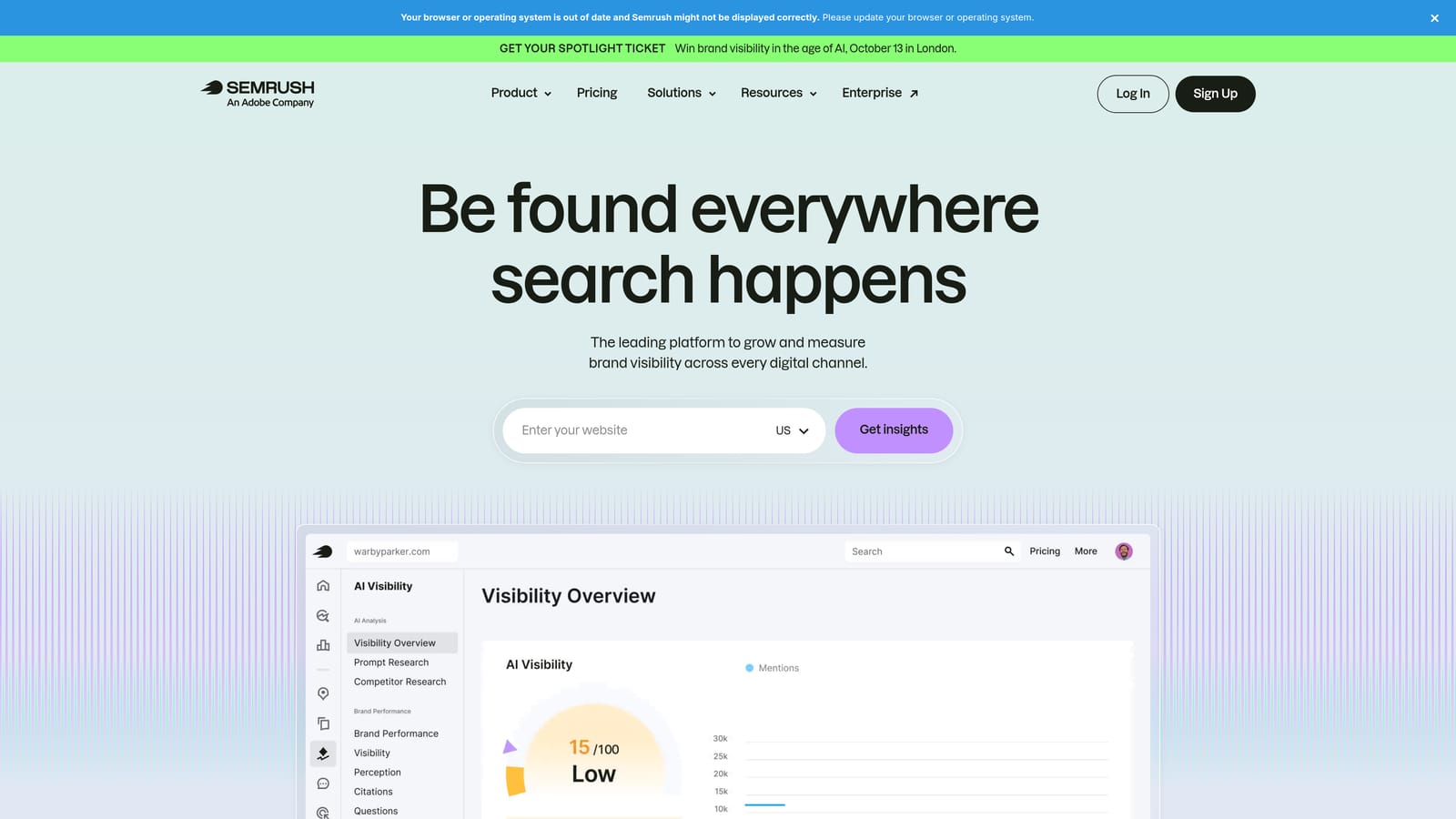
SEMrush is an all-in-one marketing platform with a dedicated advertising toolkit that covers Google Ads competitor research, keyword planning, and ad copy analysis.
Where This Tool Shines
SEMrush's advertising features are most valuable when you need competitive context. You can see which keywords your competitors are bidding on, review their ad copy history, and estimate their monthly ad budgets. This kind of intelligence is hard to replicate with free tools alone.
The cost-per-feature argument also works in SEMrush's favor if you're already using it for SEO. If you're paying for a Pro or Guru plan, the advertising toolkit is included, which means you're not paying separately for competitor PPC research.
Key Features
Competitor Ad Copy and Keyword Research: See what keywords competitors bid on and review their active ad copy.
PPC Keyword List Builder: Organize and filter keyword lists specifically for Google Ads campaigns.
Keyword Gap Analysis: Identify keywords your competitors target that you currently don't.
Estimated Competitor Ad Budgets: Get a rough sense of what competing advertisers spend monthly.
Combined SEO and PPC Research: Use one subscription for both organic and paid search intelligence.
Best For
Marketers and agencies who need competitive intelligence alongside keyword research, especially if they're also doing SEO work and can justify the subscription across both channels.
Pricing
Paid plans with advertising features included in Pro and above. Verify current pricing at semrush.com, as plan structures are updated periodically.
6. SpyFu
Best for: Affordable competitor intelligence for Google Ads keyword and ad history research
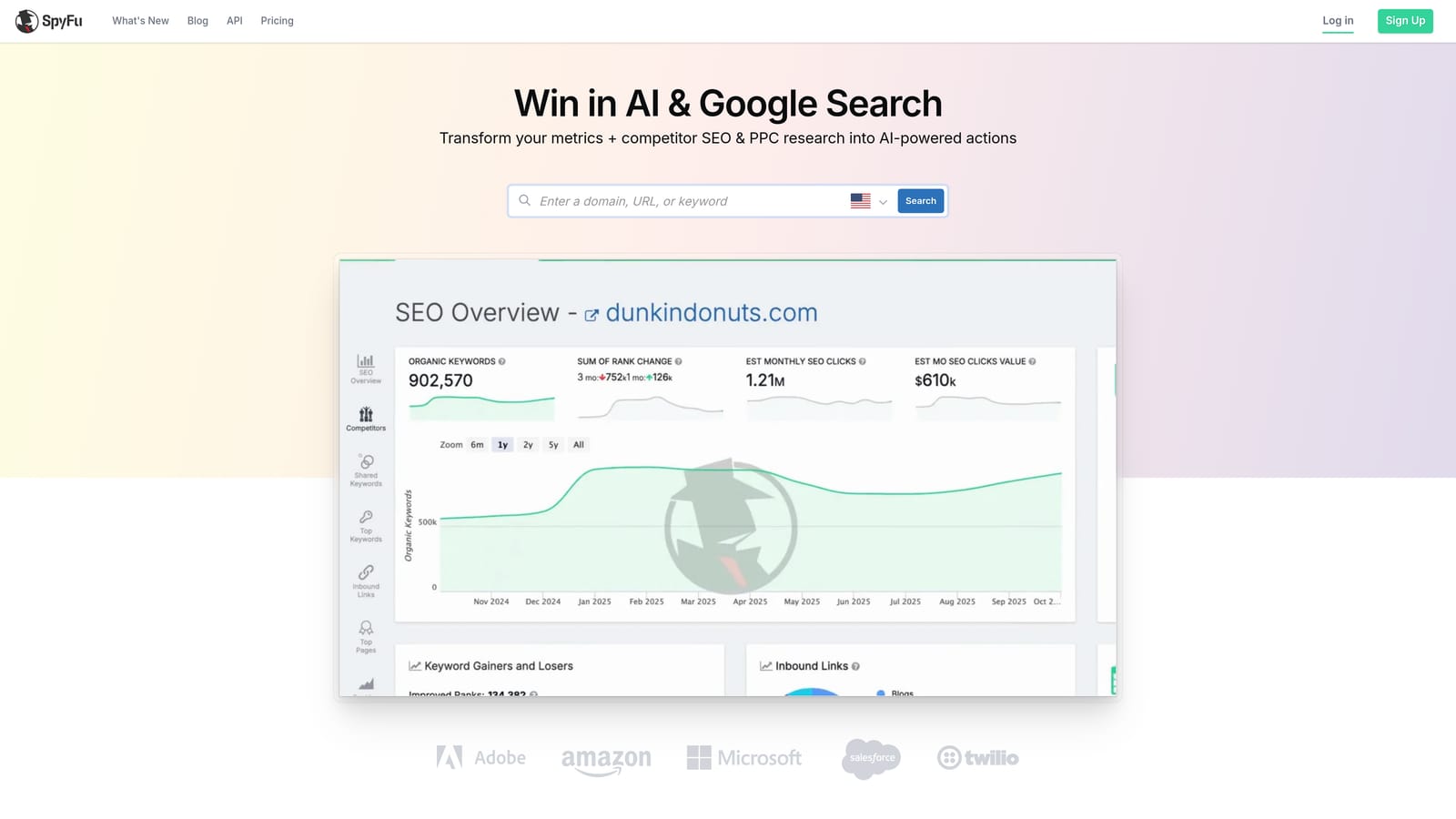
SpyFu is a competitor research tool focused on Google Ads and SEO, historically known for offering competitive intelligence at a more accessible price point than broader marketing suites.
Where This Tool Shines
SpyFu's core strength is showing you what your competitors have done over time, not just what they're doing right now. You can see a competitor's keyword history, which ad copy variations they've tested, and how long they've been bidding on specific terms. Longevity of a competitor's keyword activity is often a useful signal: if they've been bidding on the same term for years, it's likely profitable for them.
For freelancers who need competitive data to inform client strategy but can't justify the cost of a full enterprise suite, SpyFu's entry plans are worth evaluating.
Key Features
Competitor Keyword and Ad History: Review which keywords competitors have bid on and for how long.
Google Ads Keyword Tracking: Monitor keyword performance and ranking changes over time.
Ad Copy Examples: See actual ad copy from competing advertisers to inform your own creative decisions.
Keyword Ranking History: Track how organic and paid keyword positions have shifted over time.
Affordable Entry Plans: Lower starting price compared to all-in-one marketing platforms.
Best For
Freelancers and small agencies focused on competitive research who want actionable intelligence without paying for features they won't use. Confirm current pricing at spyfu.com before subscribing.
Pricing
Paid plans available at accessible price points. Verify current pricing at spyfu.com.
7. Google Analytics 4
Best for: Post-click behavior analysis, conversion tracking, and remarketing audience building
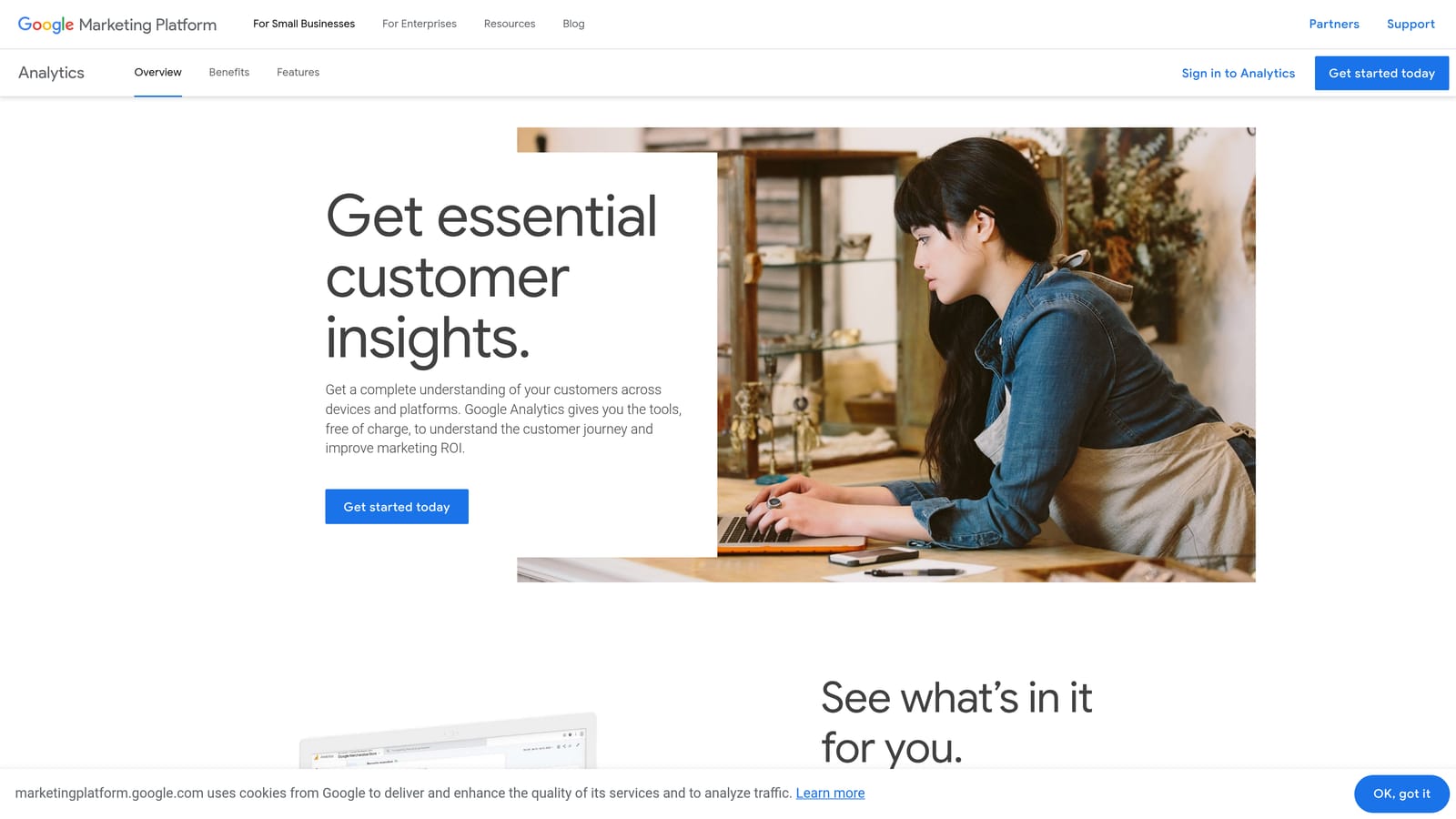
Google Analytics 4 is Google's free web analytics platform with native Google Ads integration, essential for understanding what happens after someone clicks your ad.
Where This Tool Shines
Optimizing Google Ads without GA4 is like optimizing for clicks while ignoring conversions. GA4 shows you which campaigns, ad groups, and keywords are actually driving meaningful post-click actions, not just traffic. That distinction matters a lot when you're working with a limited budget and need to cut spend from keywords that generate clicks but no conversions.
The native Google Ads integration means you can import GA4 conversions directly into your Google Ads account and build remarketing audiences from specific user behaviors, without paying for a third-party audience management tool.
Key Features
Native Google Ads Integration: Link your Google Ads account to import conversions and share audiences without additional configuration.
Audience Building for Remarketing: Create segments based on site behavior and push them directly to Google Ads for remarketing campaigns.
Post-Click Behavior Analysis: Break down engagement, conversion paths, and drop-off points by campaign and keyword.
Conversion Import into Google Ads: Use GA4 goal completions as conversion actions in your Google Ads bidding strategy.
Completely Free: No cost for the standard version, which covers the needs of most advertisers.
Best For
Every Google Ads advertiser, regardless of budget. GA4 is a foundational tool, not an optional add-on. If you're not using it, you're optimizing blind.
Pricing
Free. Available to anyone with a Google account.
8. Looker Studio
Best for: Building custom Google Ads dashboards and automated client reports without a paid reporting tool
Looker Studio is Google's free data visualization platform that connects natively to Google Ads, GA4, and other data sources to produce shareable, auto-refreshing reports.
Where This Tool Shines
For agencies, Looker Studio solves a real cost problem. Dedicated client reporting tools can run $50 to $200 per month or more. Looker Studio delivers much of the same functionality at no cost, with native connectors for Google Ads and GA4 that keep data current automatically.
The drag-and-drop dashboard builder is accessible enough that you don't need a data analyst to produce professional-looking reports. You can build a reusable template once and apply it across multiple client accounts, which adds up to significant time savings over a month.
Key Features
Native Google Ads and GA4 Connectors: Pull live campaign data directly without manual exports or third-party integrations.
Drag-and-Drop Dashboard Builder: Create charts, tables, and scorecards without writing code.
Shareable, Auto-Refreshing Reports: Send clients a link to a live report that updates automatically on your chosen schedule.
Custom Metrics and Calculated Fields: Build metrics that Google Ads doesn't surface natively, such as blended cost-per-lead across campaigns.
Free with a Google Account: No subscription, no usage limits for standard reporting needs.
Best For
Agencies and freelancers who need professional client reporting without paying for a dedicated reporting platform. Also useful for in-house marketers who want internal performance dashboards that update automatically.
Pricing
Free with any Google account. No paid tier required for standard use cases.
9. Unbounce
Best for: Building and testing landing pages optimized for paid traffic to improve conversion rates
Unbounce is a landing page builder designed specifically for paid traffic, with A/B testing and AI-assisted copy features available on entry-level plans.
Where This Tool Shines
Landing page quality directly affects your Google Ads Quality Score and your effective cost per conversion. If you're sending paid traffic to a generic website page, you're likely paying more per click and converting fewer visitors than you could with a dedicated landing page. Unbounce addresses that gap with a builder that doesn't require developer involvement.
The A/B testing functionality is particularly relevant for budget-conscious advertisers. Testing two landing page variants against each other is one of the clearest ways to improve conversion rate without increasing ad spend, which effectively lowers your cost per acquisition over time.
Key Features
Landing Page Builder for Paid Traffic: Build conversion-focused pages without relying on a web developer or CMS.
A/B and Multivariate Testing: Test different headlines, layouts, and calls to action to find what converts best.
AI-Assisted Copy Suggestions: Get headline and copy recommendations based on your campaign context.
Dynamic Text Replacement: Match landing page copy to the search term that triggered your ad, improving message match and Quality Score.
Starter Plan for Lower-Volume Advertisers: Entry-level pricing for advertisers who don't need enterprise-scale features.
Best For
Advertisers who are driving paid traffic to generic website pages and want a faster path to building dedicated, testable landing pages. Particularly useful for freelancers managing client campaigns where conversion rate improvement is a key deliverable.
Pricing
Paid plans with a starter option for lower-volume advertisers. Verify current pricing at unbounce.com before signing up.
Which Tool Is Right for You
The right combination depends on where your biggest inefficiencies are right now. Here's a quick way to think about it.
If you're spending too much time reviewing search terms and managing negatives, Keywordme is the most direct solution. It removes the spreadsheet step entirely and lets you clean up search term reports right inside Google Ads for $12/month.
If you're just getting started and need free tools to build a solid foundation, Google Keyword Planner, Google Ads Editor, GA4, and Looker Studio are all genuinely capable and cost nothing. Most advertisers should be using all four of these regardless of what else they pay for.
If competitor intelligence is your gap, SpyFu is a cost-effective starting point, and SEMrush makes sense if you're already doing SEO work and can use the subscription across both channels.
If your landing pages are the weak link in your paid traffic funnel, Unbounce gives you a faster path to testing and improving conversion rates without involving a developer.
For practitioners who want to move faster inside Google Ads without adding another dashboard to their workflow, Keywordme is worth starting with. It's built for the specific task of search term optimization, it's priced accessibly, and the setup friction is low since it's a Chrome extension that works inside the interface you're already using.
Start your free 7-day trial and see how much time you can recover from manual search term reviews. After the trial, it's $12/month per user, with no spend-based pricing tiers to worry about.
.svg)