
8 Best Keyword List Building Tools for Google Ads
This guide reviews the 8 best keyword list building tools for Google Ads in 2026, evaluated on Google Ads integration, ease of use, keyword suggestion quality, negative keyword support, and pricing transparency. Instead of just listing features, it focuses on how well each tool fits real PPC workflows — from keyword discovery all the way through campaign activation.


Building a tight keyword list is one of the highest-leverage tasks in PPC. Get it right and your ads show up for searches that actually convert. Get it wrong and you're burning budget on irrelevant traffic before you've even had your morning coffee.
The real problem is that most keyword list building tools weren't designed with Google Ads workflows in mind. They hand you a massive spreadsheet, send you off-platform, and leave you to figure out the rest. The gap between discovering a keyword and actually activating it in your campaign is where a lot of time gets wasted.
This list covers the top tools for building keyword lists in 2026, assessed on how well they fit real Google Ads workflows, not just feature counts. Selection criteria: Google Ads integration, ease of use, quality of keyword suggestions, negative keyword support, and pricing transparency.
1. Keywordme
Best for: Google Ads users who want to build and activate keyword lists without leaving the native interface.
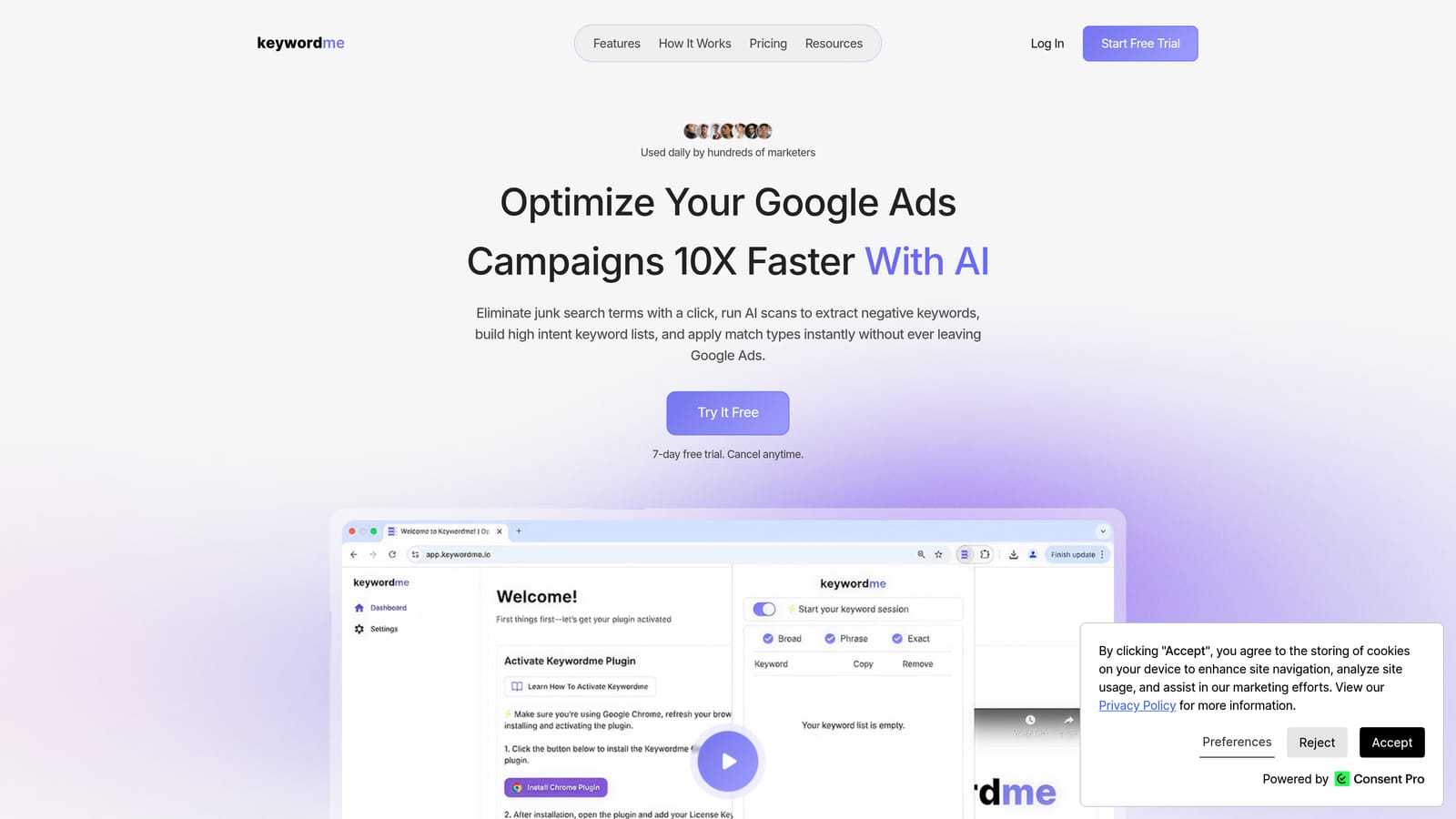
Keywordme is a Chrome extension that works directly inside Google Ads' Search Terms Report, letting you add positive keywords, build negative keyword lists, and apply match types with a single click.
Where This Tool Shines
Most keyword tools handle discovery and stop there. Keywordme handles the next step: activation. Instead of exporting search terms to a spreadsheet and manually deciding what to do with each one, you work inside the Google Ads interface you already have open. The actions are right there next to each search term.
This matters because the Search Terms Report is where keyword decisions actually live. You can see which queries triggered your ads, identify what belongs in your positive keyword list, flag what should become a negative keyword, and apply the right match type, all without switching tabs or copying data into another tool.
Key Features
One-Click Keyword Actions: Add positive keywords, add negatives, and apply match types directly from the Search Terms Report without leaving Google Ads.
Keyword Clustering: Organize search terms into tightly themed ad groups to improve Quality Score and ad relevance.
Bulk Editing: Apply actions across multiple search terms at once, which cuts down repetitive work significantly when reviewing large reports.
Multi-Account and Team Support: Manage keyword list building across multiple client accounts, making it practical for agencies and freelancers handling several campaigns at once.
No External Dashboards Required: Everything happens inside the native Google Ads UI, so there is no context-switching or data export step between reviewing terms and acting on them.
Best For
Solo advertisers, freelancers, and agency teams who spend meaningful time in the Search Terms Report and want to move from reviewing search queries to updating keyword lists faster. It is particularly useful for anyone managing multiple accounts where repetitive keyword actions add up quickly.
Pricing
$12/month per user. A 7-day free trial is available, so you can test it against your own campaigns before committing.
2. Google Keyword Planner
Best for: Initial keyword discovery using first-party Google data, at no cost.
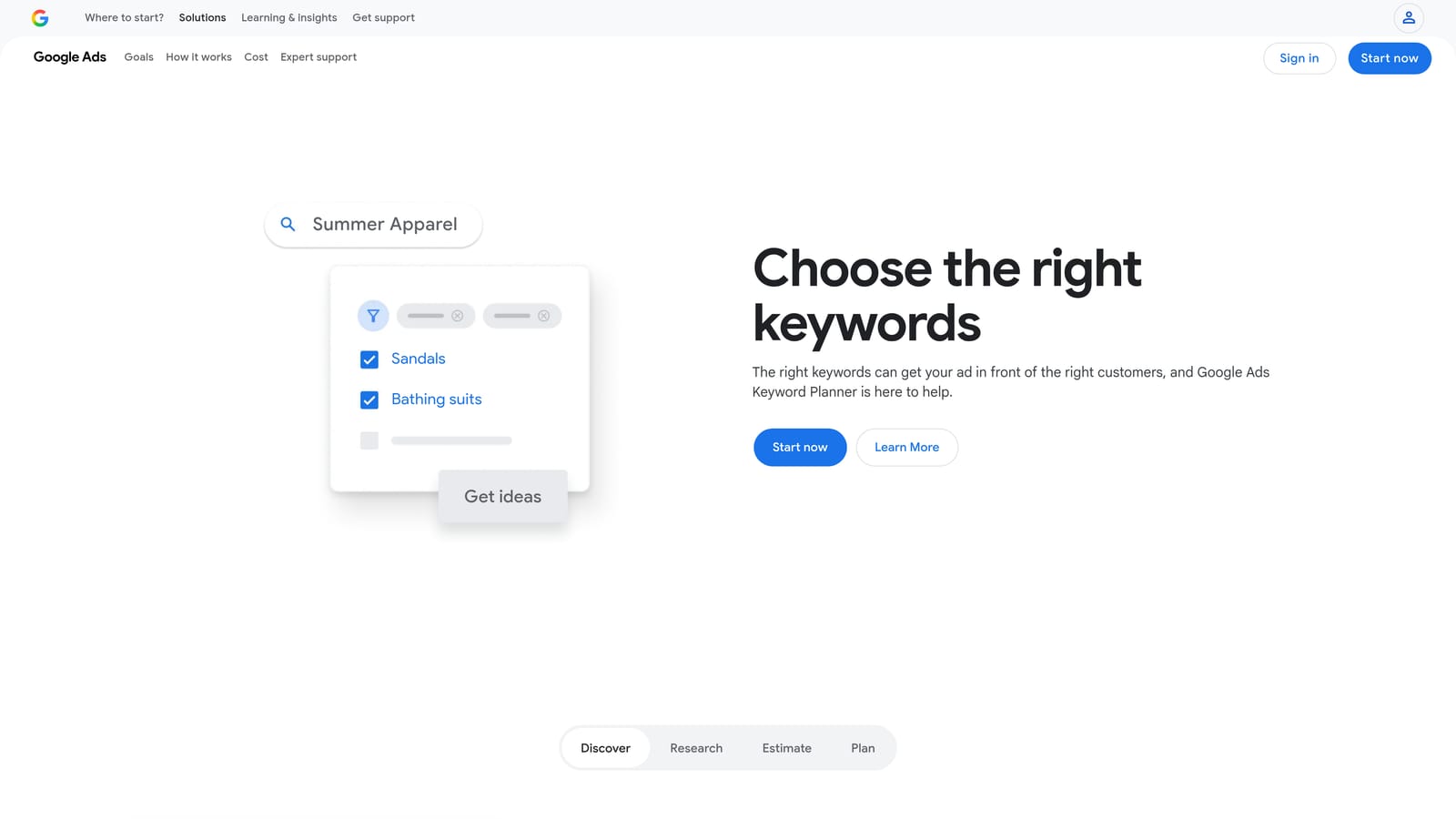
Google Keyword Planner is the free, native keyword research tool built into Google Ads, providing search volume ranges, bid estimates, and keyword ideas sourced directly from Google's own data.
Where This Tool Shines
Because the data comes directly from Google, Keyword Planner gives you the most authoritative starting point for understanding search demand in your market. No third-party estimates or data sourcing guesswork. If Google says a term has a certain volume range, that is as close to ground truth as you can get for Google Ads planning purposes.
The forecast tool is genuinely useful for budget conversations. You can model projected clicks, impressions, and cost before you commit spend, which helps when pitching campaign budgets to clients or internal stakeholders.
Key Features
Search Volume Ranges: Historical and current search volume data pulled directly from Google, shown as ranges rather than exact figures for accounts with limited spend history.
Keyword Ideas from Seed Terms or URLs: Enter a seed keyword or a landing page URL and Keyword Planner generates related keyword ideas to expand your list.
CPC Bid Estimates: Location and network-specific bid estimates help you assess whether a keyword is viable within your budget before adding it to a campaign.
Forecast Tool: Projects estimated clicks, impressions, and cost for a given keyword list, useful for budget planning and client reporting.
Free Access: Available to anyone with a Google Ads account at no additional cost.
Best For
Advertisers at the start of a campaign build who need a reliable, cost-free way to validate keyword demand and generate initial keyword ideas grounded in Google's own data. Also useful for budget modeling before campaign launch.
Pricing
Free with any Google Ads account. No paid tier required.
3. Semrush Keyword Magic Tool
Best for: Large-scale keyword discovery with intent filtering and competitive intelligence across multiple markets.
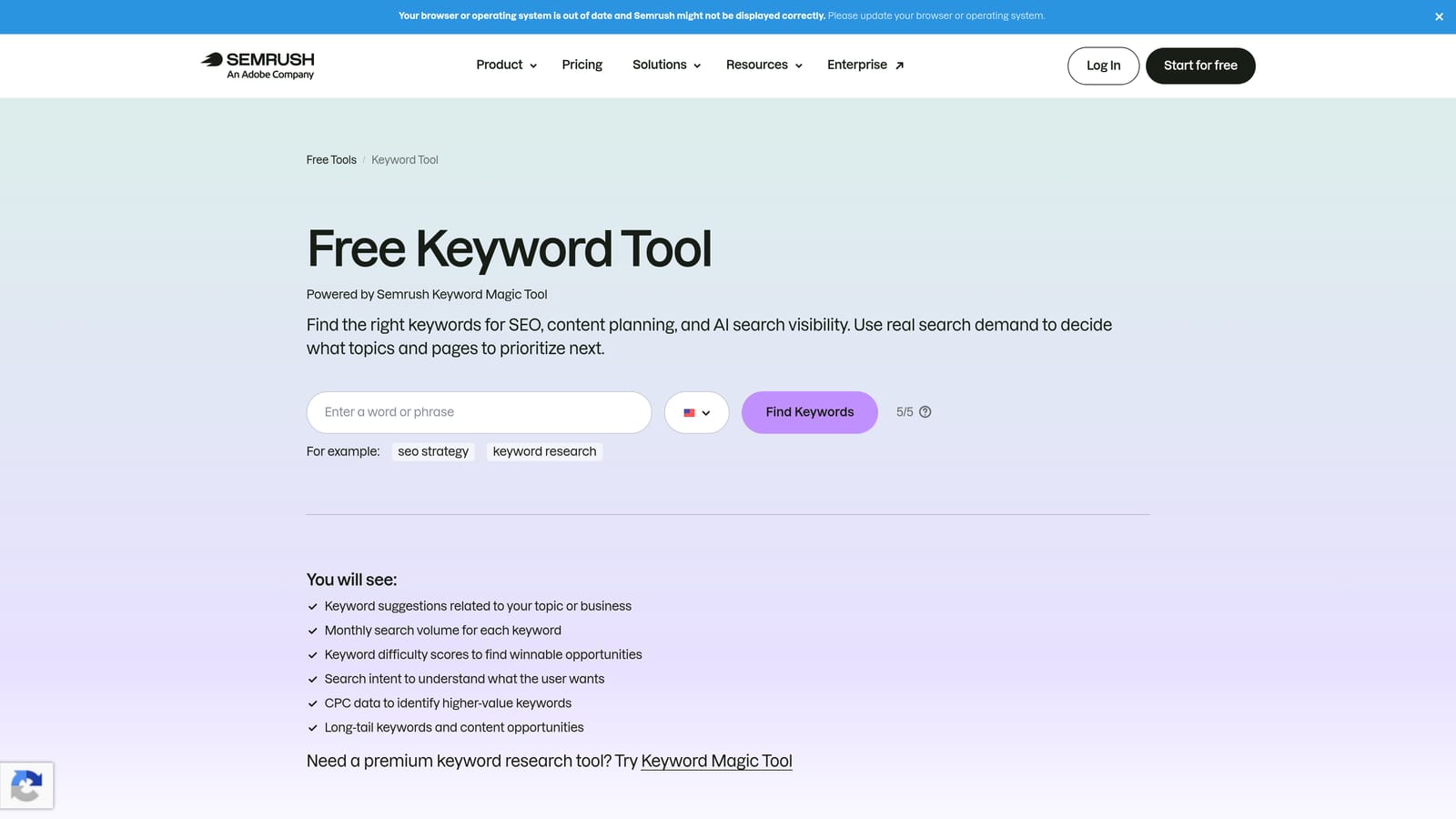
Semrush Keyword Magic Tool is a comprehensive keyword research platform offering one of the larger keyword databases available, with filters for search intent, CPC, keyword difficulty, and competitive data.
Where This Tool Shines
When you need to go broad before going narrow, Semrush is well-suited for that initial expansion phase. The intent filters (informational, commercial, transactional, navigational) let you quickly separate keywords that are likely to convert from those that are not, which saves time when building PPC-specific lists from a large pool of suggestions.
The keyword gap analysis feature is particularly useful for competitive research. You can compare your current keyword coverage against a competitor's and identify terms they are targeting that you are not, which gives you a structured starting point for expanding campaigns into new areas.
Key Features
Intent-Based Filtering: Filter keyword suggestions by search intent to separate commercial and transactional terms from informational ones early in the research process.
Question-Based Filters: Surface question-format long-tail keywords, useful for identifying specific, high-intent queries to add to ad groups.
Keyword Gap Analysis: Compare your keyword coverage against competitor domains to find terms you are missing.
CSV Export: Export keyword lists to CSV for upload into Google Ads, though this step does require leaving the Semrush platform.
Multi-Country and Multi-Language Coverage: Research keyword demand across different markets from a single interface.
Best For
Agencies and advertisers running campaigns across multiple markets or verticals who need a large-scale discovery tool with competitive context. Less suited as a standalone Google Ads workflow tool since keyword activation still requires a manual export step.
Pricing
Included in Semrush plans. The Pro plan starts at $139.95/month as of mid-2026. Verify current pricing at semrush.com/prices.
4. Ahrefs Keywords Explorer
Best for: Validating PPC keyword demand using click-through data alongside standard volume metrics.
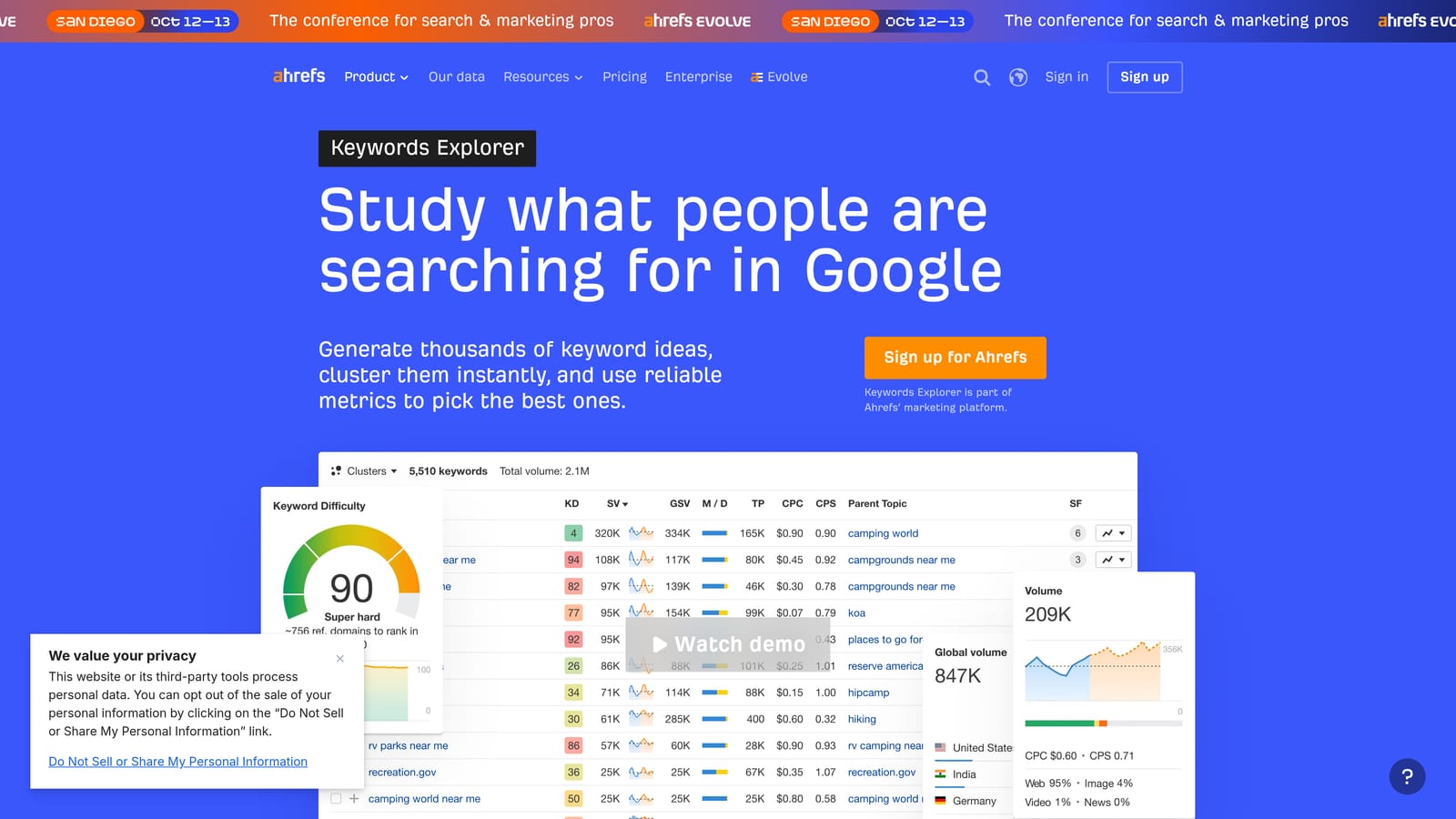
Ahrefs Keywords Explorer is a keyword research tool that includes a unique Clicks metric, estimating how many searches for a given term actually result in a click rather than a zero-click result.
Where This Tool Shines
Search volume alone can be misleading in PPC planning. A keyword with high impressions might generate very few actual clicks if Google is satisfying the query with featured snippets or other SERP features. Ahrefs' Clicks metric helps you identify which keywords are likely to drive real traffic, not just ad impressions, which is a more useful signal when deciding where to allocate budget.
The SERP overview is also worth using before adding a keyword to a campaign. Seeing how many ads are already showing for a term, and which competitors are running them, gives you a quick read on how competitive and expensive a keyword is likely to be before you commit to it.
Key Features
Clicks Metric: Estimates how many searches for a keyword result in actual clicks, helping distinguish high-impression keywords from high-traffic ones.
Keyword Difficulty and Traffic Potential: Scores and estimates that help prioritize which keywords are worth targeting given competitive context.
SERP Overview: Shows current paid and organic results for a keyword, giving you a sense of competition and ad density before you bid.
Parent Topic Grouping: Groups related keywords under a parent topic, which can inform how you structure ad groups.
Multi-Platform Coverage: Research keywords across Google, Bing, YouTube, and other platforms from a single tool.
Best For
Advertisers who want to validate keyword demand beyond raw search volume before building out campaign keyword lists. Useful for both PPC and cross-channel planning, though activation still requires manual export to Google Ads.
Pricing
Included in Ahrefs plans. The Lite plan starts at $129/month as of mid-2026. Verify current pricing at ahrefs.com/pricing.
5. WordStream Free Keyword Tool
Best for: Quick, industry-filtered keyword discovery without a paid subscription.
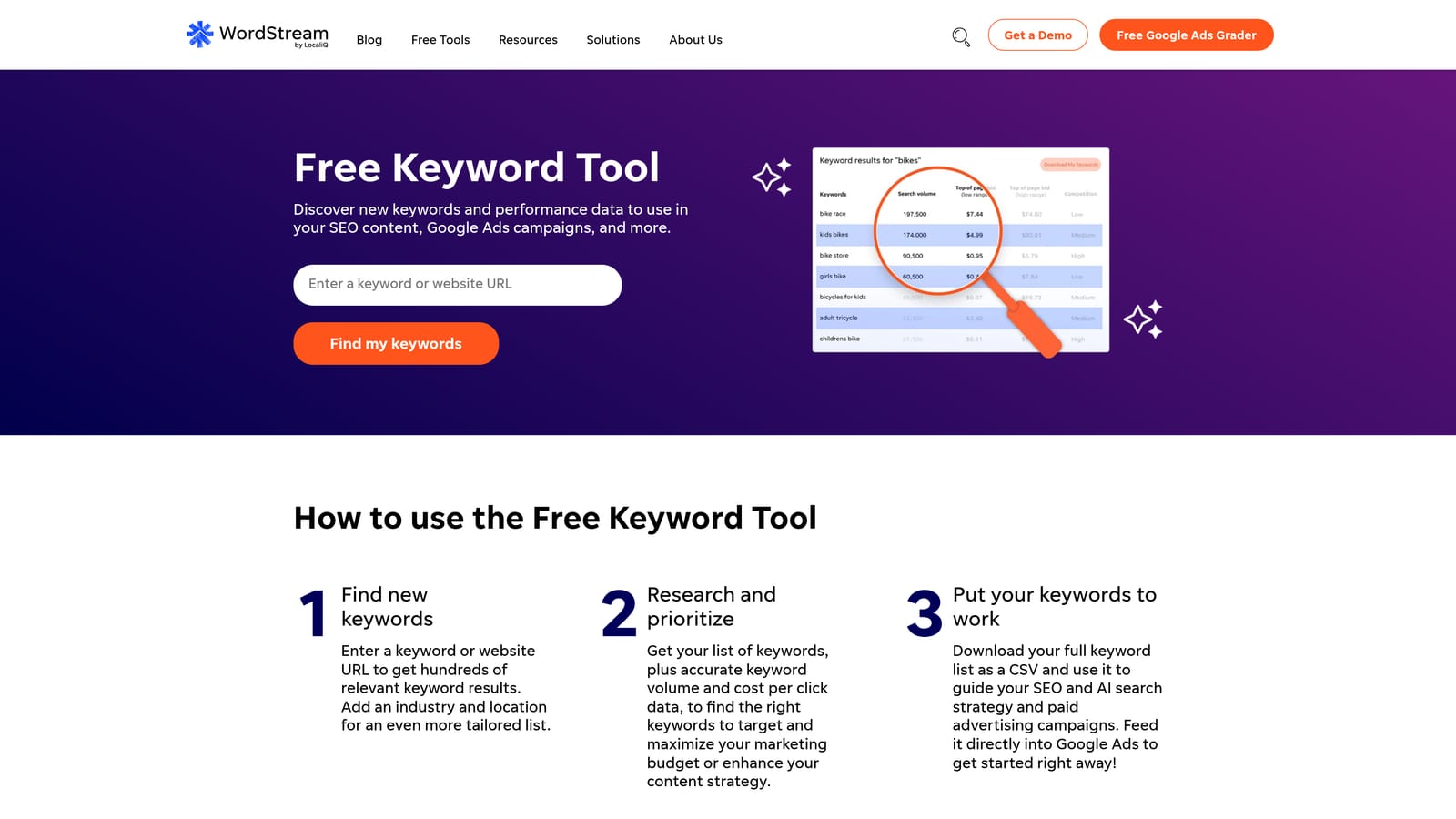
WordStream's Free Keyword Tool generates keyword suggestions filtered by industry and niche, with CPC estimates included, making it a useful starting point when you need keyword ideas fast and without a budget commitment.
Where This Tool Shines
The industry filter is what sets this tool apart from generic keyword generators. Rather than returning a broad mix of suggestions, it narrows results to terms relevant to a specific vertical, which reduces the amount of manual filtering you need to do before a keyword list is useful for PPC purposes.
For freelancers or advertisers onboarding a new client in an unfamiliar industry, this can be a practical first pass before moving to a more comprehensive research tool. The CPC estimates also give you an early read on budget requirements without needing a full Semrush or Ahrefs subscription.
Key Features
Industry and Niche Filters: Narrow keyword suggestions to a specific vertical, reducing irrelevant results from the outset.
CPC Estimates: Rough cost-per-click benchmarks to help assess budget requirements during early planning.
Seed Keyword or URL Input: Generate suggestions from either a seed term or a website URL.
Free Access with Limited Results: The free version provides a usable set of suggestions; fuller data requires a WordStream account.
Low Barrier to Entry: No account required to get initial results, which makes it accessible for quick exploratory research.
Best For
Advertisers and freelancers who need a fast, no-cost starting point for keyword discovery in a specific industry. Best used as a first-pass tool before moving to a more detailed research platform for campaign-ready keyword lists.
Pricing
Free tier available with limited results. Full data access requires a WordStream account. Check wordstream.com for current plan pricing.
6. Ubersuggest
Best for: Budget-conscious advertisers who need keyword ideas, CPC data, and basic competitive analysis in one place.
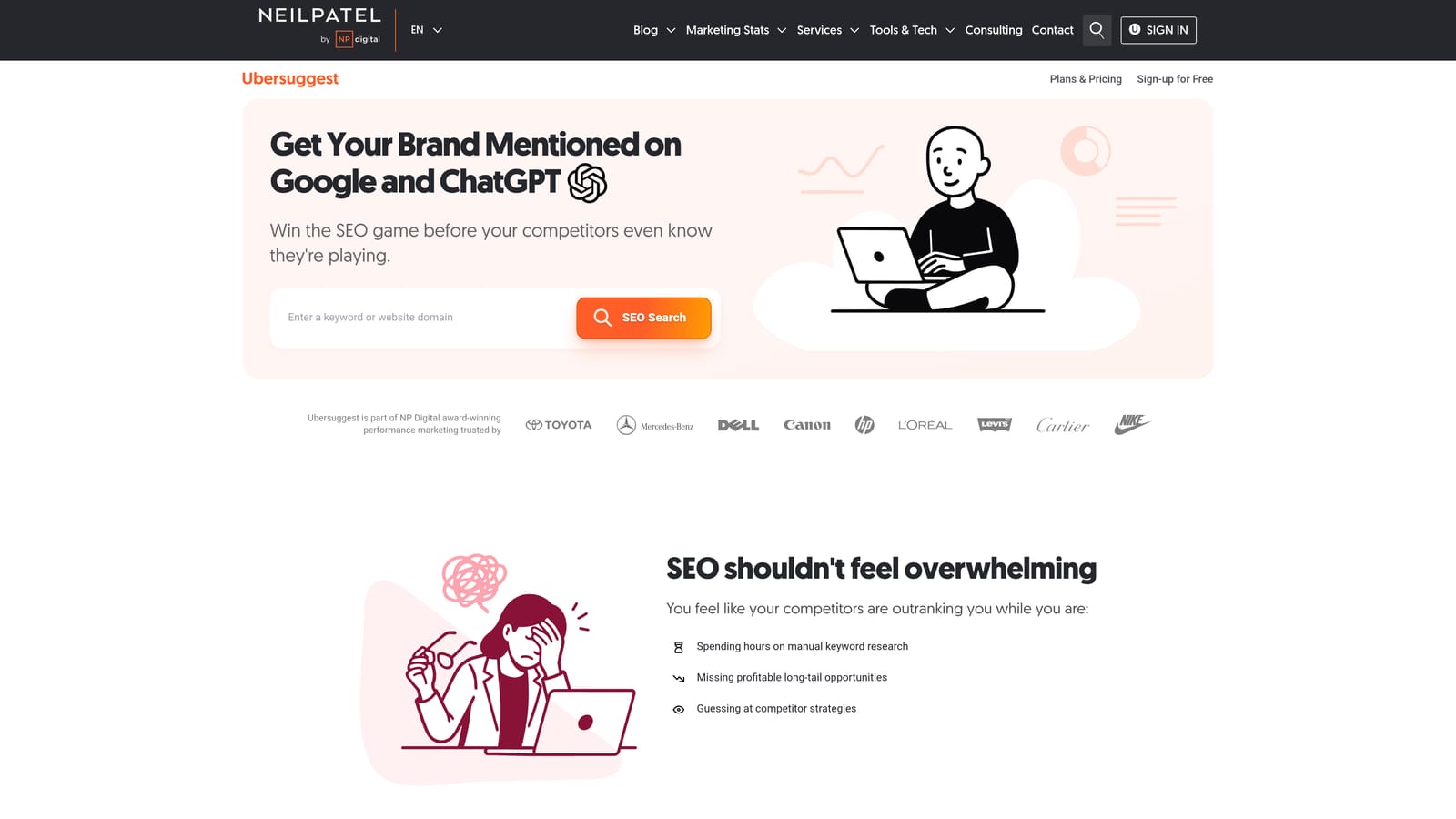
Ubersuggest is a keyword research tool by Neil Patel offering keyword suggestions, search volume, CPC data, and basic competitor keyword analysis at a lower price point than most enterprise alternatives.
Where This Tool Shines
Ubersuggest covers the core keyword research workflow at a price that makes sense for smaller advertisers or freelancers who cannot justify a full Semrush or Ahrefs subscription. You get keyword ideas, volume estimates, CPC data, and a look at what competitor domains are ranking or bidding on, which is enough to build a workable initial keyword list for most campaigns.
The lifetime deal pricing option, when available, makes it an interesting consideration for solo advertisers who want to avoid ongoing subscription costs. That said, it is worth verifying what is currently on offer at the time you are evaluating it, as pricing structures can change.
Key Features
Keyword Suggestions with Volume and CPC: Core research data for identifying which terms to target and what they are likely to cost.
Competitor Domain Analysis: See which keywords competitor domains are associated with, useful for identifying gaps in your own keyword lists.
Keyword Difficulty Scoring: Helps prioritize which keywords are realistic targets given your competitive position.
Content Ideas: Surfaces content angles related to your keywords, useful if you are planning cross-channel campaigns.
Lifetime Deal Option: One-time payment options have been offered alongside monthly plans, which can reduce long-term cost for committed users.
Best For
Solo advertisers, small business owners, and freelancers who need a functional keyword research tool without the cost of an enterprise platform. Keep in mind that Ubersuggest's data is sourced from third-party providers, so it may differ from Google's first-party figures in Keyword Planner.
Pricing
Paid plans available. Verify current pricing and available options at neilpatel.com/ubersuggest.
7. SpyFu
Best for: Building keyword lists informed by competitor PPC history and estimated ad spend.
SpyFu is a competitive intelligence tool that shows which keywords competitors have historically bid on in Google Ads, along with estimated spend and ad copy history, giving you a shortcut to keyword ideas that have already been tested in the market.
Where This Tool Shines
The core value here is competitive context. Instead of starting a keyword list from scratch, you can look at what a competitor has been bidding on consistently over time and use that as a signal of which terms are worth targeting. Keywords a competitor has maintained for months are more likely to be profitable than keywords they tested briefly and dropped.
The ad copy history feature adds another useful layer. Seeing how competitors have framed their ads for specific keywords can inform both your keyword selection and your messaging strategy, particularly when entering a competitive market you are less familiar with.
Key Features
Competitor PPC Keyword History: See which keywords a competitor has bid on over time, with estimated spend and ad frequency data.
Most Profitable Keywords by Competitor: Surface the terms a competitor has invested in most consistently, which are likely candidates for your own keyword list.
Ad Copy History: Review historical ad copy for competitor campaigns to inform both keyword targeting and messaging decisions.
Keyword Grouping and Export: Organize discovered keywords and export them for upload into Google Ads.
Paid and Organic SERP Analysis: Understand the competitive landscape across both paid and organic results for any keyword.
Best For
Advertisers entering competitive markets who want to build keyword lists informed by what is already working for established players. Worth noting that SpyFu's spend estimates are approximations, not exact figures, and the data reflects historical patterns rather than real-time bidding activity.
Pricing
Plans start at $39/month. Verify current pricing at spyfu.com/pricing.
8. Keyword Tool (keywordtool.io)
Best for: Expanding ad groups with specific, intent-rich long-tail queries pulled from Google Autocomplete.
Keyword Tool generates long-tail keyword suggestions by pulling from Google Autocomplete and other platform autocomplete sources, surfacing specific query patterns that are often missed by standard keyword research tools.
Where This Tool Shines
Google Autocomplete reflects what real users are actually typing, which makes it a reliable source of long-tail keyword ideas with genuine search intent behind them. These are the kinds of specific, multi-word queries that tend to have lower competition and higher relevance, making them strong candidates for tightly themed ad groups.
The question and preposition filters are particularly useful for this. Filtering by "how," "what," "for," or "near" surfaces query patterns that reveal exactly what potential customers are trying to accomplish, which helps you build keyword lists that match intent rather than just topic.
Key Features
Google Autocomplete-Based Suggestions: Long-tail keyword ideas sourced from actual search behavior rather than a static database.
Multi-Platform Coverage: Pulls suggestions from Google, Bing, YouTube, Amazon, and other platforms, useful if you are building keyword lists across multiple channels.
Question and Preposition Filters: Surface specific query patterns to identify what users are actually asking, which helps match keywords to intent.
Pro Version Adds Volume and CPC Data: The free version shows keyword suggestions without volume data; the Pro version adds search volume and CPC estimates.
No Google Ads Account Required: You can use the free version without any account setup, making it accessible for quick exploratory research.
Best For
Advertisers who want to expand existing ad groups with specific long-tail queries, or anyone building keyword lists for niche campaigns where broad keyword tools tend to miss the most relevant terms. The free version is useful for initial exploration; the Pro version is needed if you want to validate volume before adding terms to a campaign.
Pricing
Free version available (keyword suggestions only, no volume data). Pro plans start at $89/month. Verify current pricing at keywordtool.io/pricing.
Quick Comparison: 8 Keyword List Building Tools at a Glance
Here's a fast reference to find the right tool before reading the full reviews.
| Tool | Best For | Google Ads Activation | Starting Price |
|---|---|---|---|
| Keywordme | Building and activating keyword lists inside Google Ads | Native (Chrome extension — no export needed) | $12/month per user |
| Google Keyword Planner | Free keyword discovery using first-party Google data | Native (add directly to campaigns) | Free |
| Semrush Keyword Magic Tool | Large-scale discovery with intent and CPC filtering | Export/import required | From ~$139.95/month |
| Ahrefs Keywords Explorer | Validating keyword demand with click-through data | Export/import required | From ~$129/month |
| WordStream Free Keyword Tool | Quick, industry-filtered keyword ideas at no cost | Export only | Free (limited) |
| Ubersuggest | Budget-friendly keyword research with CPC data | Export only | Paid (see neilpatel.com) |
| SpyFu | Competitor PPC keyword history and ad spend data | Export only | From $39/month |
| Keyword Tool (keywordtool.io) | Long-tail expansion from Google Autocomplete | Export only | Free (no volume); Pro from $89/month |
The key distinction to keep in mind: most tools on this list end at keyword discovery. You still need to export, format, and manually upload lists into Google Ads. Keywordme closes that gap — it lets you add positive keywords, build negative lists, and apply match types directly inside the Search Terms Report, without touching a spreadsheet.
Which Tool Fits Your Workflow?
The right tool depends on where you are in the keyword list building process and what kind of work you are trying to get done faster.
If you are starting from scratch and need to understand search demand, Google Keyword Planner is the natural first stop. It is free, accurate, and built into the platform you are already using. For deeper competitive research or large-scale discovery across multiple markets, Semrush and Ahrefs both offer more filtering and context, at a higher price point.
If you want to look beyond the usual names, our guide to Google Ads keyword research tools covers several lesser-known options worth testing alongside Keyword Planner.
For competitor-led keyword strategy, SpyFu is the most focused option. For long-tail expansion using real search behavior, Keyword Tool fills a gap that broader research tools often miss. WordStream and Ubersuggest are solid entry points for advertisers who need something functional without a large budget commitment.
Here is the distinction worth keeping in mind: most of these tools handle keyword discovery. They help you find terms worth targeting. What they do not do is help you act on those terms inside Google Ads without a manual export, a spreadsheet, and several context switches.
That is the specific problem Keywordme was built to solve. Once you have your keyword ideas, Keywordme lets you work through your Search Terms Report and build your keyword lists, add negatives, and apply match types directly inside Google Ads, without leaving the interface or touching a spreadsheet.
If you spend meaningful time managing Google Ads campaigns and want to close the gap between keyword research and keyword activation, it is worth trying. Start your free 7-day trial and see how much faster your Search Terms Report workflow can move, then it is just $12/month per user to keep going.
.svg)