
8 Best Keyword Grouper Tools for Google Ads
Managing Google Ads keyword lists at scale is chaotic without the right keyword grouper tool — and the wrong choice means bloated ad groups, weak relevance, and wasted budget. This guide compares 8 top options for 2026, from in-interface Chrome extensions to AI-powered clustering platforms, helping marketers and agency teams find the fastest, most practical fit for their workflow.


If you're managing Google Ads campaigns, you already know how messy keyword lists get. Without a structured way to group related terms into logical clusters, you end up with bloated ad groups, weak ad relevance, and budget going toward clicks that were never going to convert. A keyword grouper tool solves this by automatically sorting keywords into themed buckets, so you can build tighter ad groups, write more relevant ad copy, and make smarter decisions about where your budget actually goes.
The tools below cover a range of approaches, from in-interface Google Ads workflow tools to standalone research platforms and AI-powered clustering engines. Each is evaluated on speed, workflow fit, and practical value for marketers, freelancers, and agency teams. The list starts with the option built specifically for Google Ads practitioners who want to skip the spreadsheet entirely.
1. Keywordme
Best for: Google Ads managers who want to cluster and act on keywords without leaving the native interface.
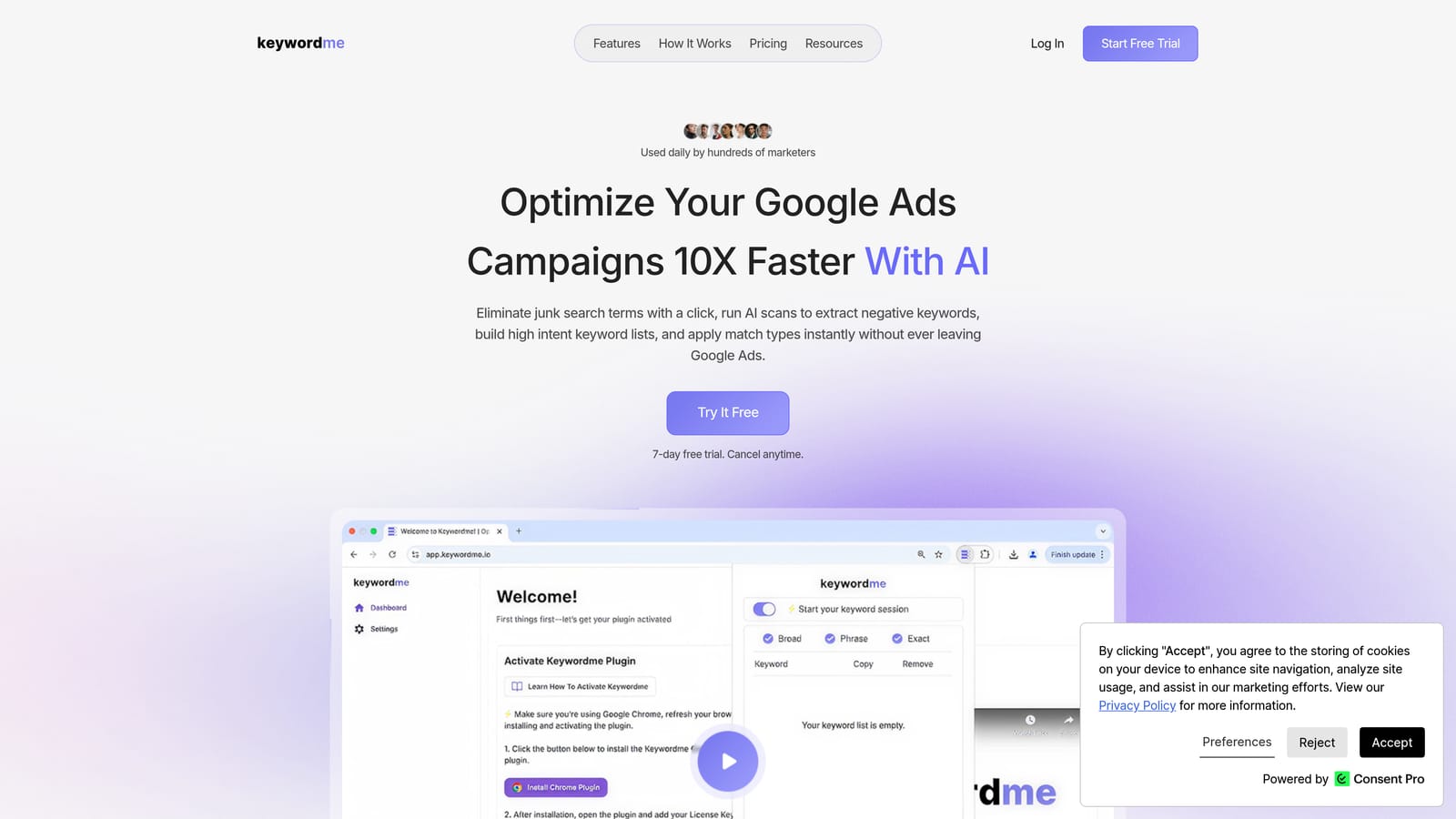
Keywordme is a Chrome extension that integrates directly into Google Ads' Search Terms Report, letting you group, filter, and act on keywords without switching tabs or exporting data.
Where This Tool Shines
Most keyword grouping tools live outside Google Ads. You export a list, paste it into a third-party platform, cluster it, then figure out how to get those clusters back into your campaigns. Keywordme skips that entire loop. The clustering happens inside the Search Terms Report, where you're already working.
This matters because keyword grouping isn't just an organizational exercise. Once you've identified clusters, you still need to add high-intent terms as positive keywords, apply the right match types, and block irrelevant search terms as negatives. Keywordme handles all of that in the same workflow, which makes it genuinely end-to-end rather than just a sorting tool.
Key Features
Keyword Clustering Inside Google Ads: Groups search terms and keywords by theme directly within the Search Terms Report, with no export required.
One-Click Negative Keyword Addition: Lets you flag and add irrelevant search terms as negatives without leaving the interface.
Bulk Match Type Application: Apply exact, phrase, or broad match types across multiple keywords at once, saving significant manual time.
Multi-Account and Team Support: Designed for agency workflows, with support for managing multiple client accounts and shared team access.
Flat-Rate Pricing: One price per user with no per-feature upsells or usage caps that penalize heavy use.
Best For
Google Ads managers, freelancers, and agency teams who spend meaningful time inside the Search Terms Report and want to reduce the manual work of sorting, grouping, and acting on keyword data. It's particularly strong for agencies managing multiple accounts who need a consistent, fast workflow across clients.
Pricing
$12/month per user. A 7-day free trial is available with no credit card required upfront.
2. Google Ads Keyword Planner
Best for: Advertisers who want free keyword ideas with basic ad group suggestions built directly into Google Ads.
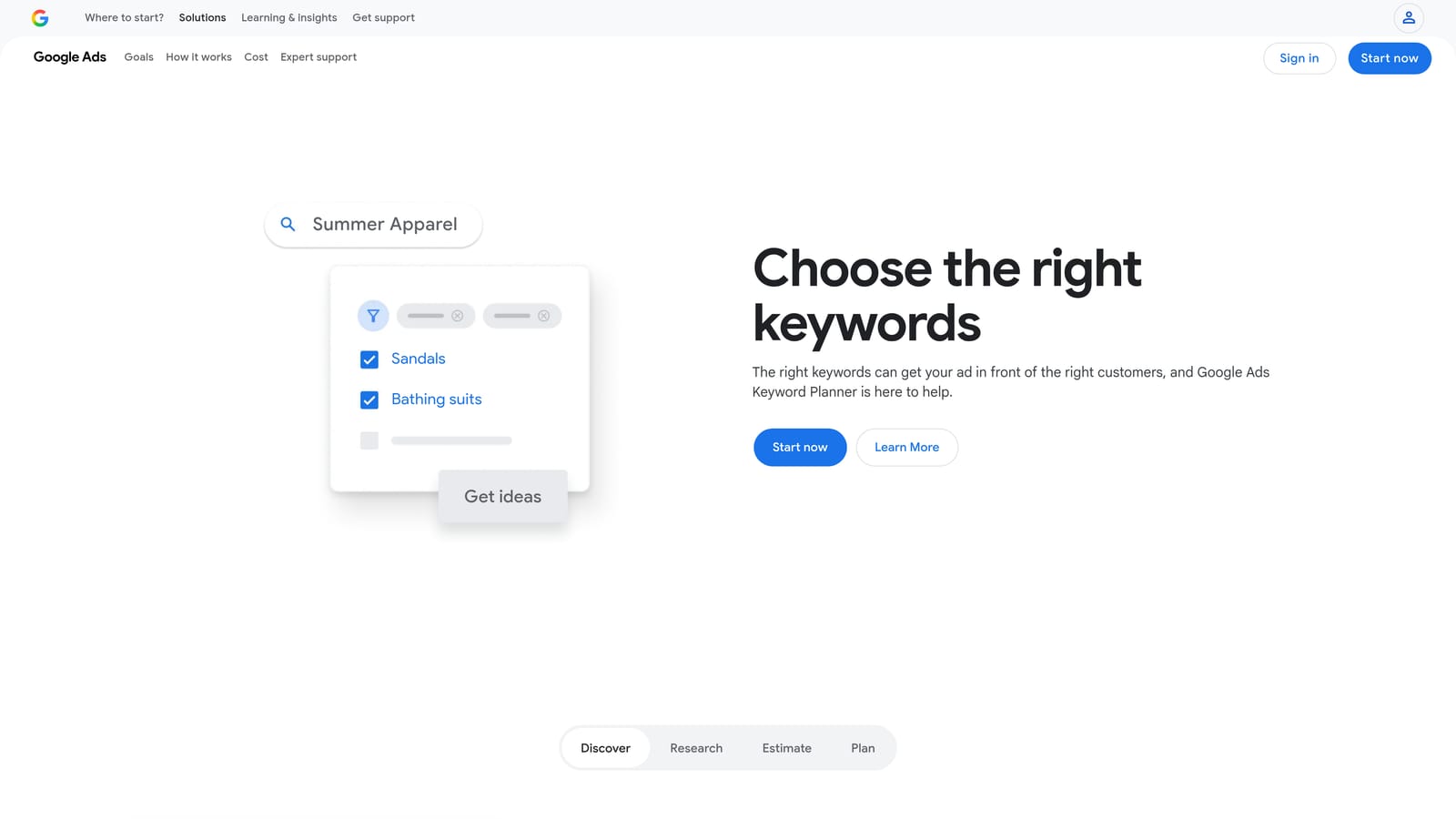
Google Ads Keyword Planner is Google's native research tool, offering keyword ideas, search volume ranges, competition indicators, and bid estimates alongside basic ad group organization suggestions.
Where This Tool Shines
Keyword Planner's biggest advantage is that it's free and already inside your Google Ads account. When you enter seed keywords or a URL, it returns keyword ideas pre-organized into suggested ad groups, which gives you a starting point for campaign structure without any additional tools.
The data is also first-party. Search volume ranges, competition levels, and bid estimates come directly from Google, which makes them reliable benchmarks for planning. For advertisers who are just starting out or working with limited budgets, this is often the most practical first stop.
Key Features
Free with Any Google Ads Account: No separate subscription or login required.
Ad Group Suggestions: Automatically organizes keyword ideas into suggested groupings based on theme.
Search Volume and Competition Data: Provides volume ranges and competition indicators sourced directly from Google.
Bid Estimates: Shows suggested bid ranges alongside keyword data to help with budget planning.
Native Integration: Keyword lists can be added directly to campaigns without exporting.
Best For
Solo advertisers and smaller businesses who need a no-cost starting point for keyword research and basic ad group structure. Less suited to users who need precise clustering control or are working with large, complex keyword sets.
Pricing
Free with a Google Ads account.
3. SEMrush Keyword Magic Tool
Best for: Marketers who need large-scale keyword research with topic clustering and intent filtering in one platform.
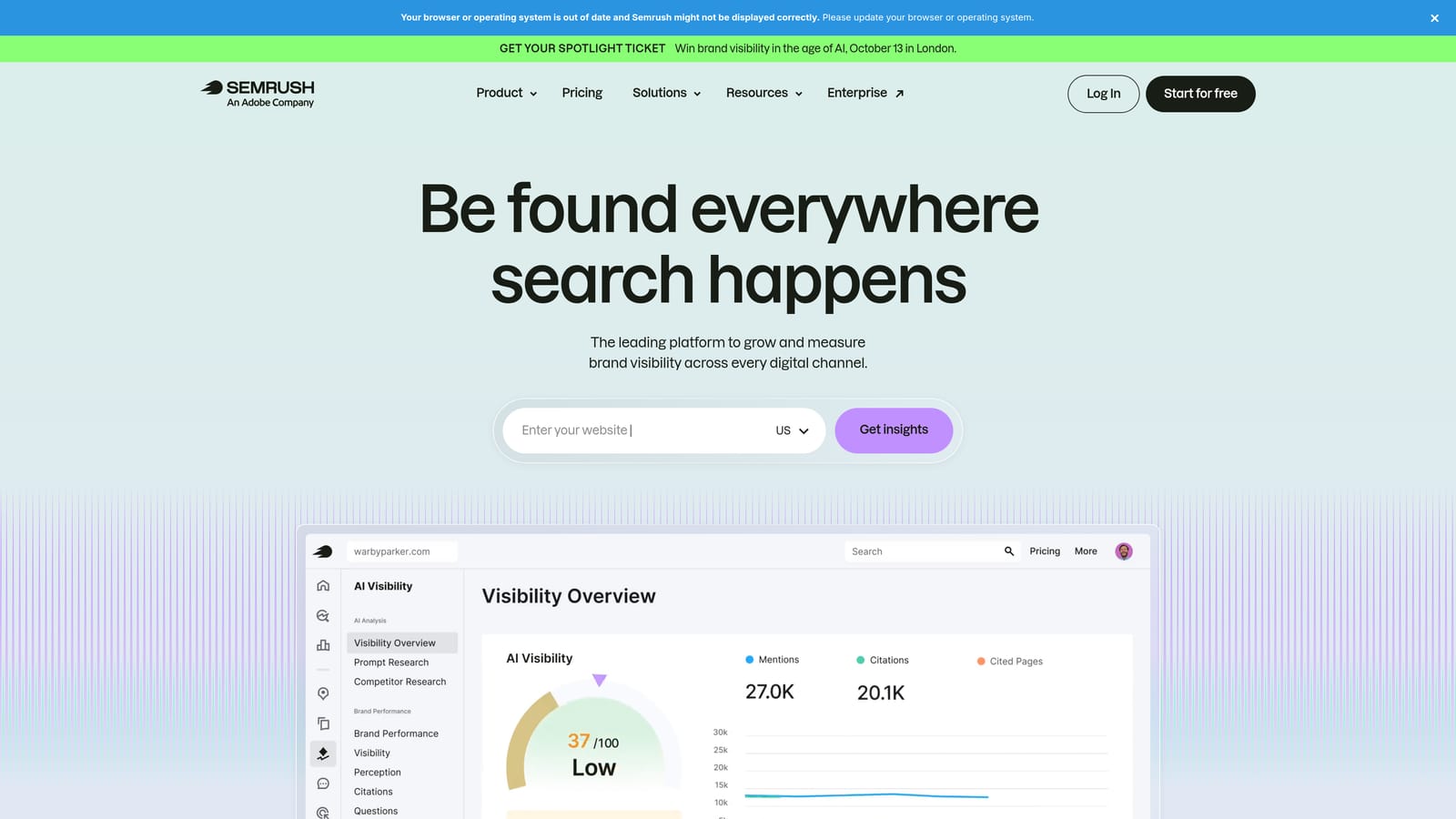
SEMrush Keyword Magic Tool is part of the broader SEMrush platform, offering keyword grouping by topic and search intent alongside a large keyword database and competitive analysis features.
Where This Tool Shines
The Keyword Magic Tool is built for volume. You can enter a seed keyword and receive thousands of related terms, then filter by topic group, search intent, question type, or keyword difficulty. The Keyword Manager feature lets you move selected keywords into organized lists that can be exported or used for further analysis.
The intent filtering is particularly useful for PPC planning. Being able to separate informational queries from commercial and transactional ones helps you build ad groups that target users who are actually ready to act, rather than mixing research-phase traffic with conversion-ready traffic in the same group.
Key Features
Topic and Intent Filtering: Groups keywords by semantic topic and classifies them by search intent (informational, commercial, transactional, navigational).
Keyword Manager: Lets you build, organize, and export curated keyword lists from within the platform.
Question and Long-Tail Filters: Quickly surface question-based and long-tail variants for ad copy ideas and negative keyword research.
Competitive Gap Analysis: Identify keywords competitors rank for that you're not yet targeting.
Large Keyword Database: Covers multiple markets and languages, useful for international campaigns.
Best For
Marketing teams and agencies that already use SEMrush for broader SEO and competitive research, and want keyword clustering integrated into that existing workflow. Less practical as a standalone purchase if keyword grouping is the only need.
Pricing
Paid plans available. Check semrush.com for current pricing, as plans and rates are updated regularly.
4. Ahrefs Keywords Explorer
Best for: Teams managing both PPC and organic content who want SERP-based keyword clustering.
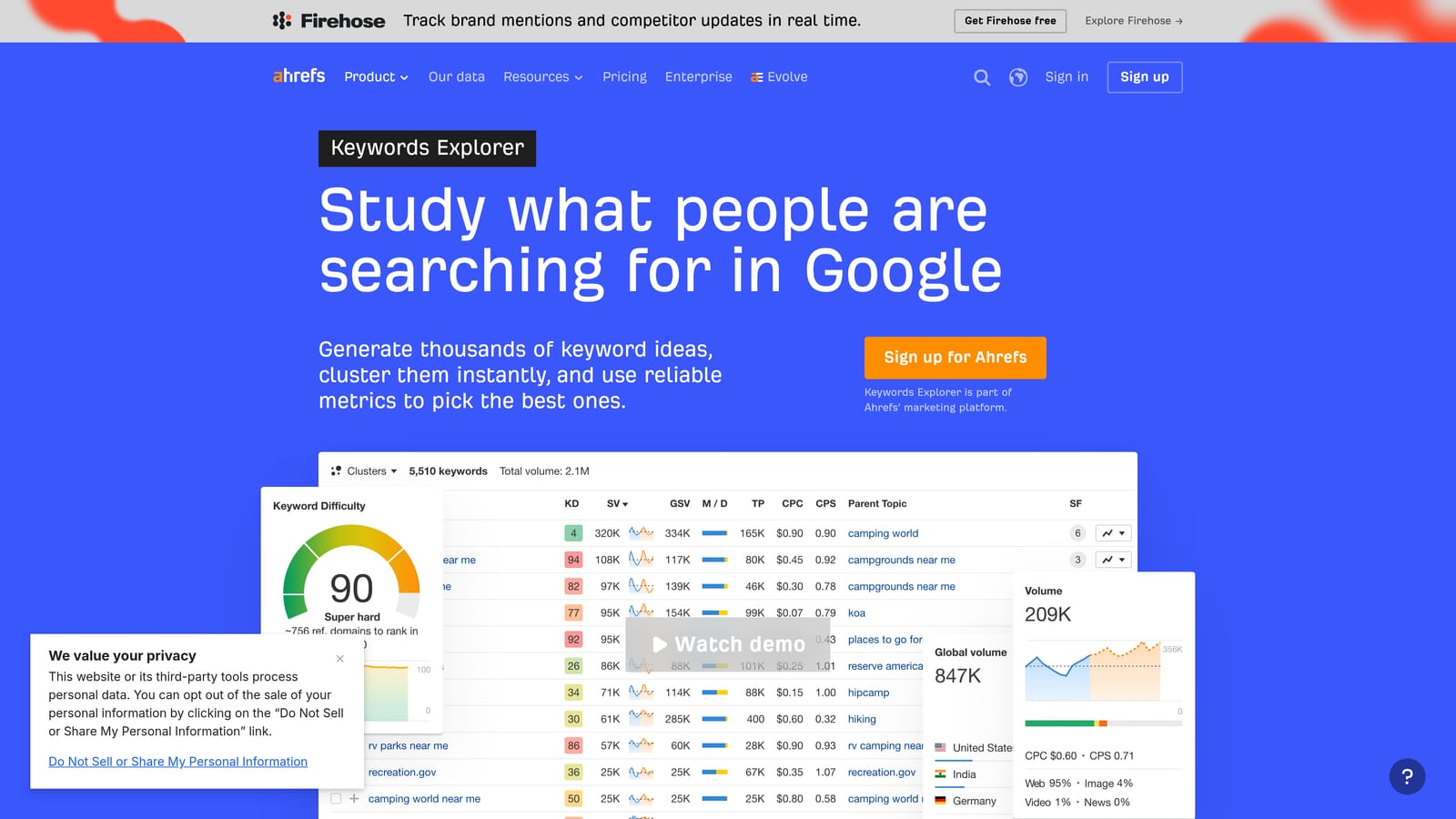
Ahrefs Keywords Explorer offers a Parent Topic clustering feature that groups keywords based on SERP similarity, helping identify which terms can share an ad group or landing page.
Where This Tool Shines
Ahrefs approaches keyword grouping differently from most tools. Rather than grouping by word similarity, its clustering is based on whether the same pages tend to rank for multiple keywords in search results. This SERP-overlap method produces clusters that reflect how search engines actually relate terms, which is useful when deciding whether two keywords need separate ad groups or can share one landing page.
For teams running both paid and organic campaigns, this dual-purpose insight is genuinely valuable. You can identify which keyword clusters are worth targeting with ads, which are better suited to organic content, and where there's overlap worth coordinating across both channels.
Key Features
Parent Topic Grouping: Clusters keywords by identifying which terms can realistically be targeted by the same page, based on SERP data.
Keyword Clustering: Groups co-rankable terms to reduce redundant ad groups and landing pages.
Traffic Potential Metrics: Shows estimated traffic potential for keyword clusters, not just individual terms.
Multi-Country Data: Supports keyword research across multiple markets and languages.
Keyword Difficulty Scores: Helps prioritize which clusters are worth pursuing in competitive markets.
Best For
PPC managers who also oversee SEO strategy, or agency teams that need a single platform to inform both paid and organic keyword decisions. Less suited to users who only need in-platform Google Ads workflow support.
Pricing
Paid plans available. Check ahrefs.com for current pricing.
5. WordStream Free Keyword Tool
Best for: Smaller advertisers who need free keyword suggestions with basic ad group ideas and no account required.
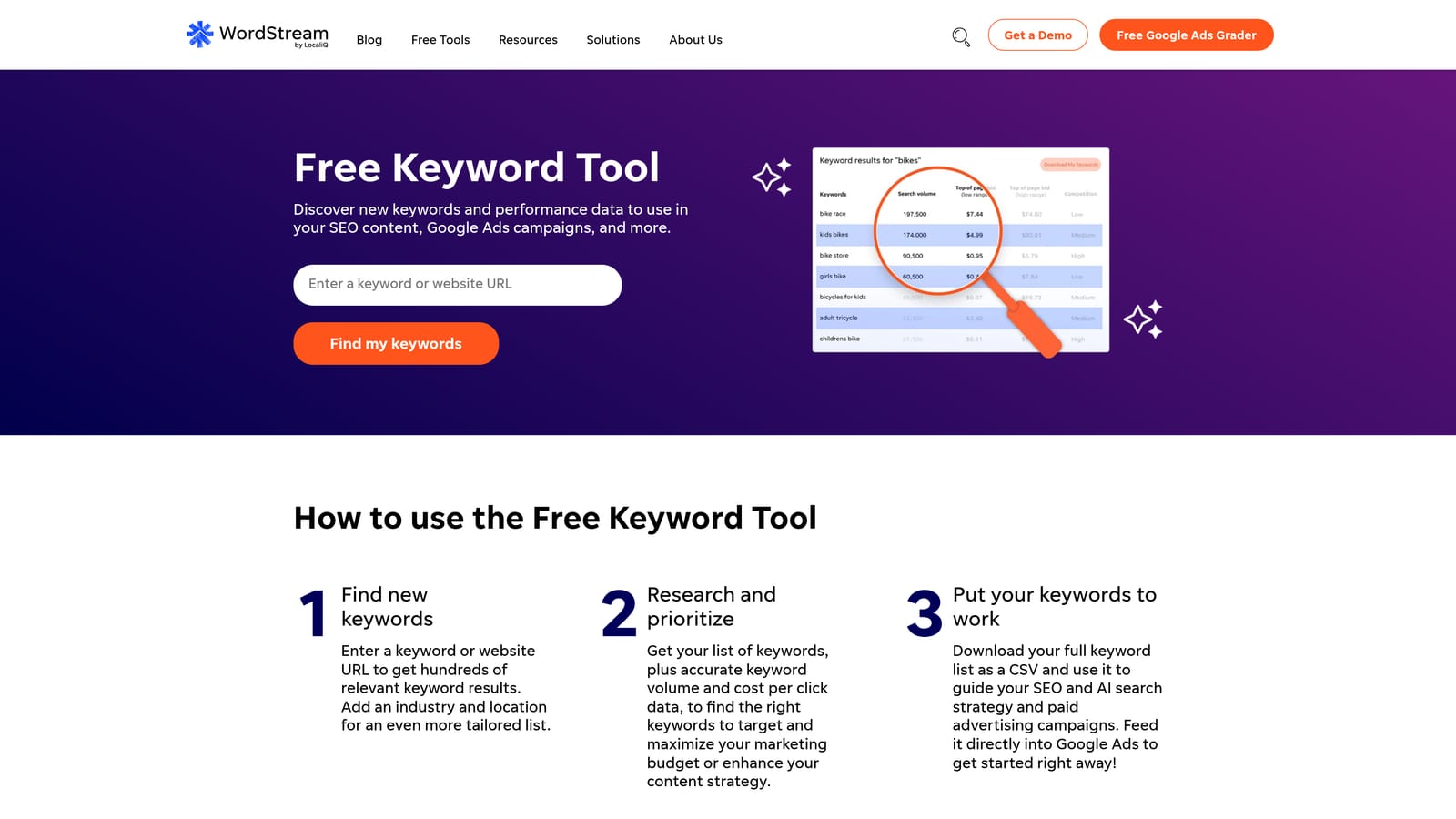
WordStream's Free Keyword Tool (now part of LocaliQ) generates keyword suggestions organized by industry and produces basic ad group recommendations from your input terms.
Where This Tool Shines
The main draw here is accessibility. You don't need to create an account to get keyword ideas, and the industry-specific filtering helps narrow results to terms that are actually relevant to your niche. For someone setting up their first campaign or exploring a new market segment, it provides a usable starting point without any cost or commitment.
The ad group suggestions are basic compared to paid alternatives, but they give less experienced advertisers a structural framework to work from rather than starting with a blank slate.
Key Features
Free with No Account Required: Accessible immediately without signing up or providing payment details.
Industry-Specific Filtering: Narrows keyword suggestions to your selected industry or niche.
Automatic Ad Group Suggestions: Organizes keyword ideas into basic ad group groupings.
Exportable Results: Keyword data can be downloaded for use in other tools or spreadsheets.
Simple Interface: Low learning curve, suited to users who aren't yet comfortable with enterprise-level platforms.
Best For
Small business owners, beginners, and budget-constrained advertisers who need a free starting point for keyword discovery and basic campaign structure. Not designed for large-scale or complex keyword clustering needs.
Pricing
Free.
6. Keyword Cupid
Best for: SEO practitioners and PPC managers who want SERP-based clustering rather than simple word-matching.
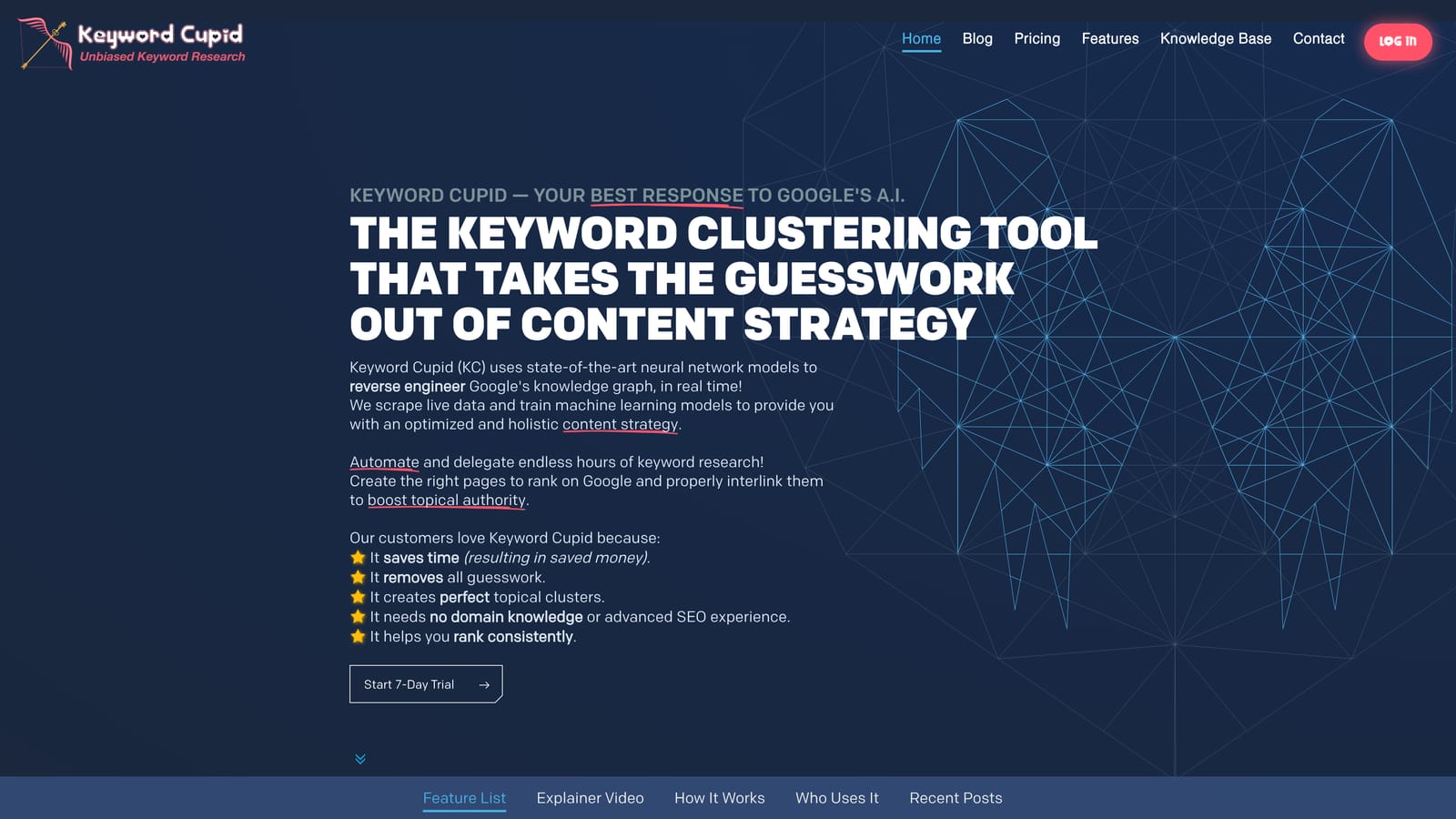
Keyword Cupid is an NLP-powered clustering tool that groups keywords based on SERP result overlap, producing clusters that reflect genuine semantic relationships rather than surface-level word similarity.
Where This Tool Shines
The core distinction with Keyword Cupid is its clustering method. Many tools group keywords by matching shared words, which can produce misleading clusters. For example, "best running shoes" and "best running apps" share words but serve completely different intents. Keyword Cupid's SERP-based approach groups keywords that actually share search result pages, which is a more accurate signal of true topical overlap.
The visual cluster maps are a practical feature for reviewing and adjusting groupings before exporting. For PPC use, these clusters can directly inform ad group structure, helping you identify which terms genuinely belong together and which should be separated.
Key Features
SERP-Based Clustering: Groups keywords by shared search result pages rather than word-matching, producing more semantically accurate clusters.
Visual Cluster Maps: Displays keyword groups visually for easier review and editing before export.
Bulk Keyword Upload: Handles large keyword lists without requiring manual entry.
Intent-Aware Grouping: Clustering reflects actual search intent rather than surface-level text patterns.
Flexible Use Cases: Primarily designed for SEO content planning but applicable to PPC ad group structure.
Best For
SEO practitioners who need accurate topical clustering for content strategy, and PPC managers who want to apply the same logic to ad group planning. Worth noting that this tool is primarily SEO-focused, so some features are less directly applicable to Google Ads workflows.
Pricing
Credit-based and subscription options available. Check keywordcupid.com for current pricing.
7. Serpstat
Best for: Agencies that want keyword clustering bundled with rank tracking, site audit, and backlink tools in one platform.
Serpstat is an all-in-one SEO and PPC platform with a dedicated keyword clustering module that groups keywords by semantic similarity, alongside a broader suite of reporting and analysis tools.
Where This Tool Shines
Serpstat's clustering module is designed to work at scale. You can upload large keyword lists and receive semantically grouped clusters that can be exported for ad group planning or content mapping. The clustering logic is based on semantic similarity rather than just word overlap, which produces more useful groupings for complex campaigns.
Where Serpstat stands out for agencies is the breadth of tools bundled into one subscription. If your team is already using a platform for rank tracking, site audits, and backlink analysis, having keyword clustering in the same environment reduces the number of tools you need to manage and the number of logins your team juggles.
Key Features
Semantic Keyword Clustering: Groups keywords by meaning and topic rather than surface-level word matching.
Bundled Toolset: Includes rank tracking, site audit, and backlink analysis alongside clustering features.
Multi-Project Support: Designed for agencies managing multiple client accounts or domains.
Exportable Cluster Reports: Cluster data can be downloaded for use in campaign planning or client reporting.
Scalable for Large Lists: Handles bulk keyword inputs suited to enterprise-level campaigns.
Best For
Agencies that want keyword clustering as part of a broader reporting and analysis platform, rather than a standalone tool. Less relevant for advertisers who only need in-interface Google Ads optimization.
Pricing
Tiered subscription plans available. Check serpstat.com for current pricing.
8. Keyword Insights
Best for: PPC managers and content teams who need AI-driven intent classification alongside keyword clustering for large keyword sets.
Keyword Insights is an AI-powered clustering tool that groups keywords by search intent and maps them to content or ad group types, reducing manual sorting when working with large keyword sets.
Where This Tool Shines
Keyword Insights goes a step beyond basic clustering by classifying each keyword group by intent type: informational, navigational, commercial, or transactional. For PPC managers, this is directly actionable. Transactional clusters are candidates for conversion-focused ad groups; informational clusters might signal terms better suited to exclusion or remarketing audiences rather than primary targeting.
The automatic mapping of clusters to content or page types is useful for teams coordinating paid and organic strategy. Rather than manually deciding whether a cluster warrants a product page, a category page, or a blog post, Keyword Insights provides a suggested mapping that you can review and adjust.
Key Features
AI-Driven Intent Classification: Labels each keyword cluster by search intent (informational, navigational, commercial, transactional).
Automatic Content Mapping: Suggests the appropriate content or page type for each keyword cluster.
Bulk Keyword Processing: Handles large keyword uploads efficiently, reducing manual sorting time.
Intent-Aligned Ad Group Planning: Clusters can be used directly to structure intent-based ad groups in Google Ads.
Flexible Pricing Model: Credit-based options make it accessible for one-off projects as well as ongoing use.
Best For
PPC managers building intent-aligned ad group structures from large keyword sets, and content teams who want clustering and content mapping in a single workflow. Particularly useful when working with keyword lists that span multiple intent types and need clear separation before campaign build-out.
What Is a Keyword Grouper and How Should You Use One?
A keyword grouper takes a long list of keywords and sorts them into themed clusters, so each cluster can become its own ad group (or its own landing page). The goal is tight relevance: every keyword in a group should be answered by the same ad copy and the same landing page.
The three ways keyword groupers cluster
- Shared-word grouping: Keywords that contain the same core term are bucketed together. It's fast and works for simple lists, but it can merge terms with different intent, such as "crm software pricing" and "crm software tutorial".
- SERP-overlap grouping: Keywords are grouped when the same pages rank for them. It's a stronger signal that two terms share intent, and it's the approach tools like Keyword Cupid and Ahrefs use.
- Semantic or intent-based grouping: Keywords are grouped by meaning and labeled as informational, commercial, or transactional. This helps you separate research traffic from buyers before you build campaigns.
How to turn clusters into Google Ads ad groups
- Start with a clean list. Remove duplicates and obviously irrelevant terms before clustering, or they'll distort the groups.
- Cluster by intent first, theme second. Keep high-intent ("buy", "pricing", "near me") terms separate from research terms, even when they share a topic.
- Review each cluster manually. Ask whether one headline and one landing page would be a good answer for every keyword in the group. If not, split it.
- Assign match types per cluster. Decide on exact, phrase, or broad for each group instead of applying one match type to the whole list.
- Add negatives between clusters. When two ad groups target similar terms, add negative keywords so each search triggers the right group.
- Re-cluster from real search terms. After a few weeks of data, group your Search Terms Report and promote converting terms into their own tightly themed ad groups.
If you cluster outside Google Ads, plan for the export and import step. Tools that work inside the Search Terms Report remove that step, which is why the list above starts with one.
If you want to go further than manual clustering, this guide to Google Ads keyword grouping automation shows how to build a smarter campaign structure around your clusters.
Quick Comparison: 8 Keyword Grouper Tools at a Glance
Not sure which tool fits your situation? Here's a fast reference before diving into the full reviews.
| Tool | Best For | Google Ads Integration | Starting Price |
|---|---|---|---|
| Keywordme | In-interface clustering inside Google Ads | Native (Chrome extension) | $12/month per user |
| Google Keyword Planner | Free ad group suggestions from Google data | Native | Free |
| SEMrush Keyword Magic Tool | Large-scale discovery with intent filtering | Export/import | Paid (see semrush.com) |
| Ahrefs Keywords Explorer | SERP-based clustering for PPC + SEO teams | Export/import | Paid (see ahrefs.com) |
| WordStream Free Keyword Tool | Quick, no-account keyword ideas by industry | Export only | Free |
| Keyword Cupid | SERP-overlap clustering for SEO/PPC | Export only | Credit-based (see site) |
| Serpstat | Clustering bundled with agency reporting tools | Export only | Paid (see serpstat.com) |
| Keyword Insights | AI-driven intent classification at scale | Export only | Credit-based (see site) |
The key distinction: most tools require an export step before you can act on clusters inside Google Ads. Keywordme is the only option on this list that lets you cluster, assign match types, and add negatives without leaving the Google Ads interface.
Keyword Grouper vs. "KeywordGrouper": What to Look For in a Tool
Searches for "keywordgrouper" (one word) usually mean the same thing as "keyword grouper": a tool that sorts a long keyword list into themed clusters. Product names vary, so judge any keyword grouper on what it does rather than what it is called.
- Clustering method: Shared-word grouping is fastest, SERP-overlap grouping is better for deciding which terms share a landing page, and intent-based grouping is best for separating buyers from researchers.
- List size: Desktop and credit-based tools handle tens of thousands of rows. If your lists are smaller, a lighter in-browser workflow is usually quicker.
- What happens after grouping: The most useful keyword grouper lets you act on clusters by adding keywords, setting match types and blocking negatives, rather than handing you a spreadsheet to re-import.
- Fit with Google Ads structure: Each cluster should map cleanly to one ad group, one set of ad copy and one landing page.
For a broader comparison of grouping options, see our guide to the best Google Ads keyword grouping tools.
Free Keyword Grouper Options: What You Can Do at No Cost
You can group keywords for free, but the free options trade accuracy and speed for price. Here is what each one realistically gives you.
- Google Ads Keyword Planner: Free with a Google Ads account. Enter seed terms or a URL and it returns keyword ideas with suggested ad group themes. Good for a first-pass structure on a new campaign, with limited control over how terms are clustered.
- WordStream Free Keyword Tool: Free with no account needed. It returns keyword suggestions with basic ad group groupings that you can export. Useful for ideas, less so for clustering a list you already have.
- Google Sheets or Excel: Free and fully manual. Paste your keywords into a column, sort alphabetically, and use a filter (for example, cells containing a shared core word) to tag each group. It works for lists of a few hundred terms, but it only groups by shared words, so check each group for mixed intent.
A simple free workflow for a list you already have
- Remove duplicates and clearly irrelevant terms from your list.
- Filter by a core word or modifier (such as "pricing", "best" or "near me") and tag each group in a second column.
- Split any group where one headline and one landing page would not suit every keyword.
- Import each tagged group as its own ad group, then add negatives between similar groups.
Free options start to cost you time once lists grow past a few hundred keywords or you need to act on clusters inside Google Ads. At that point, a tool that works in the Search Terms Report, such as Keywordme, removes the export and import steps. It has a 7-day free trial, then $12/month per user.
Which Tool Is Right for Your Workflow?
The right keyword grouper depends on where you work, what scale you're operating at, and whether you need clustering as a standalone task or as part of a broader campaign optimization process.
Solo Google Ads advertiser: Start with Keywordme for in-interface clustering and negative keyword management, or use Keyword Planner if budget is the primary constraint. Both keep things simple without requiring a separate platform.
Agency managing multiple accounts: Keywordme handles the in-platform workflow efficiently across client accounts. If you also need bundled rank tracking and site auditing in one place, Serpstat is worth evaluating alongside it.
Large-scale keyword research: SEMrush and Ahrefs are the strongest options here, particularly if your team is already using either platform for competitive research or organic content strategy.
SEO-first clustering: Keyword Cupid's SERP-based approach and Keyword Insights' intent classification are both well-suited to content teams who want accurate topical grouping before deciding on ad group or page structure.
Budget-constrained: Keyword Planner is free and already inside Google Ads. WordStream's Free Keyword Tool is a reasonable secondary option if you want a different perspective on keyword suggestions without spending anything.
If you're spending meaningful time in the Search Terms Report and want to cut down on the manual work of grouping, filtering, and acting on keyword data, Keywordme is built specifically for that workflow. It keeps everything inside Google Ads, which means less context-switching and faster execution on the decisions that actually affect campaign performance.
Start your free 7-day trial and see how much faster your keyword optimization workflow can get, right inside Google Ads, no spreadsheets required.
.svg)