
How to Find Keywords in Google AdWords: A 2026 Guide
How to Find Keywords in Google AdWords: A 2026 Guide


Most advice on how to find keywords in google adwords is stuck in an older playbook. It tells you to build a giant keyword list in Google Keyword Planner, split it into match types, launch, and hope you guessed right. That still has a place, but it misses where the best account insights show up: after the campaign starts running.
The hard truth is that keyword research for Google Ads isn't just about finding keywords to target. It's also about finding the searches you should never pay for again. If you only focus on positive keywords, you're doing half the job and usually overspending for the privilege.
The strongest workflow today starts with a focused foundation, uses live query data to expose what real people typed, and turns that feedback loop into a weekly habit. That's where the account gets cleaner, tighter, and more profitable.
Rethinking Your Keyword Research Starting Point
The old advice says start with exhaustive exact match and phrase match lists. In practice, that can lock you into what you already know.
A tighter approach is to start with a few well-themed broad match keywords in each ad group, then let live search behavior show you what the market is asking for. That sounds risky, and it can be if you launch broad match with no plan for cleanup. But broad match is no longer the blunt instrument it used to be.
A Q1 2026 WordStream analysis of 10,000 accounts found that broad match keywords paired with AI enhancements captured 40% more conversions at a 15% lower CPA for e-commerce campaigns than exact match. The reason is simple. Broad match can uncover long-tail queries you never would have typed into a planner.

Why small starting sets often beat giant spreadsheets
If you're trying to sell custom closets, sod installation, legal services, or HVAC repair, a huge list built upfront usually includes a lot of terms that look relevant but don't produce useful traffic. You end up spending more time categorizing guesses than reacting to actual buyer language.
Starting lean forces better thinking:
- Use themes, not every variation: Pick a small set of terms that represent the service, offer, or buyer intent.
- Write ads to the theme: Don't try to make one ad group cover everything.
- Let the Search Terms report surface the actual variants: That's where winning phrases and junk traffic both become visible.
If you want a good companion framework for brainstorming the initial seed list before launch, Austin Heaton's guide on how to build a keyword list is a useful reference point.
Broad match is a discovery tool, not a license to stay lazy. The value comes from what you do with the queries it uncovers.
What works and what doesn't
A few broad match keywords in a tightly defined ad group can work well when the landing page, ad copy, and offer are all aligned. Broad match dumped into vague ad groups usually creates noise.
What doesn't work is treating keyword research like a one-time setup task. The planner gives you possible demand. Search terms show actual demand. Those are not the same thing.
Building Your Foundation in Google Keyword Planner
Google Keyword Planner is still the best place to build your base set. It's been around since 2013 as part of Google AdWords, later rebranded to Google Ads in 2018, and it remains the standard starting point because it pulls from Google's own search data. It's also still heavily relied on in practice. According to this Keyword Planner overview, the tool is used by over 90% of PPC professionals for initial research, processes billions of daily searches, and helps advertisers identify high-intent terms that can reduce CPC by up to 20-30% through targeted selection.
That doesn't mean you should open it and sort by search volume. That's how people build lists full of expensive curiosity clicks.
Use Planner for intent, not vanity
Inside Google Ads, go to Tools, then Planning, then Keyword Planner. Use Discover new keywords. Start with a handful of seed terms tied to the actual service or product, not every synonym you can think of.
Then filter with commercial intent in mind. Look for terms that suggest a buyer is closer to action:
- Transactional modifiers: “buy,” “quote,” “near me”
- Problem-aware terms: service-specific searches with urgency or local intent
- Offer-based language: branded and non-branded searches that connect to your page
If Google associates your domain with a topic, adding your site can help keep suggestions tighter. That matters when you're trying to avoid informational clutter.
For a more detailed walkthrough of the interface and setup, this guide on how to use Google Keyword Planner fills in the platform basics well.
Read the metrics like a buyer, not a researcher
Planner gives you average monthly searches, competition levels, and top-of-page bid ranges. All useful. None should be read in isolation.
Here's the practical filter I use:
| Signal | What it tells you | What to do |
|---|---|---|
| Search volume | Whether there is real demand | Ignore vanity volume if intent is weak |
| Competition | How many advertisers want that query | High competition can be fine if the term is commercial |
| Bid range | Whether the market values the click | Expensive terms often reveal purchase intent |
| Location filter | Whether demand exists where you sell | Always localize before judging a keyword |
A keyword with lower volume but strong purchase language is usually more valuable than a broad research query with bigger volume. The planner is strongest when you use it to narrow toward likely buyers, not when you use it to collect every related phrase.
Practical rule: If a keyword looks popular but doesn't suggest a real buying situation, it probably belongs in SEO research more than paid search.
Build a test list, not a forever list
The outcome you want from Keyword Planner isn't a finished account structure. It's a launch-ready test set.
That means:
- Pick the terms that clearly align with your offer.
- Group them by intent, not just by wording.
- Keep the list focused enough that you'll recognize useful patterns once search term data starts coming in.
Keyword Planner is your map. It isn't the trip.
Uncovering Gold in Your Search Terms Report
Once ads are live, the most valuable keyword research stops happening in the planner and starts happening in the Search Terms report. In this report, Google shows you the actual queries people typed before your ad appeared.
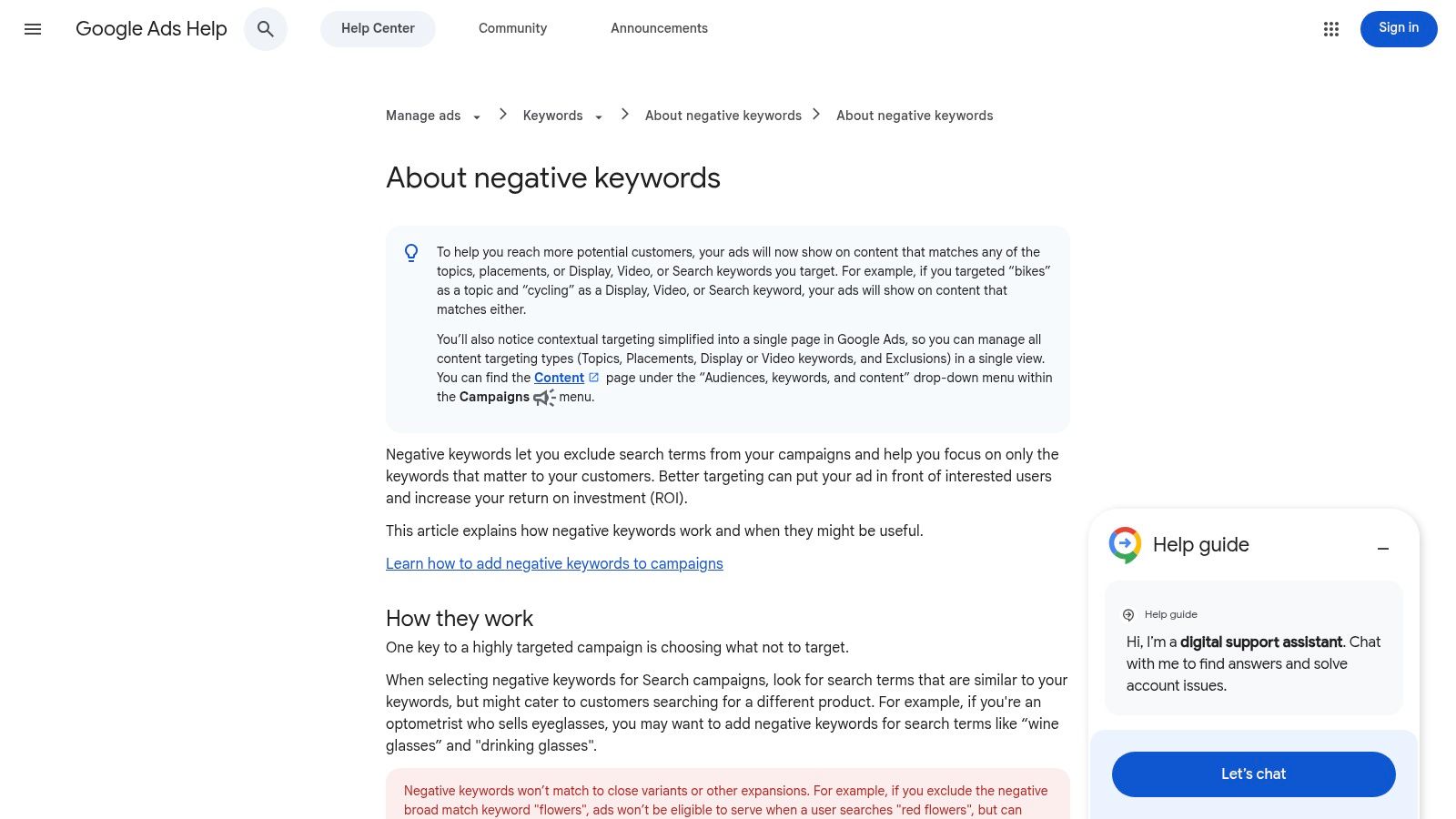
That matters because accounts usually waste money in places no pre-launch spreadsheet can fully predict. According to Workshop Digital's analysis of the report, 20-40% of ad spend in major markets is often wasted on irrelevant queries, and systematically adding those as negatives can reclaim that budget, as explained in their guide to analyzing Google Ads search term data.
What to pull from the report
This report does two jobs at once. Most advertisers only use it for one.
First, it shows you winners. These are search queries that clearly match your offer and produce strong engagement or conversions. If a query keeps proving itself, promote it into its own managed keyword, usually as phrase or exact match depending on how much control you want.
Second, it shows you losers. These are the terms draining budget because they attract the wrong person, the wrong intent, or the wrong stage of the funnel.
A useful way to review the report is by sorting into three buckets:
- Keep and promote: search terms that match your offer and deserve tighter control
- Watch list: relevant terms that need more data before they become keywords
- Negative candidates: irrelevant or low-value queries you don't want to trigger again
If you want a deeper look at the report itself, this walkthrough of the Google Ads Search Terms report is worth saving.
Patterns that usually mean wasted spend
The problem queries are often easy to spot once you stop reading the report like a list and start reading it like behavior.
Look for:
- Freebie intent: searches that include words suggesting no purchase intent
- DIY intent: people looking for instructions when you sell a service
- Job seekers: especially common in local service campaigns
- Mismatched products: terms adjacent to your offer but not what you offer
- Loose broad-match variants: searches that are technically related but commercially useless
The Search Terms report is where Google tells you how it interpreted your keywords. Believe that data more than your assumptions.
A short explainer can help if you're training a team member on this review process:
The part most people skip
The highest-value habit is not only adding negatives. It's doing it systematically.
That means reviewing matched terms often enough to catch drift early, promoting proven queries into controlled keywords, and keeping your negatives organized by theme so the same junk traffic doesn't keep creeping into other campaigns. The account improves when you treat search terms as the operating system for optimization, not an occasional cleanup task.
Automating Your Workflow with the Keywordme Plugin
Manual search term cleanup sounds manageable until the account gets busy. Then it turns into tabs, exports, copy-paste work, and a lot of inconsistent formatting.
That's a commonly felt bottleneck. A 2025 study found that 37% of ad spend is wasted on irrelevant broad match triggers, agencies spend 2-5x more manual time on negative keywords than on positives, and automation tools like Keywordme can do that work up to 10x faster, as covered in this negative keyword automation video.

Where manual workflows break
The manual process usually looks like this:
- Open the Search Terms report.
- Spot irrelevant queries.
- Copy them into a note or sheet.
- Decide match type one by one.
- Add them into the right campaign or list.
- Go back and repeat.
That workflow is annoying in a small account. In a large account, it creates delays, missed negatives, and uneven standards across campaigns.
The same problem shows up on the positive side. You find a strong query, but turning it into a cleanly structured keyword often means leaving the report, switching screens, choosing the right ad group, and repeating the setup manually.
What automation changes
The main gain from automation isn't convenience. It's consistency.
When a tool sits closer to the Google Ads interface, you can turn review decisions into action while context is still fresh. That matters for both negatives and expansions. A query that should be blocked gets blocked immediately. A query that deserves promotion gets added before it disappears into a backlog.
For teams comparing workflow options, this article on the benefits of using a Chrome extension for PPC highlights why browser-level overlays often feel faster than juggling exports and separate tools.
Field note: The best optimization systems remove tiny delays. Every extra click between “I found a problem” and “I fixed it” lowers the odds that the fix happens at scale.
What this looks like in practice
A scalable routine usually needs a few simple capabilities:
- Bulk negative handling: Select a cluster of irrelevant queries and push them into the right negative list quickly.
- Match type control: Decide whether a negative should be broad, phrase, or exact based on the pattern you want to block.
- Fast keyword promotion: Move strong search terms into active targeting without rebuilding them from scratch.
- Cleaner campaign expansion: Keep ad groups organized while you add new winners.
The advertisers who stay efficient aren't always better at analysis. Often they're just better at turning analysis into action before the account drifts again.
Advanced Strategies for Keyword Refinement and Scaling
Once the basic loop is working, the next gains come from structure. Here, campaign design starts influencing cost, relevance, and the quality of the search data you get back.
Loose ad groups make everything harder. They blur intent, weaken ad relevance, and make your Search Terms report harder to interpret. According to this advanced keyword research guide, loose ad group structure can push Quality Scores below 5/10 and inflate CPC by 30-100%, while tightly themed ad groups can deliver a 17% higher CTR.

Organize by intent, not just similarity
A common mistake is grouping keywords because they share words. Better accounts group them because they share buyer intent.
For example, these don't belong together:
- “sod installation cost”
- “DIY sod installation”
- “best sod type for shade”
Those are different searches from different mindsets. One is commercial. One is instructional. One is early research. Splitting them gives you tighter ads, better landing page alignment, and cleaner search term feedback.
A simple structure looks like this:
| Intent bucket | What belongs there | What to avoid |
|---|---|---|
| Transactional | service-ready, quote-ready queries | broad research terms |
| Commercial investigation | comparison and pricing terms | DIY searches |
| Informational | usually separate, if used at all | mixing with lead-gen ad groups |
Use forecasts before adding scale
The Get search volume and forecasts feature is useful when you're deciding whether a cluster deserves its own ad group or campaign. It won't replace live data, but it helps you sanity-check whether the volume and likely cost are worth building around.
This is also where discipline matters. Forecasts should guide prioritization, not become an excuse to stuff more keywords into an ad group. If the theme isn't tight, the model may look fine while the campaign underperforms once real searches start branching.
If you're trying to sanity-check account structure before a major rebuild, getting a second set of eyes from an expert Google Ads consultant can be useful, especially when your issue is architecture rather than bidding.
A keyword strategy scales when each ad group answers one clear search intent. Once an ad group tries to answer three intents, performance usually gets muddy.
The scaling rule that keeps accounts clean
When you discover a winner, don't just add it somewhere convenient. Add it where the ad copy, landing page, and negatives all support it.
Scaling isn't adding more keywords. It's expanding only the terms your account can support with relevance and control.
Your Weekly Keyword Optimization Workflow
Good keyword research in Google Ads isn't a project you finish. It's account maintenance. The best routine is short, repeatable, and tied to live data.
A weekly workflow keeps the account from drifting while giving you room to expand what already works.
Monday review and cleanup
Start in the Search Terms report. Look for obvious mismatches first because wasted spend compounds when junk queries sit untouched.
Use a simple pass:
- Remove junk: irrelevant, DIY, free, job-seeker, or mismatched product queries
- Tag possible winners: terms that look commercially aligned
- Check intent drift: make sure broad match themes are still pulling the right kind of searches
This first pass should feel like triage, not a deep forensic exercise.
Midweek expansion and structure check
Later in the week, revisit the search terms you flagged. The useful ones usually fall into two categories. Some deserve promotion into phrase or exact match. Others reveal a new theme that may justify its own ad group.
At the same time, review whether your ad groups still reflect one intent each. If a cluster of terms starts pulling mixed intent, split it before the problem spreads.
A tight weekly check might include:
- Promote proven search terms into managed keywords.
- Add or refine negatives so bad traffic doesn't repeat.
- Compare spend pacing to expectations using Planner forecasts as a rough reference point.
- Review ad group relevance so each cluster stays focused.
Friday account notes
Most PPC teams skip documentation, then repeat the same analysis next week. Keep a short record of what changed and why.
That note can be simple:
- new negatives added
- search terms promoted
- ad groups split
- themes that need watching next week
The point isn't paperwork. It's pattern recognition. After a few weeks, you'll see which campaigns need frequent cleanup, which broad themes uncover useful long-tail traffic, and which structures produce clearer data with less wasted spend.
The result is a better way to handle how to find keywords in google adwords. You stop treating keyword research as list building and start treating it as an operating rhythm.
If you want to speed up the slowest part of Google Ads optimization, Keywordme is built for exactly that. It helps you clean up junk search terms, build negative keyword lists faster, apply match types in one click, and turn real query data into usable campaign actions without the usual copy-paste grind.
.svg)