
Prevent Google Ads Wasting Money on Irrelevant Clicks
Prevent Google Ads Wasting Money on Irrelevant Clicks


You know the account. Spend keeps climbing, search terms look “busy,” and the lead sheet is either thin or full of junk. Someone says the campaign is getting traffic, but traffic isn't the problem. The problem is that google ads wasting money on irrelevant clicks rarely looks dramatic in the interface. It looks normal right up until the monthly report.
I've seen this pattern in local service accounts, ecommerce builds, B2B lead gen, and agency portfolios. The account isn't broken in one obvious place. It's bleeding from five small cuts at once. Search terms are loose. geo settings are sloppy. Display placements are unchecked. conversion tracking is flattering the wrong actions. Then the team wonders why spend rises faster than revenue.
If you're auditing a messy account, don't start with bid tweaks. Don't start with ad copy tests. Start where waste shows up fastest and most clearly. Fix the clicks you should never have bought in the first place.
Why Your Google Ads Budget Feels Like a Leaky Bucket
The feeling is familiar. You open Google Ads on Monday, look at the previous week, and the account spent plenty. Clicks came in. Impressions are healthy. But the calls were weak, forms were vague, and sales says the leads “weren't it.”
That's why this feels like pouring money into a bucket with holes in it. Budget goes in. Very little useful demand comes back out.

The search page changed under your feet
A lot of teams still audit accounts like it's the old search layout. That's a mistake. Google changed the click environment when it expanded AI Overviews across search results in May 2025, placing generative summaries above the traditional results. That shift pushed more searches into no-click behavior. Zero-click search rates jumped from 56% to nearly 69% in 2025, and when AI Overviews appear, paid CTR drops by about 25%, from 8.76% to 6.56%, according to this analysis of rising Google Ads CPC pressure.
That matters because bad traffic hurts more when the pool of available clicks is tighter. Every irrelevant click now steals budget from a smaller set of real opportunities.
The old “just get more visibility” mindset breaks fast when fewer searches turn into clicks at all.
Why this gets ugly in real accounts
A contractor campaign is a good example. Say you're trying to improve lead quality for luxury builds or capturing high-end residential project leads. You're not trying to attract DIY researchers, job seekers, renters, students, or people looking for free advice. But if the account is loose, Google will happily spend on all of them.
The result is subtle. CTR can still look acceptable. Search terms still look related at a glance. But intent is off by just enough to wreck performance.
Here's the shortcut I use when I first inspect a bleeding account:
- If spend is up but sales quality is down, assume search intent drift first.
- If search pages are crowded, assume each wasted click now costs more strategically, not just financially.
- If the account manager says “Google is learning,” check whether Google is learning from junk traffic.
That leaky-bucket feeling is usually justified. The good news is the leak almost always shows up in the same places.
Uncover Hidden Waste in Your Search Terms Report
If you only check one report this week, check Search Terms. Not keywords. Not recommendations. Not the campaign overview tile that tells you everything is “limited by budget.” The Search Terms report tells you what people typed before Google spent your money.
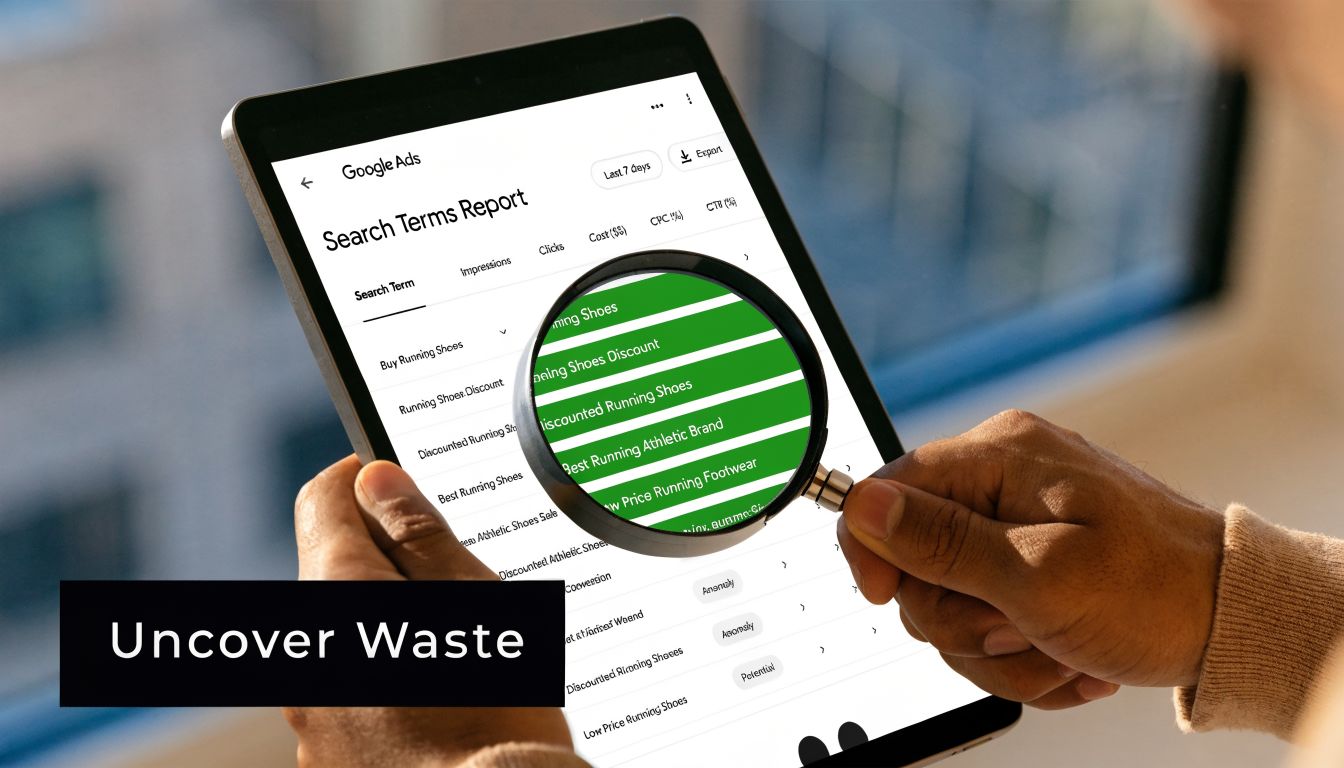
Where to start
Pull a recent window with enough spend to show patterns. Then sort by cost, not clicks. Junior buyers often scan for weird queries with low spend. That's fine for cleanup. It won't stop the bleed. The expensive mistakes sit near the top.
A practical walkthrough of the report itself is in this guide to the Google Ads search terms report. Use it if someone on your team needs the mechanics. The important part is what to look for once you're in there.
According to Clixtell's write-up on non-converting Google Ads traffic, irrelevant keyword targeting remains a major source of wasted ad spend, broad match keeps pulling in research-focused searches instead of commercial intent, geographic mismatch drains budget, and the average CPC reached $5.26 in 2025 while average conversion rate held at 6.96%. That means every junk click is expensive, and not just in theory.
The patterns that usually matter
Don't read search terms one by one like a spreadsheet robot. Read them in buckets.
- Research intent: Queries with words that signal learning, comparison, definitions, troubleshooting, or free options. These people might be useful for content. They're often useless for a direct-response ad campaign.
- Wrong geography: Searches from users outside the service area, or users showing interest in a place you target without being there.
- Adjacent services: Terms that sound close enough to trigger your ads but describe a different need.
- Low-value variants: Searchers looking for cheap, free, templates, jobs, salary, training, or used options when you sell premium or done-for-you services.
Practical rule: If the query would force your sales team to “educate first, qualify second, and maybe sell later,” it probably doesn't belong in a high-intent search campaign.
How I read a report fast
I don't start by asking, “Is this keyword relevant?” I ask, “Would I be happy paying for 100 more clicks exactly like this?”
That question makes the answer clearer.
Use this quick screen:
| What you see | What it usually means | What to do |
|---|---|---|
| Broad, vague query | Intent too soft | Add as negative or move to a separate research campaign |
| City or region mismatch | Targeting leak | Tighten location settings and exclude non-service areas |
| “Free,” “jobs,” “DIY” type modifiers | Low buyer intent | Negate the modifier or the full query |
| Product or service cousin | Semantic mismatch | Split tighter ad groups or block irrelevant variants |
After you've reviewed enough rows to spot patterns, this walkthrough is worth watching before you push changes live:
What does not work
Three habits keep weak accounts weak:
- Reviewing monthly instead of weekly
- Looking only at converting terms
- Treating broad match as harmless until spend gets scary
Search terms are your crime scene. If google ads wasting money on irrelevant clicks is the symptom, this report is usually where the cause gets obvious.
Build Your Wall Against Wasteful Clicks
Once you've found the junk, block it properly. Don't just add a couple negatives and call it done. That's how teams end up revisiting the same mess every month.

Build negatives like a system
The biggest shift for junior PPC managers is this. Negative keywords aren't a cleanup task. They're account structure.
ClickFortify's breakdown of wasteful Google Ads mistakes notes that up to 15% to 20% of Google Ads clicks are irrelevant without active management. It also says a weekly audit can help advertisers bulk-add 100 to 500 negative keywords, with audits often showing a 25% to 40% reduction in wasteful spend within two weeks. One common pitfall is broad match triggering terms like “free [keyword],” which can account for 30% to 50% of waste.
That's why negative work has to be layered.
My default negative structure
Campaign-level negatives
Use these for terms that should never trigger anything in that campaign. Classic examples are jobs, careers, free, cheap, tutorial, and unrelated service categories.Ad group-level negatives
Use these to keep themes from cannibalizing each other. If one ad group targets branded product names and another targets generic service terms, block overlap deliberately.Shared negative lists Put repeat offenders in reusable lists for account-wide hygiene. The process starts paying off at this stage.
Match type control
Don't dump every negative in the same format. Some need exact match because they're narrow. Others need phrase match because the modifier itself is the problem.
For a deeper tactical reference, this guide on Google Ads negative keywords covers the mechanics well.
Good negative lists don't just block bad traffic. They protect campaign intent.
Tighten match types where the account earns it
A lot of wasted spend starts with lazy match strategy. Broad match has a place, but not as a default setting for every account and every stage. If search terms show consistent drift, tighten the theme.
Here's the simple version:
- Keep broad match when the account has strong data, clean exclusions, and real oversight.
- Move to phrase match when search intent is related but too loose.
- Use exact match when the campaign must stay tight because the budget, margin, or lead quality tolerance is narrow.
This is also where tooling matters. Manual negative work in spreadsheets gets old fast. In active accounts, a tool like Keywordme can scan search terms inside the Google Ads workflow and help add wasteful queries to negative keyword lists with exact, phrase, or broad match without the usual copy-paste routine.
What works better than heroic cleanup sessions
The wrong way is one giant quarterly purge. The right way is small, frequent control.
Try this operating rhythm:
- Weekly search term review: Focus on cost-heavy waste first.
- Weekly negative additions: Block patterns, not just one-off weird terms.
- Biweekly match type check: Tighten campaigns that keep drifting.
- Monthly shared list audit: Make sure reusable negatives still fit current campaigns.
If the account keeps leaking after you've done this, the next problem usually isn't keyword matching alone. It's targeting outside the query itself.
Beyond Keywords Refining Audience and Placements
Some accounts look clean in Search Terms and still waste money. That's when you zoom out. The query might be acceptable, but the audience setting, location logic, or placement inventory is wrong.

Check who is seeing the ads
I treat audience settings as a control layer, not a magic growth lever. Observation modes, audience segments, and demographic filters can help, but they can also muddy an account when nobody's checking where spend lands.
Start with a short audit:
- Location settings: Make sure the campaign prioritizes people in the places you serve. “Interested in” traffic can be useful in some cases, but it can also pull in low-value clicks from people nowhere near your market.
- Demographic exclusions: If age ranges or household signals clearly misalign with the offer, stop pretending volume is helpful.
- Time and device patterns: Some campaigns attract weak traffic during off-hours or on low-intent devices. If those clicks don't assist real sales, trim them.
Display and app placements can quietly wreck efficiency
Search managers often forget that Display waste doesn't show up with the same obvious intent mismatch. It looks like cheap traffic, engagement noise, and a bunch of accidental clicks from places nobody would choose manually.
That's why placement reviews matter.
Look for:
- Mobile apps with weak engagement
- Made-for-ads sites
- Broad topic placements with no purchase context
- YouTube or display inventory that reaches curiosity, not buyers
If a placement produces clicks but never produces useful business action, it isn't “assisting awareness.” It's just spending your budget.
A simple decision filter
When you review audiences and placements, use this three-part test:
| Question | If yes | If no |
|---|---|---|
| Does this segment fit the buyer? | Keep evaluating | Restrict or exclude |
| Does this placement align with buying context? | Monitor quality | Exclude it |
| Does traffic from this source help sales, not just platform metrics? | Keep it on a short leash | Cut it |
This part of the audit is less glamorous than keyword work, but it's often where a “mostly fine” account stops being noisy and starts becoming efficient.
Stop Flying Blind Enforce Smart Conversion Tracking
A lot of teams think they're solving google ads wasting money on irrelevant clicks when they're really just rearranging labels on bad data. If your conversion setup is weak, you can't tell the difference between a useful click and a flattering one.
That's the part people resist, because tracking work is less fun than keyword pruning. It's also the part that decides whether the rest of your optimizations mean anything.
Bad tracking makes bad traffic look good
A form fill isn't automatically a win. A long session isn't a win. A call isn't a win if it's spam, support, a vendor pitch, or someone asking for a job.
This is why I push teams to define conversions by business value, not platform convenience. If the account optimizes toward shallow actions, Google will go find more of those shallow actions. It's very good at that.
For teams working on understanding ad campaign effectiveness, the useful question isn't “Did we record conversions?” It's “Did we record the right ones, with enough context to trust budget decisions?”
The hidden problem is attribution blindness
The problem goes deeper than just wasted clicks. ClickFortify's analysis of wasted budget from click fraud describes the attribution blindness problem clearly. Traditional click-waste metrics often miss 20% to 30% of budget loss because fraudulent or irrelevant clicks corrupt attribution models. When 20% to 30% of touchpoints are fraudulent, path analysis produces “nonsense,” leading to badly distorted allocation decisions.
That's the danger. A bad click doesn't only waste the amount you paid for it. It can also pollute the model you use to decide what to scale next.
Some “relevant” clicks are just phantom touchpoints wearing a nice CTR.
What to track instead
A stronger setup usually includes a tighter definition of success and a cleaner handoff between marketing and sales.
Use this checklist:
- Primary conversions only for optimization: Reserve bidding signals for actions tied closely to real revenue or qualified pipeline.
- Secondary conversions for context: Keep softer actions visible, but don't let them steer the campaign.
- Lead quality feedback: If sales keeps rejecting certain lead types, that feedback needs to reach the ad account.
- Offline outcomes where possible: Closed deals, qualified appointments, and validated calls tell a very different story than raw submit volume.
If your team needs a refresher on setup basics before tightening the measurement logic, this guide to Google Ads conversion tracking is a solid starting point.
The trade-off most teams avoid
Once you enforce smarter tracking, reported conversion volume may look worse for a while. That's not failure. That's cleanup.
A smaller number you trust is better than a bigger number that sends budget toward junk. The account can't improve until the data stops lying.
Put Your Ad Spend Defense on Autopilot
Manual cleanup is necessary. Staying manual forever is how good accounts drift back into chaos.
The stable workflow is simple. Review search terms regularly. Add negatives in batches. tighten match types where intent keeps drifting. audit audience settings and placements before they soak up budget. keep conversion tracking strict enough that the platform learns from real value, not vanity signals.
Where automation actually helps
A lot of automation in PPC is overhyped. If the account strategy is weak, automation just scales weak decisions faster. But once the fundamentals are in place, automation is exactly what keeps the account clean.
Useful automation usually looks like this:
- Rules for alerts: Flag sudden spend spikes, odd query themes, or conversion drop-offs.
- Scheduled reviews: Force a repeatable cadence so cleanup doesn't depend on memory.
- Scripts or tools for repetitive negative work: Save your attention for decisions, not formatting.
For teams comparing workflow options, The AI CMO Google Ads Optimizer is one example of the broader category of tools built to reduce repetitive account maintenance and surface optimization opportunities faster.
The main point is this. The account doesn't need one heroic audit. It needs a maintenance system that catches waste before it compounds.
If you keep treating junk clicks as a one-time cleanup issue, they'll keep coming back. If you build a routine around intent control, targeting discipline, placement hygiene, and trustworthy conversion signals, wasted spend stops being a mystery. It becomes a process problem you can manage.
If you want a faster way to clean search terms, build negative lists, and handle match types without the usual spreadsheet grind, Keywordme is built for exactly that workflow inside Google Ads.
.svg)