
9 Best Google Ads Plugins and Chrome Extensions in 2026
This guide reviews nine Google Ads plugins and Chrome extensions selected for their practical impact on day-to-day PPC management, covering tools that speed up search term analysis, automate reporting, and improve conversion tracking. Each entry clarifies whether it is a browser extension, desktop app, or web-based platform so you can choose what genuinely fits your workflow.


If you're managing Google Ads campaigns, you already know how much time gets eaten up by manual tasks: exporting search terms, building negative keyword lists, switching between tabs and spreadsheets. Google Ads plugins and Chrome extensions fix that by bringing extra functionality directly into your workflow, whether you need faster search term analysis, smarter reporting, or cleaner conversion tracking.
This list covers nine tools chosen for their practical impact on day-to-day PPC management. We've focused on tools that genuinely speed up your workflow or surface data you'd otherwise miss. Each entry notes whether it's a browser extension, desktop app, or web-based platform, because those differences matter when you're deciding what actually fits your setup.
1. Keywordme
Best for: In-interface search term optimization without leaving Google Ads
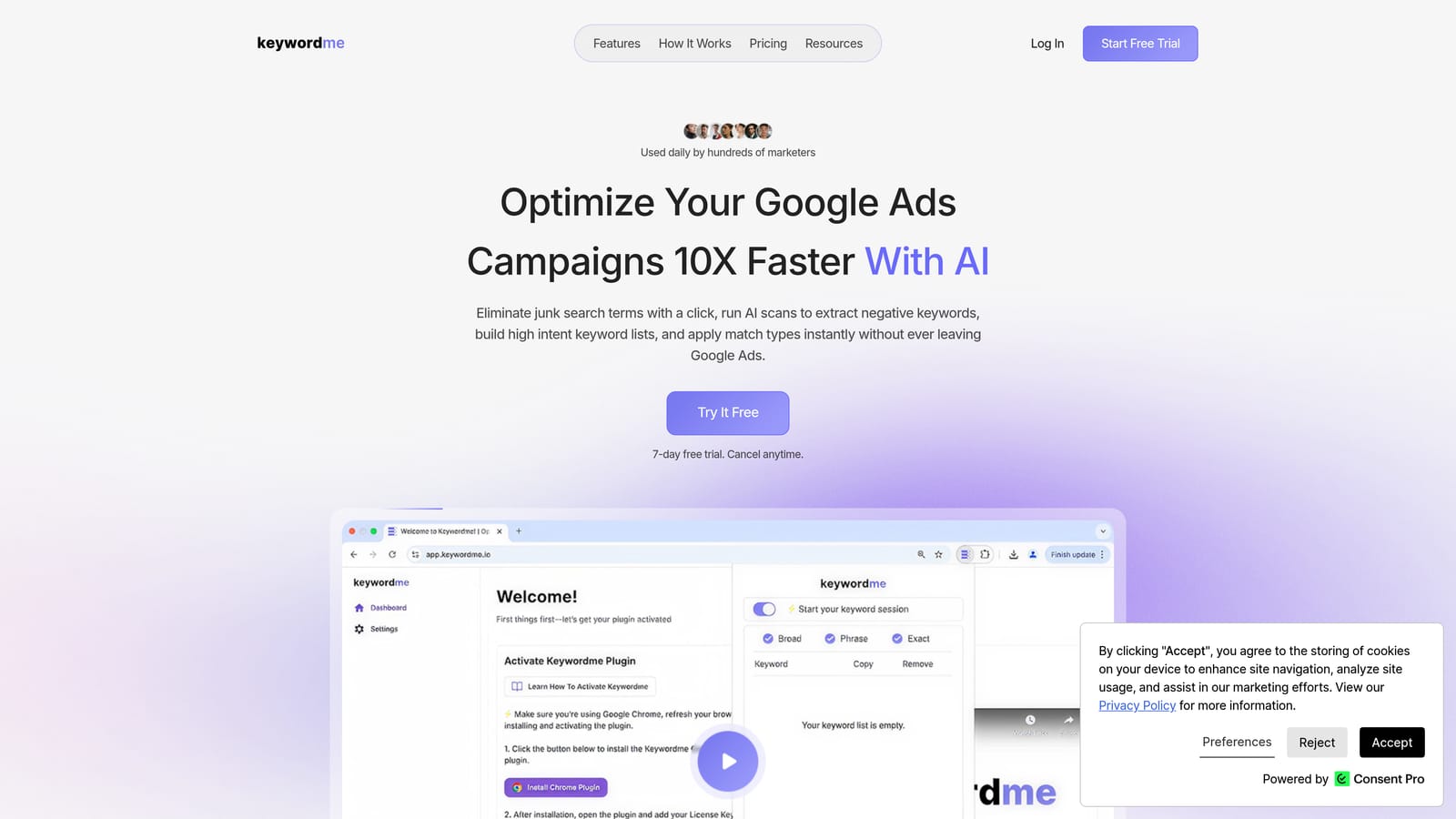
Keywordme is a Chrome extension that lets you optimize your Search Terms Report with one-click actions, directly inside Google Ads.
Where This Tool Shines
Most search term management workflows involve exporting data, working through a spreadsheet, and then uploading changes back into Google Ads. Keywordme cuts that loop entirely. You stay inside the native Google Ads interface and act on search terms as you review them: adding negatives, applying match types, clustering related terms into groups.
For agencies managing multiple accounts, the multi-account and team support features mean everyone works from the same workflow without needing to sync spreadsheets. The bulk editing capability is especially useful when you're processing large volumes of search terms after a campaign has been running for a few weeks.
Key Features
One-click negative keyword addition: Flag and add negative keywords directly from the Search Terms Report without exporting to a spreadsheet.
Match type application: Apply broad, phrase, or exact match types to search terms on the spot, right inside Google Ads.
Keyword clustering: Group related search terms quickly to identify themes and build tighter ad groups.
Bulk editing: Process high volumes of search terms efficiently without switching tools or tabs.
Multi-account and team support: Manage multiple client accounts and collaborate with team members from a single extension.
Best For
Keywordme works well for solo freelancers and in-house marketers who want to cut down on repetitive manual work, and it's particularly strong for agencies managing multiple accounts where consistent, fast search term hygiene matters. If your current process involves spreadsheets for negative keyword management, this extension is a direct replacement for that step.
Pricing
$12/month per user. A 7-day free trial is available, so you can test it against your actual campaigns before committing.
2. Google Ads Editor
Best for: Bulk offline campaign editing across large accounts
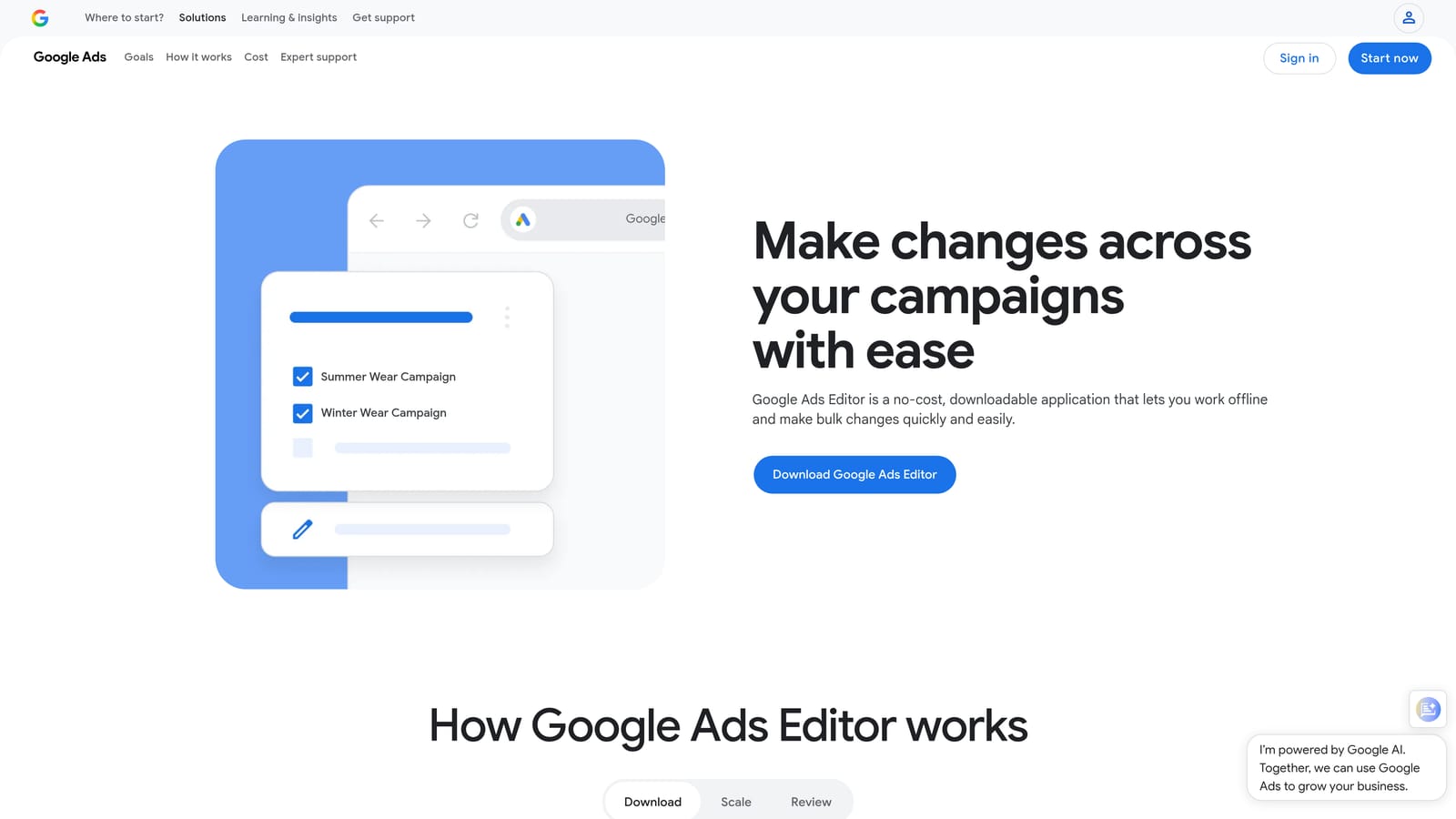
Google Ads Editor is a free desktop application from Google for managing and editing campaigns in bulk without staying connected to the internet.
Where This Tool Shines
Google Ads Editor is worth clarifying upfront: it's a desktop app, not a browser extension. That distinction matters because it works offline, which makes it genuinely useful for large-scale edits where you want to review everything before anything goes live. You download your account data, make changes locally, and upload when you're ready.
The find-and-replace functionality is particularly practical for agencies renaming campaigns, updating URLs across ad groups, or making consistent changes across dozens of campaigns at once. The draft-and-review workflow also gives you a safety net before pushing changes to live campaigns.
Key Features
Bulk find-and-replace: Make consistent edits across campaigns and ad groups in one action.
Offline editing: Work on changes without an internet connection and upload when ready.
Draft and review workflow: Preview all pending changes before they go live.
Multi-account management: Switch between multiple Google Ads accounts within a single interface.
CSV import/export: Move large datasets in and out for complex structural changes.
Best For
Google Ads Editor suits anyone managing large campaigns with frequent structural changes: account managers at agencies, in-house teams running complex multi-campaign setups, or anyone who prefers reviewing changes in bulk before publishing.
Pricing
Free. Available directly from Google.
3. Keywords Everywhere
Best for: Overlaying keyword data on Google SERPs during research
Keywords Everywhere is a browser extension that surfaces search volume, CPC estimates, and competition data directly on Google Search results pages and other platforms.
Where This Tool Shines
The core value here is context. When you're searching Google to understand how your target audience is looking for something, Keywords Everywhere shows you the data alongside the results rather than making you switch to a separate keyword tool. You see search volume and CPC estimates in the moment, which makes it easier to evaluate keyword ideas quickly.
Beyond Google Search, the extension also surfaces data on Google Search Console, YouTube, and a handful of other platforms. The "People Also Search For" panels add useful lateral keyword ideas without requiring a separate research session.
Key Features
SERP data overlay: Search volume and CPC data appear directly on Google search results pages.
Related keyword panels: "People Also Search For" and related keyword suggestions surface alongside results.
Multi-platform coverage: Works on Google Search Console, YouTube, and other platforms beyond Google Search.
Trend data: Historical trend information appears alongside keyword metrics.
Credit-based model: Pay for what you use rather than a fixed monthly subscription.
Best For
Keywords Everywhere suits marketers and freelancers who do regular keyword research and want data available passively as they browse. It's a research companion rather than a campaign management tool, so it works best alongside a dedicated Google Ads workflow.
Pricing
Credit-based. Bundles are available at different price points; verify current pricing at keywordseverywhere.com.
4. Optmyzr
Best for: Rule-based automation and one-click optimizations across paid channels
Optmyzr is a web-based PPC management platform that automates repetitive optimization tasks and surfaces actionable suggestions for bids, budgets, and keywords.

Where This Tool Shines
Optmyzr sits in the category of full-featured PPC management platforms rather than lightweight browser extensions. Its rule-based automation engine lets you set conditions that trigger bid adjustments, budget changes, or alerts without manual intervention. The one-click optimization suggestions make it easy to act on recommendations quickly without digging through reports first.
Cross-platform support is a practical advantage for agencies running campaigns across Google, Microsoft, and Meta Ads. Rather than logging into separate platforms, you can manage optimizations from a single interface and keep reporting consistent across channels.
Key Features
Rule-based automation: Set conditions that trigger automatic optimizations or alerts based on performance thresholds.
One-click optimization suggestions: Act on bid, budget, and keyword recommendations in a single click.
Cross-platform support: Manage Google, Microsoft, and Meta Ads campaigns from one place.
Custom reporting dashboards: Build PPC reports tailored to your clients or internal stakeholders.
Shopping and Performance Max tools: Dedicated features for managing feed-based and automated campaign types.
Best For
Optmyzr suits agencies and in-house teams managing significant ad spend across multiple platforms who want automation without fully surrendering control. It's less suited to solo freelancers managing small accounts where the subscription cost may outweigh the time savings.
Pricing
Subscription-based, tiered by ad spend under management. Verify current pricing at optmyzr.com.
5. Adalysis
Best for: Automated ad testing analysis and account health diagnostics
Adalysis is a web-based Google Ads management tool focused on ad copy testing automation and systematic account auditing.
Where This Tool Shines
Ad testing in Google Ads is often done inconsistently: running variations without statistical rigor, pausing ads based on gut feel, or simply forgetting to check test results. Adalysis automates the analysis layer, flagging when tests have reached statistical significance and recommending which ad variations to pause or promote.
The account audit functionality is genuinely useful for agencies onboarding new clients. Rather than manually reviewing an account for common issues, Adalysis surfaces alerts for structural problems, underperforming elements, and policy-related flags. It's not a replacement for human judgment, but it speeds up the diagnostic phase considerably.
Key Features
Automated A/B test analysis: Tracks ad copy tests and flags statistically significant results without manual calculation.
Responsive search ad diagnostics: Breaks down RSA performance by asset and combination.
Account audit alerts: Surfaces common structural and performance issues across the account.
Search term analysis dashboards: Provides keyword and search term performance views for ongoing optimization.
Automated ad pausing: Pauses underperforming ad variations based on defined performance criteria.
Best For
Adalysis suits account managers who run structured ad testing programs and want the analysis handled systematically. It's particularly useful for agencies managing multiple clients where manual test tracking would be impractical.
Pricing
Subscription-based. Verify current pricing tiers at adalysis.com.
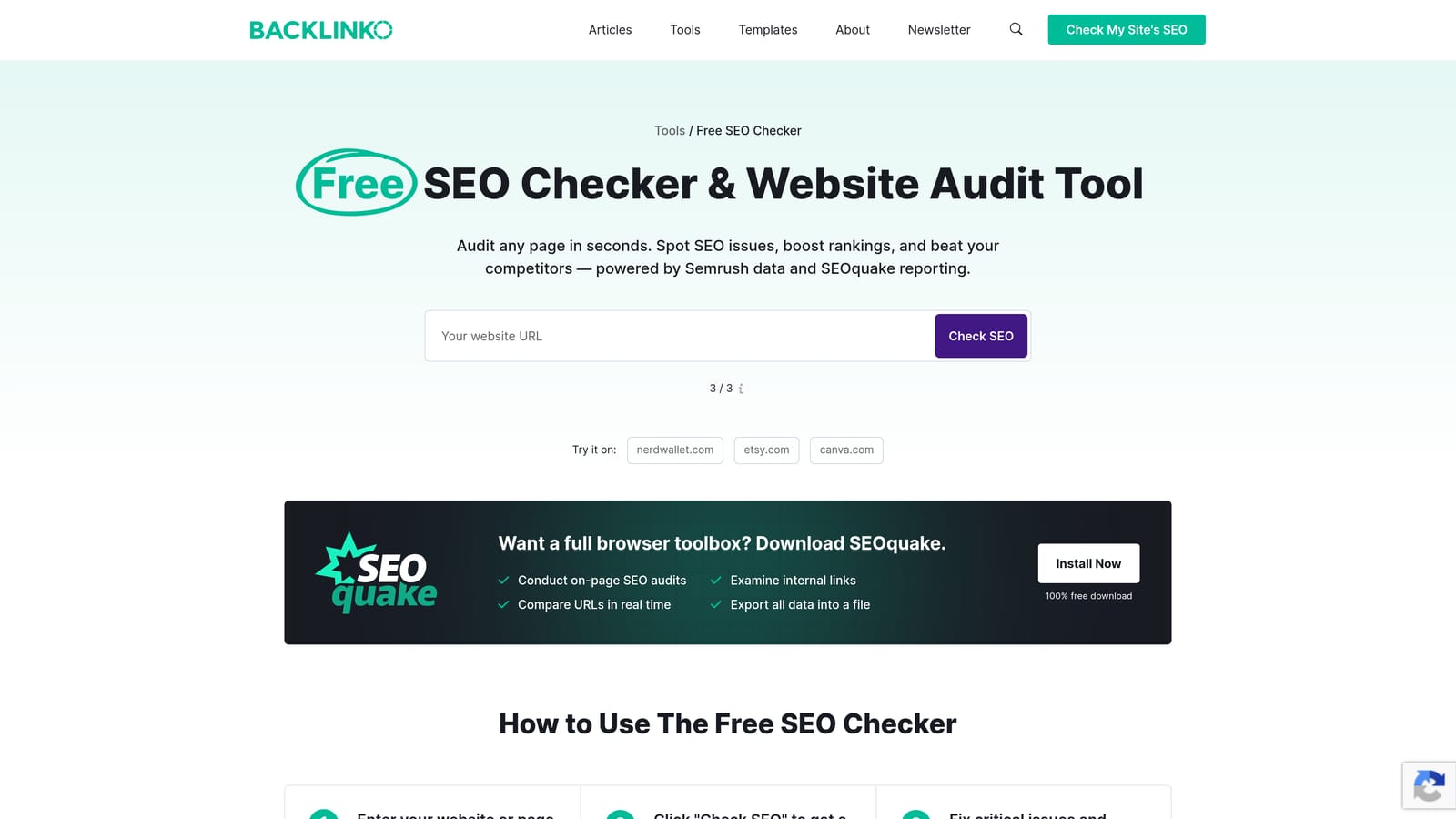
6. SEOquake
Best for: Competitive SERP research and domain metrics alongside PPC planning
SEOquake is a free browser extension by Semrush that overlays domain metrics and SERP data on search results pages for competitive analysis.
Where This Tool Shines
SEOquake is primarily an SEO tool, but it has real utility for PPC practitioners doing competitive research. When you search for a keyword you're bidding on, SEOquake shows you domain authority scores, backlink counts, and ad presence indicators for the results on that page. That context helps you understand who you're competing against and how strong their organic and paid presence is.
It's worth being clear about what SEOquake doesn't do: it doesn't integrate with Google Ads directly or help you manage campaigns. It's a research layer you use before or alongside campaign work, not a campaign management tool.
Key Features
Domain metrics overlay: Authority scores and SEO metrics appear directly on search results pages.
Competitor ad presence indicators: Shows paid search activity for domains appearing in results.
Page-level analysis: Reviews meta data, headings, and on-page elements for any URL.
SERP overlay: Quick competitive snapshot without leaving the search results page.
SERP data export: Export results for further analysis in a spreadsheet.
Best For
SEOquake suits marketers who want a free competitive research layer during keyword and audience research. It's a useful companion tool for PPC planning, particularly when you want to understand the competitive landscape before setting bids.
Pricing
Free.
7. Supermetrics
Best for: Automating Google Ads data pulls into reporting destinations
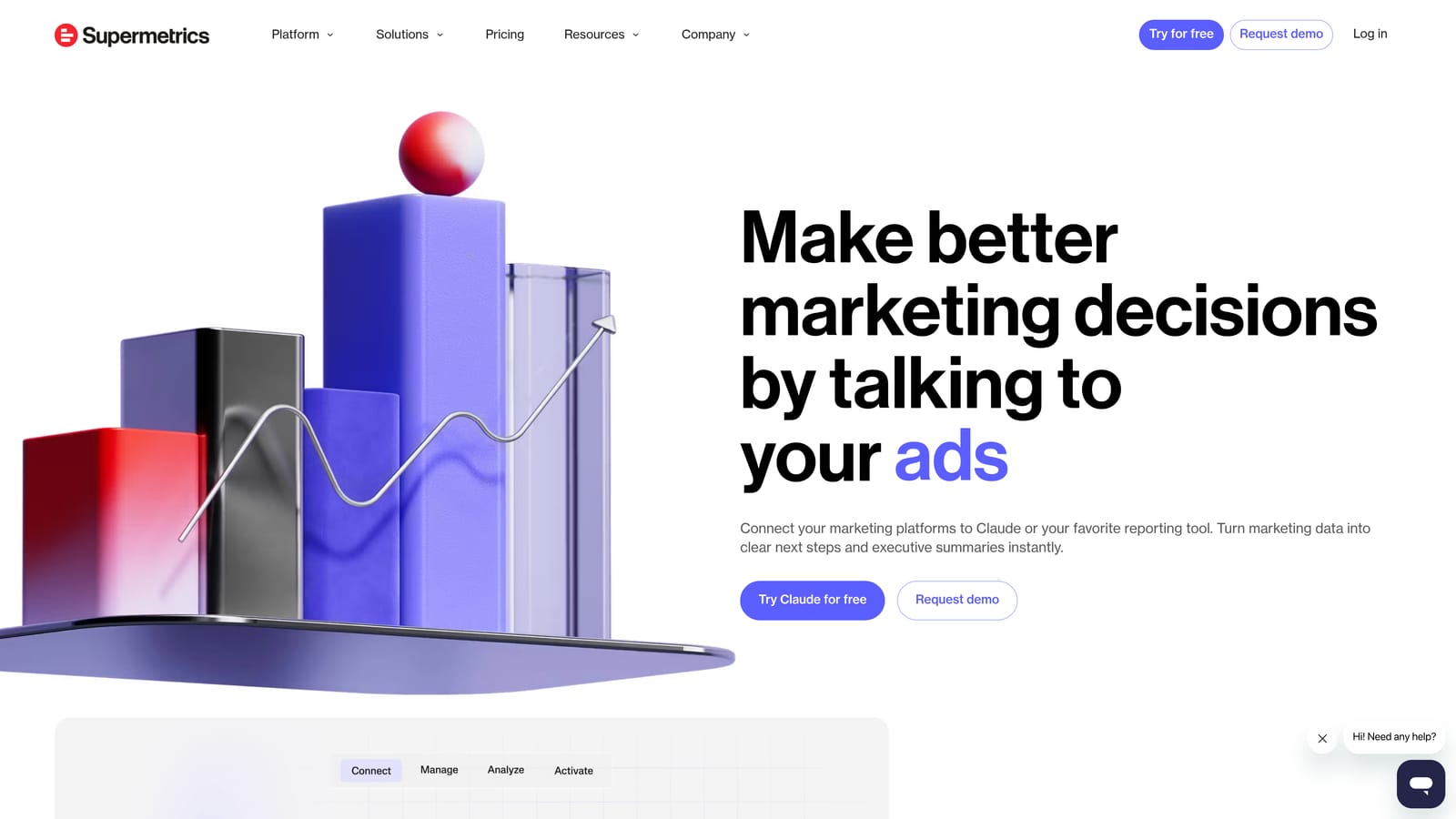
Supermetrics is a data pipeline tool that automatically pulls Google Ads performance data into Google Sheets, Looker Studio, BigQuery, and other reporting destinations on a set schedule.
Where This Tool Shines
The core problem Supermetrics solves is the manual reporting refresh. Without it, pulling Google Ads data into a client report means logging in, exporting, formatting, and pasting, repeatedly. Supermetrics connects your Google Ads account to your reporting destination and refreshes the data automatically, so your dashboards and spreadsheets stay current without manual intervention.
For agencies producing regular client reports, the multi-account data consolidation is the standout feature. You can pull data from multiple Google Ads accounts into a single Looker Studio dashboard or Google Sheet, which is significantly faster than building reports account by account.
Key Features
Automated data refresh: Google Ads data updates on a schedule without manual exports.
Multi-destination connectors: Connects to Google Sheets, Looker Studio, BigQuery, and other platforms.
Multi-account consolidation: Combine data from multiple Google Ads accounts in a single report.
Custom date ranges and dimensions: Flexible query options for tailored reporting views.
Pre-built report templates: Ready-made templates for common PPC reporting needs.
Best For
Supermetrics suits agencies and in-house teams that produce regular performance reports and want to eliminate manual data handling. It's most cost-effective when you're reporting on multiple accounts or across multiple channels simultaneously.
Pricing
Subscription-based, priced per data destination. Verify current pricing at supermetrics.com.
8. Tag Assistant (by Google)
Best for: Validating Google Ads conversion tracking tags in real time
Tag Assistant is an official free Chrome extension from Google for verifying that Google Ads conversion tracking tags and Google Tag Manager containers are firing correctly.
Where This Tool Shines
Conversion tracking errors are one of the more painful problems in Google Ads management because they're often invisible until you notice something is off with your data. Tag Assistant lets you validate tags on any webpage in real time, so you can confirm that conversion actions are firing before you trust the data in your account.
The event flow visualization is particularly useful when debugging complex Google Tag Manager setups. Rather than guessing why a tag isn't firing, you can see exactly what's happening at each step and where the issue is occurring. For anyone setting up new conversion tracking or auditing an existing account, this is a straightforward tool to have installed.
Key Features
Real-time tag validation: Confirms tags are firing correctly on any webpage as you browse.
Conversion tracking verification: Validates Google Ads conversion actions are configured and firing as expected.
Google Tag Manager debugging: Reviews container setup and tag firing within GTM.
Event flow visualization: Shows the sequence of tag events for easier debugging.
Error and warning flags: Highlights misconfigured or broken tags with clear indicators.
Best For
Tag Assistant is essential for anyone setting up or auditing Google Ads conversion tracking. It's equally useful for developers implementing tags and account managers who want to verify that tracking is working before relying on performance data.
Pricing
Free. Official tool from Google.
<strong>9. PPC Samurai</strong>
9. PPC Samurai
Best for: Systematic search term mining and negative keyword list building at scale
PPC Samurai is a web-based platform built specifically for processing large volumes of search terms and constructing structured negative keyword lists.
Where This Tool Shines
PPC Samurai is purpose-built for a specific problem: making sense of large search term reports and turning them into clean negative keyword lists. If you're managing campaigns with significant search volume, the volume of search terms you need to review can be genuinely difficult to handle manually. PPC Samurai provides structured workflows for categorizing, filtering, and acting on search terms in bulk.
Before you can build an effective negative keyword list, though, you need a reliable method for identifying which terms to exclude in the first place. Our guide on how to find negative keywords walks through the research and discovery process — from mining your Search Terms Report to using competitor analysis and keyword tools — so you always have a solid list to work from.
The campaign structure visualization is a useful addition for agencies reviewing how their account is organized. It surfaces structural patterns that can be hard to see inside the Google Ads interface, particularly across large accounts with many campaigns and ad groups.
Key Features
Bulk search term analysis: Process large volumes of search terms across multiple campaigns simultaneously.
Negative keyword list building: Structured workflows for creating and organizing negative keyword lists.
Search term categorization: Filter and group search terms by theme or intent for faster review.
Multi-account management: Handle multiple client accounts within a single platform.
Campaign structure visualization: Visual overview of account and campaign organization.
Best For
PPC Samurai suits agencies and account managers dealing with high search term volumes where manual review isn't practical. It's most valuable when negative keyword hygiene is a regular part of your optimization routine rather than an occasional task.
Pricing
Subscription-based. Verify current pricing at ppcsamurai.com.
Choosing the Right Tool for Your Workflow
The right tool depends on what's actually slowing you down. Here's a quick way to think about it by use case.
If your main bottleneck is search term management, specifically the time it takes to identify negative keywords and act on them, Keywordme is the most direct fix. It removes the spreadsheet step entirely by letting you work inside the Google Ads interface. For a deeper look at the best way to add negative keywords in Google Ads, it's worth reading through that workflow before picking a tool.
If bulk editing is the issue, especially making consistent changes across many campaigns, Google Ads Editor is the free, reliable choice. It's been around long enough that most experienced practitioners already have it installed.
For reporting automation, Supermetrics handles the data pipeline so your dashboards stay current without manual exports. For ad testing rigor, Adalysis brings structure to what often ends up being an ad hoc process. For cross-channel automation at scale, Optmyzr is the most fully featured option.
If you want to understand PPC workflow optimization more broadly, or you're looking for ways to reduce wasted spend in Google Ads, those are good starting points for thinking about where your time is actually going.
For most practitioners, the highest-leverage starting point is fixing search term management, because that's where wasted spend accumulates fastest. Keywordme handles that directly, inside Google Ads, without adding another tab to your workflow. Start your free 7-day trial and see how much faster your optimization routine can get, then decide if $12/month makes sense for your setup.
.svg)