
8 Best Google Ads Management Chrome Extensions
This guide reviews the eight best Google Ads management Chrome extensions available in 2026, evaluating each on ease of use, feature depth, workflow impact, and value for money. Whether you need to streamline negative keyword management, speed up match-type adjustments, or surface campaign data faster, these extensions cut repetitive work without requiring a new platform.


If you manage Google Ads campaigns, you already know how much time disappears into repetitive tasks. Combing through the Search Terms Report, adding negative keywords, adjusting match types, exporting data to spreadsheets just to do basic cleanup. It adds up fast, especially when you're managing multiple accounts.
Chrome extensions built for Google Ads management cut that friction by working directly in the browser you're already using. Some plug straight into the Google Ads interface itself. Others sit alongside it, surfacing data you'd otherwise have to dig for. Either way, the right extension can meaningfully speed up your workflow without forcing you to learn a new platform.
This list covers the best Google Ads management Chrome extensions available in 2026. We evaluated each one on ease of use, feature depth, workflow impact, and value for money. A quick note on framing: some of these tools work inside Google Ads, while others work alongside it. We'll be clear about the difference, because it matters for how you'd actually use them.
<strong>1. Keywordme</strong>
Best for: PPC practitioners who want to clean up search terms and manage keywords without leaving Google Ads
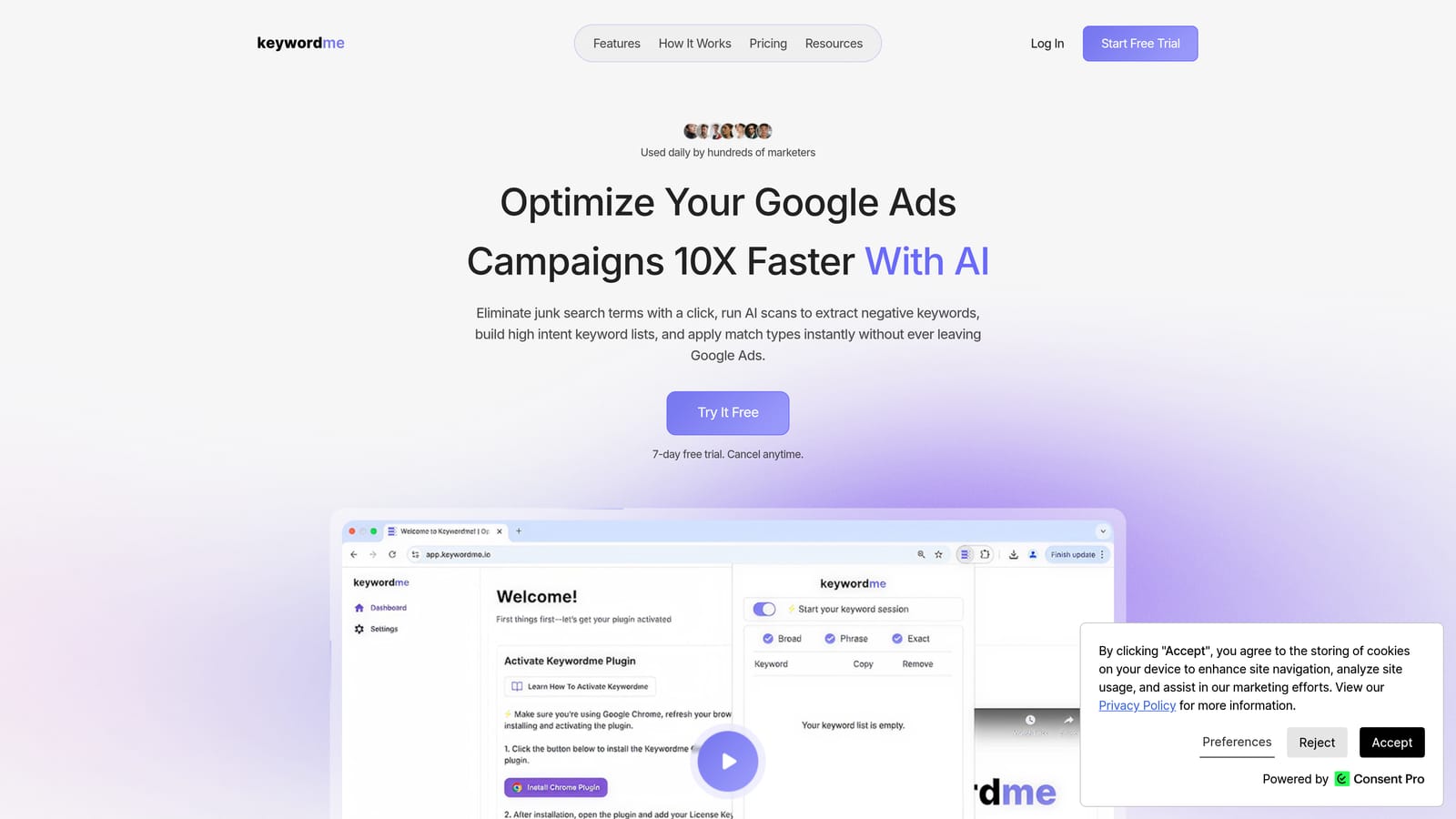
Keywordme is a Chrome extension that works directly inside Google Ads' Search Terms Report, letting you remove junk search terms, add negative keywords, apply match types, and build keyword groups with one-click actions and no spreadsheets required.
Where This Tool Shines
Most Google Ads tools make you leave the platform to do meaningful work. Keywordme is different: it lives inside the Search Terms Report itself, which is where the actual optimization happens. You can flag irrelevant search terms, add them as negatives, and apply match types without opening a single spreadsheet or switching tabs.
For agencies, the multi-account and team support is a genuine time-saver. Bulk editing lets you process large volumes of search terms quickly, and keyword clustering helps you group related terms into logical sets rather than reviewing them one by one. If the Search Terms Report feels overwhelming, this is the tool built specifically to fix that.
Key Features
One-click negative keyword addition: Flag junk search terms and push them to your negative keyword lists directly inside the Google Ads UI, without exporting to a spreadsheet first. If you're not sure which search terms to exclude, our guide on how to find negative keywords covers the Search Terms Report, competitor analysis, and keyword tools side by side.
Match type application: Apply broad, phrase, or exact match types to search terms from within the Search Terms Report, keeping your workflow in one place.
Keyword clustering: Group related search terms into logical clusters quickly, which helps when building tightly themed ad groups or reviewing large volumes of data.
Bulk editing: Process high volumes of search terms at once instead of handling them individually, which matters a lot when accounts generate hundreds of terms per week.
Multi-account and team support: Manage multiple client accounts and collaborate with team members, making it practical for agencies rather than just solo advertisers.
Best For
Freelancers, in-house PPC managers, and agency teams who spend significant time in the Search Terms Report and want to cut the manual work involved in managing negative keywords and keyword lists. Particularly useful for agencies running multiple client accounts where speed and consistency matter.
Pricing
Flat rate of $12/month per user. A 7-day free trial is available with no commitment required to start.
2. Keywords Everywhere
Best for: Quick keyword research while browsing Google, YouTube, Amazon, and other platforms
Keywords Everywhere is a browser extension that overlays keyword search volume, CPC, and competition data directly on Google SERPs and a range of other platforms, making lightweight keyword research available wherever you're already browsing.
Where This Tool Shines
The strength here is convenience. Instead of copying a keyword into a separate research tool, you see volume and CPC data right on the page you're already looking at. That's genuinely useful when you're doing early-stage research or trying to quickly gauge whether a term is worth targeting.
It also works across more than just Google. YouTube, Amazon, eBay, and several other platforms surface keyword data through the same extension, which gives it broader utility for advertisers running campaigns across multiple channels or doing cross-platform research.
Key Features
SERP data overlay: Search volume, CPC, and competition scores appear directly on Google search results pages as you browse.
Related keyword suggestions: Surfaces related terms and long-tail variations while you search, which can surface ideas you wouldn't have thought to look for.
Multi-platform support: Works on YouTube, Amazon, and other platforms beyond Google, broadening its usefulness for multi-channel advertisers.
Credit-based pricing: You buy credits in bundles rather than paying a recurring monthly fee, which suits occasional users who don't need constant access.
Best For
Marketers and freelancers who do keyword research regularly but don't want to pay for a full SEO platform. Also useful as a complement to tools like Google Keyword Planner for quick sanity checks while browsing.
Pricing
Credit-based model; bundles are purchased rather than subscribed to monthly. Verify current bundle pricing at keywordseverywhere.com as credit costs update periodically.
3. Optmyzr
Best for: Existing Optmyzr subscribers who want browser-based access to automation and optimization features
Optmyzr is a recognized PPC management platform, and its Chrome extension provides quick browser-based access to Optmyzr's rule-based automation, optimization suggestions, and reporting capabilities for Google Ads.

Where This Tool Shines
Optmyzr's platform is well-regarded for its rule-based automation and optimization scripts, and the Chrome extension makes those features accessible without navigating to a separate dashboard. For teams already using Optmyzr, that convenience has real value during day-to-day campaign management.
The one-click optimization suggestions are particularly useful: they surface recommended actions based on account performance data, which can speed up routine optimization passes. That said, the extension's value is closely tied to having an active Optmyzr subscription. As a standalone install, it has limited utility.
Key Features
Rule-based automation: Set up automated bid adjustments and budget management rules without manual intervention for each change.
One-click optimization suggestions: Surfaces recommended actions within the Google Ads interface based on account performance data.
PPC reporting: Access performance monitoring and reporting features from within the browser, reducing the need to switch between tools.
Script library: Access to pre-built automation scripts for more advanced campaign management tasks.
Best For
Agencies and in-house teams already subscribed to the Optmyzr platform who want faster browser-based access to its features. Not the right fit if you're looking for a standalone extension without an existing Optmyzr account.
Pricing
Subscription-based; the extension requires an active Optmyzr plan. Verify current plan pricing at optmyzr.com.
4. Tag Assistant Legacy (by Google)
Best for: Verifying Google Ads conversion tags and Google Analytics implementations on any web page
Tag Assistant Legacy is Google's official Chrome extension for checking that Google Ads conversion tags, Google Analytics, and Google Tag Manager are implemented correctly on any page you visit.
Where This Tool Shines
Conversion tracking errors are one of the most common sources of bad data in Google Ads accounts, and they're often invisible until something looks off in the numbers. Tag Assistant lets you quickly check whether tags are firing correctly on a given page, which is useful both when setting up new tracking and when troubleshooting discrepancies.
It's worth noting that Google has been transitioning users toward Tag Assistant Companion for newer tag setups, particularly for GA4 implementations. The Legacy version remains widely used and available, but confirm the current recommended version in Google's documentation before deciding which to install.
Key Features
Conversion tag validation: Detects whether Google Ads conversion tracking tags are present and firing correctly on any page.
Error identification: Flags tag implementation errors and conflicts that could affect data accuracy.
Multi-tag support: Works with Google Ads, Google Analytics, Google Tag Manager, and other Google tags in a single interface.
Free and official: Published directly by Google at no cost, so there's no third-party dependency involved.
Best For
Any Google Ads practitioner who manages conversion tracking setup or troubleshooting. Particularly useful for freelancers and agencies onboarding new clients where tag implementation history is unknown.
Pricing
Free. Published and maintained by Google.
5. Similarweb
Best for: Competitive research to inform Google Ads targeting, bidding, and keyword decisions
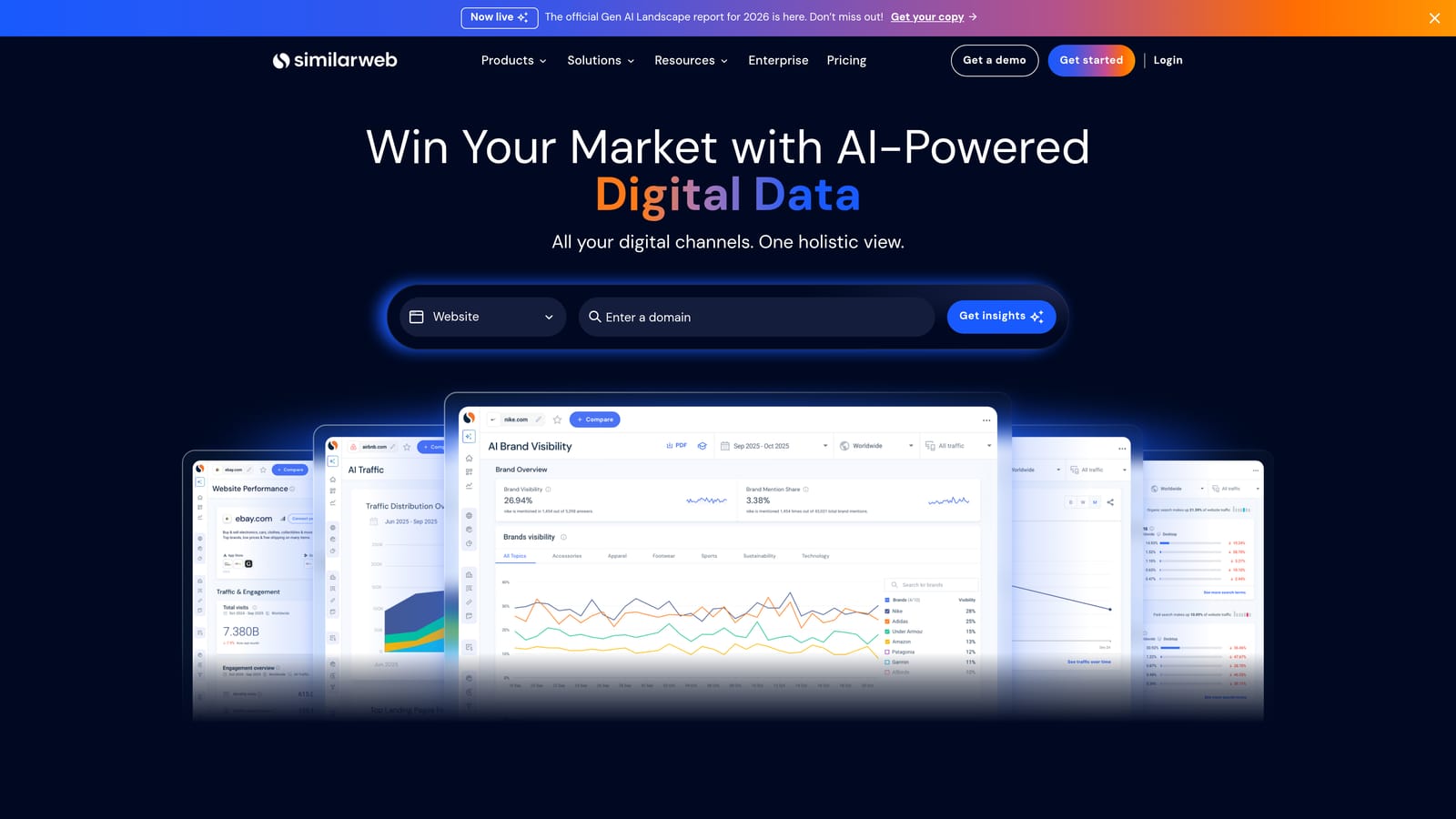
Similarweb is a Chrome extension that surfaces traffic estimates, traffic source breakdowns, top organic and paid keywords, and engagement metrics for any website you visit, making it a practical tool for competitor analysis alongside your Google Ads work.
Where This Tool Shines
When you're researching competitors or evaluating whether a keyword is worth targeting, knowing how much traffic a competitor's site receives and where it comes from is genuinely useful context. Similarweb makes that data available with one click on any domain, without needing to log into a separate analytics platform.
It's important to treat the traffic figures as estimates rather than precise measurements. Similarweb uses modeled data, not direct access to site analytics, so the numbers give you directional signal rather than exact counts. That's still useful for relative comparisons, but worth keeping in mind when drawing conclusions.
Key Features
Traffic estimates: Approximate monthly visit counts and traffic source breakdowns (organic, paid, direct, referral, social) for any domain.
Competitor keyword data: Top organic and paid keywords for competitor sites, useful for identifying gaps in your own targeting.
Engagement metrics: Bounce rate, average session duration, and pages per visit data to help evaluate competitor site quality.
Free tier available: Basic data is accessible without a paid subscription, though deeper analysis requires a paid plan.
Best For
Marketers and agency strategists doing competitive research before launching campaigns or entering new markets. Also useful for evaluating competitor landing pages and understanding where they're investing in paid traffic.
Pricing
Free tier available for basic data. Paid plans unlock more detailed analysis. Verify current pricing at similarweb.com.
6. GMass
Best for: Lead gen advertisers who need to follow up on form submissions at scale directly from Gmail
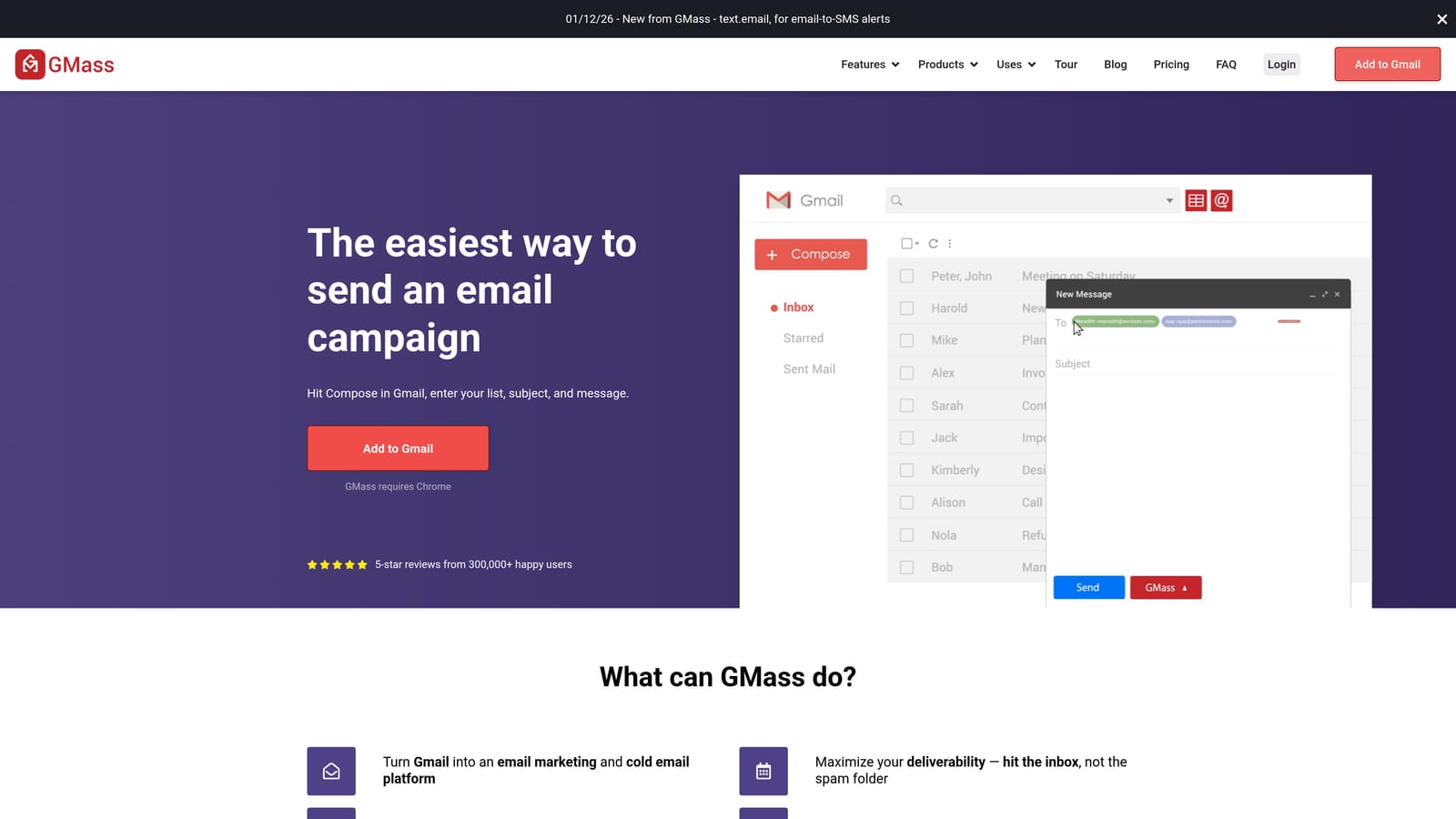
GMass is a Chrome extension for Gmail that enables mail merge, automated email sequences, and outreach tracking, making it a useful complement for advertisers running lead generation campaigns who need a scalable follow-up process.
Where This Tool Shines
GMass isn't a Google Ads tool in the direct sense, but it fits into the Google Ads workflow for lead generation campaigns. When your ads drive form submissions, what happens next matters just as much as the click. GMass lets you build personalized follow-up sequences, track opens and replies, and manage outreach at volume without leaving Gmail.
For freelancers and agency owners, it also has a business development use case: prospecting for new clients, following up on referrals, or running outreach campaigns to warm leads. It's a complementary workflow tool rather than a campaign management extension, so set expectations accordingly.
Key Features
Mail merge in Gmail: Send personalized emails to large lists using fields pulled from Google Sheets, directly from your Gmail account.
Automated follow-up sequences: Set up multi-step email sequences that trigger based on recipient behavior, such as no reply after a set number of days.
Open and click tracking: Monitor engagement metrics for your outreach campaigns without needing a separate email platform.
Google Sheets integration: Manage contact lists in Sheets and sync them directly with GMass campaigns.
Best For
Google Ads practitioners running lead generation campaigns who need a structured follow-up process, and agency owners or freelancers doing client prospecting or partnership outreach at scale.
Pricing
Free tier available with send limits. Paid plans unlock higher volume and advanced features. Verify current pricing at gmass.co.
7. Ahrefs SEO Toolbar
Best for: Advertisers who also manage organic search or want to evaluate competitor landing pages quickly
Ahrefs SEO Toolbar is a free Chrome extension that displays on-page SEO metrics, Domain Rating, backlink counts, and keyword data for any page or search result you visit, giving advertisers useful context when evaluating landing pages or researching competitor URLs.
Where This Tool Shines
For advertisers who also handle organic search, or who want to quickly assess the strength of a competitor's landing page before deciding whether to bid against them, the Ahrefs toolbar surfaces relevant data without requiring a full platform login. Domain Rating and backlink counts give you a rough sense of a site's authority, and the on-page audit highlights basic technical issues.
The broken link checker is a useful bonus for landing page quality audits, particularly when onboarding new clients. Checking whether key pages are returning errors takes seconds with the toolbar installed.
Key Features
On-page SEO audit: Highlights basic on-page issues for any URL with a single click, including title tag, meta description, and heading structure.
Domain Rating and backlinks: Displays Ahrefs' Domain Rating and backlink count for any site directly in the browser bar.
SERP metrics overlay: Shows keyword data and page-level metrics alongside Google search results.
Broken link checker: Identifies broken links on any page, useful for landing page audits and competitor research.
Best For
Google Ads practitioners who also manage or advise on organic search, and anyone who regularly evaluates competitor landing pages or audits client sites as part of campaign setup.
Pricing
The extension itself is free. Full data access, including detailed backlink and keyword metrics, requires an active Ahrefs subscription.
8. Hunter.io
Best for: Agencies and freelancers prospecting for new Google Ads clients or building outreach contact lists
Hunter.io is a Chrome extension that finds and verifies professional email addresses associated with any domain, making it a practical tool for agencies and freelancers who need to build contact lists for new business outreach.
Where This Tool Shines
Like GMass, Hunter.io isn't a Google Ads campaign management tool. Its value is in the business development layer around Google Ads work. If you're an agency or freelancer prospecting for new clients, finding the right contact at a target company is often the hardest part of outreach. Hunter surfaces verified email addresses and email format patterns for any domain, cutting the time spent guessing or searching LinkedIn.
It also integrates well with outreach tools like GMass, so the two can work together: Hunter finds the contacts, GMass handles the sequencing. That combination is practical for agencies building a consistent new business pipeline.
Key Features
Email address finder: Surfaces verified email addresses associated with any company domain directly from the browser.
Email verification: Checks whether found addresses are valid before you send, which helps keep bounce rates low on outreach campaigns.
Domain email patterns: Shows the email format a company uses (for example, firstname.lastname@company.com) even when full addresses aren't directly available.
Free tier with monthly limits: A usable number of searches are available each month without paying, making it accessible for occasional prospecting.
Best For
Agency owners and freelancers who actively prospect for new Google Ads clients or need to build outreach lists for partnership or referral campaigns. Less relevant for in-house marketers focused purely on campaign management.
Pricing
Free tier available with monthly search limits. Paid plans unlock higher volume. Verify current pricing at hunter.io.
Which Extension Is Right for You?
These eight tools solve different problems, and most of them can coexist in your browser without any conflicts. The right combination depends on what's actually slowing you down.
If your biggest time sink is the Search Terms Report, cleaning up junk terms, adding negatives, and managing keyword lists, Keywordme is the most directly relevant tool here. It's the only extension on this list that works inside the Google Ads interface itself, which means less context-switching and faster execution on the tasks that happen most often. You can read more about what PPC workflow optimization actually looks like if you're evaluating where your time is going.
For keyword research on the fly, Keywords Everywhere is the obvious pick. For tag verification and conversion tracking troubleshooting, Tag Assistant is a free essential that every Google Ads practitioner should have installed. If you're doing competitive research, Similarweb and the Ahrefs SEO Toolbar complement each other well. Optmyzr's extension makes sense if you're already on that platform. And if your work includes lead follow-up or new business outreach, GMass and Hunter.io round out the stack.
The tools that address reducing wasted spend in Google Ads tend to have the most direct impact on account performance, which is why search term cleanup and negative keyword management are worth prioritizing if you haven't already systematized that process.
If search term management is your current bottleneck, Start your free 7-day trial of Keywordme and see how much faster your Search Terms Report workflow can get. No spreadsheets, no tab-switching. Just faster, cleaner optimization right inside Google Ads. After the trial, it's $12/month per user.
.svg)