
Top 12 Google Ads Keyword Research Tool Options for 2026
Top 12 Google Ads Keyword Research Tool Options for 2026


Finding the right Google Ads keyword research tool can feel like an impossible task. You’re drowning in options, each promising better results, but they all seem to do the same thing. How do you pick the one that actually fits your workflow without wasting a week on free trials?
This guide cuts through all that noise. We've gone deep on the top 12 tools available, from big names like Semrush and Ahrefs to specialized platforms like Keywordme and Optmyzr. We're not just listing features; we’re showing you exactly how they work, where they shine, and, just as importantly, where they fall short. Think of this as your personal cheat sheet for building more profitable Google Ads campaigns.
Here’s what you’ll find inside for each tool:
- Real-world use cases: See exactly how a freelancer, an agency, or an in-house team would use the tool.
- Honest pros and cons: We get into the nitty-gritty limitations that marketing pages won't tell you about.
- Quick-start examples: We’ll walk you through a core workflow with screenshots so you can see it in action.
- Pricing and who it's for: Straightforward advice to help you match your budget and needs to the right solution.
Our goal is simple: to help you stop guessing and finally select the best Google Ads keyword research tool for your specific needs. Let's dive in.
1. Keywordme
Keywordme stands out by fundamentally changing how you do keyword research and optimization for Google Ads. Instead of a separate platform you have to export data from, it operates directly inside the Google Ads interface as a lightweight Chrome extension. This design totally eliminates the tedious cycle of downloading search term reports, cleaning them in spreadsheets, and re-uploading them. For PPC managers who spend hours on routine cleanup, this tool is a total game-changer.
Its core strength lies in its one-click workflows. Right from the Search Terms report, you can instantly add converting terms as exact or phrase match keywords to their correct ad groups. At the same time, you can add irrelevant search queries to your negative keyword lists with a single click. The tool even includes an AI-powered function to scan for and suggest negative keywords, drastically cutting down wasted ad spend on unqualified clicks.
The focus is entirely on speed and efficiency. What used to take an hour of manual spreadsheet work can be done in just a few minutes. This makes it an exceptional google ads keyword research tool not just for finding new terms, but for refining existing campaigns based on real user data.
Key Features & Use Cases
- In-UI Optimization: No more switching between Google Ads and Excel. Add new keywords, apply match types, and build negative lists directly within your account.
- One-Click Negative Keywords: Instantly flag and add wasteful search terms to your negative lists, including an AI scan to find opportunities you might have missed.
- Rapid Keyword Expansion: Quickly turn high-performing search queries into exact, phrase, or broad match keywords, ensuring you capture more qualified traffic.
- Bulk Processing: Paste large lists of keywords from other tools or client documents, and Keywordme formats them for immediate use in your campaigns.
Pricing
Keywordme offers a straightforward pricing model. You can get started with a 7-day free trial that doesn't require a credit card. After the trial, it costs $12 per user, per month.
Why It Makes the List
Keywordme earns the top spot because it solves a universal pain point for PPC professionals: the immense time drain of manual keyword management. By integrating directly into the Google Ads workflow, it makes optimization faster and more intuitive. While it's limited to Google Ads and Chrome, its deep focus on this one area makes it an indispensable tool for anyone serious about maximizing their Google Ads ROI.
2. Google Ads Keyword Planner
You can't talk about a Google Ads keyword research tool without going straight to the source. The Google Ads Keyword Planner is the OG tool for anyone serious about paid search. It's built right into the Google Ads platform, making it the most direct line you can get to Google’s own search data. While other tools estimate, Keyword Planner provides figures and forecasts based on Google's historical data, which is its main claim to fame.
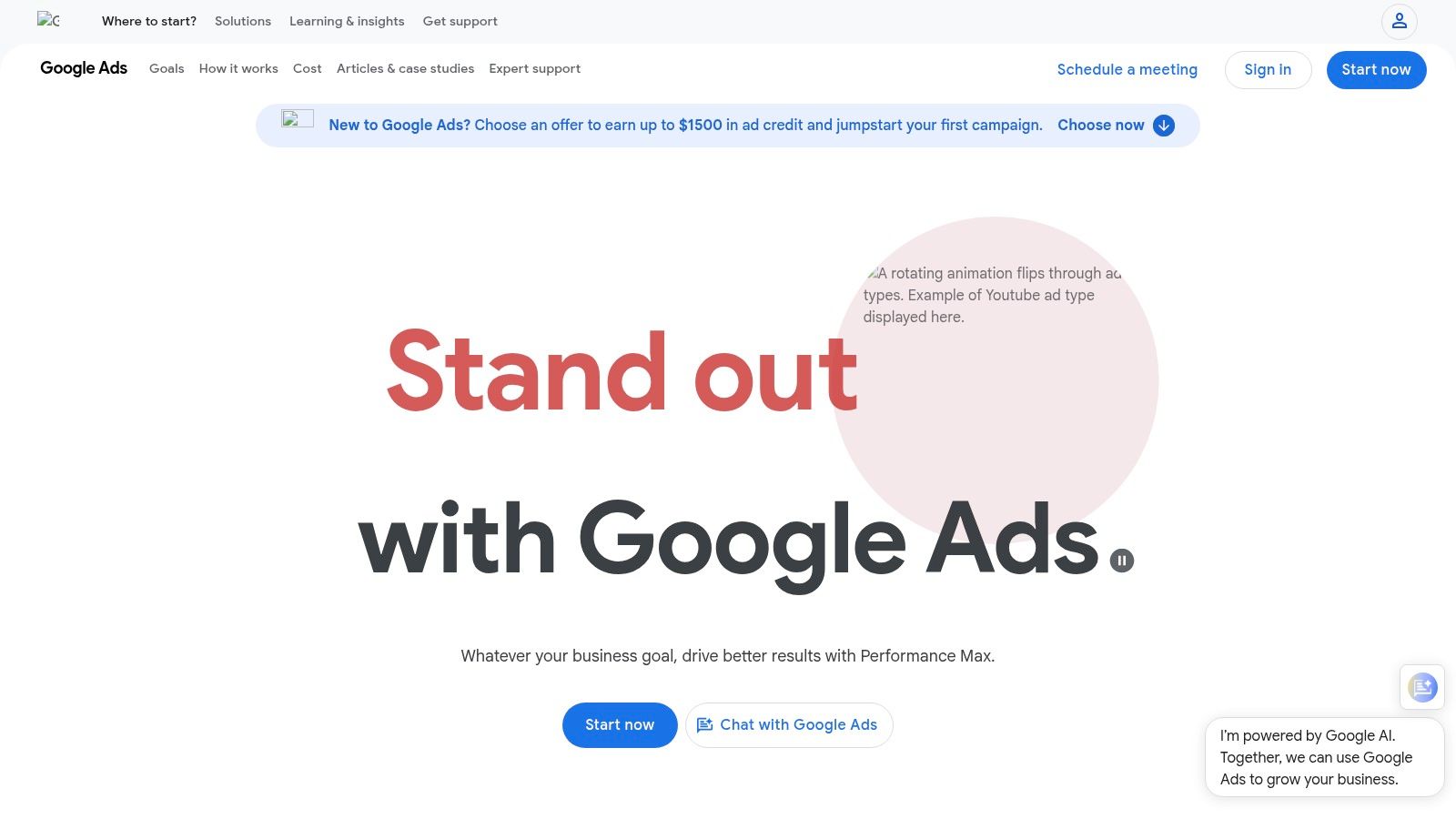
It’s your go-to for discovering new keyword ideas by plugging in seed terms or even your competitor’s website. You can also get performance forecasts to see how a list of keywords might perform with a certain budget. Understanding the basics of AdWords keyword research is key to getting the most out of this tool. The best part? The seamless workflow; you can find your keywords, organize them into ad groups, and push them directly into a new campaign without ever leaving the platform.
Quick Look: Google Ads Keyword Planner
- Best For: Advertisers who want foundational keyword data directly from Google and a smooth path to campaign creation.
- Pricing: Free, but you need an active Google Ads account. Sometimes, accounts without active spending might see broad data ranges instead of specific numbers.
- Standout Feature: Its native integration with the Google Ads ecosystem. The ability to build a plan and launch it as a campaign is a huge time-saver.
Pros & Cons
Website: https://ads.google.com
3. Semrush – Keyword Magic Tool
Moving beyond tools focused solely on Google Ads, Semrush offers a powerhouse suite where its Keyword Magic Tool shines for PPC research. It’s an excellent all-in-one solution if your work also extends to SEO, content, and competitor analysis. The tool boasts a massive keyword database, letting you uncover a wide array of terms you might otherwise miss. Its main strength lies in how it helps you organize and structure your findings right from the get-go.
This platform excels at taking a giant list of suggestions and making it manageable. You can use its powerful filters to zero in on intent (commercial, informational, etc.), apply keyword match types, and group related terms into ad group suggestions automatically. For anyone building a complex campaign, this structured approach is a lifesaver. Properly applying Google Ads keyword match types is fundamental to campaign success, and Semrush provides the framework to do it right from the research phase. It’s a top-tier google ads keyword research tool for teams that need both breadth and structure.
Quick Look: Semrush – Keyword Magic Tool
- Best For: Marketers and agencies needing a robust tool that supports both PPC and SEO with advanced filtering and ad group structuring capabilities.
- Pricing: Access requires a paid subscription, starting around $129.95/month. A 7-day free trial is typically available to test the features.
- Standout Feature: The powerful filtering and automatic keyword grouping. The ability to sort by intent and build out ad groups on the fly saves a ton of manual work.
Pros & Cons
Website: https://www.semrush.com
4. Ahrefs – Keywords Explorer
While many know Ahrefs for its powerful SEO capabilities, its Keywords Explorer is a top-tier Google Ads keyword research tool in its own right. It boasts a massive database of billions of keywords, providing crucial PPC metrics like CPC, search volume, and traffic potential across tons of countries. What sets it apart is the speed and depth of its analysis, allowing you to move from broad ideas to structured ad groups in a snap.
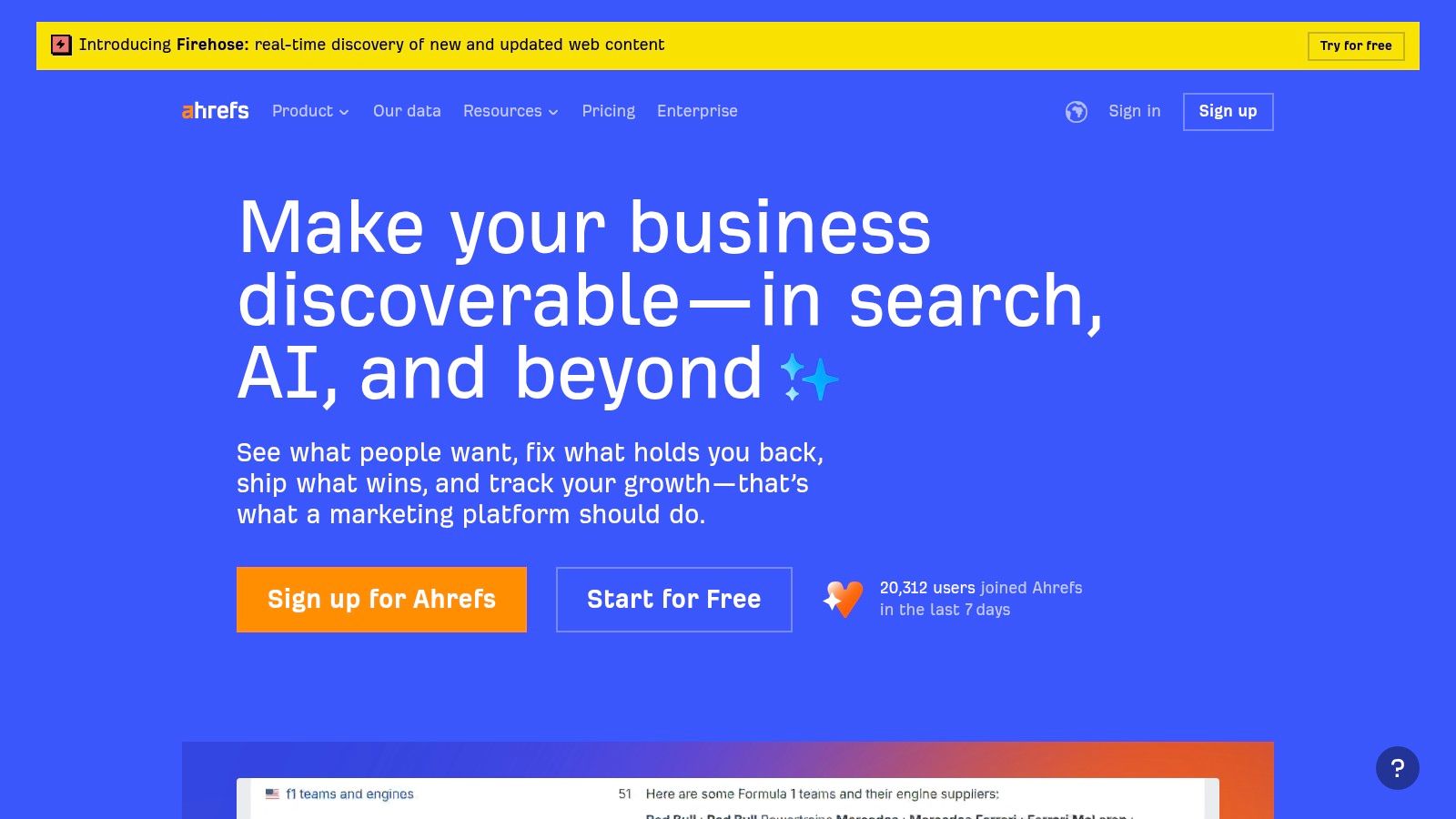
Ahrefs is excellent for competitor intelligence. You can plug in a rival’s domain and see the exact paid keywords they are bidding on, giving you a ready-made list to analyze. Its instant clustering feature groups thousands of keywords into relevant themes, which simplifies ad group creation immensely. The SERP overview also shows who is currently ranking and bidding, offering a live look at the competitive field. For a detailed comparison with another major tool, you can read this Serpstat Vs Ahrefs comparison to see how they stack up.
Quick Look: Ahrefs – Keywords Explorer
- Best For: PPC managers who need deep competitor insights and the ability to process and cluster large keyword lists quickly.
- Pricing: Full access requires a paid plan (starting from $99/month). Lower-tier plans have significant limitations on report sizes and usage credits.
- Standout Feature: The combination of a huge keyword database with fast, intelligent clustering and deep competitor analysis (Paid Keywords reports).
Pros & Cons
Website: https://ahrefs.com
5. SpyFu
Want to know exactly what keywords your competitors are bidding on? SpyFu is the reconnaissance tool built for that exact purpose. It's less of a traditional keyword discovery tool and more of a competitive intelligence platform that lets you ethically spy on your rivals' entire Google Ads playbook. By simply typing in a competitor's domain, you can uncover years of their paid keyword history, ad copy variations, and estimated monthly ad spend.
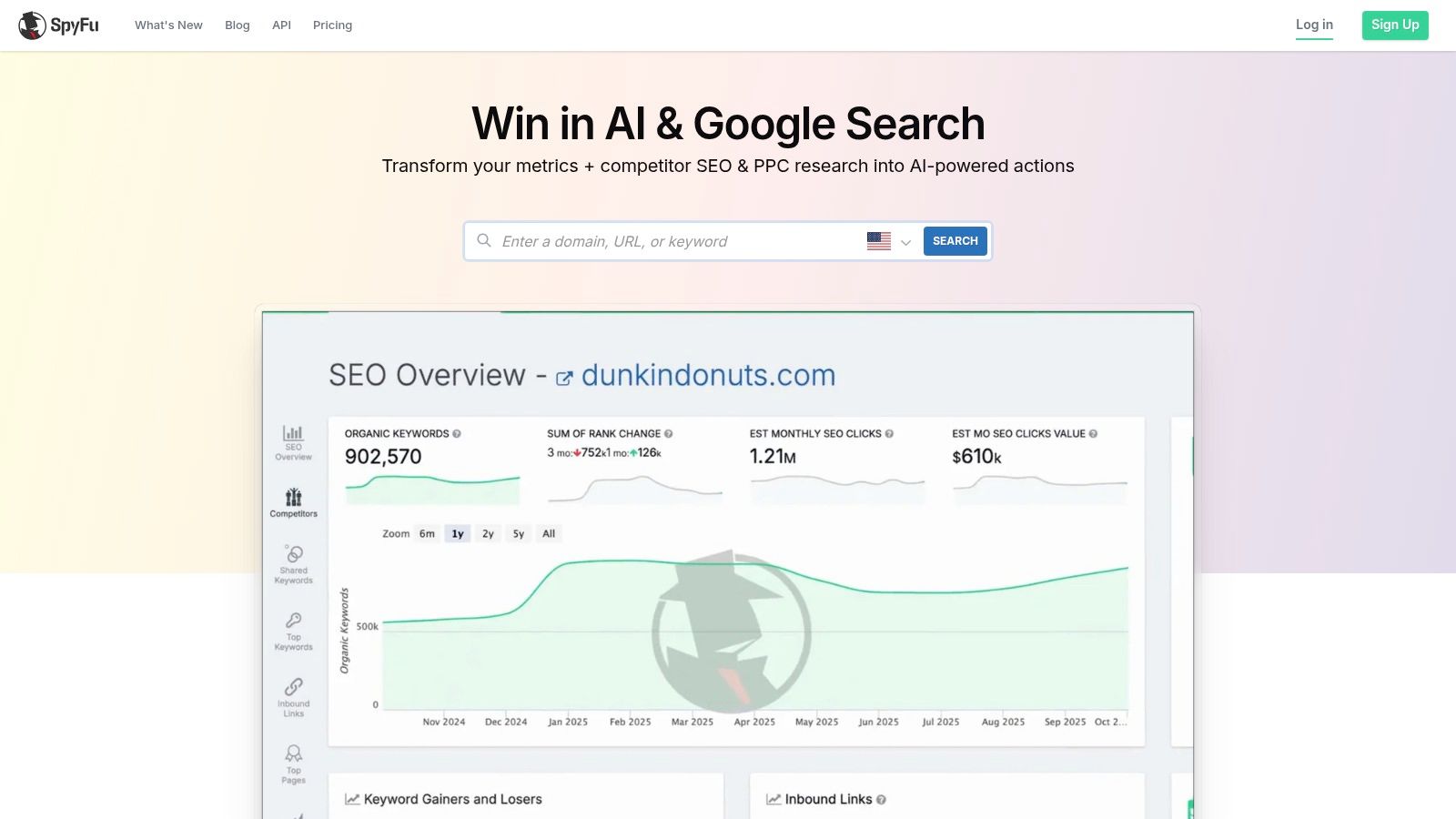
This makes it an incredible google ads keyword research tool for finding proven, money-making terms instead of starting from scratch. You can see which keywords have consistently performed for others in your niche and perform a gap analysis to find valuable terms you’re missing. It gives you a massive head start by revealing what’s already working, letting you model your campaigns after successful strategies and avoid costly mistakes.
Quick Look: SpyFu
- Best For: PPC managers looking to reverse-engineer competitor campaigns and find proven keywords for gap analysis.
- Pricing: Paid plans are required for full access, but even the base tier offers a generous amount of data and unlimited exports.
- Standout Feature: Its historical database of competitor PPC keywords and ad copy. Seeing what terms a rival has bid on for years is a goldmine of information.
Pros & Cons
Website: https://www.spyfu.com
6. WordStream Free Keyword Tool
For those moments when you need quick ideas without the hassle of a full-blown software suite, WordStream's Free Keyword Tool is a fantastic resource. It's a simple, web-based tool designed for speed and efficiency, making it perfect for initial brainstorming sessions. You can enter a seed keyword or even a URL to get a solid list of related terms, complete with estimated search volume, cost-per-click (CPC), and a competition score.
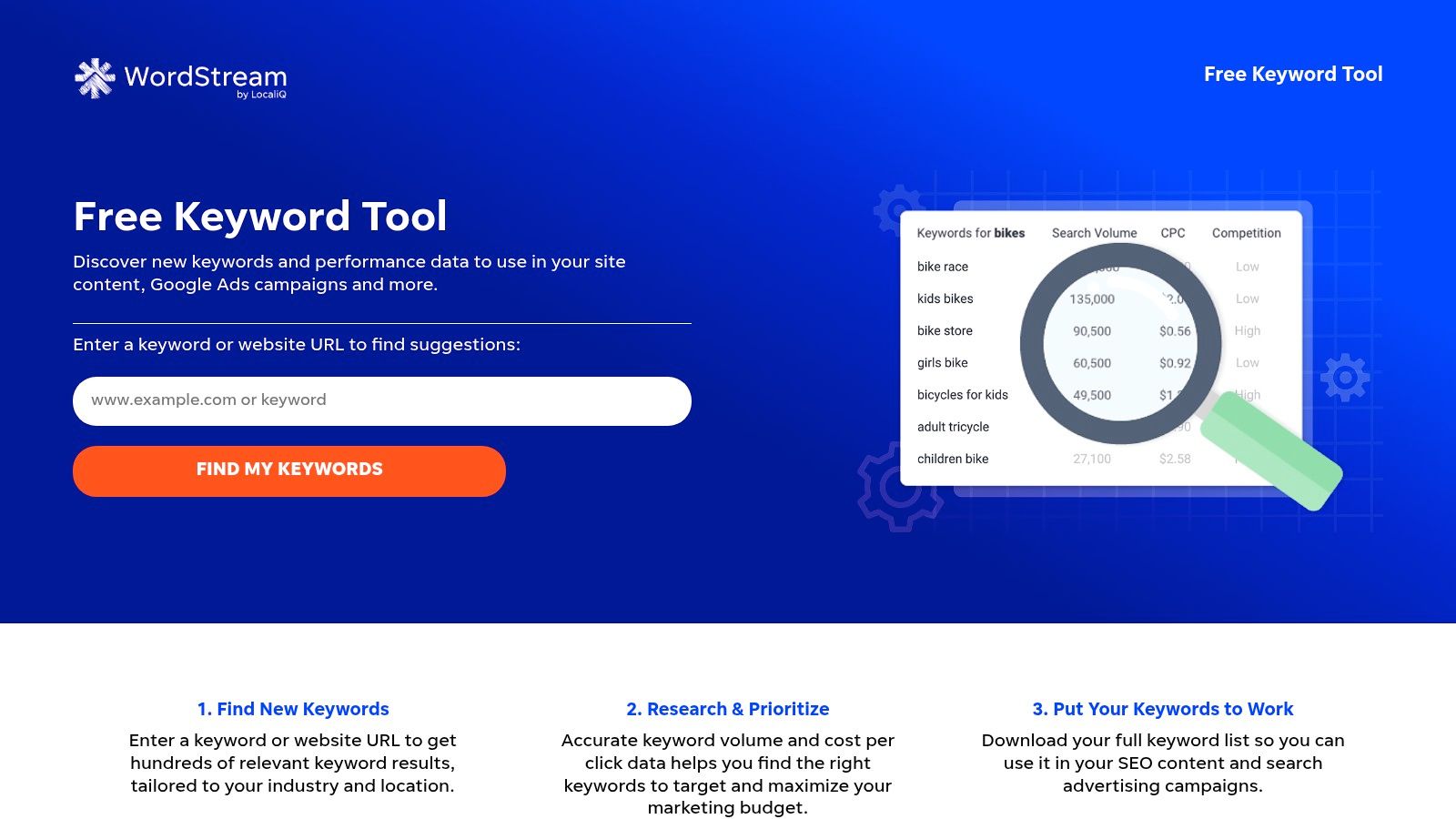
It excels at providing a rapid-fire list of suggestions that can kickstart your Google Ads keyword research process. The interface is clean and straightforward, focusing on getting you the data you need without any complex setup. You can export a limited list directly or get the full results emailed to you in a CSV, which is handy for building out initial keyword lists for new campaigns or ad groups. It's a no-frills, effective starting point.
Quick Look: WordStream Free Keyword Tool
- Best For: Marketers and small business owners needing fast, free keyword ideas for initial campaign planning or content ideation.
- Pricing: Free. You can get more detailed data by providing an email address for the full report.
- Standout Feature: Its simplicity and speed. It delivers hundreds of relevant keyword suggestions with key PPC metrics in seconds, without requiring a login or subscription.
Pros & Cons
Website: https://www.wordstream.com/keyword-discovery
7. Ubersuggest
Ubersuggest, developed by marketer Neil Patel, has carved out a niche as an incredibly accessible and budget-friendly Google Ads keyword research tool. It’s designed for small businesses, freelancers, and marketers who need solid data without the enterprise-level price tag. It bundles keyword research, site audits, and content ideas into one straightforward interface, making it a great all-in-one starting point for those new to paid search or on a tight budget.
The platform shines with its simple workflow. You can type in a keyword to get volumes, CPC data, and difficulty scores, or you can analyze a competitor’s domain to see what they're ranking for. One of its most appealing aspects is its pricing model, which includes a very affordable lifetime license option. This makes it a one-time purchase that can serve a small team’s needs for years, removing the recurring subscription fatigue that comes with many other tools.
Quick Look: Ubersuggest
- Best For: SMBs, freelancers, and marketers needing a cost-effective, all-in-one tool for both SEO and PPC keyword discovery.
- Pricing: Offers a limited free version. Paid plans are very affordable, with monthly subscriptions and a popular one-time lifetime payment option.
- Standout Feature: The lifetime deal. It's a huge value proposition that provides a full suite of tools for a single, low payment, making professional-grade keyword research attainable for everyone.
Pros & Cons
Website: https://neilpatel.com/ubersuggest/
8. SE Ranking – Keyword Research
SE Ranking is a full-featured SEO platform, but its keyword and competitor research tools are powerful enough to be a serious asset for Google Ads specialists. It bridges the gap between organic and paid search by providing a wealth of data you can filter for PPC purposes. You can analyze keyword difficulty, search volume, and CPC data, but also dig into historical data to understand trends. It's an excellent option for those who want one tool that serves both their SEO and PPC needs without breaking the bank.
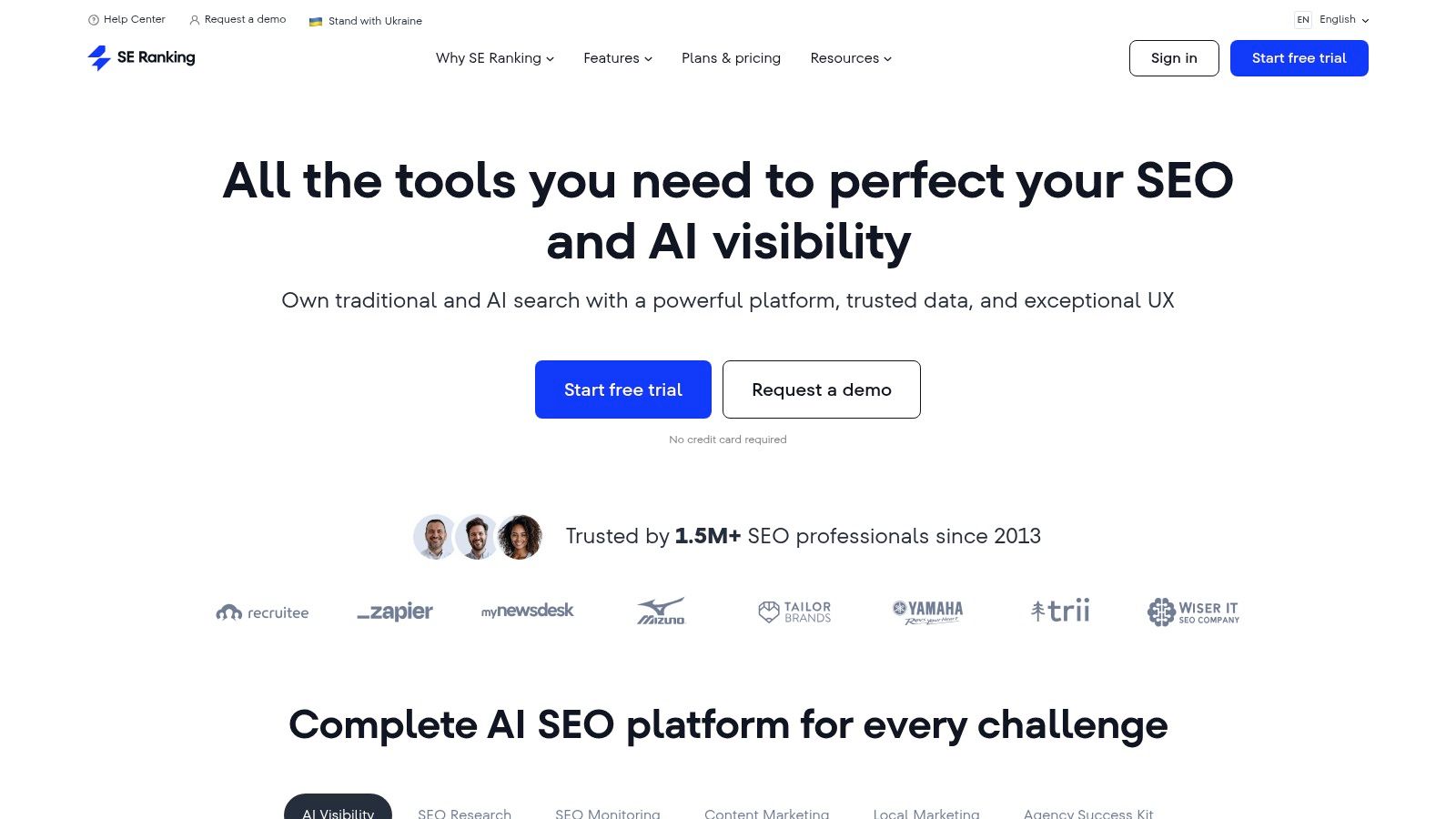
The platform really shines when you use it for competitive discovery. You can plug in a competitor's domain and see which keywords they're bidding on for PPC, giving you a head start on your own strategy. Its ability to provide historical keyword data is also a plus for spotting seasonal opportunities. For agencies or those handling large-scale campaigns, SE Ranking’s Data API offers a scalable way to pull keyword metrics in bulk, which is a feature not always found at this price point. This makes it a strong contender as a versatile Google Ads keyword research tool.
Quick Look: SE Ranking – Keyword Research
- Best For: Marketers and agencies looking for a cost-effective, all-in-one platform that supports both SEO and PPC workflows.
- Pricing: Subscription-based, starting around $55/month, with pricing that varies by region and plan features. AI and API access may be add-ons.
- Standout Feature: The balance of comprehensive SEO features with specific PPC insights, including competitor ad analysis and a scalable API.
Pros & Cons
Website: https://seranking.com
9. KeywordTool.io (Keyword Tool Pro)
If your goal is to unearth an absolute mountain of long-tail keywords, KeywordTool.io is your best friend. This tool operates by scraping Google’s Autocomplete suggestions, giving you direct insight into what real users are searching for. It’s a simple yet powerful premise, providing hundreds of keyword ideas from a single seed term by adding different letters and numbers before and after it. This makes it a fantastic Google Ads keyword research tool for brainstorming and expanding your reach beyond the obvious head terms.

What really sets it apart is its ability to pull suggestions from multiple platforms like YouTube, Bing, and Amazon, not just Google. It also supports over 190 countries and dozens of languages, making it a go-to for international and multi-locale PPC campaigns. While the free version gives you the keyword ideas, you'll need the Pro version to see crucial metrics like search volume, trends, and CPC data. Still, for pure ideation and long-tail discovery, even the free version is incredibly useful.
Quick Look: KeywordTool.io
- Best For: Marketers focused on finding long-tail keywords and running campaigns in multiple countries or languages.
- Pricing: A free version is available for keyword suggestions. The Pro plan, which unlocks search volume and CPC, starts at $69/month (billed annually).
- Standout Feature: Its ability to generate a massive list of keyword ideas by mining Google Autocomplete data across different regions and languages.
Pros & Cons
Website: https://keywordtool.io
10. Serpstat – Keyword Research
Serpstat positions itself as a growth-hacking tool, and for Google Ads keyword research, it offers a solid mix of features at a very competitive price point. It’s a great all-in-one platform for marketers who need to manage both their SEO and PPC efforts without breaking the bank. You get access to keyword suggestions, competitor PPC analysis, and SERP data, making it a versatile option for building out new campaigns or refining existing ones.
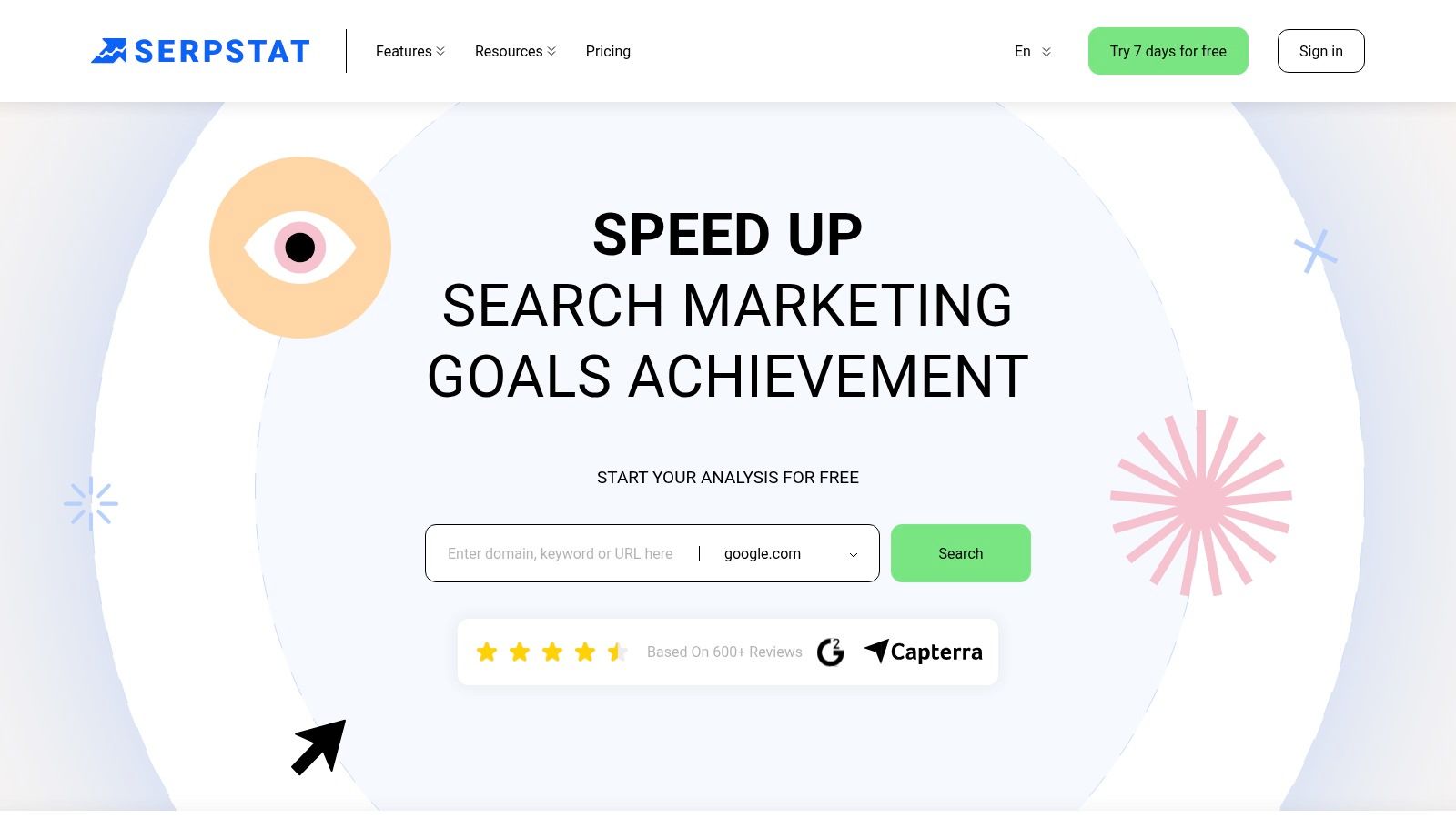
What makes Serpstat a worthy contender is its focus on providing broad functionality for a fraction of the cost of some enterprise-level suites. You can easily pull keyword ideas, see what your competitors are bidding on, and analyze the top-ranking pages to inform your ad copy and landing page strategy. The ability to purchase specific regional datasets, like for the US, is a nice touch for teams doing large-scale, location-specific work.
Quick Look: Serpstat – Keyword Research
- Best For: Teams and agencies looking for an affordable, all-around SEO and PPC tool with strong competitor analysis features.
- Pricing: Plans start at $50/month with a 7-day free trial available. Regional datasets can be purchased separately.
- Standout Feature: The combination of keyword clustering and competitor PPC research provides a powerful one-two punch for campaign planning.
Pros & Cons
Website: https://serpstat.com
11. iSpionage
Want to see exactly what keywords your competitors are bidding on? iSpionage is a competitive intelligence tool built for just that. It's less about generating new ideas from a seed term and more about reverse-engineering what's already working for other players in your market. This approach can be a huge shortcut, helping you discover proven, high-converting keywords, ad copy, and landing page strategies without starting from scratch.
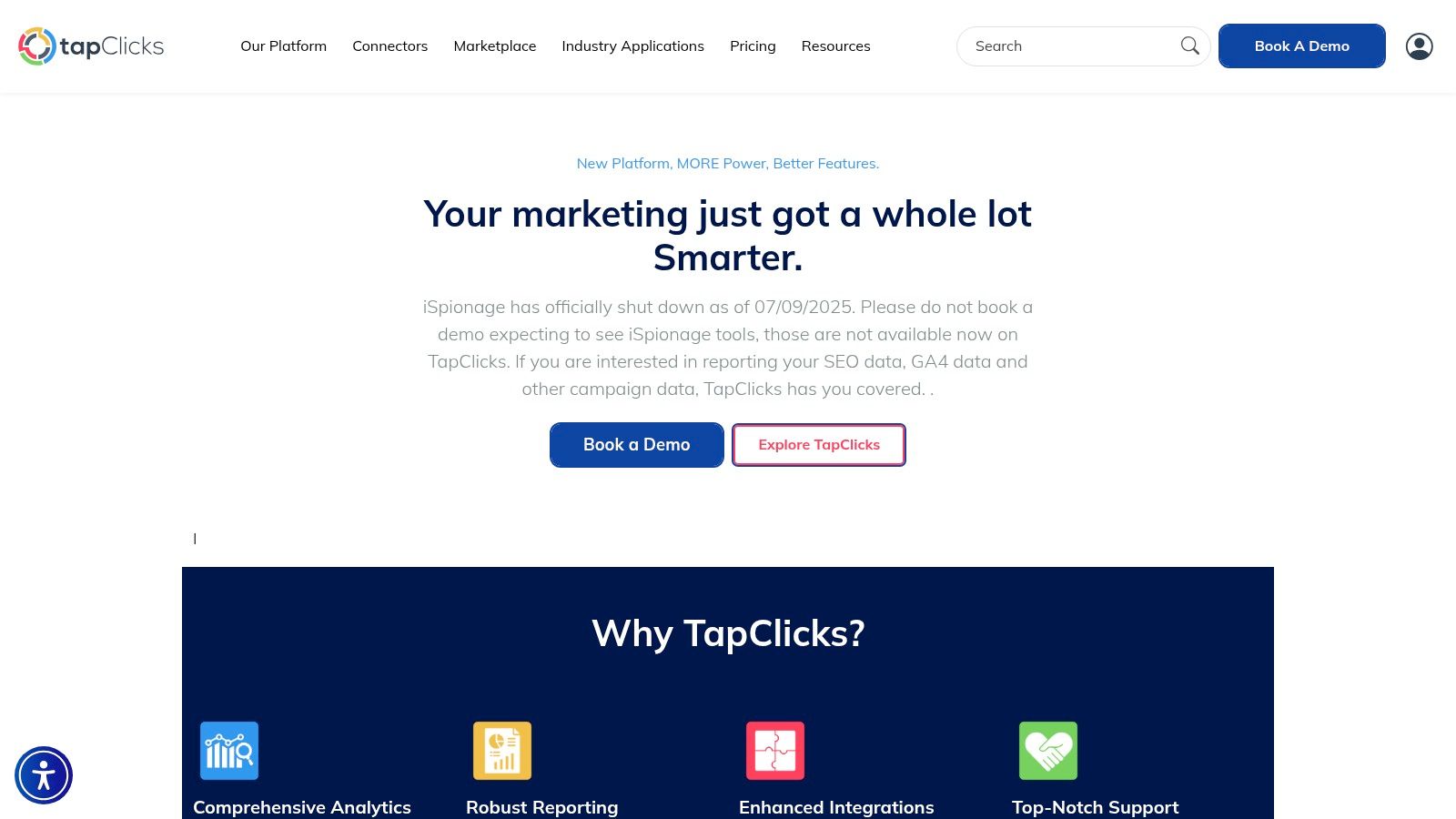
This tool shines by giving you a historical view of your competitors' PPC activity. You can see which keywords they've consistently spent money on, which implies profitability, and even look at the ad copy they've tested over time. It’s like having a spy in the enemy camp, feeding you actionable intelligence to build a more effective Google Ads campaign. The landing page gallery is another great feature for sparking ideas on how to improve your conversion rates.
Quick Look: iSpionage
- Best For: PPC managers who want to base their keyword strategy on competitor analysis and find proven ad copy and landing page examples.
- Pricing: Starts with a limited free version. Paid plans offer more data and features, with a money-back guarantee providing a safety net.
- Standout Feature: The Competitor Alerts system, which notifies you when a competitor launches new keywords or ads, keeping you one step ahead.
Pros & Cons
Website: https://www.ispionage.com
12. Optmyzr – Keyword Lasso
While most tools focus on finding keywords before a campaign launch, Optmyzr’s Keyword Lasso works by analyzing what happens after. It’s a powerful PPC management platform with a killer feature for ongoing keyword discovery. The Keyword Lasso tool digs into your live Google Ads Search Terms Report to find high-performing queries that are already driving clicks and conversions but aren't yet active keywords in your account. This approach flips traditional research on its head, using your own real-world performance data to guide expansion.
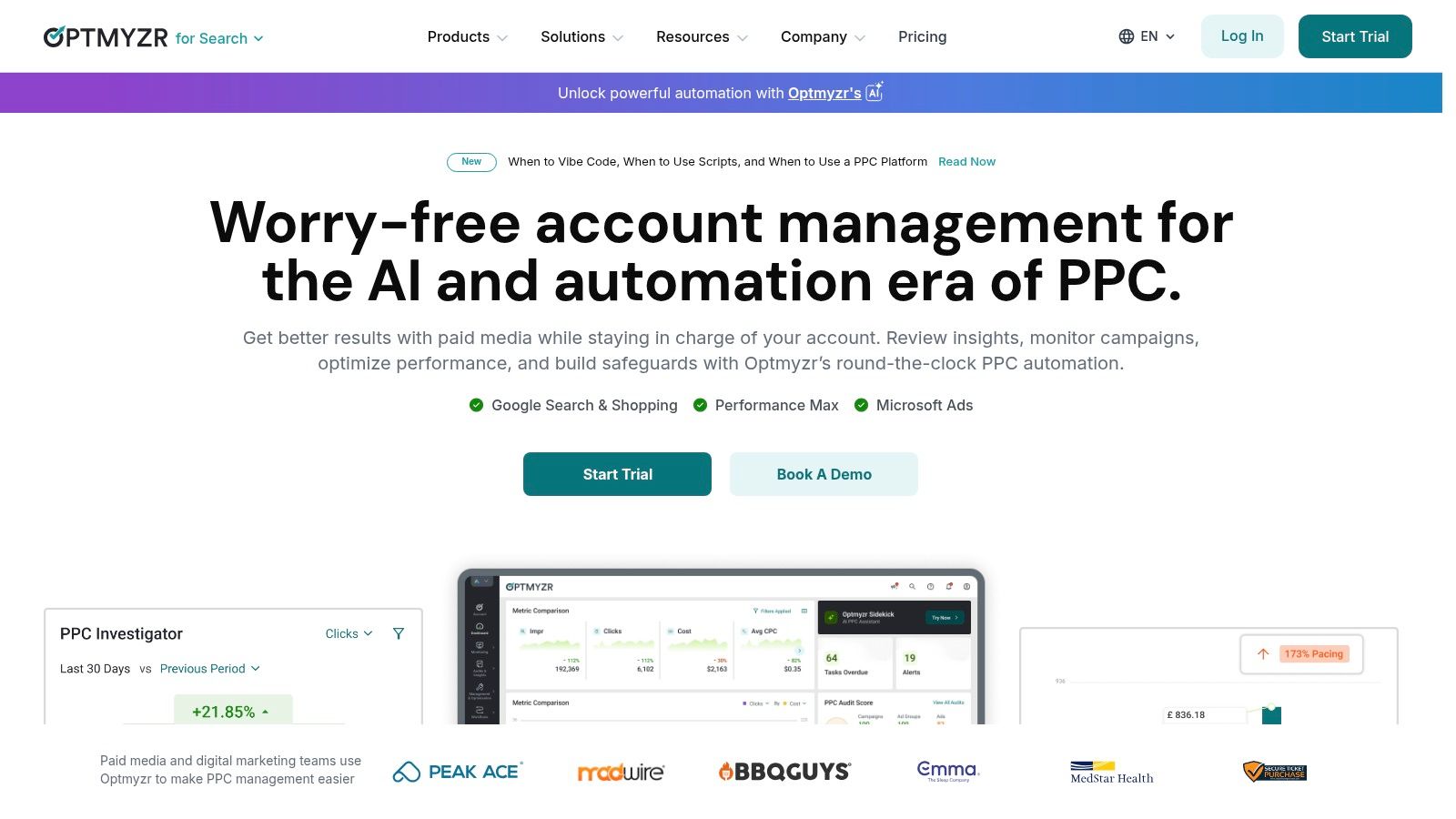
This tool is perfect for advertisers looking to refine and grow established accounts. It automatically suggests which search terms to add as new keywords based on metrics like CTR and conversion rate, and which ones to add as negatives to cut wasted spend. The workflow is designed for efficiency, checking for duplicates and making it easy to build out new ad groups without disrupting your existing structure. It’s less a tool for starting from scratch and more a secret weapon for continuous optimization.
Quick Look: Optmyzr – Keyword Lasso
- Best For: PPC managers and agencies who want to automate the process of finding and adding converting keywords from their search term data.
- Pricing: Starts at $249/month. Pricing can scale based on monthly ad spend, so it's geared toward serious advertisers.
- Standout Feature: The "Keyword Lasso" which turns your Search Terms Report into an actionable to-do list for account growth and refinement.
Pros & Cons
Website: https://www.optmyzr.com
Top 12 Google Ads Keyword Research Tools Comparison
Final Thoughts
Whew, that was a lot to cover. We've just walked through twelve of the most capable and popular options you can find for a Google Ads keyword research tool. From the free, foundational power of Google's own Keyword Planner to the deep competitive insights of SpyFu and the all-in-one marketing suites like Semrush and Ahrefs, it's clear there's no single "best" tool. There is, however, a "best tool for you."
The right choice really boils down to your specific situation. A freelance PPC specialist might get immense value from a specialized, workflow-focused tool like Keywordme or Optmyzr, while a small business owner just getting started could find everything they need in Ubersuggest or the WordStream Free Keyword Tool. It’s all about matching features to your budget, team size, and campaign complexity.
Your Next Steps: From Research to Action
So, what now? The biggest mistake you can make is getting stuck in "analysis paralysis," endlessly comparing features without ever taking action. Here’s a simple plan to move forward:
- Identify Your Biggest Pain Point: Are you drowning in spreadsheets? Struggling to find negative keywords? Wasting budget on the wrong match types? Pinpoint your single biggest challenge. This will immediately narrow down your options.
- Shortlist 2-3 Tools: Based on that pain point, pick two or three tools from our list that seem like a perfect fit. If budget is your main concern, start with the free options. If efficiency is your goal, look at the specialized tools.
- Sign Up for a Free Trial: Nearly every paid tool on this list offers a free trial or a limited free version. Use it! There's no substitute for getting your hands on the software and seeing how it feels. A tool can look great on paper but have a user interface you just can't stand.
- Run a Real-World Test: Don't just poke around. Take an actual ad group you're working on and run it through the tool's workflow. See if it genuinely saves you time or uncovers insights you would have missed.
Don't Forget the Big Picture
Remember, a Google Ads keyword research tool is just one piece of the puzzle. It finds the opportunities, but you still need to structure them correctly. After you've used these tools to generate a big list of potential keywords, the next step is organizing and refining them. A common question is whether you can have too many keywords, and understanding the balance is key to effective managing keywords in your PPC campaigns. It's not just about finding keywords; it's about using the right ones in the right way.
Ultimately, the goal isn't just to gather a massive list of keywords. It’s about building a profitable, efficient Google Ads machine that drives real business results. Each tool we've discussed can help you do that, but they all require a strategist (that’s you!) to make the final call. Choose your tool, trust your instincts, and start building better campaigns today.
Tired of manually wrestling with spreadsheets, match types, and negative keyword lists? Keywordme was built to solve exactly those problems. It’s the Google Ads keyword research tool designed for campaign execution, turning hours of tedious work into a few simple clicks. Try Keywordme and see how fast you can build perfectly structured ad groups.
.svg)