
Fix Duplicate Keywords in AdWords: Boost Your Quality Score
Fix Duplicate Keywords in AdWords: Boost Your Quality Score


You've probably seen it in a messy account, two or three versions of the same keyword sitting in different ad groups, maybe even different campaigns, all pulling in the same searches. That's the kind of clutter that makes Google Ads harder to steer than it should be. In practice, duplicate keywords in AdWords are rarely just a housekeeping issue, they're a structure issue, a bidding issue, and a reporting issue all at once.
The pain shows up fast. Internal competition can blur which campaign should own the query, performance data gets split across entries, and your optimization decisions become guesswork. A cleaner account usually starts with a harder question than “Do I have duplicates?” It's “Which version deserves to stay, and why?”
What Are Duplicate Keywords and Why They Hurt Your Account
A duplicate keyword is the same keyword appearing more than once in an account, but that simple definition doesn't tell the full story. In practice, duplicates can sit in the same ad group, across different ad groups, or spread through multiple campaigns. They can be identical text with the same match type, or they can be structurally different enough that the overlap only shows up at the query level.
That matters because duplicates don't give you extra reach. They usually create internal competition, which makes it harder to control which ad group wins the auction and which landing page gets the click. When the same demand is split across multiple entries, the account starts to look active while becoming less efficient.
Why the damage is bigger than clutter
The first problem is wasted control. If two keywords are chasing the same search, you're making your own account fight itself instead of letting one clear winner own the traffic.
The second problem is measurement. Clicks, conversions, and relevance signals get spread across duplicates, so the data looks thinner than it really is. That makes it harder to see which term is strong enough to scale.
The third problem is strategic confusion. If you can't tell which campaign owns a keyword, you can't manage budget, messaging, or landing-page alignment with much confidence.
Practical rule: if a keyword creates overlap, treat it like a structure decision, not just a cleanup task.
A lot of accounts don't fail because the keywords are wrong. They fail because the same keyword is allowed to live in too many places without a clear owner. That's why duplicate cleanup tends to be one of the first fixes in a serious audit, and why it keeps showing up in PPC education as a foundational task rather than a niche tidy-up.
The Hidden Nuances of Keyword Duplication
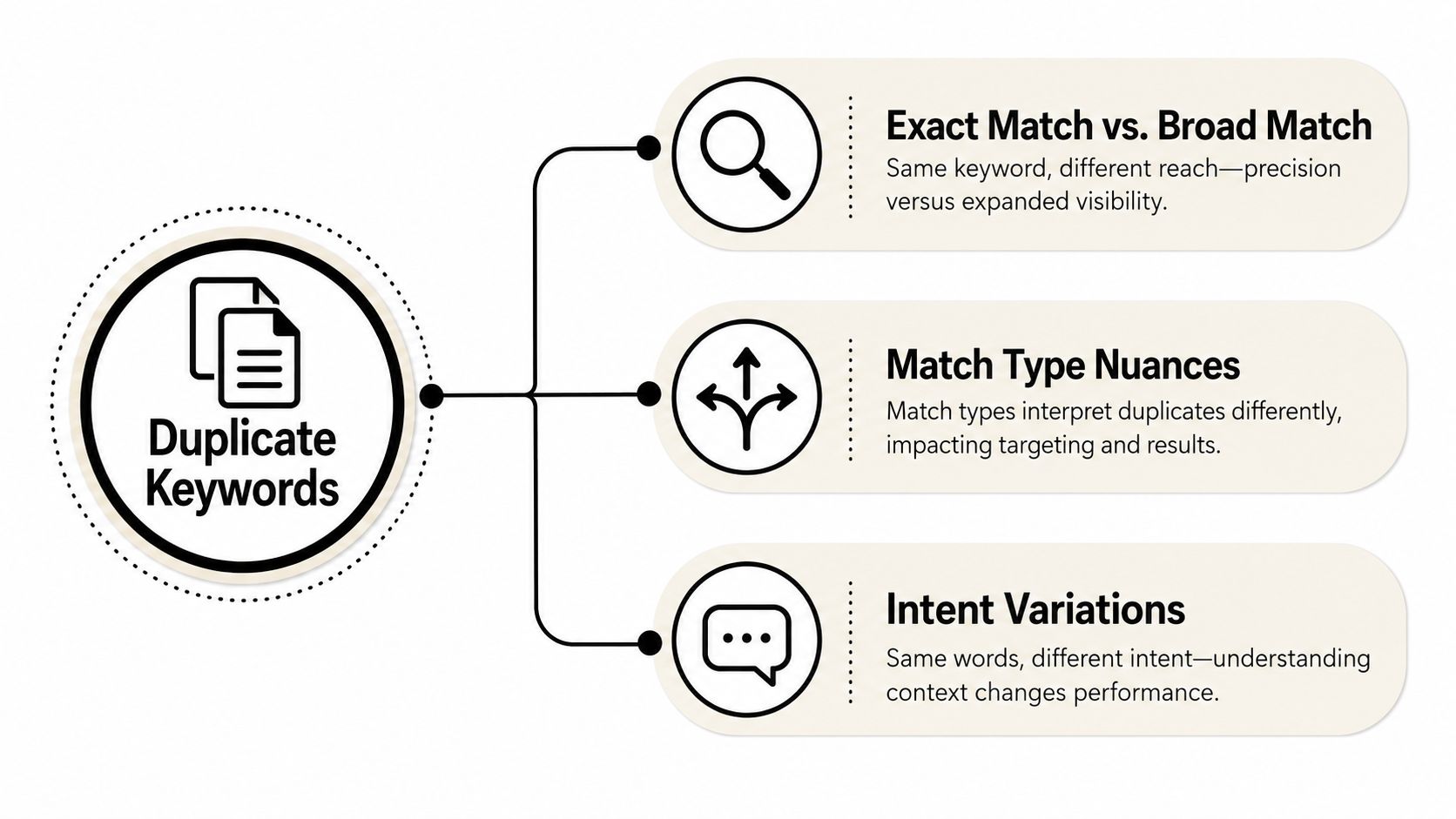
A lot of guides stop at exact text matching, and that's where they miss the core complexity. Google Ads Editor's duplicate-finding workflow recognizes multiple dimensions of duplication, including word order, match type, and location, plus the option to hide duplicates. The built-in help for that workflow makes it clear that the question isn't just whether a keyword repeats, it's which definition of “duplicate” matters for your account structure and bidding model Google Ads Editor duplicate keyword help.
That distinction matters because the same search query can be triggered by keywords that aren't identical on paper. A phrase match term in one campaign can overlap with an exact match term in another. A broad match variant might not look like a duplicate in a spreadsheet, but it can still behave like one when the same intent shows up in search.
Match type is where the real overlap hides
Think of keyword duplication like overlapping shop entrances. One door may be labeled differently, but if both doors lead the same customer into the same aisle, you still have a crowding problem. Match type is what creates that crowding in many accounts.
Word order matters too. Google Ads Editor gives you the ability to inspect duplicates by word order, which is useful when the account has been built by multiple people over time and the same idea has been entered in slightly different forms. Location also matters because some setups create duplicates only inside specific campaigns or ad groups, not across the whole account.
Same text is only one version of duplication. Same intent is often the one that hurts more.
That's the mindset shift that helps. Instead of asking whether two keywords look the same in a list, ask whether they own the same query space, same budget space, or same conversion path. That's where the hidden duplication lives, and that's where the cleanup effort should focus.
How to Find Duplicates Using Google Ads Editor
Google Ads Editor is still the cleanest place to run a duplicate audit because it gives you a dedicated Find duplicate keywords workflow. The basic process is straightforward, but the settings matter more than you might think. A sloppy search can bury the core issue in noise, while a tighter search gives you a usable cleanup list.
Start by downloading the latest account changes into Google Ads Editor so you're looking at current data, not stale structure. Then open the duplicate-finding tool and choose the scope carefully. You can search the entire account, or narrow it down to specific campaigns or ad groups depending on where the overlap is likely to be.
Use the settings instead of trusting the default
The three settings that matter most are word order, match types, and location. Word order helps you catch terms that are structurally similar but not perfectly aligned. Match types help you separate true duplicates from overlap that only becomes a problem under the same search behavior. Location tells the tool where to look, which is important when you already know the issue is isolated to one branch of the account.
WordStream also points out that you can exclude deleted or paused campaigns, which is useful when old cleanup work would otherwise clutter the results WordStream duplicate keyword cleanup. In a live account, that filter keeps you focused on active waste rather than historical leftovers.
For a related workflow on bulk edits, the practical walkthrough in this Google Ads Editor bulk changes guide is a useful companion if you're already moving through the account in Editor.
Read the results like a manager, not a janitor
Once the results are in, don't rush straight to deletion. Look at where each duplicate sits. A keyword in a brand campaign can't always be judged the same way as the same term in a generic campaign. Ownership, not just repetition, is what you're evaluating.
A quick audit rule helps here:
- Check active scope first: focus on campaigns and ad groups that are live and spending.
- Separate same-text from same-intent: not every overlap should be handled the same way.
- Keep the useful version visible: if one entry exists for a good structural reason, note it before changing anything.
The tool helps you find the duplicates. The judgment comes from the account strategy behind them.
The Decision Framework What to Keep and What to Cut
Once duplicates are on the page, the work is deciding which one earns the right to stay. I've cleaned up enough accounts to know that the wrong rule, like “keep the one with more impressions,” can make a bad structure feel permanent. The better decision is usually based on which keyword has the clearest ownership of the query and the strongest performance signals.
Compare performance in context, not in isolation
Start with Quality Score, because it's a signal that combines expected click-through behavior, ad relevance, and landing-page experience. Then compare CTR, conversions, and CPA side by side. If one duplicate clearly has stronger engagement and better conversion behavior, that's usually the version worth protecting.
But don't stop at raw performance. Ask where the keyword logically belongs. A term can look weak in one campaign and still be the correct term to keep there because the landing page, budget, or audience intent is different. In those cases, the right move isn't always deletion. Sometimes it's reassigning ownership and adding a negative keyword elsewhere so the structure is clean.
A useful decision pattern is simple:
- Keep the version with the best conversion history if it also fits the campaign intent.
- Keep the version with stronger relevance when the landing page matches the query better.
- Pause the weaker duplicate when it only exists because someone copied a theme into another ad group.
- Use negatives when the term needs to stay in one place but not another.
Don't choose the duplicate with the loudest data. Choose the one that matches the account's intent model.
The trade-off behind every cleanup
Cutting a duplicate is easy. Preserving the wrong one is expensive. If you remove the only version that had a strong landing-page match, you can disrupt a working path. If you keep both just because both have some conversions, you may keep the account split for no strategic reason.
That's why I like to make the decision in three passes. First, identify the cleaner performance winner. Second, check whether that winner belongs in the current campaign. Third, confirm whether the losing duplicate can be replaced with a negative keyword or a better-placed term.
Duplicate cleanup stops being mechanical. You're not just deleting clutter, you're defining ownership.
Advanced Cleanup with Scripts and Tools
Manual cleanup works, but it gets old fast in larger accounts. Google Ads Scripts can help technically comfortable teams automate parts of the audit, especially when they want scheduled checks or custom logic. That's useful when the account is big enough that duplicate review turns into a recurring maintenance job instead of a one-off fix.
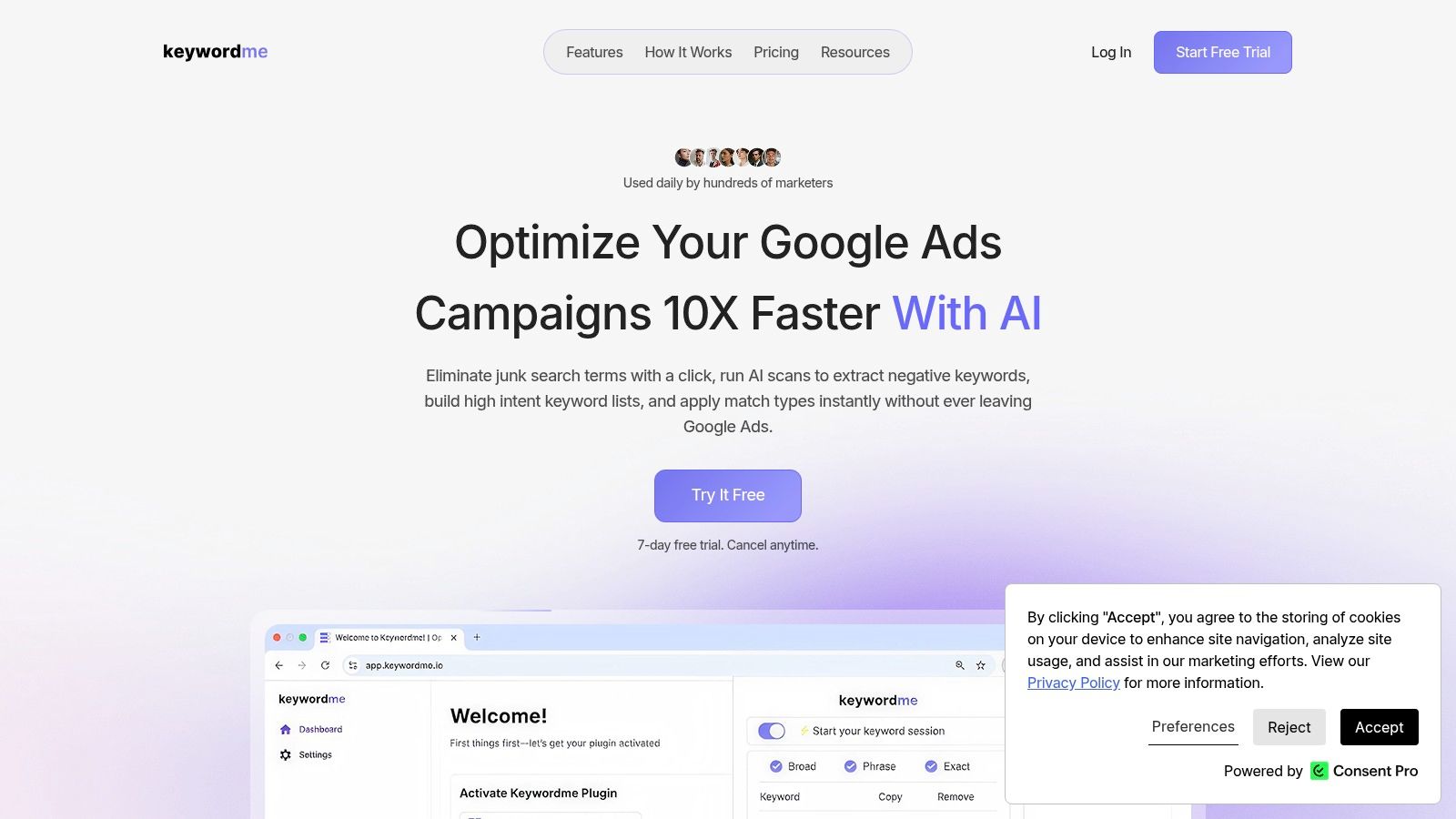
For teams that want a more direct workflow, a dedicated tool can remove a lot of the friction. Keywordme is built to streamline keyword cleanup, negative keyword handling, bulk changes, and match-type work without forcing you to bounce between spreadsheets and copy-paste steps. That's the kind of setup that matters when you're trying to keep account hygiene consistent instead of reactive.
One practical reason to care about cleaner data is that search-term work often feeds other analysis. The same discipline that helps with duplicate keywords also helps with managing A/B test data quality, because messy inputs make clean decisions almost impossible.
Where automation earns its keep
Automation helps most when you're dealing with repeated cleanup patterns. If duplicates keep showing up in new campaigns, the value isn't just in finding them once. It's in building a workflow that keeps the account from drifting back into the same mess.
That's also where internal consistency matters. If different people on the team add keywords differently, the account becomes harder to audit every month. A tool that standardizes the process can reduce that drift without turning every cleanup into a manual rescue mission.
For a deeper look at automated keyword handling, the practical notes in this scripts guide for managing keywords are worth a look if your team leans technical.
Why busy accounts need a repeatable system
The bigger the account, the less forgiving the cleanup window becomes. Small duplicate pockets can spread across campaigns before anyone notices, especially when launches happen fast and multiple people touch the structure. A repeatable toolset gives you a way to catch that drift before it distorts reporting.
Scripts, manual audits, and dedicated platforms each have a place. Scripts suit teams that want custom control. Manual review suits smaller or high-stakes accounts where judgment matters most. A tool like Keywordme fits the middle ground where you want speed, bulk handling, and less formatting work without rebuilding the process from scratch.
Preventing Duplicates with Smart Account Structure
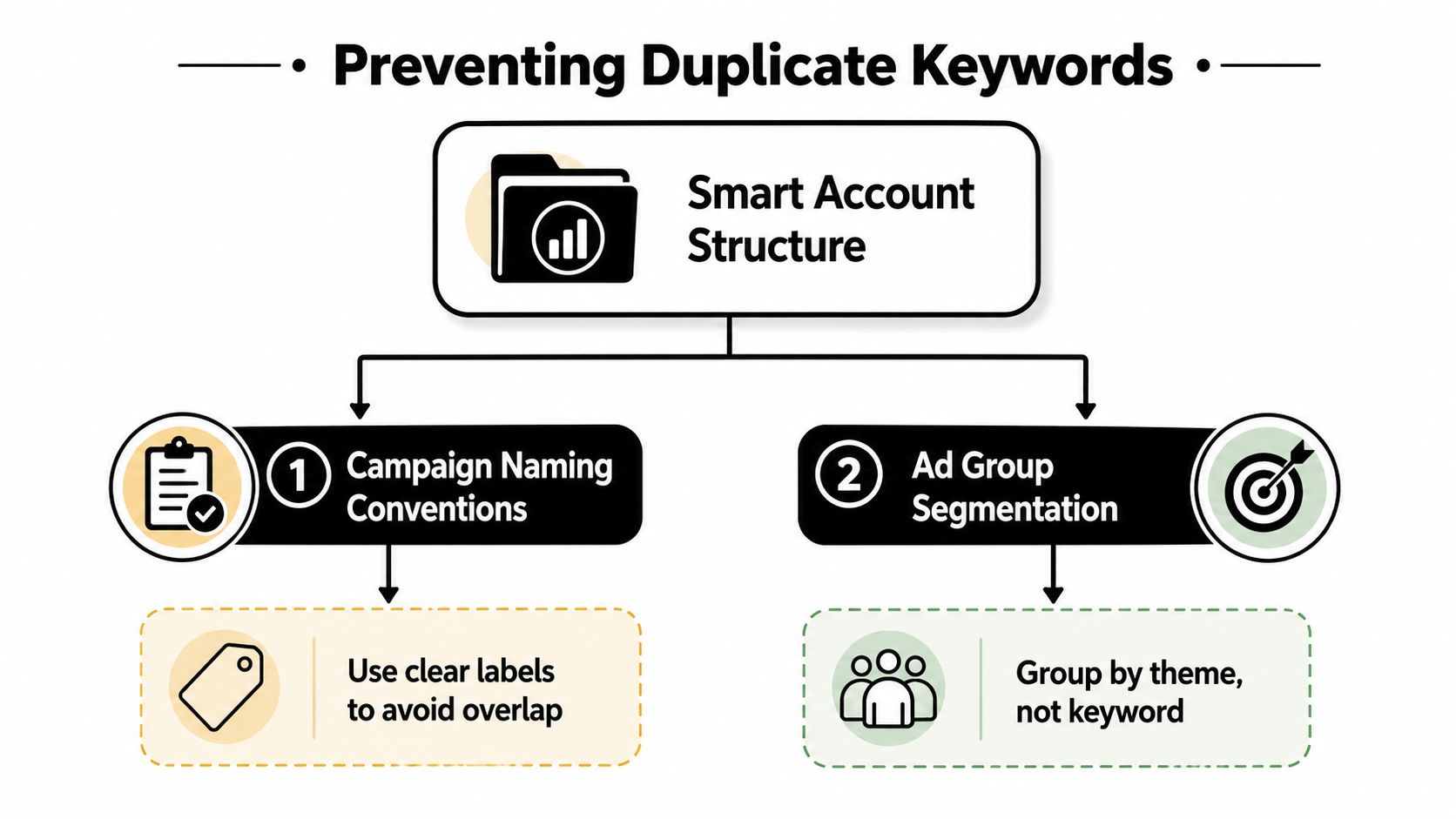
The best duplicate fix is the one you never need to do. Strong account structure makes overlap less likely because every keyword has a clearer home, and every campaign has a narrower job. That starts with naming conventions, but it doesn't end there.
Build the account so ownership is obvious
The cleanest accounts I've worked in use themed ad groups and clear campaign boundaries. That makes it obvious which team owns which intent, and it reduces the temptation to drop the same term into multiple places just because it feels convenient.
Negative keywords are the other half of prevention. Campaign-level negatives keep one campaign from stealing traffic meant for another, which is especially useful when two campaigns touch similar themes but serve different goals. Shared negative lists can help too when the exclusions are broad enough to apply across several branches.
A consistent upload process matters more than people expect. If every new keyword addition follows the same review step, you catch overlaps before they go live. If every manager adds terms their own way, duplicate cleanup becomes an endless cycle.
For a broader structure view, the clustering approach in this keyword clustering guide helps connect keyword grouping with cleaner ownership.
Structure prevents the same mistake twice
A strong structure does more than stop duplicates. It improves relevance, makes reporting easier to read, and keeps landing-page decisions aligned with search intent. That's why campaign naming and ad group segmentation are not just admin chores. They're how you protect the account from becoming a pile of overlapping ideas.
If you want a wider management lens, the practical guidance in effective pay per click management is useful for seeing how structure, negatives, and ongoing optimization fit together.
The simplest test is this. If someone new on the team can't tell why a keyword lives in a specific campaign, the structure probably isn't tight enough yet. Clean accounts make ownership obvious. Messy accounts make ownership an argument.
Key Takeaways for a Cleaner Google Ads Account
Duplicate cleanup works best when it's treated like strategy, not spring cleaning. Duplicate keywords in AdWords can hide across match types, campaigns, and ad groups, so the core audit question is always about ownership and overlap. Google Ads Editor helps you find them, but performance data tells you what to keep.
Keep the keyword that fits the campaign's intent, landing page, and conversion path. Cut the version that adds noise without adding value. Use negatives when the keyword should live in one place but not another.
Prevention matters just as much. Clear campaign structure, themed ad groups, and disciplined keyword entry reduce future overlap and make every audit faster. Clean accounts stay readable, and readable accounts are easier to improve.
Keywordme helps teams clean up duplicate keywords, manage negatives, and handle bulk keyword work without dragging the process through spreadsheets. If you're ready to tighten account structure and cut the overlap that keeps muddying your Google Ads data, visit Keywordme and see how the workflow fits your account.
.svg)