
12 Best Tools for Digital Marketing Agencies in 2024
12 Best Tools for Digital Marketing Agencies in 2024


Running a digital marketing agency is a juggling act. You’re trying to balance client results, team workflows, and the constant pressure to stay ahead. The right tools aren't just nice-to-haves; they're the engine that powers your efficiency, profitability, and ability to scale. But with thousands of options on the market, how do you build a tech stack that actually works? It’s a common struggle that often leads to wasted subscriptions and clunky processes.
We've been there, and we've done the homework for you. This isn't just another generic list. We’re diving deep into the absolute best tools for digital marketing agencies, breaking them down by what they actually do, who they're for, and where they really shine. Forget the marketing fluff; we're giving you our honest take based on real-world use in a busy agency environment.
Inside, you'll discover our top 12 platforms covering everything from essential SEO and PPC management with tools like Keywordme and Optmyzr, to client reporting with Looker Studio, and the automation glue like Zapier that holds it all together. Each recommendation includes direct links and screenshots so you can see the tool in action. Let's get into the software that will help you stop managing platforms and start delivering incredible client results.
1. Keywordme
For agencies managing Google Ads accounts, few tasks are as repetitive and time-consuming as search term report analysis and keyword list management. Keywordme directly attacks this pain point, making it one of the best tools for digital marketing agencies specializing in PPC. It’s a nimble Chrome plugin that integrates directly into the Google Ads UI, turning multi-step optimization chores into just a few clicks. Instead of exporting search term data to a spreadsheet for manual cleanup, you can build high-intent keyword lists, find negative keywords, and apply match types right inside the platform.
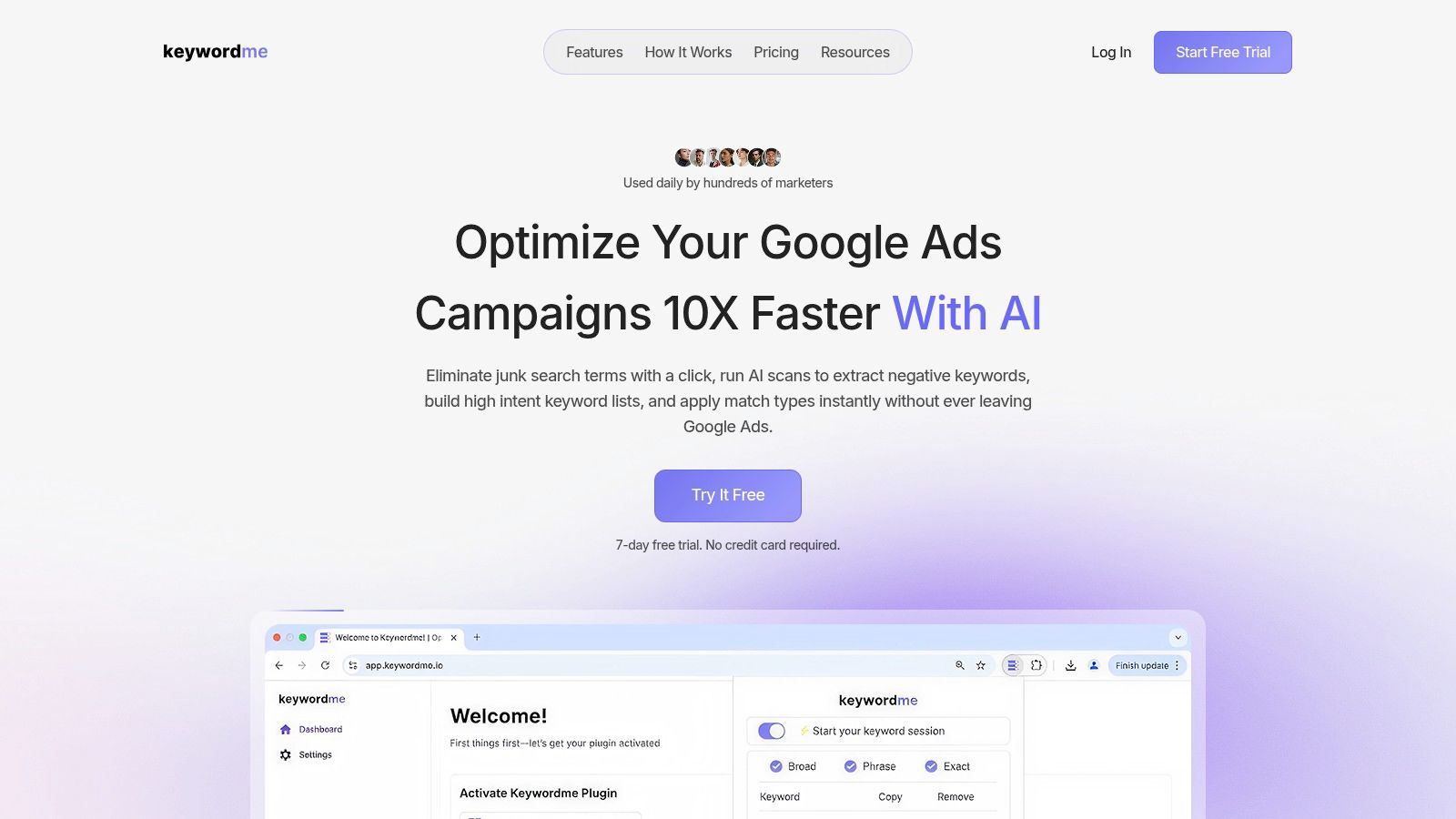
Its workflow is the real standout feature. Imagine reviewing a search term report and, with a single click, adding irrelevant terms to a negative list and, with another, adding high-converting search queries as exact match keywords to a new ad group. Keywordme makes this a reality. Its AI-assisted scan automates the discovery of junk terms, while bulk tools let you paste, format, and download campaign-ready keyword lists, completely removing that tedious copy-paste cycle. This focus on in-platform efficiency promises up to a 10x faster workflow, helping you slash wasted ad spend and scale accounts with confidence.
Why Keywordme Stands Out
What makes Keywordme a top choice is its laser focus on solving a very specific, universal problem for PPC managers. It’s not trying to be an all-in-one marketing suite. It does one thing—keyword management inside Google Ads—and does it exceptionally well. The simple onboarding (it's a Chrome plugin) and a no-credit-card 7-day free trial make it easy for any agency or freelancer to test its impact.
Pricing: The Pro plan is straightforward at $12 per seat/month, an accessible price point for teams of any size.
Website: https://www.keywordme.io
2. Semrush
Semrush is the Swiss Army knife for digital marketing agencies. It’s an incredibly broad all-in-one platform that covers nearly every aspect of SEO and PPC, from initial keyword discovery and competitive analysis all the way to creating client-ready reports. Its sheer scope makes it one of the best tools for digital marketing agencies looking to consolidate their subscriptions and manage workflows in one place.
What really sets it apart is the depth of its competitive intelligence. You can dissect a competitor's entire organic and paid search strategy, identify their top-performing keywords, see their ad copy, and analyze their backlink profile. This information is pure gold for pitching new clients or refining an existing client's strategy. For instance, you can use the Keyword Gap tool to instantly find valuable keywords your client’s competitors are ranking for, but your client is missing.
Why It Makes the Cut
Semrush's agency-focused features are a huge plus. It offers mature reporting templates and direct integration with Looker Studio (formerly Google Data Studio), which saves countless hours on monthly client reporting.
Our Take: The platform is powerful, but it's not exactly a "pick-up-and-play" tool. The interface is dense, and new team members will need dedicated training time to really get the most out of it.
- Pros: Enormous toolkit, deep competitor insights, agency-centric workflows.
- Cons: The price can climb quickly with add-ons, and there's a definite learning curve.
- Pricing: Plans start at $129.95/month, with custom agency plans available.
- Website: https://www.semrush.com
3. Ahrefs
If Semrush is the Swiss Army knife, Ahrefs is the master swordsmith’s finest blade, forged specifically for SEO. It’s renowned for its absolutely dominant backlink index, which is often considered the best in the business for its size and freshness. For agencies that live and breathe technical SEO, link building, and content strategy, Ahrefs is hands-down one of the best tools for digital marketing agencies available.
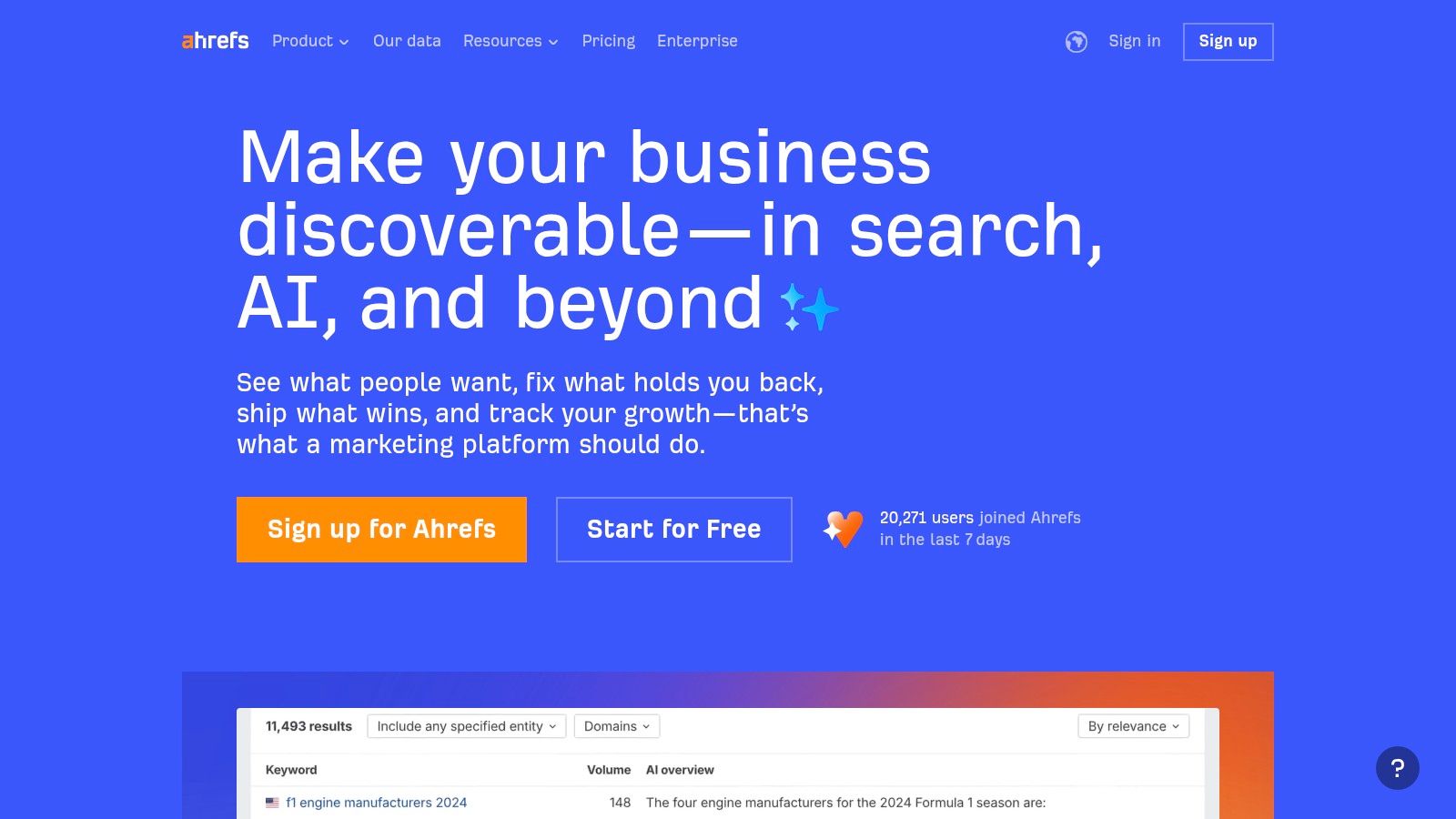
The platform’s real power lies in the Site Explorer tool. You can plug in any competitor and immediately see their entire backlink profile, top organic keywords, and most-linked-to pages. This makes it incredibly easy to reverse-engineer successful strategies. For example, using the Content Explorer, you can find underperforming articles on a topic, then create something ten times better and target the sites linking to those weaker pieces.
Why It Makes the Cut
Ahrefs’ data is second to none, particularly its link index and keyword clickstream data. The user interface is clean, intuitive, and generally faster to navigate than some of its direct competitors, making it a favorite for teams that need to work quickly and efficiently on SEO tasks.
Our Take: Ahrefs is an SEO powerhouse, period. While it has added more features over time, its core strength remains in backlinks and keyword analysis. It’s less of an "all-in-one" solution and more of a "best-in-class" tool for its specific domain.
- Pros: Industry-leading link index and data freshness, strong discovery for content ideas, intuitive user interface.
- Cons: Premium pricing, fewer non-SEO features than broader suites like Semrush.
- Pricing: Plans start at $99/month, with agency solutions available.
- Website: https://ahrefs.com
4. HubSpot Marketing Hub
HubSpot Marketing Hub is the go-to platform when your agency's work needs to be deeply connected with a client’s sales process. It’s a powerful marketing automation and CRM system that handles everything from email and landing pages to advanced lead scoring and journey mapping. For agencies, its strength lies in creating a seamless path from lead capture to sales handoff, all within one connected environment.
What makes it a standout choice is how tightly it integrates marketing activities with its built-in CRM and major ad platforms like Google, Meta, and LinkedIn. An agency can build a complex lead nurturing sequence with email, forms, and personalized content, then directly attribute new customers back to specific campaigns. This attribution is crucial for proving ROI. Understanding these systems is key, so it helps to brush up on marketing automation best practices to get the most value.
Why It Makes the Cut
HubSpot's agency partner program and extensive training resources (HubSpot Academy) make it one of the best tools for digital marketing agencies looking to build a service line around inbound marketing. It provides a framework for delivering and reporting on complex marketing strategies.
Our Take: The platform is fantastic for creating cohesive customer journeys, but be mindful of the pricing model. It's not just the feature tier; costs increase as your client's marketing contact list grows, which can lead to some tough conversations down the road.
- Pros: Strong cohesion from capture to reporting, deep ecosystem and training, excellent agency partner network.
- Cons: Costs scale with marketing contacts, and advanced features are locked behind expensive tiers.
- Pricing: Starter plans begin at $18/month, but Professional tiers with automation start at $800/month (billed annually).
- Website: https://www.hubspot.com
5. Google Analytics 4 (GA4)
Google Analytics 4 is the mandatory baseline for performance measurement. As Google's own web and app analytics platform, it's the standard for tracking user behavior, conversions, and campaign impact. Its event-based model is a significant shift from Universal Analytics, focusing on user actions rather than sessions, which provides a much more unified view of the customer journey across multiple devices and platforms.
What makes it essential for agencies is its direct pipeline into the Google Ads ecosystem. You can build highly specific audience segments in GA4 based on user behavior (like "users who watched 75% of a video but didn't convert") and push them directly to Google Ads for remarketing. This tight integration allows for smarter bidding and more granular targeting. The free export to BigQuery also lets agencies with data science capabilities perform deep, unsampled analysis, a huge plus for complex client accounts.
Why It Makes the Cut
GA4 is the source of truth for many clients and the central nervous system for Google Ads campaign performance. Mastering it isn't optional; it's a core competency. Its privacy-centric features, like Consent Mode and conversion modeling, are also critical for navigating today's regulatory environment.
Our Take: The move to an event-based model and a completely new interface means your team will need training. It’s less intuitive out of the box than its predecessor, and you have to be intentional about setting up custom events to get meaningful data.
- Pros: Free standard product, deep integration with Google Ads, powerful audience building for ad campaigns.
- Cons: Steep learning curve, data sampling can be an issue in the standard UI for high-traffic sites.
- Pricing: Free, with an enterprise version (Analytics 360) available for very large businesses.
- Website: https://marketingplatform.google.com/analytics
6. Looker Studio
Looker Studio (formerly Google Data Studio) is the standard for creating live, interactive client reports. For agencies drowning in spreadsheets and static PDFs, it’s a complete game-changer. It allows you to pull data directly from Google Analytics, Google Ads, Search Console, and countless other sources into one clean, visual dashboard that clients can actually understand and engage with.
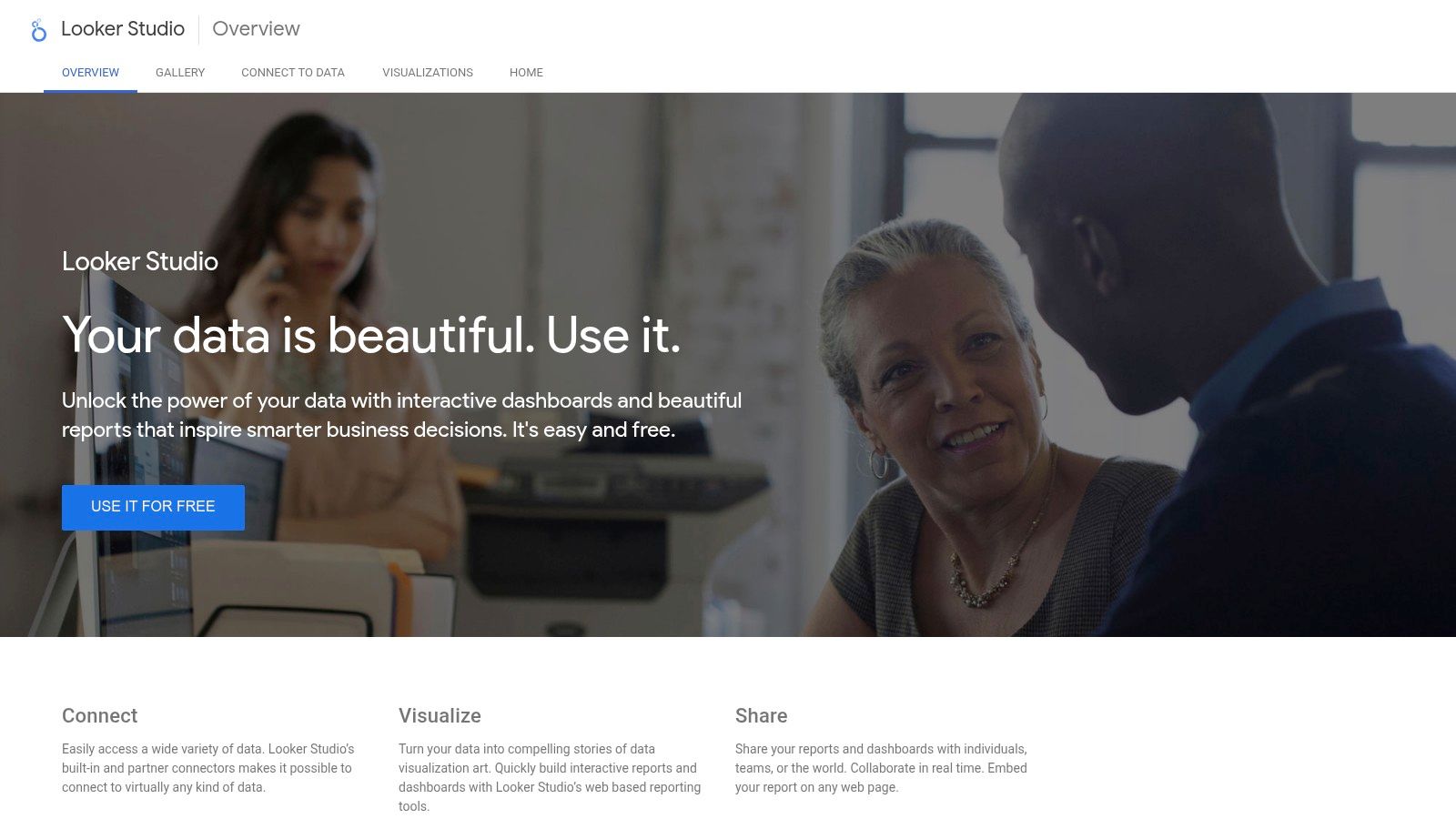
What makes Looker Studio one of the best tools for digital marketing agencies is its native integration within the Google ecosystem and its non-existent price tag for core use. You can build a comprehensive report showing GA4 traffic, Google Ads conversions, and organic keyword rankings from Search Console, all on one page. Then, you can share a single link with your client, who can filter by date range or campaign on their own, reducing back-and-forth email requests for custom data pulls.
Why It Makes the Cut
The ability to create professional, branded report templates that can be duplicated for each client in minutes is a massive efficiency win. Instead of spending hours each month copying and pasting data, you simply refresh the data source, and the report is ready.
Our Take: Looker Studio is essential, not optional. While the basic functions are easy to learn, mastering complex data blending and calculated fields to get exactly the right metrics from GA4 takes practice and can feel a bit technical.
- Pros: Zero software cost for core use, fast client reporting, works smoothly with the Google data stack and agency workflows.
- Cons: Some third-party connectors are paid, complex GA4 pulls can hit API/quotas and need performance tuning.
- Pricing: Free to use; costs may apply for premium third-party connectors.
- Website: https://lookerstudio.google.com
7. Sprout Social
Sprout Social is a social media management suite built for agencies juggling multiple brands and stakeholders. It brings publishing, engagement, and analytics into a single platform, making it a strong contender for one of the best tools for digital marketing agencies serious about their social media services. Its structured approach helps keep teams organized and ensures brand messaging stays consistent across all client accounts.
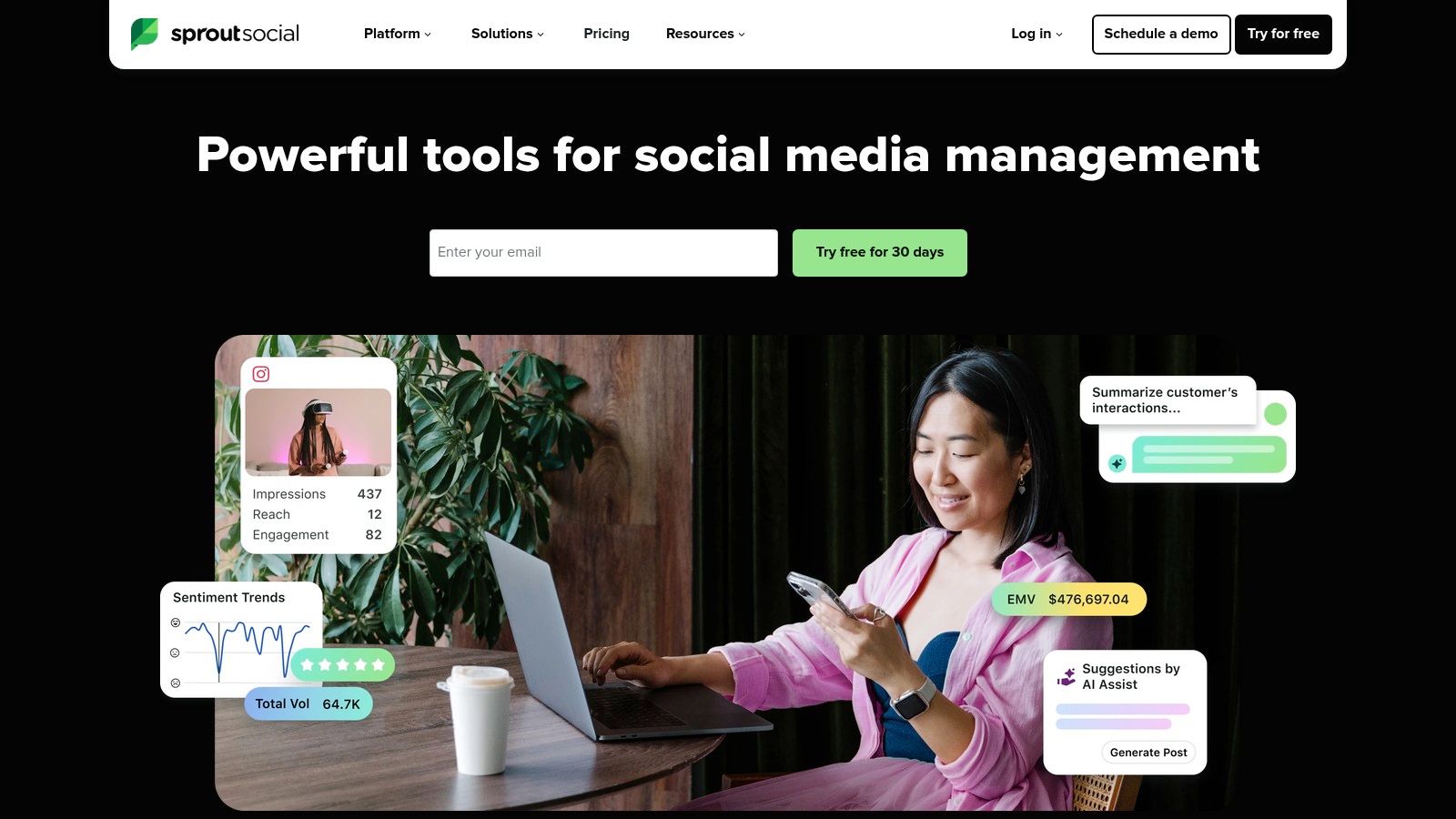
The platform really shines with its collaboration features. The unified Smart Inbox gathers all incoming messages from every connected profile, so no comment or DM gets missed. For agencies, the approval workflows are critical. You can draft a post and send it to a client for approval directly within the platform, creating a clear audit trail and avoiding messy email chains. This level of organization is essential for maintaining client relationships and ensuring quality control.
Why It Makes the Cut
Sprout Social's reporting capabilities are top-tier and designed with clients in mind. The analytics dashboards are polished, easy to understand, and can be customized and branded for each client. This saves agencies a significant amount of time preparing performance reports and helps demonstrate the direct value of their social media efforts.
Our Take: This is a professional-grade tool, and its pricing reflects that. The per-user cost structure means it’s a better fit for established agencies with solid social media retainers rather than those just starting out.
- Pros: Robust collaboration and approval flows, deep analytics, and polished client-ready reporting.
- Cons: Per-user pricing can get expensive for large teams, and advanced social listening is a paid add-on.
- Pricing: Plans start at $249/month per user, with custom agency solutions available.
- Website: https://sproutsocial.com
8. Mailchimp
Mailchimp is often the first tool agencies reach for when a client needs to build an email marketing program from the ground up. It’s a workhorse for email, SMS, and lightweight automation, making it a go-to for agencies managing small to mid-sized businesses. Its intuitive interface and extensive template library allow for the rapid deployment of campaigns, which is a huge plus when you need to show clients quick wins.

The platform shines with its direct e-commerce integrations, especially for Shopify and WooCommerce. For an agency running marketing for an online store, you can quickly set up automated abandoned cart emails, product recommendations, and post-purchase follow-ups using pre-built "Customer Journeys." This ability to connect marketing actions directly to revenue makes it one of the best tools for digital marketing agencies that need to demonstrate clear ROI without a complex setup.
Why It Makes the Cut
Its user-friendly nature means you can onboard new team members or even train clients to handle basic sends themselves, freeing up your agency’s time for more strategic work. The massive ecosystem of integrations means it plays well with the other tools in your stack.
Our Take: Mailchimp is fantastic for getting started, but agencies should be mindful of its scaling costs. As a client's contact list grows, the monthly bill can increase substantially, which might necessitate a move to a more advanced marketing automation suite.
- Pros: Fast to deploy for smaller clients with extensive templates, large ecosystem and many off-the-shelf integrations.
- Cons: Pricing scales with contact counts and sends, fewer enterprise-grade automation options compared with full MA suites.
- Pricing: Free plan available; paid plans start at $20/month, scaling with contacts and features.
- Website: https://mailchimp.com
9. Optmyzr
For agencies drowning in the day-to-day grind of managing multiple PPC accounts, Optmyzr is a lifesaver. It’s an automation and optimization platform designed specifically for Google Ads and Microsoft Ads professionals who need to scale their efforts without multiplying their hours. It automates the tedious, repetitive tasks that eat up most of a PPC manager's day, freeing them up to focus on high-level strategy and client communication.
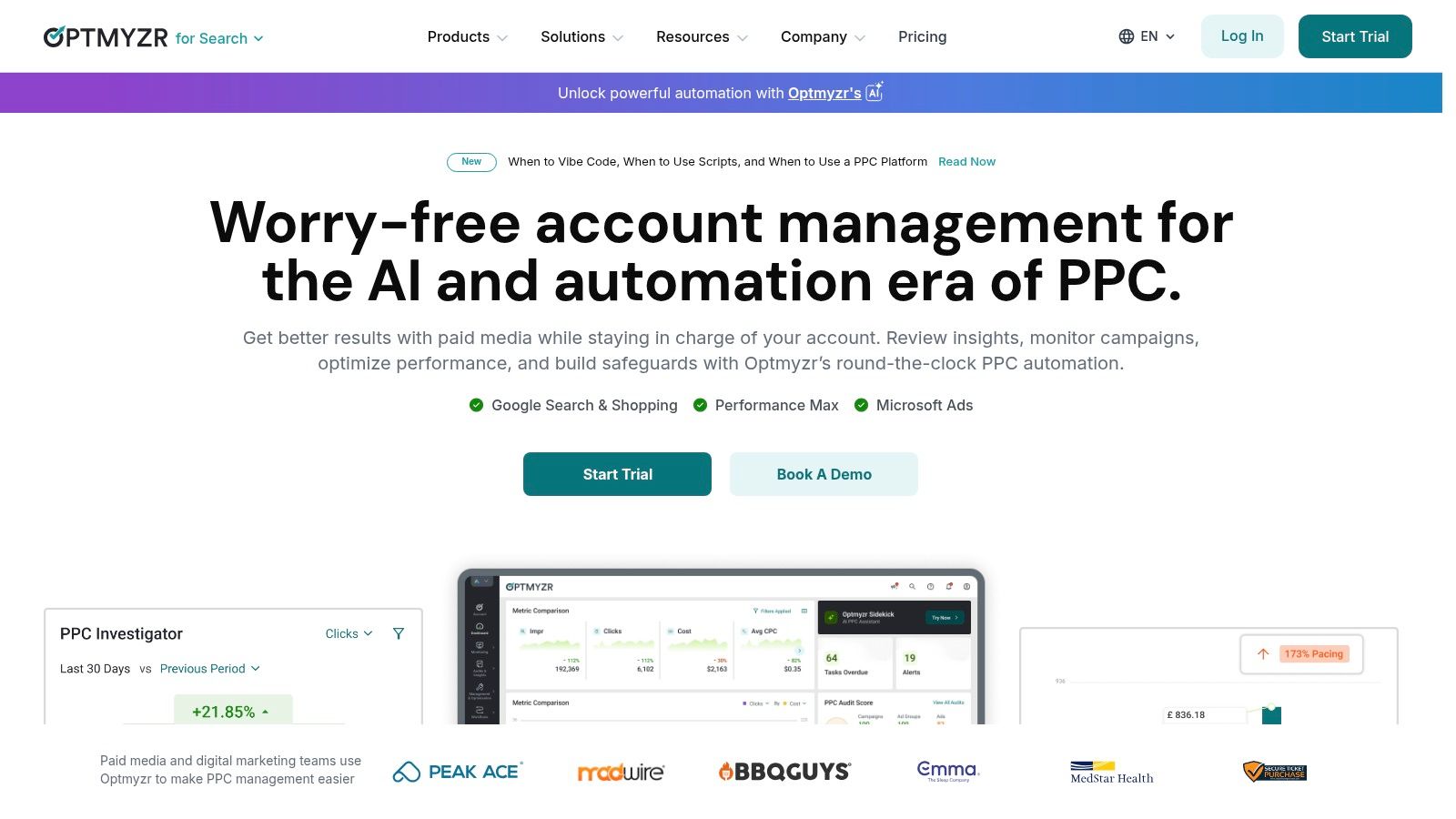
The platform's strength lies in its rule-based engine and one-click optimizations. You can set up custom rules to manage bids, pause poor-performing keywords, manage budgets, or even find new negative keywords from search query reports across dozens of accounts at once. Its tools for Performance Max and Shopping campaigns are particularly useful, providing a level of control that the native Google Ads interface often lacks. This makes it one of the best tools for digital marketing agencies that are serious about paid search. You can explore more options in our guide to PPC management software for agencies.
Why It Makes the Cut
Optmyzr’s focus on agency-level efficiency is what earns its spot. Features like cross-account budget pacing alerts and customizable, white-label reporting directly address major agency pain points. It's built by former Google employees who understand the platform's intricacies and limitations.
Our Take: This isn't for the casual advertiser. To get real value, your team needs to invest time in learning the rule engine and setting up automations. It's a tool for power users looking to manage complexity at scale.
- Pros: Saves countless hours on routine PPC tasks, strong negative keyword discovery and budget workflows, great for multi-account management.
- Cons: Less critical for small accounts or tiny spends, the feature depth requires onboarding time to realize full benefits.
- Pricing: Plans start at $249/month, with tiers based on ad spend.
- Website: https://www.optmyzr.com
10. Supermetrics
Supermetrics is the behind-the-scenes engine that powers most high-performing agency reporting stacks. It solves one of the biggest time-sucks for agencies: manually pulling data from dozens of different marketing platforms. This tool acts as a data connector, pulling all your campaign metrics from sources like Facebook Ads, Google Ads, LinkedIn, and over 100 others directly into your reporting and analysis tools.
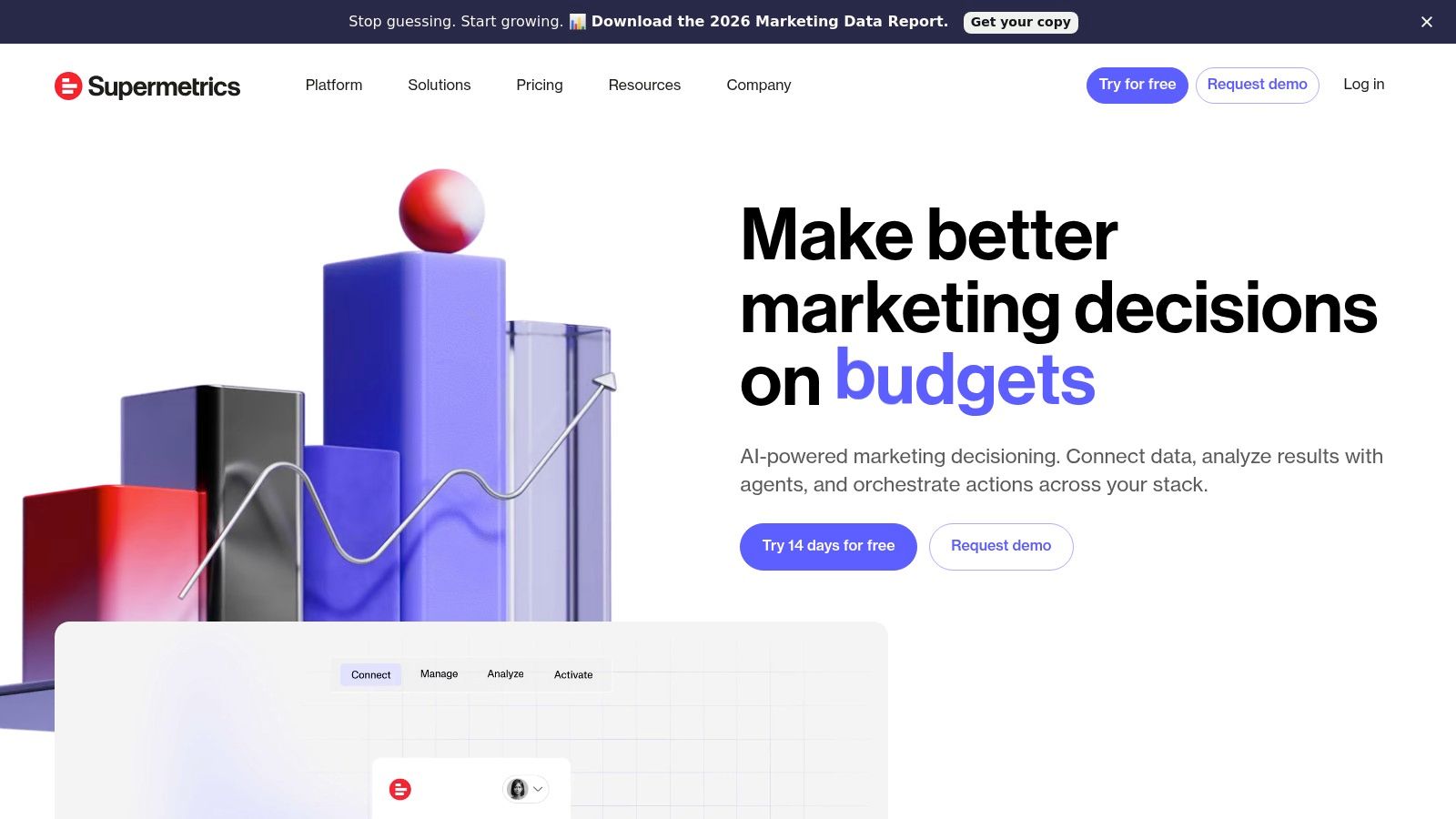
The real value is in automation. Instead of having a team member spend hours each week downloading CSVs and pasting them into spreadsheets, Supermetrics pipes that data directly into Looker Studio, Google Sheets, or even a data warehouse like BigQuery. This allows you to build dashboards that update automatically, freeing up your team to focus on analysis and strategy rather than tedious data collection. For agencies managing multiple clients, this is a non-negotiable for scaling operations and is one of the best tools for digital marketing agencies focused on efficiency.
Why It Makes the Cut
Its ability to consolidate data from virtually any marketing source into a single destination is what makes it essential. Building a comprehensive pay-per-click reporting dashboard that combines spend from Google, Meta, and TikTok is simple with Supermetrics but a nightmare without it.
Our Take: Think of Supermetrics not as a dashboarding tool itself, but as the plumbing that makes your dashboards possible. It just works, saving you from the headache of building and maintaining your own API connections.
- Pros: Huge time-saver, supports a massive list of data sources, scales from simple reports to complex data warehousing.
- Cons: Pricing can get expensive as you add more data sources and users, and heavy data pulls can hit connector limits.
- Pricing: Plans for Looker Studio start at €39/month, with more advanced agency plans available.
- Website: https://supermetrics.com
11. Hotjar
If your agency ever gets stuck explaining why a landing page isn't converting despite good traffic, Hotjar is the answer. It's a website experience insights suite that moves beyond the "what" of analytics (like pageviews and bounce rates in GA4) to show you the "why." It lets you visually observe how real users interact with a client's website, providing the qualitative data needed to make informed CRO and UX decisions.
The core power of Hotjar lies in its heatmaps and session recordings. You can literally watch recordings of user sessions to see where they click, how far they scroll, and where they get stuck or confused. This is invaluable for identifying broken elements, confusing navigation, or calls-to-action that are being completely ignored. For an agency, presenting a client with a video of a user rage-clicking a broken button is far more impactful than just showing them a high exit rate on a report.
Why It Makes the Cut
Hotjar provides the human context that quantitative analytics often lacks. It’s one of the best tools for digital marketing agencies that offer conversion rate optimization services because it provides clear, visual evidence to support A/B testing hypotheses and landing page redesigns. The on-site survey and feedback tools also allow you to gather direct user sentiment without them ever leaving the page.
Our Take: It's incredibly easy to get started - the tracking code installs in minutes. But be mindful of your plan's limits; it’s easy to burn through session recordings on a high-traffic site if you don't configure sampling correctly.
- Pros: Quick to install, provides powerful qualitative insights, a perfect complement to Google Analytics.
- Cons: Can impact site speed if not configured carefully, session and response limits require careful plan selection.
- Pricing: Free basic plan available. Paid plans start at $39/month.
- Website: https://www.hotjar.com
12. Zapier
Zapier is the operational glue that holds a modern agency's tech stack together. It's a no-code automation platform that connects thousands of different apps, allowing you to create automated workflows (called Zaps) without writing a single line of code. For agencies, this means you can stop wasting time on manual, repetitive tasks and focus on client strategy and growth.
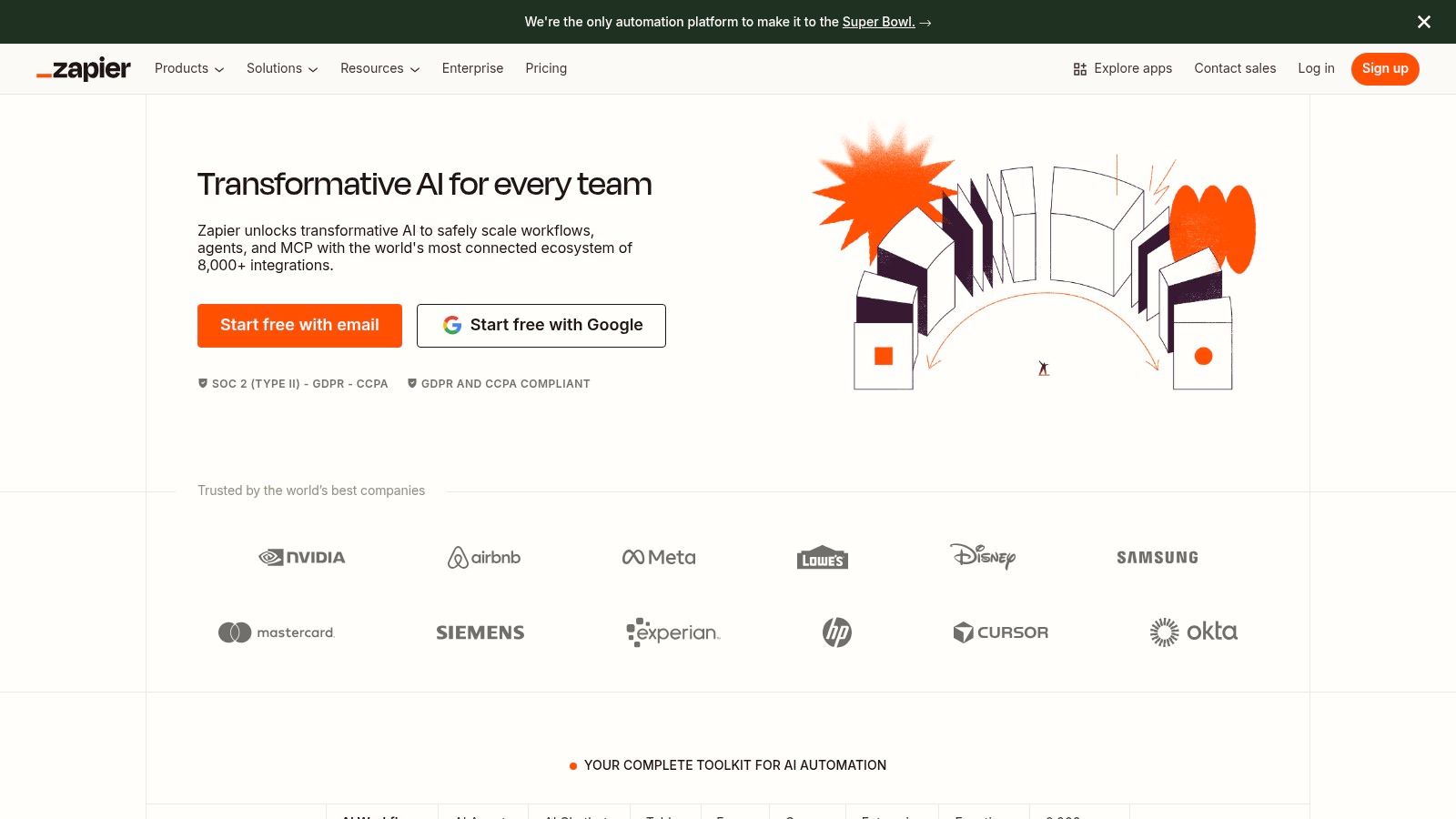
What makes it so essential is its ability to bridge communication gaps between tools that don't natively talk to each other. For example, you can create a Zap that automatically takes a new lead from a Facebook Lead Ad, adds it to your CRM like HubSpot, notifies the account manager in Slack, and creates a task in Asana for follow-up. This type of automation ensures leads are never missed and client SLAs are met instantly, making it one of the best tools for digital marketing agencies looking to scale operations efficiently.
Why It Makes the Cut
Zapier’s true power for agencies lies in standardizing processes across your entire client portfolio. You can build proven workflow templates for client onboarding, report generation handoffs, or lead routing and deploy them for each new client. This dramatically reduces setup time and ensures a consistent, high-quality service delivery.
Our Take: Be mindful of your task usage. While simple Zaps are cheap, complex, multi-step workflows that run frequently can drive up the monthly bill unexpectedly. Planning and monitoring your automations is key.
- Pros: Rapidly automates almost any workflow, reduces manual busywork, and speeds up client service.
- Cons: Task-based billing can become costly at high volumes, and complex Zaps need careful quality assurance.
- Pricing: Free plan available; paid plans start at $19.99/month (billed annually).
- Website: https://zapier.com
Top 12 Digital Marketing Tools Comparison
Choosing the Right Tools for Your Agency
Whew, that was a lot to cover. We've walked through everything from SEO powerhouses like Ahrefs and Semrush to the automation magic of Zapier and the specialized PPC brilliance of Keywordme. It’s easy to look at a list this long and feel a bit overwhelmed, maybe even a little intimidated by the potential cost and learning curve. But here's the secret: you don't need all of them. The goal isn't to collect tools; it's to solve problems.
The absolute best tools for your digital marketing agency are the ones that directly address your biggest pain points and create the most significant return on investment, whether that's measured in time saved, client results, or team morale. Your agency's perfect toolkit will look different from your competitor's, and that's exactly how it should be.
From Information Overload to Actionable Strategy
So, how do you move from reading this article to actually making a decision? Let’s break it down into a simple, actionable process. Don't just chase the shiniest new toy. Instead, get strategic.
Audit Your Agency's Reality: Before you even look at a pricing page, look at your own workflows. Where are the cracks? Is your team spending half of Monday pulling manual reports? Are your PPC managers getting bogged down in negative keyword lists instead of strategy? Is client communication a disorganized mess of emails and spreadsheets? Be brutally honest and identify the top 2-3 bottlenecks that are costing you the most time and money.
Match the Problem to the Tool: Now, look back at the categories we discussed.
- Bottleneck: "Manual, time-sucking PPC campaign setup."
- Potential Solution: Look at a specialized tool like Keywordme to automate keyword grouping and ad creation.
- Bottleneck: "Clients don't understand our reports."
- Potential Solution: Explore Looker Studio paired with Supermetrics to create visually appealing, automated dashboards.
- Bottleneck: "Our various tools don't talk to each other."
- Potential Solution: Zapier is your answer for building bridges between your platforms.
Prioritize Based on Impact: You can’t implement five new tools at once. Which problem, if solved, would have the biggest positive impact on your agency right now? Is it freeing up your highest-paid strategist's time? Is it improving client retention with better reporting? Focus on the one tool that promises the biggest, most immediate win. This focused approach makes implementation manageable and demonstrates value quickly.
- Team Buy-In: Involve the team members who will be using the tool daily in the trial and decision-making process. If they feel ownership, they're far more likely to adopt it.
- The Learning Curve: How intuitive is the user interface? Does the company offer solid onboarding, documentation, and customer support? Budget time for training.
- Integration is King: Does this new tool play nicely with your existing stack (like your CRM, project management software, and reporting platforms)? A tool that creates another silo can sometimes cause more problems than it solves.
Implementation Isn't a Footnote, It's the Main Event
Picking a tool is only the first step. Getting your team to actually use it effectively is where the real work begins. A powerful platform gathering digital dust helps no one.
Consider these factors before you sign any annual contracts:
Building the right tech stack is a journey, not a destination. It’s about making smart, incremental improvements that free your talented team to do what they do best: deliver amazing results for your clients. Start small, solve a real problem, and build from there. Your future, more efficient, and more profitable agency will thank you for it.
Tired of spending countless hours on tedious keyword research and campaign setup? Keywordme helps PPC managers build higher-performing Google Ads campaigns in minutes, not days, by automating the entire process from keyword grouping to ad creation. See why it’s one of the best tools for digital marketing agencies by trying Keywordme and get your time back.
.svg)