
9 Best PPC Management Chrome Extensions in 2026
Managing Google Ads campaigns efficiently requires the right tools to streamline optimization tasks without constantly switching between platforms. This guide covers the best PPC management Chrome extensions in 2026 that integrate directly into your workflow, helping you analyze search terms, research competitors, validate tracking, and pull reports—all from within your browser to save time on daily account management.


If you're managing Google Ads campaigns, you've probably felt the pain of bouncing between the native interface, spreadsheets, and third-party dashboards just to complete basic optimization tasks. The right Chrome extensions can cut that friction dramatically—letting you analyze search terms, research competitors, validate tracking, and pull reporting data without ever leaving your browser. Below are the top PPC management Chrome extensions that actually save time in day-to-day account work, ranked by how much manual labor they eliminate.
1. Keywordme
Best for: Streamlining search term analysis and keyword optimization directly inside Google Ads
Keywordme is a Chrome extension that integrates into the Google Ads Search Terms Report, letting you optimize campaigns without leaving the native interface.

Where This Tool Shines
Keywordme eliminates the spreadsheet shuffle that kills productivity in most PPC workflows. Instead of exporting search terms, manually filtering junk queries, and uploading negative keyword lists, you handle everything with one-click actions right where you're already working.
The extension is especially powerful for agencies managing multiple client accounts. You can cluster related keywords, apply match types in bulk, and build negative keyword lists without switching tabs or opening external tools.
Key Features
One-Click Junk Removal: Instantly exclude irrelevant search terms from triggering your ads without manual exports.
In-Interface Match Type Application: Apply exact, phrase, or broad match modifiers directly in the Search Terms Report.
Negative Keyword List Building: Create and update negative keyword lists without leaving Google Ads.
Keyword Clustering: Automatically group related search terms to identify high-intent themes faster.
Multi-Account Support: Manage optimization across multiple Google Ads accounts with team collaboration features.
Best For
Solo advertisers and agency teams who spend significant time cleaning up search term reports. If you're tired of the export-filter-upload cycle, this extension turns hours of manual work into minutes of point-and-click optimization.
Pricing
Flat rate of $12/month per user with a 7-day free trial. No tiered pricing or hidden fees.
2. Google Ads Editor Extension
Best for: Offline bulk editing and large-scale campaign changes across multiple accounts
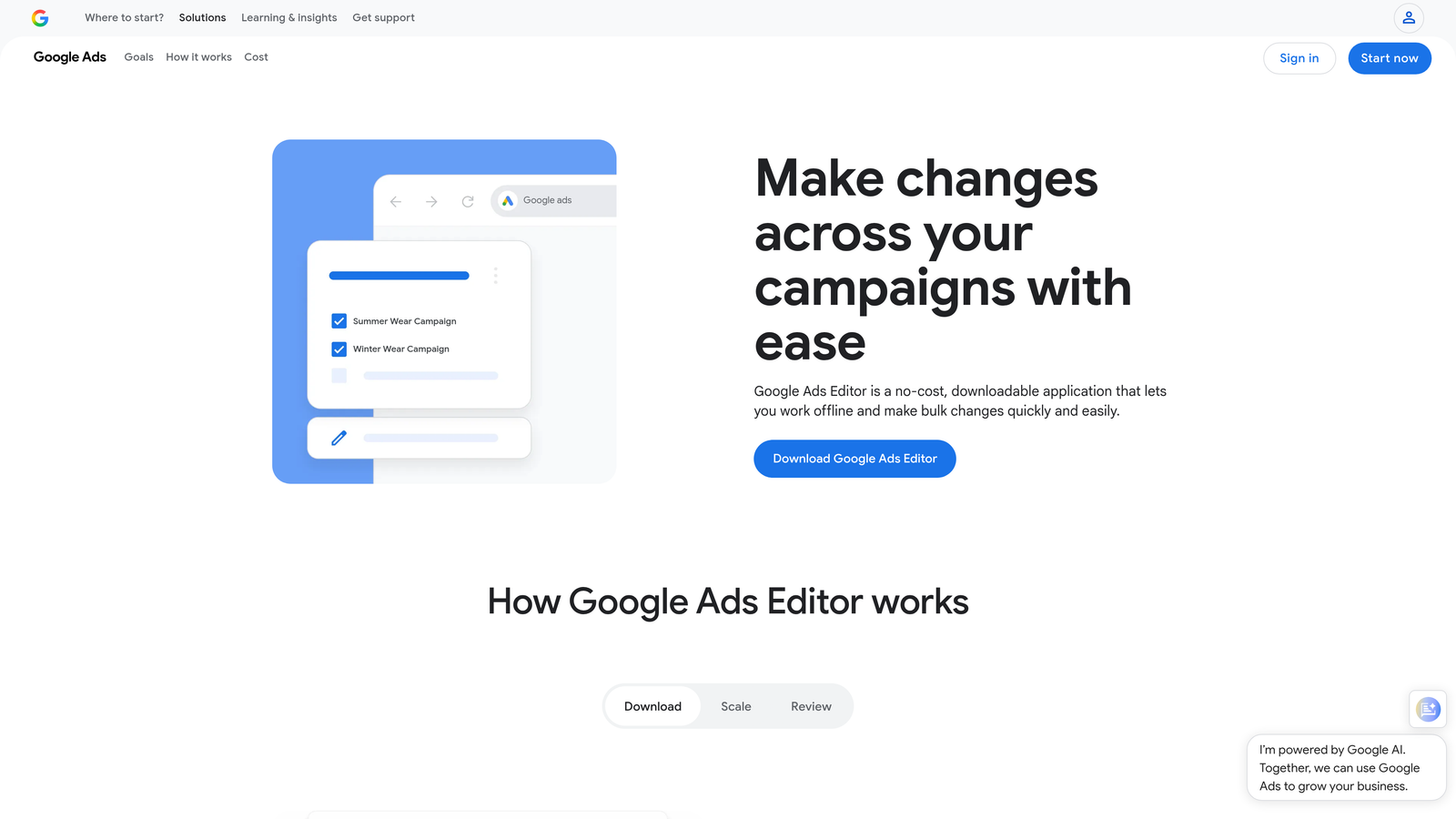
Google Ads Editor is Google's native desktop application that allows offline campaign management and bulk modifications.
Where This Tool Shines
When you need to make sweeping changes across campaigns—like updating thousands of ad headlines, adjusting bids by device, or restructuring account architecture—the web interface becomes painfully slow. Google Ads Editor lets you download entire accounts, make changes offline, review everything in a staging environment, and push updates in bulk.
The copy-paste functionality between accounts is a lifesaver for agencies running similar campaigns across multiple clients. You can duplicate entire campaign structures, adjust targeting parameters, and deploy tested frameworks without rebuilding from scratch.
Key Features
Offline Campaign Editing: Download accounts and make changes without an internet connection, then upload when ready.
Bulk Changes Across Campaigns: Modify thousands of keywords, ads, or bids simultaneously with advanced filters.
Copy/Paste Between Accounts: Duplicate campaign structures across client accounts with a few clicks.
Advanced Search and Replace: Find and replace text across ad copy, keywords, and URLs in seconds.
Draft and Review Before Publishing: Stage changes locally and review them before pushing live to avoid costly mistakes.
Best For
PPC managers handling large accounts or multiple clients who need to make structural changes efficiently. If you're editing more than 50 items at once, the Editor is almost always faster than the web interface.
Pricing
Completely free. It's Google's own tool, available for Windows and Mac.
3. Keyword Surfer
Best for: Quick keyword research and search volume data while browsing Google
Keyword Surfer is a free Chrome extension that displays search volume, CPC estimates, and related keywords directly in Google search results.

Where This Tool Shines
Keyword Surfer turns every Google search into a mini keyword research session. Instead of opening a separate tool to check search volume or CPC data, you see metrics overlaid right in the SERPs as you browse. This makes it incredibly useful for quick validation when you're exploring new keyword ideas or vetting search terms before adding them to campaigns.
The related keyword suggestions that appear in the sidebar often surface long-tail variations you wouldn't find through Google's Keyword Planner alone. It's especially handy when you're doing competitive research and want to understand what volume actually exists for the terms your competitors are targeting.
Key Features
Search Volume in SERPs: See monthly search volume estimates for any query you type into Google.
CPC Estimates: View estimated cost-per-click data to gauge competitiveness before bidding.
Related Keyword Suggestions: Discover similar and long-tail keyword variations in the sidebar.
Domain Traffic Estimates: Get rough traffic estimates for any site appearing in search results.
Content Editor Integration: Connect directly to Surfer's content optimization tool for deeper analysis.
Best For
PPC managers who do frequent keyword research and want instant data without opening multiple tools. If you're constantly validating whether a search term is worth targeting, this extension saves dozens of tab-switching sessions per week.
Pricing
Free with unlimited searches. No subscription required.
4. SpyFu Extension
Best for: Competitive intelligence and discovering competitor PPC strategies
SpyFu is a competitive research extension that reveals competitor PPC keywords, ad history, and estimated ad spend directly from search results.

Where This Tool Shines
SpyFu gives you X-ray vision into competitor ad strategies. When you're researching a competitor or analyzing a SERP, the extension shows you which keywords they're bidding on, what their ad copy looks like historically, and roughly how much they're spending. This is invaluable when you're entering a new niche or trying to understand why a competitor is dominating certain queries.
The shared keywords analysis is particularly useful for identifying gaps in your own campaigns. You can see which profitable keywords your competitors are targeting that you've overlooked, then prioritize them based on estimated search volume and CPC.
Key Features
Competitor Keyword Lists: View the exact keywords competitors are bidding on with estimated traffic and spend.
Historical Ad Copy Data: See ad variations competitors have tested over time to understand their messaging evolution.
Estimated Monthly Ad Budget: Get rough spending estimates to gauge how aggressively competitors are investing.
Shared Keywords Analysis: Identify keywords you and your competitors are both targeting, plus gaps in your strategy.
Domain Comparison: Compare multiple competitors side-by-side to find strategic opportunities.
Best For
PPC managers who need competitive intelligence to inform keyword strategy and ad copy decisions. If you're trying to understand why competitors rank where they do or what they're spending, this extension surfaces that data instantly.
Pricing
The extension is free to install, but full features require a SpyFu subscription starting at $39/month. Limited data is available without a subscription.
5. SEMrush SEO Writing Assistant
Best for: Optimizing ad copy and landing page content for relevance and readability
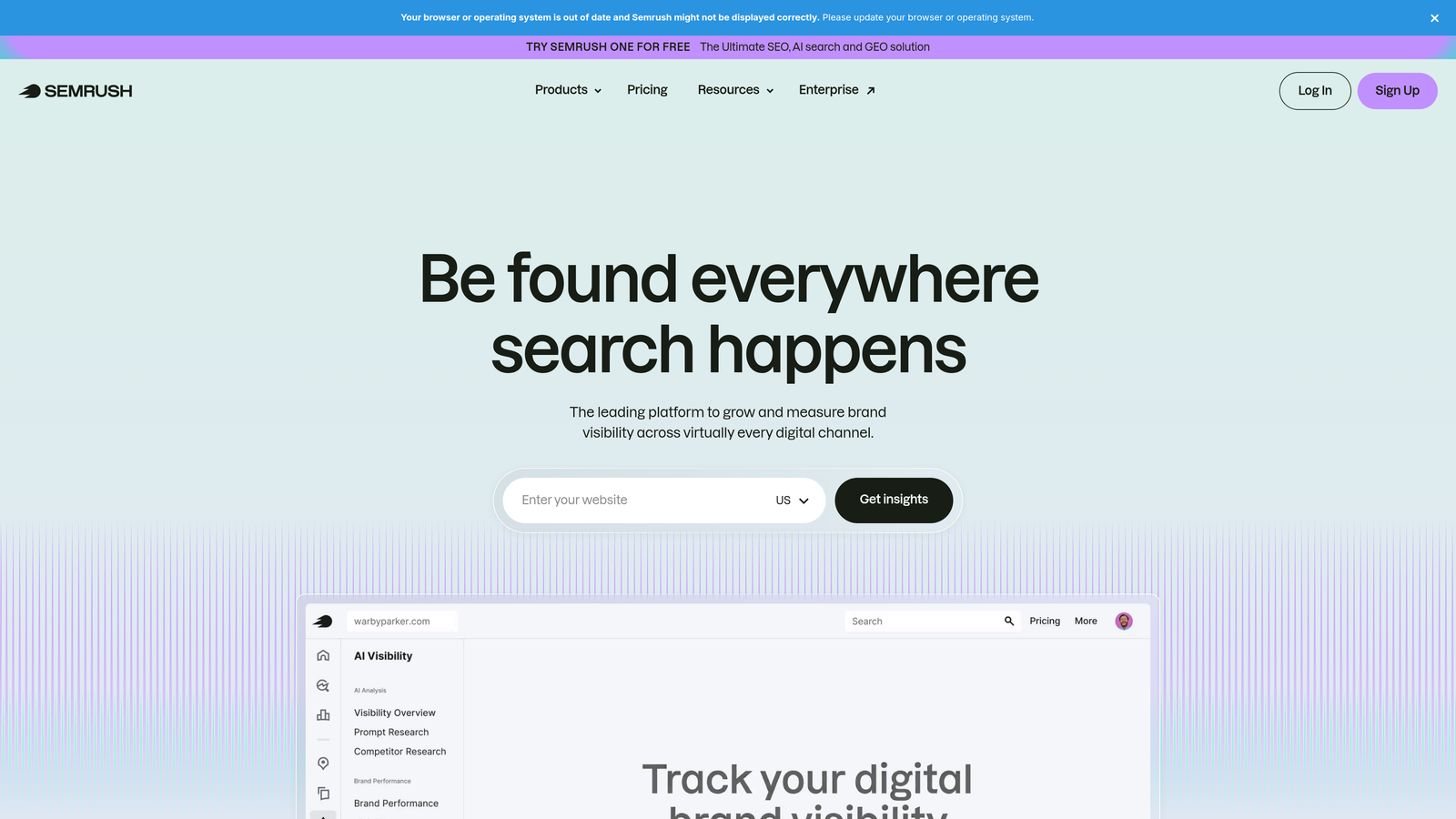
SEMrush SEO Writing Assistant is a Chrome extension that provides real-time content optimization suggestions as you write.
Where This Tool Shines
While this extension is primarily marketed for SEO content, it's surprisingly useful for PPC work—especially when crafting landing page copy or writing ad headlines that need to align with high-performing organic content. The real-time scoring helps you maintain consistency in tone and keyword usage, which can improve Quality Score when your ad copy matches your landing page messaging.
The readability analysis is particularly helpful for ensuring your landing pages don't lose visitors with overly complex language. Since Google Ads rewards relevance and user experience, having copy that's both keyword-optimized and easy to scan can indirectly improve campaign performance.
Key Features
Real-Time Content Scoring: Get instant feedback on how well your copy aligns with target keywords and top-ranking content.
Readability Analysis: Ensure your landing page copy is easy to understand and scan quickly.
SEO Recommendations: Receive suggestions for keyword placement, density, and related terms to include.
Tone of Voice Consistency: Maintain a consistent brand voice across ad copy and landing pages.
Target Keyword Optimization: Track how well you're incorporating primary and secondary keywords naturally.
Best For
PPC managers who also handle landing page optimization and want to ensure ad copy and page content are tightly aligned. If you're trying to improve Quality Score through better message match, this tool helps you write more relevant copy.
Pricing
Free extension, but advanced features require a SEMrush subscription starting at $139.95/month. Basic functionality works without a subscription.
6. SimilarWeb Extension
Best for: Analyzing competitor traffic sources and audience insights
SimilarWeb is a traffic analysis extension that shows website traffic estimates, traffic sources, and audience data for any domain.

Where This Tool Shines
SimilarWeb gives you a quick snapshot of where a competitor's traffic is coming from—organic, paid, direct, referral, or social. This is incredibly useful when you're trying to understand whether a competitor is winning through PPC investment or organic dominance. If you see a competitor getting 40% of their traffic from paid search, you know they're spending aggressively and you can adjust your bidding strategy accordingly.
The audience geography and referring sites data also help you identify new targeting opportunities. If a competitor is getting significant traffic from a specific region or referral source, you can explore whether those channels make sense for your campaigns too.
Key Features
Monthly Traffic Estimates: See rough visitor counts to gauge competitor scale and market share.
Traffic Source Breakdown: Understand what percentage of traffic comes from organic, paid, direct, referral, and social channels.
Top Referring Sites: Identify which external sites are driving traffic to competitors.
Audience Geography: View where a competitor's visitors are located to inform geo-targeting decisions.
Competitor Benchmarking: Compare multiple domains side-by-side to spot strategic differences.
Best For
PPC managers conducting competitive research or evaluating new markets. If you're trying to understand whether a competitor's success is driven by paid search or other channels, this extension provides quick answers.
Pricing
Free extension with limited data. Full access requires a SimilarWeb Pro subscription with custom pricing based on needs.
7. Optmyzr Express
Best for: Surfacing actionable optimization recommendations within Google Ads
Optmyzr Express is a PPC optimization extension that delivers one-click recommendations directly inside the Google Ads interface.

Where This Tool Shines
Optmyzr Express acts like a smart assistant that surfaces optimization opportunities you might otherwise miss. It analyzes your account in real-time and highlights actionable recommendations—like adjusting bids for underperforming keywords, reallocating budget to high-performing campaigns, or fixing Quality Score issues—right where you're already working.
The account health scoring is particularly useful for agencies managing multiple clients. You can quickly identify which accounts need attention and prioritize optimization work based on the biggest potential impact.
Key Features
One-Click Optimization Suggestions: Implement recommended changes instantly without manual analysis.
Bid Adjustment Recommendations: Get alerts when bids should be raised or lowered based on performance data.
Budget Pacing Alerts: See when campaigns are spending too quickly or too slowly relative to monthly budgets.
Quality Score Insights: Identify keywords with low Quality Scores and get suggestions for improvement.
Account Health Scoring: Get an overall health score for each account to prioritize optimization efforts.
Best For
PPC managers who want proactive optimization suggestions without constantly auditing accounts manually. If you manage multiple campaigns and need help prioritizing what to fix first, this extension surfaces the highest-impact opportunities.
Pricing
Requires an Optmyzr subscription starting at $249/month. The extension itself is free once you have a subscription.
8. Tag Assistant Legacy (by Google)
Best for: Debugging conversion tracking and validating Google tags
Tag Assistant Legacy is Google's debugging extension for validating Google tags including conversion tracking, Analytics, and remarketing pixels.
Where This Tool Shines
Tag Assistant is essential when you're troubleshooting conversion tracking issues or verifying that tags are firing correctly. Instead of guessing whether your conversion pixel is broken, you can load the extension, trigger a test conversion, and see exactly which tags fired and whether they sent the correct data to Google Ads.
The recording and playback feature is especially useful for debugging complex user journeys. You can record a session, share it with your team or a developer, and pinpoint exactly where tracking breaks down without needing to explain the issue verbally.
Key Features
Tag Validation and Debugging: See which Google tags are present on a page and whether they're firing correctly.
Conversion Tracking Verification: Test conversion pixels to ensure they're sending data to Google Ads properly.
Google Analytics Diagnostics: Identify issues with Analytics implementation that might affect campaign attribution.
Error Identification: Get clear error messages when tags are misconfigured or missing required parameters.
Recording and Playback for Testing: Record user sessions to troubleshoot tracking issues across multi-page funnels.
Best For
PPC managers who handle their own conversion tracking setup or need to troubleshoot tag issues without involving a developer. If you've ever wasted hours wondering why conversions aren't reporting, this extension makes diagnosis straightforward.
Pricing
Completely free. It's a Google-provided tool available in the Chrome Web Store.
9. Supermetrics Sidebar
Best for: Pulling PPC metrics from multiple platforms without leaving your browser
Supermetrics Sidebar is a data connector extension that lets you quickly pull PPC metrics from Google Ads and other platforms.
Where This Tool Shines
Supermetrics Sidebar is designed for quick data snapshots when you need to pull campaign metrics without opening a full reporting dashboard. Instead of logging into Google Ads, navigating to the reporting tab, and exporting CSVs, you can grab key metrics—like spend, conversions, CPA, and ROAS—directly from the sidebar and export them to Sheets or Excel in seconds.
The multi-platform support is valuable for agencies managing clients across Google Ads, Facebook Ads, LinkedIn Ads, and other channels. You can pull cross-platform data into a single view without switching between interfaces.
Key Features
Quick Data Snapshots: Pull campaign metrics instantly without navigating through full dashboards.
Multi-Platform Data Access: Connect to Google Ads, Facebook Ads, LinkedIn Ads, and other platforms from one extension.
Custom Metric Views: Choose exactly which metrics to display and export based on your reporting needs.
Export to Sheets/Excel: Send data directly to Google Sheets or Excel for further analysis or client reporting.
Scheduled Data Pulls: Automate recurring data exports to keep reports updated without manual work.
Best For
PPC managers who need fast access to campaign metrics for quick checks or client updates. If you're constantly pulling data for reporting or analysis, this extension eliminates repetitive navigation and export steps.
Pricing
Requires a Supermetrics subscription. Pricing varies based on which data sources you connect, starting around $99/month for basic plans.
Making the Right Choice
The best PPC management Chrome extension for you depends on where you're losing the most time in your workflow. If you're spending hours cleaning up search term reports and manually building negative keyword lists, Keywordme will deliver the biggest immediate impact by letting you optimize directly inside Google Ads. For competitive research and keyword discovery, Keyword Surfer and SpyFu give you instant intelligence without opening separate tools.
If you're managing large accounts or multiple clients, Google Ads Editor remains essential for bulk changes and offline editing. Tag Assistant is non-negotiable when you're troubleshooting conversion tracking issues—it's the fastest way to diagnose broken pixels without guessing. And if you're pulling data for reports constantly, Supermetrics Sidebar eliminates the repetitive export-import cycle.
Most PPC managers end up using a combination of these extensions rather than relying on just one. The key is identifying which tasks eat up the most time in your day-to-day work and installing the extensions that address those specific bottlenecks. Start with the tool that solves your biggest pain point, then layer in others as you refine your workflow.
Optimize Google Ads Campaigns 10X Faster. Without Leaving Your Account. Keywordme lets you remove junk search terms, build high-intent keyword lists, and apply match types instantly—right inside Google Ads. No spreadsheets, no switching tabs, just quick, seamless optimization. Start your free 7-day trial (then just $12/month) and take your Google Ads game to the next level.
.svg)