
9 Best Affordable PPC Management Tools in 2026
Nine affordable PPC management tools for 2026 are reviewed here, specifically chosen for freelancers, in-house marketers, and small agency owners who need to streamline Google Ads workflows—managing negatives, search terms, and keyword lists—without enterprise-level pricing. Each affordable PPC management tool was selected based on transparent pricing, genuine time-saving utility, and measurable impact on reducing wasted ad spend.


TL;DR: Managing Google Ads on a tight budget doesn't mean settling for bad tools. This list covers nine genuinely useful, affordable PPC management tools built for freelancers, in-house marketers, and agency owners who want faster workflows without paying enterprise prices. We focused on transparent pricing, real utility, and tools that actually save time or cut wasted spend.
The honest truth is that most PPC managers don't need a six-figure platform. What they need is something that removes friction from the tasks they do every single day: reviewing search terms, managing negatives, checking ad performance, and building keyword lists. The tools below do exactly that, at prices that make sense for real budgets.
Selection criteria: price-to-value ratio, ease of use, Google Ads compatibility, and whether they solve actual workflow problems. No enterprise tools. No "contact us for pricing" entries.
1. Keywordme
Best for: Freelancers and agency teams who want to optimize Google Ads campaigns without leaving the native interface.
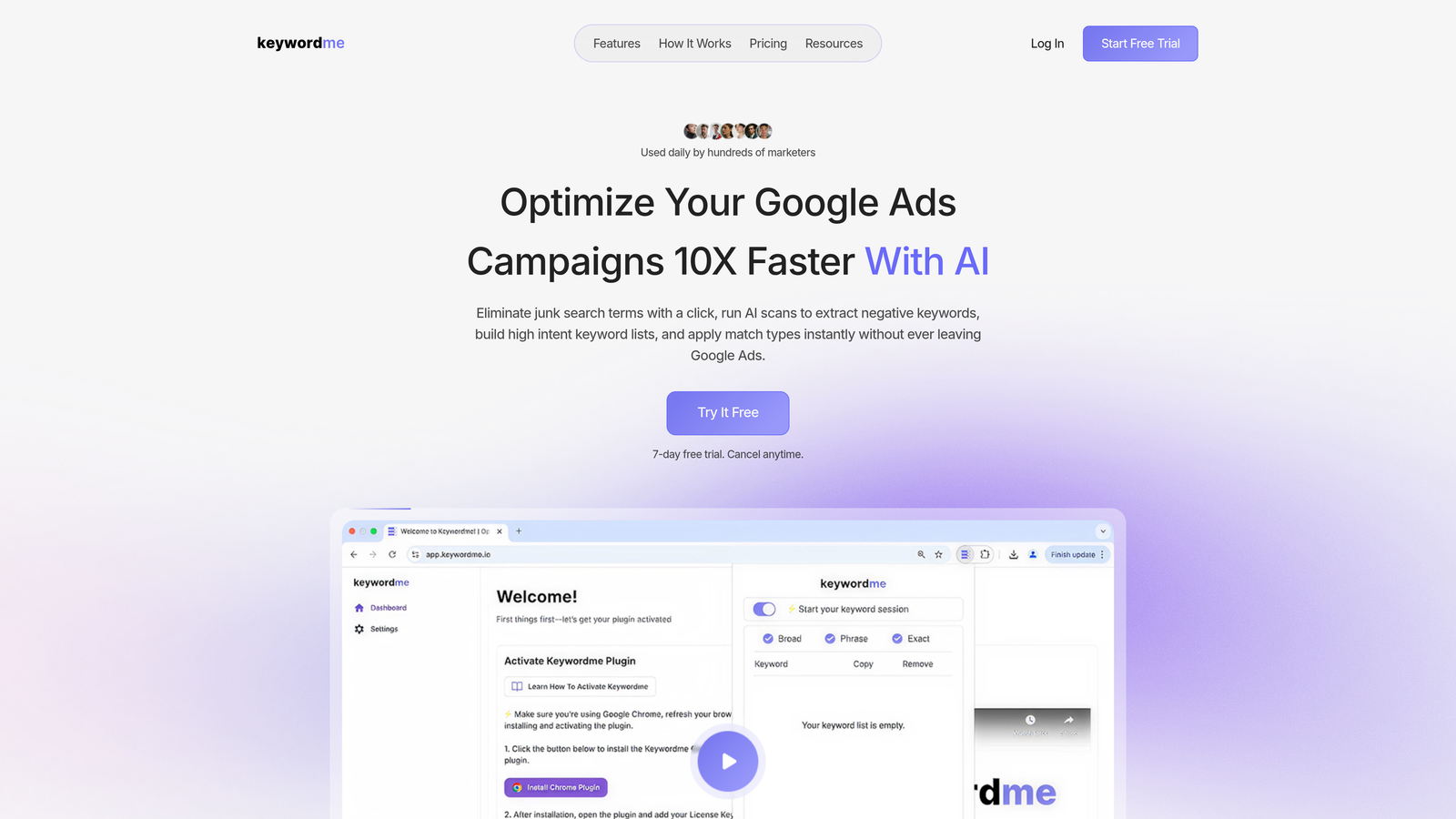
Keywordme is a Chrome extension that plugs directly into Google Ads' Search Terms Report, turning manual PPC tasks into one-click actions.
Where This Tool Shines
Most PPC tools pull you out of Google Ads and into a separate dashboard. Keywordme does the opposite. It lives inside the Search Terms Report, which means you're reviewing terms, adding negatives, applying match types, and building keyword lists without switching tabs or exporting spreadsheets.
In most accounts I audit, the Search Terms Report is where a huge chunk of wasted spend hides. Keywordme turns that cleanup process from a 45-minute spreadsheet exercise into something you can get through in a few minutes. For agencies managing multiple accounts, that time difference compounds fast.
Key Features
One-click negative keyword addition: Flag junk search terms and add them as negatives directly inside the Search Terms Report without exporting anything.
Bulk match type application: Apply exact, phrase, or broad match types to keyword lists in bulk without touching a spreadsheet.
Keyword clustering: Group related search terms into organized keyword lists faster than manual sorting allows.
Multi-account and team support: Useful for agencies running multiple client accounts who need consistent workflows across the team.
Fully in-interface: No external dashboard, no tab switching, no data export required — everything happens inside Google Ads.
Best For
Freelance PPC managers who want to move faster on routine optimization tasks, and agency teams who need a consistent, repeatable workflow for search term reviews across multiple client accounts. Also a solid fit for in-house marketers who manage Google Ads alongside other responsibilities and can't afford to spend hours on manual cleanup.
Pricing
$12/month per user. A 7-day free trial is available — no commitment required to test it on your actual accounts.
2. Google Ads Editor
Best for: Bulk campaign edits, offline changes, and multi-account management at zero cost.
Google Ads Editor is Google's free official desktop application for managing and editing campaigns in bulk without working directly in the browser UI.

Where This Tool Shines
If you're making large-scale changes — restructuring campaigns, updating bids across hundreds of keywords, or applying new ad copy site-wide — the browser-based Google Ads interface becomes painful quickly. Editor handles this well. You can make all your changes offline, review everything before it goes live, and push it all at once.
The find-and-replace functionality alone saves significant time on accounts with repetitive naming conventions or ad copy patterns. It's not flashy, but it's genuinely useful for anyone managing more than a handful of campaigns.
Key Features
Bulk editing: Update keywords, bids, ad copy, and campaign settings across large accounts in a fraction of the time it would take in the browser UI.
Offline editing with review: Make all changes locally, review them before publishing, and push when you're ready.
Multi-account management: Switch between accounts from a single interface without logging in and out.
Find-and-replace: Quickly update repeated text strings across ads, keywords, or URLs at scale.
CSV import/export: Structured bulk updates via spreadsheet for teams who prefer that workflow.
Best For
Anyone managing Google Ads at scale who makes frequent structural changes. Particularly useful for agencies doing account buildouts, seasonal campaign updates, or large-scale restructuring projects. The zero cost makes it a no-brainer addition to any PPC toolkit.
Pricing
Free. Officially maintained by Google and available to any Google Ads user.
3. Optmyzr
Best for: PPC managers who want automation and one-click optimization fixes without writing custom scripts.
Optmyzr is a PPC optimization platform with pre-built automation recipes, rule-based alerts, and one-click fixes for Google Ads, Microsoft Ads, and Amazon Ads.

Where This Tool Shines
The mistake most agencies make with automation is trying to build everything from scratch with scripts. Optmyzr gives you pre-built optimization recipes that cover common scenarios: budget pacing, bid adjustments, keyword issues, and performance drops. You configure the rules, it runs the logic.
The one-click fixes are genuinely useful for routine tasks that would otherwise require manual review and action. Campaign health monitoring surfaces issues before they become expensive problems.
Key Features
Pre-built optimization recipes: Ready-made automation workflows for common PPC tasks — no scripting required.
One-click fixes: Address budget pacing issues, bid adjustments, and keyword problems with a single action.
Rule-based automation: Set conditions and actions without custom code.
Cross-platform support: Works across Google Ads, Microsoft Ads, and Amazon Ads from one interface.
Performance alerts: Automated monitoring that flags budget issues, performance drops, and anomalies.
Best For
Mid-size agencies and experienced PPC managers who want to automate repetitive optimization tasks across multiple platforms without the overhead of building and maintaining custom scripts.
Pricing
Paid plans available. Pricing has changed over time, so verify current options directly at optmyzr.com before committing.
4. LocaliQ (formerly WordStream Advisor)
Best for: Small businesses and less technical advertisers who want guided PPC optimization with minimal learning curve.
LocaliQ is a guided PPC management platform that evolved from the widely used WordStream Advisor, now part of a broader local marketing suite.

Where This Tool Shines
WordStream built its reputation on the "20-Minute Work Week" concept: a guided workflow that walked non-technical users through the most impactful optimizations they should make each week. That philosophy carries through into LocaliQ. If you're managing Google Ads without a dedicated PPC background, the structured workflow reduces the guesswork.
The industry benchmarking data is also worth noting. Being able to see how your performance compares to similar businesses gives context that raw numbers alone don't provide.
Key Features
Guided weekly optimization workflow: Step-by-step recommendations designed for advertisers without deep PPC expertise.
Keyword and negative keyword suggestions: Automated recommendations to improve targeting.
Performance grading and benchmarking: Industry comparison data to contextualize your account performance.
Ad copy suggestions: Recommendations for improving and testing ad creative.
Simplified reporting dashboard: Clean performance overview without overwhelming data.
Best For
Small business owners managing their own ads, or less technical marketers who want structured guidance rather than a blank canvas. Less suited to experienced PPC managers who prefer full control over their optimization workflow.
Pricing
Pricing varies by plan and service level. Check localiq.com directly for current details, as the offering has expanded beyond just PPC tooling.
5. SEMrush PPC Toolkit
Best for: Keyword research, competitor ad intelligence, and combined SEO/PPC workflow in one platform.
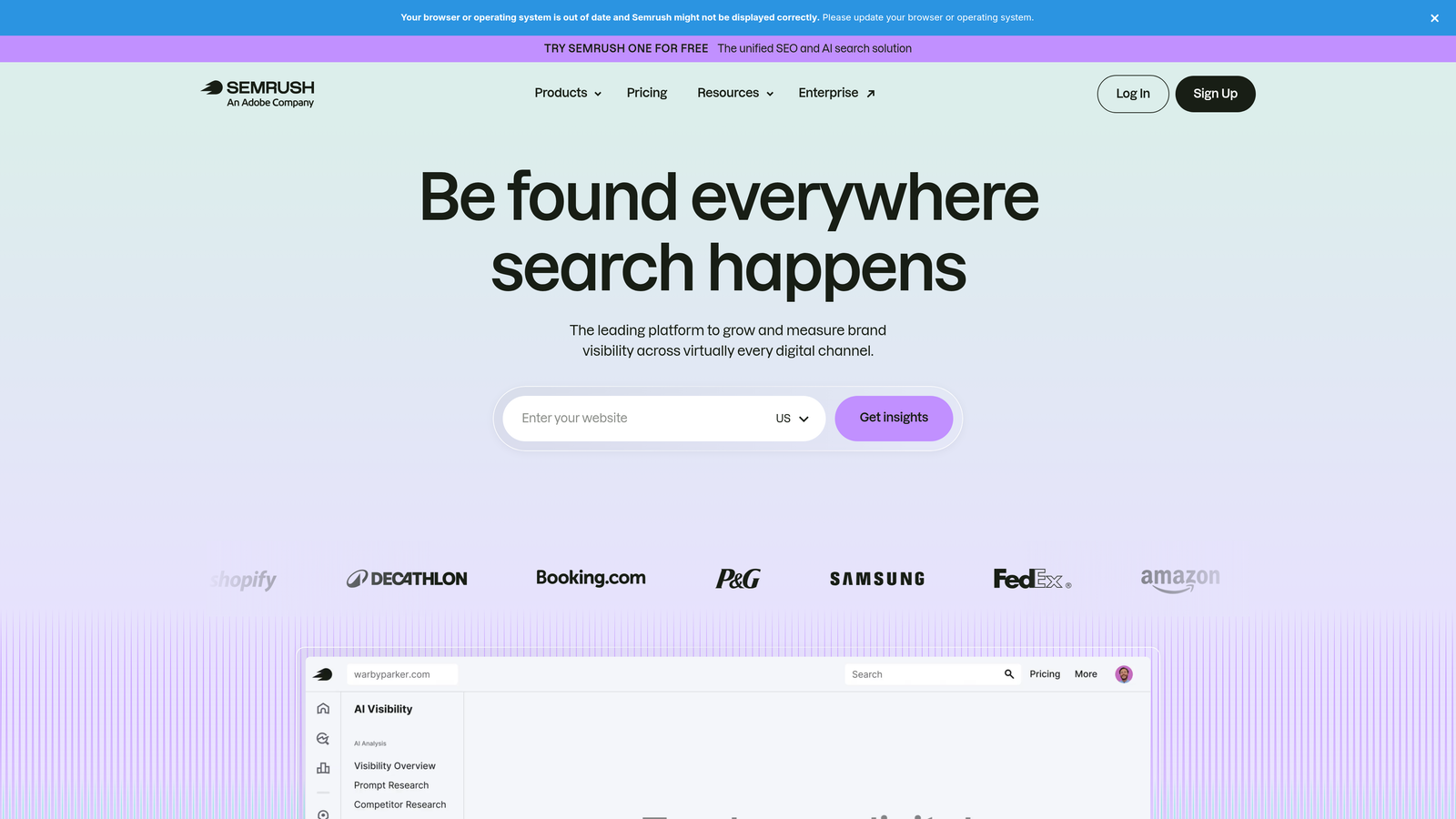
SEMrush is a comprehensive digital marketing platform with a dedicated PPC toolkit covering keyword research, CPC data, and competitive ad analysis.
Where This Tool Shines
What usually happens here is that PPC managers use one tool for keyword research and another for competitive intelligence. SEMrush consolidates both. The Advertising Research feature shows you what competitors are actually bidding on, what their ad copy looks like, and how their strategy has shifted over time.
The Keyword Magic Tool is genuinely useful for building large PPC keyword lists quickly, especially when you're launching a new campaign and need to map out the full keyword landscape before deciding what to bid on.
Key Features
PPC keyword research: Volume, CPC estimates, and competition data sourced from SEMrush's index.
Competitor ad copy analysis: See the actual ad copy your competitors are running and how it's changed over time.
Keyword gap analysis: Identify terms competitors are bidding on that you're missing.
Keyword Magic Tool: Build large, structured keyword lists from seed terms with filtering by match type, volume, and intent.
Combined SEO and PPC data: Useful for teams managing both channels who want a single research platform.
Best For
Freelancers and agencies who do both SEO and PPC work and want to consolidate research tools. Also strong for anyone who competes in crowded verticals where understanding competitor ad strategy is a meaningful advantage.
Pricing
Entry-level plans are accessible to freelancers. Verify current pricing at semrush.com, as plans and features are updated regularly.
6. SpyFu
Best for: Deep competitor PPC intelligence, including historical keyword and ad copy data.
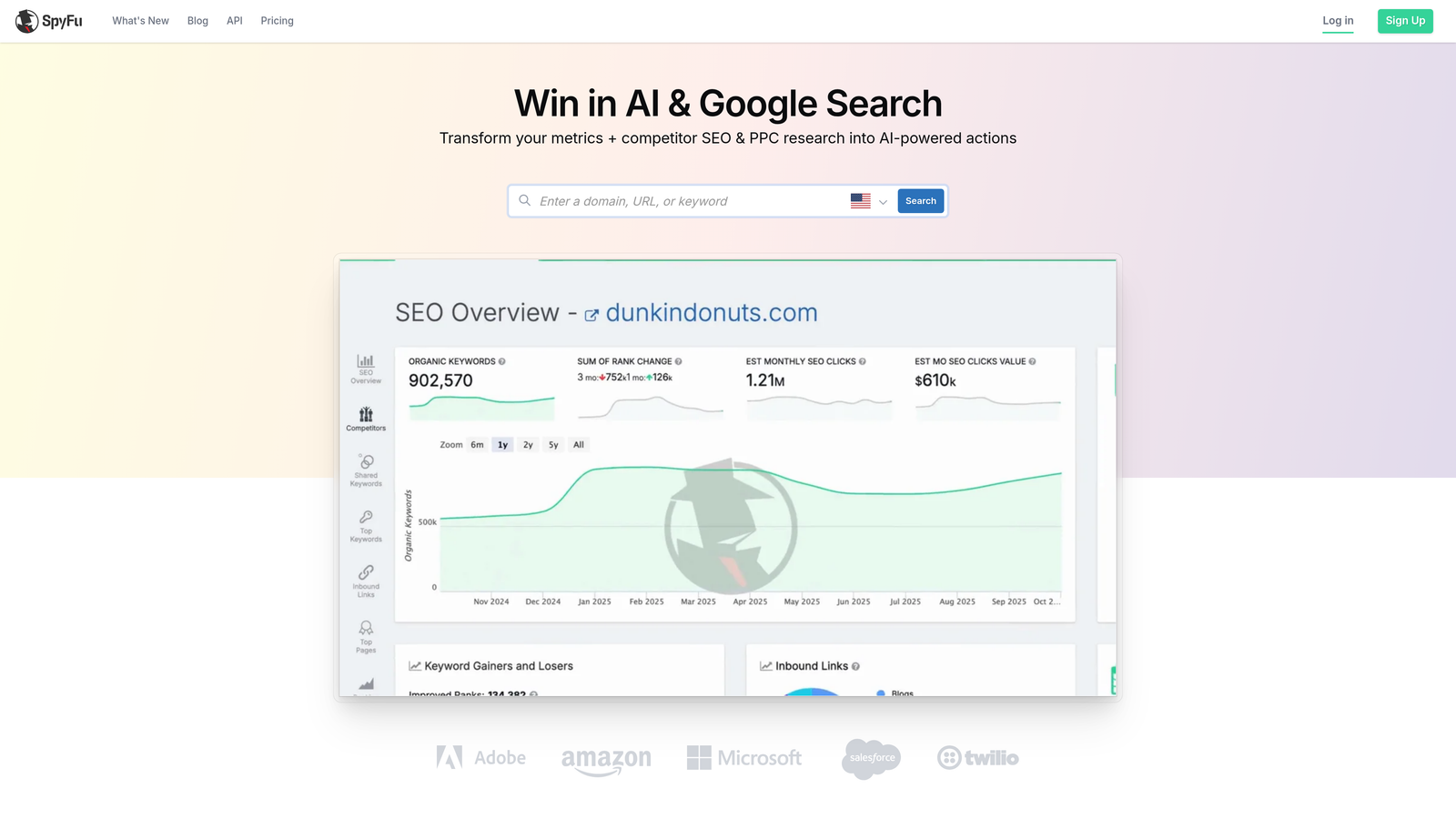
SpyFu is a competitive research tool that specializes in revealing what competitors have bid on, what ad copy they've run, and how their paid search strategy has evolved over time.
Where This Tool Shines
SpyFu's historical data is its strongest differentiator. You can look at a competitor's domain and see years of keyword history — what they bid on, what they stopped bidding on, and what their ad copy looked like at different points in time. That kind of longitudinal view is hard to get anywhere else at this price point.
For agencies doing initial audits or onboarding new clients in competitive verticals, SpyFu's competitor overlap analysis is a fast way to map the paid search landscape before building a strategy.
Key Features
Competitor keyword history: See every keyword a domain has bid on, including terms they've since dropped.
Ad copy archive: Access historical ad creative for competitive research and inspiration.
Keyword overlap analysis: Identify where your PPC strategy overlaps with or diverges from competitors.
PPC keyword recommendations: Suggestions based on what's working for similar advertisers in your space.
SERP analysis: Combined paid and organic search visibility data for any domain.
Best For
PPC managers working in competitive niches who need to understand the competitive landscape before committing budget. Particularly useful during account audits, new client onboarding, and campaign strategy development.
Pricing
Generally one of the more affordable competitive research tools on the market. Verify current plans at spyfu.com, as pricing tiers change periodically.
7. Adalysis
Best for: Ad testing automation, quality score monitoring, and proactive account diagnostics.
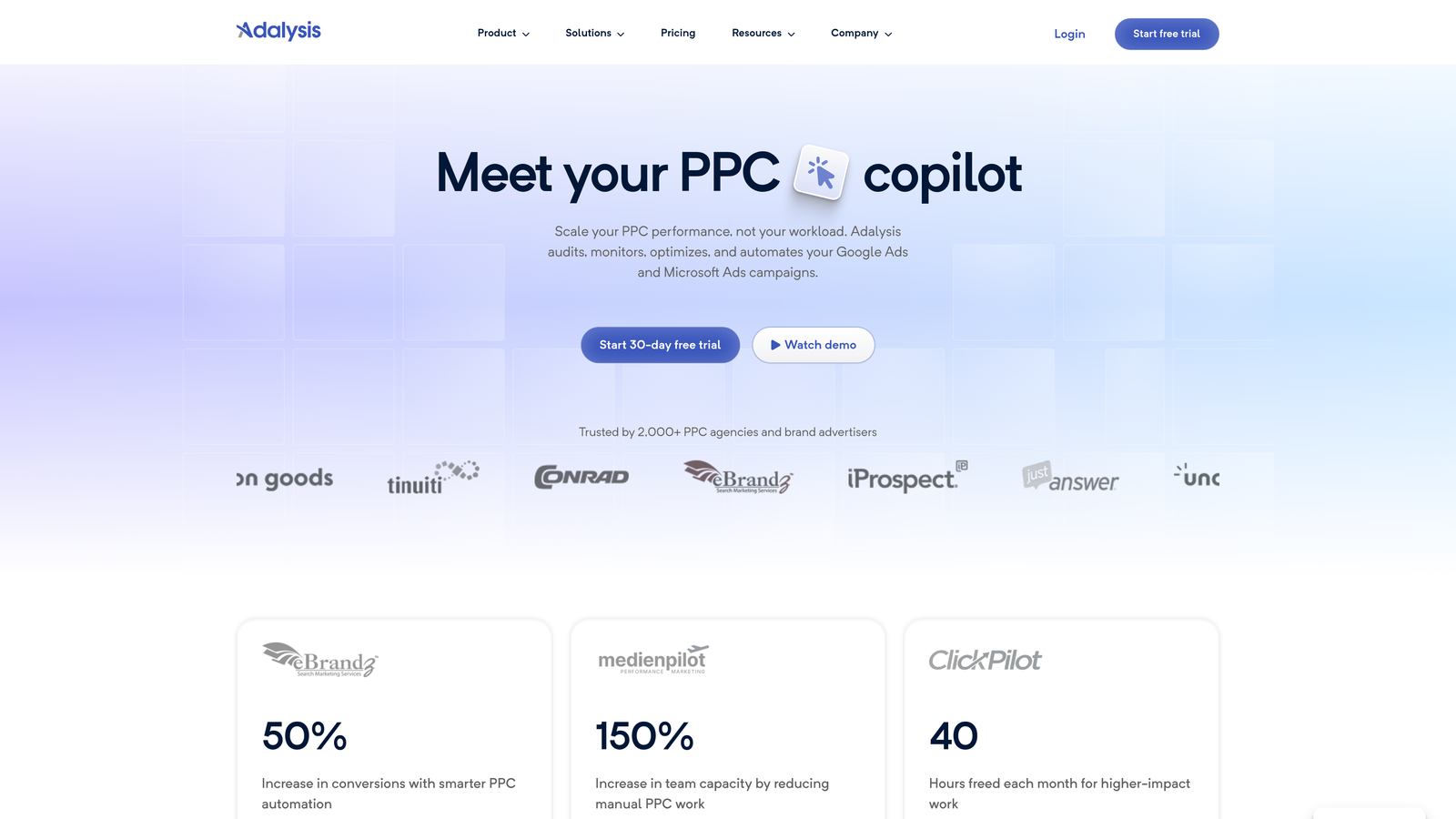
Adalysis is a PPC management tool built around ad testing, quality score tracking, and automated alerts that surface account issues before they affect performance.
Where This Tool Shines
In most accounts I audit, ad testing is either non-existent or done inconsistently. Adalysis automates the statistical significance tracking that makes A/B testing actually meaningful — you're not just running two ads and picking the one that feels better, you're getting clear signals on what's actually performing.
The diagnostic alert system is also genuinely useful. Disapproved ads, budget exhaustion, and quality score drops are the kind of issues that quietly drain performance if nobody catches them early. Adalysis flags them automatically.
Key Features
Automated A/B ad testing: Tracks statistical significance so you know when a winner is actually a winner.
Quality score monitoring: Historical quality score tracking across campaigns and ad groups.
Automated diagnostic alerts: Flags disapproved ads, budget issues, and performance anomalies without manual checking.
Ad rotation analysis: Identifies uneven ad serving and recommends corrective actions.
Structured diagnostic reports: Campaign-level health overview to prioritize where to focus optimization effort.
Best For
PPC managers who run frequent ad copy tests and want statistically reliable results, and agencies who need automated monitoring to catch account issues across multiple clients without manual daily reviews.
Pricing
Paid plans available. Verify current pricing at adalysis.com before signing up, as tiers are based on account spend levels.
8. Supermetrics
Best for: Agencies building automated client-facing PPC reports in Google Sheets or Looker Studio.
Supermetrics is a data connector that pulls PPC performance data from Google Ads, Microsoft Ads, Facebook Ads, and other platforms directly into your reporting destination of choice.
Where This Tool Shines
Supermetrics isn't a campaign management tool — it's a reporting infrastructure tool. The value is in eliminating manual data pulls. Instead of logging into five different ad platforms every Monday morning to compile a client report, you build the connection once and the data refreshes automatically on a schedule.
For agencies managing multiple clients across multiple platforms, this is where Supermetrics earns its cost. A well-built Looker Studio dashboard connected through Supermetrics can replace hours of weekly reporting work.
Key Features
Multi-platform data connectors: Pulls data from Google Ads, Microsoft Ads, Facebook Ads, and more into a single destination.
Google Sheets and Looker Studio integration: Connect directly to the tools most agencies already use for reporting.
Automated data refresh: Scheduled updates so reports stay current without manual intervention.
Pre-built report templates: Starting points for common PPC reporting structures.
BigQuery support: For agencies with more advanced data pipeline requirements.
Best For
Agencies and freelancers who produce regular client reports and want to automate the data collection process. Less relevant if you only manage one account or don't have a structured reporting workflow.
Pricing
Pricing varies by connector and destination platform. Check supermetrics.com for current plans, as costs scale with the number of data sources and destinations you need.
9. Google Keyword Planner
Best for: Free keyword research with volume, competition, and CPC data directly from Google's index.
Google Keyword Planner is Google's native keyword research tool, built into Google Ads and available at no cost to anyone with a Google Ads account.
Where This Tool Shines
The data comes straight from Google, which matters. Volume ranges, competition levels, and suggested bid estimates are sourced from the same index that runs your campaigns. That alignment between research data and actual auction behavior is something third-party tools can only approximate.
It's not the most feature-rich tool on this list, but for initial keyword research, campaign planning, and budget estimation, it covers the fundamentals without costing anything. Most PPC managers use it alongside a third-party tool rather than in isolation.
Key Features
Keyword ideas from seed terms or URLs: Generate keyword suggestions based on topics, phrases, or a competitor's landing page.
Search volume and trend data: Monthly volume ranges with seasonal trend visibility directly from Google's data.
Competition level and bid estimates: High/medium/low competition indicators alongside suggested CPC ranges.
Keyword grouping suggestions: Organized groupings to inform campaign and ad group structure.
Completely free: No subscription, no trial period — available with any Google Ads account, even without active spend.
Best For
Every PPC manager, regardless of experience level. It's the baseline research tool that should be in every workflow. Particularly useful for campaign buildouts, budget forecasting, and validating keyword ideas before committing spend.
For a broader comparison of dedicated options, our roundup of the best Google Ads keyword research tools covers paid and free alternatives with deeper feature sets for serious campaign research.
Pricing
Free. Included with any Google Ads account at no additional cost.
Which Tool Is Right for You
Affordable PPC management doesn't mean compromising on results. It means being deliberate about which tools solve your actual bottlenecks rather than paying for features you'll never use.
Here's a quick breakdown by use case:
If your biggest time sink is the Search Terms Report: Keywordme is the most direct solution. It removes the friction from the exact task most PPC managers find most tedious, and at $12/month it's the lowest-cost specialized tool on this list.
If you're doing large-scale campaign edits: Google Ads Editor is free and handles bulk changes better than anything else. No reason not to use it.
If you need competitive intelligence: SpyFu is the more focused option for PPC-specific competitor research. SEMrush is worth it if you also do SEO work and want to consolidate tools.
If you manage multiple clients and need automated reporting: Supermetrics is the standard choice for connecting ad data to Looker Studio or Google Sheets at scale.
If you want automation without building scripts: Optmyzr covers rule-based optimization across Google, Microsoft, and Amazon Ads. Adalysis is the better pick if ad testing and quality score monitoring are your priorities.
If you're just starting out or working with a minimal budget: Google Keyword Planner and Google Ads Editor are both free and genuinely capable. Start there and add paid tools as your workflow demands them.
The one tool worth highlighting for day-to-day efficiency is Keywordme. The in-interface workflow is a real differentiator: most tools on this list require you to leave Google Ads to do anything meaningful. Keywordme keeps you in the Search Terms Report, which is exactly where the most impactful optimizations happen. Start your free 7-day trial and see how much time you get back on your next search term review.
.svg)