
WordStream vs 8 PPC Tools That Actually Fit How You Work
This article compares Wordstream vs PPC tools across eight real alternatives, helping freelancers, lean agencies, and Google Ads-focused advertisers find the platform that actually matches their team size, budget, and day-to-day workflow in 2026.


TL;DR: WordStream is a well-known PPC management platform, but it's not the right fit for everyone—especially freelancers, lean agencies, and Google Ads-focused advertisers who don't need a bloated dashboard. This article breaks down WordStream alongside real PPC tools across different use cases, so you can pick what actually matches your workflow.
If you've Googled "WordStream vs PPC tools," you're probably at a crossroads. Maybe you've outgrown manual spreadsheets, maybe you're not sure WordStream is worth the price, or maybe you just want to know what else is out there. Fair enough.
The PPC tool landscape in 2026 covers everything from lightweight Chrome extensions to full-blown agency platforms. The best pick depends on your team size, budget, and how deep into the weeds you want to go. One of the most important distinctions that most comparison articles skip: does the tool live inside your Google Ads workflow, or does it pull you into a separate dashboard? That difference shapes your day more than almost any feature list.
Here are the top PPC tools worth evaluating right now, ranked by how well they solve real advertiser problems.
1. Keywordme
Best for: Google Ads users who want fast, in-interface optimization without leaving the native UI.
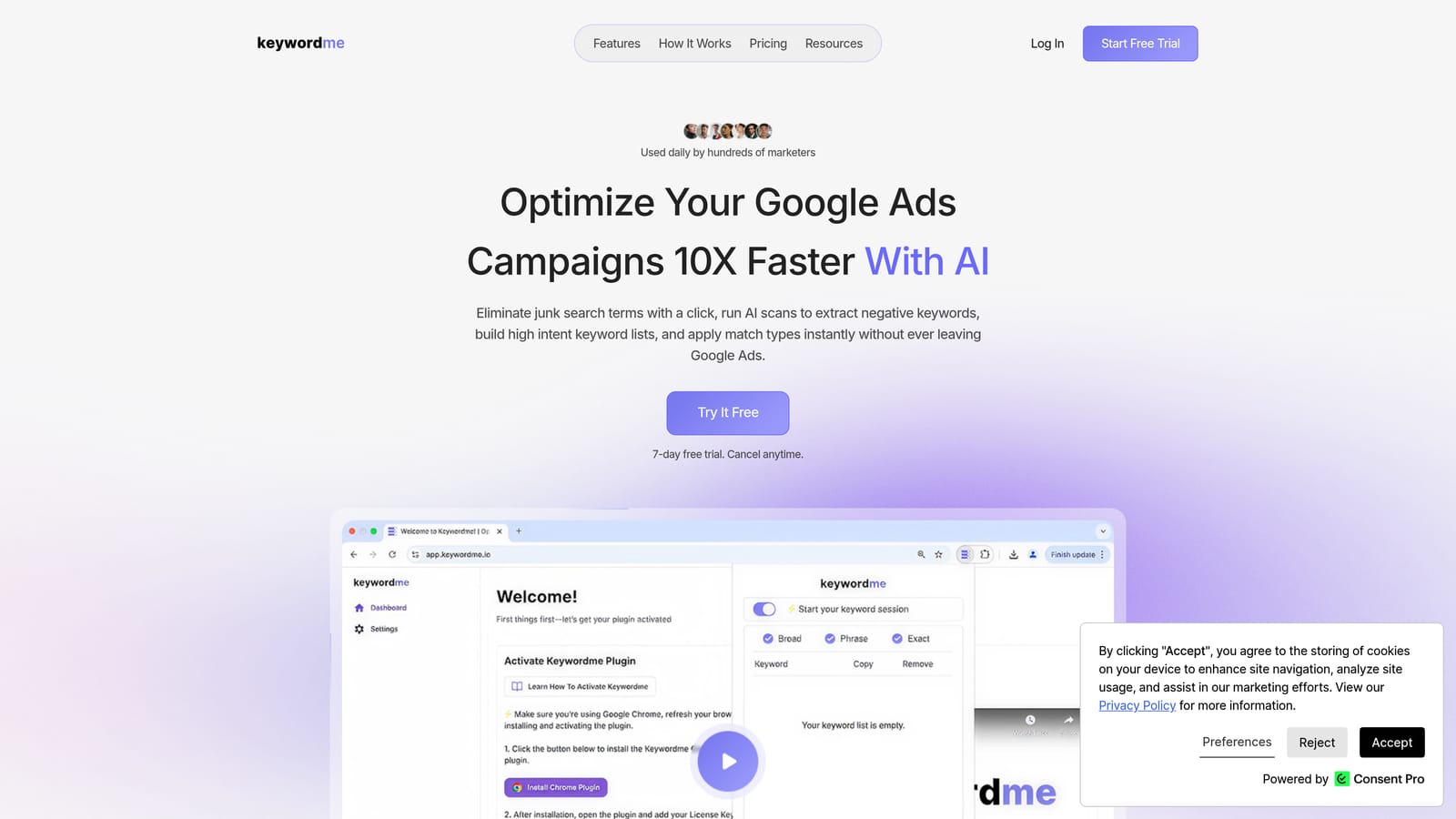
Keywordme is a Chrome extension that integrates directly into Google Ads' Search Terms Report, letting you remove junk search terms, add high-intent keywords, and build negative keyword lists without ever leaving the native interface.
Where This Tool Shines
In most accounts I audit, the Search Terms Report is a graveyard of wasted spend. The problem isn't that advertisers don't know what to do—it's that doing it manually is slow and painful enough that it gets skipped. Keywordme solves that friction by putting one-click actions directly inside Google Ads, where you're already working.
There's no context-switching, no exporting to a spreadsheet, no re-uploading. You see a junk term, you remove it. You spot a high-intent query, you add it with the right match type. That speed compounds fast, especially if you're managing multiple accounts or doing weekly optimization sweeps.
Key Features
One-Click Junk Term Removal: Eliminate irrelevant search terms directly inside the Search Terms Report without any exports or spreadsheets.
In-Interface Keyword Actions: Add high-intent keywords and apply match types (exact, phrase, broad) without leaving Google Ads.
Keyword Clustering: Group related search terms into logical keyword clusters to build tighter ad groups faster.
Bulk Editing: Apply changes across multiple terms or campaigns simultaneously, cutting optimization time significantly.
Multi-Account and Team Support: Manage multiple client accounts and collaborate with team members—built for agency workflows from the ground up.
Best For
Freelancers and solo Google Ads managers who need speed without overhead. Also a strong fit for agency teams doing regular search term reviews across multiple client accounts—especially those who've grown tired of the spreadsheet-and-upload loop.
Pricing
$12/month per user with a 7-day free trial. One of the most straightforward pricing models in the PPC tool space—no spend tiers, no feature gating by plan level.
2. WordStream
Best for: SMBs and agencies wanting guided optimization across Google, Microsoft, and Facebook Ads in one dashboard.
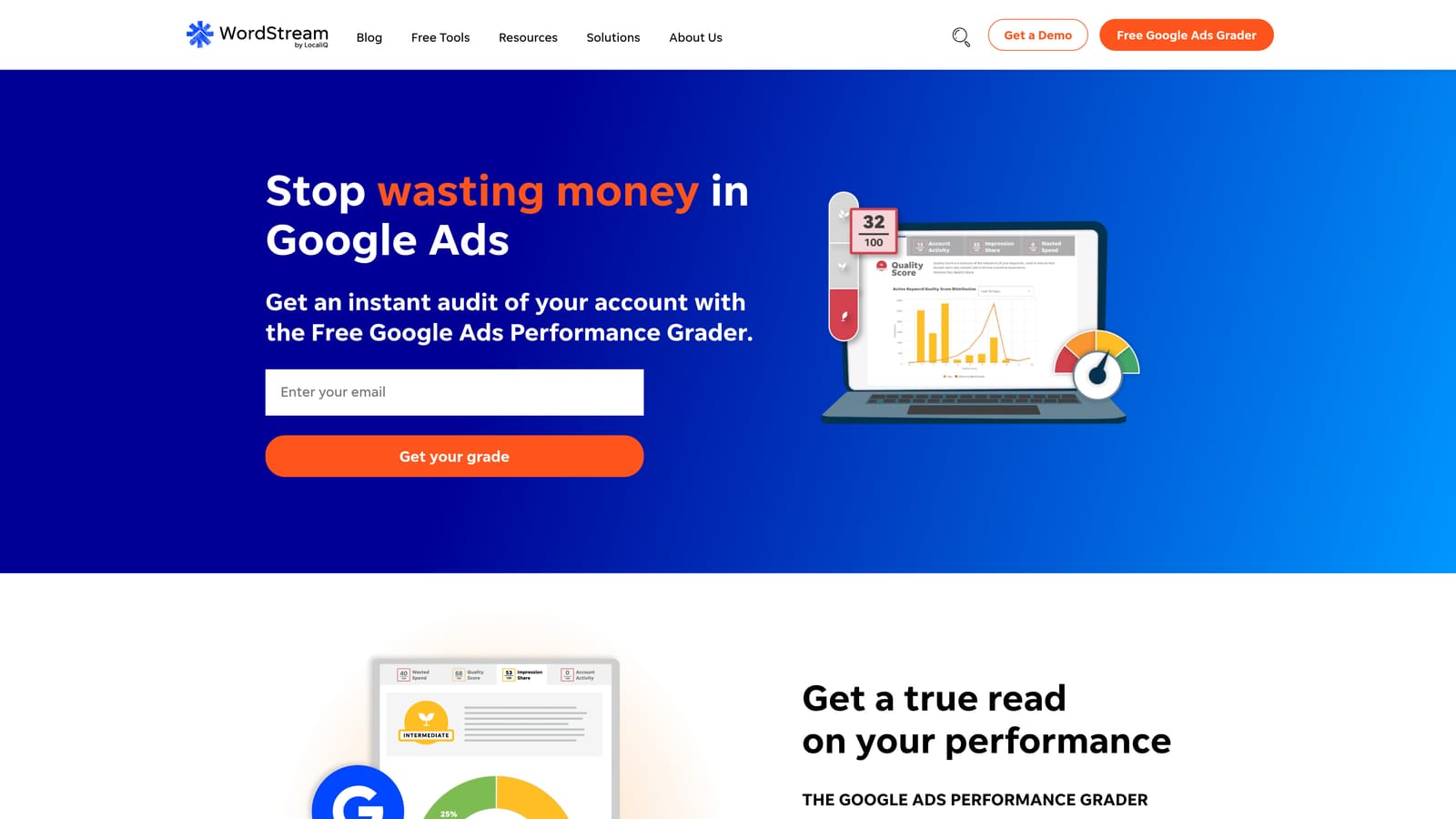
WordStream is an all-in-one PPC management platform with guided optimization alerts, cross-channel support, and a dashboard designed for advertisers who want recommendations surfaced for them.
Where This Tool Shines
WordStream's most recognized feature is the "20-Minute Work Week"—a set of automated alerts that surface the most impactful optimizations across your accounts so you can act on them quickly. For non-expert advertisers or account managers juggling a lot of clients, this guided approach lowers the cognitive load of figuring out what to fix next.
The cross-channel support is genuinely useful if your clients run on Google, Microsoft, and Facebook simultaneously. Managing all three from a single dashboard reduces the tab-switching that kills agency productivity. That said, WordStream is now owned by LocaliQ (part of Gannett), and some advertisers have noted that the platform's pricing and direction have shifted since the acquisition.
Key Features
20-Minute Work Week: Automated alerts surface the highest-priority optimizations so you're not hunting for what to fix.
Cross-Channel Management: Manage Google Ads, Microsoft Ads, and Facebook Ads campaigns from one interface.
Keyword Research and Negative Keyword Tools: Built-in keyword discovery and negative keyword management across campaigns.
Performance Reporting and Benchmarking: Compare your account performance against industry benchmarks.
Guided Recommendations: Optimization suggestions designed for advertisers who aren't deep PPC specialists.
Best For
SMBs running multi-channel paid campaigns who want a guided experience. Also relevant for agencies that manage a mix of Google, Microsoft, and Facebook Ads clients and want consolidated reporting. Less ideal for Google Ads-only advertisers who don't need the cross-channel overhead.
Pricing
Pricing is not publicly listed and requires a demo or quote. This can be a friction point for freelancers or small teams trying to evaluate cost quickly. Budget accordingly for an SMB-to-agency price tier.
3. Optmyzr
Best for: Agencies running high-spend accounts that need rule-based automation and client-ready reporting.
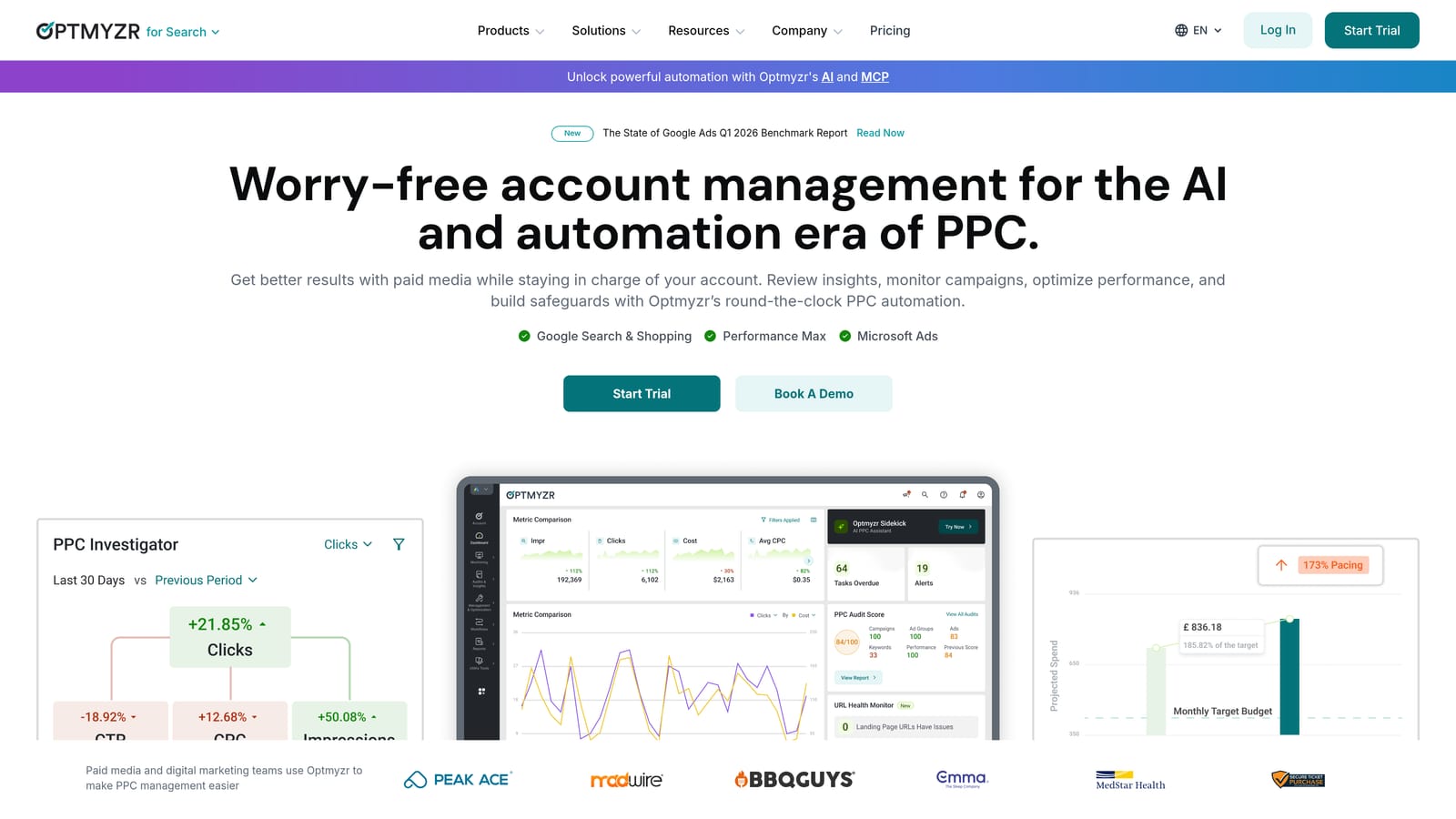
Optmyzr is a PPC automation and reporting platform built by former Google employees, focused on rule-based optimizations, one-click improvements, and advanced account management.
Where This Tool Shines
What usually happens in agencies managing significant monthly ad spend is that manual optimization becomes a bottleneck. Optmyzr addresses this with customizable automation rules and one-click optimizations that let account managers act fast without writing custom scripts from scratch.
The account health scoring and anomaly detection are particularly useful for agencies that need to catch performance drops before clients notice them. Shopping campaign management is also a standout feature for e-commerce-heavy client rosters.
Key Features
Rule-Based Automation: Build custom optimization rules and PPC scripts without needing a developer.
One-Click Optimizations: Apply recommended changes across Google and Microsoft Ads with a single action.
Account Health Scoring: Get a structured view of account quality with anomaly alerts when performance shifts.
Shopping Campaign Management: Dedicated tools for managing and optimizing Google Shopping campaigns at scale.
Client-Ready Reporting Dashboards: Build and schedule professional reports for client delivery without manual assembly.
Best For
Agencies managing multiple high-spend accounts who need automation depth and structured reporting. Less cost-effective for solo advertisers or accounts with lower monthly budgets where the platform cost outweighs the time savings.
Pricing
Starts around $208/month. Verify current pricing at optmyzr.com as tiers may vary by account spend.
4. Google Ads Editor
Best for: Advertisers who know exactly what changes they want to make and need to execute them fast in bulk.
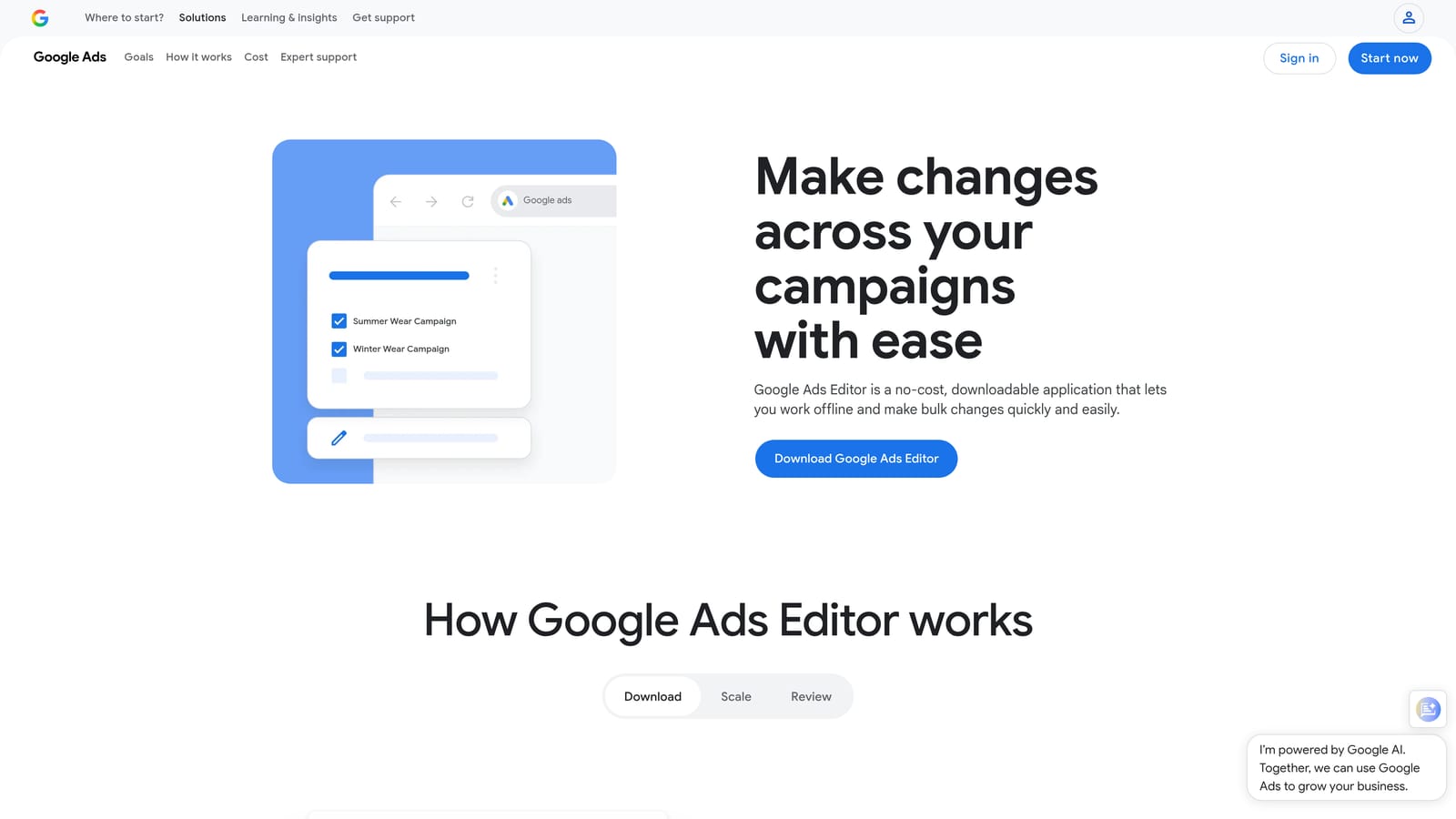
Google Ads Editor is Google's free, official desktop application for bulk editing and managing campaigns offline before pushing changes live.
Where This Tool Shines
The mistake most agencies make is overlooking Google Ads Editor because it looks basic. It isn't. For structured bulk changes—copying ad groups, updating bids across hundreds of keywords, finding and replacing ad copy—Editor is faster than any third-party tool because it's working directly with your account data offline.
There's no automation, no alerting, and no recommendations. It's a power tool for people who already know what they want to do. Think of it as the difference between a spreadsheet and a calculator: less guidance, more raw execution speed.
Key Features
Offline Bulk Editing: Make large-scale changes without an internet connection, then push them live when ready.
Copy, Paste, and Find/Replace: Duplicate campaign structures and update ad copy across campaigns simultaneously.
Draft Mode: Stage changes and review them before anything goes live in your account.
Multi-Account Support: Switch between and manage multiple Google Ads accounts from one desktop application.
No Subscription Required: Completely free with no spend minimums or feature tiers.
Best For
Any Google Ads advertiser doing structured bulk work: restructuring campaigns, updating ad copy at scale, or migrating keyword lists. An essential part of any serious PPC toolkit regardless of what other tools you use.
Pricing
Free. No subscription, no spend threshold, no catch.
5. SEMrush PPC Toolkit
Best for: Advertisers already using SEMrush for SEO who want competitive PPC intelligence without a separate tool subscription.
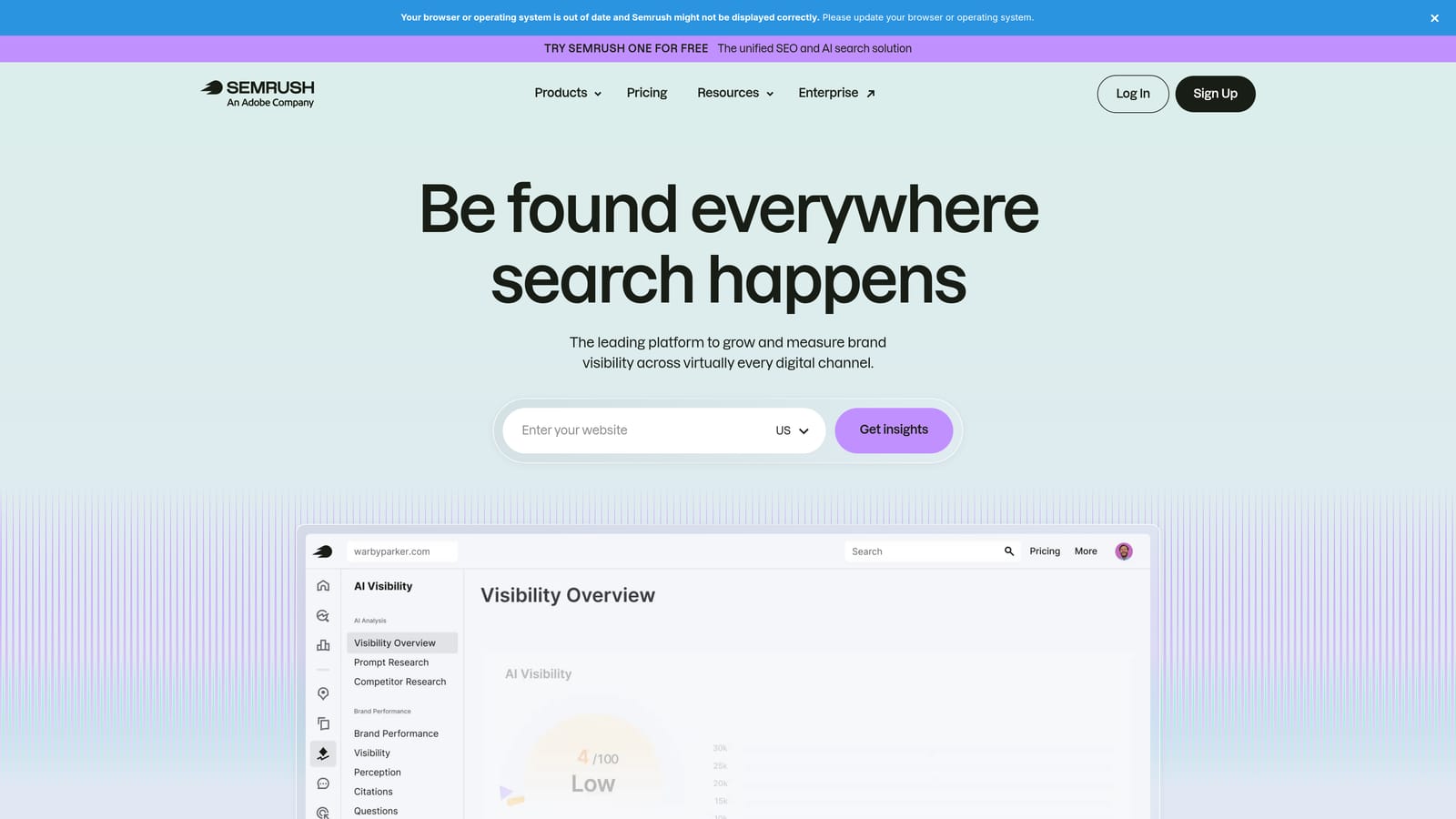
SEMrush includes a PPC Toolkit as part of its broader platform, offering competitive ad intelligence, keyword research with CPC data, and position tracking alongside SEO data.
Where This Tool Shines
The Advertising Research feature is genuinely useful for agency onboarding and competitive strategy. You can pull up any competitor domain and see which keywords they're buying, what ad copy they're running, and how long they've been running it. That historical visibility is hard to replicate without a dedicated competitive intelligence tool.
The real value is the unified environment. If you're already in SEMrush for organic research, having PPC keyword data, CPC estimates, and ad copy analysis in the same platform reduces tool sprawl without adding cost.
Key Features
Advertising Research: See competitor keywords, ad copy, and estimated traffic for any domain.
Keyword Magic Tool with CPC Data: Research keywords with competition scores and cost-per-click estimates built in.
PLA Research: Analyze competitor Product Listing Ads for e-commerce campaign strategy.
Negative Keyword Management: Organize and manage negative keywords within keyword groups.
Unified SEO and PPC Data: Cross-reference organic and paid keyword performance in one interface.
Best For
Teams already subscribed to SEMrush for SEO work, and agencies that need competitive PPC intelligence as part of their onboarding or strategy process. Less compelling as a standalone PPC management tool.
Pricing
Included in SEMrush plans starting around $139.95/month (Pro plan). Verify current pricing at semrush.com.
6. SpyFu
Best for: Competitive research and gap analysis—especially useful during agency client onboarding.
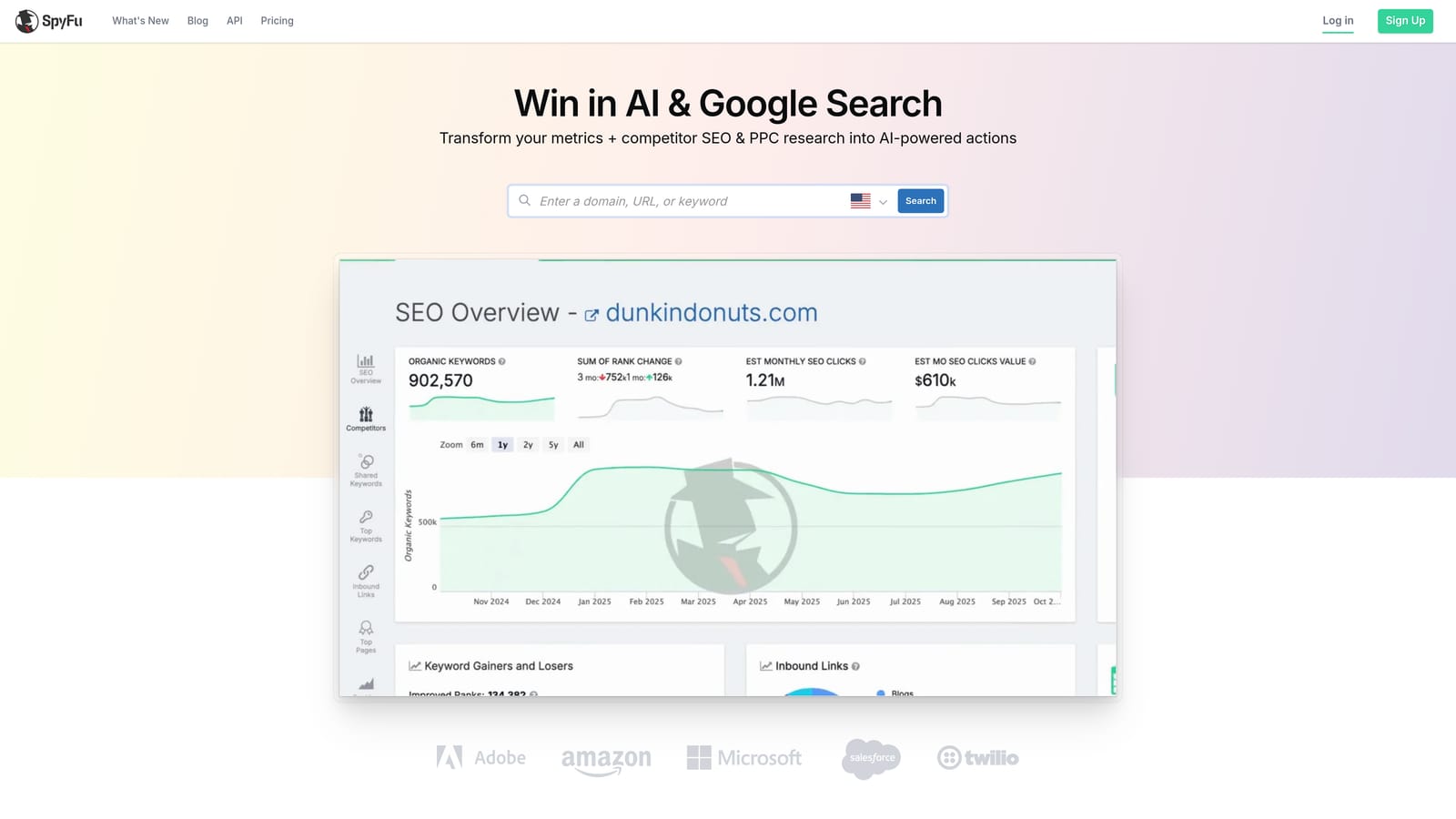
SpyFu is a competitive intelligence tool that surfaces historical Google Ads data for any domain, including which keywords they've purchased, ad copy variations, and estimated spend over time.
Where This Tool Shines
SpyFu's historical data depth is its real differentiator. You can see not just what a competitor is doing now, but what they've been doing for years—which keywords they've consistently invested in (a signal of profitability) and which they've abandoned. That's genuinely useful strategic information you can't get from Google's native tools.
For agencies, the domain-vs-domain comparison is a strong pitch tool. You can walk into a client meeting and show them exactly where their paid search presence stacks up against their top three competitors.
Key Features
Historical Competitor Data: View years of keyword purchases and ad copy for any domain, not just current campaigns.
Domain vs. Domain Comparison: Side-by-side PPC overlap and gap analysis between two competing domains.
Keyword Grouping and Gap Analysis: Identify keyword opportunities your competitors are winning that you're not targeting.
Branded and Non-Branded Breakdowns: Separate competitor brand spend from non-brand to understand their strategy more precisely.
SERP Analysis: View paid and organic results together for any keyword.
Best For
Competitive research, new client onboarding, and strategic keyword gap analysis. Not a campaign management tool—use it alongside your primary PPC platform, not instead of it.
Pricing
Starts around $39/month. Verify current pricing at spyfu.com.
7. Adalysis
Best for: High-volume accounts that need structured ad testing automation and quality score monitoring.
Adalysis is a PPC management tool built around structured ad testing, quality score monitoring, and search term analysis—designed for accounts at scale that need automation and anomaly detection.
Where This Tool Shines
In most accounts I audit, ad testing is either absent or completely unstructured—someone changed an ad once six months ago and called it a test. Adalysis builds automated A/B testing workflows into the platform so that testing happens systematically, with statistical thresholds and clear winners declared without manual analysis.
The quality score tracking over time is another feature that's harder to find elsewhere. Watching quality score trends by keyword helps you diagnose landing page and relevance issues before they tank your CPCs.
Key Features
Automated A/B Ad Testing: Set up structured ad tests with automated winner selection based on statistical performance thresholds.
Quality Score Tracking: Monitor quality scores historically by keyword to identify and address declining relevance.
Search Term Analysis and Negative Recommendations: Automated identification of irrelevant search terms with negative keyword suggestions.
Anomaly Detection: Automated alerts when account performance deviates from expected patterns.
Responsive Search Ad Testing: Structured testing workflows specifically for RSA asset combinations and performance reporting.
Best For
Agencies and in-house teams managing high-volume accounts with significant ad copy volume, where manual testing review isn't scalable. Less relevant for smaller accounts where testing velocity is low.
Pricing
Pricing is based on monthly ad spend managed. Verify current tiers at adalysis.com.
8. Microsoft Advertising
Best for: Google Ads advertisers looking to expand reach with minimal setup friction and no additional tool cost.
Microsoft Advertising is Microsoft's native advertising platform—formerly Bing Ads—with a UI that mirrors Google Ads, built-in Google Ads campaign import, and access to the Bing, Edge, and Yahoo search audience.
Where This Tool Shines
The Google Ads import feature is what makes Microsoft Advertising genuinely easy to adopt. You can pull your existing campaigns directly from Google Ads and have them running on Microsoft's network within minutes. For advertisers who've been putting off Bing because setup feels like duplicated work, this removes that objection entirely.
Microsoft's audience also skews older and tends to include more B2B professionals—particularly relevant if your clients are targeting decision-makers. The LinkedIn profile targeting integration is a unique capability you won't find on Google Ads.
Key Features
Google Ads Campaign Import: Mirror your existing Google Ads campaigns onto Microsoft's network with minimal manual setup.
Familiar Interface: UI closely mirrors Google Ads, so the learning curve is minimal for existing Google Ads users.
Access to Bing, Yahoo, and Edge Networks: Reach audiences that Google Ads doesn't cover, often at lower average CPCs in certain verticals.
LinkedIn Profile Targeting: Layer B2B audience targeting by job title, company, or industry—exclusive to Microsoft Advertising.
No Platform Subscription Cost: The platform itself is free; you pay only for ad spend.
Best For
Any Google Ads advertiser who hasn't expanded to Microsoft yet—especially those in B2B, financial services, or other verticals where the Bing audience skews favorably. An easy addition to any existing PPC stack.
Pricing
Free platform. Costs are ad spend only—no monthly subscription or tool fee.
Which PPC Tool Is Actually Right for You
Here's the honest breakdown by use case, because "it depends" isn't useful when you're trying to make a decision.
If you're a freelancer or lean operator who lives inside Google Ads, start with Keywordme. At $12/month, the in-interface speed alone pays for itself in the first optimization session. There's no external dashboard to learn, no context-switching, and no spreadsheet exports. It fits the way most Google Ads managers actually work.
If you're an agency managing high-spend accounts that need automation rules, anomaly detection, and client-ready reporting, Optmyzr is the most purpose-built option. The price reflects that—it's an agency tool at agency pricing.
If competitive intelligence is the gap in your stack, SpyFu is the most accessible entry point. SEMrush covers similar ground but makes more sense if you're already paying for the SEO features.
If you want a guided, all-in-one platform across Google, Microsoft, and Facebook Ads, WordStream is worth evaluating—but request a demo and get the pricing in writing before committing. The lack of transparent pricing is a real friction point for smaller teams.
And regardless of what else you use, Google Ads Editor and Microsoft Advertising should be in your stack. Both are free, both are maintained by the platforms themselves, and both solve real workflow problems that paid tools don't need to duplicate.
The best PPC tool isn't the one with the most features. It's the one that removes the most friction from how you actually work. Start there.
Ready to cut the spreadsheet loop out of your Google Ads workflow? Start your free 7-day trial of Keywordme and see how fast search term optimization can actually be—right inside Google Ads, no extra tabs required.
.svg)