
8 Best WordStream Alternatives for Agencies in 2026
This guide ranks eight tools that work as a WordStream alternative for agencies running PPC for multiple clients. Each is sorted by the job it does best, such as search term cleanup, account health monitoring, competitor research, or optimization automation, and judged on multi-account management, team access, reporting, and pricing that scales with headcount or clients. Several of the tools are meant to be paired to replace what WordStream bundled in one place.


If you run PPC for several clients and WordStream stopped fitting, this list is for you. We picked tools on agency fit: multi-account management, team access, reporting, pricing that scales with headcount or clients, and how much hands-on optimization time each one actually saves. WordStream (now part of LocaliQ, under USA TODAY Co.) bundled audits, optimization, and reporting in one place. Few replacements do all of that, so the tools below are sorted by the job they do best, and several are meant to be paired.
Quick Comparison of the Eight Tools
- Keywordme: agencies that want faster search term cleanup and keyword building; $12/month per user; works inside the native Google Ads interface, with no exports or spreadsheets.
- Optmyzr: larger agencies wanting an all-in-one optimization platform; pricing on its website; deep rule-based automation across many accounts.
- Adalysis: teams that want automated account health monitoring; pricing on its website; automated audits with daily issue alerts.
- SpyFu: agencies pitching prospects and researching competitors; pricing on its website; historical competitor ad and keyword data.
- Semrush: agencies running both SEO and PPC; pricing on its website; SEO and PPC research combined in one suite.
- AgencyAnalytics: agencies reporting across many marketing channels; pricing on its website; multi-channel client dashboards that go well beyond PPC.
- Google Ads Editor: agencies making large structural changes on a budget; free; official bulk editing with offline work and change review.
- Swydo: small to mid-size agencies automating client PPC reports; pricing on its website; agency-focused automated PPC report templates.
1. Keywordme
Keywordme is our own product, so weigh this section with that in mind. It is a Chrome extension that adds one-click actions to the Search Terms Report inside Google Ads. You review search terms where you already work, then act on them on the spot, with no export, spreadsheet, or separate dashboard.
That in-interface approach is what sets it apart from everything else here. Most tools on this list ask you to log into another platform or move data around. Keywordme keeps the work in the native Google Ads UI, and you stay in control of each decision because you click each action yourself.
- Add negative keywords straight from search terms, so junk queries get blocked in a click.
- Add search terms as keywords and apply match types in the Google Ads UI, which speeds up building high-intent keyword lists.
- Keyword clustering groups related terms so you can sort and act on them in batches.
- Bulk editing handles many terms at once instead of one row at a time.
- Multi-account and team support lets several people work across client accounts.
Setup is light: it installs as a Chrome extension and works with Google Ads. Whoever does search term reviews day to day, usually a PPC specialist or account manager, can use it right away.
The limitation is scope. Keywordme covers the search term and keyword workflow. It does not produce client reports, run audits, or touch non-Google channels. If you need those, pair it with a reporting or audit tool from this list.
Pricing is $12 per month per user, with a 7-day free trial. Cost scales with the number of users, not with client count or ad spend, which suits agencies with a small team and a large book of accounts.
Best for: Agencies wanting faster search term cleanup and keyword building.
2. Optmyzr
Optmyzr is the closest thing here to a full WordStream-style platform for agencies. It combines optimization tools, audits, and client reporting, and it is built for managing many accounts at once.

Its strength is rule-based automation at scale. You can set up logic once and apply it across accounts, which matters when you manage dozens of clients and can't hand-check each one every week.
- One-click optimizations turn suggested fixes into quick actions you can review and apply.
- Rule-based automation runs routine checks and adjustments on your schedule across accounts.
- Account audits flag issues so you find problems before clients do.
- Client reporting packages results without a separate reporting tool.
- Cross-account management lets one person oversee a large portfolio.
It connects to Google Ads and Microsoft Ads, and Meta Ads support is something to confirm on its site before you commit. Expect real setup time. Building rules and learning the interface takes longer than with lighter tools, and it usually needs a dedicated owner such as a PPC lead.
That learning curve is the main drawback, along with spend-based pricing, which can climb as your managed budgets grow. Small agencies or solo freelancers may find it more than they need. Check the current plans on the Optmyzr website, since tiers and limits change.
Best for: Larger agencies wanting an all-in-one optimization platform.
3. Adalysis
Adalysis leans toward diagnosis rather than editing. It audits Google Ads and Microsoft Ads accounts automatically and alerts you when something needs attention, so your team spends less time hunting for problems.
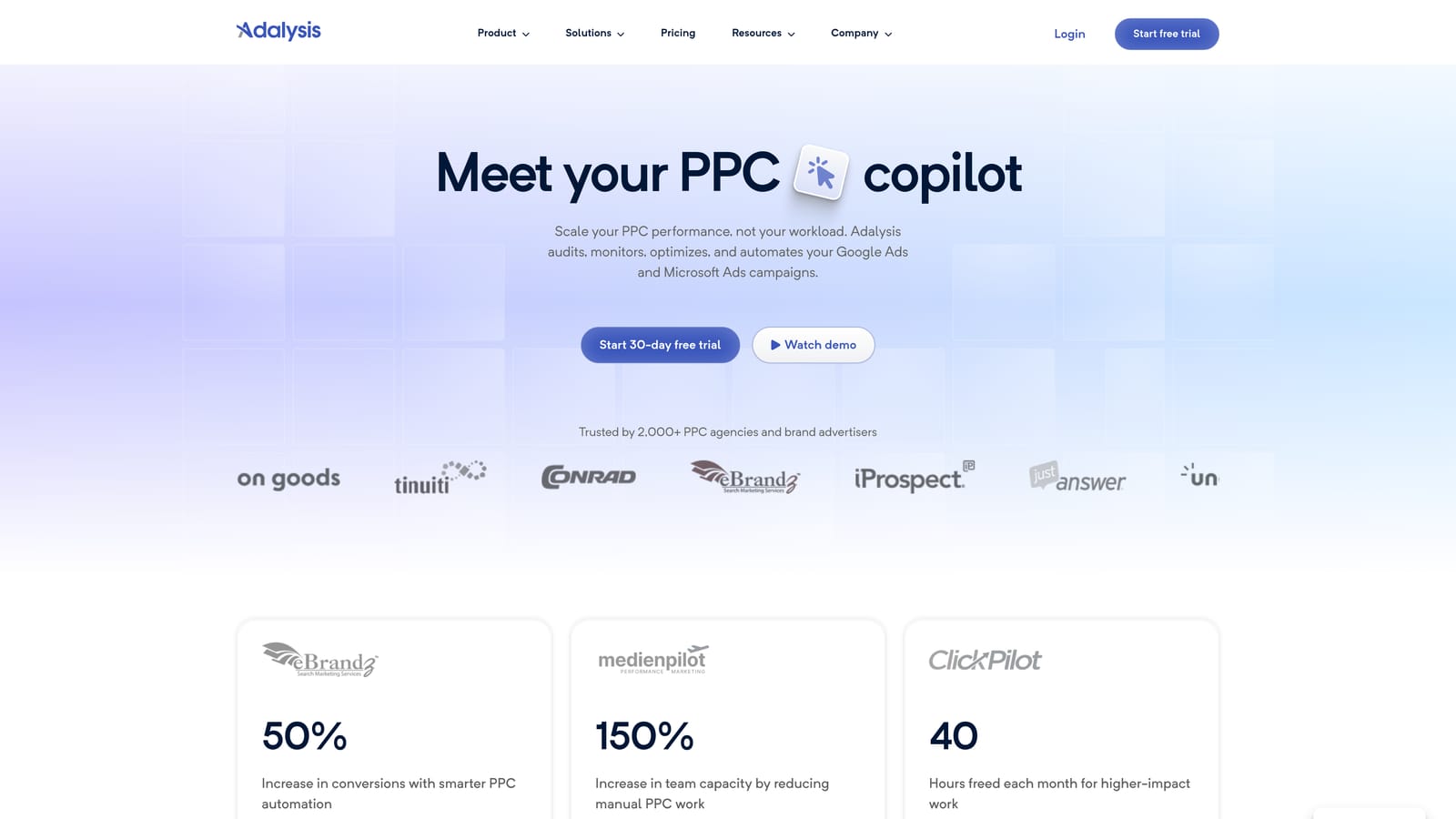
The daily issue alerts are the standout. Instead of running a manual audit once a month, you get a steady feed of what changed and what looks broken across client accounts.
What you get
- Automated audits that surface account issues without a manual checklist.
- Ad testing analysis that shows which ad variations are actually winning.
- Quality Score tracking so you can spot slipping keywords early.
- Alerts that flag problems as they appear.
- Scheduled reports to share findings with clients or internal teams.
Fit and limits
It connects to Google Ads and Microsoft Ads. Setup means linking accounts and tuning which alerts matter, and an account manager or PPC lead typically monitors it. Because it is diagnostic, fixes still happen elsewhere, whether in the Google Ads UI, Google Ads Editor, or another tool. If you want quick in-interface edits, it will not replace that part of the workflow.
Pricing details are on the Adalysis website, so check current plans there before budgeting.
Best for: Teams that want automated account health monitoring.
4. SpyFu
SpyFu is a research tool, not a campaign manager. It shows what keywords competitors bid on and how their ads have looked over time, which makes it useful before you ever touch an account.
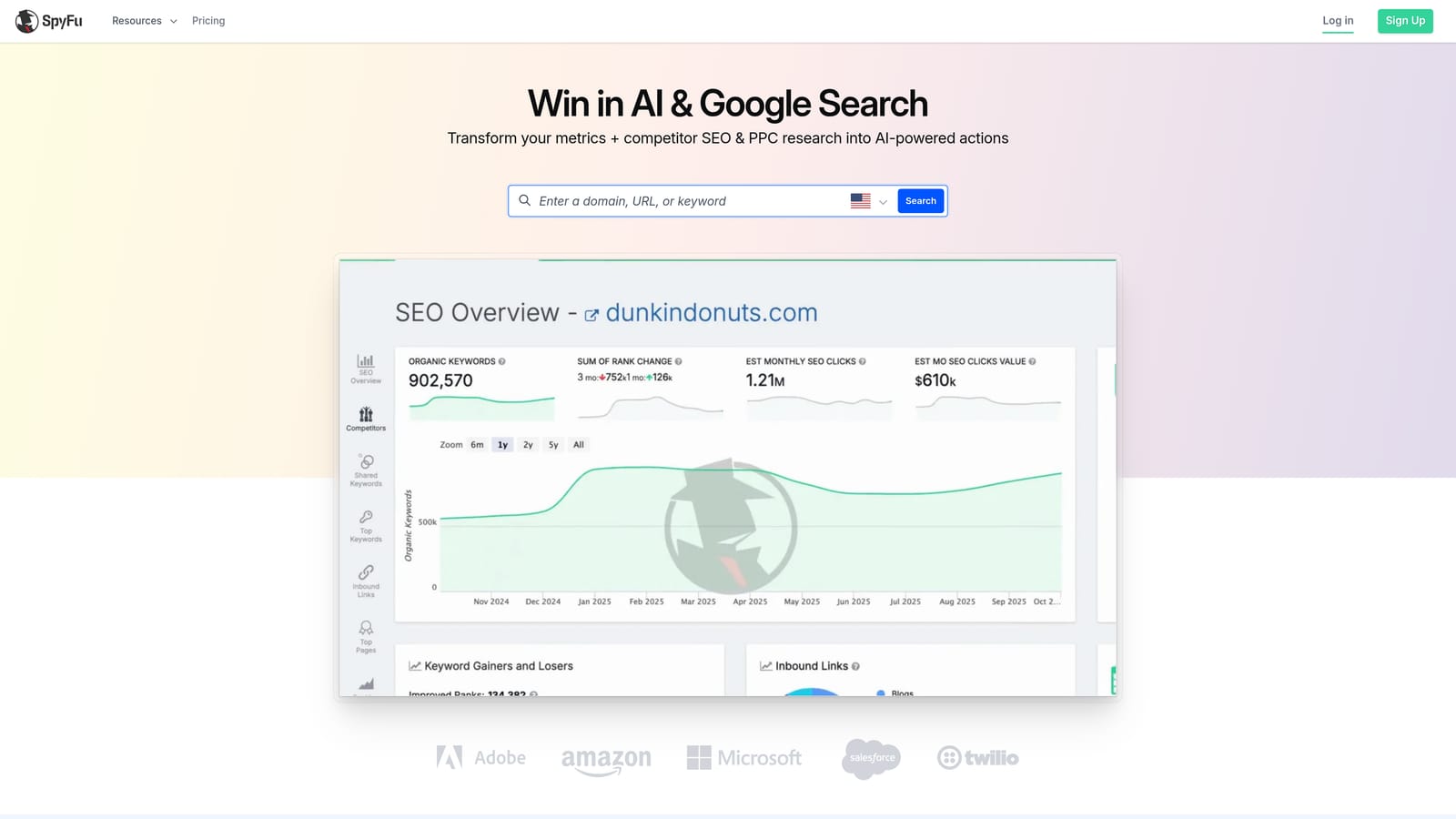
Its historical ad and keyword data is the differentiator here. Seeing how a competitor's messaging evolved helps when you are building a pitch or planning a new account structure.
- Competitor keyword research reveals which terms rivals target.
- Ad history shows past ad copy so you can see what competitors have tested.
- Keyword list export moves findings into your planning documents or campaigns.
- Domain comparison shows keyword overlap and gaps between you and a competitor.
Setup is minimal since it is research-oriented: enter a domain and explore. Anyone on the team can use it, from strategists to account managers. Integration options are listed on the SpyFu site.
The big caveat is that the data is modeled estimates, not your actual account performance, so treat it as directional. It also does nothing for optimization, audits, or reporting. Plans and limits are listed on its website, and they can vary by feature access.
Best for: Agencies pitching prospects and researching competitors.
5. Semrush
Semrush is a broad marketing suite. For agencies, the draw is having SEO and PPC research in one login, so the same subscription supports keyword research, competitor analysis, and advertising research.
That combination is its standout. If you sell both organic and paid services, you can compare how a client's competitors show up in each channel without juggling separate tools.
- Keyword research helps you find and size terms for paid and organic plans.
- Advertising research shows how competitors approach paid search.
- Competitive analysis lets you benchmark clients against their market.
- Reporting tools help package findings for clients.
- The SEO toolkit covers the organic side of the same engagement.
It lists integrations with Google Ads, Google Analytics, and Looker Studio, but confirm the specifics on its site. Setup is straightforward for research, though getting the most from a suite this large takes time to learn, and several team members will probably use it.
It is not a Google Ads editing or optimization tool, so it will not clean up search terms or change bids. Costs can also grow as you add extras. Check current plans and add-on pricing on the Semrush website.
Best for: Agencies running both SEO and PPC.
6. AgencyAnalytics
AgencyAnalytics solves the reporting problem, and it solves it across channels. If your clients want one dashboard covering PPC, SEO, social, and analytics, this is built for that.
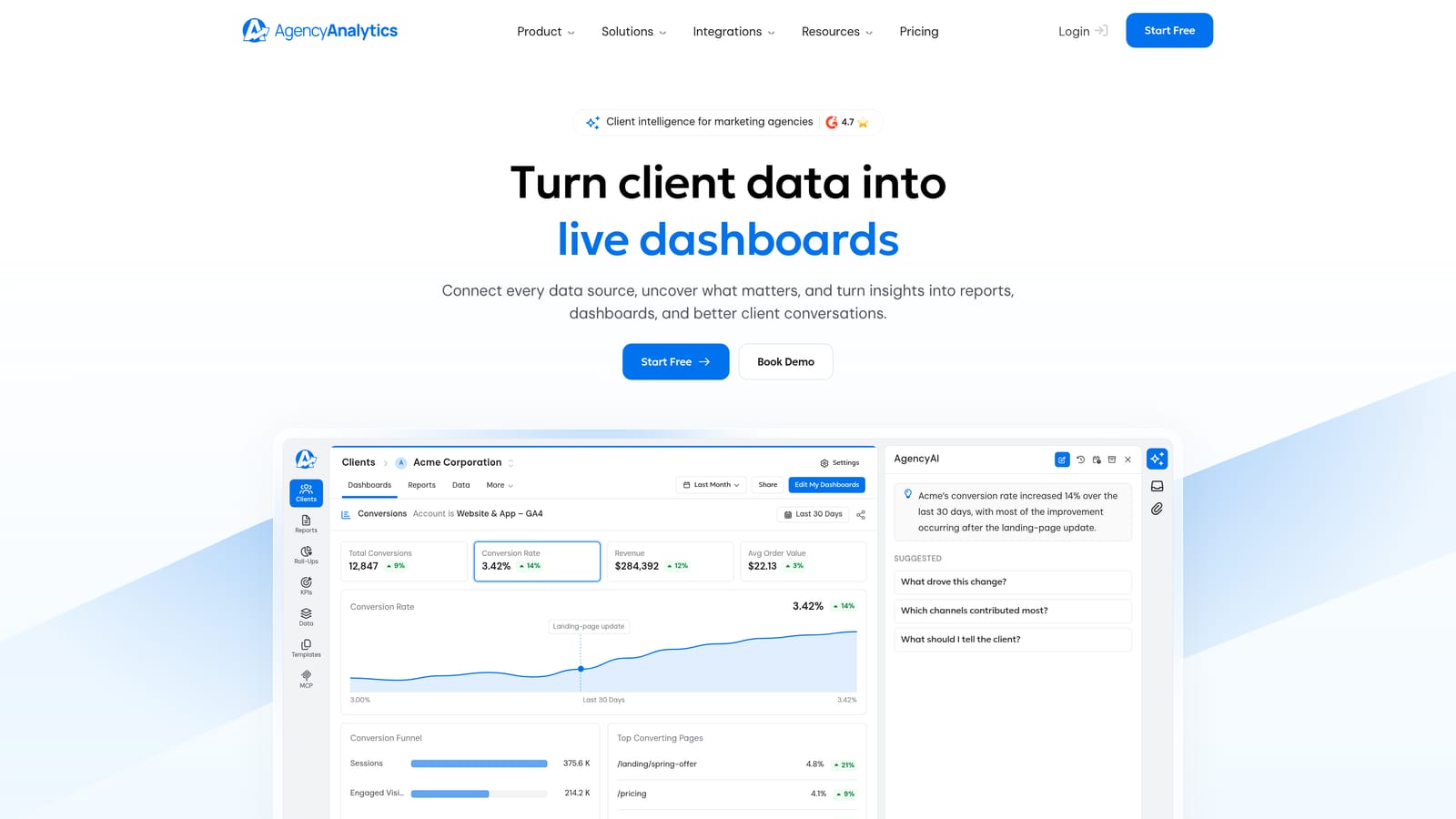
The multi-channel breadth is what separates it from PPC-only reporting tools. A client sees paid search next to everything else you are doing for them.
- Client dashboards give each client a live view of their results.
- Automated reports cut the hours spent assembling monthly decks.
- White-label options let you present reports under your own brand, though you should confirm which plans include this.
- A wide set of integrations, including Google Ads, Google Analytics, and Meta Ads, pulls data into one place.
Setup means connecting each client's accounts and building or adapting a dashboard template. Account managers usually own this, and once templates exist, onboarding new clients gets faster.
It reports, and that is all. It has no optimization actions, so it will not replace WordStream's audit or recommendation features. If your pain is PPC optimization time, look elsewhere on this list. Pricing is on the AgencyAnalytics website and typically depends on how many clients or campaigns you manage, so verify the current structure.
Best for: Agencies reporting across many marketing channels.
7. Google Ads Editor
Google Ads Editor is Google's free desktop app for making bulk changes to campaigns. It is not a third-party platform, and it costs nothing, which makes it a baseline for any agency.

What it does best is large structural work: restructuring ad groups, updating many ads, or rolling out changes across campaigns, all drafted offline and reviewed before they go live.
- Bulk edits let you change many campaigns, ad groups, keywords, or ads at once.
- Offline editing means you can build changes without being tied to the browser interface.
- Multi-account management lets you work across client accounts in one app.
- Change review shows exactly what will be posted so mistakes get caught first.
You download and install it, then sign in to your accounts. Anyone comfortable with spreadsheets and account structure can use it, though the workflow is manual and requires care with large batches.
The limitations are plain: no reporting layer, no alerts, no automation, and it will not tell you what to fix. It executes changes you already decided on. It is also separate from the live interface, which makes quick day-to-day search term decisions slower. It is free.
Best for: Agencies making large structural changes on a budget.
8. Swydo
Swydo focuses on automated PPC and marketing reports for agencies. It is narrower than AgencyAnalytics, with a strong emphasis on paid media templates that get reports out the door quickly.
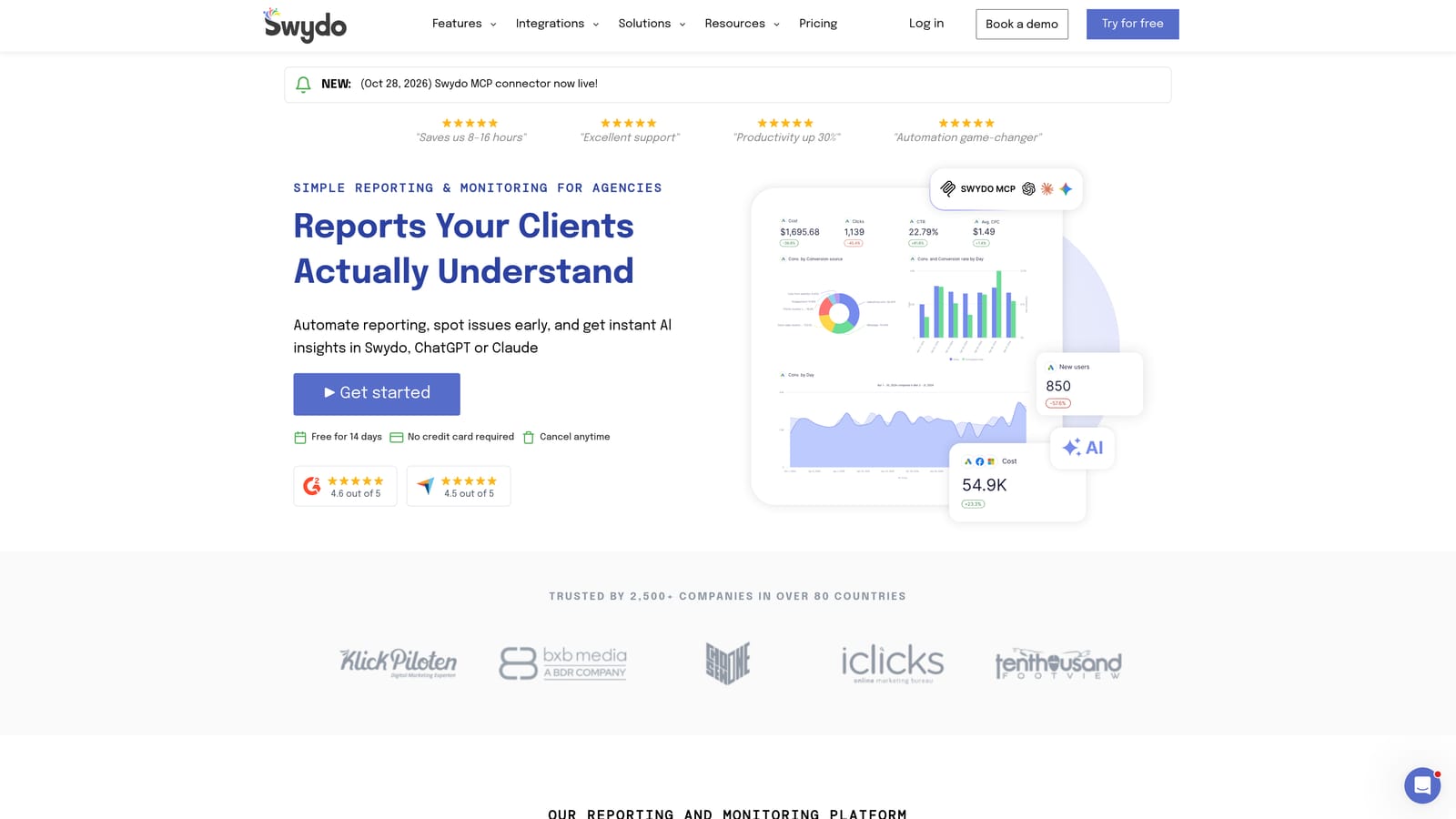
Its distinguishing trait is the agency-oriented PPC template library. You can spin up a report for a new client without designing it from scratch.
- Report templates cut setup time for each new client.
- White-label reports carry your agency's branding, so confirm which plans include it.
- Scheduled delivery sends reports to clients automatically.
- Goal tracking shows progress against targets you set with the client.
It integrates with Google Ads, Microsoft Ads, Meta Ads, and Google Analytics. Setup is mostly connecting accounts and picking templates, and account managers can usually run it without technical help.
It is reporting only, so there are no optimization or audit functions. If you need broad coverage of many non-PPC channels, compare it against AgencyAnalytics. Pricing is on the Swydo website, so check the current plan structure there.
Best for: Small to mid-size agencies automating client PPC reports.
Matching Each Tool to the Job You Need Done
No single tool here replaces everything WordStream bundled, and most agencies end up combining two. Pick by the bottleneck you feel most.
- Search term cleanup speed: Keywordme. If your team loses hours exporting search terms and sorting spreadsheets, working inside the Search Terms Report removes that step.
- Full automation and audits: Optmyzr for broad rule-based optimization across accounts, or Adalysis if you mainly want account health monitoring and alerts.
- Competitive research: SpyFu for competitor ad history, Semrush if you also sell SEO.
- Client reporting: AgencyAnalytics for multi-channel dashboards, Swydo for PPC-focused templates.
- Free bulk editing: Google Ads Editor for structural changes at no cost.
A common pairing is a fast in-interface optimizer plus a reporting tool, since those two cover the daily work and the client-facing output. Confirm current pricing and plan limits on each vendor's site before you decide.
Optimize Google Ads Campaigns 10X Faster. Without Leaving Your Account. Keywordme lets you remove junk search terms, build high-intent keyword lists, and apply match types instantly, right inside Google Ads. No spreadsheets, no switching tabs, just quick, seamless optimization. Start your free 7-day trial (then just $12/month) and take your Google Ads game to the next level.
