
7 Proven Places to Find Negative Keywords for Smarter Google Ads Campaigns
Discover where to find negative keywords to eliminate wasted ad spend in your Google Ads campaigns. This comprehensive guide reveals 7 proven sources—from free built-in tools to advanced platforms—that help you systematically identify and exclude irrelevant search terms, protecting your budget from clicks that will never convert.


TL;DR: Finding negative keywords is one of the highest-impact activities for reducing wasted ad spend in Google Ads. Most advertisers leave money on the table by not systematically mining negative keywords from multiple sources. This guide covers 7 proven places to discover negative keywords—from free methods anyone can use to advanced tools for scaling your optimization. Whether you manage one campaign or dozens, these sources will help you build bulletproof negative keyword lists that protect your budget and improve campaign performance.
Here's the reality: Your Google Ads campaigns are probably showing for searches you'd never want to pay for. Someone searching "free Google Ads tutorial" triggers your ad. Another person looking for "Google Ads manager jobs" clicks through. A competitor researcher types in your brand name just to see your copy. Each irrelevant click drains your budget without any chance of converting.

The good news? Finding and excluding these junk searches is straightforward once you know where to look. You don't need expensive software or advanced technical skills—just a systematic approach to mining negative keywords from the right sources.
Think of negative keywords as your campaign's immune system. They protect your budget by preventing your ads from showing for irrelevant searches, letting you focus spending on queries that actually convert. The challenge isn't understanding why they matter—it's knowing where to find them consistently.
Let's explore the seven most reliable sources for discovering negative keywords, starting with the most powerful and working our way through both free and paid methods that work for advertisers at every level.
1. Mine Your Search Terms Report
The Challenge It Solves
Your campaigns are live right now, showing for searches you've never seen. Without checking your Search Terms Report regularly, you're essentially flying blind—paying for clicks from queries that might be completely irrelevant to your business. This is where most wasted spend happens, and it's completely preventable.
The Strategy Explained
The Search Terms Report in Google Ads shows you the actual queries that triggered your ads and generated clicks. This is real data from your account, not hypothetical research. It's the single most reliable source for finding negative keywords because it reveals exactly what's already costing you money.
Navigate to your Google Ads account, click on Keywords in the left menu, then select Search Terms at the top. You'll see every query that triggered your ads, along with metrics like clicks, cost, and conversions. Sort by cost or clicks to prioritize the biggest budget drains first.
Look for patterns in irrelevant searches. If you sell software, you might see queries like "software engineer jobs" or "free software download." If you're a B2B service, you might find consumer-focused searches or DIY-related terms. Each irrelevant query is a candidate for your negative keyword list.
Implementation Steps
1. Set your date range to at least the past 30 days to capture meaningful data volume, then sort the Search Terms Report by cost to identify the most expensive irrelevant queries first.
2. Create categories as you review: job-related terms, informational searches, free-seekers, DIY queries, competitor research, and any other patterns specific to your industry.
3. Add negative keywords at the appropriate level—campaign-level for broad exclusions that apply everywhere, ad group-level for more specific filtering, or account-level negative lists for universal junk terms you never want to show for.
Pro Tips
Review your Search Terms Report weekly if you're spending heavily, bi-weekly for moderate budgets. Don't just add exact match negatives—use phrase match and broad match modifiers strategically to block entire categories of irrelevant searches. Pay special attention to single-word triggers that might be pulling in unrelated traffic.
2. Use Google's Keyword Planner
The Challenge It Solves
Waiting until irrelevant searches start costing you money isn't ideal. You need a way to identify potential negative keywords before launching campaigns, building a defensive layer that prevents wasted spend from day one. This proactive approach saves money you'd otherwise lose during the learning phase.
The Strategy Explained
Google Keyword Planner isn't just for finding positive keywords—it's equally valuable for discovering terms you want to avoid. When you research keywords related to your product or service, Keyword Planner surfaces hundreds of related searches, many of which won't align with your business goals.
The tool shows you search volume and competition data, but more importantly, it reveals the full landscape of searches in your space. You'll discover informational queries, comparison searches, job-related terms, and other categories you'll want to exclude before they start triggering your ads.
Access Keyword Planner through your Google Ads account under Tools & Settings. Enter your core product or service terms, then review the suggested keywords. Look for patterns that indicate wrong intent—anything educational, job-related, or focused on free alternatives.
Implementation Steps
1. Enter your primary product or service keywords into Keyword Planner and review the full list of suggested terms, paying special attention to variations that indicate different search intent.
2. Create a spreadsheet to organize potential negatives by category: informational intent (how to, what is, guide, tutorial), job searches (jobs, careers, hiring, salary), and free-seekers (free, cheap, discount, coupon).
3. Build a starter negative keyword list before launching new campaigns, using phrase match and broad match modifiers to block entire categories rather than just exact terms.
Pro Tips
Don't add every suggested keyword as a negative—focus on clear intent mismatches. If you're B2B, consumer-focused variations are prime candidates. If you sell premium products, aggressively exclude discount and cheap-seeking terms. Use Keyword Planner's filtering options to sort by search volume and identify high-traffic junk terms that could drain budget quickly.
3. Analyze Competitor Keyword Tools
The Challenge It Solves
Your competitors are bidding on searches you haven't thought about, and some of those searches might be junk traffic you want to avoid. Without visibility into the broader competitive landscape, you're missing opportunities to learn from others' targeting choices and identify industry-wide negative keyword patterns.
The Strategy Explained
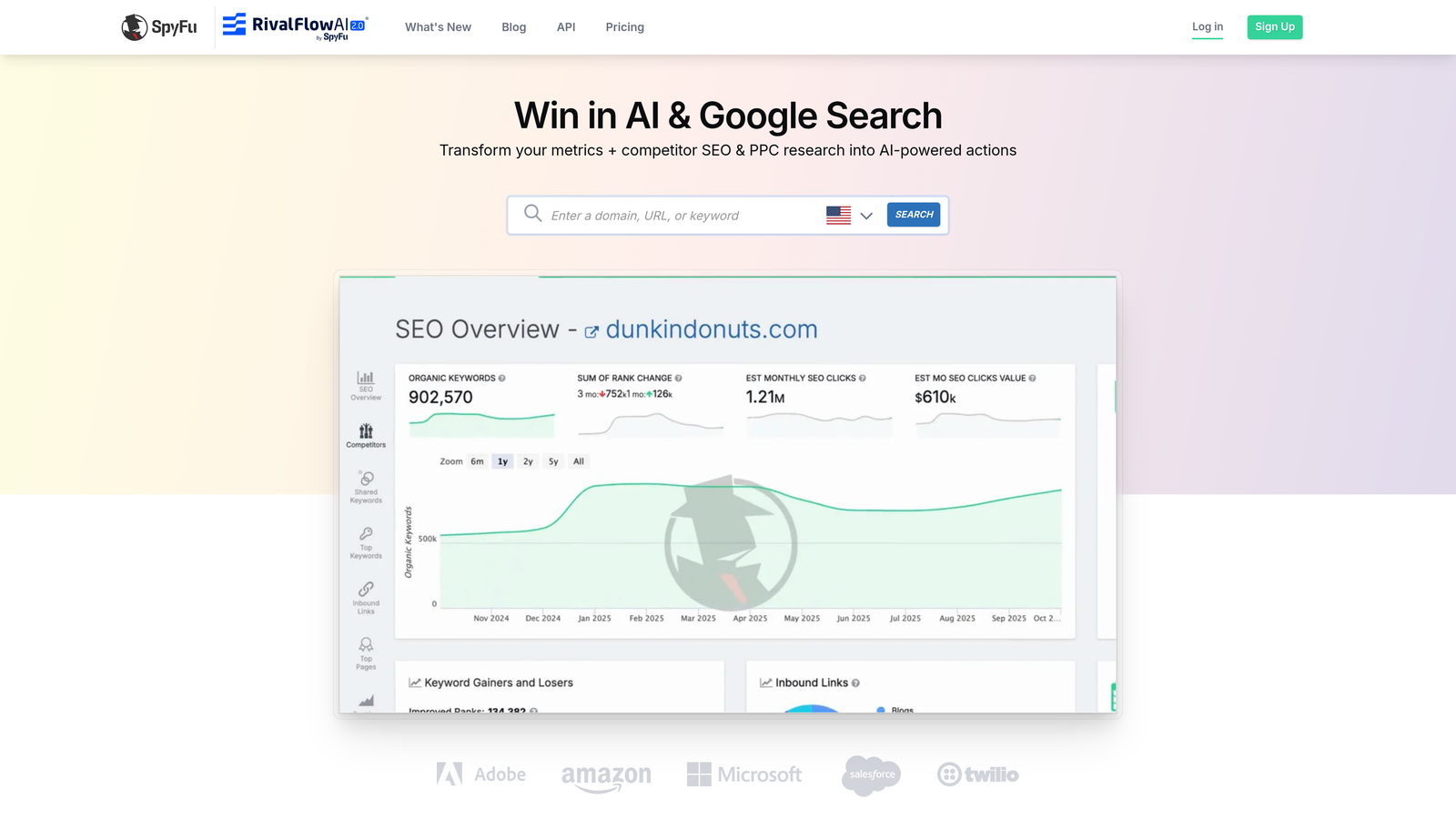
Tools like SEMrush, Ahrefs, and SpyFu let you see what keywords your competitors are bidding on in Google Ads. While you're primarily looking for positive keyword opportunities, these tools also reveal the junk terms that plague your industry—searches that competitors might be wasting money on that you can proactively exclude.
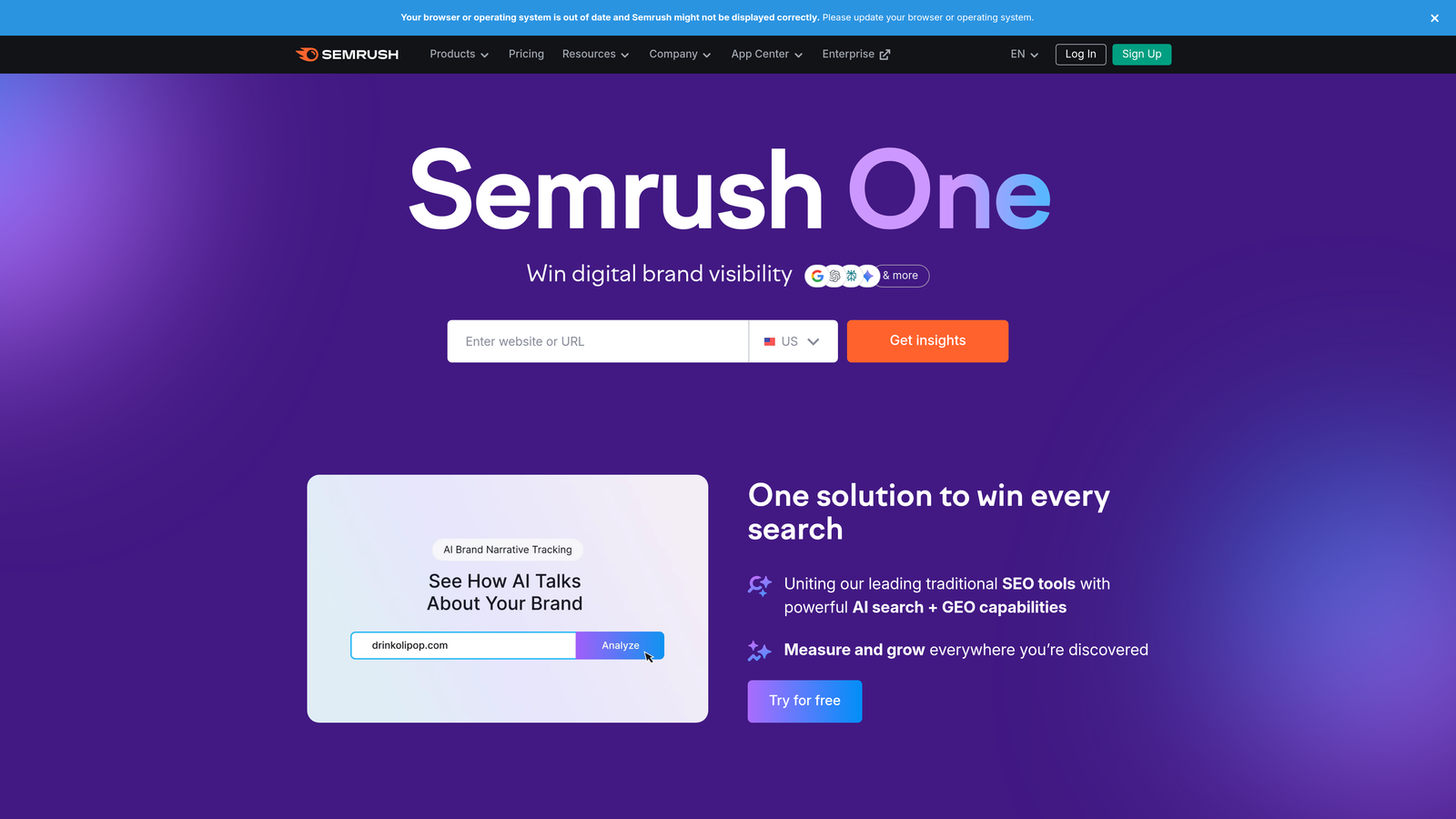
Enter competitor domains into these tools and review their paid search keywords. You'll often find they're bidding on broad, low-intent terms or appearing for searches that clearly won't convert. You'll also discover competitor brand names and comparison terms you might want to exclude if you're not specifically targeting competitor traffic.
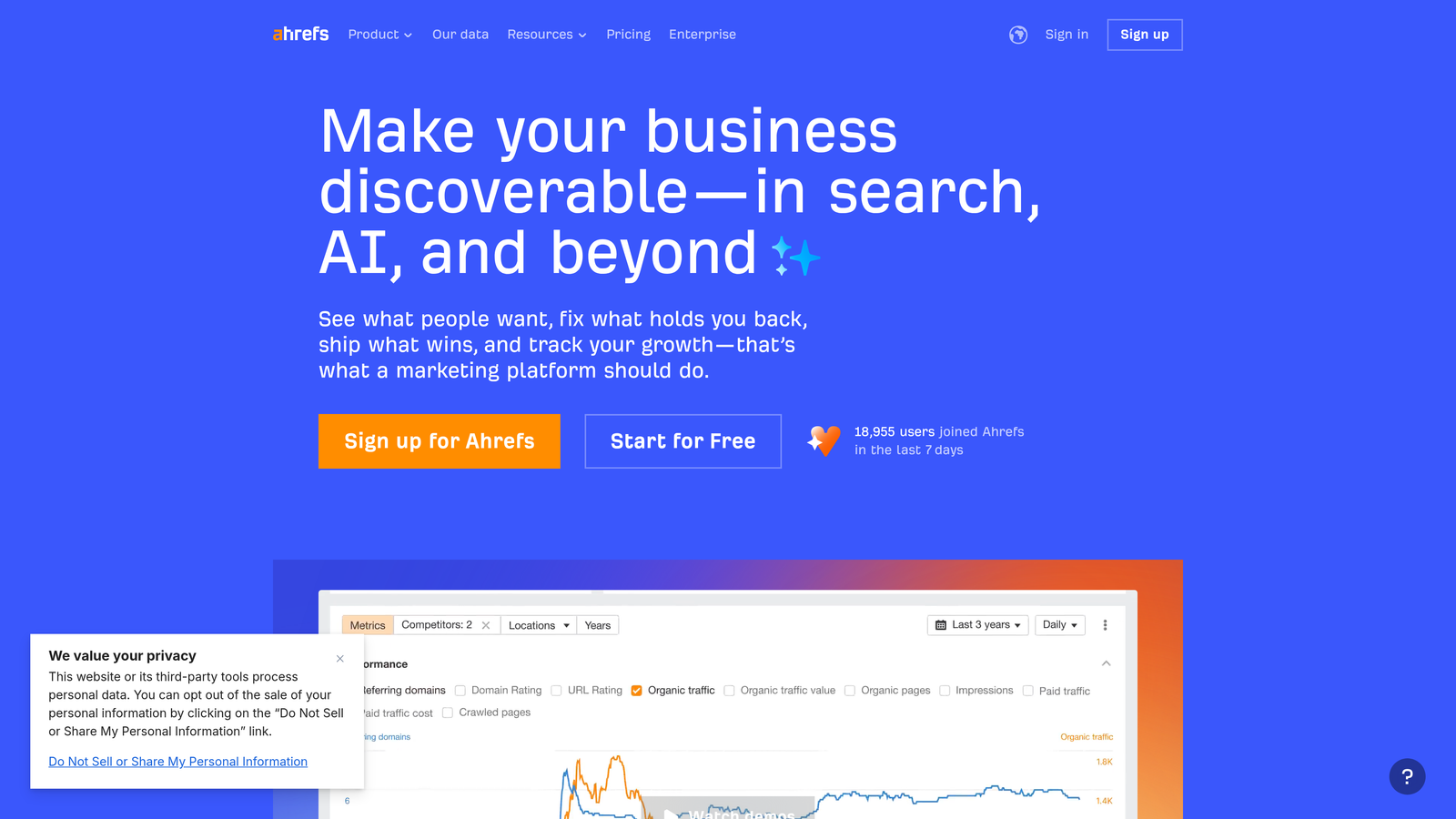
These tools also show search volumes and estimated costs, helping you prioritize which negative keywords to add first based on potential budget impact. Industry-wide patterns emerge quickly—certain junk terms appear across multiple competitors, signaling universal negative keywords for your space.
Implementation Steps
1. Identify 3-5 direct competitors and run their domains through SEMrush, Ahrefs, or SpyFu's paid search keyword reports, exporting the full keyword lists for analysis.
2. Filter for high-volume, low-intent terms that appear across multiple competitors—these are likely industry junk terms that you should exclude from the start.
3. Create a competitive negative list that includes competitor brand names (unless you're specifically targeting them), comparison terms you don't want to show for, and any obvious informational queries that won't convert for your business model.
Pro Tips
Look for seasonal patterns in competitor keyword data—certain junk terms might spike at specific times of year. Pay attention to local variations if you're in a geographic market. Don't blindly copy competitor strategies, but use their keyword data as intelligence to avoid common pitfalls in your industry.
4. Tap Into Google Autocomplete
The Challenge It Solves
You need a completely free method to discover negative keyword variations without any tools or account data. Google Autocomplete reveals exactly what real people are searching for, including the informational, navigational, and commercial variations you'll want to exclude. This approach works even before you launch your first campaign.
The Strategy Explained
Start typing your core keywords into Google's search box and watch what autocompletes. Google is essentially showing you the most popular search variations, many of which will be irrelevant to your advertising goals. These suggestions are based on actual search volume, making them highly reliable indicators of real user behavior.
Try different letter combinations and modifiers. Type your keyword followed by each letter of the alphabet to reveal different variations. Add common modifiers like "how to," "what is," "free," "jobs," and "DIY" to uncover intent-specific variations you'll want to block.
The Related Searches section at the bottom of Google's search results page provides another free source of negative keyword ideas. These are algorithmically determined based on what searchers commonly look for next, revealing adjacent topics and intent variations.
Implementation Steps
1. Open an incognito browser window and start typing your core product or service keywords, recording all autocomplete suggestions that indicate wrong intent or audience mismatch.
2. Use the alphabet soup method by adding each letter after your keyword (example: "marketing software a," "marketing software b," etc.) to discover variations you might miss with normal research.
3. Check Related Searches at the bottom of the results page for each core term, identifying informational, comparison, and alternative searches you want to exclude from your campaigns.
Pro Tips
Use incognito mode to avoid personalized results based on your search history. Try different geographic locations if you're targeting specific markets—search suggestions vary by region. Document patterns rather than individual terms—if you see "free" variations appearing frequently, add "free" as a broad match negative rather than trying to capture every specific phrase.
5. Review Google Analytics Data
The Challenge It Solves
Some searches seem relevant enough to click your ad but completely fail to convert once users reach your site. These queries waste budget in a sneaky way—they pass the initial relevance test but reveal their true nature through poor engagement metrics. You need to identify these conversion killers and exclude them.
The Strategy Explained
Google Analytics shows you what happens after the click—bounce rates, time on site, pages per session, and most importantly, conversion data. When you filter for traffic from Google Ads, you can identify searches that generate clicks but terrible engagement, signaling an intent mismatch.
Look for queries with high bounce rates (above 70-80%) and low time on site (under 30 seconds). These patterns indicate users who immediately realized your site wasn't what they wanted. Check your site search data too—what are visitors searching for on your site? If they're looking for things you don't offer, those terms are negative keyword candidates.
The Acquisition reports in Google Analytics let you segment by source, medium, and campaign. Drill down into your Google Ads traffic specifically, then review behavior metrics by landing page and keyword. Patterns emerge quickly when you sort by bounce rate or goal completion.
Implementation Steps
1. Navigate to Acquisition > Google Ads > Search Queries in Google Analytics and set your date range to at least 30 days for meaningful sample sizes.
2. Sort by bounce rate to identify queries with engagement rates above 70%, then cross-reference with your Search Terms Report to add these as negatives in Google Ads.
3. Check Site Search data under Behavior > Site Search > Search Terms to discover what visitors are looking for that you don't offer, using these insights to build a more comprehensive negative keyword list.
Pro Tips
Don't exclude keywords solely based on bounce rate—some products naturally have high research phases. Look for the combination of high bounce rate and zero conversions over meaningful time periods. Set up custom segments in Analytics to track Google Ads traffic separately, making it easier to spot negative keyword opportunities during regular reporting reviews.
6. Build from Universal Negative Lists
The Challenge It Solves
Starting from scratch wastes time when certain negative keywords apply to almost every business. You need a foundation of universal junk terms—job searches, informational queries, free-seekers—that you can implement immediately, then customize based on your specific business needs.
The Strategy Explained
Many PPC blogs, communities, and resources publish starter negative keyword lists organized by category. These lists capture common patterns that apply across industries: career-related searches, educational queries, DIY terms, and price-focused bargain hunters. While you should never blindly apply someone else's list, they provide an excellent starting point.
Common categories include job-related terms (jobs, careers, hiring, salary, resume), informational intent (how to, what is, tutorial, guide, tips), free-seekers (free, cheap, discount, coupon, deal), and DIY variations (DIY, homemade, make your own). The key is adapting these universal patterns to your specific context.
Think about your business model when customizing these lists. B2B companies can aggressively exclude consumer-focused terms. Premium brands should block discount and cheap-seeking queries. Local businesses might exclude national or international variations. The universal list is your template, not your final solution.
Implementation Steps
1. Search for "universal negative keyword list" or "PPC negative keyword template" to find starter lists from reputable PPC blogs and communities, downloading 2-3 different lists for comparison.
2. Combine the lists and remove any terms that might actually be relevant to your business—don't exclude "free trial" if you offer one, or "cheap" if you're a budget-focused brand.
3. Create account-level negative keyword lists in Google Ads organized by category (Jobs, Informational, Free-Seekers, DIY) so you can apply them consistently across all campaigns and easily update them as needed.
Pro Tips
Start conservative and expand over time. It's better to miss blocking a few junk searches initially than to accidentally exclude legitimate traffic. Review your universal lists quarterly—search behavior evolves and new junk term patterns emerge. Use broad match modifiers strategically in these lists to block entire categories without creating an overwhelming number of individual negative keywords.
7. Leverage Customer and Sales Insights
The Challenge It Solves
Your sales and customer service teams talk to wrong-fit leads every day—people who found you through search but aren't actually qualified prospects. These conversations reveal terminology mismatches and intent gaps that data alone won't show you. You're missing valuable negative keyword intelligence that exists in your own organization.
The Strategy Explained
Schedule regular conversations with your sales team, customer service reps, and anyone who interacts with leads. Ask them about common misunderstandings, wrong-fit inquiries, and questions that reveal someone isn't actually a good prospect. These qualitative insights often point directly to negative keyword opportunities.
What are people asking about that you don't offer? What services do they think you provide based on how they found you? What price expectations seem completely disconnected from your actual offerings? These gaps between expectation and reality often trace back to specific search queries you should exclude.
Create a simple feedback system where team members can flag wrong-fit leads and note how they found you. Over time, patterns emerge—certain search terms consistently bring in unqualified traffic. This human intelligence complements your data-driven approaches and catches edge cases that won't show up in reports.
Implementation Steps
1. Set up a monthly meeting with your sales and customer service teams specifically to discuss lead quality and wrong-fit inquiries, asking them to track common misconceptions or questions that signal poor fit.
2. Create a simple intake form or Slack channel where team members can report wrong-fit leads in real-time, including how the lead found you and what they were expecting versus what you actually offer.
3. Review this qualitative feedback alongside your Search Terms Report to identify the specific queries generating these wrong-fit leads, then add them to your negative keyword lists with appropriate match types.
Pro Tips
Don't wait for formal meetings—make it easy for team members to flag issues as they happen. Some of the best negative keyword insights come from casual conversations. Pay special attention to seasonal patterns in wrong-fit leads—certain times of year might attract different types of irrelevant traffic. Document these patterns so you can proactively adjust negative keywords before seasonal spikes hit.
Putting It All Together: Your Negative Keyword Discovery Routine
Finding negative keywords isn't a one-time task—it's an ongoing process that protects your budget and improves campaign performance over time. The seven sources we've covered give you a comprehensive toolkit that works whether you're managing a single campaign or dozens of accounts across multiple clients.
Start with your Search Terms Report. This is your highest-impact source because it shows actual queries already costing you money. Review it weekly if you're spending aggressively, bi-weekly for moderate budgets. This single habit will catch the majority of wasted spend before it spirals.
Build your foundation with universal negative lists and Google Keyword Planner research before launching new campaigns. This proactive approach prevents obvious junk terms from ever triggering your ads. Then layer in competitive intelligence from tools like SEMrush or Ahrefs to avoid industry-wide pitfalls.
Use free methods like Google Autocomplete and Related Searches to fill gaps and discover variations you might miss in paid tools. Check Google Analytics monthly to identify high-bounce, non-converting queries that pass the initial relevance test but fail to deliver results.
Finally, create a feedback loop with your sales and customer service teams. Their qualitative insights reveal negative keyword opportunities that data alone won't show. Set up a simple system to capture this intelligence and translate it into actionable exclusions.
The key is consistency. Block 10-20 new negative keywords every week rather than trying to build a perfect list once. Search behavior evolves, your campaigns expand, and new junk terms emerge constantly. Regular maintenance beats perfect planning every time.
Here's a simple weekly routine: Spend 15 minutes in your Search Terms Report identifying new negatives, 5 minutes checking Google Analytics for high-bounce queries, and 5 minutes reviewing any team feedback about wrong-fit leads. That's 25 minutes a week that can save hundreds or thousands in wasted spend.
Remember that negative keywords work best when organized into lists and applied strategically. Create account-level lists for universal junk terms, campaign-level lists for category-specific exclusions, and ad group-level negatives for precise filtering. This structure makes maintenance easier and ensures consistency across your account.
Tools can dramatically speed up this process. Optimize Google Ads Campaigns 10X Faster—Without Leaving Your Account. Keywordme lets you remove junk search terms, build high-intent keyword groups, and apply match types instantly—right inside Google Ads. No spreadsheets, no switching tabs, just quick, seamless optimization.
Manage one campaign or hundreds and save hours while making smarter decisions. Start your free 7-day trial (then just $12/month) and take your Google Ads game to the next level.
The advertisers who consistently find and exclude negative keywords are the ones who get better results from smaller budgets. Make it a habit, not a project. Your campaigns—and your budget—will thank you.
.svg)