
9 Best Website Keyword Analyzers for Finding What Any Site Ranks For in 2026
This guide compares nine website keyword analyzer tools that reveal which keywords any URL ranks for, targets, or misses, whether it's your own site, a client's, or a competitor's. Each tool is judged on data source and freshness, keyword-level detail, export options, and cost for solo marketers versus agencies.


You have a URL and a question: which keywords does this site rank for, target, or miss? It might be your own site, a client's, or a competitor's. This list is for marketers, freelancers, and agency owners who need that answer, whether the goal is SEO research or a better Google Ads keyword list. The tools were judged on data source and freshness, whether they work from any URL or only your own, keyword-level detail (volume, position, difficulty, intent), export and workflow fit, and cost for a solo marketer versus an agency.
Quick Comparison of the Website Keyword Analyzers
- Semrush: agencies and in-house teams doing deep competitor analysis; paid plans, see the website for current tiers; combines organic and paid competitor keyword data with a multi-domain Keyword Gap.
- Ahrefs: SEOs who want rankings tied to link profiles; paid plans, see the website; pairs its own crawler and backlink index with page-level keyword data.
- SE Ranking: small agencies needing client-ready reports on a budget; paid plans, see the website; bundles white-label reporting with competitor keyword analysis.
- SpyFu: PPC marketers researching what rivals bid on; paid plans, see the website; keeps multi-year history of competitors' paid keywords and ad copy.
- Google Keyword Planner: advertisers building keyword lists from a landing page; free with a Google Ads account; generates ideas from a URL using Google's own data.
- Google Search Console: site owners checking what they already rank for; free; shows real query data rather than estimates.
- Moz Pro: small teams wanting a gentler learning curve; paid plans, see the website; offers Domain Authority and guided priority scoring.
- Mangools: freelancers and local-business audits; paid plans, see the website; has the simplest interface plus local-level keyword targeting.
- Ubersuggest: solo owners checking competitors on a tight budget; paid plans with a limited free tier, see the website; may offer a one-time purchase option alongside subscriptions (verify the current offer).
1. Semrush
Semrush is an all-in-one SEO and PPC suite, and its Organic Research report is the usual starting point when you want to see which keywords any domain ranks for. It is built for agencies and in-house teams that compare several competitors at once and need organic and paid data in the same place.
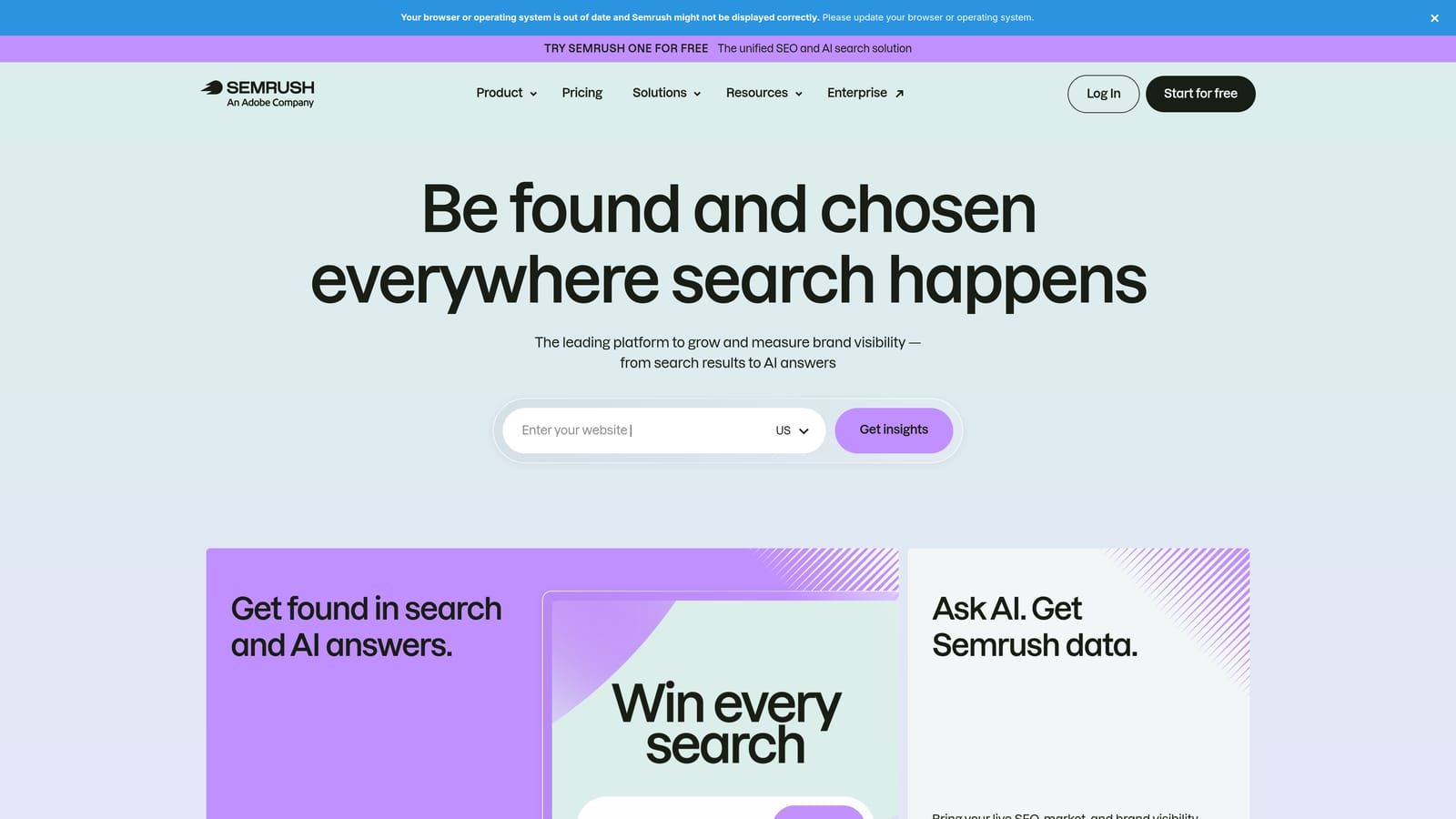
What sets it apart on this list is breadth. Few other tools here combine organic keyword data, competitor paid keyword data, and a multi-domain Keyword Gap in one login. If you manage both SEO and Google Ads for a client, that overlap saves a lot of tab switching.
- Organic Research for any domain shows the keywords it ranks for, with positions and estimated traffic.
- Keyword Gap compares your domain against several competitors and surfaces terms they rank for that you do not.
- Competitor paid keyword data shows what rivals bid on in Google Ads.
- Position tracking monitors your own rankings over time.
- Site audit flags technical issues that may hold rankings back.
It connects with Google Search Console, Google Analytics, Google Ads, and Looker Studio, so you can pull first-party data next to the estimates. Setup is light for basic domain lookups, but getting value from the full suite takes time, and one person usually ends up owning it.
The limits are cost and scale. It is expensive for solo users, reports are capped by plan, and traffic and volume figures are estimates, not measured data. Pricing is subscription-based and moves with the plan tier; check the website for current tiers, as they change.
Best for: Agencies and in-house teams needing deep competitor analysis.
2. Ahrefs
Ahrefs is an SEO platform whose Site Explorer shows organic keywords, ranking pages, and backlinks for any domain. It suits SEOs who want to understand why a page ranks, not just that it does.
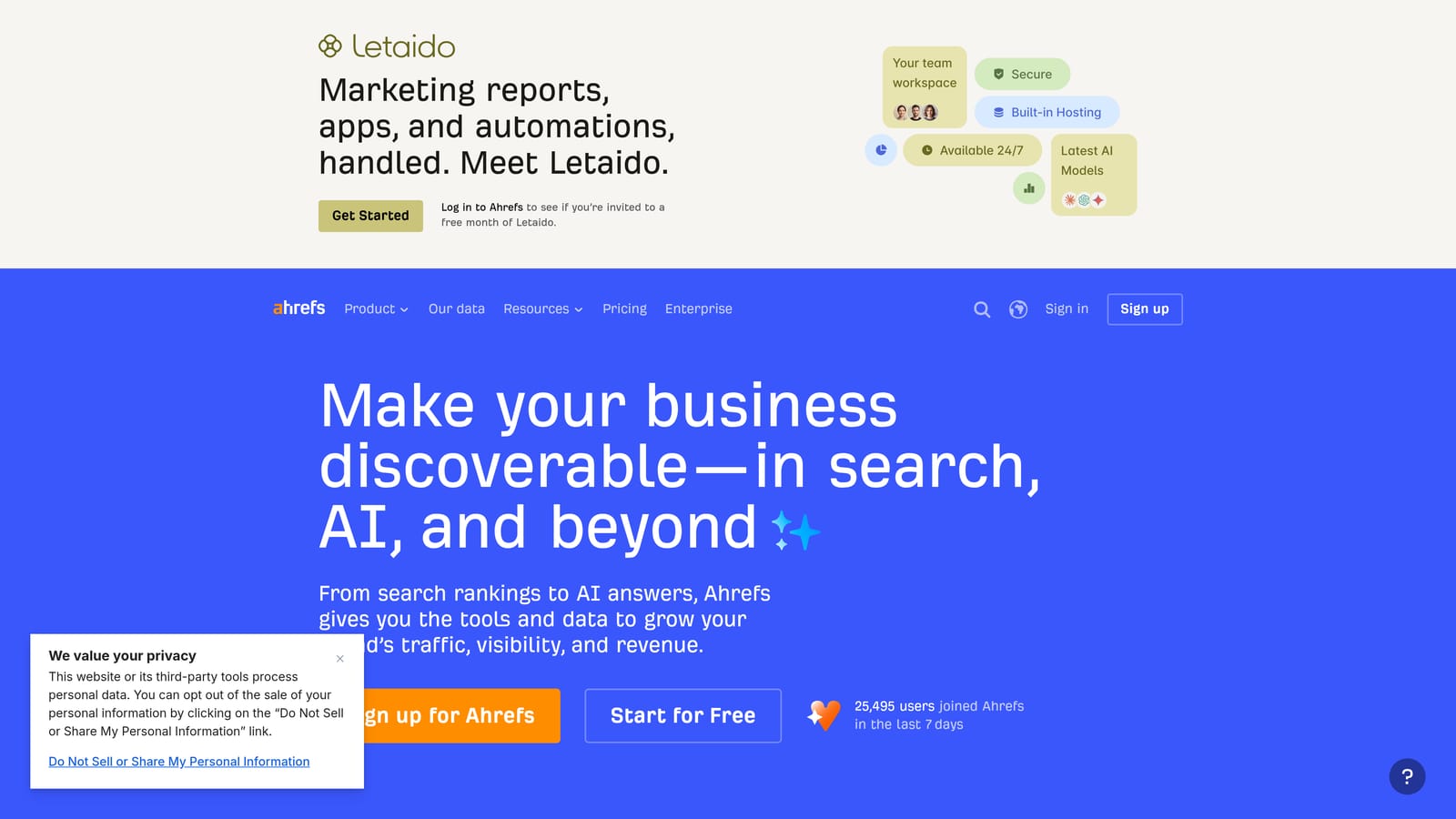
Its distinctive strength is the link between keywords and links. Ahrefs runs its own crawler and backlink index, and the keyword data is organized at page level. You can look at a competitor's top page, see every keyword it ranks for, and check the backlinks that probably help it get there.
What you get
- The Organic Keywords report lists every keyword a domain or URL ranks for, with position and volume.
- Top Pages shows which URLs bring in the most estimated search traffic, so you can see what content earns a rival its visibility.
- Content Gap highlights keywords competitors rank for that you miss.
- Keyword Difficulty helps you judge how hard a term will be to win.
- Backlink analysis connects those rankings to the links behind them.
Fit and limits
It integrates with Google Search Console, Google Analytics, and Looker Studio. Setup is straightforward for lookups, though the depth of reports rewards someone who does SEO daily.
There is no free full-featured plan, and usage limits apply by plan. Paid-search coverage is not its focus, so PPC specialists will want a second tool for competitor ad data. Pricing is subscription-based; see the website for current tiers.
Best for: SEOs who want to connect keyword rankings to link profiles.
3. SE Ranking
SE Ranking is a mid-priced SEO platform that covers competitive research, rank tracking, and reporting without the cost of the largest suites. It is aimed at small agencies and freelancers who have to show clients something polished every month.
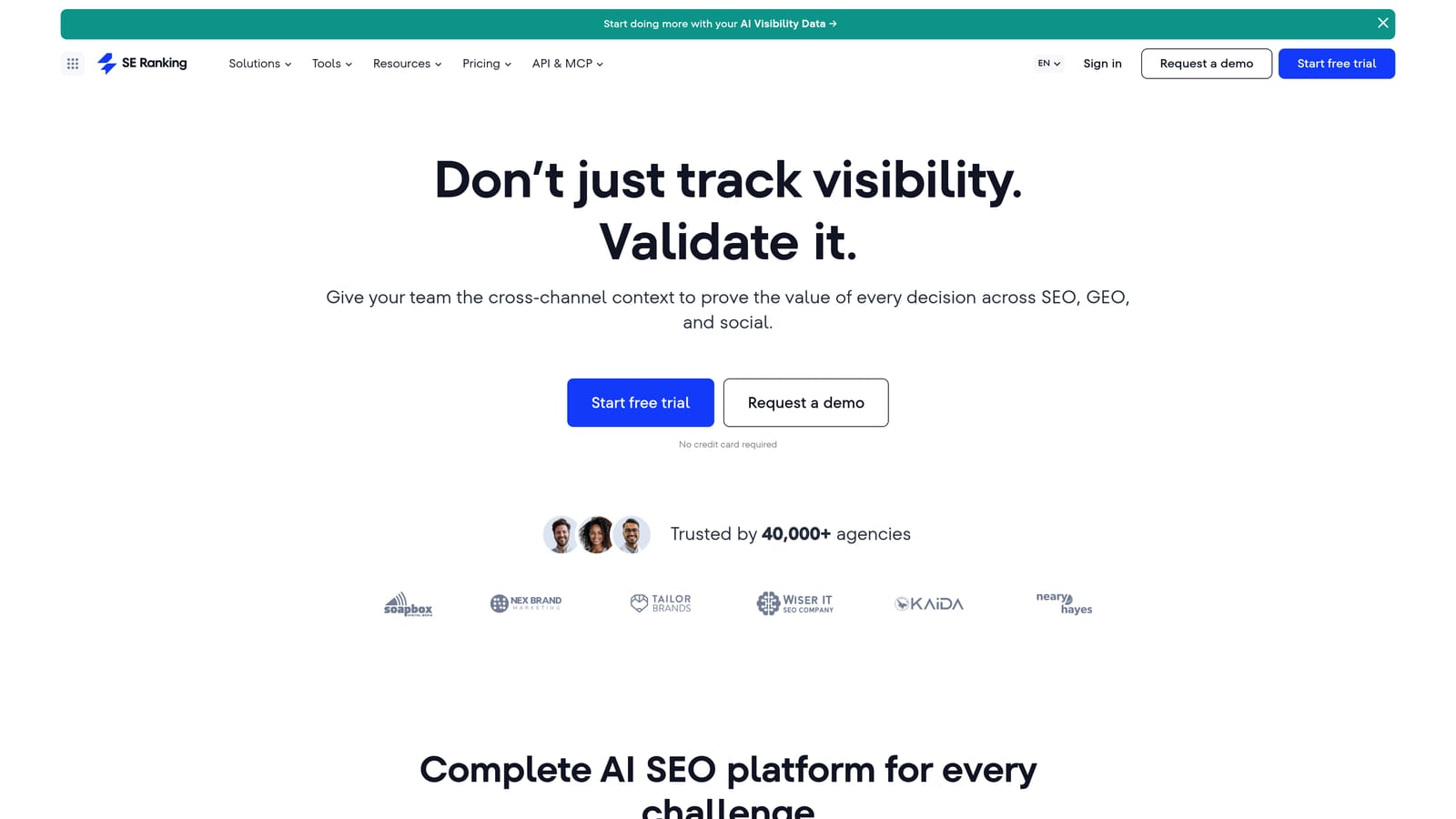
The standout is white-label client reporting bundled with competitor keyword analysis. You can research a rival's keywords and then put your own branding on the report you send, all inside one subscription.
- The Competitive Research module shows the keywords a competitor domain ranks for.
- The rank tracker follows your target keywords over time.
- The on-page audit points out fixes for individual pages.
- White-label reports let you send branded deliverables to clients.
- Keyword grouping organizes large lists into clusters you can act on.
It integrates with Google Search Console, Google Analytics, Google Ads, and Looker Studio, which helps when you report on organic and paid together. Setup is quick, and a single account manager can run it for several clients.
The trade-off is database size. Its keyword database is smaller than the biggest suites, so for obscure niches or very large competitors you may see thinner results. Pricing is subscription-based and typically scales with plan tier and tracking limits; see the website for current plans.
Best for: Small agencies that need client-ready reports on a tighter budget.
4. SpyFu
SpyFu is a competitor research tool that covers both the organic keywords a domain ranks for and the Google Ads keywords rivals have bought. It is the most PPC-minded tool in the SEO-focused half of this list.
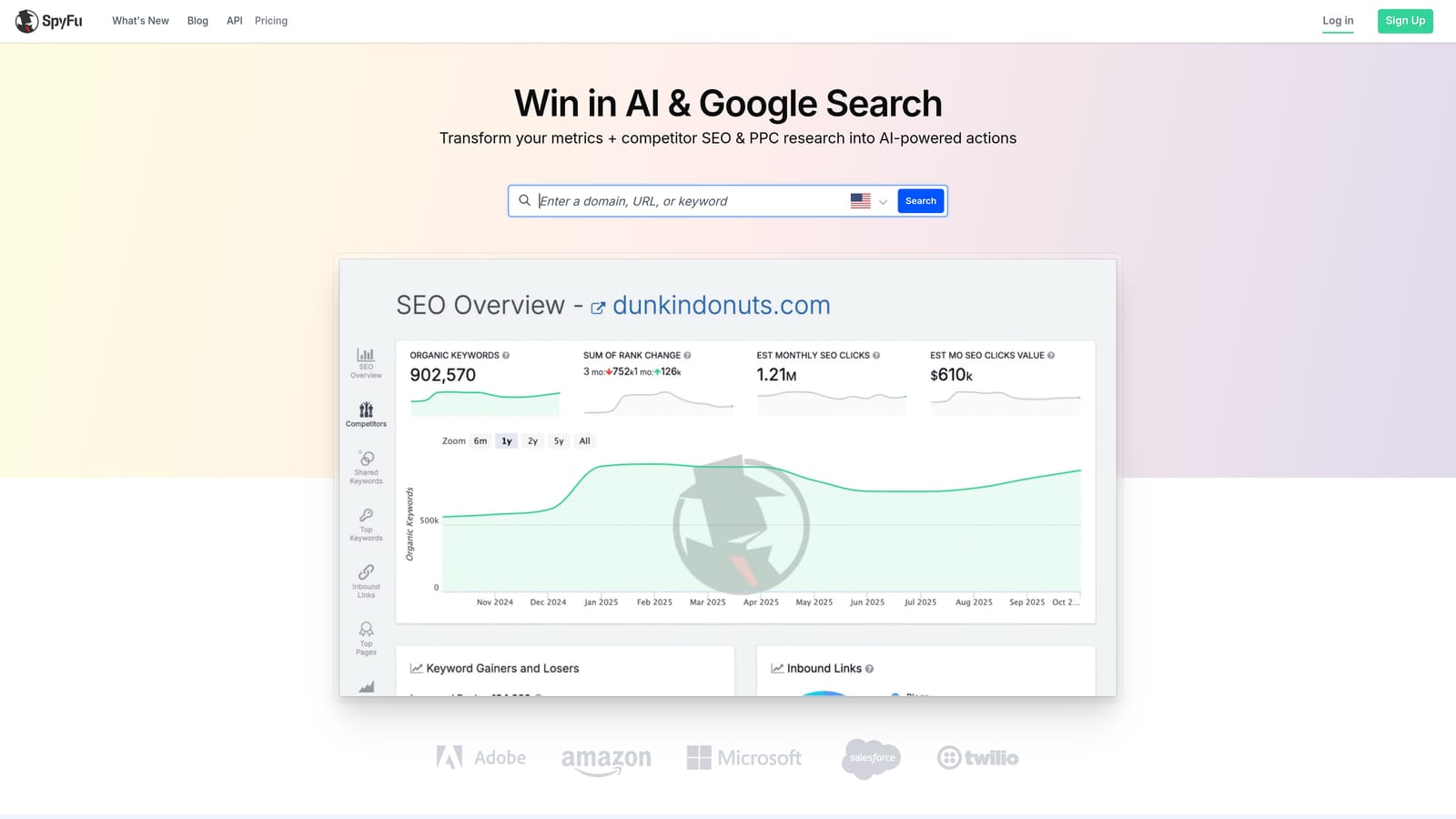
Its distinctive feature is history. SpyFu keeps a multi-year record of competitors' paid keywords and ad copy, so you can see what a rival has tested, kept, and dropped. Long-running ads often hint at what converts for them, though that is an inference, not proof.
- Organic and paid keyword lists show how a domain appears in both channels.
- Ad history reveals past ad copy and the keywords tied to it.
- Keyword overlap shows which terms two domains share.
- Exports move the data into spreadsheets or your Google Ads workflow.
- Domain overview gives a fast summary before you dig in.
Integrations are limited, so expect to work mostly through exports. Setup is minimal, and a PPC manager can run it solo.
The limits: the data skews toward the US, so it is a weaker pick for international accounts, and the SEO toolkit is lighter than Semrush or Ahrefs. Pricing is subscription-based; see the website for current tiers.
Best for: PPC marketers researching what competitors bid on.
5. Google Keyword Planner
Google Keyword Planner is a free tool inside Google Ads that can generate keyword ideas from a website URL. It is for advertisers who want a starting keyword list drawn from a landing page.
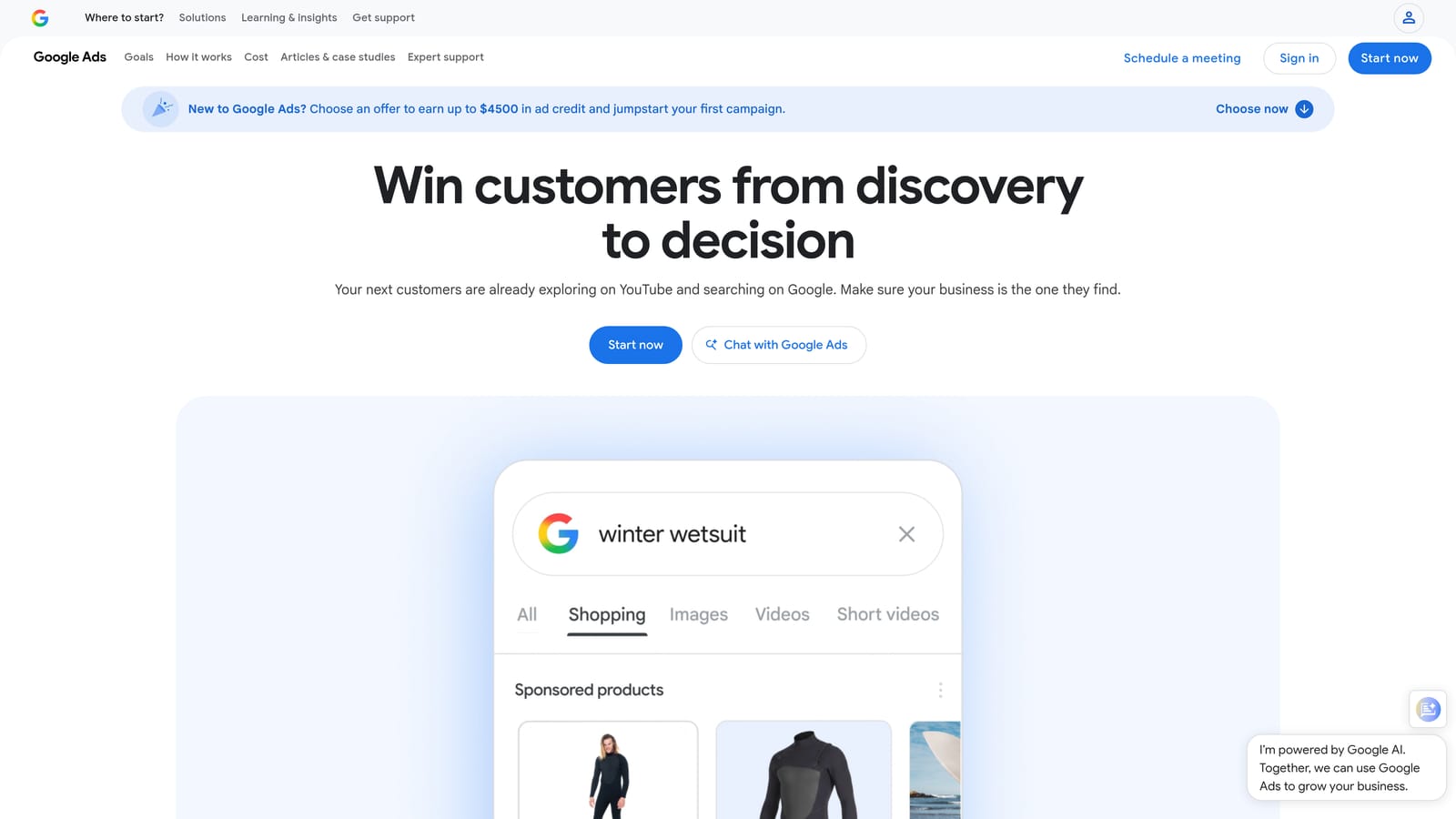
One misconception needs clearing up. The "Start with a website" option suggests ideas based on the page's content. It does not tell you what that site ranks for. Treat it as idea generation, not competitor research.
- Start with a website returns keyword ideas based on the content of a URL you enter.
- Search volume ranges and forecasts help you size opportunities. Accounts with little or no spend may see broad ranges instead of exact figures, so check Google Ads Help for current behavior.
- Bid estimates give a rough sense of cost.
- You can add ideas directly to plans and campaigns, which skips the export step.
It works inside Google Ads, so you need an account, though you do not need to run active campaigns to open it. Setup takes minutes, and whoever manages the ads account will run it.
It does not suit anyone who wants to see a rival's rankings, traffic, or difficulty scores. The data comes from Google itself, which is a plus for accuracy of search demand. It is free with a Google Ads account.
Best for: Advertisers building Google Ads keyword lists from a landing page.
6. Google Search Console
Google Search Console is a free Google tool that shows the real queries your verified site appears for in Search. If the question is "what do I actually rank for?", this is the most reliable answer you can get.
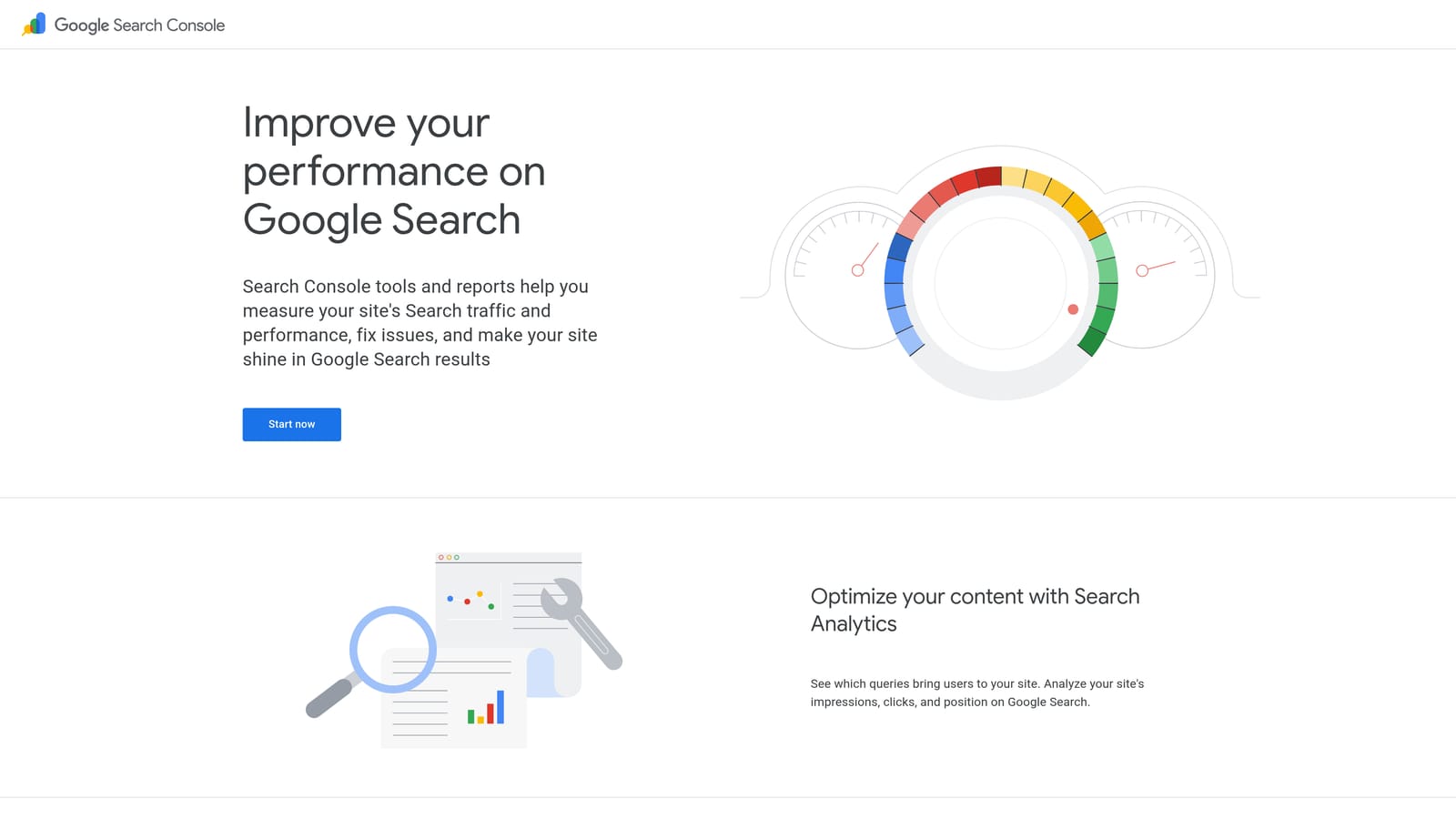
Its edge over everything else here is that the data is first-party. These are measured impressions and clicks, not modeled estimates. The catch is that it only works for properties you can verify.
- The Performance report lists queries with clicks and impressions, so you see which searches actually send traffic.
- Average position shows where you tend to appear for each query.
- Page-level filtering ties queries to individual URLs.
- Date comparisons reveal gains and drops after changes or updates.
- Index coverage reports show which pages Google has indexed.
It connects to Google Analytics and Looker Studio, and several tools above can import its data. Setup means verifying ownership of the site, usually through a DNS record or a file upload, which an owner or developer handles once.
It does not suit competitor research at all, and it gives no search volume or keyword difficulty. A query with a few impressions will not tell you how big the opportunity is. It is free.
Best for: Site owners checking what they already rank for.
7. Moz Pro
Moz Pro is an SEO suite with Keyword Explorer and domain-level ranking keyword data, wrapped in an interface that is friendlier than most. It is built for small teams and newer SEOs who want guidance, not a wall of columns.
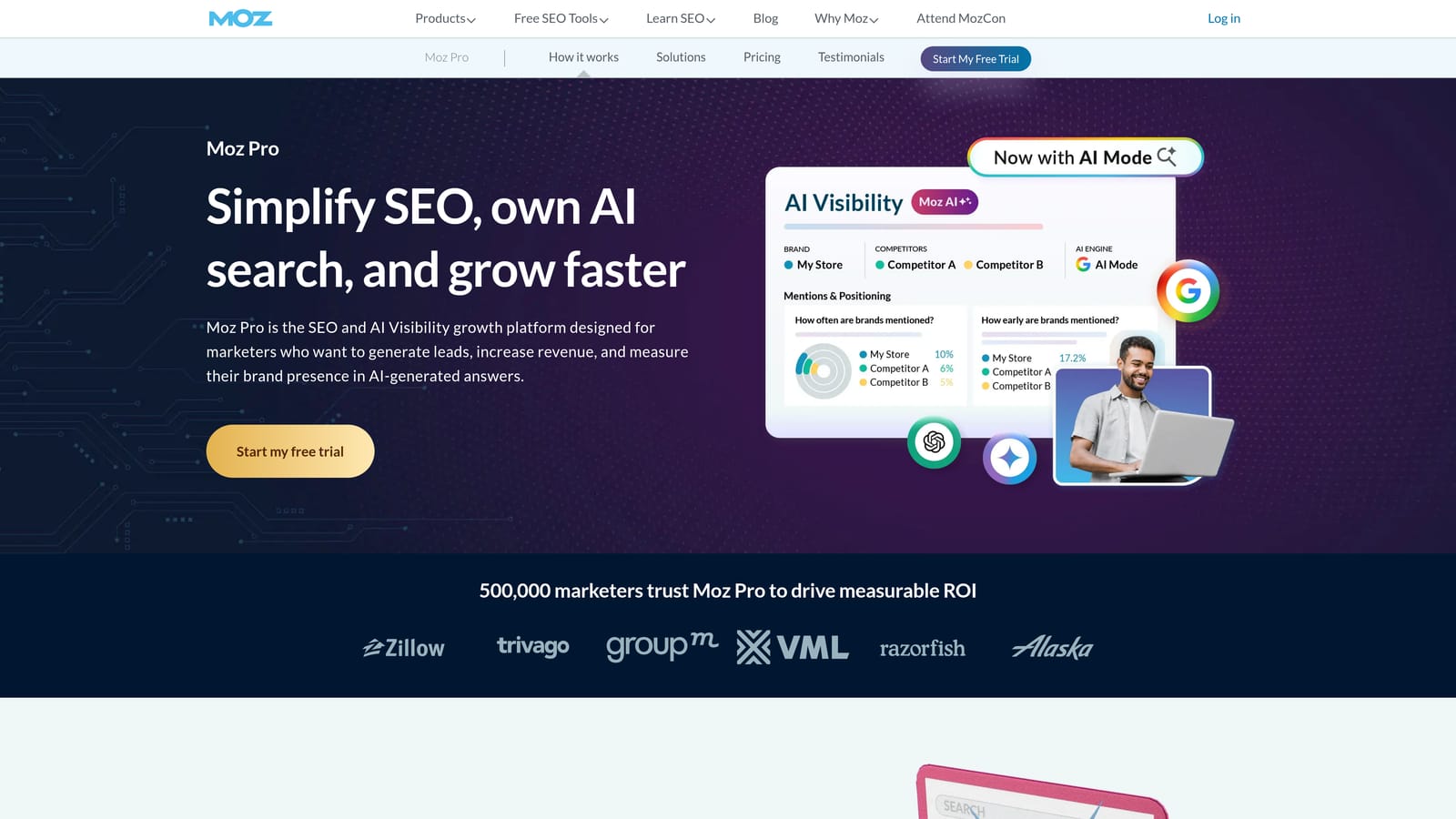
What it does distinctively is Domain Authority and a guided priority score. Domain Authority is Moz's own predictive metric for how well a site may rank, and the priority score helps you decide which keywords to chase first.
- Keyword Explorer generates ideas and shows metrics so you can compare them.
- Ranking keywords for a domain show what a site appears for.
- Priority score blends factors to suggest where to start.
- Domain Authority offers a quick benchmark against competitors.
- Rank tracking follows your chosen keywords over time.
It integrates with Google Analytics, Google Search Console, and Looker Studio. Setup is simple and a generalist marketer can own it.
Its index is smaller than the biggest suites, and paid-search coverage is thin, so PPC teams will want something else for competitor ad data. Domain Authority is a Moz metric, not a Google signal, so use it for comparison only. Pricing is subscription-based; see the website for current tiers.
Best for: Small teams wanting a gentler learning curve.
8. Mangools
Mangools is a set of lightweight SEO tools. SiteProfiler analyzes a domain's keywords, and KWFinder helps you find new ones. It is a good match for freelancers who want quick answers without learning a big platform.
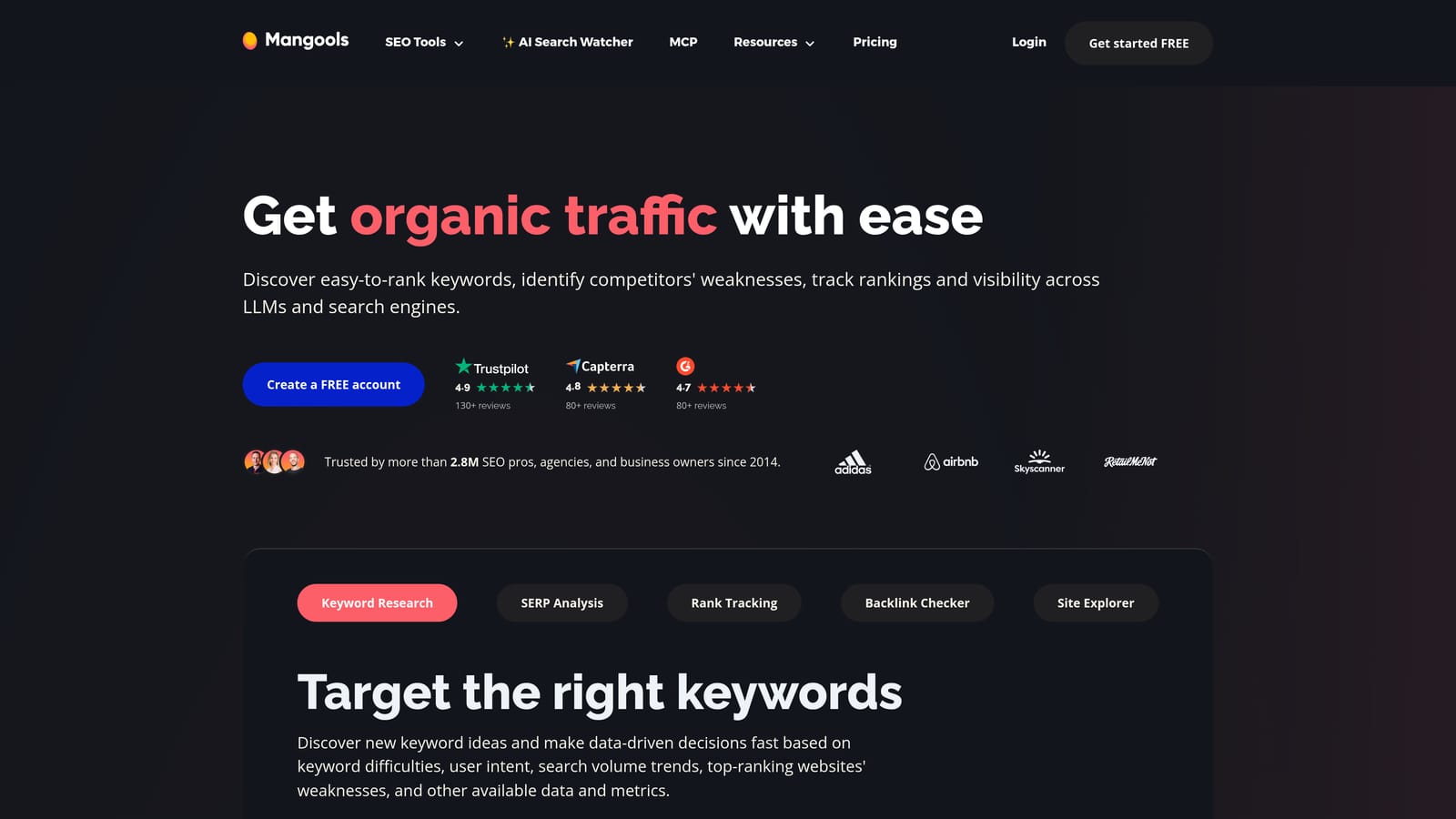
The standouts are the simple interface and local-level keyword targeting. If you audit a plumber in one city, being able to look at keywords for that location, not just a country, is useful.
- SiteProfiler gives a domain overview that includes the keywords it ranks for.
- KWFinder surfaces keyword ideas with difficulty scores.
- Local search targeting narrows data to a specific city or region.
- SERPChecker shows what the results page looks like for a term.
- Rank tracking monitors your positions.
Integrations are limited, so you will export more than you sync. Setup is nearly instant, and one freelancer can run everything.
Competitor and paid-search analysis are lighter than in the larger suites, and plan lookup limits can bite if you audit many domains in a day. Pricing is subscription-based; see the website for current tiers.
Best for: Freelancers and local-business audits.
9. Ubersuggest
Ubersuggest is a budget-friendly keyword and domain analysis tool from Neil Patel. It is meant for solo owners who want a quick look at a competitor without a big subscription.
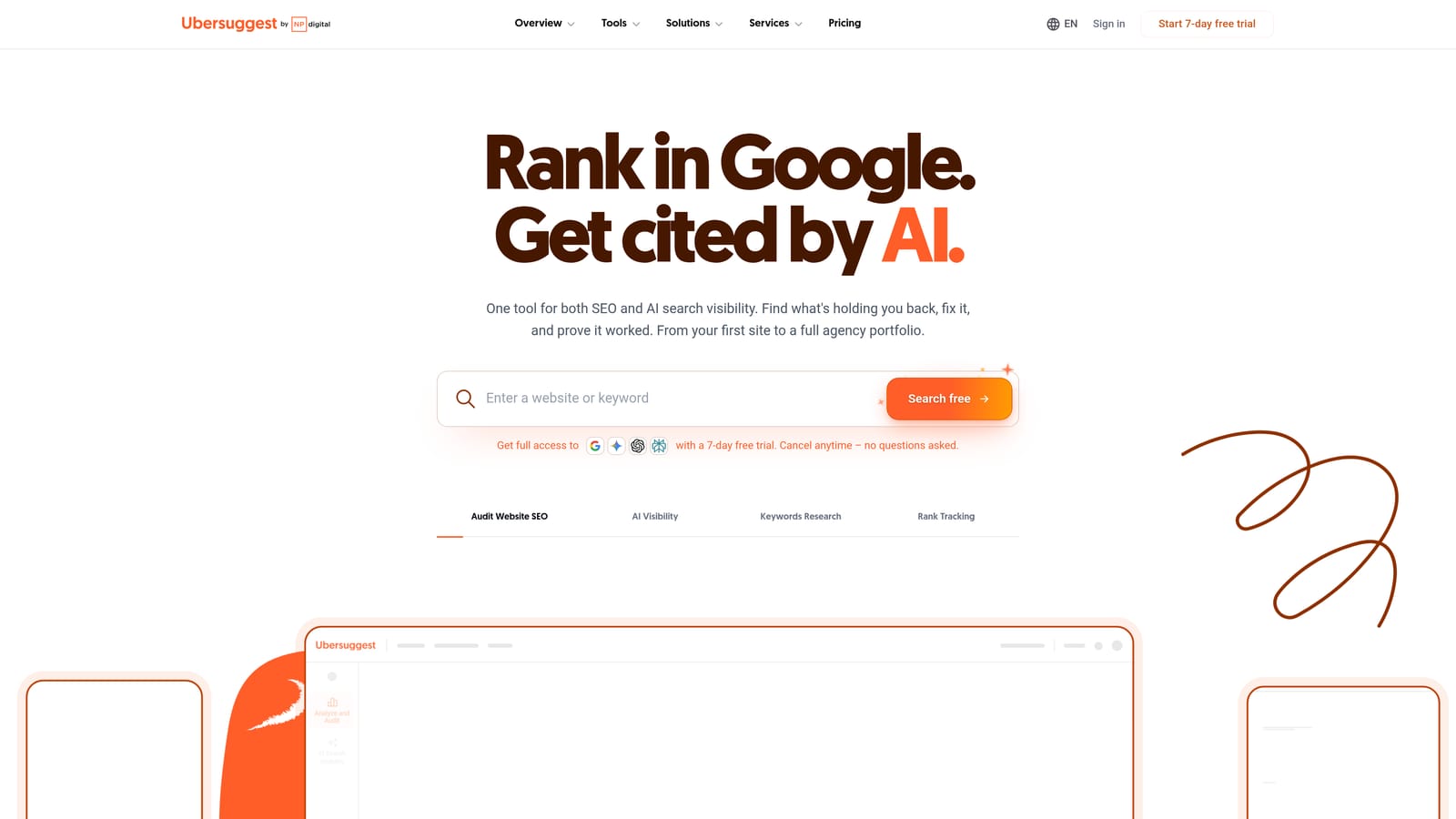
What sets it apart is the pricing structure. Alongside subscriptions, it has offered a one-time purchase option, though you should verify the current offer before relying on it.
- Domain overview summarizes a site's estimated visibility.
- Top SEO keywords lists the terms a domain appears for.
- Top pages shows which URLs attract the most estimated traffic.
- Keyword ideas expand a seed term into related searches.
- Content ideas suggest topics based on what performs for others.
It integrates with Google Analytics and Google Search Console, and setup is minimal. The owner can run it without any training.
The trade-off is depth. Its data is less detailed and less accurate than the larger platforms, so use the output as directional and cross-check anything you plan to spend money on. It is not a fit for agencies managing many clients. It has a limited free tier and paid plans; see the website for current pricing.
Best for: Solo owners checking competitors on a tight budget.
Matching the Tool to the Job, Then Moving Keywords into Google Ads
Pick by the question you are asking:
- Your own site: Search Console, because it reports real queries.
- Google Ads idea generation: Keyword Planner, because the ideas come from Google and drop straight into plans.
- Deep competitor analysis: Semrush or Ahrefs.
- Budget and agency work: SE Ranking or Mangools.
- Competitor paid keywords: SpyFu.
Whatever you choose, treat third-party volume and traffic numbers as estimates and check them against Search Console or Keyword Planner before you commit budget. Organic keywords are not Google Ads keywords. Move the terms that fit your offer into campaigns as keywords with deliberate match types, then let the search terms report show what people actually typed. That report is where your ongoing negative keywords come from.
Keywordme is not a website analyzer and will not tell you what a competitor ranks for. It is a Chrome extension that works inside the Google Ads Search Terms Report, which makes it a useful partner to the tools above once the keywords are live.
Optimize Google Ads Campaigns 10X Faster. Without Leaving Your Account. Keywordme lets you remove junk search terms, build high-intent keyword lists, and apply match types instantly, right inside Google Ads. No spreadsheets, no switching tabs, just quick, seamless optimization. Start your free 7-day trial (then just $12/month) and take your Google Ads game to the next level.
.svg)