
9 Best Website Keyword Analysis Tools for Google Ads
This guide reviews the 9 best website keyword analysis tool options for Google Ads practitioners in 2026, covering both keyword discovery and in-account optimization use cases. From free tools to enterprise platforms, each pick is evaluated for how it helps advertisers find high-value terms, cut wasted spend, and sharpen campaign performance.


If you're running Google Ads and still guessing which keywords are worth your budget, you're leaving money on the table. A good website keyword analysis tool tells you what search terms are actually driving traffic, which ones are burning through your budget without converting, and where your real opportunities are hiding.
This list focuses specifically on tools that help Google Ads practitioners, not just SEO researchers. Whether you're auditing a new account, mining competitor keywords, or cleaning up your search terms report, these tools cover the full range of use cases. We've included free options, enterprise platforms, and a Chrome extension that works directly inside Google Ads. Pricing is current as of September 2026, but always verify on the tool's pricing page before committing.
One distinction worth making upfront: some tools here are for keyword discovery (finding terms to bid on before or during campaign setup), while others help with in-account optimization (acting on the search terms already triggering your ads). The best PPC workflows use both. You'll see that difference called out clearly for each tool below.
1. Keywordme
Best for: In-account search term optimization directly inside Google Ads
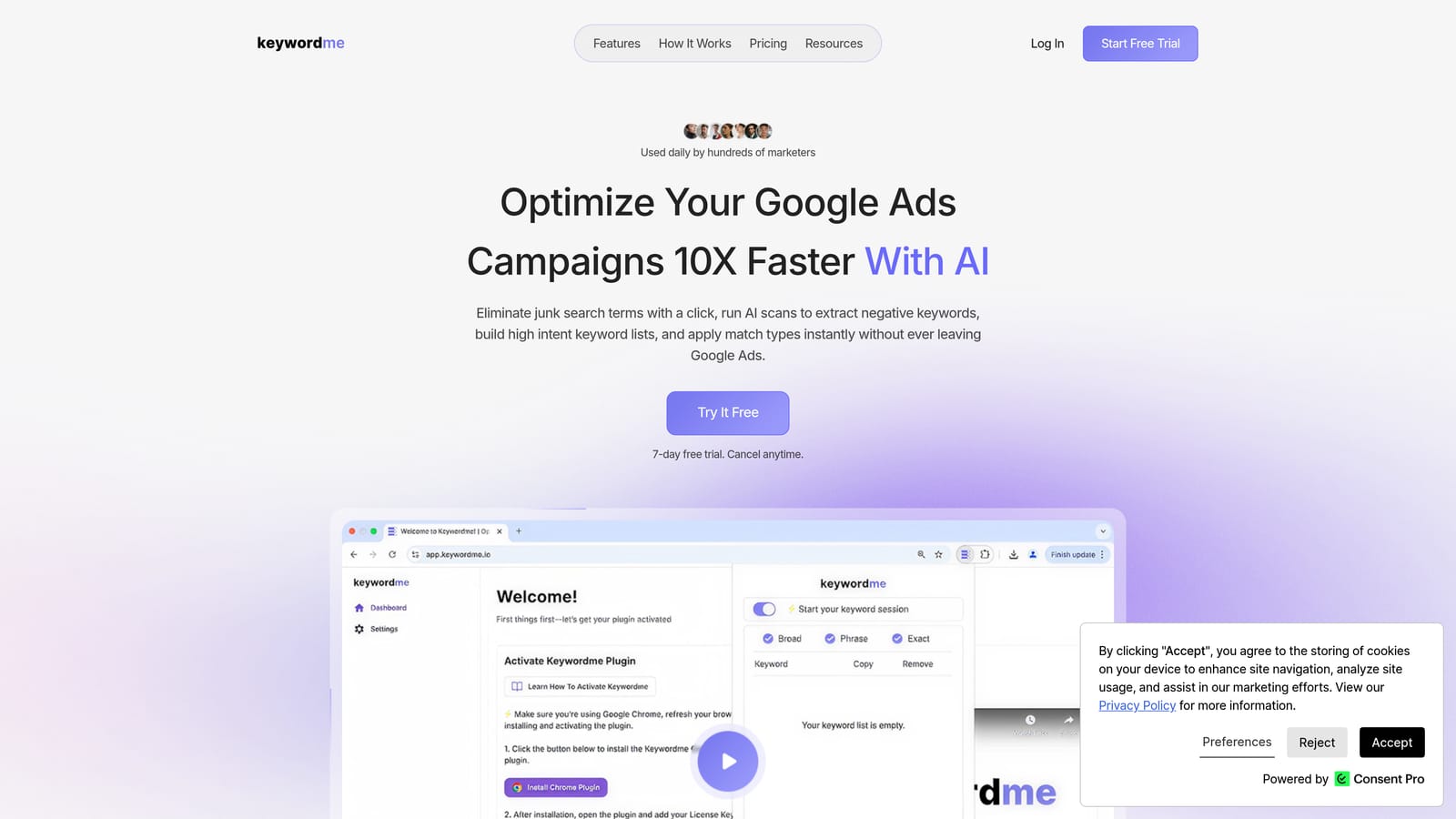
Keywordme is a Chrome extension that works entirely within Google Ads' Search Terms Report, letting you add negative keywords, apply match types, cluster keywords, and build high-intent keyword lists without opening a separate tool.
Where This Tool Shines
Most keyword tools require you to export data, work in a spreadsheet, and then re-upload changes. Keywordme removes that round-trip entirely. You're already in the Search Terms Report reviewing what triggered your ads. With Keywordme installed, you can act on what you see immediately: add a junk term as a negative, flag a high-intent term for promotion, and apply match types, all without leaving the Google Ads interface.
This matters most during routine account maintenance. The friction of switching between tools is where optimization tasks get skipped. Keywordme is worth noting for what it is and what it isn't: it's an in-account optimization tool, not a competitive research or keyword discovery platform. If you need to find new keywords before a campaign launches, you'll pair it with one of the tools further down this list.
Key Features
One-click negative keyword addition: Flag irrelevant search terms as negatives directly from the Search Terms Report without exporting to a spreadsheet.
Match type application: Apply exact, phrase, or broad match to keywords instantly from within the Google Ads interface.
Keyword clustering: Group related search terms into clusters to identify patterns and build tighter ad groups faster.
Bulk editing: Process multiple search terms at once rather than handling them one by one.
Multi-account and team support: Agencies can use Keywordme across multiple client accounts, with per-user pricing that scales cleanly.
Best For
PPC managers, freelancers, and agency teams who spend regular time in the Search Terms Report and want to cut the manual work out of ongoing optimization. Particularly useful for agencies managing multiple Google Ads accounts where speed and consistency matter.
Pricing
$12/month per user. A 7-day free trial is available with no commitment required.
2. Google Keyword Planner
Best for: Free keyword discovery and volume forecasting using Google's own data
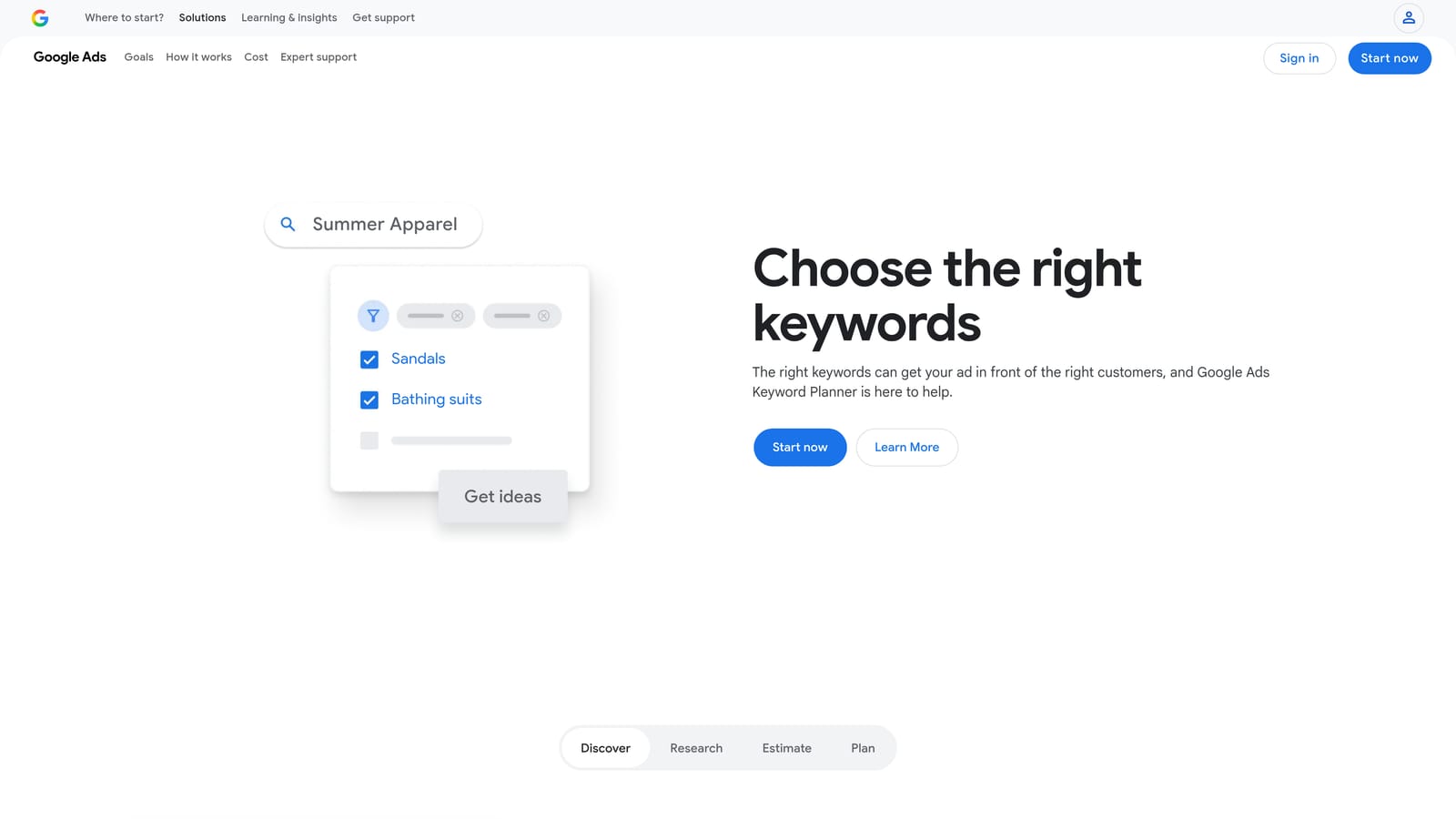
Google Keyword Planner is the native keyword research tool built into every Google Ads account, providing search volume ranges, CPC estimates, competition levels, and keyword ideas based on a seed keyword or URL.
Where This Tool Shines
Because the data comes directly from Google, Keyword Planner is the most authoritative source for search volume and CPC forecasting available to advertisers. No third-party tool is estimating these numbers from a panel or crawl. You're getting the same signals Google uses internally.
The main limitation is that volume data is shown as ranges rather than exact figures for accounts with lower spend history. This makes it better for directional planning than precise keyword-by-keyword analysis. Use it to validate keyword ideas, estimate budget requirements, and identify seasonal trends before committing spend.
Key Features
Search volume ranges and trend data: Historical monthly search volume shown as ranges, with trend graphs to spot seasonality.
CPC bid estimates: Low and high bid range estimates based on advertiser competition for each keyword.
Keyword ideas from seed terms or URLs: Enter a keyword or a competitor's URL to generate related keyword suggestions.
Forecast tool: Project expected clicks, impressions, and cost for a keyword list at a given bid and budget.
Free access: Available to anyone with a Google Ads account, regardless of spend level.
Best For
Any Google Ads advertiser doing initial keyword research, budget planning, or campaign expansion. It's the logical starting point for keyword discovery because the data source is Google itself.
Pricing
Free with any Google Ads account.
3. Semrush
Best for: Competitive paid keyword intelligence and large-scale keyword discovery
Semrush is an all-in-one SEO and paid search platform with deep competitive keyword intelligence, including which keywords competitors are bidding on, their ad copy, and estimated paid traffic.
Where This Tool Shines
Semrush's Advertising Research feature is one of the most comprehensive competitive PPC datasets available. You can look up any domain and see the paid keywords it's targeting, the ad copy it's running, and how that has changed over time. This is particularly useful when entering a new market or auditing a competitor's strategy before a campaign launch.
The Keyword Magic Tool handles broad keyword discovery well, generating large lists from a seed term with volume, CPC, and competition filters. For agencies managing clients across multiple industries, Semrush works as a central research hub for both organic and paid keyword strategy.
Key Features
Advertising Research: View competitor paid keywords, estimated traffic, and ad copy variations by domain.
Keyword Magic Tool: Generate large keyword lists from a seed term with filtering by volume, difficulty, and CPC.
Keyword Gap analysis: Identify terms competitors rank or bid on that your domain doesn't.
Position tracking: Monitor keyword rankings across both organic and paid results over time.
PPC keyword lists: Build and export keyword lists with CPC, volume, and competition data attached.
Best For
Agencies and in-house teams that need competitive PPC research alongside SEO data. Best suited to accounts where understanding what competitors are bidding on informs keyword strategy.
Pricing
Subscription-based with multiple tiers. Check semrush.com for current pricing before purchasing.
4. Ahrefs
Best for: Keyword research with strong organic and paid data combined
Ahrefs is a leading SEO platform with solid paid keyword research capabilities via Site Explorer, including competitor paid keyword data, CPC estimates, and keyword difficulty scoring.

Where This Tool Shines
Ahrefs is primarily known for its backlink index and organic keyword data, but its paid keyword features are genuinely useful for PPC research. Site Explorer lets you enter any competitor domain and view the paid keywords it's targeting, along with the ad copy and landing pages. This gives you a practical view of where competitors are investing paid budget.
Keywords Explorer is thorough, covering volume, CPC, clicks, and parent topic grouping across a large keyword index. For teams that run both SEO and Google Ads, Ahrefs offers the advantage of keeping both research workflows in one platform.
Key Features
Keywords Explorer: Volume, CPC, clicks, keyword difficulty, and parent topic for any keyword across multiple countries.
Site Explorer paid keywords: View any competitor's paid keyword list and associated ad copy.
Content Gap tool: Find keyword opportunities where competitors rank but your domain doesn't.
SERP overview: See both organic and paid competition for any keyword in one view.
Large keyword index: Broad coverage across multiple languages and regional markets.
Best For
Teams that need strong organic keyword research alongside paid competitor analysis. A good fit for in-house marketing teams managing both SEO and PPC under one roof.
Pricing
Subscription-based. Check ahrefs.com for current pricing tiers.
5. SpyFu
Best for: Historical competitor PPC keyword data and ad copy research
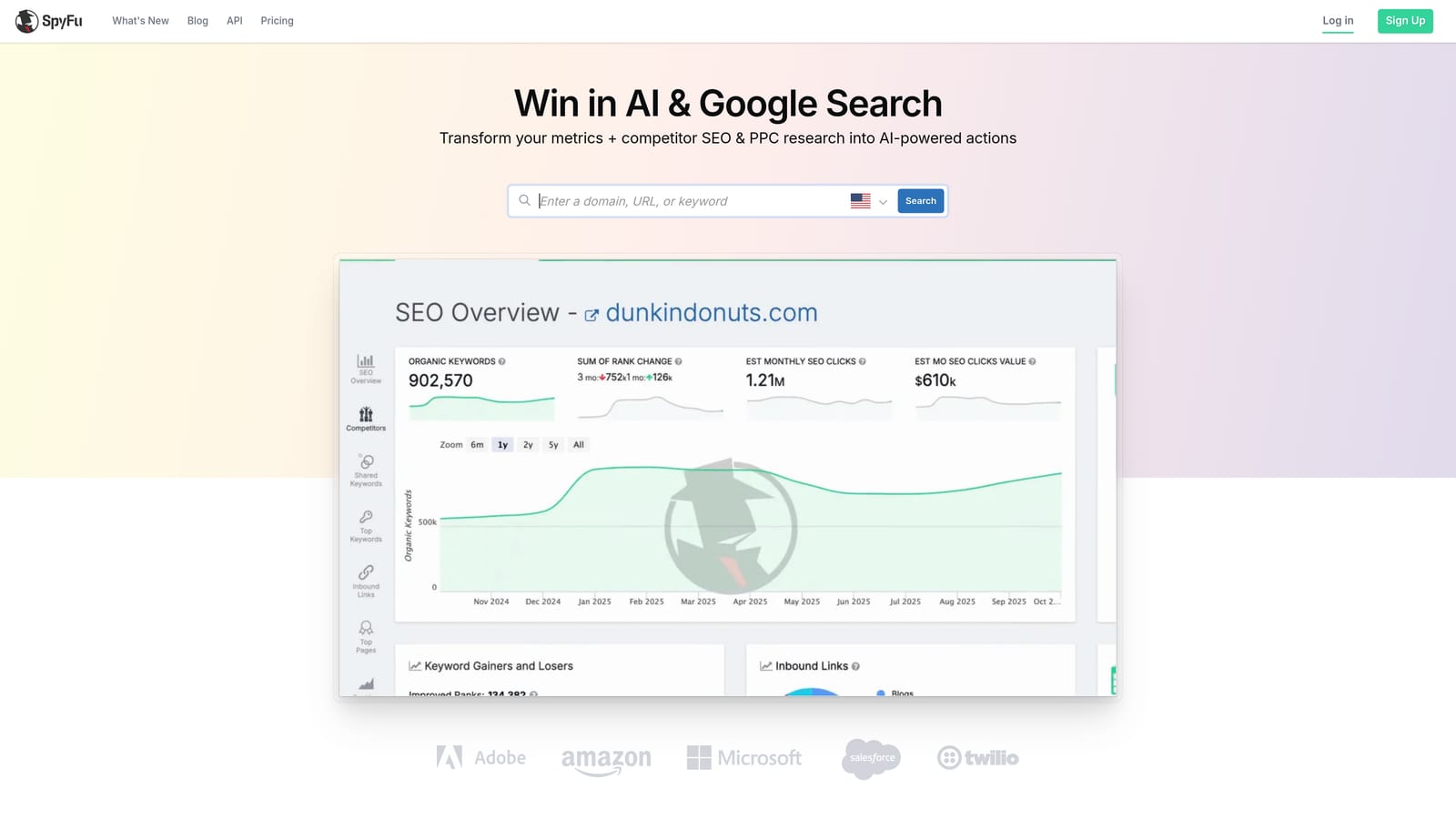
SpyFu is a competitive intelligence tool focused on PPC and SEO research, best known for its historical keyword data showing which terms competitors have bid on over time and which they've since dropped.
Where This Tool Shines
SpyFu's historical data is its clearest differentiator. Seeing that a competitor bid on a keyword for two years and then stopped is a meaningful signal. It suggests either the keyword stopped converting or the competitor shifted strategy. That context is hard to get from tools that only show current bidding activity.
The Kombat tool lets you compare up to three domains side by side, showing keyword overlaps and gaps across competitors. For PPC-focused research without paying for a full SEO suite, SpyFu tends to be more affordable than Semrush or Ahrefs while covering the competitive intelligence use case well.
Key Features
Competitor keyword history: See which keywords a domain has bid on over time, including terms they've stopped using.
Ad history: View historical ad copy variations for any competitor domain.
PPC keyword research: CPC estimates and monthly click projections for keyword planning.
Kombat tool: Three-way competitor keyword comparison to identify shared and unique keyword opportunities.
Domain overview: Quick competitive snapshot for any domain, including top paid keywords and estimated spend.
Best For
Advertisers and agencies that prioritize competitive PPC research over organic SEO data. A practical choice for accounts where understanding competitor bidding history informs keyword selection.
Pricing
Subscription-based. Check spyfu.com for current pricing.
6. WordStream Advisor
Best for: Guided Google Ads optimization with keyword recommendations built in
WordStream Advisor is a Google Ads management platform that combines keyword analysis with guided weekly optimization recommendations, designed to surface actionable improvements without requiring deep PPC expertise.

Where This Tool Shines
WordStream's approach is different from pure keyword research tools. Rather than giving you raw data to interpret, it analyzes your account and surfaces specific recommendations: keywords to add, negatives to exclude, bids to adjust. The 20-Minute Work Week feature structures this into a guided weekly session, which makes it useful for business owners or marketers who manage Google Ads without a dedicated PPC specialist.
The keyword analysis sits inside a broader account management context, so the recommendations are tied to your actual account performance rather than generic keyword data. That said, it's less suited to deep competitive research than Semrush or Ahrefs.
Key Features
20-Minute Work Week: Guided weekly optimization tasks surfaced from account performance data.
Keyword research and negative keyword suggestions: Keyword recommendations and negative keyword alerts based on search term data.
Performance Grader: Account health scoring across key Google Ads metrics.
Smart Ads Creator: Ad copy generation tool for creating and testing new ads.
Cross-channel reporting: Consolidated reporting across Google Ads and Microsoft Ads.
Best For
Small business owners and generalist marketers who manage Google Ads without deep PPC expertise and want structured guidance rather than raw keyword data to interpret independently.
Pricing
Subscription-based. Check wordstream.com for current pricing.
7. Ubersuggest
Best for: Budget-friendly keyword research for freelancers and small advertisers
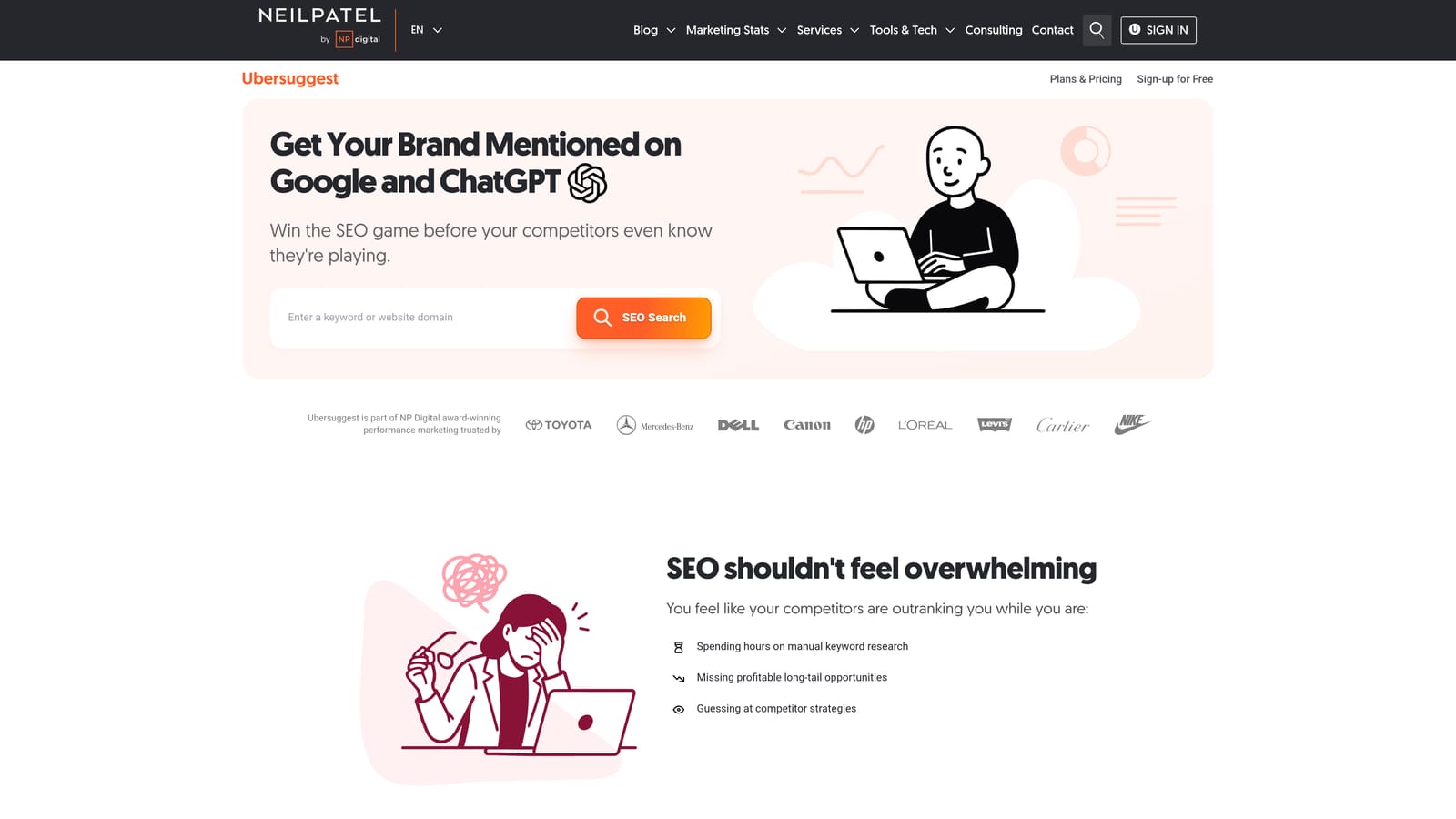
Ubersuggest is a lower-cost keyword research tool that provides keyword ideas, search volume, SEO difficulty, paid difficulty, and CPC estimates for advertisers who don't need enterprise-level data depth.
Where This Tool Shines
Ubersuggest covers the core keyword research workflow at a price point that makes sense for freelancers and small businesses. You get keyword ideas, volume estimates, CPC data, and a competitor domain lookup without the subscription cost of Semrush or Ahrefs. For accounts with modest budgets where the ROI on a premium research tool is harder to justify, Ubersuggest is a reasonable starting point.
The domain lookup feature lets you see which keywords a competitor's site ranks for organically, which is useful for identifying terms worth testing in paid search. It's not as deep as Semrush's Advertising Research, but it's functional for basic competitive keyword discovery.
Key Features
Keyword ideas with scoring: Volume, CPC, paid difficulty, and SEO difficulty for any seed keyword.
Competitor keyword analysis: Domain lookup to see organic keywords a competitor's site ranks for.
Content ideas: Top-performing pages for a keyword, useful for understanding what's working in the SERP.
Site audit: Basic technical SEO checks for your own domain.
Lifetime license option: A one-time purchase option has been available; verify current availability at time of purchase.
Best For
Freelancers, small business owners, and early-stage advertisers who need functional keyword research without the cost of an enterprise platform.
Pricing
Subscription or lifetime license. Check neilpatel.com/ubersuggest for current pricing options.
8. Moz Keyword Explorer
Best for: Keyword prioritization for teams running both SEO and PPC
Moz Keyword Explorer is the keyword research tool within Moz Pro, known for its Priority score that combines search volume, keyword difficulty, and organic CTR opportunity into a single metric to help teams focus on the highest-value terms.
Where This Tool Shines
The Priority score is Moz's most distinctive feature for keyword analysis. Rather than leaving you to weigh volume against difficulty manually, it produces a single score that factors in organic click-through opportunity alongside competition. For teams managing both organic and paid keyword strategy, this makes it easier to identify terms worth targeting across both channels.
Moz Keyword Explorer is less focused on paid competitive intelligence than Semrush or SpyFu. It's more useful for keyword discovery and prioritization than for understanding what competitors are bidding on. Limited free searches are available without a subscription, which makes it accessible for occasional use.
Key Features
Priority score: A composite score combining volume, keyword difficulty, and organic CTR opportunity for faster prioritization.
Keyword difficulty scoring: Difficulty estimates with SERP analysis showing what's ranking and why.
Keyword suggestions and related terms: Broad keyword discovery from a seed term.
SERP feature identification: Flags featured snippets, ads, and other SERP features for any keyword.
Limited free access: A small number of free searches per month without a paid subscription.
Best For
Marketing teams that run integrated SEO and PPC programs and want a unified keyword prioritization framework rather than separate research workflows for each channel.
Pricing
Included in Moz Pro subscription. Limited free searches available. Check moz.com for current pricing.
9. Keywords Everywhere
Best for: Quick keyword data overlaid on Google SERPs and other platforms as you browse
Keywords Everywhere is a browser extension for Chrome and Firefox that overlays keyword volume, CPC, and competition data directly on Google search results pages, YouTube, Amazon, and other platforms as you browse.
Where This Tool Shines
Keywords Everywhere fits into a specific workflow: you're already searching Google or browsing YouTube, and you want keyword metrics without opening a separate research tool. The extension surfaces volume, CPC, and competition data inline on the SERP, along with related keywords and "People Also Search For" suggestions. It's low-friction keyword research for quick checks.
The credit-based pricing model means you only pay for what you look up, which makes it cost-effective for advertisers who need occasional keyword data rather than ongoing research at scale. It's not a replacement for a full keyword research platform, but it's a useful complement that reduces tab-switching during exploratory research.
Key Features
SERP keyword overlay: Volume, CPC, and competition data displayed directly on Google search results pages.
Related keywords and "People Also Search For" data: Keyword expansion suggestions surfaced inline on the SERP.
Multi-platform support: Works across Google, YouTube, Amazon, and other platforms.
Credit-based pricing: Pay per keyword lookup rather than a flat monthly subscription.
Bulk keyword analysis: Upload a keyword list file for batch volume and CPC data.
Best For
Advertisers and content marketers who want quick keyword metrics while browsing without opening a full research platform. Works well as a lightweight complement to a primary keyword research tool.
Pricing
Credit-based. Check keywordseverywhere.com for current credit package pricing.
Which Tool Is Right for Your Workflow?
The right tool depends on where you are in the campaign lifecycle and what problem you're actually trying to solve. Here's a quick breakdown by use case.
For competitive research before launch: Semrush or Ahrefs give you the deepest view of what competitors are bidding on, including their ad copy and estimated traffic. SpyFu is a more affordable alternative if paid competitive intelligence is your primary need.
For free keyword discovery and volume validation: Google Keyword Planner is the obvious starting point. The data comes directly from Google, and it costs nothing beyond having an active Google Ads account.
For budget-conscious keyword research: Ubersuggest covers the fundamentals at a lower price point. Keywords Everywhere works well for quick checks without a recurring subscription.
For teams running both SEO and PPC: Moz Keyword Explorer's Priority score helps unify keyword decisions across both channels. Ahrefs also serves this use case well given its organic and paid data in one platform.
For cleaning up the Search Terms Report and adding negatives fast: Keywordme is the only tool on this list that works directly inside Google Ads. If search term optimization is the bottleneck in your workflow, the friction reduction is immediate and practical.
Most experienced PPC managers end up using a combination: a research tool like Semrush or Ahrefs for discovery, Google Keyword Planner for volume validation, and an in-account tool for ongoing optimization. The tools serve different moments in the campaign lifecycle, and the best workflow uses each one where it fits.
Start with the problem you're solving today. If it's finding new keywords, pick a research tool. If it's cleaning up wasted spend in an active account, the in-account workflow is where to focus. If that's the bottleneck, Start your free 7-day trial of Keywordme and see how much faster the workflow can be. It's $12/month per user after that, with no long-term commitment required.
.svg)