
9 Best PPC Software Tools You Can Try Free
Finding the right PPC tool is easier when you can try PPC software free before committing. This guide reviews 9 top-rated PPC tools offering genuine free trials or freemium plans in 2026, detailing what each does best, who it's built for, and exactly what you get at no cost.


If you're shopping for PPC software, the smartest move is to test before you commit. Free trials and freemium plans let you see whether a tool actually fits your workflow before you hand over a credit card.
The problem? There are dozens of options out there, and not all "free trials" are created equal. Some give you a real taste of the product; others lock the good stuff behind a paywall from day one.
This list cuts through the noise. We've rounded up the top PPC tools that offer genuine free access, covering everything from in-interface Google Ads optimization to full-scale campaign management platforms. For each one, we'll tell you what it does best, who it's built for, and exactly what you get for free.
1. Keywordme
Best for: Google Ads users who want to optimize campaigns faster without leaving the native interface.
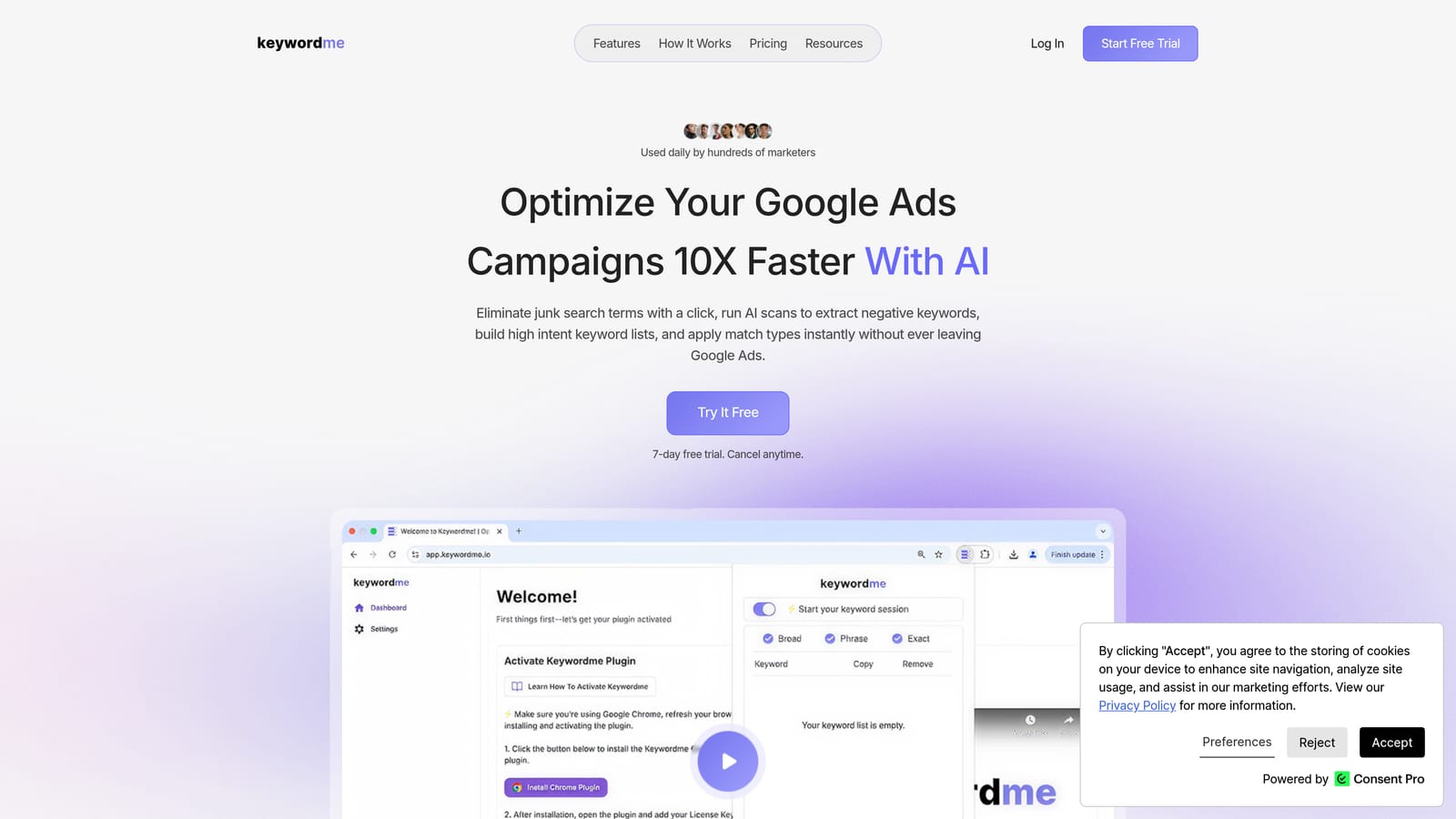
Keywordme is a Chrome extension that plugs directly into Google Ads' Search Terms Report, letting you manage keywords, negatives, and match types without switching tabs or opening a spreadsheet.
Where This Tool Shines
Most PPC tools require you to export data, work in a separate dashboard, and then re-import your changes. Keywordme skips all of that. It lives inside Google Ads itself, so every action you take, adding a negative keyword, applying a match type, clustering terms, happens right where you're already working.
For freelancers and agency teams managing multiple accounts, this in-interface approach removes a lot of friction. Instead of toggling between platforms, you work through your Search Terms Report with one-click actions that would otherwise take several manual steps.
Key Features
One-Click Negative Addition: Flag and remove junk search terms directly from the Search Terms Report without exporting to a spreadsheet first.
Keyword Clustering: Group related search terms into logical keyword sets and add them to your campaigns with match types already applied.
Bulk Editing: Select multiple search terms at once and apply actions across all of them in a single step.
Match Type Application: Apply exact, phrase, or broad match types to new keywords in-interface, without a separate upload process.
Multi-Account and Team Support: Agencies can manage multiple Google Ads accounts and share access across team members within the tool.
Best For
Keywordme is a strong fit for solo Google Ads practitioners who want to move faster through routine optimization tasks, and for agencies that need a consistent, low-friction workflow across multiple client accounts. It's specifically built for Google Ads, so if your campaigns live elsewhere, it won't apply.
Pricing
$12 per user per month. A 7-day free trial is available with no credit card required to start, which gives you enough time to run through a real optimization session and judge it on your own workflow.
2. Google Ads Built-In Tools
Best for: Advertisers who want solid research and reporting capabilities at zero extra cost.
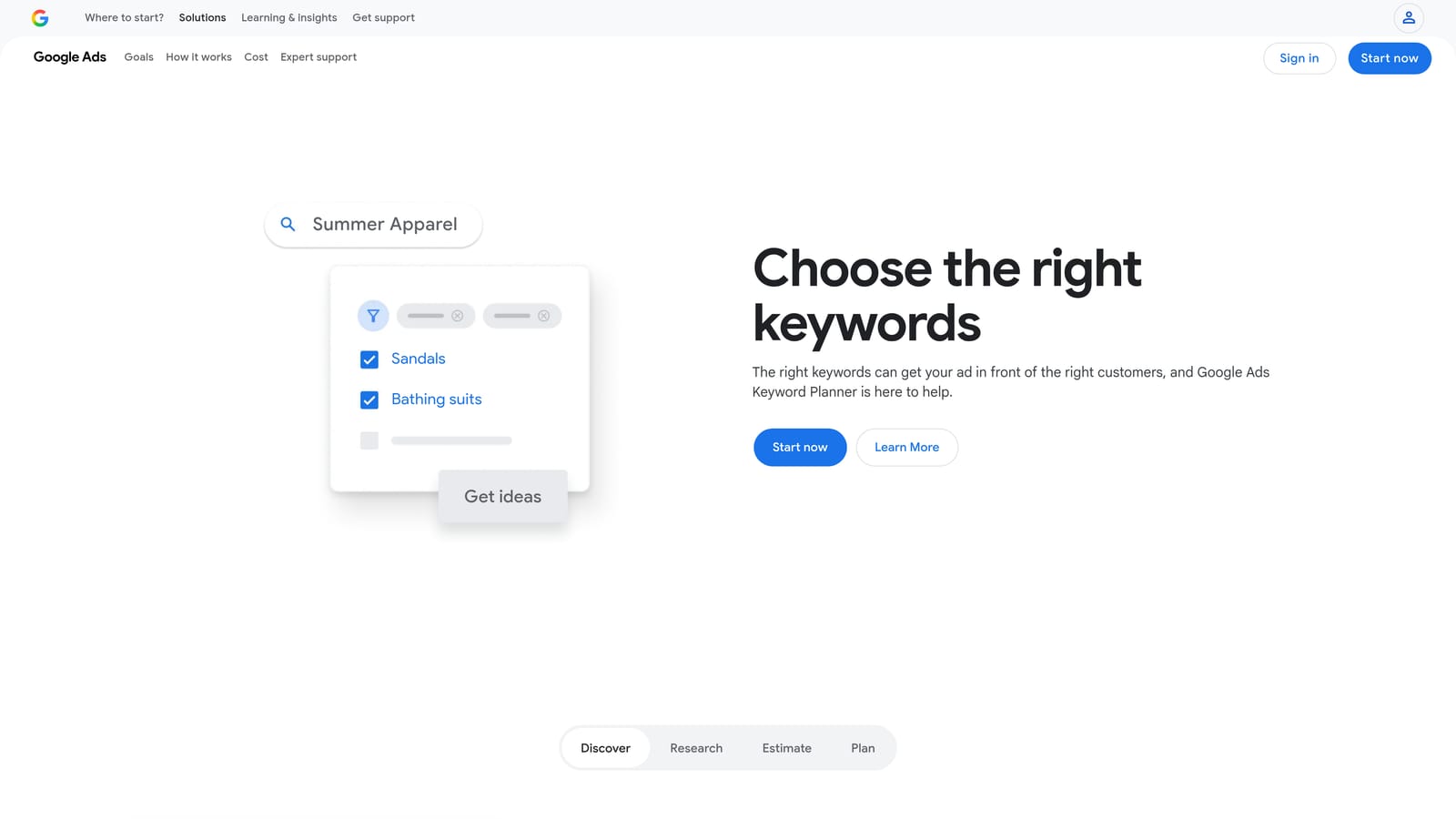
Google Ads includes a native toolset that many advertisers underuse before reaching for third-party platforms. Keyword Planner, the Search Terms Report, and the Recommendations tab are all available inside every Google Ads account at no additional charge.
Where This Tool Shines
The Keyword Planner gives you search volume estimates and bid range data directly from Google, which is as close to the source as you can get. For new campaigns or keyword expansion, it's a logical first stop before paying for third-party research tools.
The Search Terms Report is arguably the most important free feature in the entire platform. It shows you exactly which user queries triggered your ads, making it the foundation of any negative keyword strategy. Pair that with the Recommendations tab for automated suggestions and Performance Planner for budget forecasting, and you have a capable toolkit without spending anything beyond your actual ad budget.
Key Features
Keyword Planner: Provides search volume ranges, bid estimates, and keyword ideas based on seed terms or URLs.
Search Terms Report: Shows the actual queries that triggered your ads, essential for identifying negative keyword opportunities.
Recommendations Tab: Surfaces automated optimization suggestions across bids, keywords, and ad copy.
Performance Planner: Models how budget changes might affect campaign performance over a set period.
Auction Insights: Benchmarks your impression share and overlap rate against competitors in the same auction.
Best For
Anyone running Google Ads. These tools are the baseline every advertiser should be using regardless of what else they add to their stack. They're especially valuable for beginners who want to build good habits before investing in paid software.
Pricing
Completely free with any Google Ads account. You only pay for ad clicks, not platform access.
3. WordStream Advisor
Best for: Small businesses and marketers who want guided optimization prompts and a quick account benchmark.
WordStream is a PPC management platform known for two things: its free Google Ads Performance Grader and its structured weekly optimization workflow called the 20-Minute Work Week.

Where This Tool Shines
The Performance Grader is genuinely useful even if you never become a paying customer. It audits your Google Ads account and benchmarks key metrics like Quality Score, click-through rate, and impression share against industry averages. You get a letter grade and specific recommendations, all without creating an account.
For advertisers who struggle with knowing where to focus, the 20-Minute Work Week feature inside the paid product breaks optimization down into a structured weekly checklist. It's a good fit for business owners who manage their own ads but don't live inside Google Ads every day.
Key Features
Free Google Ads Performance Grader: Audits your account and benchmarks it against industry peers, no signup required.
20-Minute Work Week: Guided weekly action items that prioritize the highest-impact optimizations for your account.
Cross-Channel Support: Manages campaigns across Google Ads, Meta, and Microsoft Ads from one platform.
Keyword and Negative Keyword Tools: Helps identify expansion opportunities and wasteful spend in your keyword list.
Reporting and Alerts: Tracks performance changes and flags anomalies across your accounts.
Best For
Small business owners and in-house marketers who want structure and guidance in their PPC workflow, particularly those running campaigns across multiple channels. The free Performance Grader is worth using regardless of whether you sign up.
Pricing
The Performance Grader is free with no account required. Paid plans are required for ongoing management features. A trial is available; verify current terms and trial length at wordstream.com before committing.
4. Optmyzr
Best for: Agencies and in-house teams managing complex, multi-account Google Ads campaigns.
Optmyzr is a PPC automation and reporting platform built around rule-based optimizations and one-click actions that give you control without requiring you to build everything from scratch.

Where This Tool Shines
What sets Optmyzr apart is its transparency. Before any automated action runs, you can review exactly what it will do and approve or reject it. That human-in-the-loop approach is important for agencies that need to stay accountable to clients, and for in-house teams that can't afford unexpected changes to live campaigns.
The rule-based automation engine is flexible enough to handle complex scenarios, like adjusting bids based on weather data or dayparting rules, without requiring custom scripts. For teams that have outgrown manual management but aren't ready to hand full control to an AI, Optmyzr sits in a useful middle ground.
Key Features
Rule-Based Automation: Build custom rules to automate bid adjustments, budget pacing, and keyword management without writing code.
One-Click Optimizations: Review recommended changes before applying them, keeping a human in control of every decision.
Campaign and Account Reporting: Dashboards at both the campaign and account level with customizable metrics.
Shopping Campaign Tools: Dedicated features for managing Google Shopping campaigns and product-level performance.
Multi-Account Management: Centralized view and controls across multiple Google Ads accounts, useful for agencies.
Best For
Mid-size to large agencies and in-house PPC teams managing multiple accounts with significant ad spend. The platform's depth makes it less suited to beginners or solo advertisers running a single small account.
Pricing
14-day free trial available. Paid plans are listed on optmyzr.com; verify current pricing and trial terms before signing up, as rates can change.
5. SEMrush Advertising Toolkit
Best for: Marketers who want competitive PPC intelligence alongside their broader SEO and content research.
SEMrush is an all-in-one digital marketing platform with a dedicated advertising toolkit that covers competitor keyword research, ad copy analysis, and keyword gap identification.
Where This Tool Shines
If you want to know which keywords your competitors are bidding on, what their ad copy looks like, and roughly how much they're spending, SEMrush's advertising data is one of the more comprehensive sources available. The keyword gap tool is particularly useful for finding terms that competitors target but you don't yet, which can surface quick expansion opportunities.
The free plan does allow limited daily searches, so you can get a real feel for the data quality before upgrading. It's worth testing with a few of your actual competitors to see how useful the coverage is for your specific market.
Key Features
Competitor PPC Keyword Research: See which keywords competitors are bidding on, along with estimated traffic and spend data.
Ad Copy History: Review historical ad creatives from competitors to inform your own copy strategy.
Keyword Gap Tool: Identify terms competitors target that are absent from your own campaigns.
CPC Map: Visualize cost-per-click benchmarks by geography for budget planning purposes.
Google Ads Integration: Export keyword lists directly to Google Ads from within the SEMrush interface.
Best For
Marketers who need competitive intelligence as part of their PPC research process, and who also want a single platform for SEO, content, and paid search data. Less suited to users who only need PPC management features.
Pricing
Freemium model with limited daily searches on the free plan. Paid plans and free trials on paid tiers are available at semrush.com; check current rates before subscribing.
6. SpyFu
Best for: Advertisers who want quick competitive keyword research with a usable free tier.
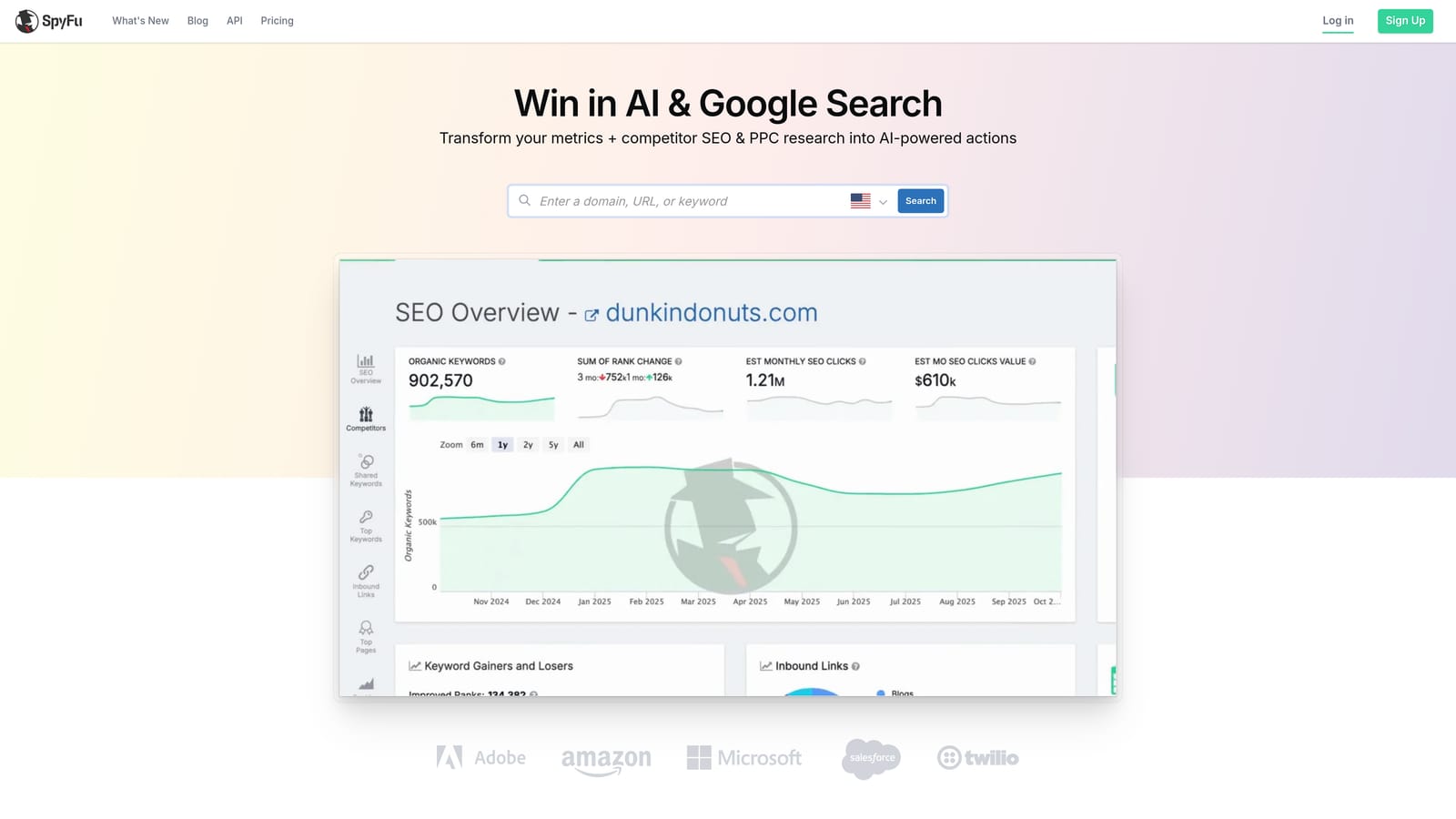
SpyFu is a competitive intelligence tool focused on PPC and SEO research, with a freemium tier that lets you look up competitor keyword data and estimated ad history without creating an account.
Where This Tool Shines
SpyFu's free tier is more accessible than most. You can search a competitor's domain and immediately see their top paid keywords, estimated monthly ad spend, and sample ad copy without entering an email address. For a quick competitive check before a client call or campaign build, that's genuinely useful.
The Kombat tool, available on paid plans, takes this further by letting you compare three advertisers at once and identify keyword overlap and gaps across all three. For agencies doing initial account audits, this kind of three-way comparison can save significant research time.
Key Features
Competitor Keyword and Spend History: See which keywords a domain has bid on over time, along with estimated spend data.
Ad Copy Examples: View historical ad creatives tied to specific keywords for competitive copy research.
Kombat Tool: Compare keyword overlap and gaps across three advertisers simultaneously.
PPC Keyword Research: Find keyword opportunities with CPC data to inform your own campaign builds.
Free Tier Access: Limited lookups available without creating an account, useful for quick competitive checks.
Best For
Freelancers and agency strategists doing competitive research during the account setup or pitch phase. The free tier is a good starting point; paid plans unlock historical depth and volume that make it more useful for ongoing research.
Pricing
Freemium with limited free lookups. Paid plans are listed at spyfu.com; check current pricing before subscribing.
7. Adalysis
Best for: Google Ads managers who want structured ad testing and account health monitoring.
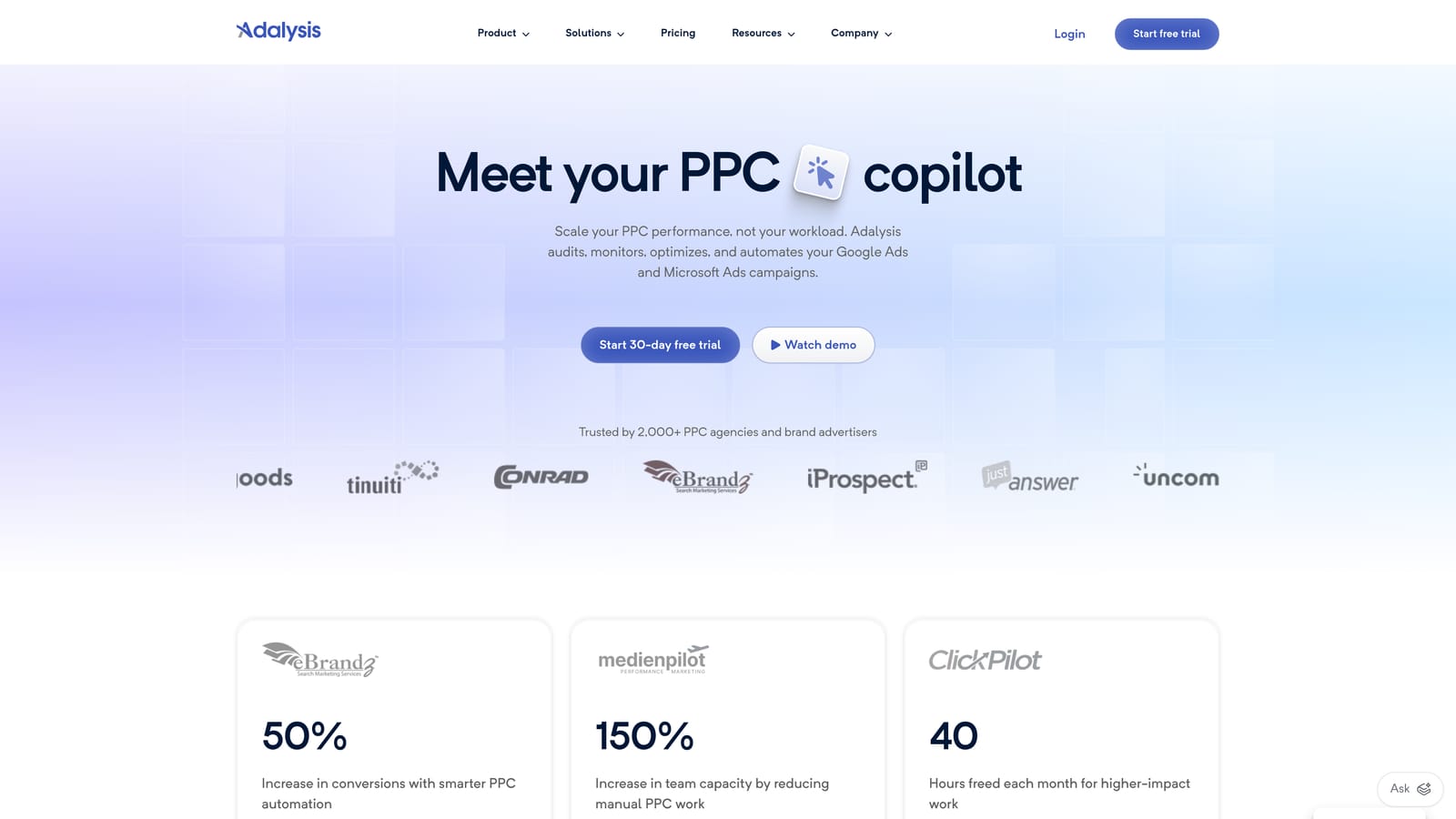
Adalysis is a Google Ads-focused optimization tool that specializes in automated ad copy testing, quality score tracking, and account health alerts.
Where This Tool Shines
Ad testing is one of those tasks that most advertisers know they should do consistently but rarely do well. Adalysis automates the statistical tracking side of A/B testing, so you know when a test has reached significance and which variant to pause, without manually crunching numbers in a spreadsheet.
The account health check feature surfaces issues that are easy to miss when you're managing a large account: negative keyword conflicts, underperforming ad groups, quality score drops. Getting these flagged automatically means you spend less time auditing and more time acting on the findings.
Key Features
Automated Ad Copy Testing: Tracks A/B test performance and flags statistical significance so you know when to act on results.
Quality Score Monitoring: Tracks quality score trends at the keyword level and alerts you to meaningful changes.
Account Health Checks: Surfaces prioritized recommendations based on account structure and performance data.
Negative Keyword Conflict Detection: Identifies cases where negative keywords may be blocking your own ads from serving.
RSA Analysis: Reviews responsive search ad performance and pinned asset combinations across your campaigns.
Best For
Google Ads managers who run a significant volume of ads and want systematic testing and monitoring without building their own tracking systems. Pricing scales by account spend, making it more cost-effective as accounts grow.
Pricing
A free trial is available; verify the current trial length at adalysis.com before signing up. Paid plans scale based on your account's monthly ad spend.
8. Acquisio
Best for: Agencies managing high-volume, cross-channel paid campaigns with AI-assisted bid management.
Acquisio is an agency-focused PPC platform with AI-driven bid and budget management across Google Ads, Meta, and Microsoft Ads, with client-facing reporting built in.
Where This Tool Shines
Acquisio's bid management system is designed to handle accounts where manual adjustments aren't practical at scale. The AI component monitors performance signals and makes bid adjustments continuously, which is particularly useful for agencies running campaigns with tight budgets and high click volume where small efficiency gains compound over time.
The white-label reporting capability is a practical feature for agencies that want to deliver polished client reports without building custom dashboards. Automated alerts for performance anomalies also reduce the time spent manually monitoring accounts across a large client roster.
Key Features
AI-Powered Bid and Budget Management: Automated adjustments based on performance signals across Google, Meta, and Microsoft campaigns.
Cross-Channel Reporting: Unified dashboard showing performance across all channels in one view.
White-Label Reporting: Client-facing reports that can be branded for agency use.
Automated Performance Alerts: Flags significant changes in campaign performance so issues don't go unnoticed.
Bulk Campaign Management: Tools for managing large numbers of campaigns and ad groups efficiently.
Best For
Digital agencies managing multiple clients across Google, Meta, and Microsoft Ads at meaningful spend levels. The platform's complexity and pricing make it less suited to solo advertisers or small accounts.
Pricing
Demo and trial access are available on request. Pricing is custom based on your requirements; contact Acquisio directly for current rates before making a decision.
9. Microsoft Advertising
Best for: Google Ads advertisers who want to expand reach with minimal additional setup effort.
Microsoft Advertising is Microsoft's native search ad platform, running ads across Bing, Yahoo, and partner networks, with a Google Ads import feature that makes getting started significantly faster than building campaigns from scratch.
Where This Tool Shines
If you're already running Google Ads, Microsoft Advertising's import feature lets you replicate your existing campaigns in a few clicks. That dramatically reduces the barrier to testing a new channel. The audience on Bing skews older and often has higher household income than the average Google searcher, which can make it a productive secondary channel depending on your offer.
The free Microsoft Advertising Editor desktop app is also worth mentioning. It handles bulk edits, offline campaign management, and large-scale changes in a way that the web interface doesn't, and it's a no-cost addition to your toolkit regardless of your spend level.
Key Features
Google Ads Import: Replicate existing Google Ads campaigns into Microsoft Advertising quickly, reducing duplicate setup work.
LinkedIn Audience Targeting: Layer LinkedIn profile data, including job title and industry, onto search campaigns for B2B targeting.
Native Search Terms Report and Negatives: Same core reporting and negative keyword management capabilities as Google Ads.
Microsoft Advertising Editor: Free desktop app for bulk campaign management and offline editing.
Auction Insights and Performance Reporting: Competitive benchmarking and performance data built into the platform at no extra cost.
Best For
Google Ads advertisers looking to expand to a second search channel without significant additional setup time. Also a strong fit for B2B advertisers who can benefit from LinkedIn-based audience targeting on search.
Pricing
Free to create an account and import campaigns. You pay only for ad clicks; there is no platform fee or monthly management charge.
Which Tool Is Right for Your Situation
The right choice depends on what you're actually trying to solve. Here's a quick breakdown by user type.
Solo freelancers managing Google Ads accounts: Start with Keywordme for faster in-interface optimization, and use Google's built-in tools as your foundation. Both are low-cost or free, and they complement each other well without adding dashboard complexity.
Agencies handling multiple clients: Keywordme's team and multi-account support makes it a practical daily-use tool. Optmyzr adds rule-based automation and reporting depth if you're managing accounts with significant complexity. Adalysis is worth testing if ad copy testing and account health monitoring are priorities.
SMBs running their own campaigns: WordStream's free Performance Grader is a smart first step to benchmark where you stand. Microsoft Advertising is worth setting up in parallel with Google Ads since the import process is fast and the incremental reach costs nothing to test.
Marketers focused on competitive research: SEMrush and SpyFu both offer free access to competitor keyword data. Test both with a few real competitors to see which has better coverage in your market before committing to a paid plan.
One practical note: since most of these tools offer genuine free access, there's no good reason to pick just one before testing. Run a few in parallel during their trial periods and evaluate them against your actual workflow, not a feature checklist.
If you're a Google Ads user specifically, Keywordme is worth trying first. It works inside the interface you're already using, the trial requires no credit card, and the workflow difference is noticeable in the first session. Start your free 7-day trial and see how much faster your Search Terms Report optimization can actually be.
.svg)