
9 Best Google Ads Optimization Tools You Can Try Free in 2026
Discover the 9 best Google Ads optimization tools you can try free in 2026, covering top picks for marketers, freelancers, and agency owners looking to eliminate wasted ad spend by improving search terms, match types, and negative keywords—without the spreadsheet chaos.


TL;DR: If you're spending money on Google Ads and not actively optimizing your search terms, match types, and negative keywords, you're almost certainly wasting budget. The good news? There are solid tools you can try free before committing to anything. This list covers the best Google Ads optimization tools with free trials or free tiers in 2026, ranked for marketers, freelancers, and agency owners who want faster results without the spreadsheet chaos. We evaluated each tool on ease of use, depth of optimization features, workflow impact, and value for money.
1. Keywordme
Best for: PPC managers who want to optimize campaigns without leaving Google Ads
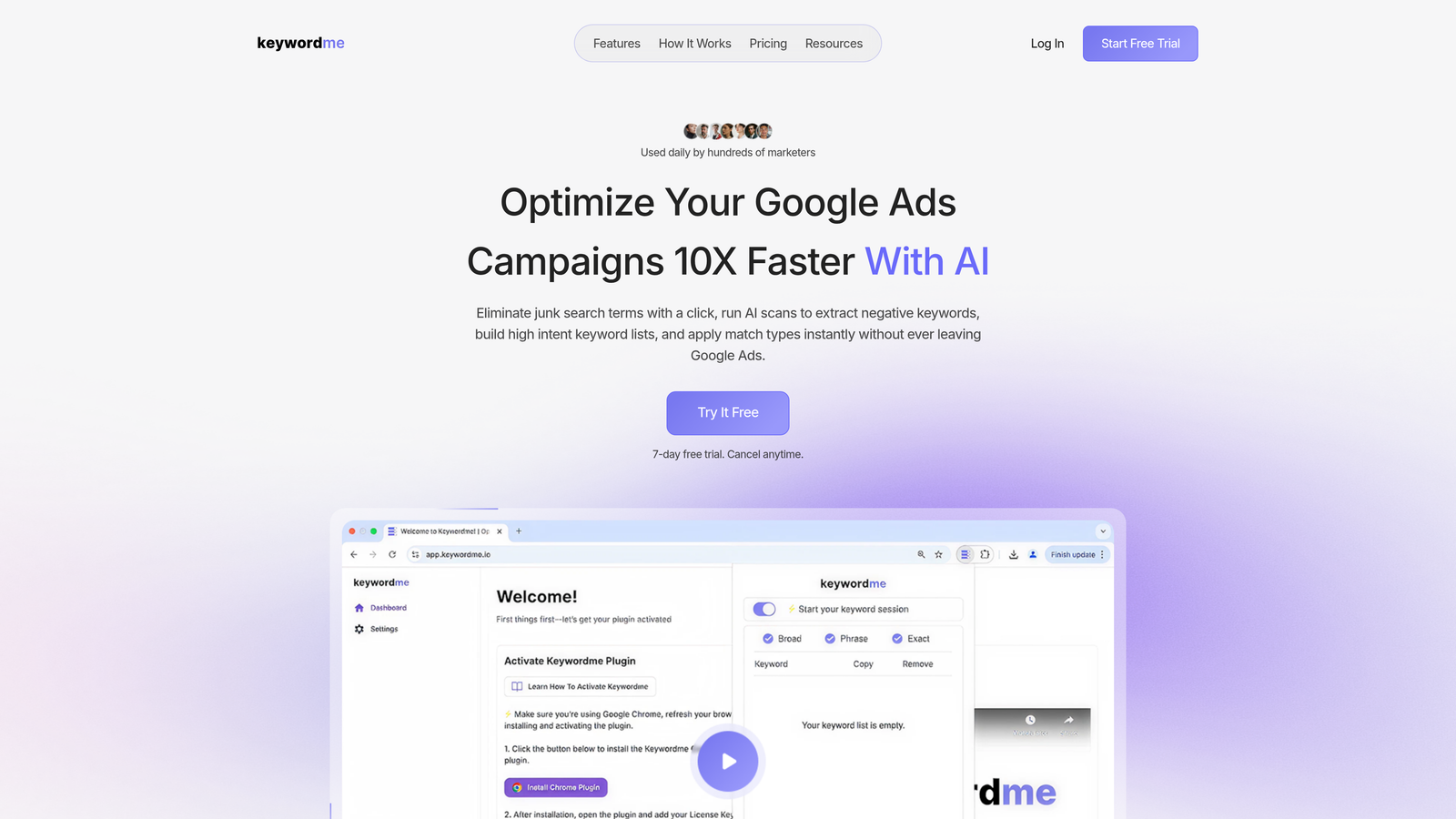
Keywordme is a Chrome extension that plugs directly into your Google Ads Search Terms Report, letting you take action on keywords without opening a single spreadsheet or third-party dashboard.
Where This Tool Shines
The core advantage here is zero context switching. Most optimization workflows look like this: export search terms to a spreadsheet, sort through hundreds of rows, copy negatives into a separate list, re-upload to Google Ads, repeat weekly. Keywordme collapses that entire process into one-click actions inside the native Google Ads UI.
In most accounts I audit, the biggest source of wasted spend is irrelevant search terms that have been triggering ads for weeks or months without anyone catching them. Keywordme makes it genuinely fast to catch and cut those terms before they drain more budget.
Key Features
One-Click Negative Keywords: Remove junk search terms and add negatives directly inside the Search Terms Report without leaving Google Ads.
Match Type Application: Apply or change match types to keywords instantly, in bulk, without exporting anything.
Keyword Clustering: Group related search terms into keyword clusters to build tighter ad groups faster.
Bulk Editing: Handle large volumes of search term actions in a single session without spreadsheet gymnastics.
Multi-Account and Team Support: Agencies can manage multiple client accounts and share access across team members, all at the flat per-user rate.
Best For
Freelancers and agency owners managing Google Ads accounts who are tired of the export-edit-upload loop. Also a strong fit for solo advertisers who want to run tighter campaigns without investing in a full PPC platform. If your biggest pain point is wasted spend from irrelevant search terms, this is the most direct fix available.
Pricing
$12/month per user, flat rate. No per-account fees, which makes it genuinely affordable for agencies. A 7-day free trial is available with no credit card required.
2. Google Ads Performance Planner
Best for: Budget forecasting and "what if" scenario planning before making campaign changes
Google Ads Performance Planner is Google's native forecasting tool, built directly into the Google Ads interface and completely free to use.
Where This Tool Shines
Performance Planner is underrated by a lot of advertisers who skip straight to third-party tools. It uses your actual historical account data to model how budget and bid changes will affect performance, which means the forecasts are grounded in your real campaign behavior, not generic benchmarks.
It's particularly useful heading into seasonal peaks or before a client asks "what happens if we increase budget by 30%?" You can run the scenario in minutes and bring a data-backed answer to the table.
Key Features
Budget Scenario Modeling: Simulate the impact of budget changes on clicks, conversions, and spend using your account's historical data.
Seasonal Forecasting: Model performance during high-traffic periods to plan spend allocation in advance.
Bid and Budget Suggestions: Get Google's recommendations on bid adjustments to hit target CPA or ROAS goals.
Zero Setup Required: Fully integrated into Google Ads with no third-party account or API connection needed.
Best For
Advertisers who need to present budget recommendations to clients or stakeholders, and anyone managing campaigns around seasonal events. Less useful for day-to-day keyword optimization, but excellent for strategic planning conversations.
Pricing
Completely free. Included with all Google Ads accounts with no usage limits or paid tiers.
3. WordStream Advisor
Best for: Small to mid-sized businesses that want a guided weekly optimization workflow
WordStream Advisor is a PPC management platform best known for its 20-Minute Work Week feature, which surfaces the highest-impact optimizations your account needs each week.

Where This Tool Shines
What usually happens with Google Ads management for smaller accounts is that optimization becomes reactive rather than systematic. WordStream's 20-Minute Work Week flips that by giving you a prioritized task list every week, so you're always working on the things that actually move the needle rather than just poking around the interface.
The free Google Ads Grader is also genuinely useful as a standalone audit tool, even if you never subscribe to the paid platform. It gives you an instant health score with specific areas flagged for improvement.
Key Features
20-Minute Work Week: A curated, prioritized list of the most impactful optimization tasks your account needs that week.
Free Google Ads Grader: Instant account health scoring with specific performance benchmarks and improvement areas.
Cross-Channel Support: Manage and optimize across Google Ads, Microsoft Ads, and Facebook Ads from one platform.
Agency Reporting: Automated reporting and alert features designed for managing multiple client accounts.
Best For
Small business owners or in-house marketers who don't have time for deep manual optimization but want a structured weekly workflow. Also useful for agencies that need a lightweight management layer across multiple channels.
Pricing
Free trial available. Paid plans are tiered by monthly ad spend, so costs scale as your accounts grow.
4. Optmyzr
Best for: Agencies and large accounts that need deep automation and multi-client reporting
Optmyzr is a PPC automation and reporting platform built for advertisers who are managing serious scale and need rule-based automation to handle what manual optimization can't.

Where This Tool Shines
The mistake most agencies make is trying to manually optimize accounts that have outgrown manual management. Optmyzr's rule-based automation handles bid adjustments, budget pacing, and keyword management based on conditions you define, so the account keeps optimizing even when you're not actively in it.
The PPC Investigator tool is one of the more useful diagnostic features I've seen in any platform. When performance drops unexpectedly, it walks you through a structured diagnostic process to identify the root cause quickly rather than spending hours digging through reports.
Key Features
Rule-Based Automation: Set conditions for bid changes, budget adjustments, and keyword actions that run automatically.
PPC Investigator: A structured diagnostic tool for identifying why campaign performance changed, with guided root-cause analysis.
Pre-Built Optimization Scripts: Ready-to-use scripts for common optimization tasks, with no coding required.
Multi-Account Dashboards: Client-facing reporting and account health views across all managed accounts in one place.
Shopping Campaign Support: Optimization tools for both search and shopping campaigns, which is useful for ecommerce-focused agencies.
Best For
Agencies managing ten or more accounts, and in-house teams running high-spend campaigns where automation can meaningfully reduce manual workload. Probably overkill for a single small account.
Pricing
14-day free trial available. Paid plans start at higher price points and scale based on account complexity and ad spend volume.
5. SEMrush PPC Toolkit
Best for: Competitive keyword research and ad copy intelligence before launching or scaling campaigns
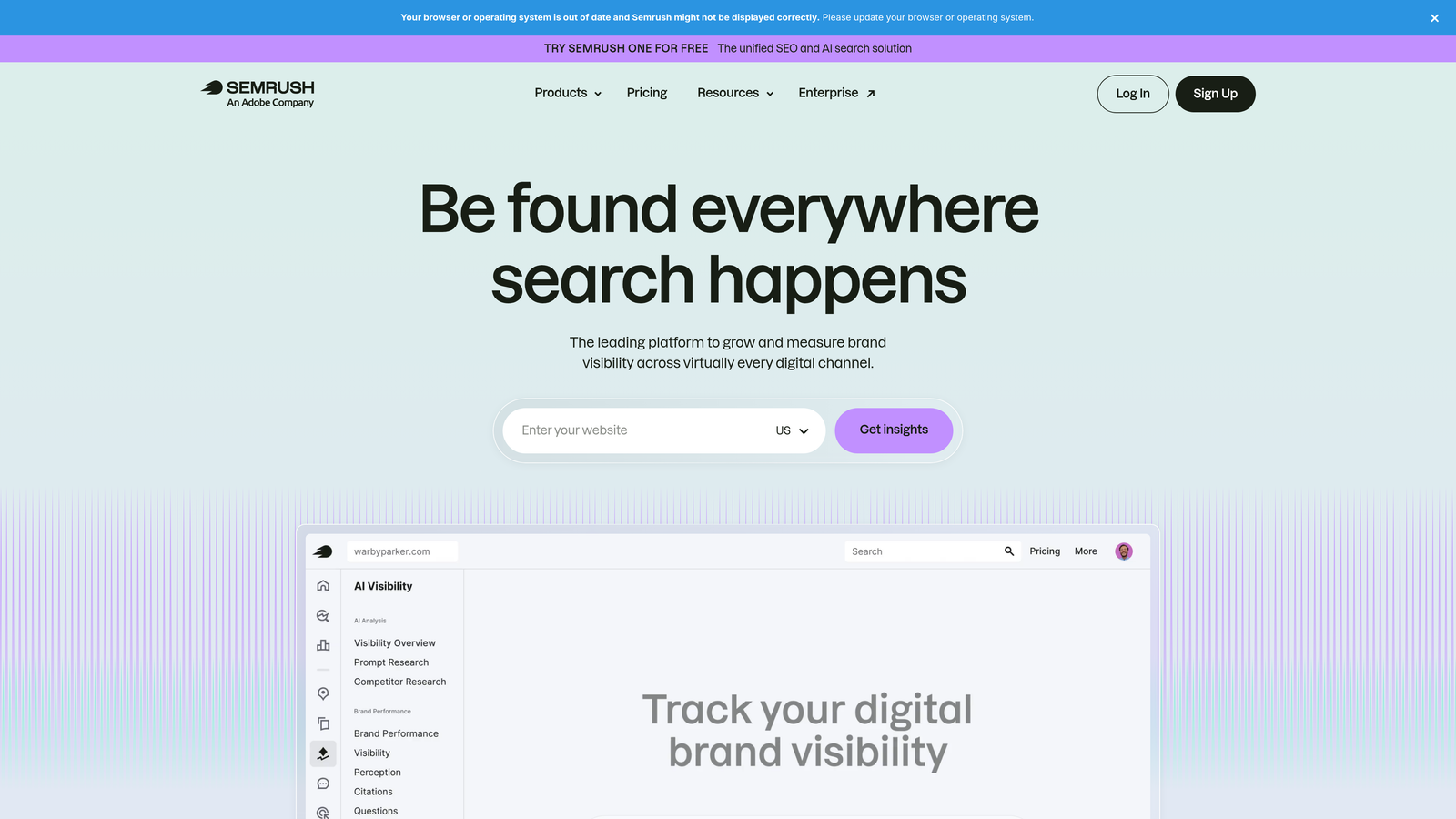
SEMrush is primarily known as an SEO platform, but its PPC Toolkit is a legitimate competitive research layer for paid search advertisers who want to know what's working for competitors before spending their own budget.
Where This Tool Shines
The Advertising Research tool is the standout feature here. You can enter any competitor's domain and see which keywords they're bidding on, what ad copy they're running, and how long they've been running it. Long-running ads are usually profitable ones, which makes this data genuinely useful for building your own keyword and copy strategy.
The Keyword Gap tool is also worth mentioning. It shows you keywords your competitors are bidding on that you're not, which is a fast way to find missed opportunities in your campaign structure.
Key Features
Advertising Research: See competitor keywords, ad copy, and estimated spend for any domain.
Keyword Gap Tool: Identify keywords your competitors are bidding on that aren't in your campaigns yet.
PLA Research: Competitive intelligence for Product Listing Ads, useful for ecommerce advertisers running Shopping campaigns.
Unified SEO and PPC Data: Both organic and paid keyword data in one platform, which helps when planning content and ad strategy together.
Best For
Advertisers who want competitive intelligence before launching new campaigns, and agencies that manage both SEO and PPC for clients and want a single research platform.
Pricing
Free plan available with limited daily searches. Paid plans start at approximately $139.95/month, which unlocks the full PPC Toolkit and removes search limits.
6. SpyFu
Best for: Deep competitor Google Ads history and keyword overlap analysis
SpyFu is a competitive intelligence tool that specializes in Google Ads history, showing you years of competitor keyword and ad copy data for any domain.

Where This Tool Shines
SpyFu goes deeper on historical data than most competitive tools. You can see not just what a competitor is bidding on today, but what they've tested and dropped over the years, which tells you a lot about what actually worked for them versus what didn't.
The Kombat tool is a practical feature for competitive gap analysis. It visualizes keyword overlap between you and two competitors at once, making it easy to spot where you're competing directly, where you're missing coverage, and where competitors are fighting each other without you in the mix.
Key Features
Competitor Keyword History: Years of Google Ads keyword data for any domain, including estimated spend over time.
Ad Copy History: See every ad variation a competitor has run, including how long each version was active.
Kombat Tool: Three-way keyword overlap visualization for competitive positioning analysis.
SERP and Ranking History: Combined paid and organic search history for a full picture of competitor search strategy.
Best For
Advertisers entering a new niche or competitive market who want to understand the landscape before committing budget. Also useful for agencies doing initial competitive audits for new clients.
Pricing
Free limited searches available without an account. Paid plans start at approximately $39/month, making it one of the more affordable competitive intelligence tools on this list.
7. Google Keyword Planner
Best for: Free keyword discovery, search volume estimates, and bid range research
Google Keyword Planner is Google's own free keyword research tool, built directly into the Google Ads interface and available to anyone with an active account.
Where This Tool Shines
It's easy to overlook Keyword Planner because it's been around forever, but the data quality here is hard to beat. You're getting search volume estimates and bid range data straight from Google's own index, which means no third-party approximations or data lag.
One thing worth knowing: if your account isn't actively spending, Google shows search volume as broad ranges rather than specific numbers. Once you're running campaigns, the data gets more precise. For new accounts doing initial research, the ranges are still directionally useful.
Key Features
Keyword Discovery: Generate keyword ideas from seed terms, phrases, or competitor URLs.
Search Volume and Trends: Monthly search volume estimates with seasonal trend data for each keyword.
Bid Range Estimates: Low and high bid range estimates by keyword to inform budget planning.
Campaign Integration: Add keywords directly to new or existing campaigns without leaving the tool.
Best For
Anyone building a new campaign from scratch, or advertisers who want to expand an existing keyword list with data sourced directly from Google. Also useful as a free sanity check on keyword ideas before investing in a paid research tool.
Pricing
Completely free with any Google Ads account. No paid tiers or usage limits.
8. Adalysis
Best for: Automated ad testing and Quality Score monitoring at scale
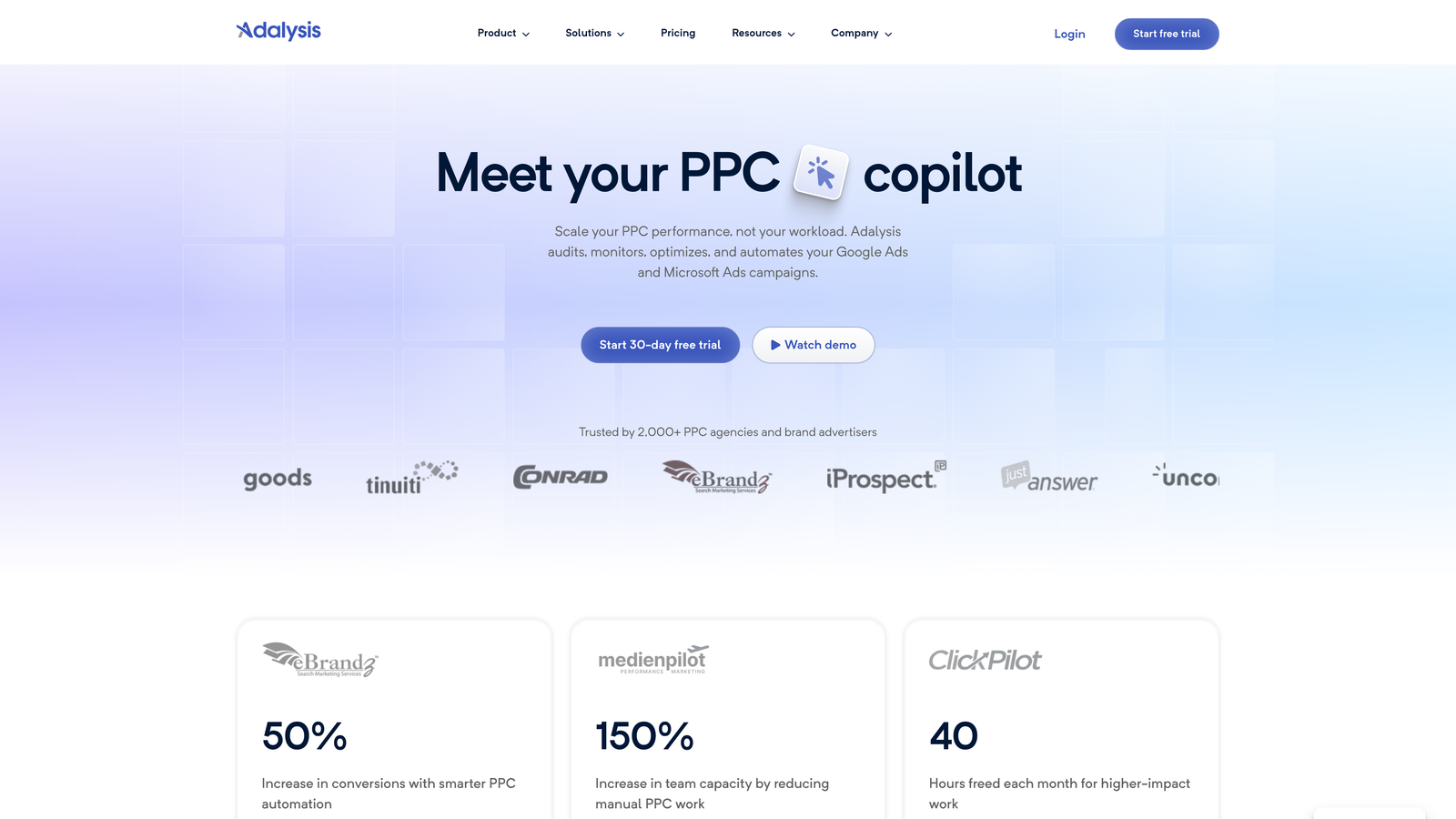
Adalysis is an ad testing and optimization platform that automates the A/B testing process across your Google Ads account, tracking statistical significance and pausing underperformers automatically.
Where This Tool Shines
Most advertisers run ad variations but never actually analyze them systematically. What usually happens is that ads run indefinitely with no clear winner declared, or someone manually checks performance occasionally and makes a gut-call decision. Adalysis removes that ambiguity by tracking statistical significance automatically and surfacing clear winners.
The Quality Score monitoring and alerting features are also worth calling out. Getting notified when Quality Scores drop on specific keywords means you can respond quickly rather than discovering the problem weeks later during a performance review.
Key Features
Automated Ad Testing: A/B test tracking with statistical significance monitoring and automatic pausing of underperforming ad variations.
Quality Score Monitoring: Keyword-level Quality Score tracking with alerts when scores change significantly.
Bulk Ad Creation: Create and manage large volumes of ad variations without building them one by one in the native interface.
Account Audit Tools: Automated account-level diagnostics that surface optimization opportunities across campaigns.
Best For
Advertisers running multiple ad variations across many ad groups, and agencies that need systematic ad testing without dedicating hours to manual analysis. Strong fit for accounts where ad copy performance is a key optimization lever.
Pricing
Free trial available. Paid plans start at approximately $99/month, scaling with account size and feature requirements.
9. Tenscores
Best for: Diagnosing and improving Google Ads Quality Scores component by component
Tenscores is a specialized tool focused entirely on Quality Score improvement, diagnosing which components are dragging down your scores and telling you exactly what to fix.
Where This Tool Shines
Quality Score affects both your ad position and what you pay per click, so a low score is essentially a tax on every impression. The problem is that Google's native interface only shows you the overall score and a vague component rating, not a clear action plan. Tenscores fills that gap by breaking down Expected CTR, Ad Relevance, and Landing Page Experience at the keyword level with specific recommendations for each.
The historical tracking feature is useful for measuring the impact of changes over time. If you restructure an ad group or update a landing page, you can see whether it actually moved the Quality Score needle rather than guessing.
Key Features
Quality Score Component Breakdown: Keyword-level analysis of Expected CTR, Ad Relevance, and Landing Page Experience scores separately.
Actionable Fix Recommendations: Specific, prioritized recommendations for improving each Quality Score component.
Historical Quality Score Tracking: Track score changes over time to measure the impact of optimizations.
Account-Level Health Diagnostics: A top-down view of Quality Score health across all campaigns and ad groups.
Best For
Advertisers who suspect Quality Score issues are inflating their CPCs, and agencies doing initial account audits for new clients. Particularly useful when you've already optimized bids and budgets but CPCs are still higher than expected.
Pricing
Free account tier available with access to core diagnostics. Paid plans unlock deeper historical analysis and more granular reporting.
Which Tool Is Right for Your Workflow?
The right Google Ads optimization tool depends almost entirely on where your biggest inefficiency lives right now. Here's a quick decision framework to cut through the noise.
Wasted spend from irrelevant search terms: Start with Keywordme. It's the most direct fix for messy search term reports, and the in-interface workflow means you'll actually use it consistently rather than letting it sit in a browser tab.
Competitive research before a new campaign launch: SpyFu gives you deep historical competitor data at a lower price point. SEMrush is worth it if you're already using it for SEO or need the full keyword gap analysis.
Agency managing multiple clients at scale: Optmyzr's rule-based automation and multi-account dashboards are genuinely hard to beat at that level of complexity. The 14-day free trial gives you enough time to run it against a real account and see the impact.
Ad copy performance is your main lever: Adalysis handles the testing and statistical analysis so you're making decisions based on data rather than gut feel.
High CPCs you can't explain: Tenscores will tell you exactly which Quality Score components are costing you, with specific fixes for each.
Working with a tight budget: Google's own free tools are genuinely underrated. Keyword Planner for research, Performance Planner for budget modeling. They won't replace a dedicated optimization tool, but they're solid starting points.
Most tools on this list offer a free trial or a free tier, so there's no reason not to test two or three against a real campaign before committing. The best Google Ads optimization tool is the one that actually fits your workflow and gets used consistently. Start with the free trial, run it against live data, and see what moves the needle.
If wasted spend is your most urgent problem, Start your free 7-day trial of Keywordme and see how fast you can clean up a search terms report without ever leaving Google Ads. At $12/month per user after the trial, it's one of the most accessible optimization tools on this list for freelancers and agency owners alike.
.svg)