
8 Best Google Ads Extensions to Try Free in 2026
Discover the 8 best Chrome extensions and PPC tools that let you try Google Ads extensions free, each offering genuine free access with direct Google Ads integration. Whether you're a freelancer or agency, these tools eliminate manual workflow friction—from Search Terms Report analysis to negative keyword management—without requiring enterprise-level budgets.


TL;DR: If you want to try Google Ads extensions free before spending a dollar, this list is built for you. We've rounded up the best Chrome extensions and PPC tools that integrate directly with Google Ads, each offering a genuine free trial or free tier. Selection criteria: real free access, direct Google Ads integration or Chrome compatibility, meaningful workflow impact, and usability for non-enterprise teams. Whether you're a freelancer managing a handful of accounts or an agency juggling dozens of clients, there's a tool here worth testing.
The Google Ads interface has improved a lot over the years, but if you've ever spent an hour manually reviewing the Search Terms Report or copying negative keywords into a spreadsheet, you know the friction is still very real. The tools below exist to solve exactly that kind of problem. Let's get into it.
1. Keywordme
Best for: In-interface PPC optimization directly inside the Google Ads Search Terms Report
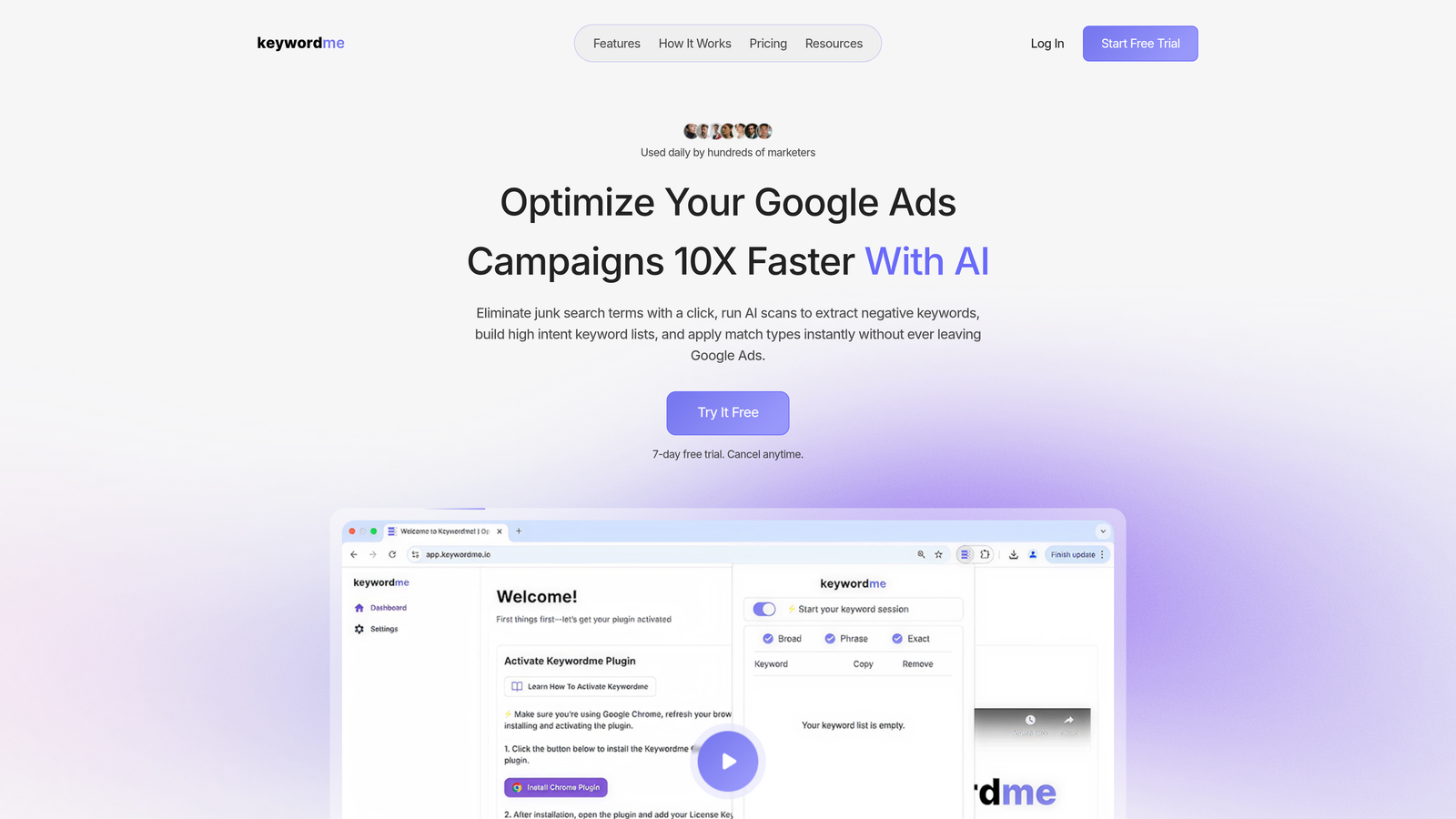
Keywordme is a Chrome extension that lives inside your Google Ads account, turning the Search Terms Report into an action station where you can add negatives, apply match types, and cluster keywords with a single click.
Where This Tool Shines
Most Google Ads tools pull you away from the native interface and into a separate dashboard. Keywordme doesn't. It works directly inside Google Ads, so there's no tab-switching, no CSV exports, no "import back into the account" step. In most accounts I audit, the Search Terms Report is where the most wasted spend is hiding, and Keywordme makes it genuinely fast to act on what you find.
For agencies especially, the multi-account support and bulk editing capabilities mean you can move through client accounts without the usual overhead. It's the kind of tool that removes the tedious parts of PPC work without requiring you to rebuild your entire workflow around it.
Key Features
One-Click Negative Keyword Addition: Add wasteful search terms as negatives directly from the Search Terms Report without leaving Google Ads.
Instant Match Type Application: Apply broad, phrase, or exact match types to keywords in a single click, right inside the native UI.
Keyword Clustering: Group related search terms quickly to inform new ad groups or campaign structure decisions.
Bulk Editing: Make large-scale changes across multiple campaigns without exporting to a spreadsheet.
Multi-Account and Team Support: Built for agencies managing multiple clients, with team collaboration in mind.
Best For
Freelancers and agency owners who spend significant time in the Search Terms Report and want to cut that time dramatically. Also a strong fit for in-house marketers who manage Google Ads directly and want a low-friction optimization layer without committing to a full PPC platform.
Pricing
$12/month per user. A 7-day free trial is available with no credit card required, which makes it easy to test on a live account before committing.
2. Google Ads Editor
Best for: Bulk offline editing across large Google Ads accounts or multiple campaigns
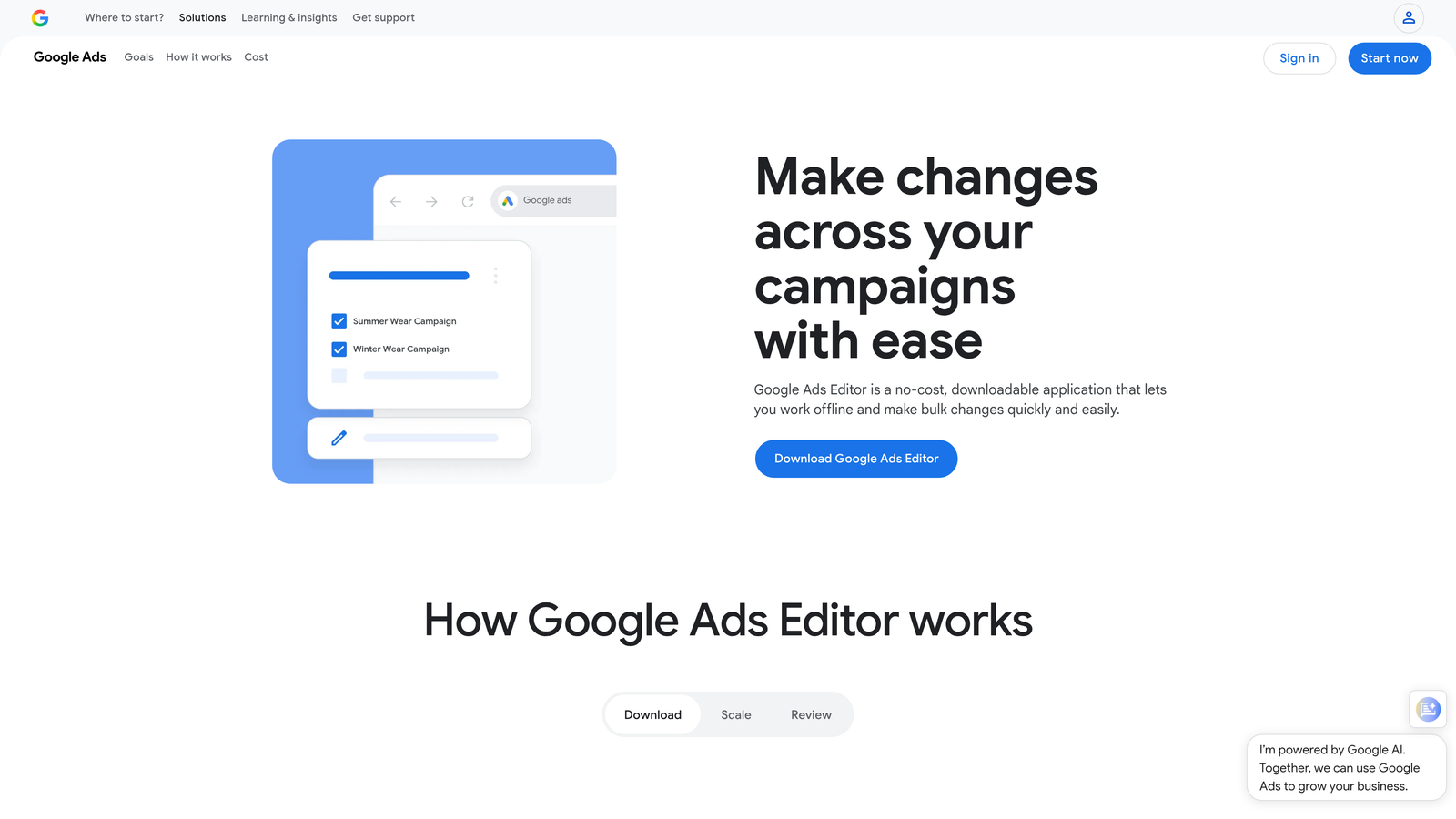
Google Ads Editor is Google's own free desktop application for managing campaigns in bulk, offline, and at scale.
Where This Tool Shines
If you're restructuring a large account, making sweeping bid changes, or duplicating campaigns across markets, Google Ads Editor is still the gold standard. You download your account data, make changes offline, and push them live when you're ready. The find-and-replace functionality alone saves hours on large-scale text updates.
The limitation is that it doesn't help with the Search Terms workflow at all. It's great for structural and bulk changes, but for day-to-day optimization tasks like reviewing search terms and adding negatives, you'll still need another solution. That said, for what it does, nothing beats it at the price of free.
Key Features
Bulk Campaign Editing: Make changes to thousands of keywords, ads, and settings simultaneously across multiple campaigns.
Offline Editing with Sync: Work without an internet connection and push changes live when you're ready.
Find and Replace: Update ad copy, URLs, or keyword text at scale across an entire account in seconds.
CSV Import and Export: Move data in and out of structured spreadsheets for complex, data-driven workflows.
Completely Free: No subscription, no trial period, no limitations based on spend.
Best For
Any Google Ads user managing accounts at scale. Particularly valuable for agencies handling large client accounts with complex campaign structures that would be impractical to edit one-by-one inside the native interface.
Pricing
Completely free. No paid tiers or upgrade options. Download directly from Google.
3. Keywords Everywhere
Best for: On-the-fly keyword research directly on Google SERPs and other platforms
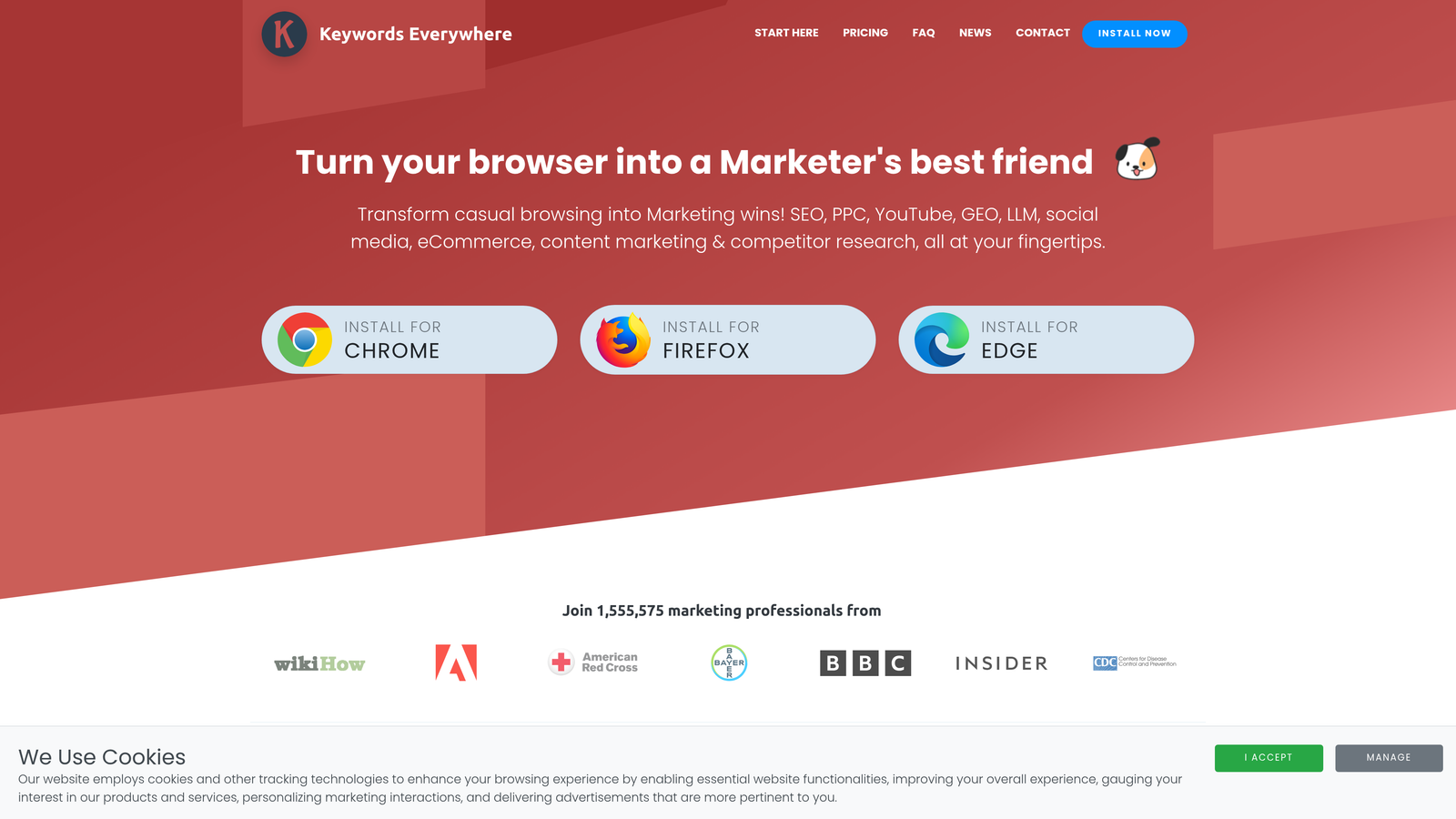
Keywords Everywhere is a browser extension that overlays keyword metrics like search volume, CPC, and competition directly onto Google, YouTube, Amazon, and other platforms as you browse.
Where This Tool Shines
The beauty of Keywords Everywhere is how naturally it fits into existing research habits. You're already Googling things to understand your market. This extension just adds a data layer on top of that, showing you volume and CPC estimates without requiring you to open a separate keyword tool. For PPC planning, the CPC data is particularly useful as a quick gut-check on whether a term is worth targeting.
It's not a replacement for a full keyword research platform, but for quick competitive intelligence or opportunistic keyword discovery while browsing, it's hard to beat at the price point.
Key Features
Inline Keyword Data on SERPs: See search volume, CPC, and competition scores directly on Google search results pages.
Related Keywords Panel: Surfaces related terms and "People Also Search For" data alongside your search results.
Multi-Platform Support: Works on YouTube, Amazon, Bing, and other platforms beyond Google.
CPC and Competition Metrics: Provides quick paid search planning data without switching to a dedicated tool.
Credit-Based Model: A free tier is available with limited credits, making it accessible for occasional research.
Best For
Freelancers and solo marketers who need quick keyword data during research sessions without investing in a full SEO or PPC platform. Also useful as a supplementary tool for agency teams doing rapid keyword discovery.
Pricing
Free tier available with limited credits. Paid plans start at approximately $15 for 100,000 credits, making it one of the most affordable options on this list.
4. Optmyzr
Best for: Agencies and advanced PPC managers who want one-click optimization suggestions and automated reporting
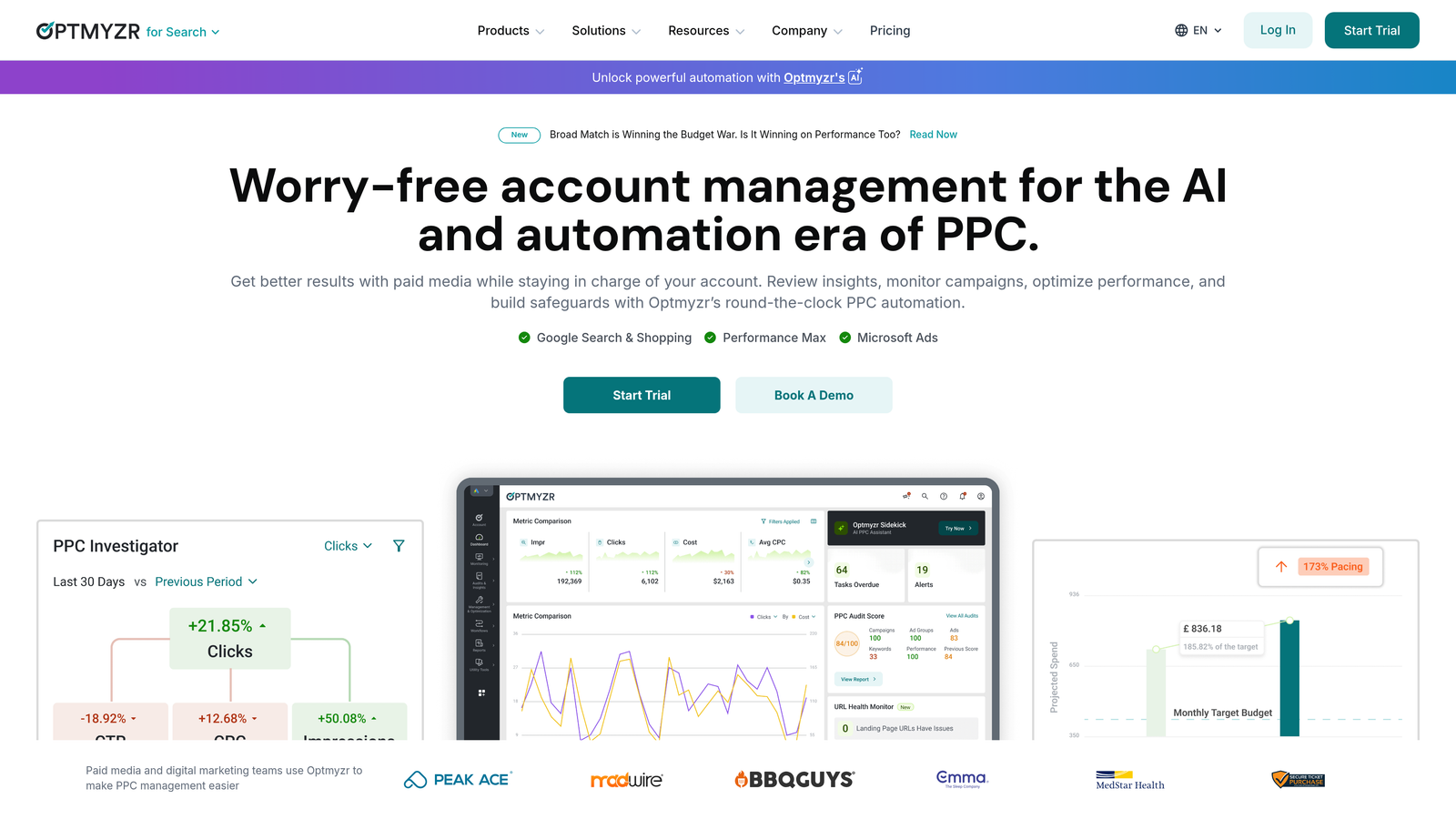
Optmyzr is a PPC management platform that uses machine learning to surface actionable optimization suggestions, automate rules-based campaign management, and generate customizable reports.
Where This Tool Shines
What usually happens here is that PPC managers spend hours identifying what needs to change in an account, then more hours actually making those changes. Optmyzr compresses both steps. Its "One-Click Optimizations" analyze your account data and present specific recommendations that you can approve and apply without writing a single script or building a spreadsheet.
The reporting automation is also genuinely strong. For agencies sending weekly or monthly reports to clients, the customizable templates and automated delivery remove a significant amount of manual work from the process.
Key Features
One-Click Optimization Suggestions: Machine learning surfaces specific, data-backed recommendations you can apply instantly.
Rules-Based Automation: Set up automated rules for bid adjustments, budget pacing, and keyword management.
Automated Reporting: Generate and schedule client-ready reports with customizable templates.
Shopping Campaign Tools: Dedicated features for managing and optimizing Google Shopping campaigns.
14-Day Free Trial: Full access trial with no credit card required.
Best For
Mid-to-large agencies managing multiple client accounts who need automation and reporting at scale. Less suited to solo freelancers or small accounts where the pricing may not be justified by the volume of work.
Pricing
Starts at approximately $208/month. A 14-day free trial is available, giving you enough time to test the optimization features on live accounts.
5. SEMrush PPC Toolkit
Best for: Competitive ad research and identifying keyword gaps in your paid search strategy
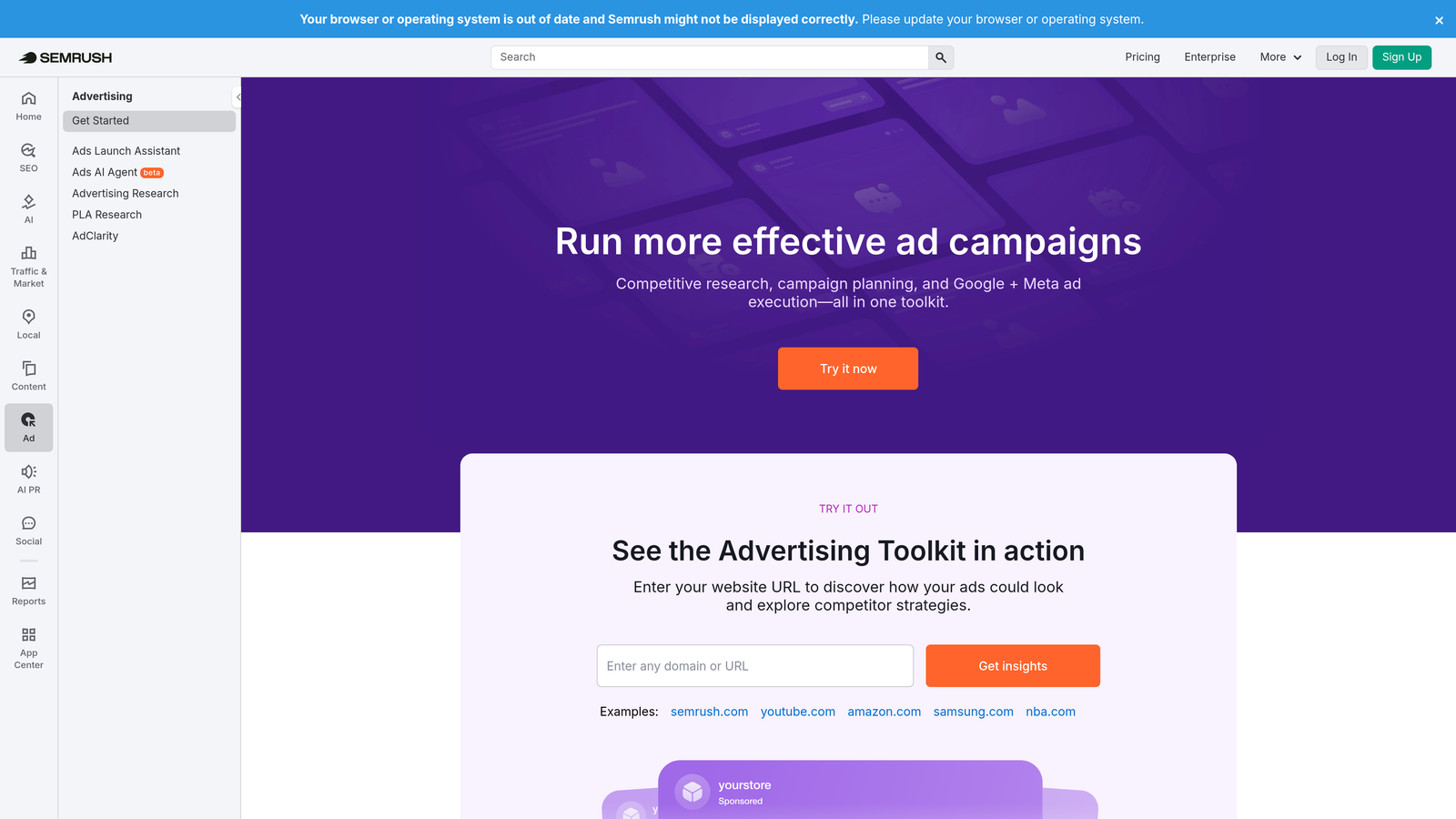
SEMrush's PPC Toolkit is part of the broader SEMrush platform and focuses on competitor ad intelligence, keyword gap analysis, and ad copy research for paid search campaigns.
Where This Tool Shines
The mistake most agencies make is building keyword lists in a vacuum without understanding what competitors are actually bidding on. SEMrush's Advertising Research tool shows you competitor keyword visibility, estimated spend, and historical ad copy, which is genuinely useful when entering a new market or auditing an underperforming account.
The keyword gap tool is particularly strong for finding terms your competitors are targeting that you're missing entirely. It's the kind of insight that's hard to get from within Google Ads itself.
Key Features
Competitor Ad History: See what keywords competitors have been bidding on and how their visibility has changed over time.
Advertising Research: Analyze competitor ad copy, landing pages, and keyword strategies in detail.
Keyword Gap Tool: Identify paid search keywords your competitors rank for that you're not targeting.
Ad Copy Analysis: Review competitor creative for inspiration and strategic insight.
Free Account with Limits: A free account provides limited daily searches to explore the toolset before committing.
Best For
Marketers and agencies doing competitive research, new account audits, or entering new verticals where understanding the competitive landscape is essential before building out campaigns.
Pricing
Free account available with daily search limits. Paid plans start at approximately $139.95/month. A free trial is available for full-access testing.
6. Adalysis
Best for: Systematic ad copy testing and performance analysis with statistical rigor
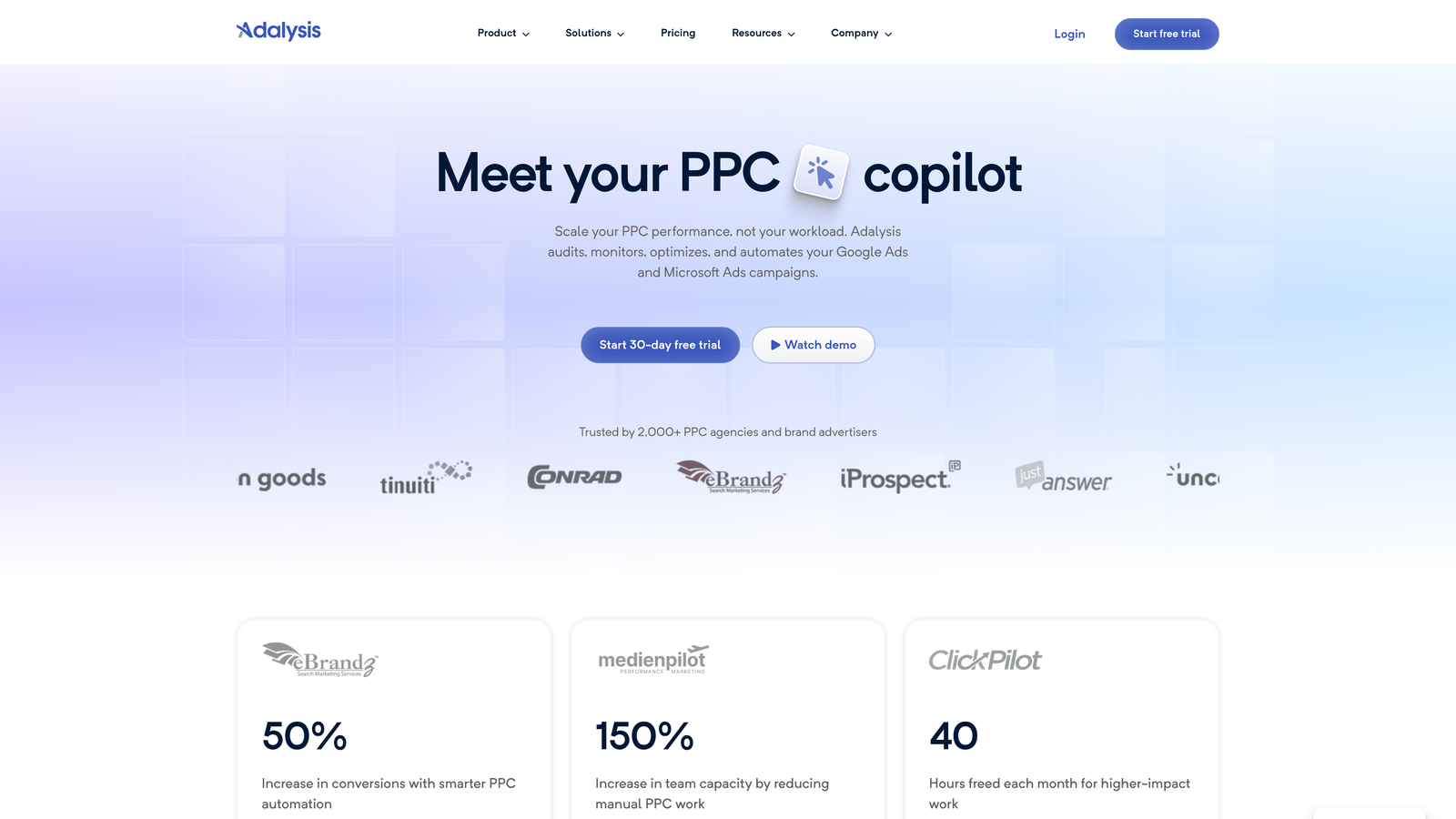
Adalysis is a Google Ads testing and analysis platform focused on ad copy performance, automated A/B testing, and account health monitoring.
Where This Tool Shines
Ad testing in Google Ads is one of those things that most accounts do poorly, or not at all. Adalysis brings structure to the process by automating test tracking and flagging when results reach statistical significance, so you're not making decisions based on noise. In most accounts I audit, ad rotation settings are a mess and there's no systematic way to declare a winner. Adalysis solves that directly.
The anomaly detection and performance alerts are also worth noting. Rather than logging in daily to check for problems, Adalysis surfaces issues proactively, which matters when you're managing multiple accounts simultaneously.
Key Features
Automated Ad Testing: Tracks A/B test results and flags statistically significant winners automatically.
Performance Alerts and Anomaly Detection: Proactively surfaces account issues before they become expensive problems.
Quality Score Monitoring: Tracks Quality Score trends and provides recommendations for improvement.
Rules-Based Ad Rotation: Pause underperforming ads and rotate creatives based on performance thresholds.
Free Trial Available: Test the platform on live accounts before committing to a paid plan.
Best For
Agencies and in-house teams that run ongoing ad copy tests and want a structured, data-driven way to manage creative performance across multiple campaigns and accounts.
Pricing
Plans start at approximately $99/month based on ad spend. A free trial is available to explore the testing and monitoring features before purchasing.
7. Search Atlas
Best for: Teams that want unified SEO and PPC keyword data in a single platform
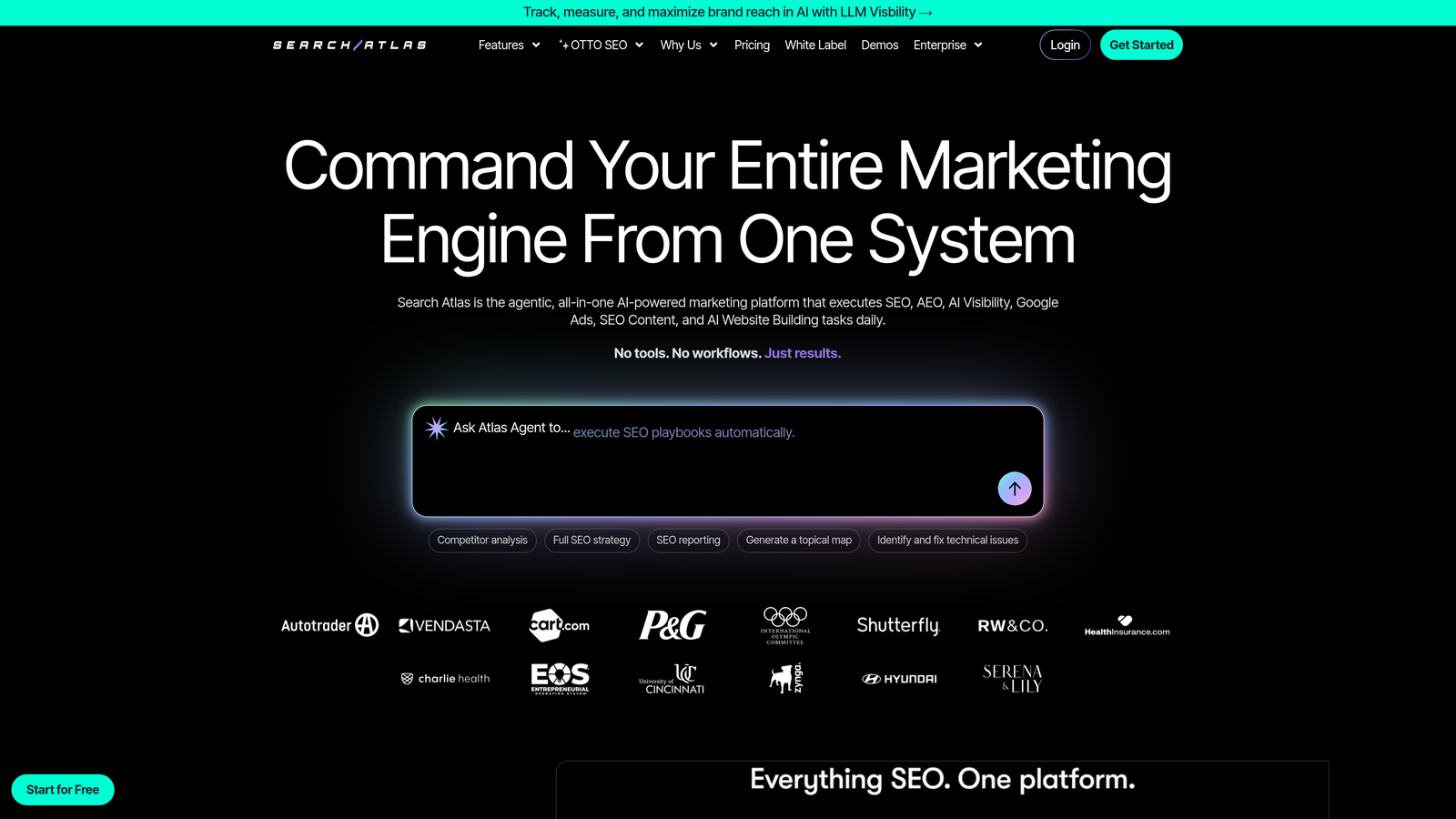
Search Atlas is an all-in-one SEO and PPC research platform that combines keyword data, content tools, and paid search insights in a single dashboard.
Where This Tool Shines
Search Atlas is interesting because it bridges the gap between organic and paid search in a way that most tools don't. If you're working on accounts where SEO and PPC teams need to share keyword intelligence, having both data sets in one place removes a lot of coordination overhead. The SERP analysis features help you understand search intent before committing budget to a keyword, which is a genuinely useful step in paid search planning.
It's a broader platform than most tools on this list, which means it takes more time to get value from it. But for teams that need both SEO and PPC data, the consolidation is worth considering.
Key Features
Unified Keyword Research: Research keywords for both organic and paid search in a single workflow.
PPC Keyword Gap Analysis: Identify paid search opportunities by comparing your coverage against competitors.
SERP Analysis: Understand search intent and competitive dynamics before building out paid campaigns.
Content and SEO Tools: Access content optimization features alongside paid search data for integrated strategy.
Free Trial Available: Explore the platform before committing to a paid plan.
Best For
Agencies or in-house teams where SEO and PPC functions overlap, and where having shared keyword data in one platform would reduce tool sprawl and improve cross-channel strategy alignment.
Pricing
Starter plans are available with a free trial. Pricing varies by tier, so check the Search Atlas website for current rates as plans are updated regularly.
8. Karooya Negative Keywords Tool
Best for: Free negative keyword management for Google Ads accounts spending under $10,000/month
Karooya's Negative Keywords Tool helps Google Ads users identify wasteful search terms and add them as negatives at scale, with a genuinely free tier for smaller accounts.
Where This Tool Shines
Negative keyword management is one of the highest-leverage activities in Google Ads, and it's also one of the most tedious. Karooya automates the identification step by analyzing your search terms data and surfacing negative keyword opportunities you might have missed. The conflict checker is particularly useful: it flags situations where a negative keyword would accidentally block a term you actually want to show for, which is a common and costly mistake.
For accounts spending under $10,000/month, the free tier makes this a no-brainer to at least test. It connects via the Google Ads API, so there's no manual data export required.
Key Features
Negative Keyword Opportunity Identification: Analyzes search terms data to surface wasteful terms worth blocking.
Conflict Checker: Flags negative keywords that would accidentally suppress terms you want to target.
Bulk Negative Keyword List Creation: Build and apply large negative keyword lists without manual entry.
Google Ads API Integration: Connects directly to your account without requiring CSV exports or manual uploads.
Free Tier for Smaller Accounts: Genuinely free for accounts spending up to $10,000/month.
Best For
Freelancers and small agency teams managing accounts under the $10,000/month spend threshold who want a structured, automated approach to negative keyword management without paying for another tool.
Pricing
Free for Google Ads accounts spending up to $10,000/month. Paid tiers are available for higher-spend accounts. Check the Karooya website for current pricing on enterprise tiers.
Which Tool Should You Actually Start With?
Here's the honest answer: start with whatever solves your biggest current bottleneck, not whatever sounds most impressive.
If your Search Terms Report is eating hours every week, start with Keywordme. It's the only tool on this list that works directly inside the Google Ads interface without requiring you to leave or switch tools. The 7-day free trial with no credit card is a genuinely low-friction way to test it on a live account.
If you need to make large structural changes to an account, Google Ads Editor is free and purpose-built for exactly that. Download it, use it, keep it in your toolkit permanently.
For quick keyword research while you browse, Keywords Everywhere is a low-cost entry point that adds useful data to your existing research habits without disrupting your workflow.
Agencies with complex reporting needs or clients who expect systematic ad testing should look at Optmyzr or Adalysis. Both have free trials long enough to evaluate on real accounts.
The broader principle here is that most Google Ads friction falls into one of a few categories: too much time in the Search Terms Report, messy negative keyword management, lack of competitive intelligence, or repetitive bulk editing tasks. Match the tool to the category where you're losing the most time.
Most of the tools above offer free trials, so there's no reason to commit to anything without testing it first. Pick the one that maps to your most painful workflow problem, run the trial on a live account, and judge it by how much time it actually saves you in practice.
Ready to stop wasting hours in the Search Terms Report? Start your free 7-day trial of Keywordme and see how much faster Google Ads optimization can actually be, right inside your own account.
.svg)