
9 Best Tools for Agency PPC Workflow Optimization
This guide reviews nine of the top tools for agency PPC workflow optimization, each evaluated on real-world fit for agencies managing Google Ads at scale. From in-interface search term management to smarter reporting and tighter keyword control, these tools help agency teams do more, faster, without sacrificing accuracy.


Agency PPC work is relentless. You're jumping between client accounts, scrubbing search terms, managing match types, and trying to keep wasted spend in check—all at once. The right tools turn that chaos into a repeatable, scalable workflow.
This list covers nine tools that genuinely move the needle for agencies managing Google Ads at scale. Each was evaluated on how well it fits into a real agency workflow, not just how many features it has. Whether you need faster search term analysis, smarter reporting, or tighter keyword control, there's something here for every stage of your PPC process. Tools are ordered by how directly they address the core agency pain point: doing more, faster, without sacrificing accuracy.
1. Keywordme
Best for: In-interface search term management and negative keyword workflows inside Google Ads
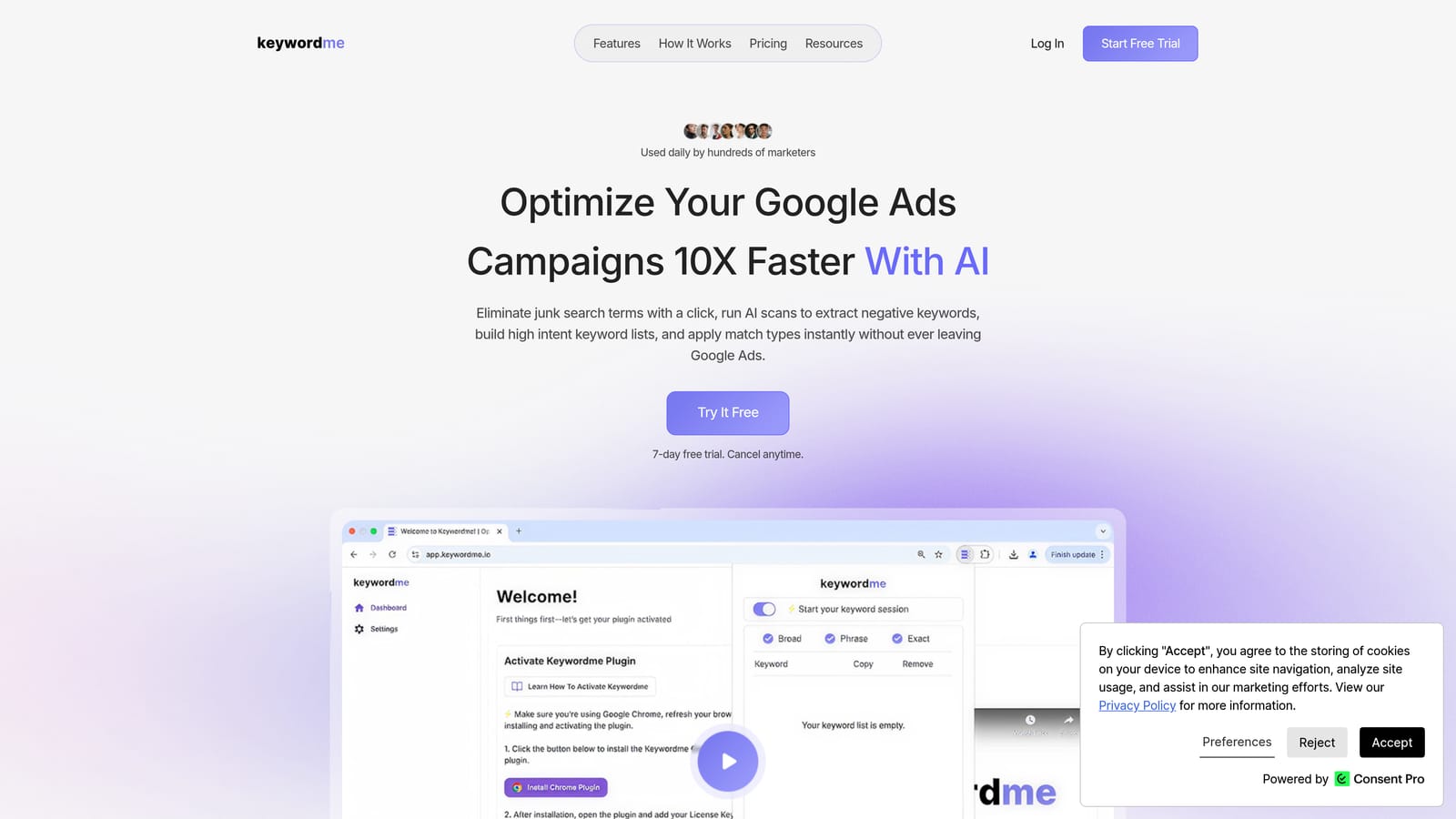
Keywordme is a Chrome extension that plugs directly into Google Ads' Search Terms Report, letting you take one-click actions on search terms without ever leaving the native interface.
Where This Tool Shines
Most search term review workflows involve exporting data, working through a spreadsheet, and then re-importing changes. Keywordme removes that entire loop. You stay inside Google Ads, work through your search terms with single clicks, and push changes without switching tabs or managing files.
For agency teams managing multiple client accounts, this matters a lot. The tool supports multi-account and team workflows, so more than one person can work through the same optimization tasks without duplicating effort or stepping on each other's changes.
Key Features
One-Click Negative Keyword Addition: Add negative keywords directly from the Search Terms Report without exporting or using a separate tool.
Instant Match Type Application: Apply broad, phrase, or exact match types to keywords without leaving the Google Ads interface.
Keyword Clustering and Bulk Editing: Group and organize keywords faster with clustering tools that reduce the manual work of building structured keyword lists.
Multi-Account and Team Support: Designed for agency use, with support for multiple accounts and collaborative team workflows.
Native UI Integration: Works entirely within Google Ads—no dashboard to log into, no context switching, no extra tabs.
Best For
Freelance PPC managers and agency teams who spend significant time on search term audits and negative keyword management. Particularly useful if your current process involves spreadsheets between Google Ads and your keyword decisions.
Pricing
$12/month per user. A 7-day free trial is available, making it easy to test against your actual workflow before committing.
2. Google Ads Editor
Best for: Bulk offline edits and large-scale structural changes across campaigns
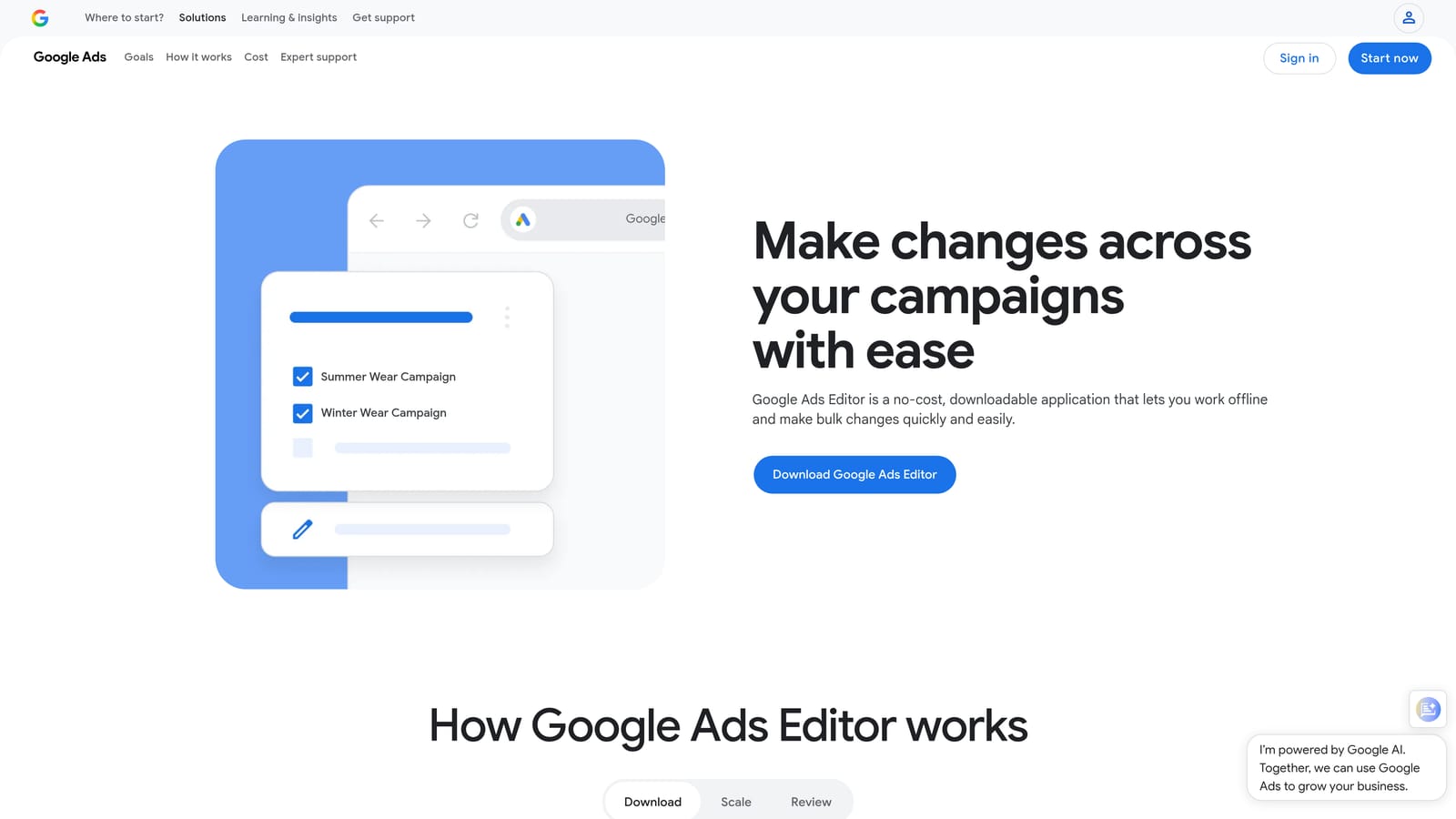
Google Ads Editor is Google's free desktop application for making bulk edits to campaigns offline before pushing changes live.
Where This Tool Shines
When you need to restructure campaigns, clone ad groups across accounts, or upload hundreds of keywords at once, Google Ads Editor is the right tool. The offline-first approach means you can work through large changes without worrying about accidental live edits, and the draft-and-review workflow gives you a final check before anything goes live.
It's particularly useful for onboarding new clients where you need to replicate a proven campaign structure quickly, or for agencies that manage high keyword volumes and need bulk operations that the web interface handles slowly.
Key Features
Bulk Offline Editing: Make changes across campaigns and ad groups without an internet connection, then push all at once.
Multi-Account Management: Manage multiple client accounts from a single desktop interface.
Campaign Cloning: Duplicate campaign structures across accounts or ad groups to speed up new client setup.
Draft and Review Workflow: Stage changes and review them before anything goes live in the account.
Free with Any Google Ads Account: No additional cost—available to any advertiser with a Google Ads login.
Best For
Agencies handling large structural changes, new account builds, or high-volume keyword uploads. Less suited for real-time search term review, where in-interface tools are faster.
Pricing
Free.
3. Optmyzr
Best for: Automating repetitive PPC optimization tasks across multiple platforms
Optmyzr is a PPC management platform built with agencies in mind, offering rule-based automation, one-click optimizations, and cross-platform campaign management.

Where This Tool Shines
Optmyzr addresses the repetitive layer of PPC management: bid adjustments, budget pacing, keyword performance reviews, and quality score monitoring. Instead of manually checking these signals across every client account, you can set rules that flag issues or apply changes automatically based on your defined thresholds.
The platform also supports Google Ads, Microsoft Ads, and Amazon Ads in a single interface, which makes it genuinely useful for agencies running multi-platform campaigns. The reporting layer is built for client communication, with dashboards that don't require significant setup time.
Key Features
One-Click Optimizations: Apply bid, budget, and keyword changes with a single action after reviewing recommendations.
Rule-Based Automation and Scripts: Build custom automation rules or use pre-built scripts to handle recurring optimization tasks.
Multi-Platform Support: Manage Google Ads, Microsoft Ads, and Amazon Ads campaigns from one platform.
Agency Reporting and Client Dashboards: Produce client-facing reports without building them from scratch each month.
Shopping Campaign Tools: Dedicated features for managing and optimizing Google Shopping campaigns.
Best For
Mid-to-large agencies managing significant ad spend across multiple platforms who want to reduce manual optimization time without writing custom scripts from scratch.
Pricing
Subscription-based; pricing scales with ad spend under management. See optmyzr.com for current plans.
4. Google Looker Studio
Best for: Building customizable, shareable client reporting dashboards at no cost
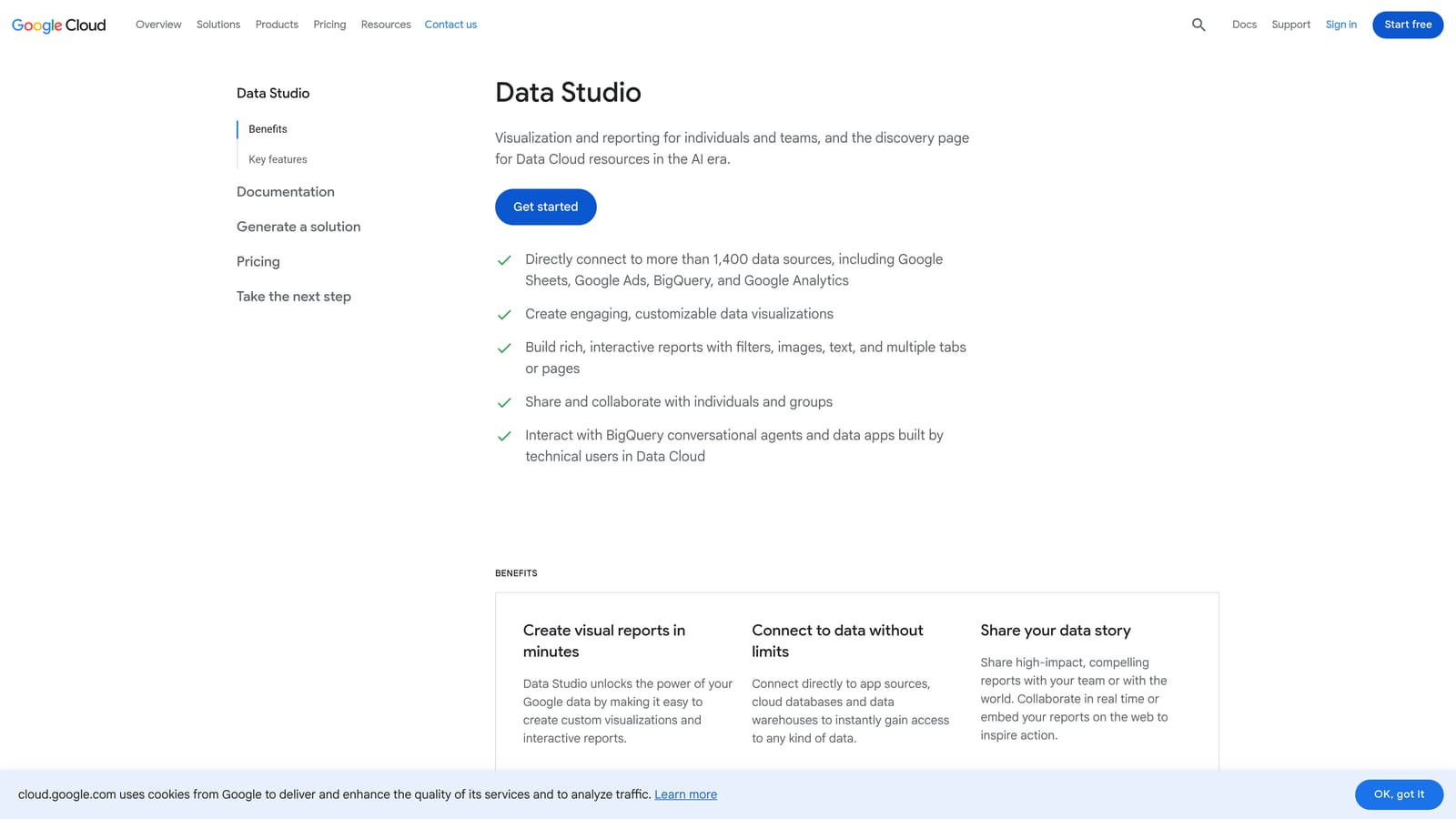
Google Looker Studio is Google's free data visualization tool that connects directly to Google Ads and lets agencies build client-facing dashboards they can share via link or scheduled email.
Where This Tool Shines
Looker Studio's native Google Ads connector means you can pull campaign data into a dashboard without any additional tools or costs. For agencies that report primarily on Google Ads performance, it covers the essentials: impressions, clicks, conversions, spend, and custom date comparisons—all in a visual format clients can actually read.
The shareable link model works well for client transparency. Instead of exporting PDFs manually each month, you can give clients a live link to their dashboard and let them check performance on their own schedule. The setup investment is front-loaded, but once a template is built, replicating it for new clients is straightforward.
Key Features
Native Google Ads Connector: Pull Google Ads data directly into dashboards without a paid connector.
Drag-and-Drop Dashboard Builder: Build and customize report layouts without writing code.
Shareable Client Links: Give clients view access to live dashboards rather than sending static exports.
Multi-Source Connections: Connect GA4, Google Sheets, and other data sources alongside Google Ads data.
Scheduled Email Delivery: Send dashboard snapshots to clients or internal stakeholders on a set schedule.
Best For
Agencies that want flexible, customizable reporting without paying for a dedicated reporting platform. Requires some setup time; teams that want a ready-to-go solution may prefer AgencyAnalytics.
Pricing
Free.
5. Supermetrics
Best for: Consolidating multi-platform PPC data into a single reporting destination
Supermetrics is a data connector platform that pulls marketing data from over 100 sources—including Google Ads, Meta Ads, and Microsoft Ads—into Google Sheets, Looker Studio, BigQuery, or other destinations.
Where This Tool Shines
Supermetrics solves a specific but common agency problem: clients run campaigns across multiple platforms, and pulling that data together manually is time-consuming and error-prone. Supermetrics automates the data collection layer, so your reports always reflect current numbers without someone manually refreshing exports.
It works well paired with Looker Studio or a custom Google Sheets reporting setup. The tool doesn't perform optimization actions—it's purely a data aggregation layer—but for agencies that need cross-channel visibility in one place, it removes a significant manual step from the reporting workflow.
Key Features
100+ Marketing Data Connectors: Pull data from Google Ads, Meta, Microsoft Ads, LinkedIn, and many other platforms.
Automated Data Pulls: Schedule regular refreshes so dashboards stay current without manual intervention.
Flexible Destinations: Send data to Google Sheets, Looker Studio, BigQuery, or other BI tools depending on your workflow.
Cross-Channel Reporting: Consolidate multi-platform performance data in a single destination for unified client reports.
Agency-Friendly Setup: Manage data connections across multiple client accounts from one Supermetrics account.
Best For
Agencies managing clients across Google Ads, Meta, Microsoft Ads, and other platforms who need automated, consolidated data without building custom integrations.
Pricing
Subscription-based; pricing varies by connector and destination. See supermetrics.com for current plans.
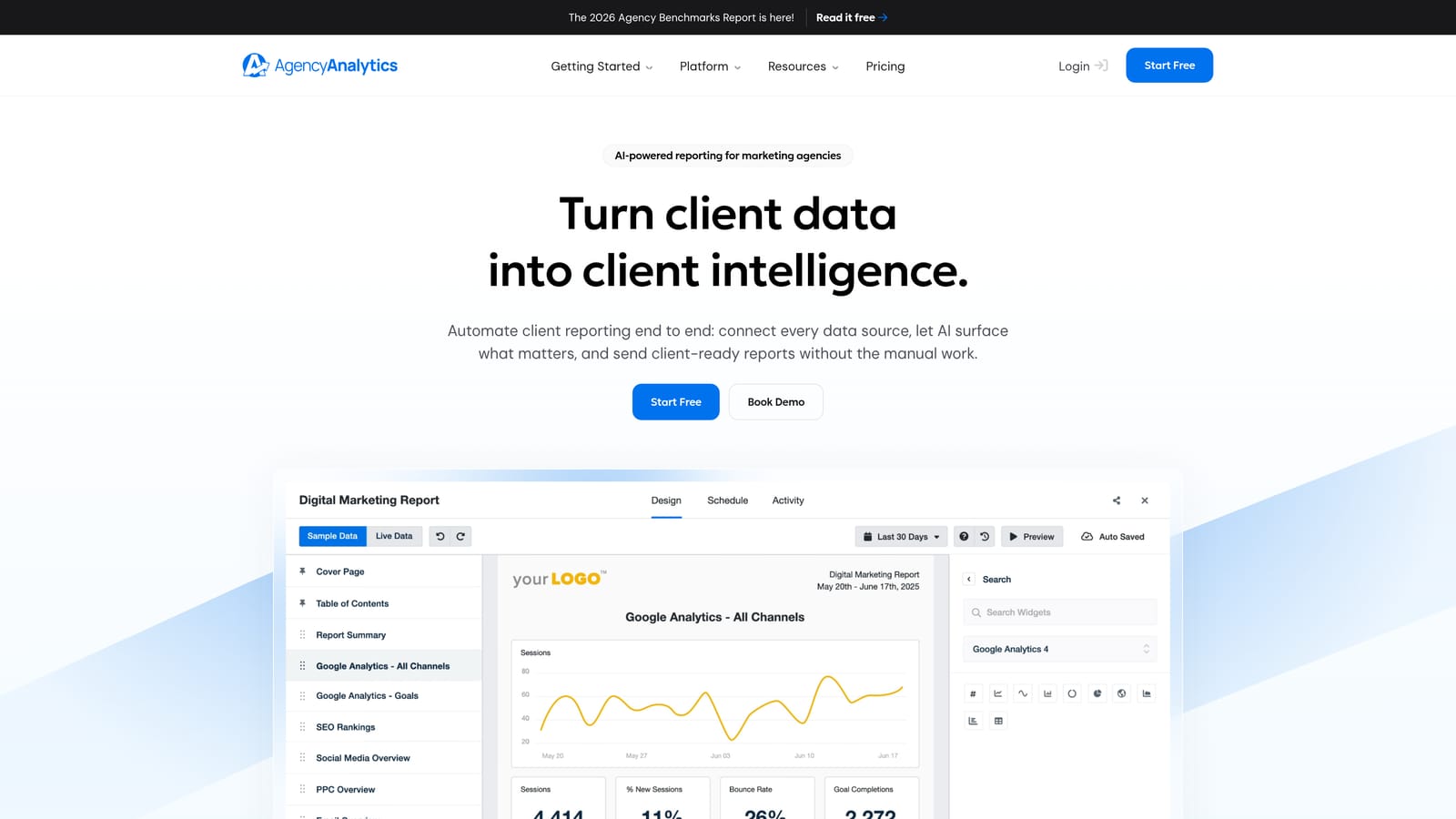
6. AgencyAnalytics
Best for: White-label client reporting with automated delivery and client portal access
AgencyAnalytics is a reporting platform built specifically for marketing agencies, with white-label dashboards, client portals, and automated report scheduling across PPC and other channels.
Where This Tool Shines
Where Looker Studio gives you flexibility, AgencyAnalytics gives you speed. The platform is built around the agency reporting workflow from the ground up: branded dashboards, client login portals, and automated monthly reports that go out without anyone on your team touching them. For agencies spending hours each month assembling and sending reports, this removes a recurring time drain.
The per-client pricing model also maps more naturally to agency billing structures than per-seat tools do, which makes it easier to justify the cost as a pass-through or bundle into retainer pricing.
Key Features
White-Label Dashboards: Apply your agency's branding to all client-facing reports and dashboards.
Client Self-Serve Portal: Give clients their own login to view performance data without emailing reports back and forth.
Multi-Channel Connections: Connect Google Ads, Meta, SEO tools, and other platforms in one client dashboard.
Automated Report Scheduling: Set up monthly or weekly reports to send automatically to clients or internal stakeholders.
Per-Client Pricing: Pricing structure aligns with how agencies bill clients rather than internal headcount.
Best For
Agencies where client reporting is a significant time investment and where branded, professional-looking reports are important for client retention.
Pricing
Per client campaign pricing. See agencyanalytics.com for current plans.
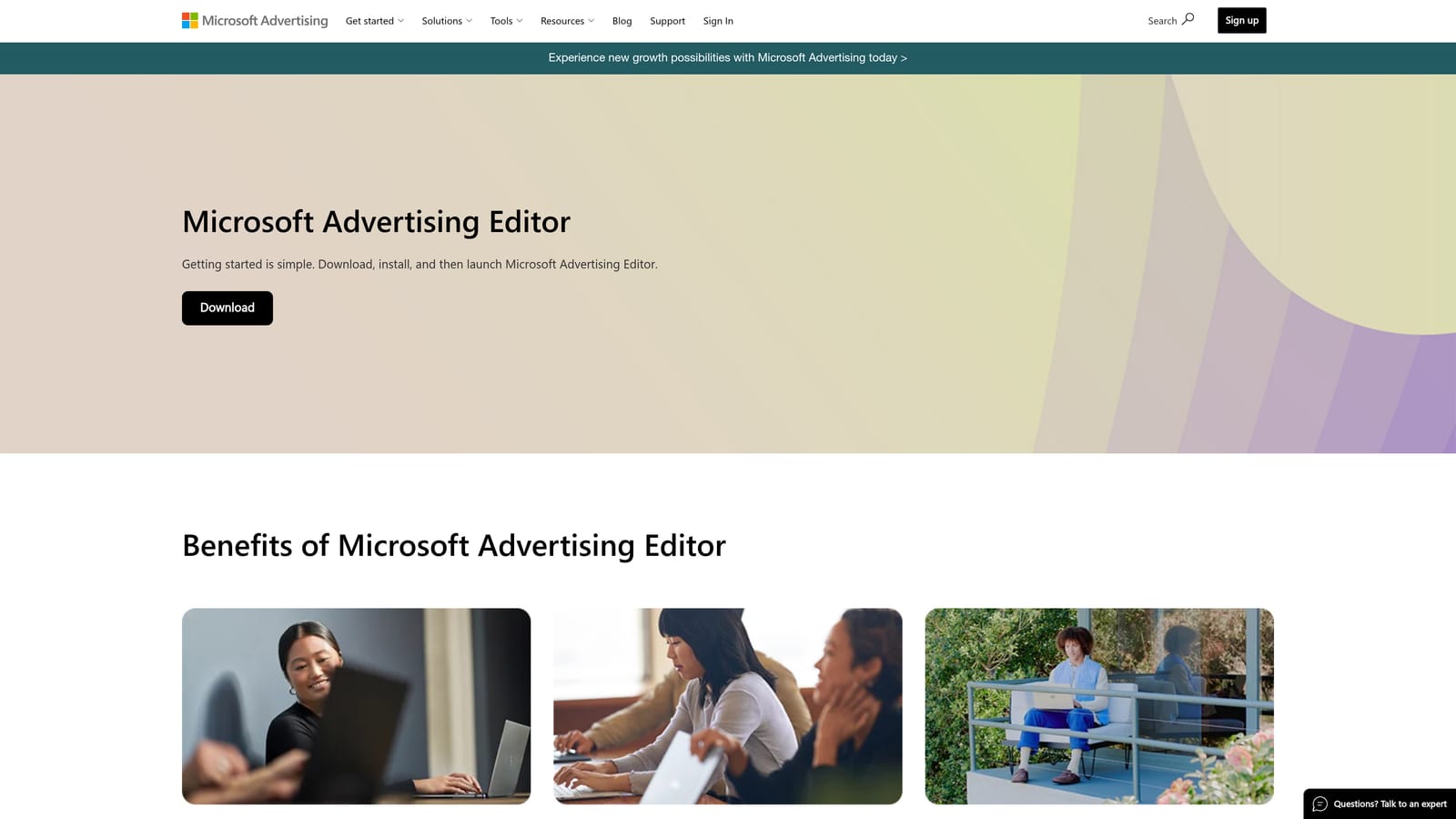
7. Microsoft Advertising Editor
Best for: Bulk offline management of Microsoft Ads campaigns for agencies running multi-network PPC
Microsoft Advertising Editor is Microsoft's free offline bulk editor for Bing and Microsoft Ads campaigns, offering the same bulk-edit capabilities for Microsoft's network that Google Ads Editor provides for Google.
Where This Tool Shines
If your agency runs campaigns on both Google and Microsoft networks, you need a reliable way to manage Microsoft Ads at scale without treating it as an afterthought. Microsoft Advertising Editor mirrors the Google Ads Editor workflow closely, so teams already comfortable with one can pick up the other quickly.
The Google Ads import feature is particularly useful: you can import existing Google Ads campaign structures directly into Microsoft Ads, which speeds up the process of expanding a client's reach to the Microsoft network without rebuilding everything from scratch.
Key Features
Bulk Offline Editing: Make changes to Microsoft Ads campaigns without an active internet connection, then push live when ready.
Google Ads Import: Import campaign structures directly from Google Ads to replicate setups on the Microsoft network.
Draft and Review Workflow: Stage and review all changes before pushing them live.
Multi-Account Management: Manage multiple Microsoft Ads accounts from a single desktop interface.
Free with Any Microsoft Advertising Account: No additional cost for existing Microsoft Ads advertisers.
Best For
Agencies that manage Microsoft Ads alongside Google Ads and need a structured, bulk-edit workflow for the Microsoft network.
Pricing
Free.
8. Semrush
Best for: Competitive PPC research and keyword opportunity identification
Semrush is an all-in-one SEO and PPC research platform with competitor ad intelligence, keyword gap analysis, and CPC data to help agencies identify opportunities for new and existing campaigns.
Where This Tool Shines
Semrush earns its place in an agency PPC stack as a research tool rather than an execution tool. Before you build a campaign or expand a keyword list, Semrush tells you what competitors are bidding on, what ad copy they're running, and where there are keyword gaps your clients aren't yet exploiting. That intelligence shapes smarter campaign strategy before any budget is spent.
For agencies pitching new clients or auditing underperforming accounts, the advertising research reports give you a concrete picture of the competitive landscape that's hard to assemble from Google Ads data alone.
Key Features
Competitor Ad Research: See what keywords competitors are bidding on and what ad copy they're running.
Keyword Gap Analysis: Identify keywords competitors target that your clients are missing.
CPC and Search Volume Data: Access cost and volume estimates to prioritize keyword investments.
PPC Keyword List Building: Build and export keyword lists for new campaigns using Semrush's keyword tools.
Advertising Research Reports: Analyze any domain's paid search presence to inform audits and pitches.
Best For
Agencies doing competitive research, new campaign builds, or account audits where understanding the competitive keyword landscape is part of the deliverable.
Pricing
Subscription-based with multiple tiers. See semrush.com for current plans.
9. Asana
Best for: Coordinating PPC tasks, client deliverables, and team workflows across multiple accounts
Asana is a project management platform that helps agency PPC teams coordinate tasks, track client deliverables, manage deadlines, and keep multi-account work organized across team members.
Where This Tool Shines
PPC workflow optimization isn't only about what happens inside Google Ads. Agencies also need a way to track who's doing what, when client reports are due, and which optimization tasks are pending across a portfolio of accounts. Without a system for this, things fall through the cracks—especially as the client list grows.
Asana's project templates make it practical to build a repeatable PPC workflow: onboarding checklists, monthly optimization task lists, and reporting schedules can all be templated and reused across clients. It's not a PPC-specific tool, but it addresses the operational layer that purely PPC-focused tools don't touch.
Key Features
Task Assignment and Deadline Tracking: Assign specific PPC tasks to team members with clear due dates and ownership.
Reusable Project Templates: Build templates for recurring workflows like monthly optimizations or new client onboarding.
Client Deliverable Tracking: Track report delivery, approval milestones, and client-facing deadlines in one place.
Integrations with Agency Tools: Connects with Slack, Google Drive, and other tools already in most agency stacks.
Free Tier Available: Small teams can use the core features at no cost before committing to a paid plan.
Best For
Agency teams managing PPC across multiple clients who need a shared system for task coordination, deadline tracking, and workflow consistency.
Pricing
Free tier available. Paid plans scale with team size. See asana.com for current plans.
Choosing the Right Stack for Your Agency
A bloated tool stack creates its own inefficiencies. The goal isn't to use all nine of these tools—it's to identify which bottlenecks are actually costing your agency time and find the tools that solve those specific problems.
Here's a quick guide by use case:
For faster in-interface search term management: Keywordme is the most direct solution. If your team spends significant time on search term audits and negative keyword work inside Google Ads, it addresses that bottleneck more directly than any other tool on this list.
For bulk structural changes and campaign builds: Google Ads Editor and Microsoft Advertising Editor cover this well, at no cost. These should be standard in any agency toolkit.
For PPC automation at scale: Optmyzr is worth evaluating if your team handles high ad spend volumes and wants to reduce manual bid and budget management across multiple platforms.
For client reporting: Google Looker Studio is the right starting point if you want flexibility and have the setup time. AgencyAnalytics is the better fit if you want a ready-to-go white-label solution. Supermetrics fills the gap when you need to consolidate data from multiple platforms before it hits your reporting tool.
For competitive research and campaign strategy: Semrush is the strongest option for understanding the keyword landscape before you build or expand campaigns.
For team coordination and workflow management: Asana handles the operational layer that purely PPC-focused tools don't address.
If you're looking for the fastest win, start with the part of your workflow that takes the most time per week. For most agency PPC teams, that's search term review and negative keyword management—which is exactly where Keywordme is built to help.
Keywordme lets you remove junk search terms, build high-intent keyword lists, and apply match types instantly, right inside Google Ads. No spreadsheets, no switching tabs, just quick, seamless optimization. Start your free 7-day trial and see how much time you get back in your first week. After the trial, it's $12/month per user.
.svg)