
9 Best PPC Workflow Tools for Faster Google Ads Management in 2026
A practical guide to top ppc workflow tools.


Most of a PPC manager's week goes to the same few jobs: reviewing search terms, building negatives, editing in bulk, reporting, and keeping several accounts in order. This list is for freelancers, in-house marketers, and agency owners who want to cut that routine work rather than add another dashboard. Each tool was picked for how much repetitive work it removes, how well it fits a daily Google Ads routine, how clear its pricing is, and who it actually suits. No single tool covers every job, so the list is grouped by the job each one takes off your plate.
Quick Comparison of the Nine Tools
- Keywordme: freelancers and agencies doing weekly search term reviews; $12/month per user; works inside the Google Ads interface, so search term triage needs no export.
- Google Ads Editor: anyone building or restructuring large accounts; free; official offline bulk editing with a review step before posting.
- Optmyzr: agencies and in-house teams managing multiple accounts; pricing on its website; rule-based automation and optimization suggestions you review.
- Adalysis: account managers watching many accounts; pricing on its website; continuous ad test analysis and account health alerts.
- Google Ads Scripts: technical advertisers; free; fully custom automation with no software fee.
- Looker Studio: freelancers and agencies automating client reports; free; auto-refreshing dashboards that blend PPC data with other sources.
- Supermetrics: teams reporting across several ad platforms; pricing on its website; one connector layer for many paid platforms.
- Google Sheets: ad hoc analysis and light planning; free; a format every teammate and client can open.
- Asana: agencies standardizing recurring PPC routines; free tier, paid plans on its website; turns PPC routines into assignable, repeatable processes.
1. Keywordme
Keywordme is a Chrome extension that adds one-click actions to the Search Terms Report inside Google Ads. It is our own product, so weigh this section with that in mind. It is built for people who spend hours each week deciding which search terms deserve to become keywords and which should be blocked.
A quick definition, since the terms get blurred: a search term is what someone actually typed into Google, while a keyword is what you bid on. A negative keyword stops your ads showing for matching searches, and a positive keyword does the opposite. Keywordme works on that boundary. You review the report in the interface you already use and act on each row without exporting anything.
What sets it apart on this list is that it lives in the native Google Ads UI. Most tools make you leave the account, pull data into a sheet, decide, then paste back. Here the decision and the action happen in the same place, and you still make every call yourself. Nothing is changed on its own.
- Add negative keywords straight from the Search Terms Report, so junk queries are handled as you spot them.
- Add search terms as keywords with the match type you choose, without leaving Google Ads.
- Keyword clustering groups related terms so you can build tighter lists faster.
- Bulk editing lets you apply an action to many terms at once.
- Multi-account and team support helps agencies keep a consistent routine across clients.
Setup is installing the extension in Chrome and opening Google Ads. Day to day, it is run by whoever reviews search terms, usually the account manager or freelancer.
The limits are real. It covers search terms and keywords only: no reporting, no bid management, no audits, no automation. It works with Google Ads in Chrome, so it is no help on other platforms or browsers. If your bottleneck is dashboards or budget monitoring, look further down the list.
Pricing is $12 per month per user, with a 7-day free trial (as of writing; confirm on the website). Cost scales with the number of users, not ad spend or accounts.
Best for: Freelancers and agencies who spend hours on weekly search term reviews.
2. Google Ads Editor
Google Ads Editor is Google's free desktop application for managing campaigns in bulk. You download account data, make changes offline, review them, and post them in one batch. It is aimed at anyone building or restructuring large accounts.

Its distinctive strength is that it is the official route for big structural work: new campaign builds, mass ad copy changes, and copying structures between campaigns or accounts. You see a summary of pending changes before anything goes live, which makes large edits much less nerve-wracking than doing them in the browser.
- Bulk edits across campaigns and accounts replace hundreds of individual clicks.
- Offline editing with a change review lets you draft safely and check before posting.
- Copy and paste between campaigns and accounts speeds up cloning structures for new clients.
- Import and export through spreadsheet files lets you build in a sheet and bring it in.
Setup is a desktop install and signing in with your Google Ads access. Anyone who builds or restructures accounts uses it, and it takes some time to learn.
The honest downside: it is clunky for daily search term triage. Reviewing queries and blocking junk is quicker where the report lives. Expect a learning curve too, especially with the import format and the way changes are staged.
Pricing: free.
Best for: Large account builds and mass edits.
3. Optmyzr
Optmyzr is a PPC management platform with automation rules, optimization suggestions, audits, and reporting. It is designed for agencies and in-house teams who run many accounts and want a systematic way to find and act on issues.

Where it differs from the lighter tools here is breadth across accounts. You can set rules that apply the same logic everywhere and get suggestions you review before applying. The review step matters: automation without a human check is one of the quickest ways to damage an account, and the tool is built around you approving changes.
- Rule-based automations handle repeating checks and adjustments across accounts.
- Optimization suggestions point out what to look at, so you spend less time hunting.
- Account audits give a structured review you can run for new or inherited accounts.
- Reporting helps package results for clients.
- Support for Google and Microsoft Ads covers teams running both.
It connects to Google Ads and Microsoft Advertising. Setup takes more effort than an extension, since you connect accounts and configure rules, and it suits a team that has someone owning the process.
It is not ideal for a solo advertiser with a single account and a simple bottleneck. It carries a higher commitment and cost than lightweight tools, and pricing is tied to ad spend. Check the current plans on its website, as they change.
Best for: Agencies and in-house teams managing multiple accounts who want automation plus audits.
4. Adalysis
Adalysis is an automated audit and alerting tool. It watches ad tests, account health, and quality signals so you find problems without manually opening every account.
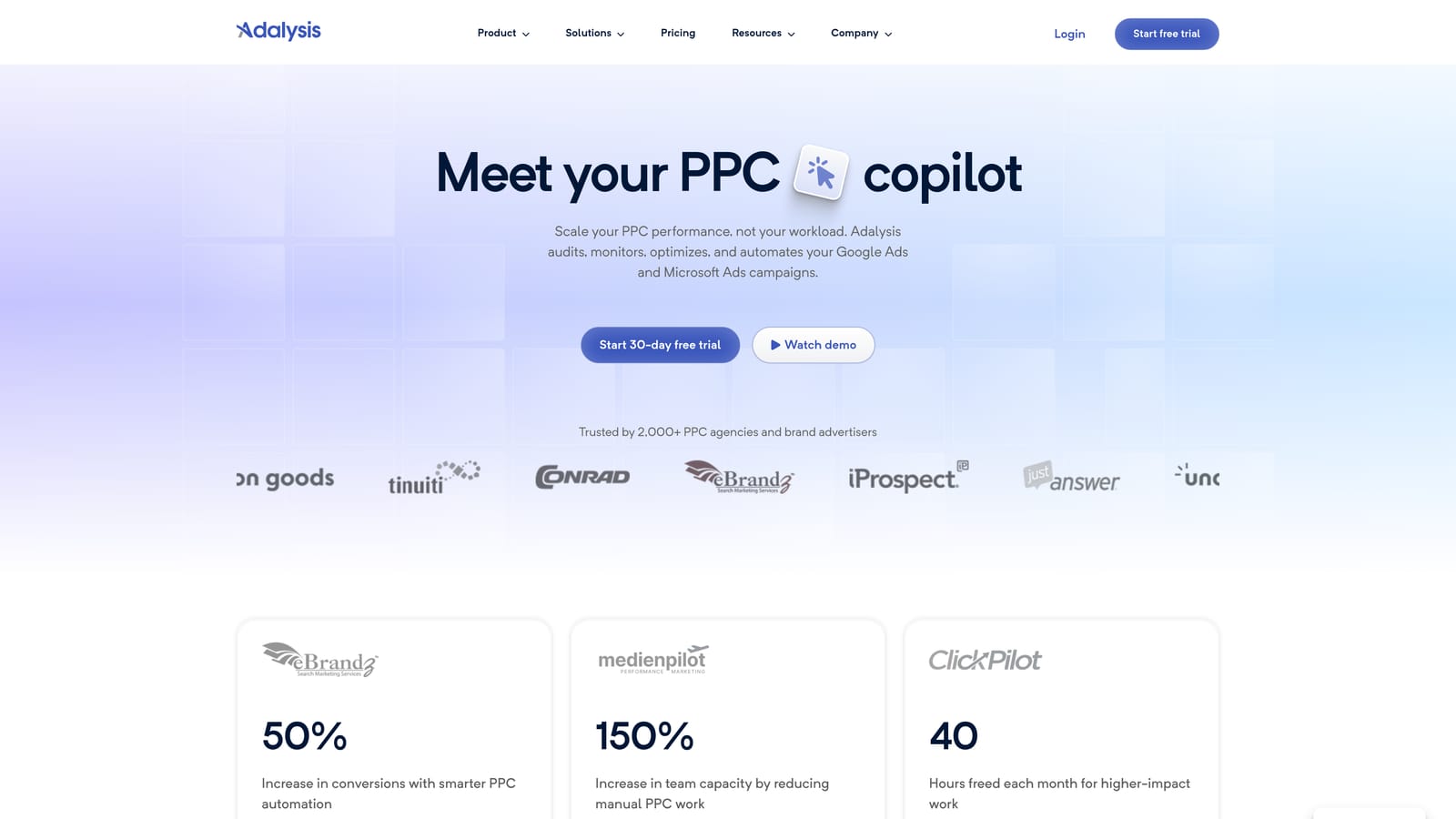
Its standout is continuous ad test analysis. Instead of remembering to check which ad variations are winning, you get that analysis ongoing, plus alerts when something drifts. For anyone responsible for many accounts, that is a real saving of attention.
- Automated account audits flag issues across structure and settings.
- Ad copy test analysis shows which variations are performing, so test reviews stop being manual.
- Scheduled alerts tell you when something needs attention rather than making you go looking.
- Quality Score monitoring tracks a signal that is tedious to check by hand.
- Reporting summarizes findings for clients or internal review.
It integrates with Google Ads and Microsoft Advertising. Setup means connecting accounts and tuning alerts so they are useful rather than noisy, and account managers are the usual day-to-day users.
It is oriented toward auditing and monitoring, not quick hands-on edits. If you want to clear a search term list in ten minutes, this is not that tool. Pricing is listed on its website; check there for current plans.
Best for: Account managers who need to catch issues across many accounts.
5. Google Ads Scripts
Google Ads Scripts lets you run JavaScript inside Google Ads to monitor, report on, and manage accounts on a schedule. It is built into the platform, so there is nothing to buy.
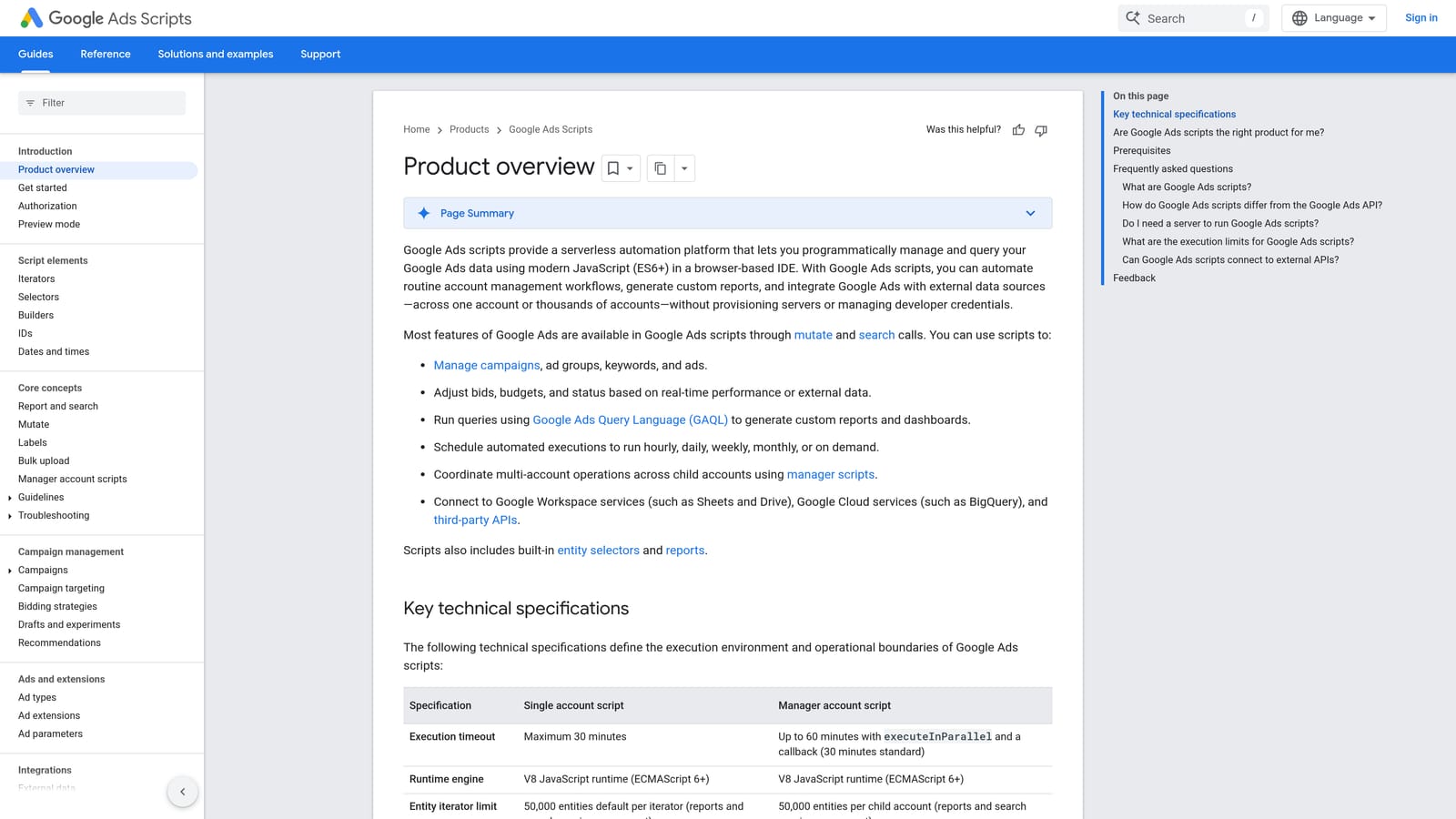
The distinguishing strength is flexibility at zero software cost. If you can describe the check, you can usually script it. For illustration, imagine a script that emails you when an account's spend by mid-afternoon is well above a threshold you set. That kind of custom alert is hard to find off the shelf.
- Scheduled runs mean checks happen without you remembering them.
- Custom alerts and reports are shaped to your own thresholds and needs.
- Account-level automation can handle repetitive tasks across campaigns.
- Access to Google Ads data through JavaScript lets you pull exactly what you need.
It works with Google Ads and connects to Google Sheets and Gmail, which is how most scripts deliver output. Setup depends on your skill, and someone technical has to own it.
That is the catch. You need JavaScript knowledge, scripts need ongoing maintenance, and a mistake can affect a live account. Test carefully, and favor scripts that report over scripts that change things until you trust them.
Pricing: free.
Best for: Technical advertisers who want custom automations and alerts.
6. Looker Studio
Looker Studio is Google's free dashboarding tool. You connect Google Ads and other sources, build a report, and share it with a link that refreshes on its own.

What it does best on this list is turn client reporting into something that stops being a monthly chore. Build a template once, duplicate it per client, and the numbers update themselves. It can also blend PPC data with other sources, such as analytics, so a client sees paid results in context.
- The Google Ads connector pulls account data without manual exports.
- Custom dashboards let you show clients only what they care about.
- Scheduled report delivery sends reports out automatically.
- Data blending combines sources in one view.
- Shareable links mean clients check numbers themselves.
It integrates with Google Ads, Google Analytics, Google Sheets, and BigQuery. Setup is building the first template, which takes real time, and the person who owns reporting usually maintains it.
It is reporting only. It cannot change account settings, and templates need upkeep when metrics, naming, or client needs shift. Pricing: free, with a paid Looker Studio Pro tier (confirm details on the website).
Best for: Freelancers and agencies automating client reporting.
7. Supermetrics
Supermetrics is a data connector. It moves ad platform data into spreadsheets, dashboards, and data warehouses so you can report across channels in one place.
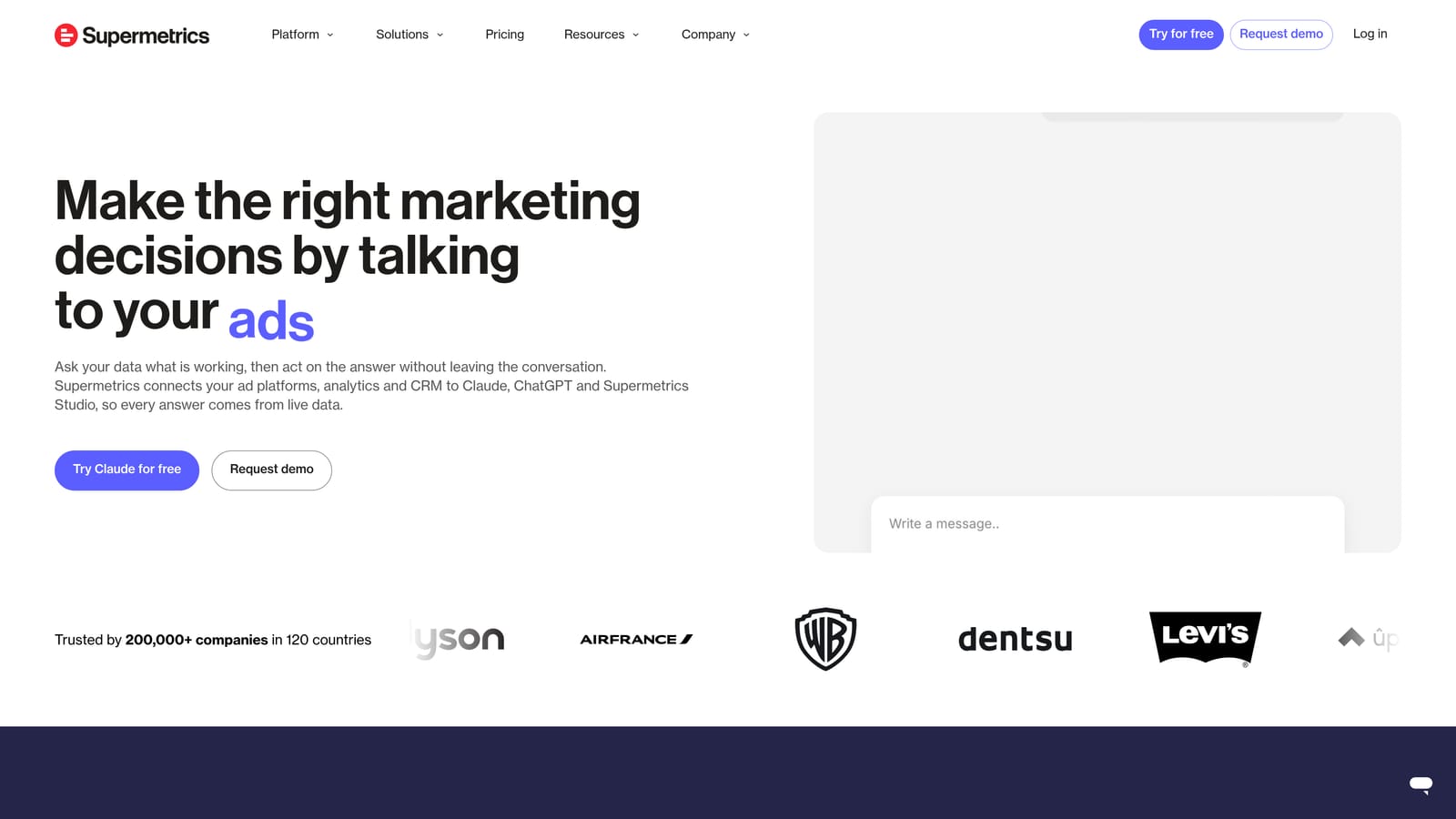
Its edge over Looker Studio's native connectors is breadth: one connector layer covering many paid platforms. If you report Google Ads next to Meta and LinkedIn spend, it saves you from stitching separate exports together.
- Multi-platform connectors bring several ad networks into the same reporting setup.
- Google Sheets and Looker Studio destinations fit the tools you may already use.
- Scheduled data refresh keeps reports current without manual pulls.
- Data warehouse support suits larger teams with their own data stack.
It works with Google Sheets, Looker Studio, Excel, Google Ads, Meta Ads, and LinkedIn Ads. Setup is connecting accounts and building queries, and whoever owns reporting runs it.
It only moves data. It does not optimize campaigns, and if you only run Google Ads, the free native connector may be enough. Costs scale with the connectors you use, and current pricing is on its website.
Best for: Teams reporting across several ad platforms.
8. Google Sheets
Google Sheets is the free spreadsheet most PPC people already use for audits, negative keyword lists, and one-off analysis. It earns a place because it is flexible and everyone can open it.
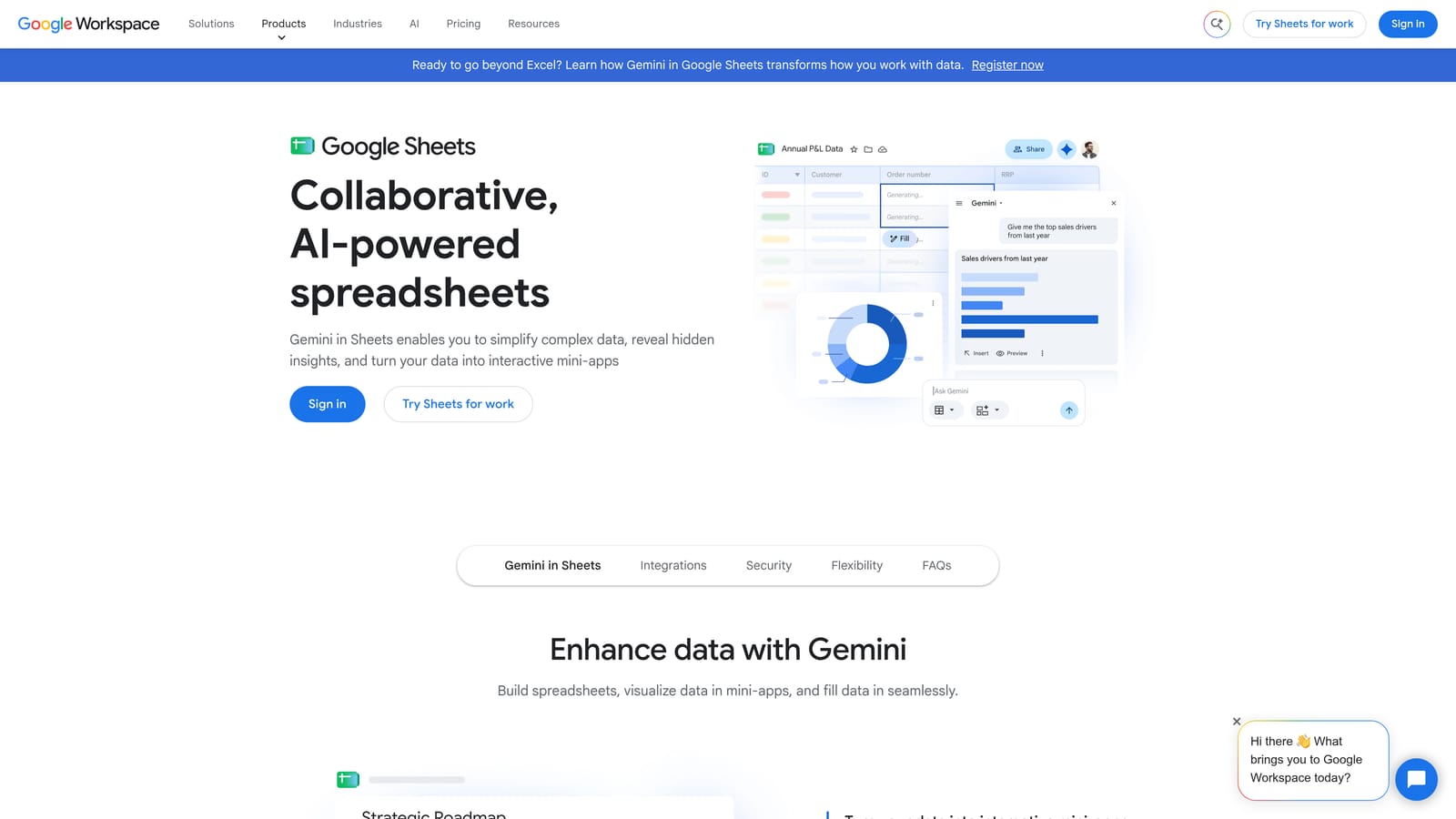
Its strength is ad hoc work. Need to cluster a query export, check a pivot of cost by match type, or share a checklist with a client? A sheet does it in minutes with no setup and no approval.
- Pivot tables and QUERY formulas let you slice exports quickly.
- Real-time collaboration means teammates and clients work in the same file.
- Add-ons and connectors pull in live data when you need it.
- Shared checklists keep recurring audits consistent.
It links to Google Ads through scripts and connectors, and to Looker Studio and Supermetrics. There is effectively no setup, and anyone on the team can run it.
The weakness is scale. Spreadsheet workflows are manual and error-prone, especially the step of copying decisions back into Google Ads. That round trip is exactly the friction tools like Keywordme aim to remove for search terms. Pricing: free with a Google account; Workspace plans are paid.
Best for: Ad hoc analysis and lightweight planning.
9. Asana
Asana is a project management tool, and it sits on this list because workflow is also about process. Agencies and freelancers use it to make recurring PPC tasks and client approvals repeatable.

It does one thing none of the others do: it makes routines assignable. A weekly search term review, a monthly budget check, and a client sign-off on new ad copy can each be a templated task with an owner and a due date, so nothing depends on someone remembering.
- Recurring task templates schedule routine checks without rebuilding them.
- Project timelines show launches and reviews across clients.
- Approvals give clients a clear sign-off step.
- Team assignments make it obvious who owns what.
It integrates with Slack, Google Workspace, and many third-party apps. Setup is building templates once, and account leads or an operations person usually maintain them.
It has no PPC data and takes no actions in ad platforms. It manages process only, so it will not reduce the clicks inside an account. A free tier exists, and paid plans are listed on its website.
Best for: Agencies standardizing recurring PPC routines and client approvals.
Building a Lean Stack Instead of Buying Everything
The most common mistake is buying a full platform when the real bottleneck is one job, such as search term review. The second is automating without reviewing what the automation changes. Match the tool to the job that actually costs you hours.
- Solo freelancer: Keywordme for search terms, Google Ads Editor for big edits, Looker Studio for reports.
- Agency managing many accounts: add Optmyzr or Adalysis for audits and alerts, and Asana to standardize routines.
- Reporting-heavy teams: Looker Studio, plus Supermetrics once you report across several platforms.
- Budget-free setups: Google Ads Editor, Scripts, Looker Studio, and Sheets cost nothing, though they cost time.
Start with one or two tools, and add another only when a specific task keeps eating your week. Keywordme covers search terms and keywords only, so pair it with something for reporting or auditing if you need those.
Optimize Google Ads Campaigns 10X Faster. Without Leaving Your Account. Keywordme lets you remove junk search terms, build high-intent keyword lists, and apply match types instantly, right inside Google Ads. No spreadsheets, no switching tabs, just quick, seamless optimization. Start your free 7-day trial (then just $12/month) and take your Google Ads game to the next level.
.svg)