
8 Best PPC Chrome Extensions for Google Ads Management in 2026
This guide reviews the top PPC Chrome extensions and browser tools for Google Ads management, each built for one specific job such as search term cleanup, ad previews, tracking checks, keyword research, or competitor research. It notes which tools are only adjacent to PPC, lists pricing as of November 2026, and helps marketers, freelancers, and agency owners choose maintained tools that save time instead of adding clutter.


If you spend your day inside Google Ads, the right browser extension can save you real time, and the wrong one just adds another tab. This list is for marketers, freelancers, and agency owners who want tools that run in the browser, handle one specific PPC job (search term cleanup, ad previews, tracking checks, keyword research, competitor research), and are still maintained. Several are adjacent to PPC rather than built for it, and we say so. Pricing and features are described as of November 2026, so confirm them before you buy.
Quick Comparison of the Extensions and Tools
- Keywordme: advertisers and agencies who clean search terms and build negative lists regularly; $12/month per user; adds keyword and negative keyword actions directly inside the Google Ads Search Terms Report.
- Google Ads Preview and Diagnosis: anyone troubleshooting a missing ad; free with a Google Ads account; official eligibility diagnosis from Google (it is a built-in tool, not an extension).
- Google Tag Assistant: marketers verifying conversion tracking; free; first-party validation of Google tags and conversion setup.
- Keywords Everywhere: people doing quick keyword idea checks; credit-based, see website; shows volume and CPC estimates right in search results.
- SEOquake: marketers sizing up competitor landing pages; free; fast on-page audit of any page you open.
- SimilarWeb: planners researching competitor channels; free extension, paid plans quote-based; estimated traffic-source mix for sites you visit.
- Meta Pixel Helper: marketers running Meta and Google together; free; validates Meta Pixel events for cross-channel tracking audits.
- Wappalyzer: anyone auditing a new client's site; free extension with paid plans, see website; detects the technology stack behind a site.
1. Keywordme
Keywordme is a Chrome extension that adds one-click actions to the Search Terms Report in Google Ads. It is built for advertisers and agencies who review search terms (the actual queries people typed that triggered your ads) and need to turn them into keywords or negative keywords (terms that stop your ads from showing on matching queries) without leaving the account.
Its distinctive strength on this list is that the work happens in the native Google Ads interface. You see a search term, decide whether it is worth targeting or blocking, and act on it right there. No export, no spreadsheet, no pasting back in. You stay in control of every decision, since you choose what gets added or excluded.
- One-click add of a search term as a keyword or as a negative keyword, so routine cleanup takes clicks instead of copy and paste.
- Match type application, so you can set the match type as you add instead of editing afterward.
- Keyword clustering, which helps you group related terms when building new keyword lists.
- Bulk editing for working through many terms at once.
- Multi-account and team support, useful for agencies handling several clients.
Setup is a Chrome extension install, and it works with Google Ads only. The person who reviews search terms day to day, whether a freelancer, in-house marketer, or account manager, is the one who uses it.
The limitation is focus. Keywordme handles search term and keyword management. It does not do competitor research, keyword volume research, or tracking diagnostics, so you will pair it with other tools for those jobs. It also requires Chrome.
Pricing is $12 per month per user, with a 7-day free trial as of November 2026. Cost scales with the number of users on your team. Verify current terms on the website.
Best for: Advertisers and agencies who clean search terms and build negative lists regularly.
2. Google Ads Preview and Diagnosis
Google Ads Preview and Diagnosis lives inside your account at Google Ads, and to be clear, it is not a Chrome extension. It earns a spot because it solves a problem people often use extensions for: checking what your ad looks like and why it is not showing, without searching on Google yourself.
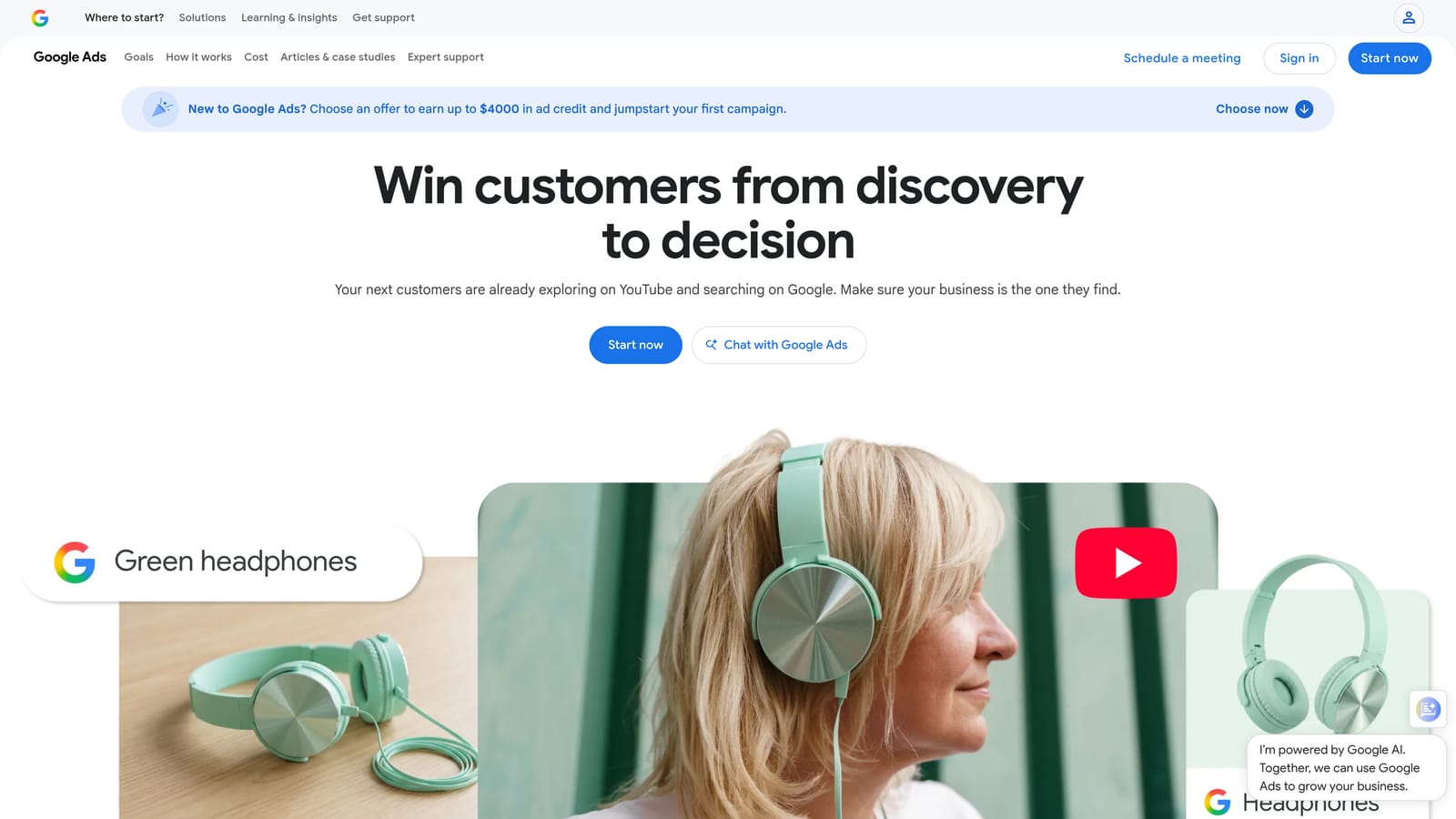
The key advantage is that previews do not generate impressions. Searching for your own ad repeatedly in a normal browser can inflate impressions and drag down your click-through rate, and the preview tool avoids that. It also gives you an official diagnosis from Google about ad eligibility, which no third-party tool can match.
What you can do with it
- Preview ads for a specific query, location, and device, so you can see what a customer in another city on a phone would see.
- Diagnose ad eligibility, which tells you whether an ad is showing and, if not, why.
- Run checks without generating impressions, keeping your reporting clean.
Limits and who it is for
It checks one query at a time, so it is no help for auditing hundreds of terms. Because it is part of Google Ads, there is nothing to install, and whoever manages the account can use it. It does not suit anyone looking for bulk analysis or browser-overlay convenience.
It is free with a Google Ads account as of November 2026, with no usage tiers.
Best for: Troubleshooting why a specific ad isn't appearing.
3. Google Tag Assistant
Not every PPC problem is a bidding problem. If conversion tracking is broken, every optimization decision downstream is built on bad data. Google Tag Assistant is Google's tool for debugging Google tags, GA4, and conversion tracking, and it is the first thing to open before you analyze performance.
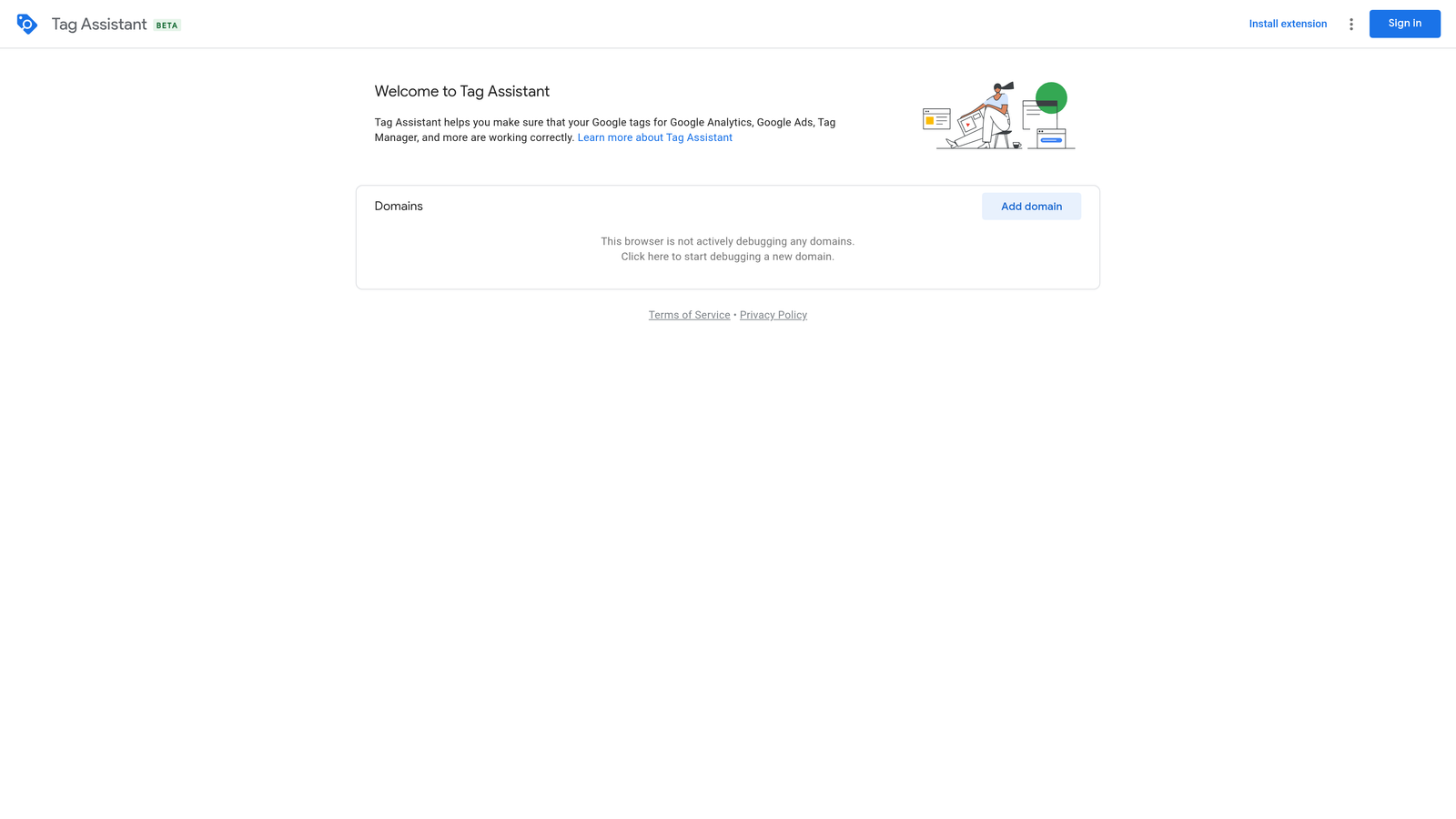
Its edge is that it is first-party. It validates Google tag and conversion setup directly, rather than guessing from the outside. One caution: Google has changed how Tag Assistant is delivered over time, including a legacy extension and a web-based version. Check the Chrome Web Store and the Tag Assistant site for what is currently available before you plan a workflow around it.
- Verifies that a Google tag is installed on a page, so you catch missing tags quickly.
- Debugs GA4 and conversion tags, showing whether the events you count as conversions actually fire.
- Shows tags firing in real time as you click through a page or form.
It works with Google Ads, Google Analytics 4, and Google Tag Manager. Setup is light, but interpreting results takes some tracking know-how, so it is usually run by whoever owns analytics or the campaign build. It diagnoses tracking only. It will not tell you whether your campaigns are performing well, and it does not cover non-Google platforms.
It is free as of November 2026.
Best for: Confirming conversion tracking before analyzing performance.
4. Keywords Everywhere
Keywords Everywhere is a browser extension that overlays keyword data on the pages you already visit. Search Google and you see estimated search volume and CPC next to results, plus related keywords and People Also Search For suggestions.
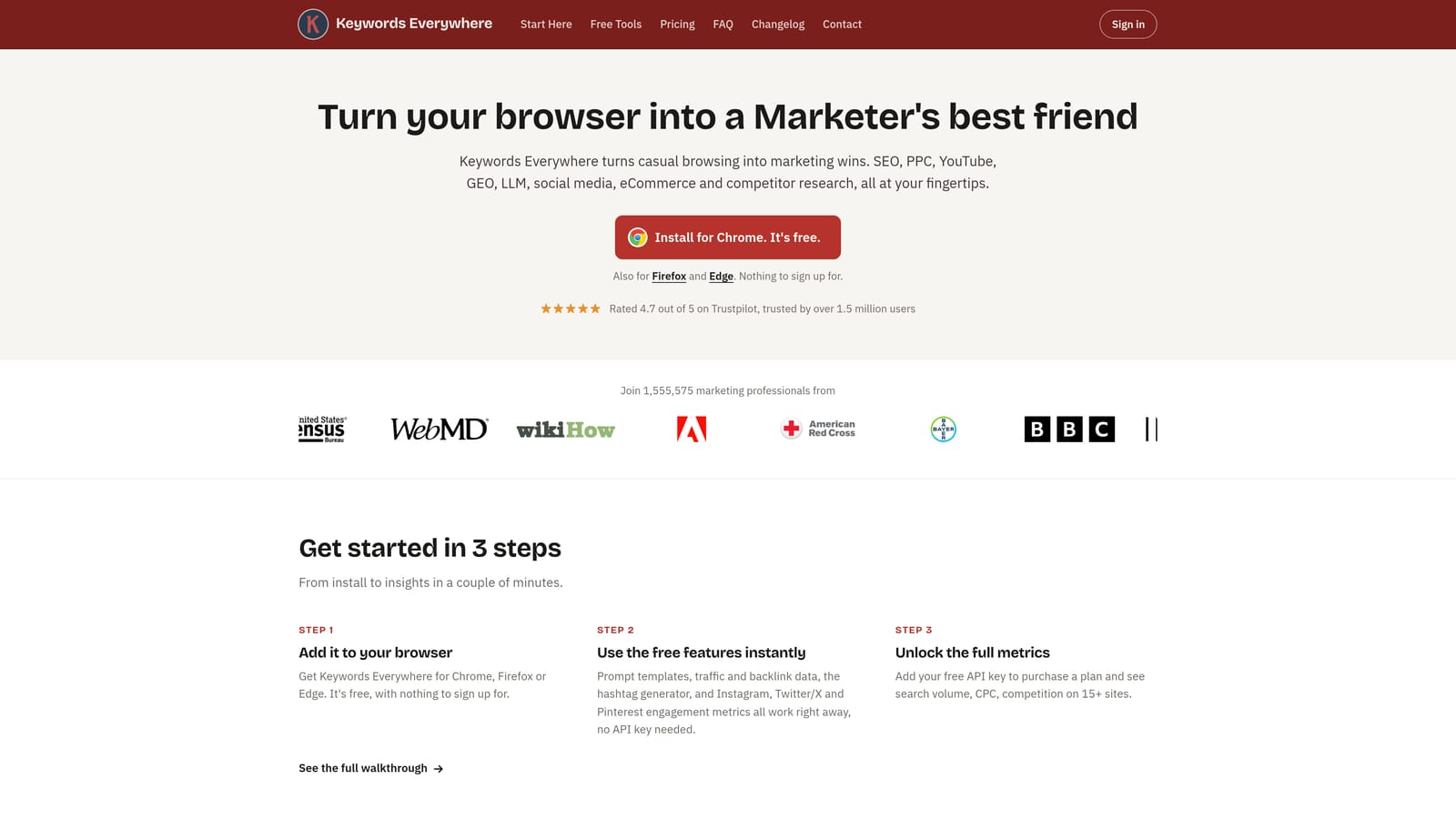
What sets it apart here is convenience. The metrics appear while you browse, so a quick idea check does not require opening a separate research platform. It also works beyond Google Search, including YouTube and Amazon.
- Search volume and CPC overlay, giving you a fast read on whether a topic is worth exploring.
- Related and People Also Search For keywords, which feed ideas for new ad groups.
- Coverage across several sites, so you can research in the places your audience searches.
The caveat matters for PPC: these numbers are third-party estimates, not data from your Google Ads account. Treat them as directional. Real impression, click, and cost data in your account, and Google's own Keyword Planner, are the better guide for budgets and bids. It is easy to install and a single person can run it. It does not suit anyone expecting account-level accuracy.
Pricing is credit-based as of November 2026, so cost depends on how much data you pull. See the website for current plans.
Best for: Quick keyword idea checks while researching.
5. SEOquake
SEOquake is a free SEO toolbar, and it is the most clearly adjacent tool on this list. It is not built for PPC. It earns a place because landing pages matter to ad performance, and it lets you examine the pages you compete against in seconds.
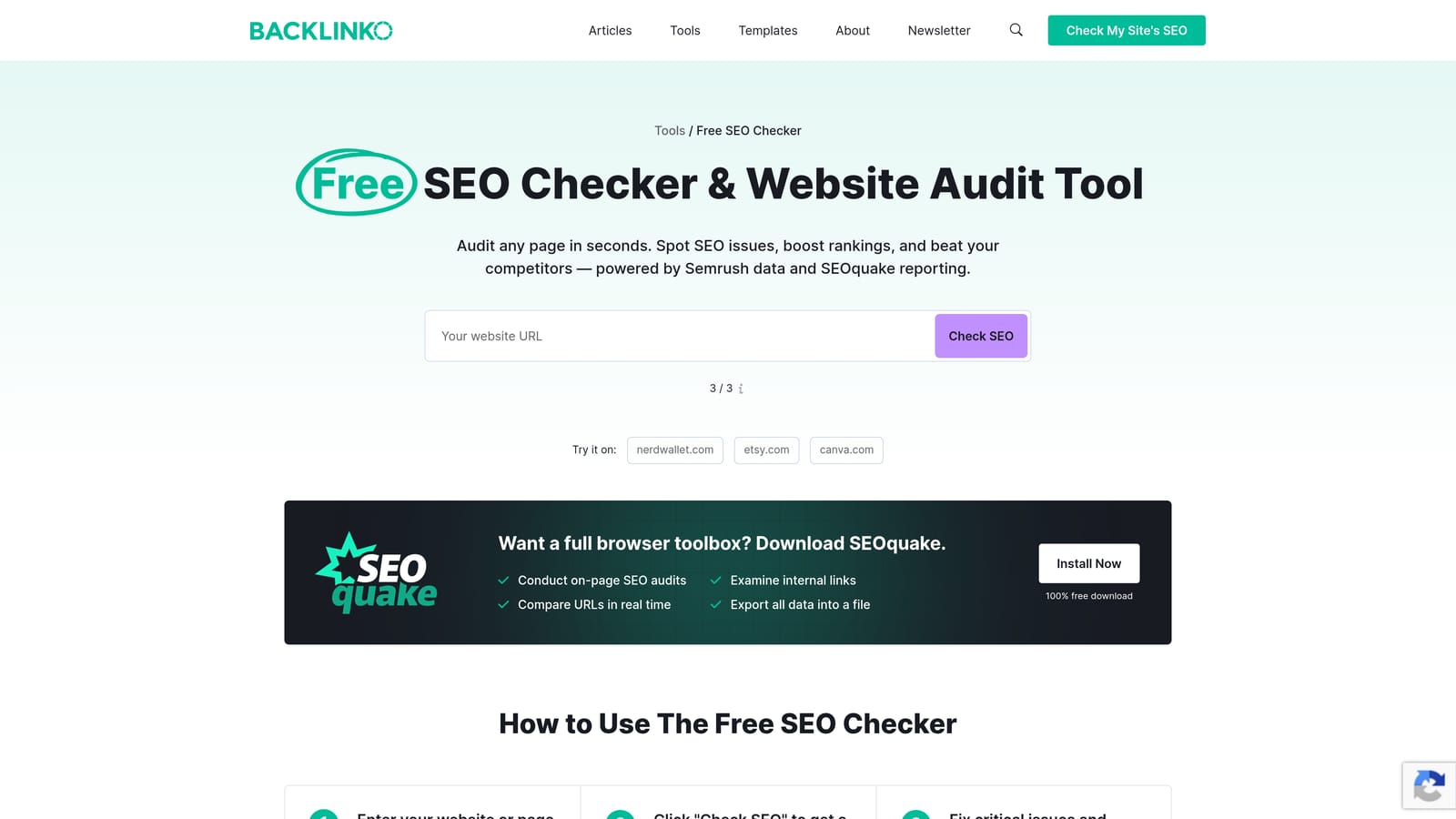
Its standout use is the quick on-page audit. Open a competitor's landing page and you can see how it is structured without running a full crawl.
- SERP overlay with SEO metrics, so you can size up who ranks around your ads.
- On-page audit that flags structure and content issues on any page you open.
- Keyword density report, useful for seeing which terms a page leans on.
It integrates with Semrush, which is handy if you already use that platform. Setup is a simple install, and anyone on the team can use it. The limitation is the obvious one: the metrics are SEO-oriented, and you will not get ad spend, bid, or Quality Score insight from it. If you never look at competitor pages, skip it.
It is free as of November 2026.
Best for: Sizing up competitor landing pages.
6. SimilarWeb
The SimilarWeb extension shows estimated traffic and a channel breakdown for whichever site you are visiting. For PPC planning, the value is context: you can see roughly how much of a competitor's traffic comes from paid versus organic, direct, social, or referral sources.

That channel-mix view is what separates it from the rest of this list. Other tools tell you about keywords or pages, while this one hints at where a competitor puts its effort.
- Traffic estimates, giving a rough sense of a competitor's scale.
- Traffic source breakdown, showing how much of that traffic is paid.
- Competitor site comparison, so you can line up several sites side by side.
It connects to the broader Similarweb platform. The free extension is easy to run, and a strategist or account lead typically uses it during planning rather than daily. Remember these are modeled estimates, and they are weaker for small sites, which is often what local and niche advertisers compete against. Deeper data sits behind paid plans.
The extension is free as of November 2026, and paid plans are quote-based.
Best for: Competitor channel research before budget planning.
7. Meta Pixel Helper
If you run Meta and Google campaigns together, a tracking audit has to cover both. Meta Pixel Helper is Meta's extension for checking whether the Meta Pixel is installed and working on a page.
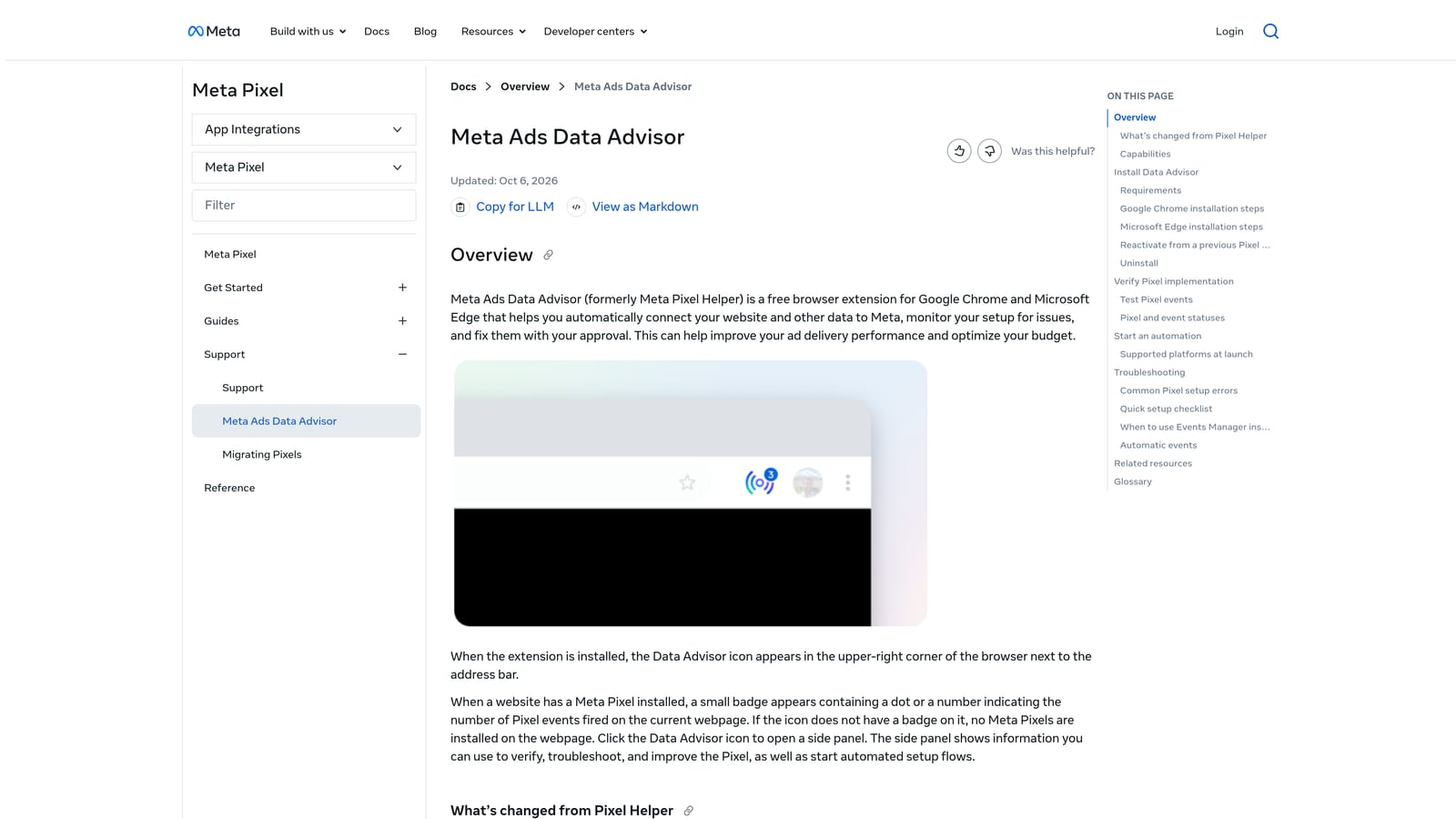
Its distinction on this list is cross-channel validation. Pair it with Google Tag Assistant and you can check both platforms' tracking on the same landing page in one sitting.
- Detects the Meta Pixel on a page, so you know it is present.
- Flags errors and warnings, pointing you toward misconfigured events.
- Shows the event data being sent, so you can confirm what a purchase or lead event actually reports.
It ties into Meta Events Manager, where you manage the pixel itself. Setup is minimal, and whoever owns tracking can run it. The limitation is plain: it is Meta-only and does nothing for Google Ads. If you only advertise on Google, you do not need it.
It is free as of November 2026.
Best for: Marketers running Meta and Google campaigns together.
8. Wappalyzer
Wappalyzer identifies the technologies behind a website: the CMS, ecommerce platform, analytics tools, tag managers, and other marketing software. When you inherit a new client's account, it is a fast way to learn what the landing page is built on.
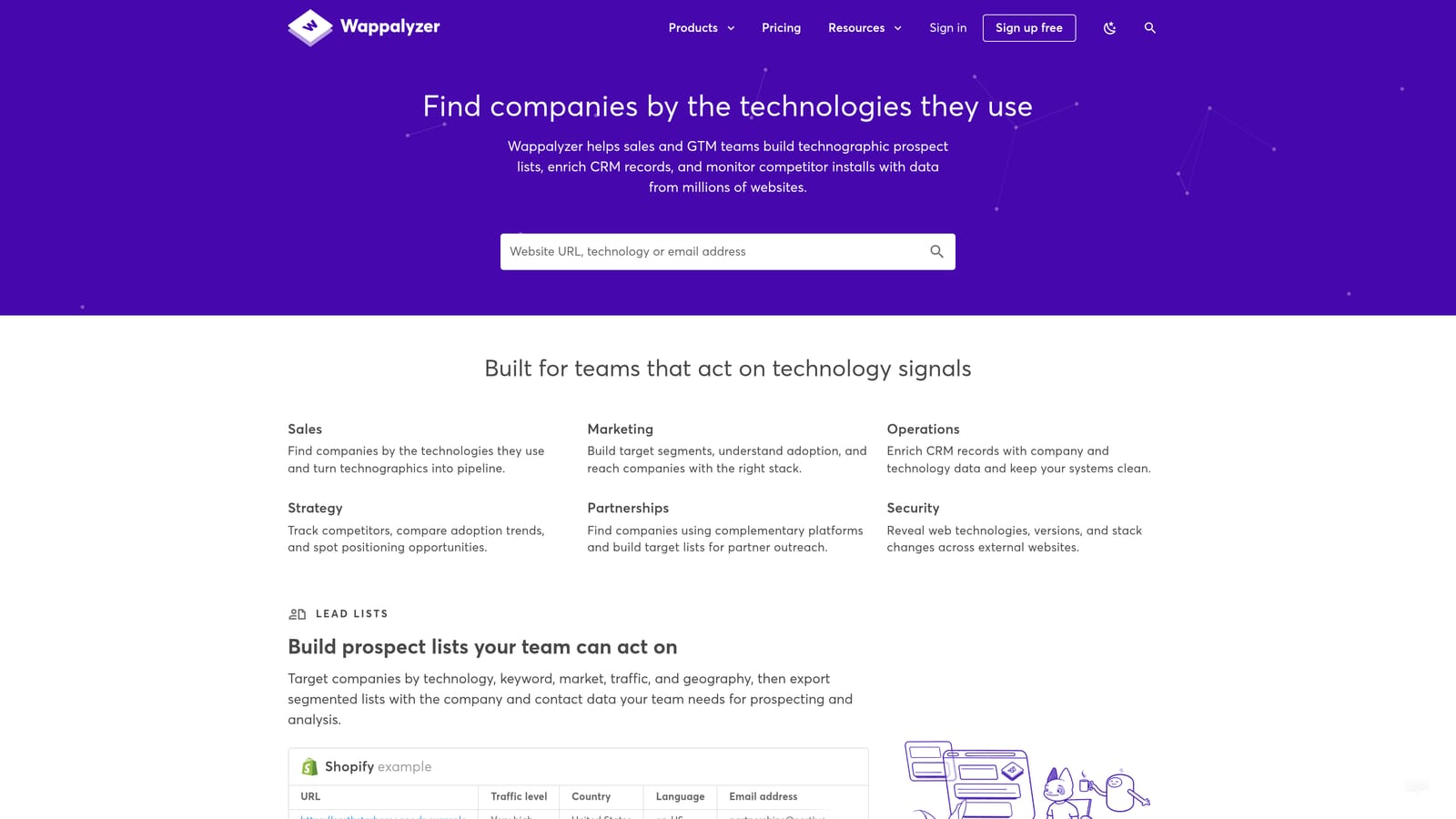
Its distinct use is tech-stack detection for audits. You learn whether a site runs on Shopify or WordPress, whether Google Tag Manager is present, and which marketing tools sit on the page, before you ask the client a single question.
- Detects CMS and ecommerce platforms, so you know the constraints for landing page changes.
- Identifies analytics and tag managers, which tells you where to look for tracking.
- Shows marketing tools in use, including those on competitor sites.
Paid plans add integrations with CRM and lead tools. The extension is easy to install and use. Its limit is that detection is not verification: Wappalyzer can tell you a tag manager exists, but not whether your conversion tags fire correctly. For that, use Tag Assistant.
The extension is free, with paid plans on top, as of November 2026. See the website for current pricing.
Best for: Auditing a new client's landing page setup.
Matching the Right Tool to Each PPC Job
Most advertisers need two or three of these, not all eight. Pick by the job you do most.
- Search term cleanup and negatives: Keywordme, since it works inside the Search Terms Report where the decisions get made.
- Ad previews and eligibility: Google Ads Preview and Diagnosis, which is free and official.
- Tracking audits: Google Tag Assistant, plus Meta Pixel Helper if Meta is in your mix and Wappalyzer for new sites.
- Keyword research: Keywords Everywhere for quick ideas, with the caveat that its figures are estimates, not your account data.
- Competitor research: SimilarWeb for channel mix and SEOquake for landing pages.
A solid starter stack is Keywordme for cleanup, Tag Assistant for tracking, and the built-in preview tool for troubleshooting. Add research extensions only when you have a question they answer.
Optimize Google Ads Campaigns 10X Faster. Without Leaving Your Account. Keywordme lets you remove junk search terms, build high-intent keyword lists, and apply match types instantly, right inside Google Ads. No spreadsheets, no switching tabs, just quick, seamless optimization. Start your free 7-day trial (then just $12/month) and take your Google Ads game to the next level.
