
9 Best PPC Automation Tools for Marketers in 2026
This guide reviews the 9 top PPC automation tools for marketers in 2026, covering platforms that reduce manual campaign management tasks like bid adjustments, negative keyword building, and search term analysis. Each tool is evaluated on real-world performance, ideal user type, and pricing—helping freelancers, agency owners, and in-house teams find the right fit without enterprise-level budgets.


TL;DR: The best PPC automation tools for marketers in 2026 range from in-interface Google Ads optimizers to full-stack bid management platforms. The right pick depends on your workflow, team size, and budget. This list covers tools built for real PPC practitioners—not just enterprise teams with six-figure software budgets.
Managing PPC campaigns manually is a grind. Between scrubbing search terms reports, adjusting bids, building negative keyword lists, and juggling match types across dozens of ad groups, it's easy to spend more time on admin than on actual strategy. PPC automation tools exist to cut that overhead so you can focus on what actually moves the needle.
This guide covers nine of the best PPC automation tools for marketers, freelancers, and agency owners in 2026. Each tool is evaluated on what it actually does well, who it's built for, and what it costs. No fluff, no vague feature lists—just honest breakdowns to help you find the right fit.
Worth noting upfront: no single tool does everything. Smart Bidding handles bids. Keywordme handles search term hygiene and keyword management. Semrush handles competitive research. These tools are often complementary, not competing—and the best PPC setups tend to combine a few of them.
1. Keywordme
Best for: Google Ads users who want to optimize search terms and keyword lists without leaving the native UI.
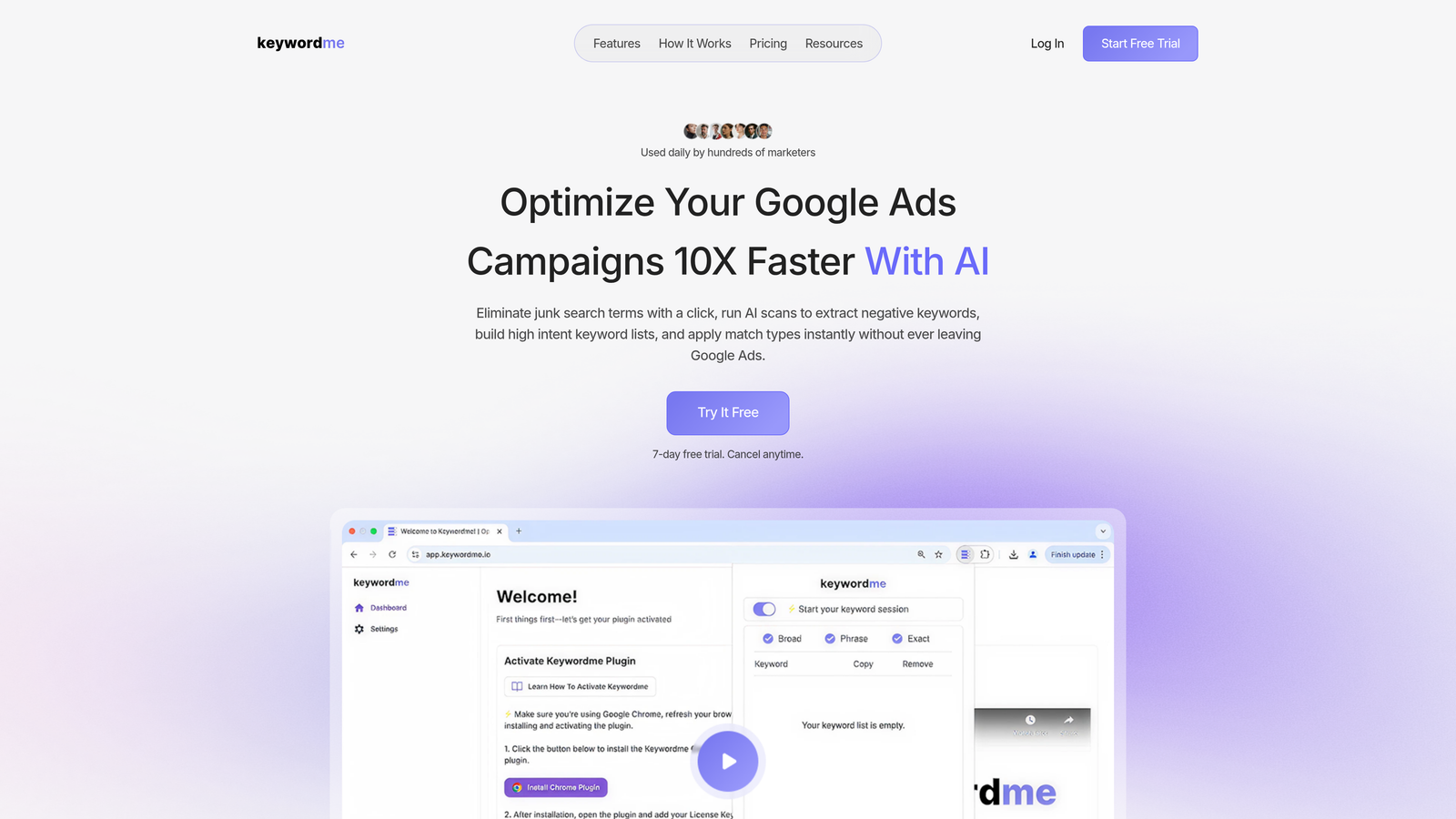
Keywordme is a Chrome extension that integrates directly into Google Ads' Search Terms Report, letting you remove junk search terms, add high-intent keywords, apply match types, and build negative keyword lists without ever opening a spreadsheet.
Where This Tool Shines
In most accounts I audit, search term hygiene is the single biggest source of wasted spend. Advertisers know they should be reviewing the Search Terms Report regularly—but the native Google Ads workflow makes it tedious. You're exporting to sheets, filtering, copying, pasting, and then re-importing. Keywordme collapses that entire process into one-click actions inside the interface you're already using.
What makes it genuinely useful for agencies is the multi-account and team support. If you're managing ten client accounts, you don't want to reinstall or reconfigure anything. The keyword clustering and bulk editing features also help when you're building out new campaigns and need to organize large keyword lists fast.
Key Features
One-click search term management: Remove junk search terms and add negatives directly inside the Google Ads Search Terms Report—no exports required.
Instant match type application: Apply broad, phrase, or exact match to keywords in bulk without leaving the native UI.
Keyword clustering: Group related search terms into logical clusters to speed up ad group organization and campaign builds.
Bulk editing: Make changes across multiple keywords or search terms simultaneously, reducing repetitive manual work.
Multi-account and team support: Built for agencies managing multiple client accounts, with team access included.
Best For
Freelancers and agency PPC managers who spend significant time in the Search Terms Report every week. Also a strong fit for in-house marketers who want to tighten keyword hygiene without adding another tool to their stack. If you're already using Google Smart Bidding, Keywordme complements it by handling the search term and keyword management layer that Smart Bidding doesn't touch.
Pricing
$12/month per user. A 7-day free trial is available. Straightforward flat-rate pricing with no spend-based tiers.
2. Optmyzr
Best for: Agencies and PPC teams that need rule-based automation, optimization scripts, and cross-channel reporting in one platform.
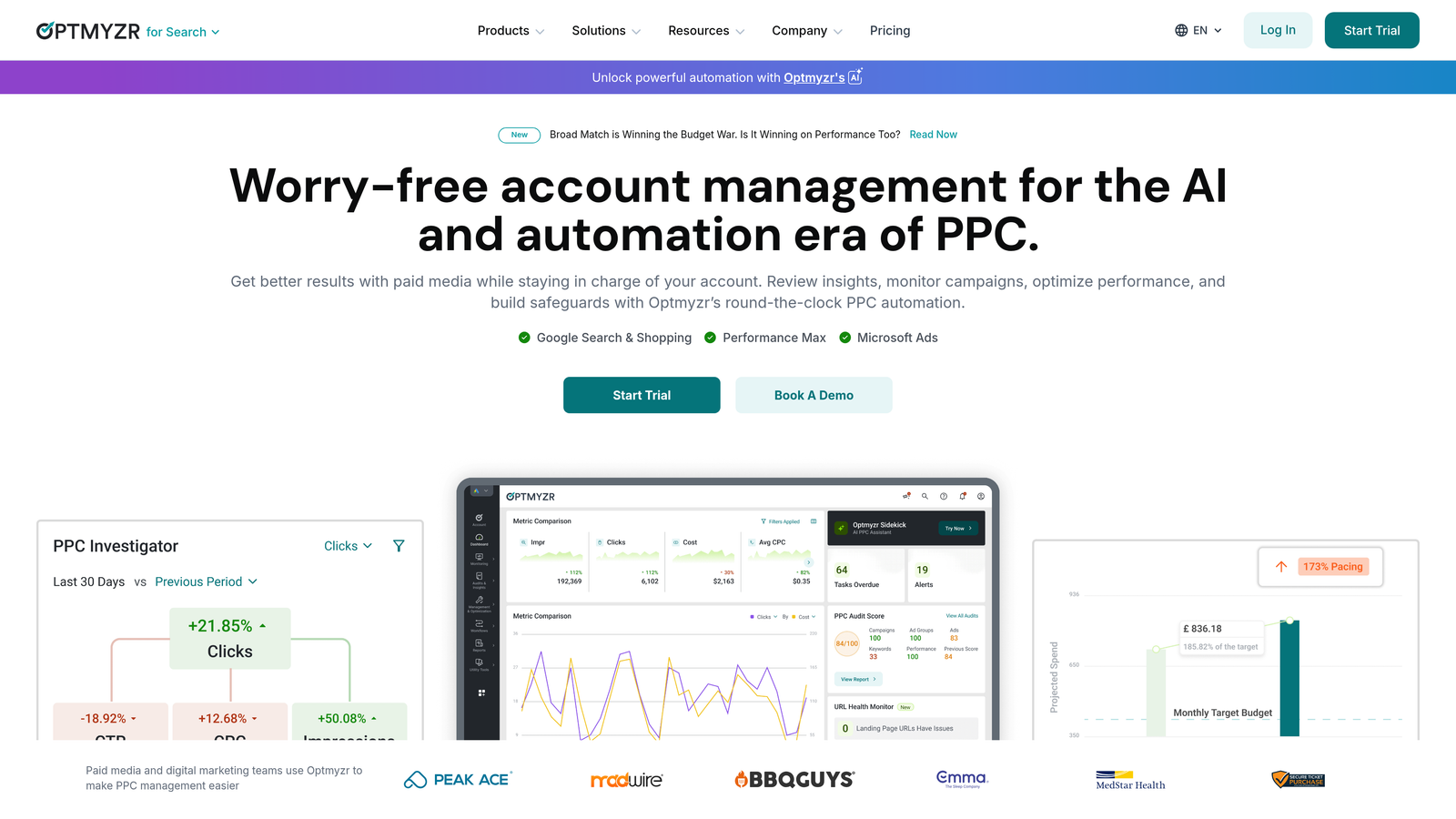
Optmyzr is a comprehensive PPC management and automation platform supporting Google Ads, Microsoft Ads, and Amazon Ads.
Where This Tool Shines
Optmyzr's Rule Engine is genuinely powerful. You can build conditional logic—if CPA exceeds a threshold, pause the ad group; if ROAS hits target, increase budget—without writing a single line of code. For agencies that used to rely on custom Google Ads scripts, this is a major workflow upgrade.
The one-click optimization suggestions are also worth calling out. Optmyzr surfaces high-impact recommendations based on actual account performance, and you can apply them individually or in bulk. The reporting suite and client dashboards make it a practical choice for agencies that need to present results without spending hours building decks.
Key Features
Rule Engine: Build conditional bid and budget automation without coding—trigger actions based on CPA, ROAS, impressions, or custom metrics.
One-click optimization suggestions: Surface and apply high-priority recommendations based on live account performance data.
Pre-built PPC scripts: Access a library of ready-to-use scripts for common automation tasks—no developer required.
Cross-channel support: Manage Google Ads, Microsoft Ads, and Amazon Ads from a single platform.
Agency reporting dashboards: Build client-facing reports and performance dashboards without exporting data manually.
Best For
Mid-size to large agencies managing significant ad spend across multiple channels. Also useful for in-house teams that want automation beyond what native Google Ads rules can offer, without going full enterprise with SA360.
Pricing
Tiered pricing based on managed ad spend. Check optmyzr.com for current rates, as pricing varies by spend tier.
3. WordStream (LocaliQ)
Best for: SMB advertisers and less technical marketers who want guided PPC optimization without a steep learning curve.
WordStream, now operating under the LocaliQ brand, is a guided PPC optimization platform best known for its 20-Minute Work Week feature.

Where This Tool Shines
The 20-Minute Work Week concept is clever: rather than overwhelming users with raw data, WordStream surfaces the highest-impact optimization actions and walks you through them in a structured workflow. For SMB owners or marketers who aren't deep PPC specialists, this kind of guided experience reduces the intimidation factor significantly.
The Performance Grader is another standout—it gives you a quick account health snapshot across key metrics like Quality Score, CTR, and wasted spend. It's a useful diagnostic tool even if you don't use WordStream as your primary platform. If you're looking for a more hands-on alternative, check out this comparison of WordStream alternatives for Google Ads.
Key Features
20-Minute Work Week: A guided optimization workflow that prioritizes the highest-impact actions for your account each week.
Keyword suggestions and negatives: Surfaces new keyword opportunities and recommends terms to exclude based on account performance.
Performance Grader: Free account health check that benchmarks your performance across key PPC metrics.
Google and Microsoft Ads support: Manage campaigns across both major search platforms from one interface.
Simplified interface: Designed for users who aren't PPC specialists—less technical than most agency-focused tools.
Best For
Small business owners running their own ads, or marketing generalists who manage PPC as part of a broader role. Less suited for experienced PPC managers who want granular control over automation logic.
Pricing
Custom, quote-based pricing. Contact LocaliQ directly for current plans and rates.
4. Google Ads Smart Bidding
Best for: Any Google Ads advertiser with sufficient conversion data who wants to automate bid decisions at the auction level.
Google Ads Smart Bidding is Google's native machine learning bid automation, built directly into the platform and free to use.
Where This Tool Shines
Smart Bidding uses auction-time signals that no third-party tool can access: device, location, time of day, audience list membership, search query context, browser, and more. When you have enough conversion data, it can optimize bids more precisely than any manual or rule-based approach.
The key caveat: Smart Bidding needs data to work well. Google generally recommends at least 30 to 50 conversions per month depending on the strategy. Below that threshold, the algorithm can behave unpredictably. It also handles bids only—it does nothing for search term hygiene, negative keyword management, or ad testing. That's why pairing it with a tool like Keywordme makes practical sense for most accounts.
Key Features
Auction-time bidding: Sets individual bids for each auction using real-time signals unavailable to external platforms.
Multiple strategies: Choose from Target CPA, Target ROAS, Maximize Conversions, Maximize Conversion Value, or Enhanced CPC based on your campaign goals.
GA4 integration: Connects with Google Analytics 4 for richer conversion signals and audience data.
Portfolio bid strategies: Apply a single bid strategy across multiple campaigns for unified performance optimization.
Zero additional cost: Fully included with every Google Ads account at no extra charge.
Best For
Any advertiser running Google Ads with consistent conversion tracking in place. Essential for accounts with sufficient volume. Less effective for low-volume accounts or campaigns with inconsistent conversion data.
Pricing
Free. Built into Google Ads with no additional cost.
5. Adalysis
Best for: Performance marketers who run systematic ad testing and need automated statistical significance tracking across large accounts.
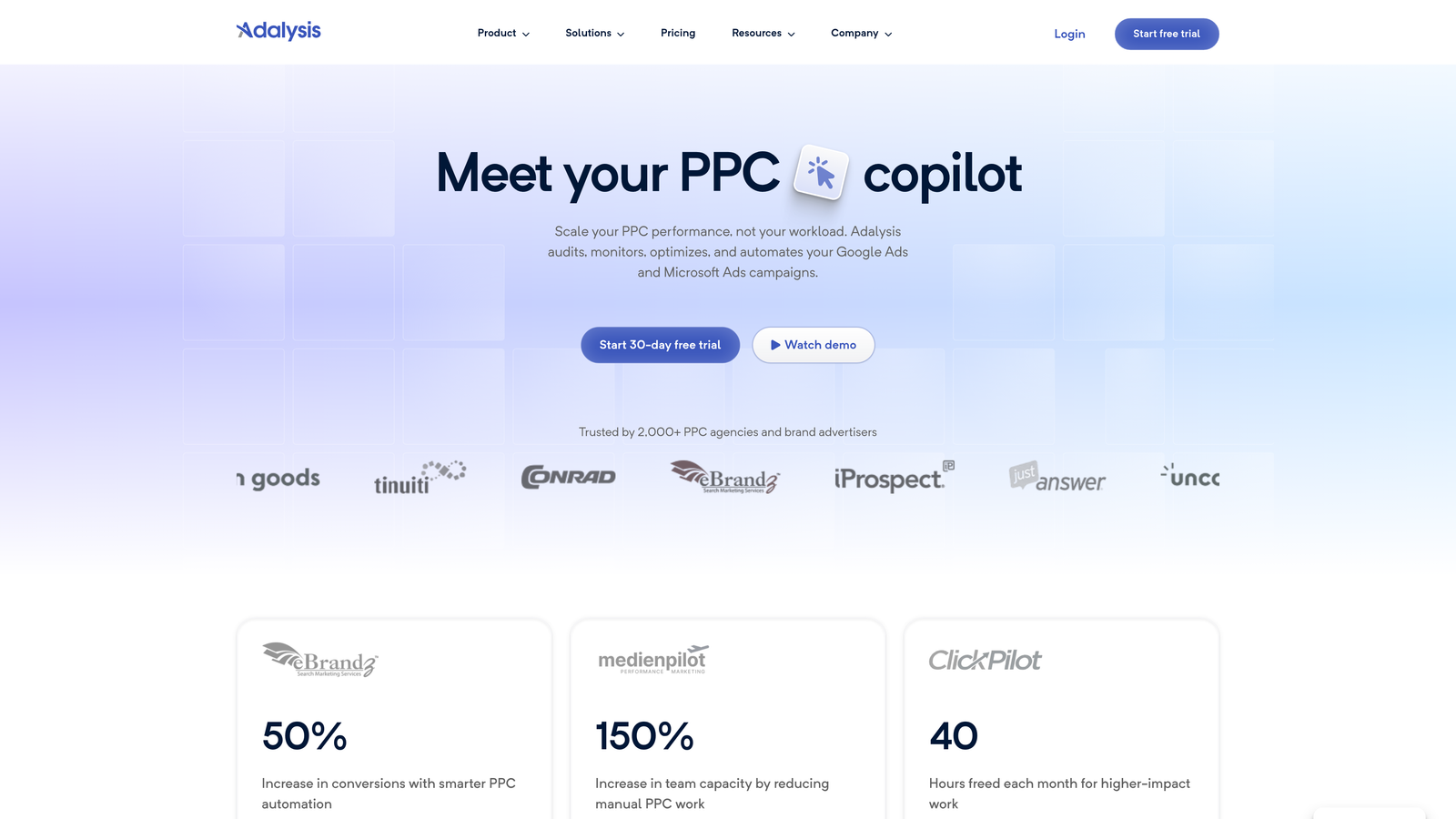
Adalysis is a PPC management tool focused on ad testing automation and account-wide performance auditing.
Where This Tool Shines
The mistake most agencies make with ad testing is running tests without a clear framework for when to call a winner. Adalysis solves this by automatically tracking statistical significance across your A/B tests—so you're not making decisions based on noise. It monitors performance across your entire account and flags tests that have reached significance, rather than leaving you to check manually.
The account-wide alert system is also genuinely useful. Adalysis monitors for quality score drops, CTR anomalies, ad disapprovals, and performance outliers across all your campaigns. For managers running large accounts, this kind of proactive alerting can catch issues before they compound into real budget problems.
Key Features
Automated A/B ad testing: Tracks test statistical significance automatically and surfaces winning ad variants without manual analysis.
Account-wide performance alerts: Monitors quality score, CTR, and performance anomalies across all campaigns and ad groups.
Ad approval monitoring: Alerts you immediately when ads are disapproved so you can respond before impressions are lost.
Bulk ad creation and management: Build and manage large volumes of ads across campaigns without repetitive manual work.
Performance audit reports: Generate structured account health reports to identify optimization opportunities quickly.
Best For
Performance marketers and agencies that run continuous creative testing across large Google Ads accounts. Particularly valuable for teams that want to move beyond gut-feel ad decisions and into data-driven testing workflows.
Pricing
Tiered pricing based on number of ads managed. Verify current rates at adalysis.com.
6. Semrush PPC Toolkit
Best for: Marketers who want competitive PPC intelligence and keyword research tools to plan campaigns before they go live.
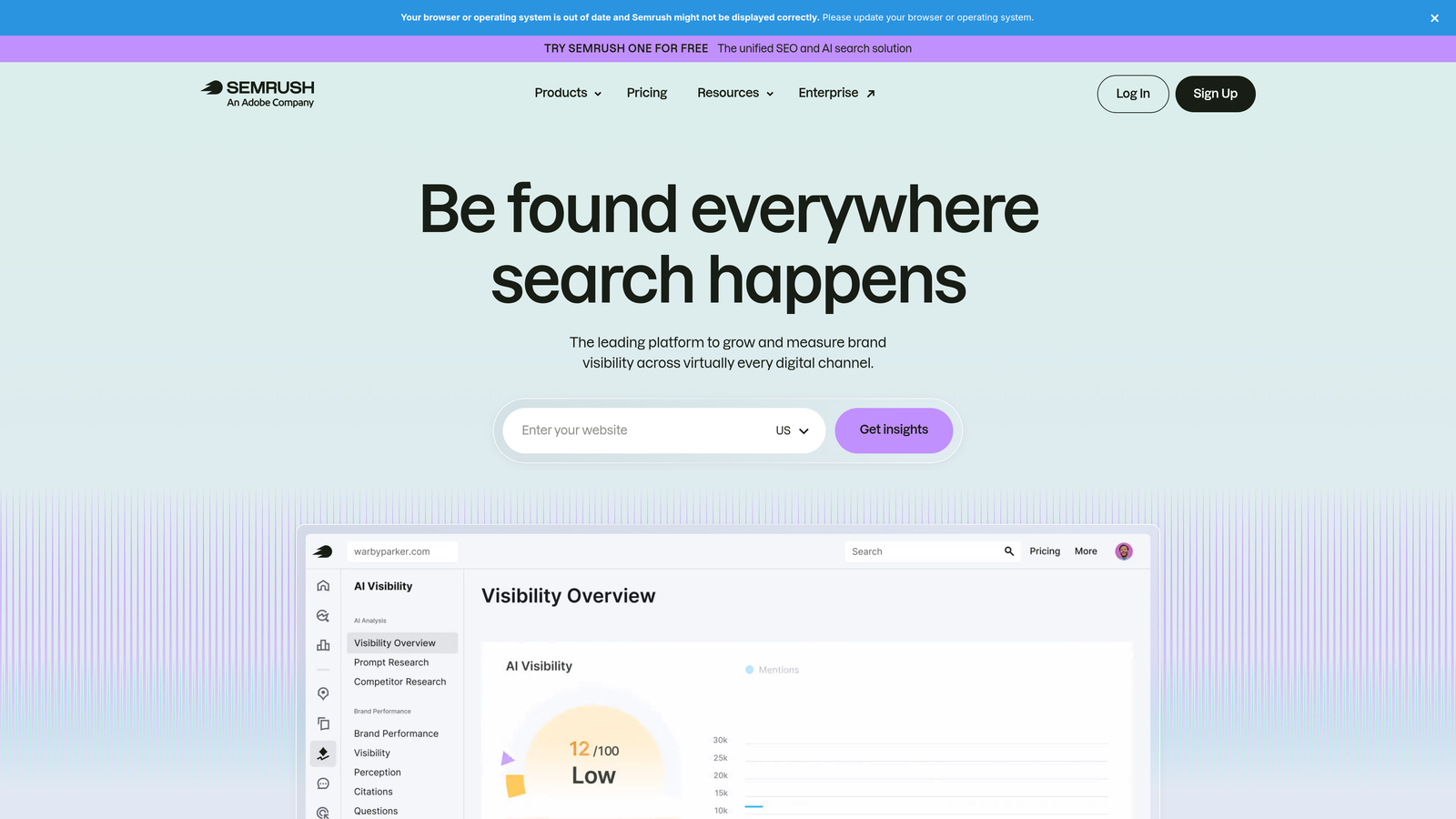
Semrush's PPC Toolkit is part of the broader Semrush platform and provides competitive ad intelligence, keyword gap analysis, and pre-campaign research tools.
Where This Tool Shines
Semrush is most useful at the research and planning stage—before you're live and spending. The Advertising Research tool lets you see which keywords competitors are bidding on, what their ad copy looks like, and which landing pages they're sending traffic to. That kind of competitive visibility can meaningfully shape how you structure a new campaign.
The Keyword Gap feature is particularly practical. You can compare your keyword coverage against multiple competitors simultaneously and identify terms they're bidding on that you're not. Combined with the PPC Keyword Tool for organizing and filtering lists, it's a solid pre-launch research workflow. It's worth noting that Semrush is a research tool, not an in-campaign automation platform—once your campaigns are running, you'll need other tools for ongoing optimization.
Key Features
Advertising Research: Analyze competitors' active ad copy, bidding keywords, and destination landing pages.
Keyword Gap tool: Identify terms competitors bid on that you're currently missing in your own campaigns.
PPC Keyword Tool: Build, filter, and organize keyword lists with negative keyword grouping built in.
Ad Builder: Draft and export ad copy directly within the platform.
Combined SEO and PPC intelligence: Access both organic and paid data in a single platform for unified keyword strategy.
Best For
Marketers launching new campaigns or entering new markets who need competitive intelligence. Also useful for agencies doing initial account audits and keyword opportunity analysis for clients.
Pricing
Included in Semrush subscription plans. The Pro plan starts at approximately $139.95/month—verify current pricing at semrush.com.
7. Acquisio
Best for: Agencies running high-volume campaigns who need AI-powered bid management and automated budget pacing across many client accounts.
Acquisio is an AI-powered bid and budget management platform built specifically for agencies operating at scale.
Where This Tool Shines
Acquisio is designed for situations where manual bid management simply isn't viable—think agencies running hundreds of campaigns across dozens of client accounts simultaneously. Its machine learning algorithms handle bid optimization and budget reallocation automatically, redistributing spend toward better-performing campaigns without requiring manual intervention.
The cross-account reporting and performance dashboards are built with agency workflows in mind. Rather than logging into each account individually, managers can get a consolidated view of performance across the entire client portfolio. This kind of visibility is hard to replicate with native platform tools alone.
Key Features
AI bid management: Machine learning algorithms optimize bids across campaigns based on performance signals and goals.
Automated budget pacing: Redistributes budget across campaigns to maximize performance within monthly spend targets.
Cross-account reporting: Consolidated performance dashboards across all managed client accounts.
Agency-scale architecture: Built to handle the operational complexity of managing many accounts simultaneously.
Best For
Agencies managing significant ad spend across multiple clients who need automated bid and budget management without building custom tooling. Less suited for individual advertisers or small accounts where the cost-to-benefit ratio may not hold up.
Pricing
Enterprise and agency pricing. Quote-based—contact Acquisio directly for current rates.
8. Search Ads 360 (SA360)
Best for: Large advertisers and enterprise agencies managing significant spend across Google Ads and Microsoft Ads simultaneously.
Search Ads 360 is Google's enterprise paid search management platform, part of the Google Marketing Platform suite.
Where This Tool Shines
SA360's main strength is cross-engine bid management. If you're running meaningful spend on both Google Ads and Microsoft Ads, SA360 lets you apply unified bid strategies across both platforms using Floodlight conversion tracking. That kind of cross-engine attribution and optimization isn't possible with native platform tools alone.
The bulk operations capabilities are also genuinely enterprise-grade. Making large-scale changes across hundreds of campaigns, applying custom columns for advanced reporting, and managing complex account structures becomes significantly more manageable. That said, SA360 comes with enterprise-level complexity and cost—it's not the right tool unless you're operating at a scale that justifies both.
Key Features
Cross-engine bid strategies: Apply unified bid optimization across Google Ads and Microsoft Ads using shared conversion data.
Floodlight conversion tracking: Unified attribution across search engines for more accurate performance measurement.
Advanced custom reporting: Custom columns and cross-account reporting for complex performance analysis.
Bulk operations: Make large-scale campaign changes across accounts efficiently without manual repetition.
Google Marketing Platform integration: Deep integration with Display & Video 360 and Google Analytics 4 for unified campaign management.
Best For
Large advertisers and enterprise agencies managing substantial budgets across multiple search engines. Requires a Google Marketing Platform contract and is priced accordingly—not practical for most SMBs or independent agencies.
Pricing
Percentage-of-spend pricing model. Enterprise-level cost requiring a Google Marketing Platform contract. Contact Google for current rates.
9. Microsoft Advertising Automated Rules
Best for: Microsoft Ads users who want basic rule-based automation without paying for a third-party platform.
Microsoft Advertising Automated Rules is native rule-based automation built directly into the Microsoft Ads platform at no additional cost.
Where This Tool Shines
If you're already running Microsoft Ads, there's no reason not to use Automated Rules. You can set conditional triggers to pause campaigns when CPA exceeds a threshold, adjust bids when CTR drops, or receive email alerts when spend hits a limit—all without a third-party tool. It's not sophisticated, but it covers the basics reliably.
The time-based scheduling is particularly useful for campaign management. You can set rules to pause campaigns outside business hours, increase bids during peak conversion windows, or enable promotions on specific dates. For advertisers managing Microsoft Ads alongside Google Ads, this brings a level of automation parity that reduces the manual overhead of running both platforms.
Key Features
Condition-based rules: Pause, enable, or adjust campaigns and ad groups based on performance thresholds like CPA, CTR, impressions, or spend.
Bid adjustment automation: Automatically increase or decrease bids when specific performance conditions are met.
Email alert rules: Receive notifications when campaigns hit performance anomalies without logging in to check manually.
Scheduled time-based rules: Automate campaign management based on time of day, day of week, or specific calendar dates.
Best For
Any advertiser running Microsoft Ads who wants basic automation without third-party tool costs. A practical starting point before investing in a paid automation platform. Limitations become apparent at scale, but for straightforward rule-based management, it's a solid free option.
Pricing
Free. Built into Microsoft Ads with no additional cost.
Which Tool Is Right for You?
Here's the honest summary: the best PPC automation tool depends entirely on what part of the workflow you're trying to fix.
If you're a freelancer or agency PPC manager spending too much time in the Search Terms Report, start with Keywordme. At $12/month, it's the lowest-friction way to tighten keyword hygiene and cut wasted spend—right inside Google Ads, without adding another dashboard to your workflow.
If you need rule-based automation and cross-channel reporting, Optmyzr is the most capable option for agency teams that want power without custom scripting. It's an investment, but it earns its place in a mature agency stack.
If you're newer to PPC or managing SMB accounts, WordStream's guided workflow is a reasonable entry point. For a deeper look at how it compares to more hands-on alternatives, this WordStream alternative breakdown is worth reading.
If you're running Google Ads with solid conversion data, Smart Bidding should already be active. It's free and handles the bid layer—but pair it with a keyword management tool to cover what it doesn't.
If you're an enterprise advertiser or large agency, SA360 or Acquisio are worth evaluating depending on whether your priority is cross-engine bid management or AI-driven budget pacing at scale.
The best PPC setups rarely rely on a single tool. They combine a bid automation layer, a keyword management layer, and a research layer—each doing what it does best. Start with the gap that's costing you the most time or money, and build from there.
Ready to clean up your Search Terms Report without the spreadsheet chaos? Start your free 7-day trial of Keywordme and see how much faster your Google Ads optimization can move—then just $12/month to keep it running.
.svg)