
9 Best Google Ads Productivity Extensions to Speed Up Your Workflow in 2026
Managing Google Ads campaigns involves hours of repetitive tasks like copying search terms, adding negatives, and checking tracking tags. This guide covers the top Google Ads productivity extensions for 2026 that automate tedious workflows directly in your browser, helping PPC managers reclaim valuable time and focus on strategic decisions that drive results.


If you've ever spent an afternoon manually copying search terms into a spreadsheet, adding negatives one by one, or clicking through endless tabs to check if your tracking tags are firing correctly, you already know the problem. Google Ads management involves a lot of repetitive, time-consuming work that eats into the hours you could spend on actual strategy.
The right Chrome extensions and productivity tools can cut that busywork down to minutes. They work directly in your browser, automating the tedious parts of campaign management so you can focus on the decisions that actually move the needle.
Here are the top Google Ads productivity extensions that deliver real time savings in 2026.
1. Keywordme
Best for: Optimizing search terms directly inside Google Ads without spreadsheets
Keywordme is a Chrome extension that integrates directly into the Google Ads Search Terms Report, letting you clean up junk keywords, add negatives, and apply match types without ever leaving the native interface.

Where This Tool Shines
Most search term optimization workflows involve exporting data to a spreadsheet, manually reviewing hundreds of rows, then switching back to Google Ads to apply changes. Keywordme eliminates that entire process by embedding optimization controls directly into the Search Terms Report.
You can remove irrelevant search terms with a single click, instantly apply match types to high-intent keywords, and build negative keyword lists without opening a separate tab. For agencies managing multiple accounts, the time savings compound quickly.
Key Features
One-Click Junk Search Term Removal: Mark irrelevant search terms and remove them instantly without manual copy-pasting.
Instant Match Type Application: Apply exact, phrase, or broad match modifiers directly from the search terms view.
Keyword Clustering and Grouping: Automatically group related search terms to identify patterns and build new ad groups faster.
Multi-Account and Team Support: Switch between client accounts seamlessly and collaborate with team members on optimization tasks.
Works Directly in Search Terms Report: No external dashboards or exports required—everything happens where you're already working.
Best For
Solo advertisers who want to optimize campaigns faster without juggling spreadsheets, and agencies managing multiple Google Ads accounts where search term cleanup is a weekly bottleneck. If you're currently spending hours on search term reviews, this tool will cut that time down to minutes.
Pricing
$12 per month per user with a 7-day free trial. Flat-rate pricing makes it predictable for agencies adding team members.
2. Google Ads Editor
Best for: Bulk editing campaigns offline and syncing changes back to your account
Google Ads Editor is Google's free desktop application for managing campaigns offline, making bulk edits, and reviewing changes before they go live.

Where This Tool Shines
When you need to make sweeping changes across multiple campaigns—like updating bids across hundreds of keywords or copying campaign structures to new accounts—doing it in the web interface becomes painfully slow. Google Ads Editor lets you download your account, make changes offline, and push everything live in one batch.
The find-and-replace functionality alone saves hours when you're updating tracking parameters, changing destination URLs, or standardizing ad copy across campaigns. You can also draft changes, review them with your team, and apply them only when you're ready.
Key Features
Bulk Campaign Editing Offline: Download your entire account and make changes without an internet connection.
Copy/Paste Campaigns Across Accounts: Duplicate campaign structures between accounts in seconds instead of rebuilding manually.
Find and Replace Across Elements: Update URLs, tracking parameters, or text across thousands of ads simultaneously.
Draft and Review Changes Before Posting: See exactly what will change before pushing updates live to avoid costly mistakes.
Full Feature Parity with Web Interface: Access nearly all Google Ads features without switching to the browser.
Best For
Anyone managing large accounts with hundreds of campaigns or keywords. If you're frequently copying campaign structures, updating tracking parameters, or making bulk bid adjustments, Google Ads Editor is essential.
Pricing
Free. It's Google's official tool, so there's no reason not to have it installed.
3. Supermetrics
Best for: Automating Google Ads reporting and pulling data into spreadsheets or dashboards
Supermetrics is a data pipeline tool that connects Google Ads to Google Sheets, Looker Studio, and data warehouses, automating report generation and data refreshes.

Where This Tool Shines
Manual reporting is one of the biggest time sinks in PPC management. Supermetrics eliminates that by pulling Google Ads data directly into your reporting tools on a schedule you define—daily, weekly, or hourly.
You can blend data from multiple sources (Google Ads, Analytics, Facebook Ads) into a single dashboard, create custom calculations, and set up automated email reports. Once you've built a template, it updates itself without any manual intervention.
Key Features
Automated Data Refreshes on Schedule: Set reports to update automatically at specific times without manual triggers.
Pre-Built Report Templates: Start with ready-made templates for common reporting needs and customize from there.
Multi-Platform Data Blending: Combine Google Ads data with Analytics, Facebook, LinkedIn, and other platforms in one view.
Google Sheets and Looker Studio Integration: Build custom dashboards and reports in the tools you already use.
Custom Metric Calculations: Create calculated fields for metrics like ROAS, cost per conversion, or custom attribution models.
Best For
Agencies that send weekly or monthly reports to clients, and in-house teams that need to blend Google Ads data with other marketing channels for executive dashboards. If you're currently copying and pasting data into spreadsheets, Supermetrics pays for itself quickly.
Pricing
Starts at $39 per month for the Google Sheets connector. Pricing scales based on data sources and destination platforms.
4. Optmyzr
Best for: One-click optimizations and automated rule-based campaign management
Optmyzr is a PPC management platform that surfaces optimization opportunities and lets you apply changes with a single click, plus custom automation rules that work like scripts without coding.

Where This Tool Shines
Optmyzr scans your campaigns daily and presents optimization suggestions in a dashboard—things like bid adjustments, negative keyword additions, or budget reallocations. You review the recommendations and apply the ones that make sense with one click.
The platform also includes budget pacing tools, Shopping campaign optimization features, and custom automation rules that trigger based on performance thresholds. It's like having a script library without needing to write or maintain code.
Key Features
One-Click Optimization Suggestions: Review daily recommendations for bids, keywords, and budgets, then apply changes instantly.
Custom Rule-Based Automations: Set up triggers like "pause keywords with zero conversions after 100 clicks" without writing scripts.
Budget Pacing and Alerts: Get notified when campaigns are overspending or underspending relative to monthly targets.
Shopping Campaign Optimization: Analyze product performance and adjust bids at the product group level.
Multi-Account Management Dashboard: Manage all client accounts from a single interface with cross-account reporting.
Best For
Agencies managing multiple accounts who need to standardize optimization processes across clients, and advertisers who want script-like automation without the technical overhead. If you're currently running manual optimization checks weekly, Optmyzr automates most of that workflow.
Pricing
Starts at $249 per month. Pricing scales based on monthly ad spend and number of accounts managed.
5. SpyFu
Best for: Competitive intelligence and discovering competitor keywords and ad copy
SpyFu is a competitive research tool that shows you which keywords your competitors are bidding on, their ad copy history, and estimated spend over time.

Where This Tool Shines
When you're building a new campaign or expanding into a competitive niche, SpyFu lets you see exactly what's working for competitors without guessing. You can pull their entire keyword list, view ad copy they've run historically, and identify gaps in your own strategy.
The Chrome extension makes this even faster—hover over any domain in Google search results and see their top keywords and ads instantly. It's particularly useful for identifying long-tail keywords that competitors are bidding on but you haven't considered yet.
Key Features
Competitor Keyword Lists and Ad Copy: See every keyword a competitor is bidding on and the exact ad copy they're running.
Historical Ad Data Going Back Years: View ad copy history to see which messages competitors have tested and how long they've run specific campaigns.
PPC Keyword Recommendations: Get keyword suggestions based on what's working for competitors in your space.
Domain Comparison Tools: Compare up to three competitors side-by-side to identify keyword overlap and unique opportunities.
Chrome Extension for Quick Lookups: Research competitors directly from search results without opening the full platform.
Best For
Advertisers entering competitive markets who need to understand the landscape quickly, and agencies building campaigns for new clients in unfamiliar industries. If you're launching campaigns without competitive research, you're likely missing obvious opportunities.
Pricing
Starts at $39 per month for basic access. Higher tiers unlock more historical data and additional competitor slots.
6. Adalysis
Best for: Automated ad testing analysis and quality score monitoring
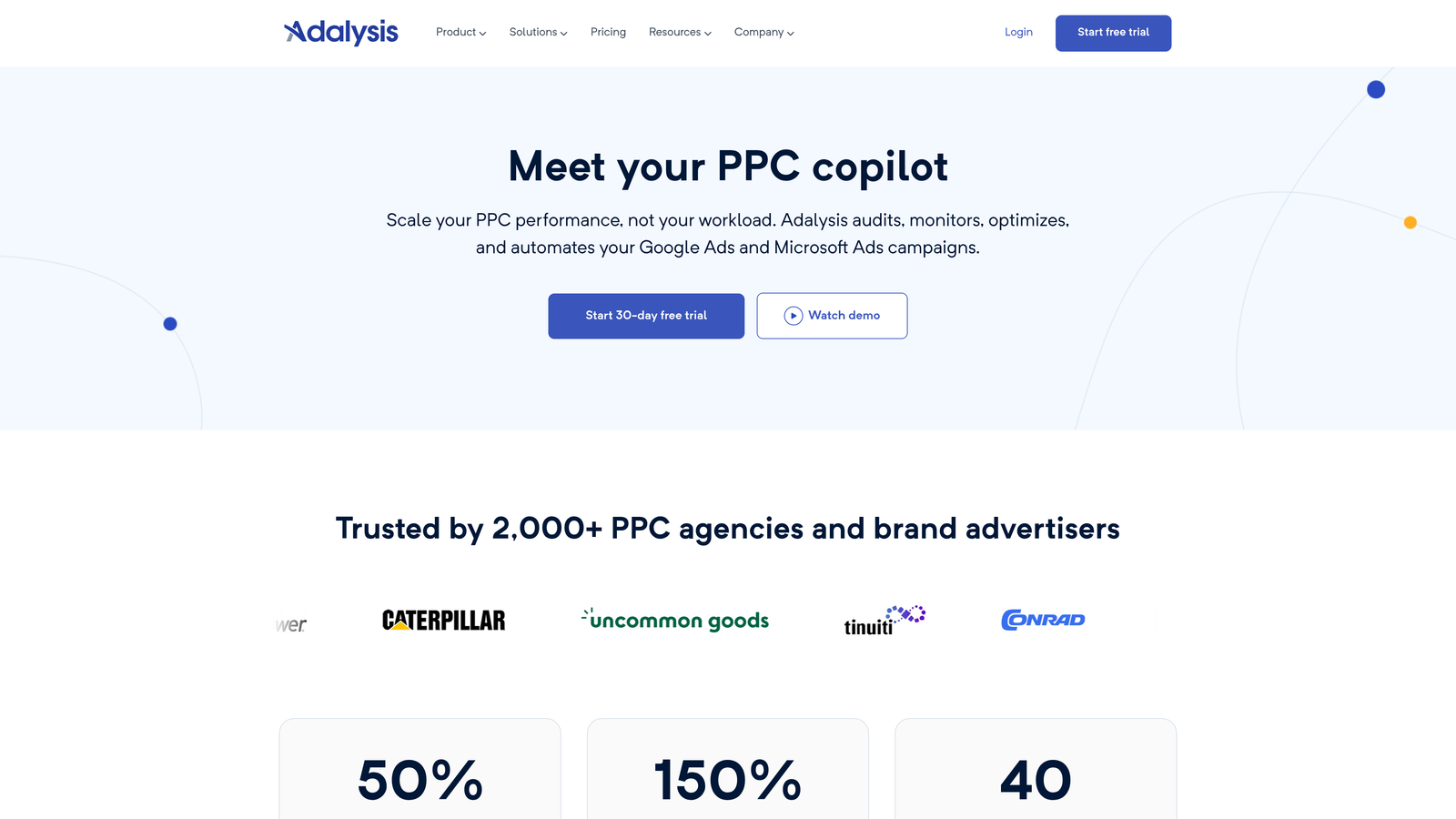
Adalysis is a PPC optimization platform focused on ad testing, quality score tracking, and surfacing optimization opportunities through automated analysis.
Where This Tool Shines
Ad testing is something most advertisers know they should do but rarely execute consistently. Adalysis automates the entire process—it tracks which ads are winning, alerts you when a test reaches statistical significance, and surfaces underperforming ads that need to be paused.
The quality score tracking feature is particularly valuable because Google Ads only shows current quality scores, not historical trends. Adalysis logs quality score changes over time so you can see if your optimizations are actually improving account health.
Key Features
Automated Ad Testing Analysis: Track ad performance automatically and get alerts when a winner emerges based on statistical significance.
Quality Score Tracking Over Time: Monitor quality score changes historically to measure the impact of optimizations.
Anomaly Detection and Alerts: Get notified when metrics spike or drop unexpectedly so you can investigate issues immediately.
N-Gram Analysis for Search Terms: Identify common word patterns in search terms to find new negative keywords or ad group themes.
Audit Checklists and Recommendations: Run automated audits that flag common issues like missing ad extensions or duplicate keywords.
Best For
Advertisers who run ongoing ad tests and want to remove the manual tracking burden, and agencies that need to demonstrate quality score improvements to clients over time. If you're currently tracking ad tests in spreadsheets, Adalysis eliminates that entire workflow.
Pricing
Starts at $149 per month. Pricing scales based on monthly ad spend across managed accounts.
7. Google Tag Assistant
Best for: Debugging conversion tracking and verifying Google tags are firing correctly
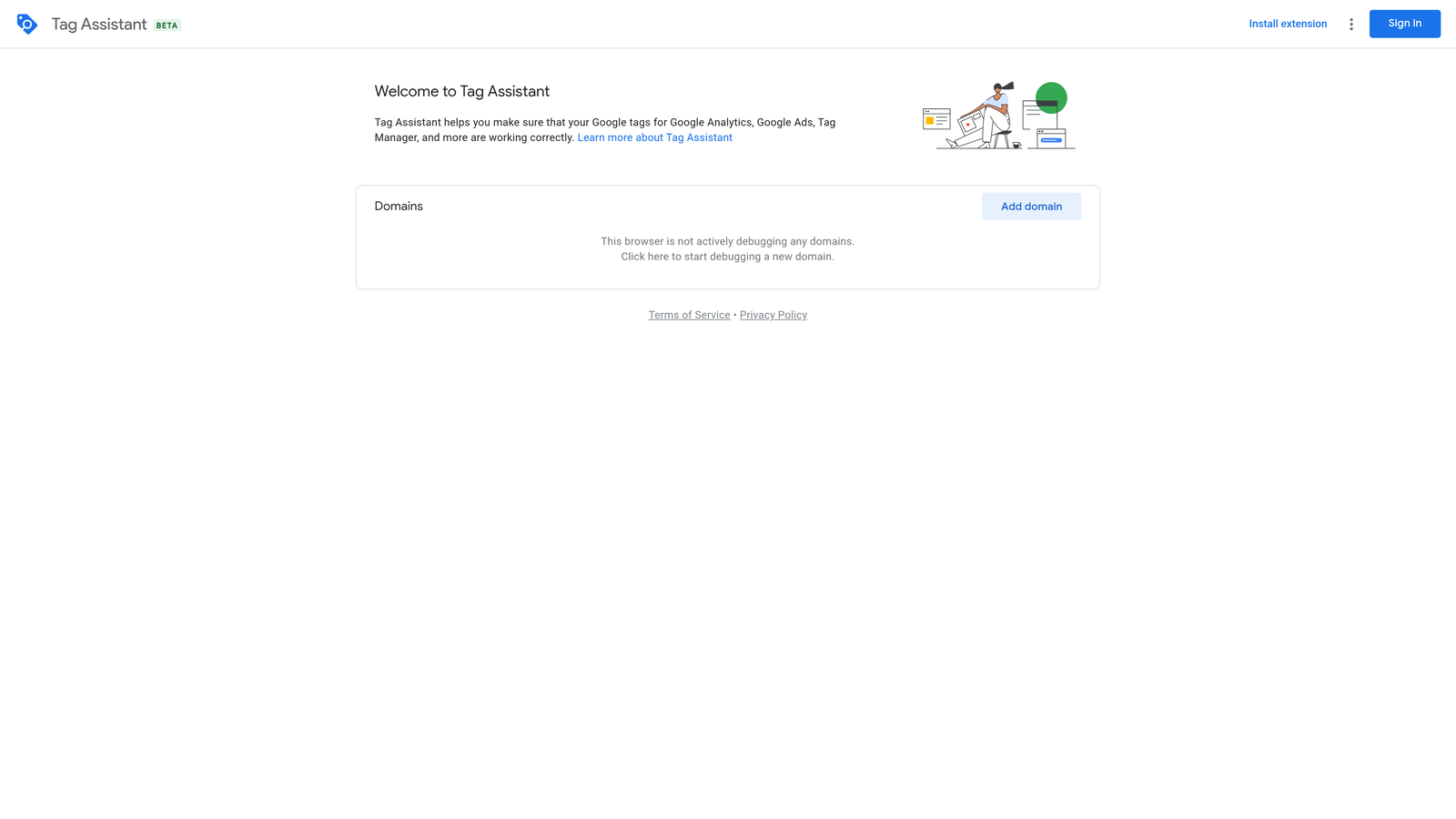
Google Tag Assistant is a free Chrome extension from Google that validates conversion tracking, Google Analytics, and other Google tags in real time as you browse your site.
Where This Tool Shines
Conversion tracking issues are one of the most common reasons campaigns underperform, and they're often invisible until you manually test. Tag Assistant shows you exactly which tags are firing on each page, whether they're configured correctly, and what data they're sending.
The recording mode is particularly useful—it lets you simulate a user journey through your site and see exactly when and where tags fire (or fail to fire). This makes debugging multi-step conversion funnels much faster than trying to reproduce issues manually.
Key Features
Real-Time Tag Firing Verification: See which tags fire on each page as you browse, with instant error notifications.
Conversion Tracking Debugging: Verify that Google Ads conversion tags are firing correctly and sending the right data.
GA4 and GTM Validation: Check that Google Analytics 4 and Google Tag Manager are configured properly.
Error and Warning Explanations: Get plain-language descriptions of what's wrong and how to fix it.
Recording Mode for User Journeys: Record a full session to see exactly when tags fire throughout a multi-page conversion funnel.
Best For
Anyone managing Google Ads conversion tracking, especially if you're working with developers or testing new tracking implementations. If you've ever wondered whether a conversion tag is actually firing, Tag Assistant answers that question in seconds.
Pricing
Free. It's an official Google tool and essential for anyone running conversion tracking.
8. Keyword Surfer
Best for: Seeing search volume and CPC data directly in Google search results
Keyword Surfer is a free Chrome extension that displays search volume, cost-per-click estimates, and related keyword suggestions directly in Google search results.
Where This Tool Shines
When you're doing keyword research, switching back and forth between Google and a keyword tool slows down the process. Keyword Surfer embeds search volume and CPC data right into the search results page, so you can evaluate keywords as you search.
It also shows related keyword suggestions in a sidebar, making it easy to discover long-tail variations without opening a separate tool. The data isn't as comprehensive as paid keyword tools, but for quick research and validation, it's more than sufficient.
Key Features
Search Volume in Google SERPs: See monthly search volume estimates directly below the search bar.
CPC Estimates Per Keyword: Get cost-per-click estimates to gauge keyword competitiveness.
Related Keyword Suggestions: View a sidebar of related keywords with volume and CPC data.
Domain Traffic Estimates: See estimated monthly traffic for any domain in the search results.
Correlation Data for Ranking Factors: View word count, backlink count, and other ranking factors for top results.
Best For
Advertisers doing quick keyword research or validating keyword ideas without needing a full-featured keyword tool. If you're frequently Googling keywords to check competitiveness, Keyword Surfer adds context without slowing you down.
Pricing
Free. There's no paid tier—the extension is completely free to use.
9. Similarweb
Best for: Analyzing competitor traffic sources and paid search estimates
Similarweb is a traffic analysis platform with a browser extension that shows traffic breakdowns by channel, geography, and top keywords for any website.
Where This Tool Shines
When you're evaluating competitors or researching new markets, Similarweb gives you a quick snapshot of where their traffic is coming from—organic search, paid search, social, referrals, and direct. The paid search estimates help you gauge how much competitors are investing and which keywords are driving their traffic.
The browser extension makes this data accessible without leaving your browser. Hover over a domain in search results and see traffic sources, top keywords, and geographic distribution instantly. It's particularly useful for identifying whether a competitor's traffic is driven by paid or organic search.
Key Features
Traffic Source Breakdowns: See the percentage of traffic from organic, paid, social, referral, and direct channels.
Competitor Paid Search Estimates: View estimated paid search traffic and top paid keywords.
Geographic Traffic Distribution: Understand which countries and regions drive the most traffic to a competitor.
Top Referring Sites and Keywords: Identify which sites are sending traffic and which keywords are driving visits.
Industry Benchmarking Data: Compare a domain's performance against industry averages.
Best For
Agencies and in-house teams doing competitive analysis or market research before launching campaigns. If you're entering a new market and need to understand the competitive landscape quickly, Similarweb provides a high-level overview in minutes.
Pricing
The browser extension is free with limited data. Paid plans start at $149 per month for more detailed insights and historical data.
Choosing the Right Tool for Your Workflow
The best productivity extension depends on where you're currently spending the most time. If search term cleanup is your biggest bottleneck, start with Keywordme. If you're drowning in manual reporting, Supermetrics will save you hours every week. If you're managing large accounts with frequent bulk edits, Google Ads Editor is essential.
For competitive research, SpyFu and Similarweb give you visibility into what competitors are doing without guessing. If ad testing and quality score tracking are priorities, Adalysis automates the analysis you're probably doing manually right now. And if you're debugging conversion tracking or doing quick keyword research, Tag Assistant and Keyword Surfer are both free and immediately useful.
Most advertisers end up using a combination of tools—Google Ads Editor for bulk changes, Keywordme for search term optimization, Supermetrics for reporting, and Tag Assistant for tracking validation. The key is to start with the tool that addresses your biggest time sink, then layer in others as your workflow evolves.
Start your free 7-day trial of Keywordme and see how much faster search term optimization becomes when you're not juggling spreadsheets. At $12 per month, it's one of the lowest-friction ways to reclaim hours every week.
.svg)