
9 Best Google Ads Management Extensions for PPC Pros in 2026
Discover the top Google ads management extensions that help PPC pros cut wasted spend and streamline campaign optimization directly inside the Google Ads interface. This guide covers 9 Chrome extensions organized by the workflow problems they solve, helping managers, freelancers, and agency teams turn lengthy audits into faster, more efficient processes.


If you manage Google Ads, you already know the drill: the native interface is functional, but it's slow for repetitive optimization tasks. Adding negatives, reviewing search terms, adjusting match types one by one—it all adds up fast. The right Chrome extension can turn a two-hour audit into a 20-minute workflow.
TL;DR: The best Google Ads management extensions let you optimize campaigns faster, cut wasted spend, and skip the spreadsheet chaos—right inside the Google Ads interface. This list covers 9 Chrome extensions and browser-based tools that PPC managers, freelancers, and agency teams actually use to run tighter campaigns. We've organized them by the workflow problem they solve, not just feature lists.
What Separates a Useful Extension from a Gimmick
Before jumping into the list, it's worth calling out something most comparison articles get wrong: they mix true Chrome extensions with full SaaS platforms without distinguishing the two. A Chrome extension installs in your browser and modifies or enhances what you see on a page. A SaaS platform is a separate tool you log into. Both can be useful, but they solve different problems.
In this list, we've flagged which tools are true browser extensions and which are browser-based tools that don't require a separate app install. That distinction matters when you're evaluating how these fit into your actual daily workflow.
1. Keywordme
Best for: In-interface search term review, negative keyword management, and match type optimization
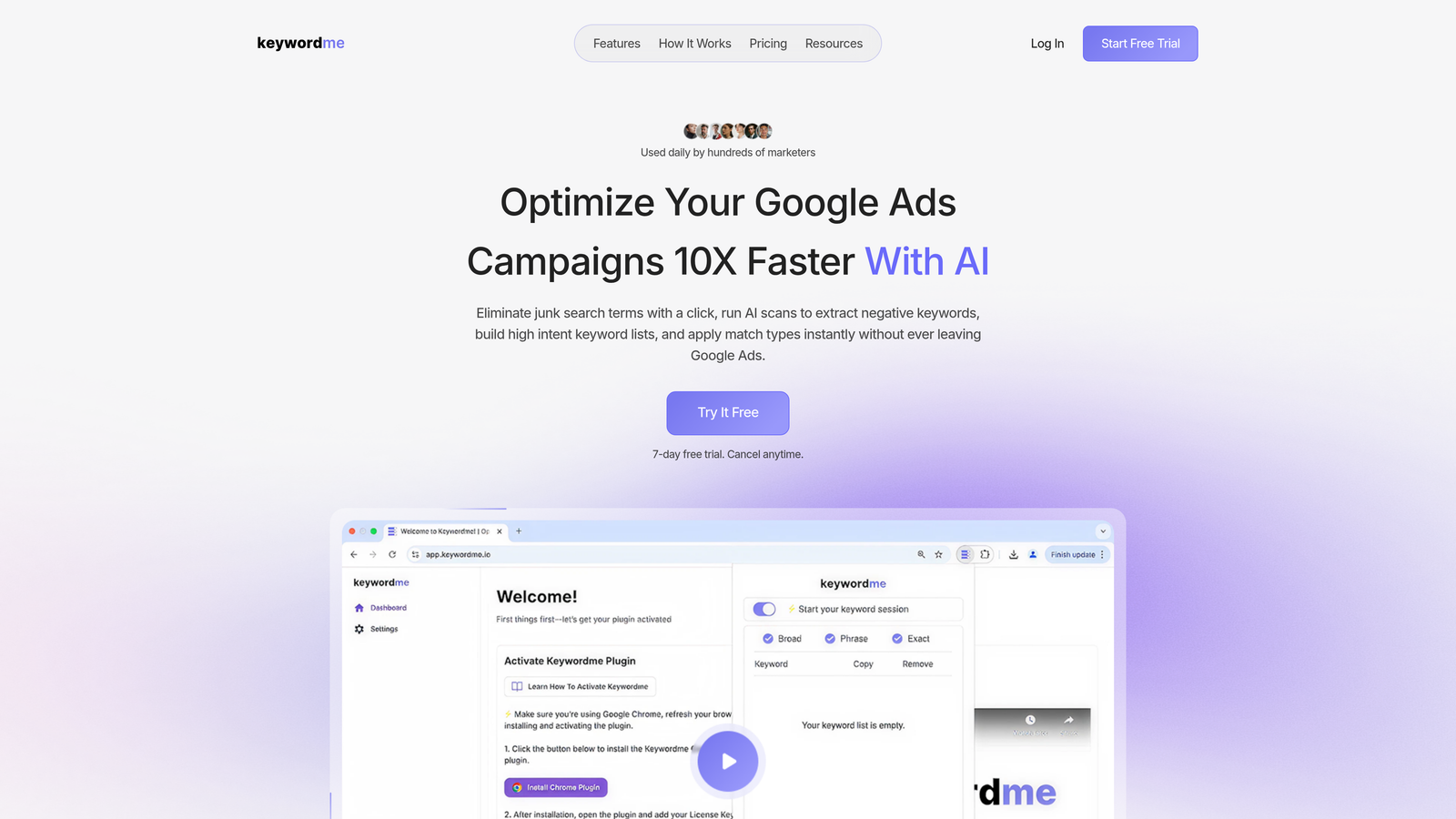
Keywordme is a Chrome extension that integrates directly into Google Ads' Search Terms Report, letting you take action on keywords without ever leaving the native interface.
Where This Tool Shines
Most Google Ads management extensions live outside the platform—you export data, work in a spreadsheet or third-party tool, then re-import. Keywordme flips that. It adds functionality directly inside the Search Terms Report, so you can add negatives, apply match types, and cluster keywords with one click while you're looking at live data.
In most accounts I audit, search term review is the most time-consuming recurring task. The mistake most agencies make is batching it weekly in a spreadsheet, which means wasted spend accumulates between sessions. Having the ability to act immediately, inside the interface, changes that workflow significantly.
Key Features
One-Click Negative Keyword Adding: Remove irrelevant search terms from your campaigns directly in the Search Terms Report without exporting to a spreadsheet.
Match Type Application: Apply exact, phrase, or broad match types instantly to any search term you want to promote to a keyword.
Keyword Clustering: Group related search terms into themed clusters within Google Ads, making it easier to build tightly organized ad groups.
Bulk Editing: Handle high-volume campaigns without processing terms one at a time—select multiple and act on them together.
Multi-Account and Team Support: Especially useful for agencies managing multiple clients under one MCC, with team collaboration built in.
Best For
Solo advertisers who want to move faster on weekly optimizations, and agency teams managing multiple client accounts who need a repeatable, efficient search term review process. If search term management is your biggest time sink, this is the obvious starting point.
Pricing
$12/month per user. A 7-day free trial is available with no commitment required—low risk to test it against your current workflow.
2. Keywords Everywhere
Best for: Surfacing keyword data during research without switching tools
Keywords Everywhere is a Chrome and Firefox extension that overlays search volume, CPC, and competition scores directly on Google search results, YouTube, Amazon, and other platforms.

Where This Tool Shines
The real value here is speed during the keyword research and planning phase. Instead of copying terms into a separate research tool, you see volume and CPC data inline as you browse. For PPC managers doing competitor research or building initial keyword lists, this removes a lot of unnecessary tab-switching.
It also surfaces "People Also Search For" panels and related keyword suggestions directly on the SERP, which often surfaces intent variations you'd miss in a standard keyword planner workflow.
Key Features
Inline SERP Data: Search volume, CPC, and competition scores appear directly on Google search results as you browse.
Related Keywords Panel: Surfaces related terms and "People Also Search For" data without opening a separate research tool.
Multi-Platform Coverage: Works on Google, YouTube, Amazon, eBay, and several other platforms—useful for cross-channel research.
Historical Trend Data: Helpful for identifying seasonal keywords before planning campaign budgets.
Credit-Based Pricing: You only pay for the data you actually use, making it cost-effective for lighter research workloads.
Best For
PPC managers in the planning and research phase who want quick keyword data without opening a separate tool. Also useful for freelancers doing client keyword audits quickly.
Pricing
Credit-based model. Starts at $10 for 100,000 credits—credits are consumed when you view keyword data.
3. Adalysis
Best for: Ad testing automation and quality score monitoring at scale
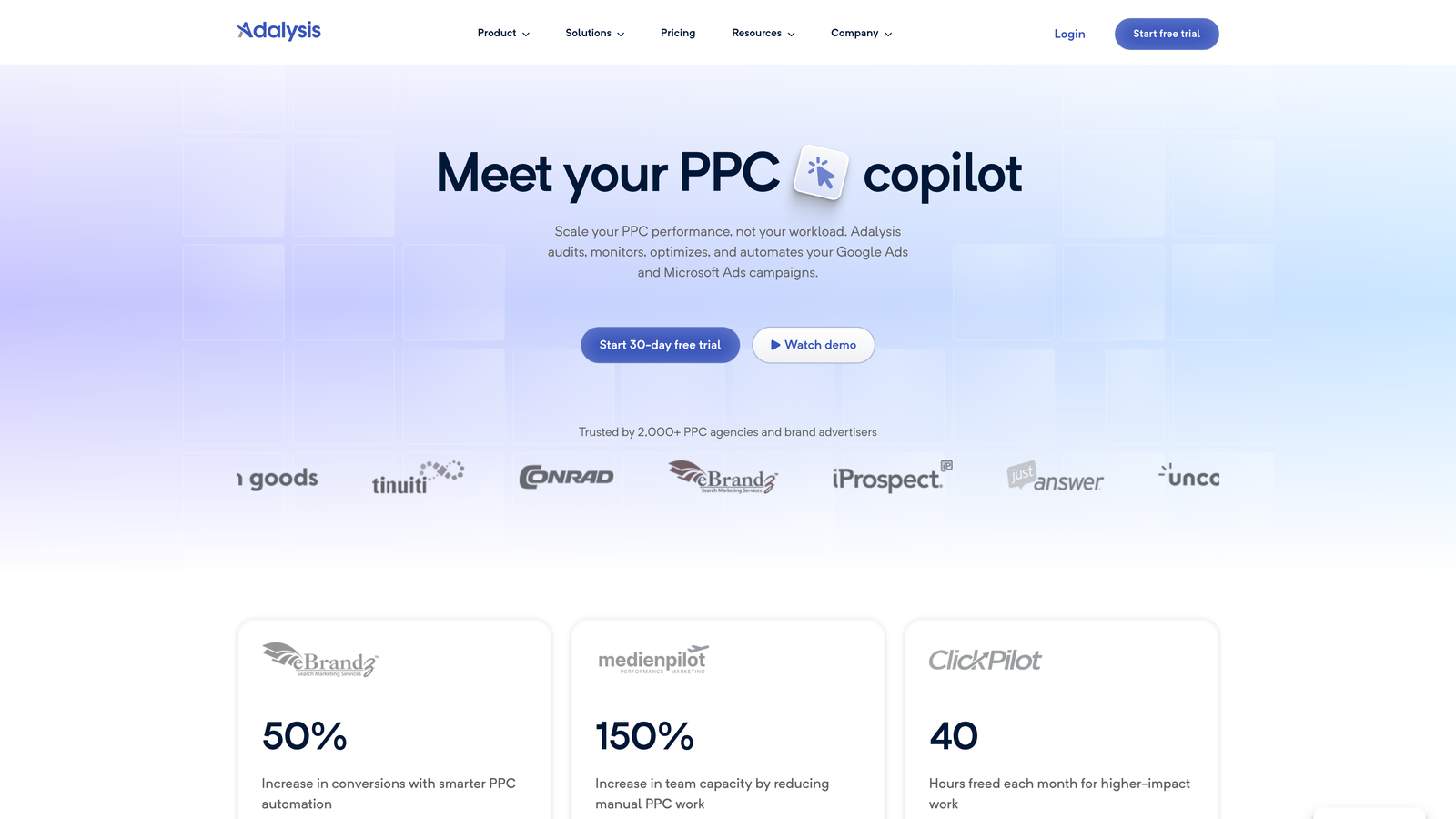
Adalysis is a PPC management platform with browser-based tools focused on ad testing, quality score tracking, and automated performance alerts for Google Ads accounts.
Where This Tool Shines
Adalysis is built for advertisers who run systematic ad tests and want statistical rigor in their decisions. What usually happens here is that most accounts either don't test ads at all, or they declare a winner too early based on gut feel. Adalysis automates the tracking of statistical significance so you're not making decisions on insufficient data.
The quality score monitoring is also genuinely useful. Historical quality score tracking is something Google doesn't surface well natively, and having a tool that logs it over time helps you understand whether landing page or ad relevance changes are actually moving the needle.
Key Features
Ad Testing Automation: Tracks statistical significance across ad variants so you know when a test is actually conclusive.
Quality Score History: Logs quality score changes over time—data Google doesn't preserve in the native interface.
Automated Performance Alerts: Flags drops in key metrics so you catch problems before they compound.
RSA Analysis: Reviews Responsive Search Ad performance and surfaces recommendations for improving asset combinations.
Account Audit Tools: Identifies structural gaps and optimization opportunities across campaigns.
Best For
Mid-to-large advertisers and agencies who run frequent ad tests and need a systematic way to manage quality score and performance monitoring across multiple accounts.
Pricing
Subscription-based. Check adalysis.com for current pricing tiers, as plans vary by account size.
4. SEOquake
Best for: Quick competitive landscape checks on the SERP during keyword research
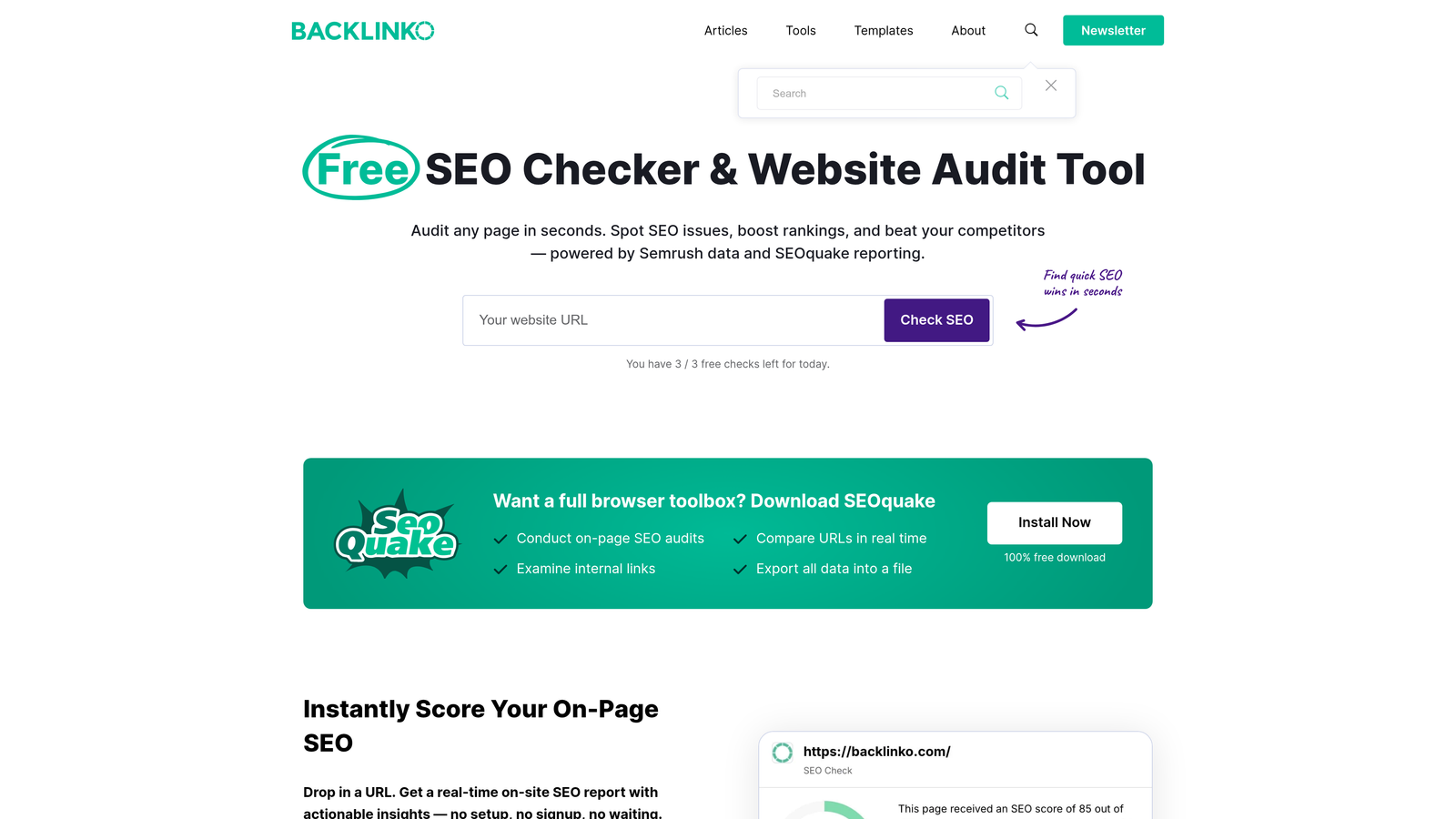
SEOquake is a free Chrome extension by Semrush that overlays SEO and competitive metrics on Google search results—useful for PPC managers assessing keyword competition before bidding.
Where This Tool Shines
When you're evaluating whether to go after a keyword, understanding the organic competition gives you useful context for expected CPCs and landing page quality benchmarks. SEOquake surfaces domain metrics, backlink counts, and indexed page counts directly on the SERP so you can make that call in seconds.
It's not a replacement for a full competitive analysis, but for quick checks during planning sessions, it removes the need to open a separate SEO tool for every keyword you're evaluating.
Key Features
On-SERP Metrics Overlay: Domain and page-level metrics appear inline for every result on the search page.
Competitive Density Indicators: Helps gauge how contested a keyword is based on the strength of ranking pages.
Backlink and Index Data: Surfaces backlink counts and indexed page numbers without leaving the SERP.
Keyword Difficulty Estimates: Useful for prioritizing which keywords to pursue in new campaigns.
CSV Export: Export SERP data for deeper analysis or client reporting.
Best For
PPC managers who want a free, lightweight competitive intelligence layer during keyword research. Works well alongside Keywords Everywhere for a more complete picture of any SERP.
Pricing
Free. No account required to install and use basic features.
5. Tag Assistant (by Google)
Best for: Validating Google Ads conversion tracking and GA4 tags before campaigns go live
Tag Assistant is Google's official Chrome extension for verifying that Google Ads conversion tags, GA4 events, and Google Tag Manager containers are firing correctly on any web page.
Where This Tool Shines
Tracking errors are one of the most common and costly problems in Google Ads accounts. In most accounts I audit, there's at least one conversion action that's misconfigured—either double-counting, not firing at all, or triggering on the wrong page. Tag Assistant catches these issues before they corrupt your data.
The real-time tag flow visualization is particularly useful for complex GTM setups where multiple triggers and tags interact. It shows you exactly what fired, in what order, and whether there were any errors—without needing to dig through GTM's native debug mode.
Key Features
Real-Time Tag Validation: Confirms whether Google Ads and GA4 tags are firing correctly on any page you visit.
Conversion Tracking Diagnostics: Identifies errors in conversion tag setup before they affect campaign data.
GTM Container Debugging: Debugs Google Tag Manager containers and shows trigger and tag firing sequences.
Tag Flow Visualization: Maps how tags interact in complex setups, making troubleshooting faster.
Officially Maintained by Google: Updated alongside Google's own tag infrastructure, so it stays current with GA4 and Ads changes.
Best For
Every Google Ads manager, full stop. Verifying tracking before launch and after any site changes is non-negotiable. This is the tool for it.
Pricing
Free. Maintained by Google with no subscription required.
6. Supermetrics
Best for: Automating Google Ads data exports into Google Sheets and Looker Studio for agency reporting
Supermetrics is a data integration platform that connects Google Ads data to Google Sheets, Looker Studio, and other reporting destinations—automating what would otherwise be manual data pulls.
Where This Tool Shines
If you're managing multiple client accounts and building weekly or monthly performance reports, manual data exports are a significant time drain. Supermetrics replaces that with scheduled, automated data refreshes that keep your dashboards current without manual intervention.
The multi-account consolidation feature is where agencies get the most value. Pulling data from several Google Ads accounts into a single Google Sheets report—with consistent formatting and automatic updates—is something that would otherwise require custom scripts or a lot of manual work.
Key Features
Automated Data Pulls: Scheduled data refreshes bring Google Ads data into Sheets or Looker Studio on a set cadence.
Multi-Account Consolidation: Combine data from multiple Google Ads accounts into a single reporting view.
Custom Metrics and Dimensions: Build the exact data combinations your reports need without being limited to default exports.
Live Dashboard Support: Keep client-facing dashboards updated automatically without manual intervention.
100+ Data Source Integrations: Connect Google Ads data alongside Facebook Ads, LinkedIn, and other channels in the same report.
Best For
Agencies and analysts managing multiple accounts who need automated, scalable reporting workflows. Less relevant for solo advertisers managing a single account.
Pricing
Subscription-based by connector. Check supermetrics.com for current plans—pricing varies based on data sources and user count.
7. PPC Ad Editor
Best for: Drafting, previewing, and getting client approval on Google Ads copy before upload
PPC Ad Editor is a browser-based tool for creating, previewing, and sharing Google Ads copy—including Responsive Search Ads—with built-in client collaboration features.

Where This Tool Shines
The mistake most agencies make with ad copy review is sending clients a Word doc or a spreadsheet with headlines and descriptions. Clients can't visualize how the ad actually looks, which leads to revision cycles that drag on. PPC Ad Editor generates shareable preview links that show exactly how RSAs will render in search results.
It also handles character count validation automatically, so you're not manually counting characters or discovering headline length errors after upload. For agencies with a formal ad copy approval process, this tool removes a lot of friction.
Key Features
RSA Preview: Shows how Responsive Search Ads will appear in actual search results before uploading to campaigns.
Shareable Approval Links: Send clients a preview link for ad copy review without needing them to log into Google Ads.
Character Count Validation: Automatically flags headlines and descriptions that exceed Google's character limits.
Bulk Ad Creation: Build multiple ads from templates to speed up high-volume campaign launches.
No Account Connection Required: Use it for previews and collaboration without linking your Google Ads account.
Best For
Agencies and freelancers who manage client ad copy approval workflows. Also useful for in-house teams that want a cleaner review process before campaign launches.
Pricing
Free plan available. Paid tiers unlock advanced features—check ppcadeditor.com for current plan details.
8. Ahrefs SEO Toolbar
Best for: Assessing organic competition and landing page authority for target keywords
Ahrefs SEO Toolbar is a free Chrome and Firefox extension that displays on-page SEO data and SERP metrics inline—helping PPC managers understand the competitive landscape for keywords they're bidding on.
Where This Tool Shines
Understanding organic competition for a keyword tells you a lot about how hard it'll be to compete with a paid ad and what your landing page needs to deliver to match user expectations. The Ahrefs toolbar surfaces Domain Rating, URL Rating, and estimated organic traffic for every result on the SERP, giving you a quick read on keyword competitiveness.
The broken link highlighting feature is a bonus for anyone doing landing page audits—it flags broken links on any page you visit, which is useful for catching technical issues that might be hurting Quality Scores.
Key Features
On-SERP Authority Metrics: Domain Rating and URL Rating appear inline for every result on the search page.
Estimated Organic Traffic: Shows approximate traffic for ranking pages, giving context on keyword value.
Backlink Count Overlay: Surfaces backlink data for competing pages without opening a separate tool.
On-Page SEO Report: Generates a quick on-page analysis for any URL—useful for landing page audits.
Broken Link Highlighting: Flags broken links on any page you visit during site reviews.
Best For
PPC managers who already use Ahrefs and want competitive SERP data without switching tabs. The free extension is useful even without a subscription, though full data requires an Ahrefs account.
Pricing
Free extension. Full data access requires an Ahrefs subscription, starting from $129/month.
9. MozBar
Best for: Quick Domain Authority and Page Authority checks during keyword research
MozBar is a free Chrome extension by Moz that displays Domain Authority, Page Authority, and link metrics on any webpage or SERP—useful for fast competitive checks during PPC keyword planning.
Where This Tool Shines
MozBar is the lightest-weight option in this category. If you don't have an Ahrefs subscription, it gives you a free, reasonably reliable read on page and domain authority for any site you're evaluating. For quick competitor checks during keyword research, that's often all you need.
The on-page element highlighting feature is also handy during landing page reviews—it surfaces title tags, header structure, and meta descriptions in a single click, which is useful when you're auditing competitor pages for content gaps.
Key Features
Domain and Page Authority: Displays DA and PA scores for every page and SERP result you view.
SERP Overlay: Authority metrics appear inline for all results on any search page.
Link Metrics: Shows followed vs. nofollowed link counts for any page.
On-Page Element Highlighting: Surfaces title tags, headers, and meta descriptions on any page with one click.
Free Tier Available: Basic metrics work without an account or subscription.
Best For
PPC managers who want a free competitive intelligence layer for keyword research and don't need the depth of a full SEO subscription. Works well as a complement to SEOquake for SERP analysis.
Pricing
Free basic version. Full features available with MozPro from $99/month.
Which Tool Is Right for Your Workflow
Most of these tools solve one specific problem really well. The smart move is to stack two or three that cover different parts of your workflow rather than hunting for a single tool that does everything mediocrely.
Here's a quick breakdown by use case to help you decide:
Search term review and negative keyword management: Keywordme is the obvious starting point. It's built specifically for that workflow and operates inside Google Ads rather than alongside it.
Keyword research during planning: Keywords Everywhere is a lightweight must-have. Pair it with SEOquake or MozBar for competitive context on the same SERP.
Conversion tracking verification: Tag Assistant is non-negotiable. Install it, use it before every launch, and re-check after any site changes.
Agency client reporting: Supermetrics handles automated data exports and multi-account consolidation better than anything else in this list.
Ad copy approval workflows: PPC Ad Editor removes the back-and-forth of client reviews and eliminates character count errors before upload.
Competitive SERP intelligence: Ahrefs Toolbar if you're already an Ahrefs user; MozBar or SEOquake if you want free options.
If you're new to using extensions in your Google Ads workflow, start with Tag Assistant (free, essential) and Keywordme (the fastest way to improve your search term review process). Those two alone cover tracking integrity and ongoing optimization—the two areas where most accounts have the most room to improve.
If you haven't tried Keywordme yet, Start your free 7-day trial and see how much time you can shave off your weekly optimization routine. No spreadsheets, no tab-switching—just faster decisions inside Google Ads. After the trial, it's $12/month per user, which is easy to justify if it's saving you an hour or more each week.
.svg)