
10 Best Chrome Extensions for Digital Marketing
This guide reviews the top digital marketing Chrome extensions of 2026, selected for practical value and active development across SEO, Google Ads, analytics, and outreach. Each entry covers what the tool does best, standout features, who it suits, and current pricing — so you can build a faster, smarter Chrome workflow.


If you're doing digital marketing in Chrome, the right extensions can shave hours off your weekly workflow. Whether you're running Google Ads, doing SEO research, analyzing competitors, or managing content, there's a Chrome extension built for it.
This list covers the best digital marketing Chrome extensions available in 2026, chosen for practical value, active development, and genuine usefulness across paid search, SEO, analytics, and outreach. Each entry covers what the tool does best, key features, who it's ideal for, and current pricing.
1. Keywordme
Best for: PPC managers and agency teams optimizing Google Ads campaigns directly inside the platform
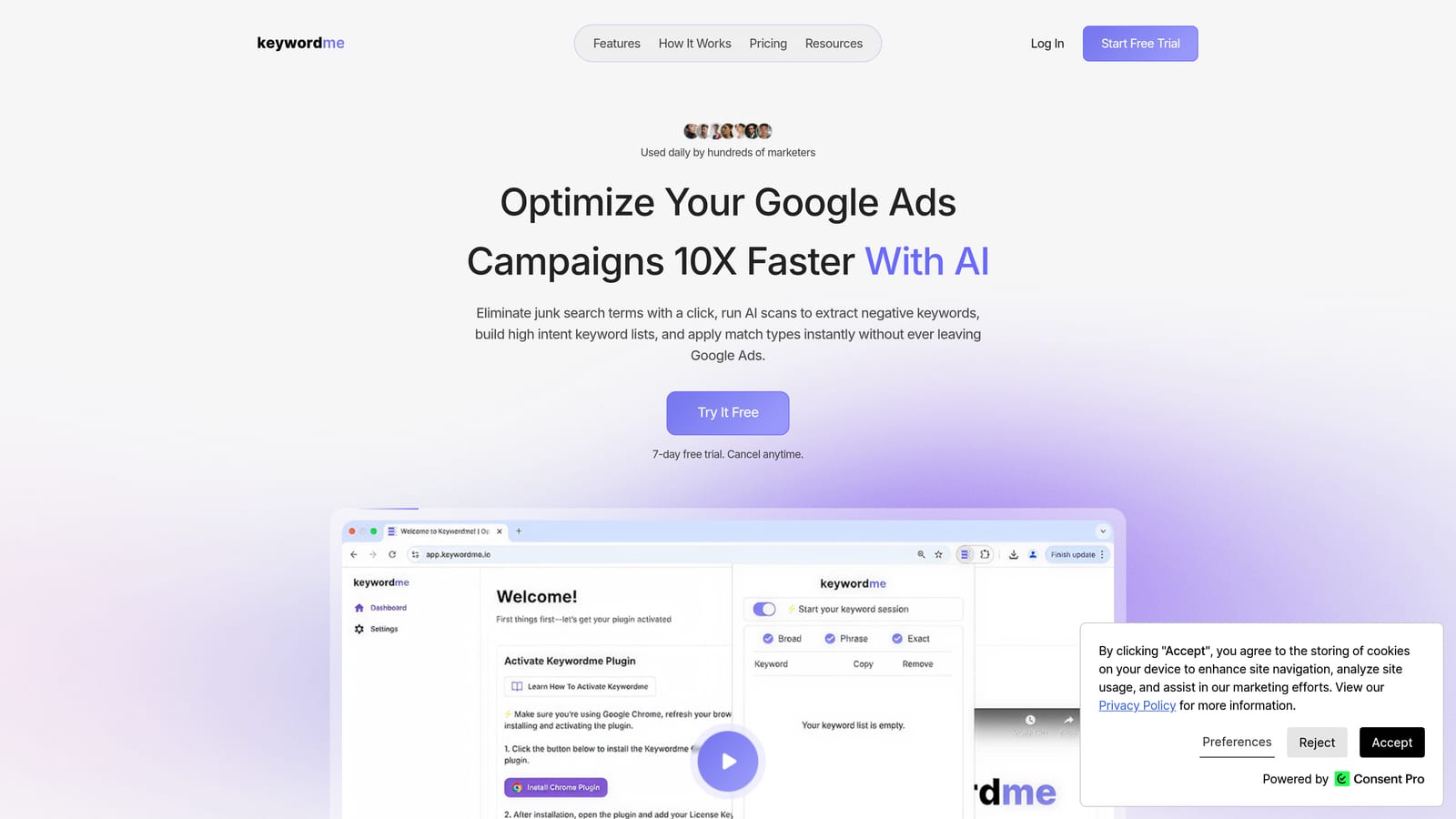
Keywordme is a Chrome extension that integrates directly into Google Ads' Search Terms Report, letting you take one-click actions on search terms without ever leaving the Google Ads interface.
Where This Tool Shines
Most PPC optimization workflows involve a frustrating loop: export search terms to a spreadsheet, sort and filter, decide what to exclude, then manually re-enter negative keywords back into Google Ads. Keywordme cuts that loop entirely. You work inside the Search Terms Report itself, removing junk terms, adding negatives, and applying match types with a single click.
For agencies managing multiple client accounts, the multi-account and team support means everyone works from the same workflow without building their own spreadsheet systems. Keyword clustering and bulk editing make it practical for large accounts where manual review would otherwise take hours.
Key Features
One-click search term management: Remove irrelevant search terms and add negative keywords directly inside Google Ads without exporting to a spreadsheet.
Instant match type application: Apply broad, phrase, or exact match types to keywords from within the Search Terms Report.
Keyword clustering and bulk editing: Group and edit keywords in bulk to build structured keyword lists faster.
Multi-account and team support: Designed for agencies managing multiple client accounts, with team collaboration built in.
No external dashboards required: Everything runs inside the native Google Ads UI, so there's no tab-switching or data export needed.
Best For
Keywordme is well-suited for PPC managers who spend significant time in the Search Terms Report, freelancers handling multiple Google Ads accounts, and agency teams who want a consistent optimization workflow across clients. It's especially useful if spreadsheet-based search term reviews are a regular time drain.
Pricing
$12 per user per month. A 7-day free trial is available with no credit card required upfront.
2. Keywords Everywhere
Best for: SEOs and PPC planners who want keyword data surfaced directly while browsing
Keywords Everywhere is a browser extension that overlays keyword volume, CPC, and competition data on Google SERPs, YouTube, Amazon, and more than 15 other platforms.
Where This Tool Shines
Instead of opening a separate keyword research tool, Keywords Everywhere brings the data to wherever you already are. Search something on Google and you'll see inline metrics for that query, plus related keywords and "people also search for" panels alongside the results. It turns passive browsing into active research.
The extension also works on YouTube, Amazon, and Etsy, which makes it useful beyond standard SEO work. If you're researching product keywords or YouTube content strategy, the same workflow applies.
Key Features
Inline keyword metrics: Volume, CPC, and competition data appear directly on Google search results and other supported platforms.
Related keywords panel: Surfaces related terms and "people also search for" data on SERPs without a separate tool.
Multi-platform support: Works on YouTube, Amazon, Etsy, and other platforms beyond Google.
Trend data and CSV export: View keyword trends over time and export keyword lists for further analysis.
Credit-based pricing: You only pay for the data you use, with a free tier available for limited access.
Best For
Content marketers, SEO practitioners, and PPC planners who want quick keyword data while browsing without switching to a dedicated research platform. Also useful for e-commerce marketers researching Amazon and Etsy keyword opportunities.
Pricing
Credit-based model. A free tier is available with limited data; paid credits start at low per-credit rates depending on the package you choose.
3. MozBar
Best for: SEOs who need quick authority metrics and on-page analysis while browsing
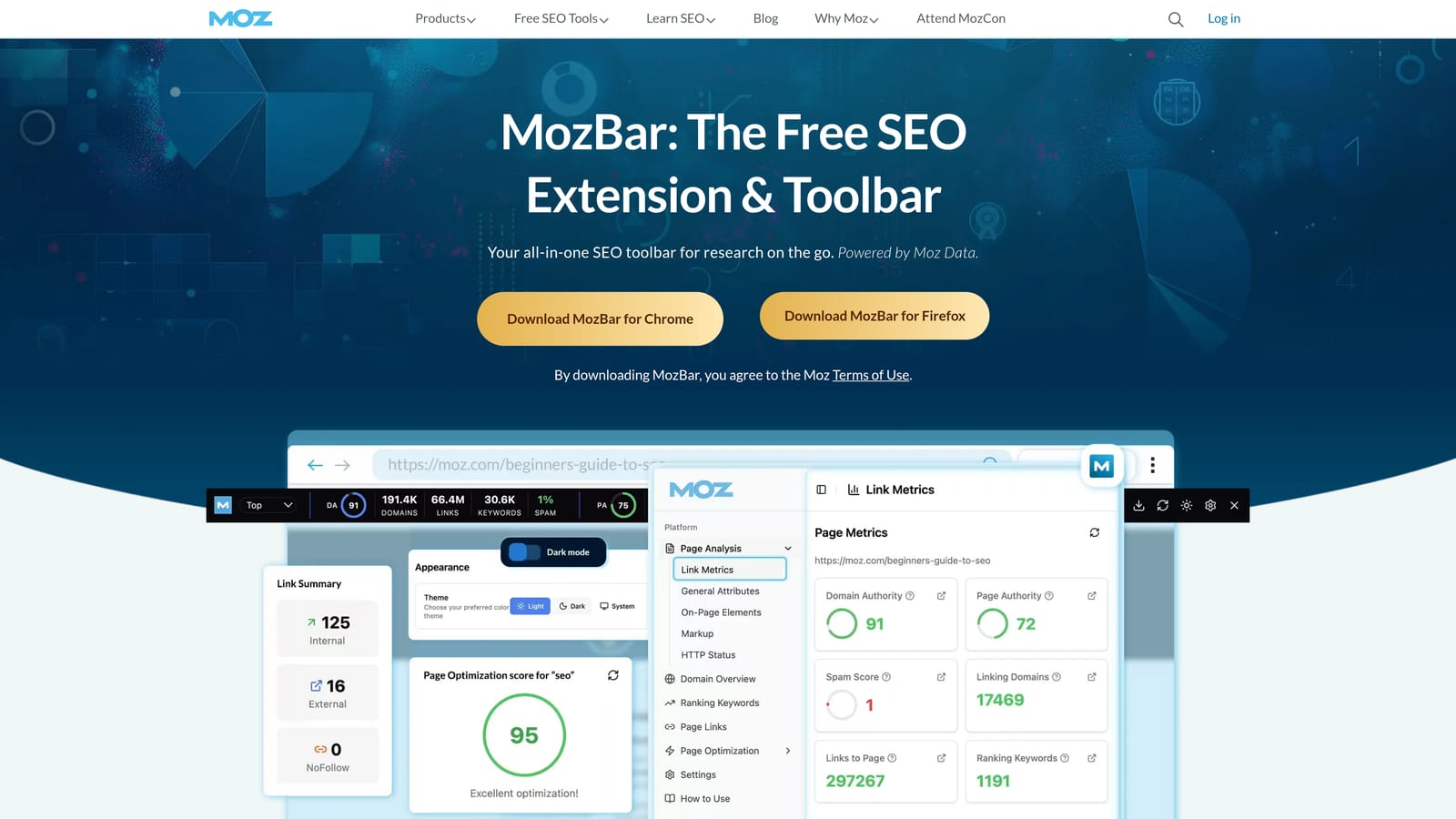
MozBar is Moz's official SEO toolbar for Chrome, displaying Domain Authority, Page Authority, and on-page SEO elements for any URL you visit or any result in the SERP.
Where This Tool Shines
MozBar is most useful during competitive research. When you're scanning a SERP, you can see DA and PA scores for every result at once, which gives you a quick read on how competitive a keyword is before committing to a content strategy. That kind of at-a-glance benchmarking is hard to replicate without a toolbar.
The on-page analysis panel is handy for auditing any page you visit: check title tags, meta descriptions, heading structure, and link types without opening developer tools. For quick site reviews, it's a time-saver.
Key Features
DA and PA scores: Instant Domain Authority and Page Authority metrics for any domain or page you visit.
SERP overlay: Authority metrics displayed across all results on a search page simultaneously.
On-page element analysis: View title tags, meta descriptions, and heading structure for any page.
Link highlight by type: Distinguish followed and nofollowed links visually on any page.
Free tier available: Core metrics accessible without a paid subscription.
Best For
SEO practitioners who do regular competitive research and content gap analysis. Also useful for link builders who want to quickly assess the authority of prospective link targets while browsing.
Pricing
Free with limited features. Full access, including deeper link metrics and SERP analysis, requires a Moz Pro subscription.
4. Similarweb
Best for: Marketers and agency teams doing competitive research and media planning
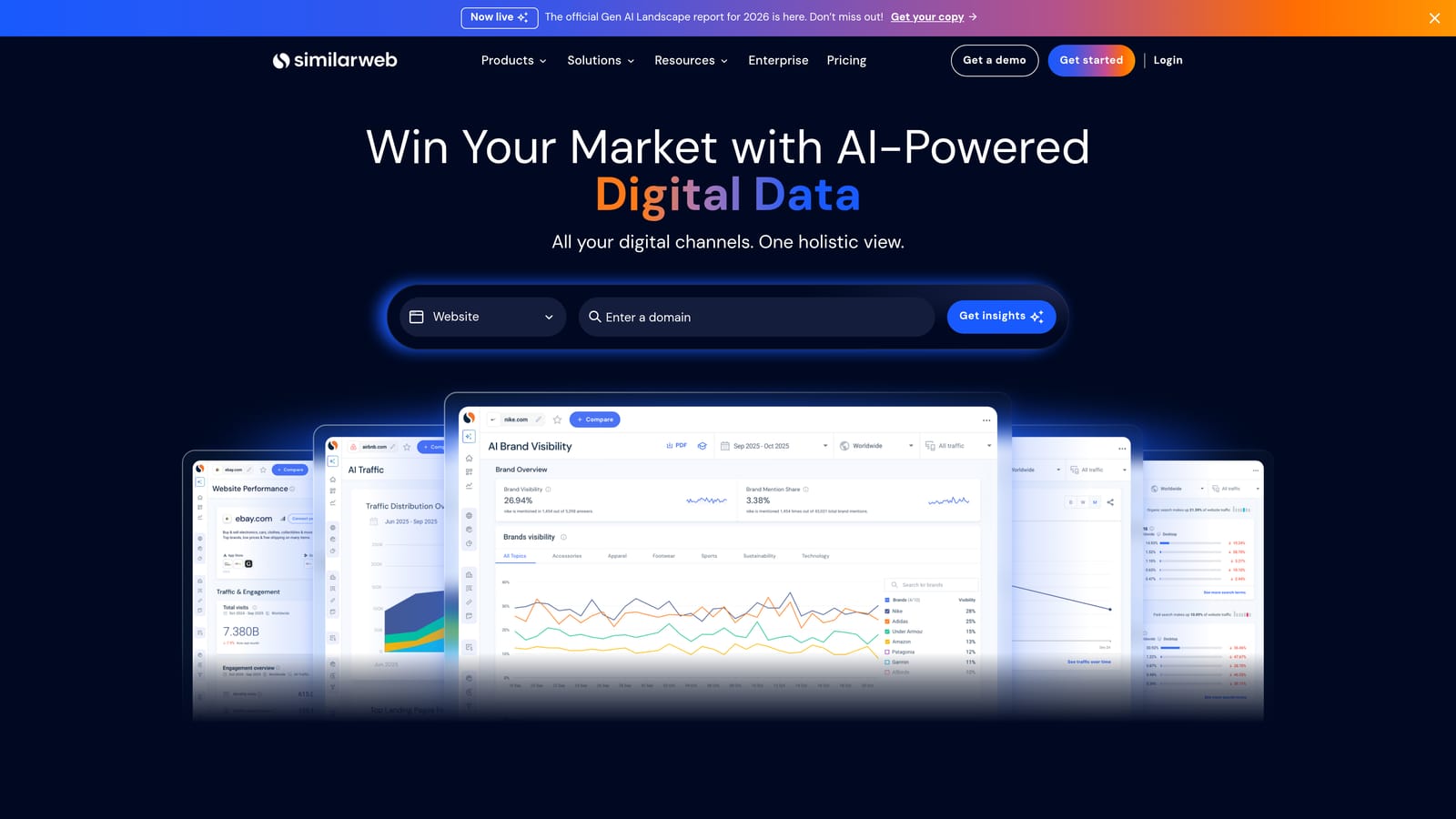
Similarweb's Chrome extension delivers a one-click traffic overview for any website you visit, showing estimated monthly visits, traffic sources, top countries, and engagement metrics.
Where This Tool Shines
When you land on a competitor's website or a potential media partner's domain, Similarweb gives you an immediate read on how much traffic they're getting and where it's coming from. That context is useful in a lot of situations: pitching a client, evaluating a partnership, or sizing up a competitor's paid versus organic mix.
The channel breakdown is particularly practical. Seeing the split between organic, paid, referral, social, and direct traffic gives you a rough picture of a competitor's marketing strategy without having to dig through multiple tools.
Key Features
Traffic estimates: Estimated monthly visits for any domain, surfaced directly in the browser.
Channel breakdown: Traffic split across organic, paid, referral, social, and direct sources.
Audience engagement metrics: Bounce rate, pages per visit, and average visit duration for any site.
Top referring and destination sites: See where a site's traffic comes from and where visitors go next.
Free tier: Basic data available without a paid plan; deeper historical and segment data requires a subscription.
Best For
Agency strategists, media planners, and competitive researchers who regularly need a quick read on website traffic and channel mix without running a full platform report.
Pricing
Free extension with limited data. Paid plans unlock deeper historical data, more detailed breakdowns, and additional segment-level insights.
5. Tag Assistant (by Google)
Best for: Marketers and developers verifying Google Ads and GA4 tag implementations
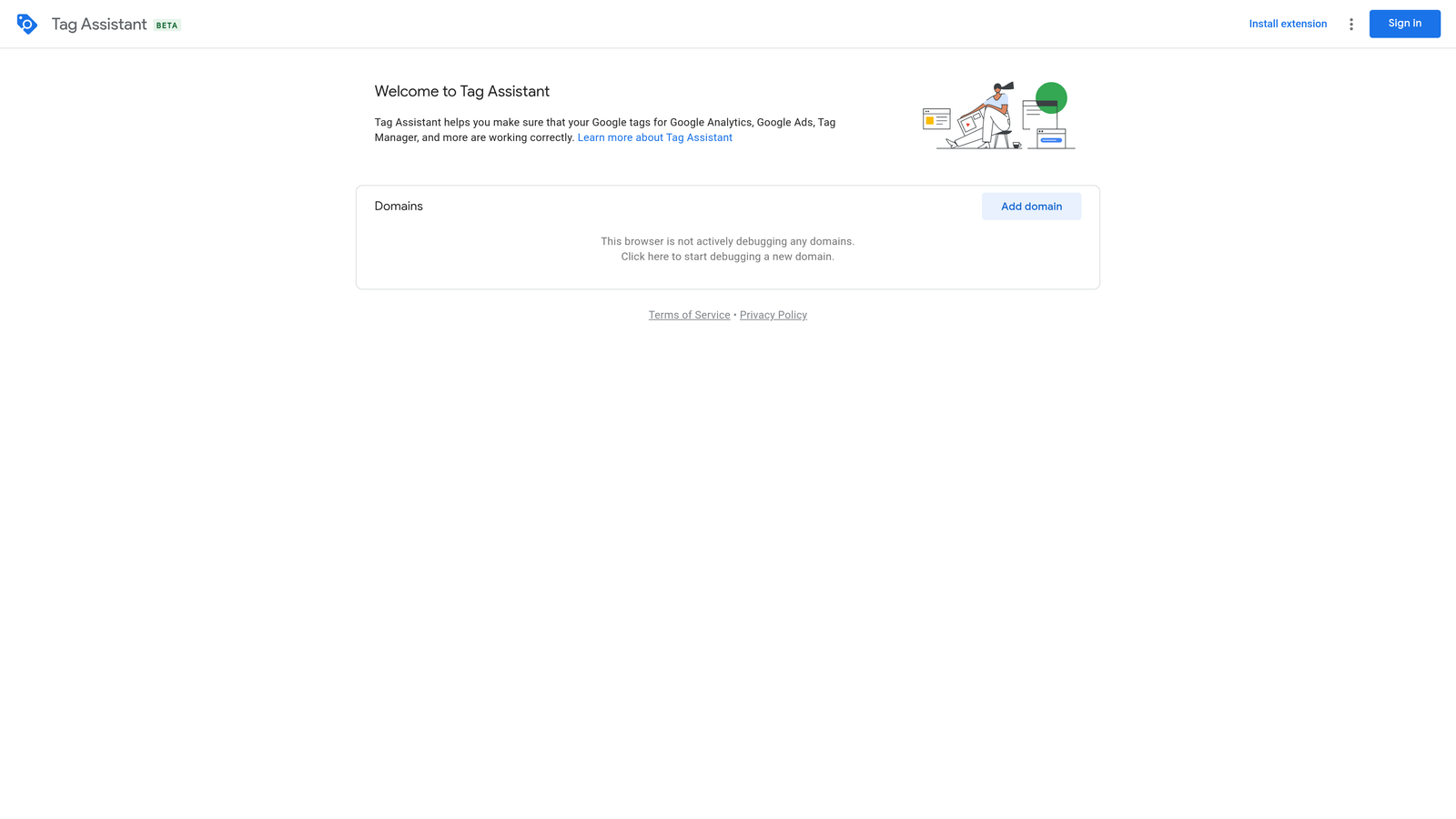
Tag Assistant is Google's official Chrome extension for verifying and troubleshooting Google tag implementations, including Google Ads conversion tracking and GA4 tags, in real time.
Where This Tool Shines
Conversion tracking problems are one of the most common sources of wasted spend in Google Ads campaigns. Tag Assistant lets you verify that your tags are firing correctly before a campaign goes live, and diagnose issues when data looks off. You don't need developer tools or code access to use it.
The event recording feature is especially useful. You can walk through a conversion flow, like completing a form or making a purchase, and see exactly which tags fired at each step. That step-by-step trace makes it much easier to pinpoint where a tag is misfiring.
Key Features
Real-time tag verification: Confirm that Google Ads conversion tracking and GA4 tags are firing correctly on any page.
Error and warning flags: Detailed status reports highlight tag issues with clear error descriptions.
Step-by-step event recording: Record a session to trace tag behavior across multiple page interactions.
No code access required: Works on any website without needing to open developer tools.
Official Google tool: Maintained and updated by Google, so it stays current with tag implementation standards.
Best For
PPC managers, marketing operations teams, and developers who need to verify or troubleshoot Google Ads and GA4 tags. Particularly useful before launching new campaigns or after making changes to conversion tracking setup.
Pricing
Free.
6. Ahrefs SEO Toolbar
Best for: SEO professionals who want Ahrefs metrics surfaced directly on SERPs and pages
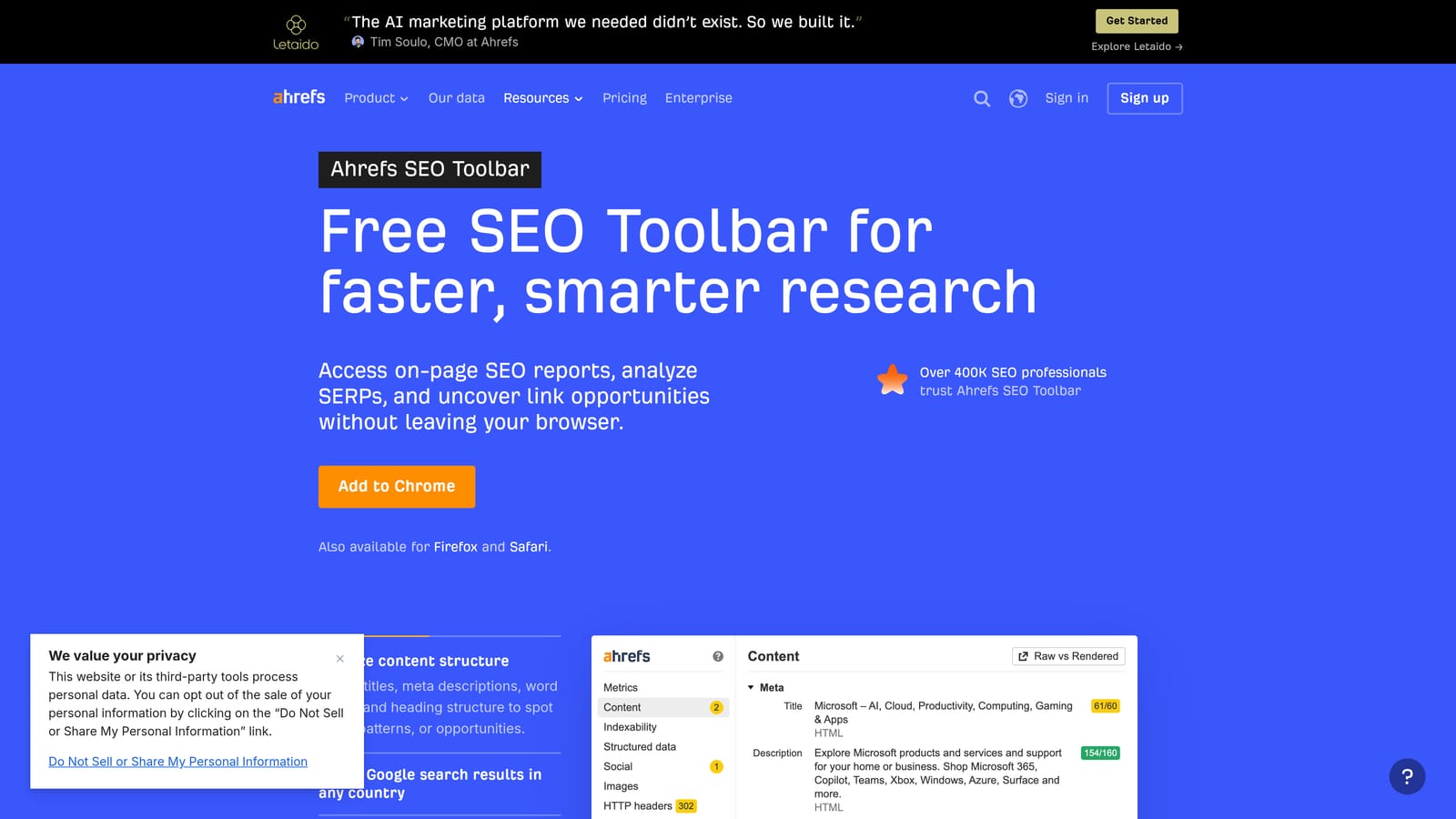
Ahrefs SEO Toolbar is a free Chrome extension that surfaces key SEO metrics, including Domain Rating, URL Rating, backlink counts, and organic traffic estimates, directly on Google SERPs and individual pages.
Where This Tool Shines
If you're already using Ahrefs, this extension brings the data you care about into your browser without requiring you to run separate searches in the platform. SERP-level overlays show DR and UR for every result at once, which speeds up competitive analysis considerably.
The on-page SEO report is a useful secondary feature. You can check title tags, meta descriptions, headings, and word count for any page you visit, and the broken link checker is handy for prospecting during link building outreach.
Key Features
SERP overlay with Ahrefs metrics: DR, UR, and backlink data displayed inline for all Google search results.
Organic traffic and keyword estimates: Estimated organic traffic and keyword count per page.
On-page SEO report: Title, meta description, headings, and word count for any page.
Broken link checker: Identify broken links on any page you visit.
Free to install: Some metrics available without a subscription; full data requires an active Ahrefs plan.
Best For
SEO professionals who use Ahrefs as their primary research platform and want its metrics available while browsing. Also useful for link builders who need quick site-level assessments during prospecting.
Pricing
Free to install. Full metric access, including complete traffic and backlink data, requires an active Ahrefs subscription.
7. Hunter.io
Best for: Link builders, digital PR teams, and outreach marketers finding verified contact emails
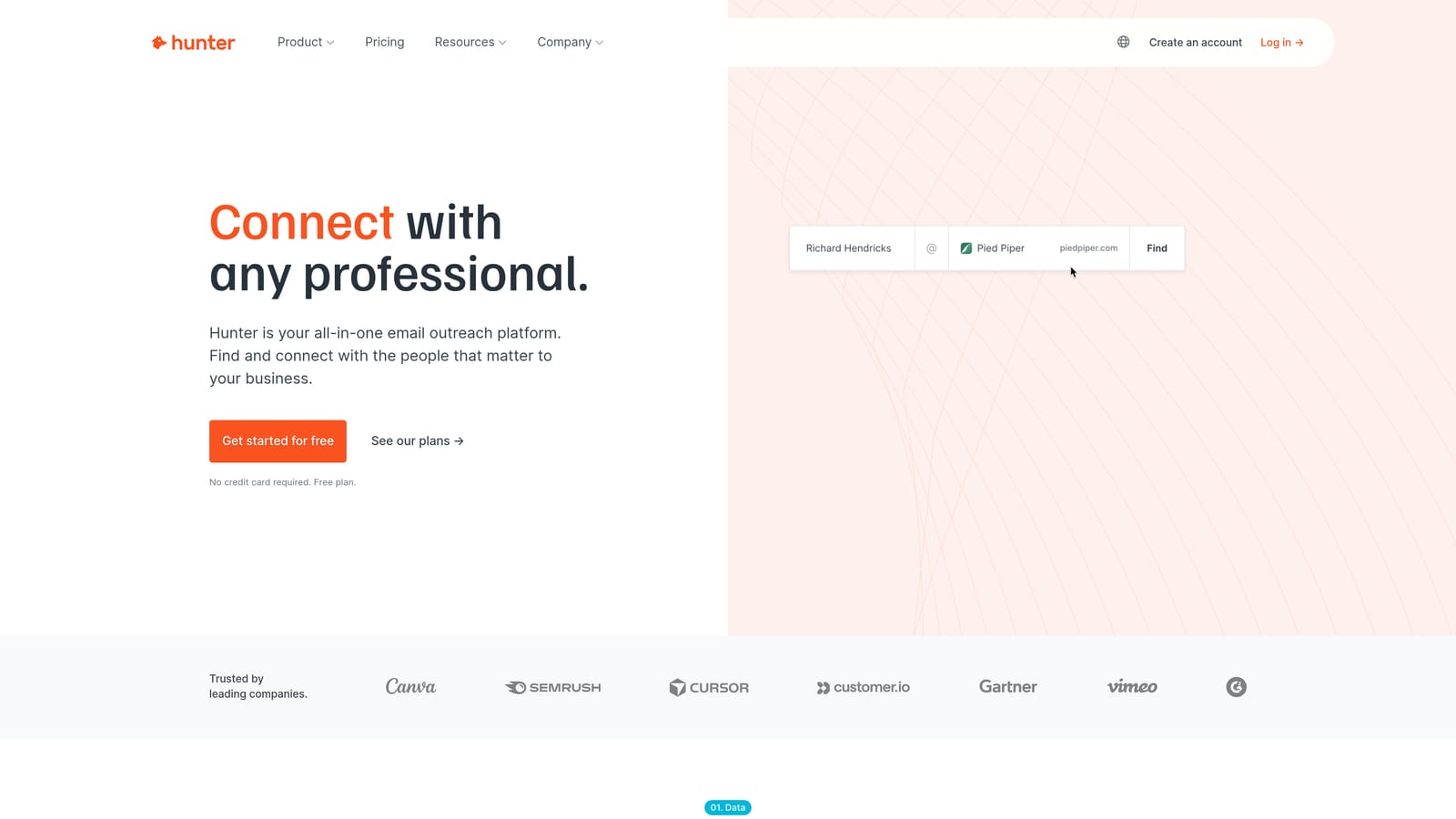
Hunter.io's Chrome extension finds and verifies professional email addresses associated with any domain you visit, making it a practical tool for outreach, link building, and digital PR prospecting.
Where This Tool Shines
Finding the right contact email for a website can eat up a surprising amount of time. Hunter surfaces email addresses for any domain with confidence scores and source citations, so you can see where each address was found and how reliable it's likely to be. That transparency is more useful than a plain list of addresses.
The direct save to Hunter campaigns means you can move from discovery to outreach without switching tools. For link building workflows in particular, that kind of integration reduces the friction between research and execution.
Key Features
Email discovery with confidence scores: Find professional email addresses for any domain, with scores indicating reliability.
Source citations: See where each email address was found across the web.
Email verification: Verify addresses before outreach to reduce bounce rates.
Direct save to Hunter campaigns: Add contacts to outreach campaigns from the extension without switching tabs.
Free tier with monthly limits: A usable free plan is available; paid plans unlock higher search volume.
Best For
SEOs doing link building outreach, digital PR teams building media contact lists, and anyone running cold email campaigns who needs verified contact information at scale.
Pricing
Free tier available with a limited number of monthly searches. Paid plans are available at monthly subscription rates for higher volume usage.
8. Loom
Best for: Agency teams recording client reports, campaign walkthroughs, and async updates
Loom's Chrome extension lets you record your screen, webcam, or both instantly, then generates a shareable link immediately after recording ends.
Where This Tool Shines
Some things are much faster to show than to write. Walking a client through a campaign performance report, explaining a strategy change, or onboarding a new team member to a workflow are all situations where a two-minute video beats a five-paragraph email. Loom makes that recording frictionless: one click to start, shareable link ready when you stop.
The viewer interaction features add useful context. Clients and teammates can leave timestamped comments and reactions on your videos, which turns a one-way recording into an actual conversation without scheduling a call.
Key Features
One-click recording: Start a screen, webcam, or combined recording directly from the browser extension.
Instant shareable link: A link is generated automatically as soon as you finish recording.
Viewer comments and timestamps: Recipients can leave timestamped reactions and comments on shared videos.
In-browser trim and editing: Basic edits available without leaving the browser or downloading the file.
Free tier available: Core recording features accessible without a paid plan.
Best For
Agency teams communicating with clients asynchronously, freelancers delivering campaign reports, and anyone who regularly explains complex information that's easier to show than describe in writing.
Pricing
Free tier available with recording limits. Loom Business and Enterprise plans are available at monthly per-user rates for longer recordings and advanced features.
9. Grammarly
Best for: Marketers who write ad copy, client emails, and content across multiple platforms
Grammarly's Chrome extension adds real-time grammar, spelling, tone, and clarity suggestions to virtually every text field in your browser.
Where This Tool Shines
Grammarly works everywhere you type in Chrome: Gmail, Google Docs, social media platforms, ad copy fields, CMS editors, and most web apps. That universal coverage means you're not limited to a single writing environment. Errors get caught regardless of where you're working.
The tone detection feature is worth highlighting for marketers specifically. Grammarly Pro can flag when copy reads as overly formal, passive, or unclear, which is useful feedback when you're writing ad copy or client-facing emails where tone matters as much as accuracy.
Key Features
Real-time grammar and spelling corrections: Catches errors across all text fields in Chrome as you type.
Tone detection: Flags tone issues and suggests adjustments for clarity and appropriateness.
Conciseness rewrites: Suggests tighter phrasing to improve copy clarity.
Plagiarism checker: Available in Grammarly Pro for checking content originality.
Works across platforms: Active in Gmail, Google Docs, social platforms, and most browser-based text editors.
Best For
Any marketer who writes regularly across multiple platforms and wants a consistent safety net for grammar and clarity. Particularly useful for freelancers and agency copywriters who produce high volumes of client-facing content.
Pricing
Free tier covers core grammar and spelling. Grammarly Pro, which adds tone detection, clarity rewrites, and plagiarism checking, is available at monthly or annual subscription rates.
10. ColorZilla
Best for: Marketers involved in ad creative, landing page design, or maintaining brand color consistency
ColorZilla is an advanced color picker extension that lets you grab exact hex codes from any element on any webpage using an eyedropper tool.
Where This Tool Shines
Brand consistency across ads, landing pages, and social creatives is easy to let slip when you're working quickly. ColorZilla solves a specific, recurring problem: you see a color on a competitor's page or a client's existing site and need the exact value. One click with the eyedropper gives you the hex, RGB, or HSL code immediately.
The built-in CSS gradient generator is a bonus for anyone doing basic design work. It's not a full design tool, but for quick color matching and gradient reference, it handles the job without opening a separate application.
Key Features
Eyedropper color picker: Grab exact color codes from any element on any webpage with a single click.
Multiple color formats: Output in hex, RGB, or HSL depending on what your workflow requires.
Color history: Tracks recently picked colors so you can reference them later in the same session.
CSS gradient generator: Built-in tool for creating and copying CSS gradient code.
Completely free: No paid tier, no account required.
Best For
Marketers who handle ad creative or landing page design and need a fast way to match colors from existing assets. Also useful for anyone reviewing competitor pages and wanting to capture design details quickly.
Pricing
Free.
Which Tool Is Right for Your Workflow
The best place to start is wherever you're losing the most time right now. Not every tool on this list will be relevant to your role, and installing ten extensions at once is a good way to slow down your browser without improving your workflow.
Here's a quick breakdown by role:
PPC managers: Start with Keywordme for faster search term optimization inside Google Ads, and pair it with Tag Assistant to keep your conversion tracking clean. These two address the most common daily friction points in paid search management.
SEOs: MozBar and the Ahrefs SEO Toolbar complement each other well for SERP-level competitive research. Add Keywords Everywhere for in-browser keyword data while you browse. Hunter.io rounds out the stack if link building outreach is part of your work.
Agency owners and account managers: Similarweb gives you fast competitive context during client conversations. Loom replaces a significant portion of written status updates with short video walkthroughs that clients actually engage with.
Content marketers and copywriters: Grammarly runs quietly in the background and catches errors across every platform you use. ColorZilla is a small addition that pays off whenever brand consistency matters.
Install what solves your biggest daily friction point first, then layer in others as your workflow settles. A focused set of two or three tools you actually use beats a cluttered extension bar you ignore.
If Google Ads optimization is a regular part of your work, Keywordme is worth trying first. It removes the spreadsheet step from search term review entirely, which adds up quickly across accounts. Start your free 7-day trial and see how much faster your Search Terms Report workflow can be, then continue at just $12 per month.
.svg)