
8 Best Team Collaboration PPC Tools for Agencies and Marketers in 2026
Managing Google Ads as a team is chaotic without the right systems — shared spreadsheets, slow review cycles, and version confusion cost agencies real money. This guide breaks down the 8 best team collaboration PPC tools for agencies and marketers in 2026, covering in-platform optimization, reporting, and workflow management so every team size finds the right fit.


TL;DR: Managing Google Ads as a team is messy. Shared spreadsheets get stale, review cycles slow everything down, and version confusion leads to costly mistakes. The right team collaboration PPC tools fix this by letting multiple people work on the same campaigns without stepping on each other's toes or losing track of changes.
This list covers tools built for PPC teams across three layers: in-platform optimization, reporting and data visibility, and workflow management. Whether you're a solo freelancer handing off work to a client, an agency managing 20+ accounts, or an in-house team with multiple stakeholders, there's something here for you.
Tools were selected based on how well they support multi-user PPC workflows, ease of collaboration, Google Ads compatibility, and value for money.
1. Keywordme
Best for: In-interface keyword management and search term cleanup for Google Ads teams
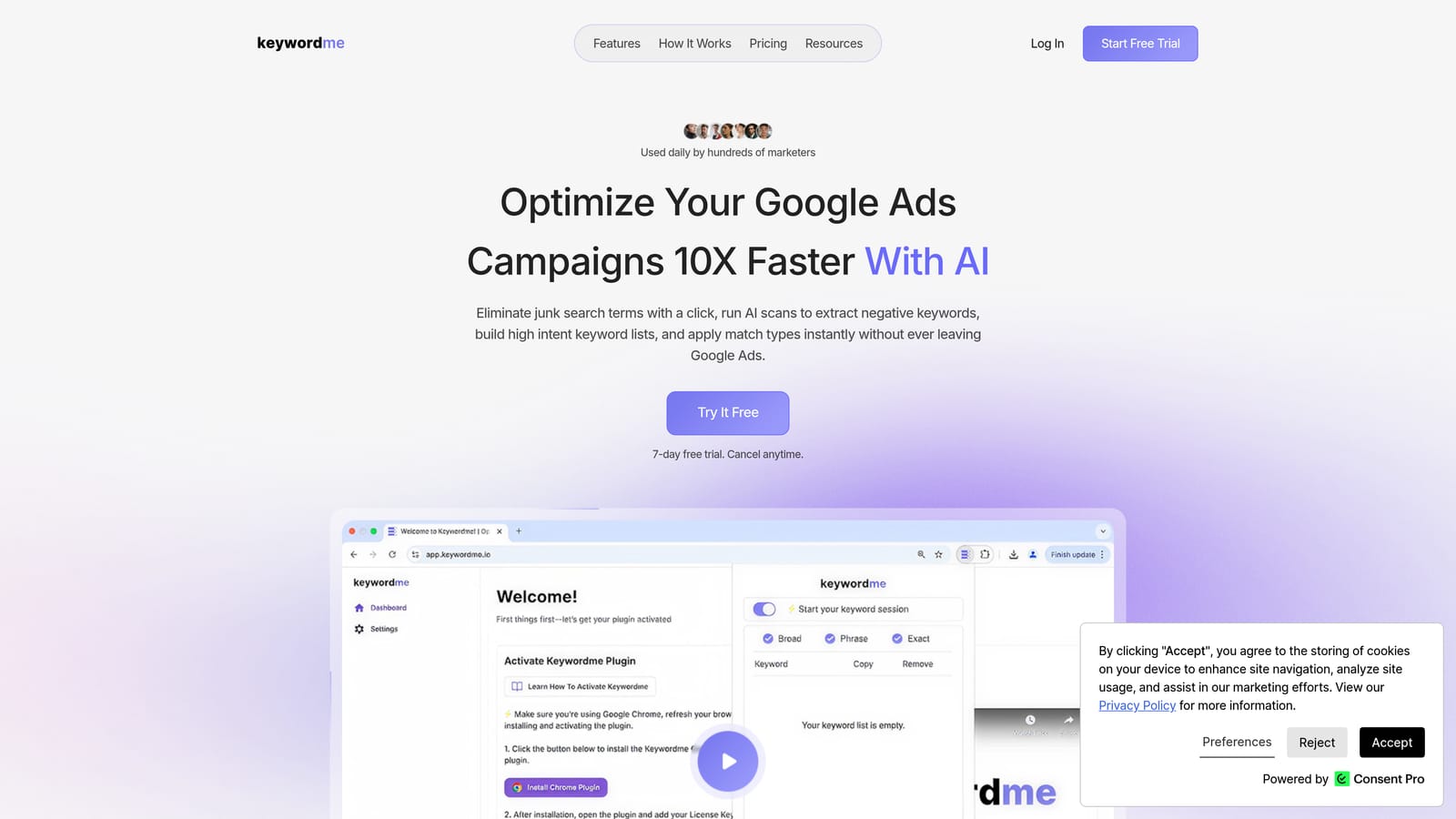
Keywordme is a Chrome extension that works directly inside Google Ads, letting teams manage search terms, keywords, and match types without ever opening a spreadsheet.
Where This Tool Shines
Most keyword cleanup workflows involve exporting a search terms report, filtering it in Excel or Sheets, deciding what to exclude, then going back into Google Ads to apply changes. That's slow when one person does it. When multiple team members are involved, it gets chaotic fast.
Keywordme collapses that entire workflow into clicks inside the native Google Ads interface. You can remove junk search terms, add negative keywords, apply match types, and cluster keywords into groups without switching tabs or tools. For agencies managing multiple accounts, the multi-user and multi-account support means your whole team can work from the same system without duplicating effort or overwriting each other's work.
Key Features
One-click negative keyword addition: Remove irrelevant search terms and add negatives directly inside the Search Terms Report without exporting anything.
Keyword clustering and bulk editing: Group and organize keywords faster, which is especially useful when building out new ad groups or restructuring campaigns as a team.
Match type application: Apply exact, phrase, or broad match types instantly without leaving the Google Ads interface.
Multi-account support: Switch between client accounts and manage keyword workflows across all of them in one consistent environment.
Team-friendly access: Multi-user support means agency teams can divide and conquer keyword management without creating conflicting versions of the same work.
Best For
Agencies and freelancers who spend significant time inside Google Ads' Search Terms Report and want to speed up keyword cleanup without adding another dashboard to their stack. Particularly useful for teams where multiple people touch the same accounts and need a consistent, efficient workflow.
Pricing
$12/month per user. A 7-day free trial is available with no credit card required upfront.
2. Google Ads Editor
Best for: Bulk offline editing and pre-publish review workflows
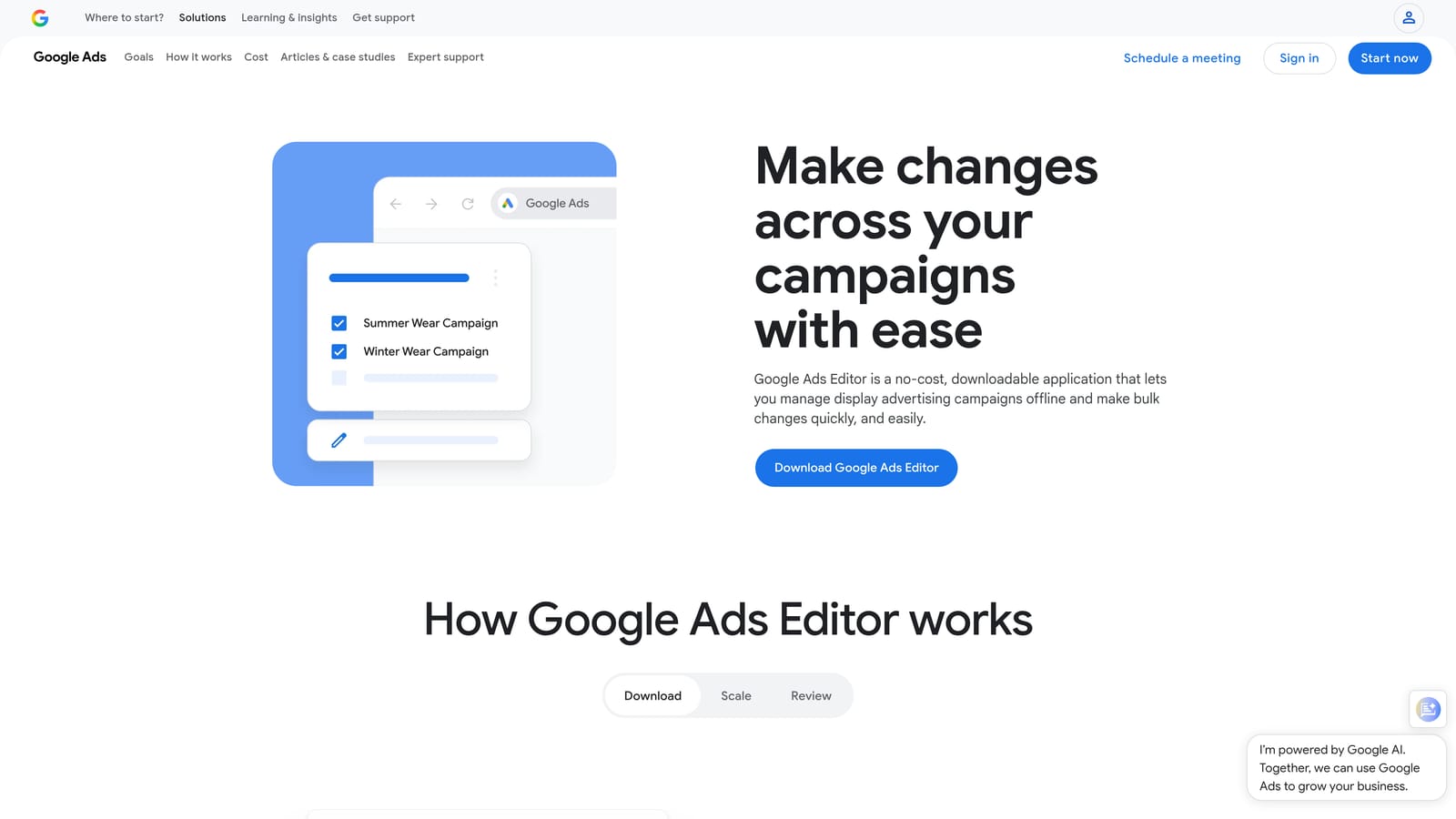
Google Ads Editor is Google's free desktop application for managing campaigns offline with robust bulk editing and file-based review capabilities.
Where This Tool Shines
In most agencies I've seen, Google Ads Editor is the workhorse nobody talks about but everyone uses. The ability to make bulk changes offline, then review everything before pushing live is genuinely valuable for team workflows where a second set of eyes matters.
The export/import model is its collaboration mechanism: one person builds out changes, exports a file, shares it for review, and only publishes once it's been approved. It's not real-time collaboration, but it's a solid checkpoint system that prevents costly mistakes from going live unreviewed.
Key Features
Bulk offline editing: Edit campaigns, ad groups, keywords, and ads at scale without touching the live account until you're ready.
Export and import for team review: Share proposed changes as files so teammates or clients can review before anything goes live.
Multi-account management: Manage multiple Google Ads accounts from a single desktop interface.
Draft mode: Stage changes and review them in full before committing, reducing the risk of accidental updates.
Zero cost: Available to anyone with a Google Ads account at no additional charge.
Best For
Teams that need a reliable, free tool for bulk campaign edits and pre-publish review. Best suited for agencies that have an established review process and want a no-cost way to enforce it. Not ideal if you need real-time collaborative editing or cloud-based access.
Pricing
Free with any Google Ads account.
3. Optmyzr
Best for: Agency-grade PPC automation and team-based optimization workflows
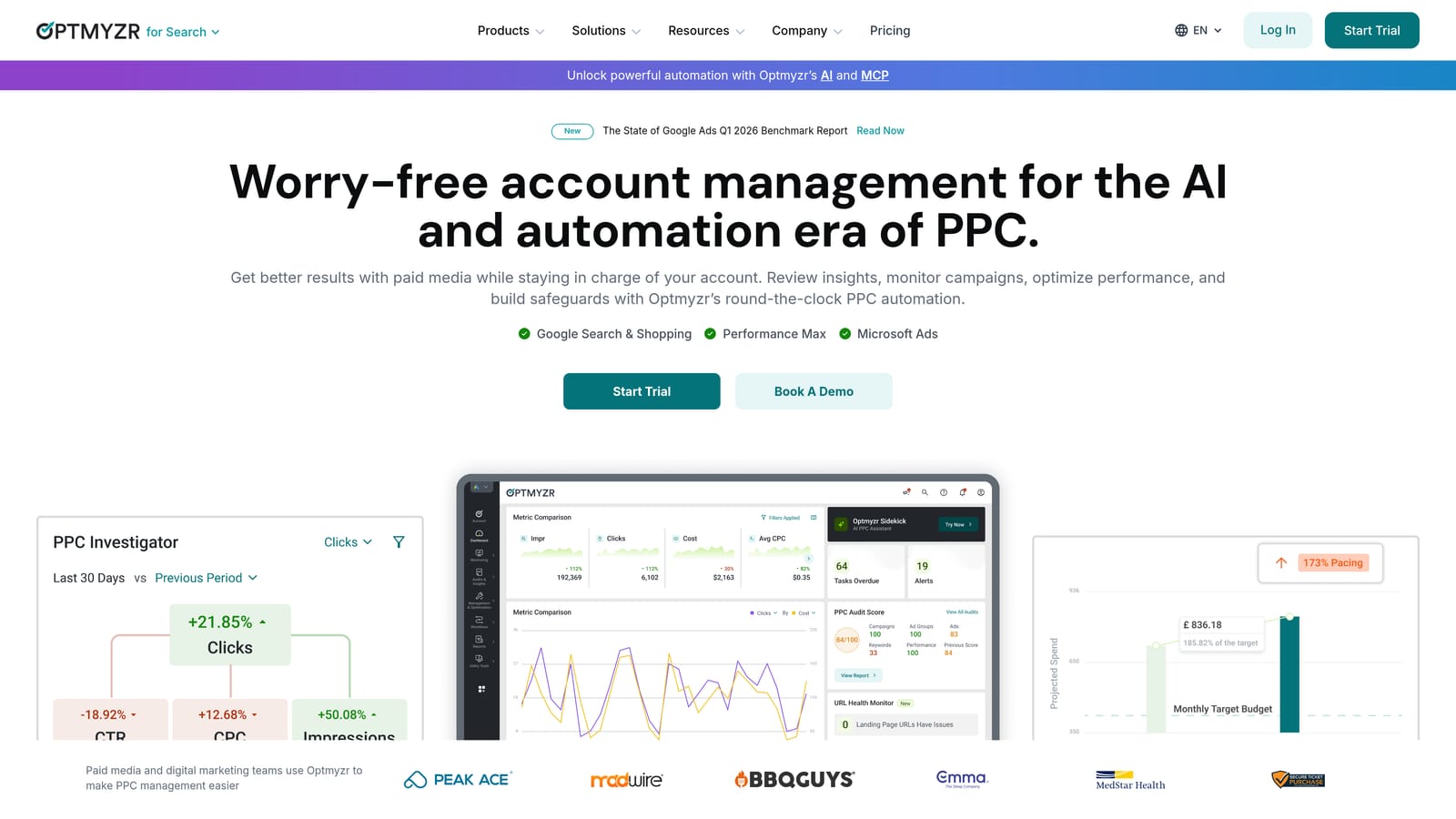
Optmyzr is a PPC management platform offering rule-based automation, one-click optimizations, and team dashboards for agencies managing Google Ads and other paid search accounts.
Where This Tool Shines
Where Optmyzr earns its price tag is in the combination of automation and oversight. You can build rules that automatically flag bid adjustments, budget pacing issues, or keyword performance drops, and then let team members review and apply recommendations with a single click. That's a meaningful workflow for larger teams where not everyone has time to dig into raw data.
The role-based access and client-facing reporting features make it practical for agencies. Different team members can have different levels of access, and clients can get white-labeled reports without seeing the internal account structure.
Key Features
One-click optimization recommendations: Automated suggestions for bids, budgets, and keywords that team members can apply or dismiss without manual analysis.
Role-based access: Assign different permissions to account managers, analysts, and clients to keep the right people in the right areas.
Rule-based automations: Build custom rules that trigger actions or alerts based on performance thresholds.
White-label reporting: Generate client-facing reports that carry your agency's branding.
Multi-account management: Oversee all client accounts from a centralized dashboard.
Best For
Mid-to-large agencies that manage significant ad spend across multiple clients and need automation layered on top of their Google Ads workflow. The pricing makes it less accessible for solo freelancers or small teams, but for the right agency, it can pay for itself quickly.
Pricing
Starts at approximately $208/month billed annually. Pricing scales with account spend, so larger agencies will pay more.
4. Supermetrics
Best for: Pulling PPC data into shared reporting destinations for team analysis
Supermetrics is a data connector that pulls performance data from Google Ads, Meta Ads, Microsoft Ads, and 100+ other sources into collaborative destinations like Google Sheets, Looker Studio, and BigQuery.
Where This Tool Shines
The mistake most agencies make is building their reporting in one person's Google Sheets file that nobody else can reliably access or update. Supermetrics solves this by automating the data pull on a schedule, so the report is always current and shareable without anyone manually exporting CSVs.
What makes it collaboration-friendly is that the underlying data is always live. Multiple team members can analyze the same numbers in real time, build their own views, and share dashboards with clients without worrying about stale data or conflicting versions.
Key Features
100+ data source connectors: Pulls from Google Ads, Meta, Microsoft Ads, LinkedIn Ads, and many more into one reporting layer.
Multiple destination support: Pushes data into Google Sheets, Looker Studio, BigQuery, Excel, and other destinations your team already uses.
Scheduled automatic refreshes: Data updates on your chosen schedule, so reports are always current without manual intervention.
Cross-channel reporting: Combine data from multiple ad platforms into a single view for comprehensive performance analysis.
Shareable outputs: Build dashboards and reports that any team member or client can access.
Best For
PPC teams and agencies that need to centralize reporting across multiple ad platforms and share live data with internal stakeholders or clients. Not a campaign management tool, so it works best alongside other tools in this list rather than as a standalone solution.
Pricing
Starts at approximately $29/month for a single destination connector. Higher tiers unlock multiple connectors and destinations.
5. Asana
Best for: Managing campaign launch workflows, approvals, and task assignments across PPC teams
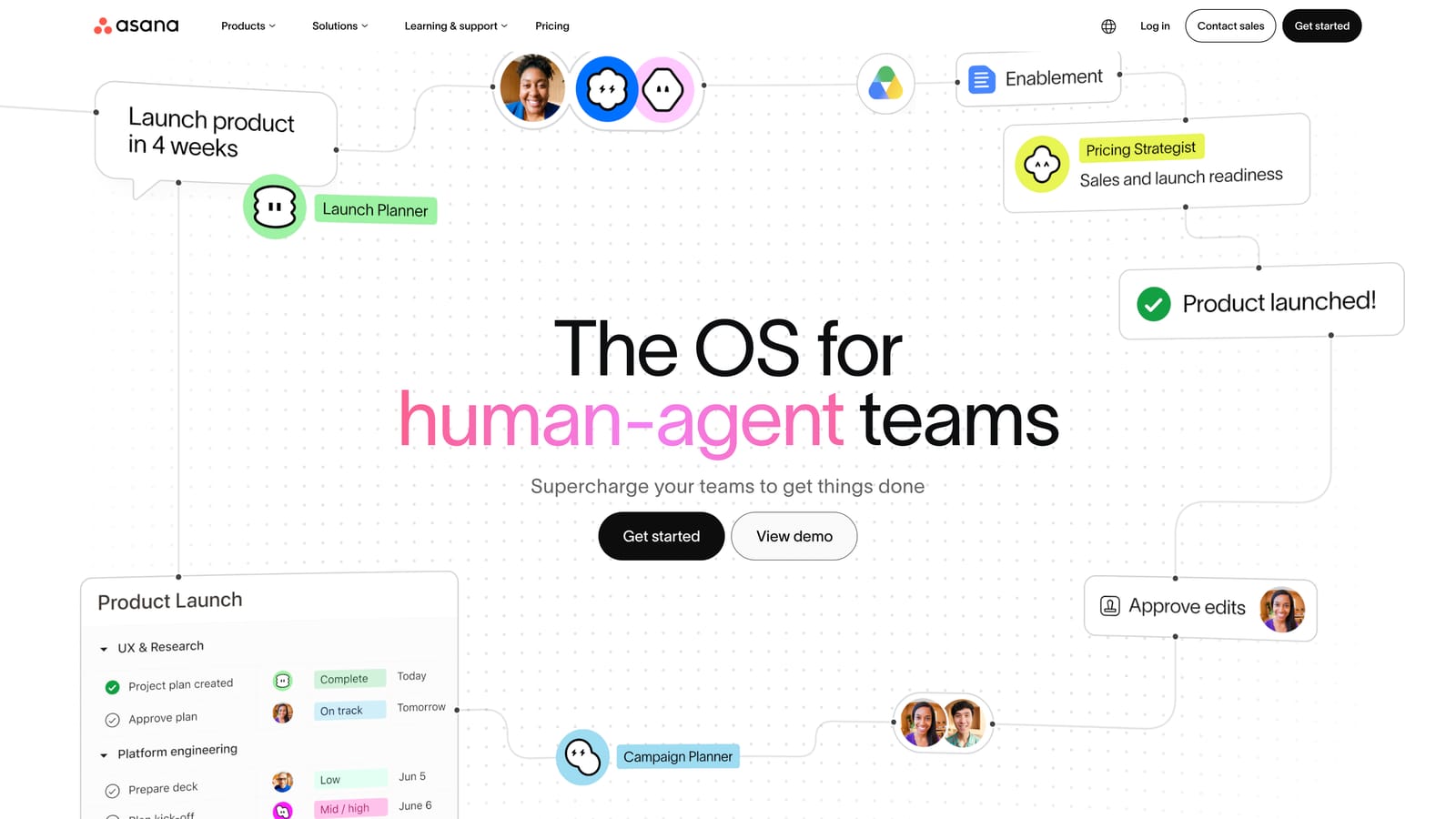
Asana is a project management platform that PPC teams adapt for campaign workflows, approval cycles, keyword research sprints, and client communication.
Where This Tool Shines
Asana isn't PPC-specific, but that flexibility is actually its strength. In most accounts I audit, the collaboration breakdown isn't happening inside Google Ads—it's happening around it. Who's responsible for writing the ad copy? When is the landing page due? Has the client approved the keyword list? These are workflow questions, and Asana handles them well.
The approval workflow feature is particularly useful for agencies. You can route ad copy, keyword lists, or budget changes through a defined approval chain before anything goes live, which reduces back-and-forth over email and creates a clear audit trail.
Key Features
Task assignment with due dates: Assign specific campaign tasks to team members with clear deadlines and accountability.
Multiple workflow views: Switch between board, list, and timeline views depending on how your team prefers to work.
Approval workflows: Route ad copy, keyword lists, and campaign briefs through structured review and sign-off processes.
Integrations: Connects with Slack, Google Drive, and other tools your team already uses.
PPC-adaptable templates: Build reusable templates for campaign launch checklists, account audits, or client onboarding.
Best For
Agencies and in-house teams that need to coordinate multiple people around campaign timelines, approvals, and deliverables. Works especially well when combined with a communication tool like Slack and a documentation tool like Notion.
Pricing
Free plan available for small teams. Paid plans start at $10.99/user/month billed annually.
6. Slack
Best for: Real-time team communication and automated Google Ads performance alerts
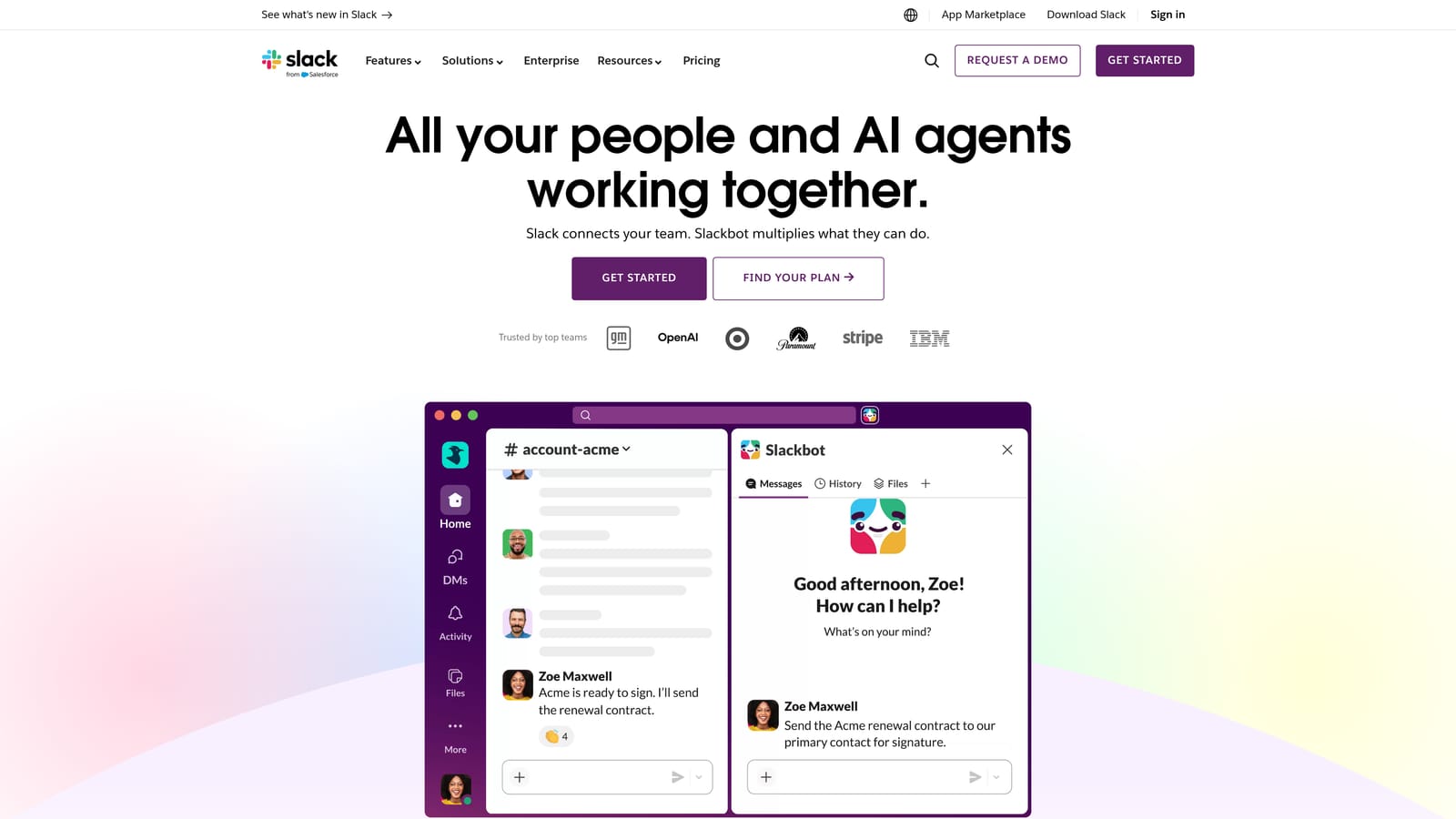
Slack is the communication backbone for most distributed PPC teams, and when connected to Google Ads via scripts or integrations, it becomes an active monitoring layer for campaign performance.
Where This Tool Shines
Here's what usually happens without Slack: a campaign blows through its daily budget by 10am, nobody notices until end of day, and the client is furious. With the right setup, a Google Ads script sends an alert to a dedicated Slack channel the moment spend anomalies or conversion drops hit a threshold. Your team sees it immediately and can act.
Beyond alerts, Slack keeps PPC decisions documented in searchable channels. When someone asks "why did we pause that ad group last month?" the answer is in the channel history rather than buried in someone's inbox.
Key Features
Google Ads alert integrations: Connect via Google Ads scripts, Zapier, or tools like Optmyzr to receive real-time campaign performance notifications.
Organized channels: Structure channels by client, campaign type, or account to keep conversations focused and findable.
Async communication: Supports distributed teams across time zones without requiring everyone to be available simultaneously.
File sharing: Share reports, keyword lists, ad copy drafts, and screenshots directly in context.
Searchable history: Find past decisions, approvals, and discussions without digging through email threads.
Best For
Any PPC team with more than one person. Especially valuable for agencies with remote or distributed teams and for anyone who wants to set up automated campaign monitoring without building a custom alerting system from scratch.
Pricing
Free plan available with message history limits. Paid plans start at $7.25/user/month billed annually.
7. Looker Studio
Best for: Free, shareable PPC dashboards connected directly to live Google Ads data
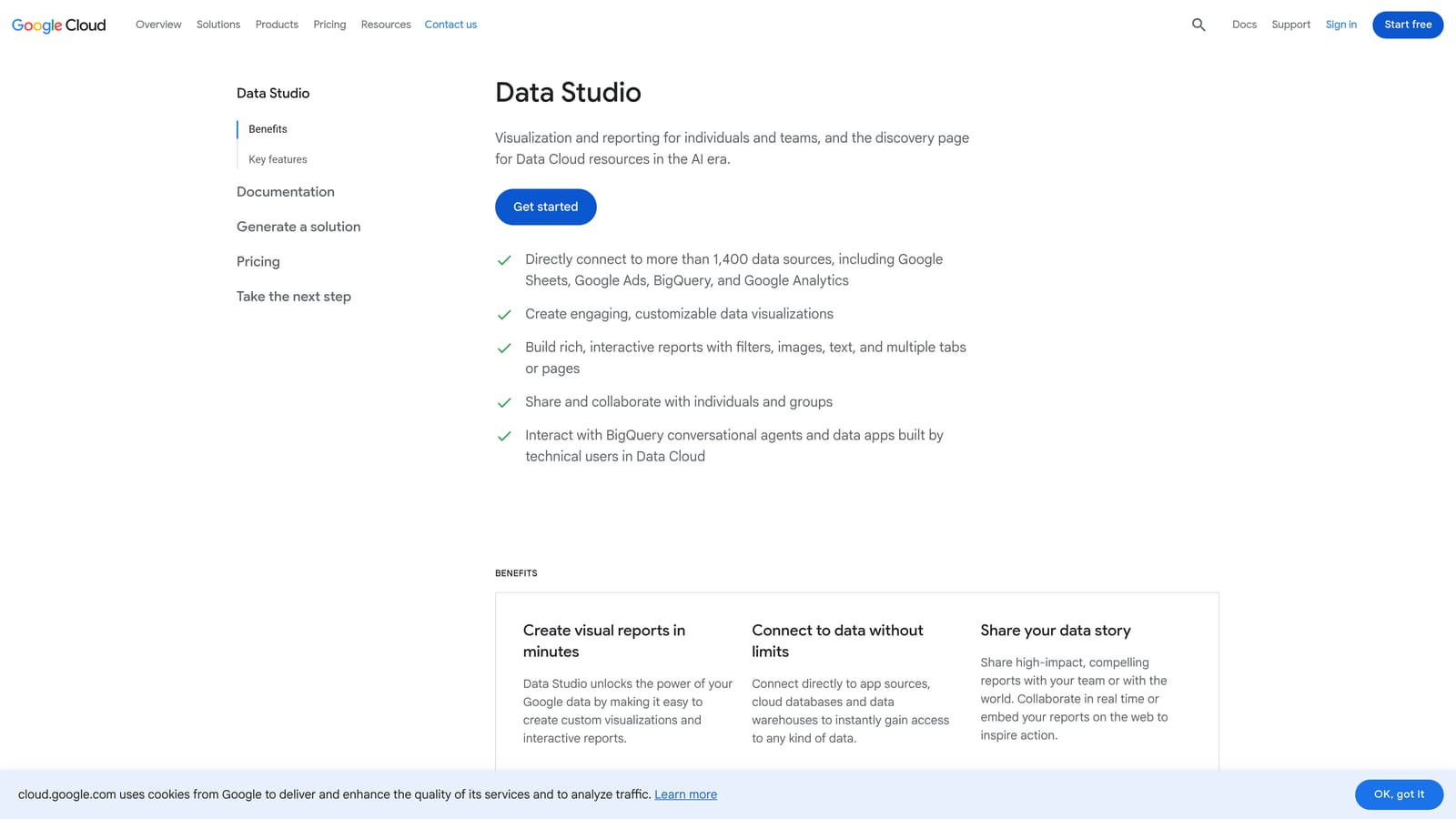
Looker Studio is Google's free reporting and visualization tool, widely used by PPC teams to build live dashboards that clients and team members can access without needing Google Ads account access.
Where This Tool Shines
The native Google Ads connector is the real advantage here. You can build a dashboard that pulls live data from your client's Google Ads account and share a link with the client or internal stakeholders. They see current performance without logging into the platform, and you control exactly what they see.
Multiple editors can work on the same report simultaneously, which makes it genuinely collaborative for reporting builds. For agencies, it's often the fastest way to create a professional-looking client dashboard at zero additional cost.
Key Features
Free native Google Ads connector: Pulls live campaign data directly without needing a third-party tool like Supermetrics.
Shareable dashboard links: Share view-only or editable links with clients and team members without requiring a Google Ads login.
Multi-editor collaboration: Multiple team members can build and edit the same report simultaneously.
Customizable visualizations: Build charts, tables, scorecards, and date range controls tailored to each client's key metrics.
GA4 and other Google product integrations: Combine Google Ads data with GA4, Search Console, and other Google sources in a single view.
Best For
Agencies and freelancers who need professional client reporting without paying for additional software. Also useful for in-house teams that want a shared performance view accessible to non-technical stakeholders. For cross-platform reporting beyond Google's ecosystem, pair it with Supermetrics.
Pricing
Completely free with a Google account.
8. Notion
Best for: PPC SOPs, campaign briefs, and shared team knowledge management
Notion is a flexible documentation and workspace tool that PPC teams use to centralize strategy documents, standard operating procedures, campaign briefs, and onboarding materials.
Where This Tool Shines
The knowledge problem in most agencies is real: the senior account manager has everything in their head, and when they leave or go on vacation, institutional knowledge disappears with them. Notion fixes this by giving teams a shared, searchable home for everything that isn't a task or a report.
What makes it particularly useful for PPC teams is the database functionality. You can build a client tracker, a keyword strategy library, or a campaign brief template that the whole team uses consistently. New hires get onboarded faster because the process is documented and accessible, not locked in someone's inbox.
Key Features
Flexible documentation: Build pages for PPC SOPs, campaign briefs, keyword strategies, and account-specific notes in a format that actually gets used.
Database views: Track campaigns, clients, or keyword lists in table, board, calendar, or gallery views depending on what makes sense.
Real-time collaborative editing: Multiple team members can edit the same document simultaneously with comments and mentions for async feedback.
Reusable templates: Build templates for repeatable PPC workflows so every campaign brief or account audit follows the same structure.
Integrations: Connects with Slack, Asana, Google Drive, and other tools already in your stack.
Best For
Agencies and in-house teams that want to build a shared knowledge base for PPC processes, client onboarding, and campaign documentation. Not a campaign management or reporting tool, but fills a genuine gap that most teams address with a messy mix of Google Docs and email threads.
Pricing
Free plan available for individuals and small teams. Paid plans start at $10/user/month billed annually.
Which Tool Is Right for Your Team?
Here's the honest breakdown: most PPC teams need a combination of tools, not a single platform. The three collaboration layers that matter are in-platform optimization, reporting, and workflow management. The right stack depends on where your team is losing the most time right now.
For search term cleanup and keyword management inside Google Ads: Keywordme is the most direct fix. It eliminates the spreadsheet-export-reimport loop and lets your whole team work faster inside the interface you're already using.
For reporting across channels: Looker Studio is the free starting point for Google Ads-focused reporting. Add Supermetrics when you need to pull in Meta, Microsoft Ads, or other platforms into the same view.
For workflow and campaign coordination: Asana handles task assignments, approvals, and launch timelines. Notion handles the documentation layer underneath it. They work well together.
For communication and real-time alerts: Slack with the right Google Ads integrations keeps your team informed without requiring everyone to check the platform constantly.
For automation and agency-grade management: Optmyzr earns its price at higher spend levels where the automation and role-based access genuinely save time. Google Ads Editor fills the free alternative slot for bulk editing and pre-publish review.
The practical starting point: identify the single biggest friction point in your current workflow and fix that first. If your team is spending hours every week on manual search term review, that's where to start. If reporting is the bottleneck, fix that. Don't try to overhaul everything at once.
If keyword management and search term cleanup is the pain point, Start your free 7-day trial of Keywordme and see how much time your team saves working directly inside Google Ads. At $12/month per user, it's one of the lowest-friction upgrades you can make to a PPC team workflow.
.svg)