
8 Best Tools to Stop Switching Between PPC Tools Constantly (2026)
Constantly switching between PPC tools wastes valuable optimization time, so this guide evaluates eight tools specifically for their ability to consolidate your workflow—covering everything from keyword research to reporting—helping freelancers and agency teams manage Google Ads campaigns more efficiently from fewer tabs.


TL;DR: If you're switching between PPC tools constantly, jumping from Google Ads to a spreadsheet, then to a keyword research tab, then back again, you're burning time that should go toward actual optimization. This article breaks down the tools that genuinely consolidate your PPC workflow. Selection criteria: workflow consolidation, ease of use for freelancers and agency teams, pricing transparency, and how well each tool actually eliminates the need for other tools.
Most tool roundups list software without asking whether it actually reduces switching. Some of these tools add another tab to your stack. We've tried to be honest about which ones genuinely collapse your workflow and which ones are more specialized additions. Whether you manage one account or fifty, there's something here worth adding to your setup.
1. Keywordme
Best for: In-interface Google Ads optimization without ever leaving the native UI
Keywordme is a Chrome extension that lives directly inside Google Ads' Search Terms Report, letting you act on search term data without touching a spreadsheet or opening another tab.

Where This Tool Shines
The core switching problem in most PPC workflows looks like this: you open the Search Terms Report, export to a spreadsheet, sort through junk terms, build a negative keyword list, then manually upload it back. Keywordme collapses that entire loop into one-click actions inside the interface you're already in.
In most accounts I audit, the search terms workflow alone accounts for a significant chunk of wasted time each week. Keywordme addresses that directly. You can remove junk terms, add negatives, apply match types, and cluster keywords into groups without ever leaving Google Ads. For agencies managing multiple accounts, that time savings compounds fast.
Key Features
One-Click Search Term Actions: Remove junk terms and add negative keywords directly inside the Search Terms Report with a single click.
Match Type Application: Apply broad, phrase, or exact match types instantly without exporting data or using a separate tool.
Keyword Clustering: Group related search terms into keyword clusters for faster list building and campaign structure decisions.
Bulk Editing: Handle large volumes of search terms quickly without spreadsheet formulas or manual sorting.
Multi-Account and Team Support: Designed for agency workflows where multiple users need to work across different client accounts.
Best For
Freelancers and agency teams who spend meaningful time in the Search Terms Report every week. If your current workflow involves exporting to Excel or Google Sheets to process search terms, Keywordme directly replaces that step. It's also a strong fit for anyone who's tried to onboard a junior team member to PPC and wants to reduce the chance of errors in the negatives workflow.
Pricing
$12/month per user, flat rate. A 7-day free trial is available with no credit card required to start.
2. Google Ads Editor
Best for: Bulk editing and offline campaign management across single or multiple accounts
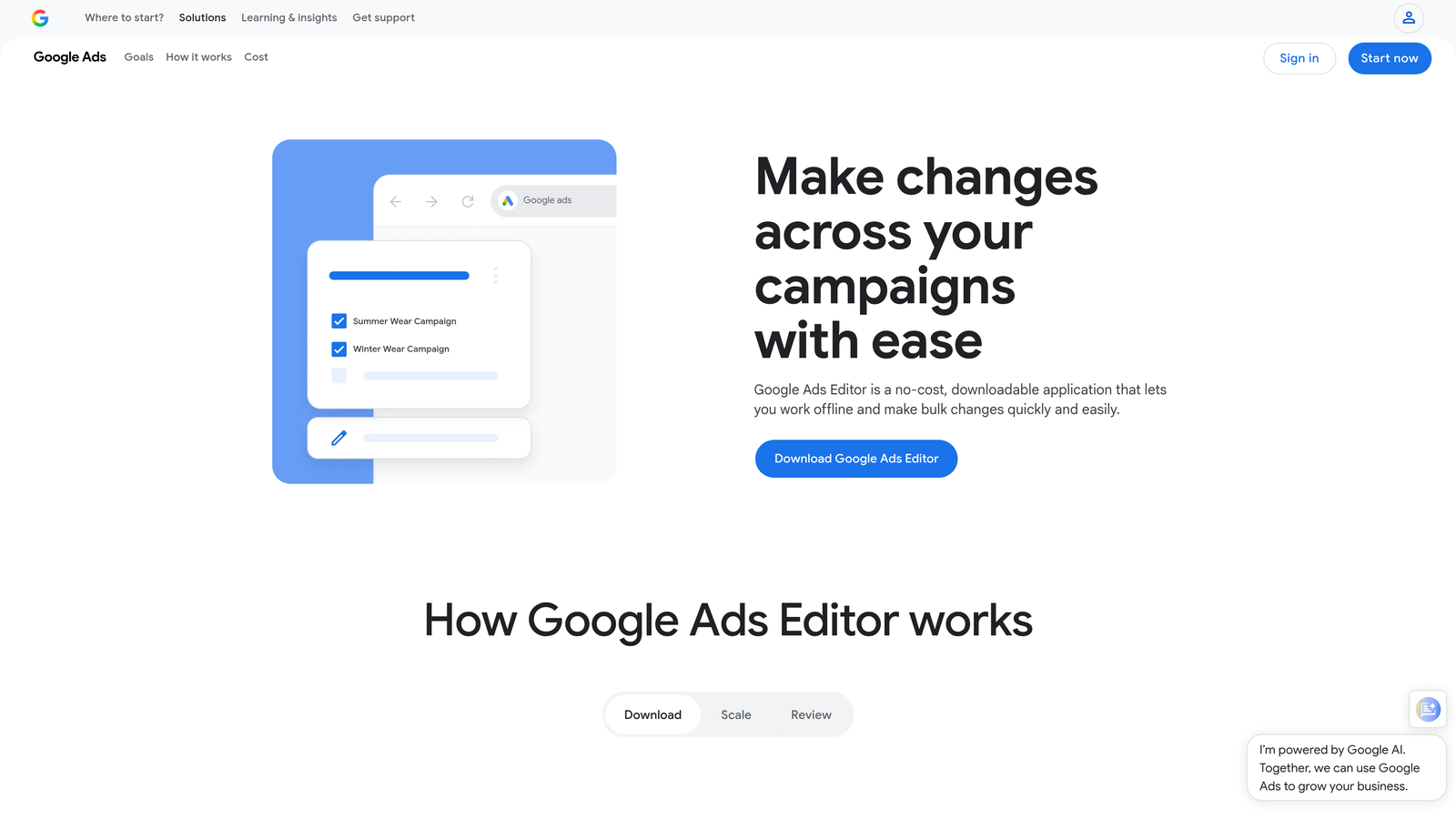
Google Ads Editor is Google's free desktop application for managing campaigns at scale, offline, without using the browser-based UI.
Where This Tool Shines
What usually happens when you need to make large-scale changes in the native Google Ads interface is that it gets slow and error-prone fast. Editor solves that. You download your account data, make bulk changes locally, review everything before it goes live, then sync. No waiting on page loads, no accidental clicks going live immediately.
The find-and-replace and copy-paste across campaigns features are genuinely underused. If you're restructuring a campaign or duplicating ad groups across multiple campaigns, Editor cuts that work down significantly compared to doing it in the UI.
Key Features
Bulk Editing: Make mass changes to campaigns, ad groups, keywords, and ads without the limitations of the browser interface.
Offline Editing: Work on campaigns without an internet connection, then sync changes when you're ready.
Multi-Account Management: Switch between accounts within one application rather than logging in and out of different browser sessions.
Find and Replace: Update ad copy, URLs, or keyword text across multiple campaigns simultaneously.
Free Access: Available to anyone with a Google Ads account at no additional cost.
Best For
Agencies doing large structural changes, advertisers migrating campaigns, or anyone who regularly needs to update hundreds of keywords or ads at once. Less useful for day-to-day monitoring but essential for heavy editing work.
Pricing
Free. Available to all Google Ads account holders.
3. Optmyzr
Best for: Rule-based automation and one-click optimizations across Google, Microsoft, and Amazon Ads
Optmyzr is a cloud-based PPC management platform that centralizes bid management, budget monitoring, reporting, and optimization recommendations across multiple ad platforms.

Where This Tool Shines
The mistake most agencies make is building automation inside Google Ads scripts that nobody on the team can maintain. Optmyzr gives you rule-based automation through a UI that doesn't require a developer. You can build bid rules, budget alerts, and keyword management workflows without writing a line of code.
The cross-platform support is genuinely useful if you're running Google and Microsoft Ads simultaneously. Instead of logging into two separate platforms to check performance and make adjustments, Optmyzr surfaces both in one place. The one-click optimization recommendations are hit or miss depending on your account type, but the automation layer is solid.
Key Features
Rule-Based Automation: Set up automated rules for bids, budgets, and keyword management without scripting.
One-Click Optimizations: Review and apply recommended changes across your accounts with a single click.
Cross-Platform Support: Manage Google Ads, Microsoft Ads, and Amazon Ads from one dashboard.
Custom Reporting: Build and schedule client-facing reports without exporting to separate tools.
PPC Audit Tools: Run account health checks to surface structural issues and missed opportunities.
Best For
Mid-to-large agencies managing multiple accounts across platforms, or in-house teams running Google and Microsoft Ads simultaneously who want automation without custom scripts. The price point means it's less suited for solo freelancers managing a handful of small accounts.
Pricing
Starts around $208/month. Verify current pricing at optmyzr.com as plans change regularly.
4. WordStream Advisor
Best for: SMBs and solo advertisers who need guided, prioritized optimization tasks
WordStream Advisor is a guided PPC management tool that surfaces your highest-priority optimization tasks through its well-known 20-Minute Work Week feature.

Where This Tool Shines
The 20-Minute Work Week concept is genuinely useful for advertisers who don't live inside Google Ads every day. Instead of opening your account and trying to figure out where to start, WordStream tells you exactly what needs attention and walks you through fixing it. That's a meaningful reduction in cognitive overhead for non-specialists.
For SMBs managing their own ads without a dedicated PPC person, this guided approach reduces the number of decisions they need to make. The keyword and negative keyword suggestions are surfaced in context, which cuts down on the research-then-apply loop that typically requires multiple tools.
Key Features
20-Minute Work Week: A prioritized task list that surfaces the most impactful optimizations for your accounts each week.
Keyword and Negative Keyword Suggestions: Recommendations surfaced within the workflow, reducing the need for separate research tools.
Ad Performance Grading: Built-in grading and recommendations for ad copy improvements.
Simplified Reporting: Reporting designed for non-technical users and small business owners.
Google and Microsoft Ads Support: Covers both major search ad platforms from one interface.
Best For
Small business owners managing their own PPC without deep technical knowledge, or solo advertisers who want a structured weekly workflow rather than an open-ended dashboard. Less suited for agencies managing high-volume accounts that need granular control. If you're looking for a WordStream alternative with more direct in-interface optimization, Keywordme's comparison post covers the differences in detail.
Pricing
Contact WordStream for current pricing. Pricing has changed over time following the LocaliQ acquisition, so verify directly.
5. Semrush PPC Toolkit
Best for: Competitive keyword research and ad intelligence before and during campaign build
Semrush's PPC Toolkit combines keyword research, competitor ad analysis, and CPC data in one platform, reducing the need to jump between separate research tools before campaigns go live.
Where This Tool Shines
The switching problem isn't just about campaign management. A big chunk of wasted time happens in the research phase, where you're toggling between Google Keyword Planner, a competitor analysis tool, and maybe a separate CPC estimation tool. Semrush consolidates that research layer. Advertising Research shows you exactly which keywords competitors are bidding on and what their ad copy looks like, which is data you'd normally need three separate tools to piece together.
The Keyword Gap feature is particularly useful when you're auditing an existing account and trying to find missed opportunities. It's not a campaign management tool, but as a research layer it genuinely reduces the number of tabs you need open during planning.
Key Features
Advertising Research: See competitor keywords, ad copy, and estimated traffic from paid search.
Keyword Gap Analysis: Identify PPC keyword opportunities your competitors are targeting that you're missing.
PLA Research: Product Listing Ad intelligence for ecommerce advertisers running Shopping campaigns.
CPC and Volume Data: Keyword cost estimates and search volume data in one view.
Unified SEO and PPC Research: If you're running both channels, Semrush covers both without needing a separate SEO tool.
Best For
Agencies and in-house teams that do regular competitive research, new campaign builds, or account audits. Also valuable for ecommerce advertisers running Shopping campaigns alongside search. If you're already paying for Semrush for SEO, the PPC toolkit is included and worth using.
Pricing
Semrush Pro starts at $139.95/month. Verify current pricing at semrush.com as plans are updated regularly.
6. Adalysis
Best for: Systematic ad testing, quality score monitoring, and automated account auditing
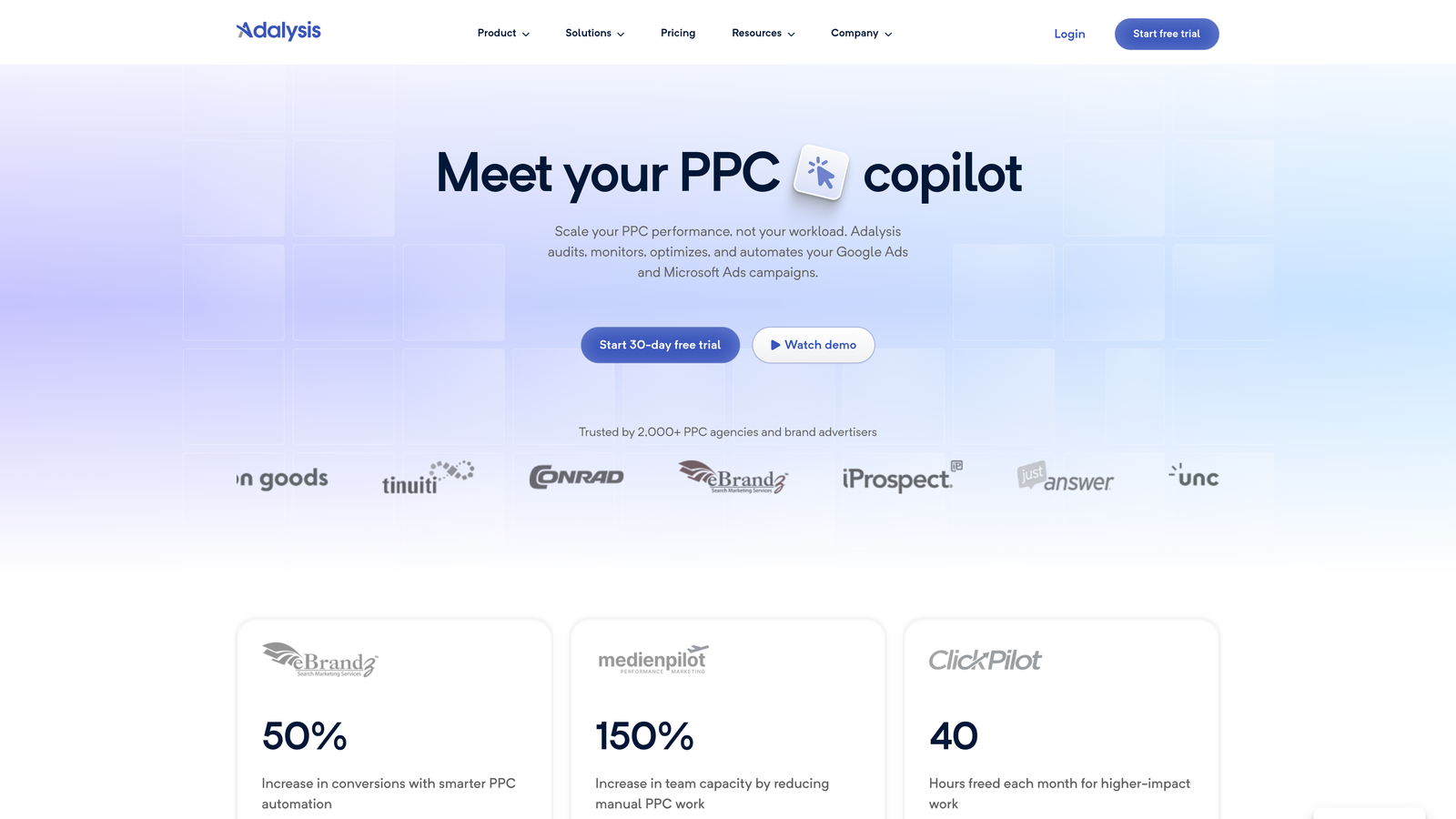
Adalysis is a PPC management tool focused on ad testing infrastructure, quality score tracking, and automated account health monitoring.
Where This Tool Shines
In most accounts I audit, ad testing is either completely absent or done manually in a spreadsheet with no statistical rigor. Adalysis automates the testing framework: it tracks which ad variants are running, monitors statistical significance, and tells you when a test has reached a conclusion. That eliminates the mental overhead of maintaining a testing log in a separate document.
The quality score monitoring is something Google removed from easy visibility in the native UI, so having historical quality score data tracked automatically is genuinely useful. The anomaly detection and account health alerts mean you're not relying on manual checks to catch performance drops.
Key Features
Automated A/B Ad Testing: Tracks ad variants and monitors statistical significance so you know when a test is conclusive.
Quality Score Monitoring: Historical quality score tracking across keywords, which Google's native UI no longer surfaces easily.
Account Health Alerts: Automated alerts for performance anomalies, budget issues, and structural problems.
Ad Rotation Automation: Automatically pause underperforming ad variants based on your defined rules.
Performance Breakdowns: Detailed segmentation by device, time of day, and network without manual pivot tables.
Best For
Performance-focused agencies and in-house teams that run systematic ad tests and want quality score visibility without manual tracking. Less essential if ad testing isn't a regular part of your workflow, but highly regarded among professional PPC managers who take testing seriously.
Pricing
Starts around $99/month. Verify current pricing at adalysis.com before committing.
7. Looker Studio
Best for: Free, live client reporting that connects directly to Google Ads and GA4
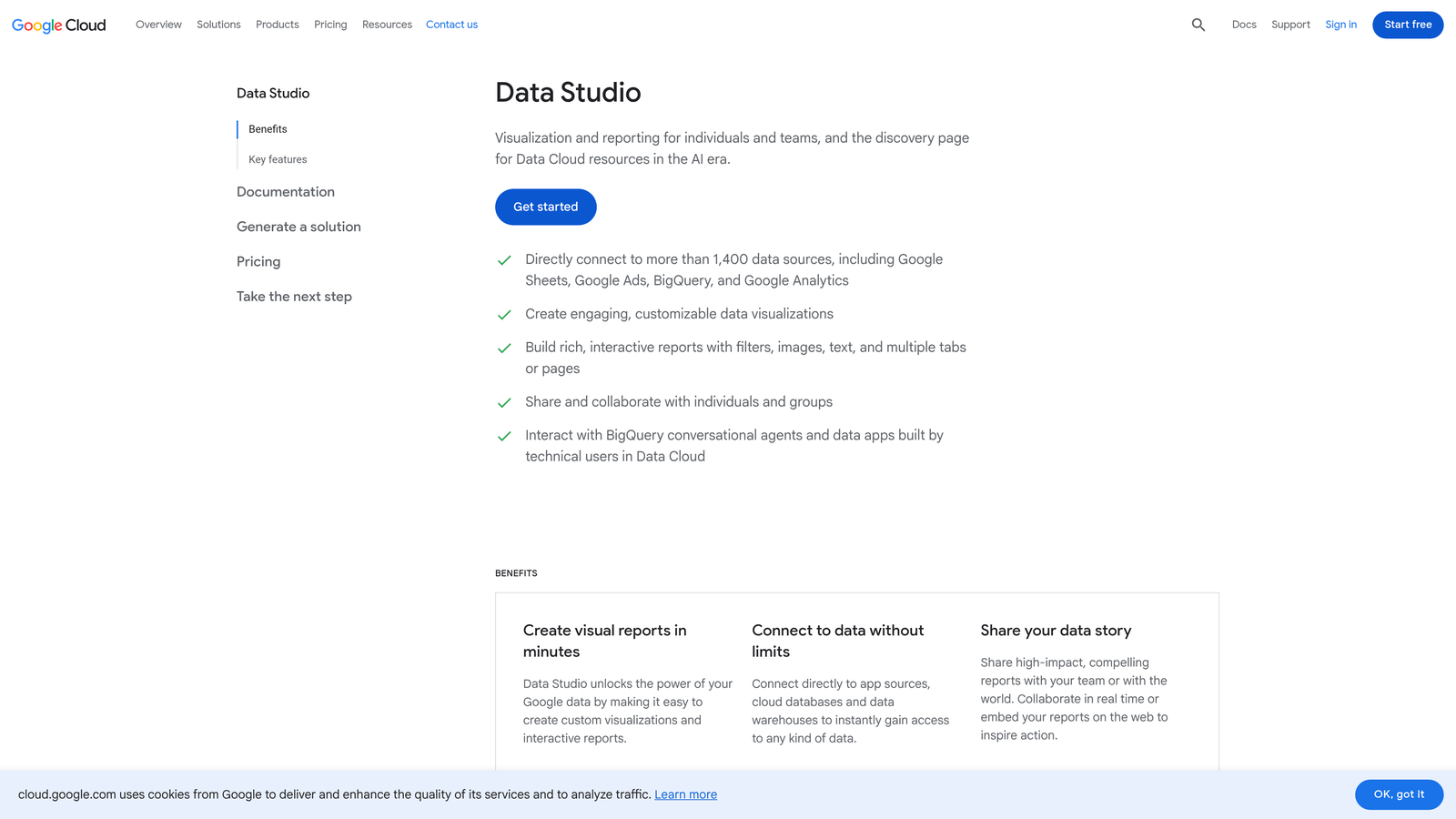
Looker Studio is Google's free data visualization tool that connects natively to Google Ads, GA4, and dozens of other data sources to create shareable, live dashboards.
Where This Tool Shines
The reporting tab-switching problem is real: you pull data from Google Ads, cross-reference it in GA4, then build a client report in a separate document or slide deck. Looker Studio collapses that into one live dashboard that updates automatically. Once the template is built, your client can check it anytime without you generating a manual report.
For agencies, the ability to share a live dashboard link instead of a static PDF is a meaningful workflow improvement. The native Google Ads and GA4 connectors are reliable and free. Third-party connectors for Microsoft Ads or Facebook Ads are available but often come with separate costs from connector providers.
Key Features
Native Google Ads and GA4 Connectors: Direct, free connections to your Google data without third-party middleware.
Drag-and-Drop Dashboard Builder: Build custom report layouts without coding or design tools.
Shareable Live Reports: Send clients a link to a live dashboard rather than exporting static reports.
Third-Party Connectors: Connect to Microsoft Ads, Facebook Ads, and other platforms via third-party connector providers.
Completely Free: No cost for the core platform, including Google Ads and GA4 connections.
Best For
Any agency or freelancer doing client reporting who wants to stop rebuilding reports manually each month. Also excellent for in-house teams that need cross-channel visibility without paying for a dedicated BI tool. The learning curve is moderate but manageable, and there are plenty of free templates available to start from.
Pricing
Free. Third-party data connectors from providers like Supermetrics or Funnel.io have separate subscription costs.
8. Microsoft Advertising Import Tool
Best for: Expanding Google Ads campaigns to Microsoft Advertising without rebuilding from scratch
Microsoft Advertising's Import Tool is a built-in feature that lets you import Google Ads campaigns directly into Microsoft Advertising, eliminating duplicate work when running on both networks.
Where This Tool Shines
The mistake most agencies make when adding Bing to a client's account is rebuilding the entire campaign structure from scratch. The Import Tool skips that entirely. You connect your Google Ads account, select the campaigns you want to import, and Microsoft Advertising handles the translation. Ad copy, keywords, ad groups, extensions, audiences, and remarketing lists all come across.
The scheduled auto-import feature is the real time-saver here. Once it's set up, any changes you make in Google Ads automatically sync to Microsoft Advertising on your defined schedule. That means you're not maintaining two separate campaign structures manually, which is a significant source of ongoing switching for accounts running on both platforms.
Key Features
Direct Google Ads Import: Import campaigns, ad groups, keywords, and ads directly from Google Ads without manual rebuilding.
Scheduled Auto-Import: Keep Microsoft Ads campaigns in sync with Google Ads changes automatically on a set schedule.
Extensions and Audiences: Imports sitelinks, callouts, remarketing lists, and audience targeting alongside campaign structure.
No Third-Party Tool Required: Built directly into the Microsoft Advertising platform at no extra cost.
Free to Use: Included as part of the Microsoft Advertising platform with no additional subscription.
Best For
Any advertiser or agency running Google Ads who wants to expand to Microsoft Advertising without doubling their management workload. Particularly valuable for accounts where Bing's audience overlap is meaningful, such as B2B, finance, and older demographic targeting.
Pricing
Free. Included as part of the Microsoft Advertising platform.
Which Tool Actually Solves Your Switching Problem
Here's the honest breakdown. Not every tool on this list reduces switching equally. Some consolidate, some specialize. Knowing which problem you're solving helps you pick the right one.
If your switching problem is in the Search Terms Report, copying data to spreadsheets, building negative keyword lists, and applying match types manually, Keywordme is the most direct fix. It lives inside Google Ads and eliminates the spreadsheet step entirely. At $12/month, it's also the lowest barrier to entry on this list.
If you're making large structural changes across campaigns regularly, Google Ads Editor is non-negotiable and it's free. Pair it with Keywordme for search term management and you've covered the two most time-intensive manual workflows without spending much.
If you're managing multiple accounts across Google and Microsoft Ads and need automation and cross-platform visibility, Optmyzr is built for that. If reporting is your main pain point, Looker Studio solves it for free. If competitive research is where you're losing time, Semrush's PPC Toolkit consolidates that layer.
The goal isn't to use all of these. It's to identify which context switches are costing you the most time and eliminate those first. For most freelancers and agency teams, the Search Terms workflow is the biggest daily time sink, which is exactly where Keywordme starts.
If you want to see the difference firsthand, Start your free 7-day trial and run it through your next search terms review. No spreadsheets, no tab-hopping, just faster optimization right inside Google Ads.
.svg)