
9 Best Simple PPC Optimization Software Tools for Google Ads in 2026
This guide compares nine simple PPC optimization software tools for Google Ads, including Keywordme, Google Ads Editor, and Optmyzr. Each entry explains what job the tool simplifies, how it is priced, and whether it suits a solo advertiser, small team, or agency, so you can improve results without an enterprise platform.


You run Google Ads for yourself, a handful of clients, or a whole book of accounts, and you want better results without learning an enterprise platform or living in spreadsheets. The tools below were picked with that in mind. We looked at how quickly a new user reaches a useful action, how much of the work happens in or close to Google Ads, whether pricing is transparent, and whether the tool makes sense for a small team or an agency.
These tools do different jobs, so they are not strict substitutes. Where it helps, each entry says what job it simplifies. Pricing and features change, so treat everything here as accurate as of November 2026 and confirm on each vendor's site.
Quick Comparison of Each Tool
- Keywordme: advertisers who want fast search term cleanup; $12/month per user; works inside the native Google Ads Search Terms Report with no separate dashboard.
- Google Ads Editor: people making structural bulk changes in large accounts; free; offline drafting with review before anything is posted.
- Optmyzr: agencies and teams automating across many accounts; see website; a rule engine for repeatable optimizations.
- Adalysis: agencies running recurring account health checks; see website; automated audits that prioritize what to fix.
- WordStream by LocaliQ: small business owners who want guidance over control; quote-based; a guided workflow built for non-specialists.
- Google Ads Recommendations and Automated Rules: beginners wanting a no-cost start; free; built-in suggestions with zero setup.
- Semrush: marketers expanding keyword lists with competitor insight; see website; competitor ad and keyword data beyond Google Ads.
- Google Keyword Planner: planning new campaigns and finding keyword themes; free; first-party keyword and forecast data.
- Swydo: freelancers and agencies needing client-ready reports; see website; white-label reporting that cuts report-building time.
1. Keywordme
Keywordme is our own product, so weigh this entry accordingly. It is a Chrome extension that adds one-click actions directly inside the Google Ads Search Terms Report. That report shows the actual queries people typed before seeing your ad, which is different from your keywords, the terms you chose to bid on. Keywordme is built around the gap between the two.
Its distinctive trait is where it lives. There is no separate dashboard to log into and no export-and-import loop. You review search terms in the interface you already use, click, and move on. It is aimed at freelancers, in-house marketers, and agency teams who spend a lot of time on search term triage.
- Add negative keywords straight from the Search Terms Report, so irrelevant queries stop matching.
- Add high-intent search terms as positive keywords without retyping them.
- Apply match types quickly, instead of editing each keyword by hand.
- Cluster keywords and edit in bulk to organize larger lists.
- Use multi-account and team support to keep several clients or users in one workflow.
Setup is light: it connects to Google Ads through the Chrome extension, so there is little to configure. Whoever reviews search terms day to day runs it, and you review each action yourself. The vendor describes it as helping you optimize up to 10x faster, which is a vendor claim, not an independent benchmark.
The limits are real. It focuses on search term and keyword workflows. It is not a bid management, reporting, or cross-platform tool, and it requires Chrome. If you need audits or client reports, you will pair it with something else.
Pricing is a flat $12/month per user, with a 7-day free trial. Cost moves only with the number of users, not ad spend. Confirm current terms on the website.
Best for: Advertisers who want fast search term cleanup without leaving Google Ads.
2. Google Ads Editor
Google Ads Editor is Google's free desktop application for editing campaigns in bulk. You download your account, make changes offline, review them, and then post them back. It is built for people who manage structure: campaigns, ad groups, keywords, ads, and extensions.

What it does better than anything else here is large-scale structural change at no cost. Want to update ad copy across fifty ad groups, or copy a campaign setup from one account to another? Editor handles that far faster than the web interface, and the draft review step lets you catch mistakes before they go live.
- Bulk edits across campaigns save hours on repetitive changes.
- Offline drafting and review lets you check a full set of changes before posting.
- Copy and paste across accounts speeds up building similar campaigns for different clients.
- Multi-account management keeps several accounts in one app.
It integrates with Google Ads only, and setup is a download and sign-in. A specialist or account manager typically runs it. The catch is the learning curve: the interface is dense, and beginners can make sweeping changes quickly if they are not careful. It is also not designed for reviewing search terms in context, so it complements a search term tool instead of replacing one.
It is free.
Best for: Structural bulk changes across large accounts at no cost.
3. Optmyzr
Not every tool on this list is small. Optmyzr is a PPC management platform with rule-based optimizations, audits, and reporting, and it is popular with agencies. It sits at the more powerful end of "simple," so be honest about whether you need that power.

Its standout feature is the rule engine, which automates optimizations across many accounts. If you do the same checks every week for every client, rules turn that into something that runs on a schedule while you review the output.
- One-click optimizations let you act on suggested changes quickly.
- Rule-based automation handles recurring tasks across accounts.
- Search term and bid tools cover both query cleanup and bidding adjustments.
- Client reporting keeps reports in the same platform as the work.
It connects to Google Ads, Microsoft Advertising, and Meta Ads, so it works for multi-channel teams. Expect more setup than a browser extension: you connect accounts, configure rules, and learn the platform. Usually an account manager or team lead owns it.
The trade-off is breadth. It is broader and more complex than a simple tool, and a solo advertiser with one account may never use most of it. Pricing is tiered by ad spend; see the website for current plans.
Best for: Agencies and teams that want automation across many accounts.
4. Adalysis
Where some tools help you do the work, Adalysis tells you where the work is. It is a PPC audit and testing platform that flags account issues and optimization opportunities, and it is built with agencies in mind.
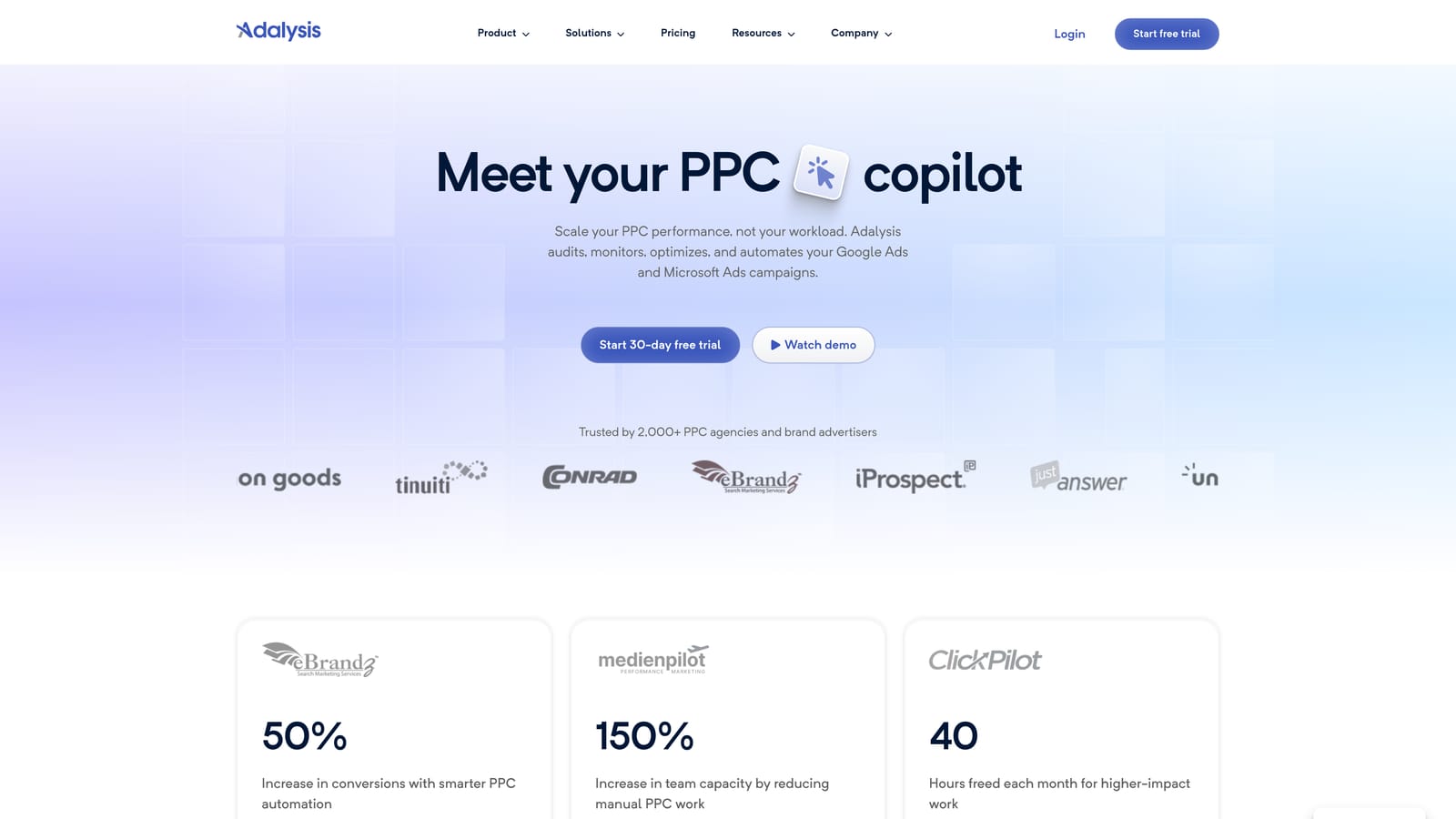
Its edge is prioritization. Automated audits rank what to fix across accounts, which matters when you have too many accounts to eyeball each week.
- Automated account audits surface problems you might otherwise miss.
- Ad testing analysis shows which ad variations are worth keeping.
- Quality and wasted spend alerts point you to leaks.
- Reporting summarizes findings for clients or stakeholders.
It integrates with Google Ads and Microsoft Advertising. Setup means connecting your accounts and letting the platform analyze them, and an account manager usually reviews the findings. Because it is recommendation-led, you still decide what to act on, and it takes judgment to separate useful flags from noise. The interface is larger than a single-purpose tool, so there is a bit more to learn.
It does not suit someone who just wants to clean up search terms in two clicks. Plans are tiered; see the website for current pricing.
Best for: Recurring account health checks for agencies.
5. WordStream by LocaliQ
WordStream by LocaliQ is a guided PPC management tool aimed at small businesses. It is also home to a free Google Ads Grader, which gives a quick read on an account.
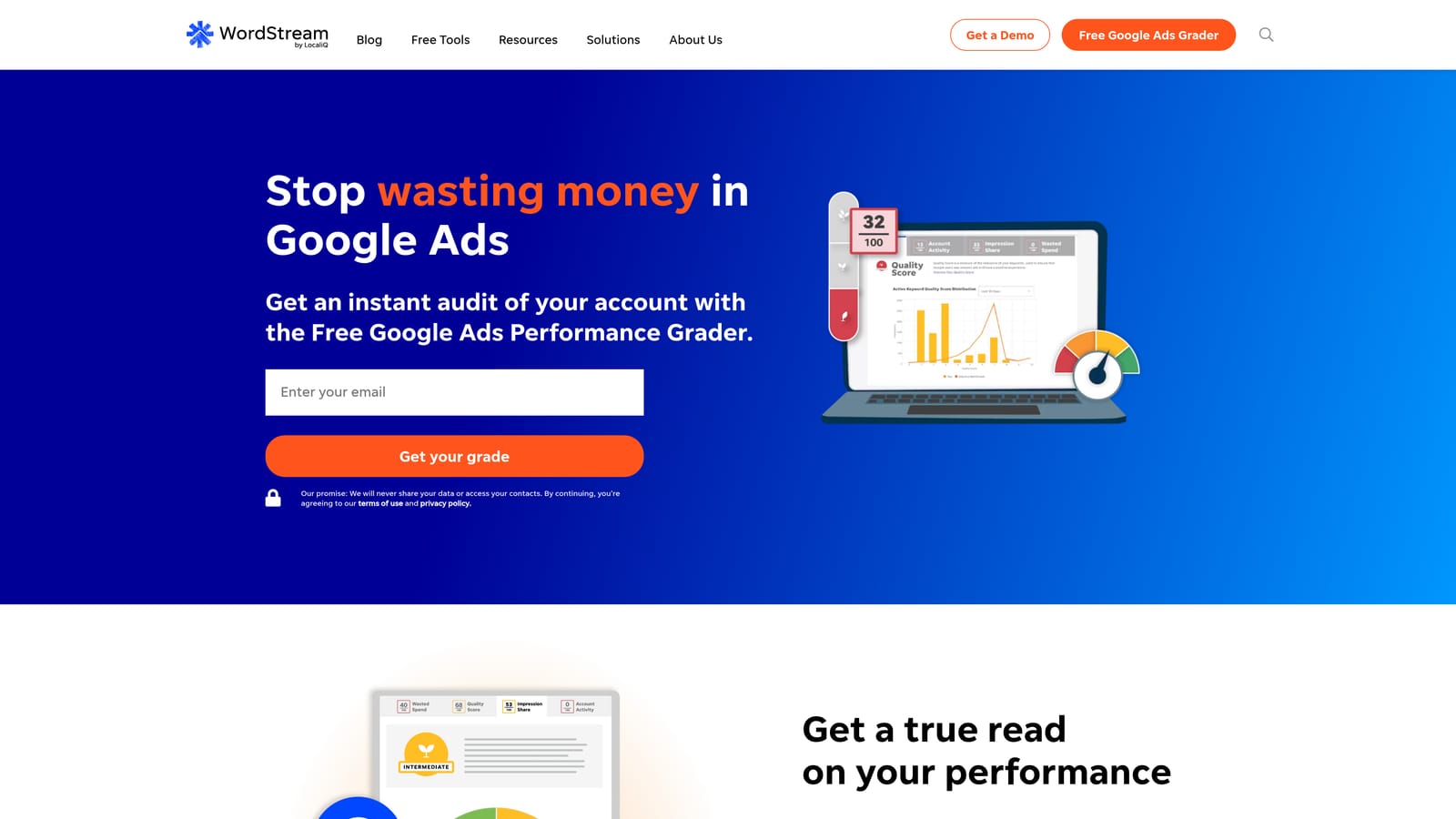
The point of difference is the guided workflow. It is designed for business owners who are not PPC specialists and want to be told what to do next rather than configure rules themselves.
- Guided optimization recommendations tell you what to change and why.
- The Google Ads Grader gives a fast, free snapshot of account health.
- Performance reporting keeps results in one view.
- Multi-platform ad management covers more than Google Ads.
It works with Google Ads, Microsoft Advertising, and Meta Ads. Setup is straightforward, and the business owner or a generalist marketer typically runs it.
The downside is control. Pricing is often tied to ad spend or bundled with managed services, and specialists may find the guidance too hands-off on the details. Pricing is quote-based, so confirm current details with the vendor.
Best for: Small business owners who want guidance over granular control.
6. Google Ads Recommendations and Automated Rules
The free option is already in your account. Google Ads includes a Recommendations page, an Optimization Score, automated rules, and scheduled reports. There is nothing to install and nothing to pay for beyond your ad spend.
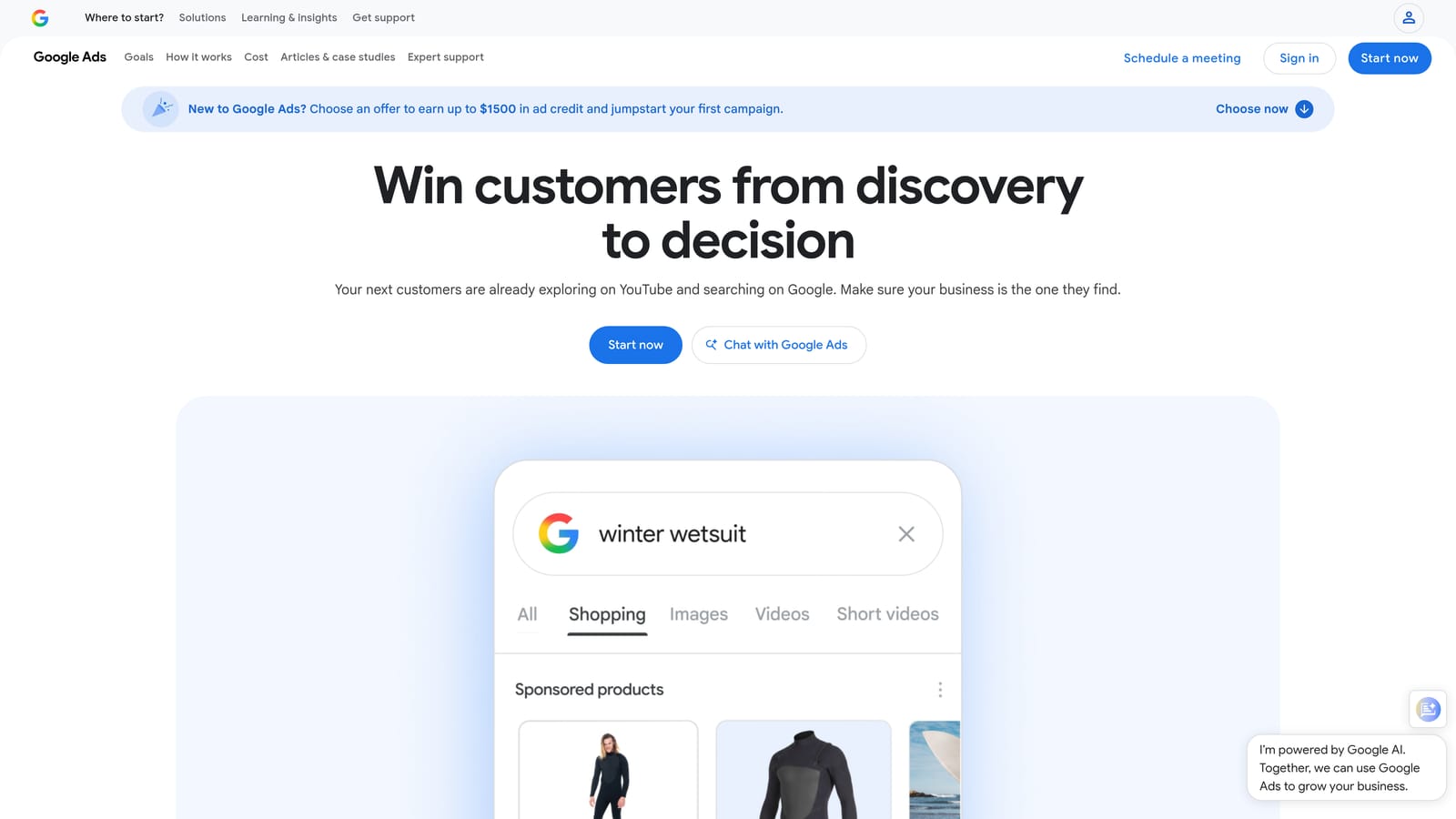
Its strength is zero setup. You get built-in suggestions the moment you log in, and automated rules can apply scheduled changes, such as pausing or adjusting something on a timetable you define.
- The Recommendations page lists suggested changes you can review one at a time.
- Optimization Score gives a rough sense of how many suggestions you have left to consider.
- Automated rules run changes on a schedule so you do not repeat them manually.
- Scheduled reports deliver performance data without manual exports.
A caution: Optimization Score is not a performance metric. A high score does not mean strong results, and a low one does not mean poor results. Suggestions can serve Google's goals as well as yours, so review each one against your own targets before accepting.
It is also weak for search term triage, since it will not walk you through query-level decisions the way a dedicated tool does. It is free with a Google Ads account.
Best for: Beginners who want a no-cost starting point.
7. Semrush
Semrush is a large marketing suite, and its PPC tools are one part of it. Think of it as research, not execution: you learn what competitors are doing, then act in Google Ads.
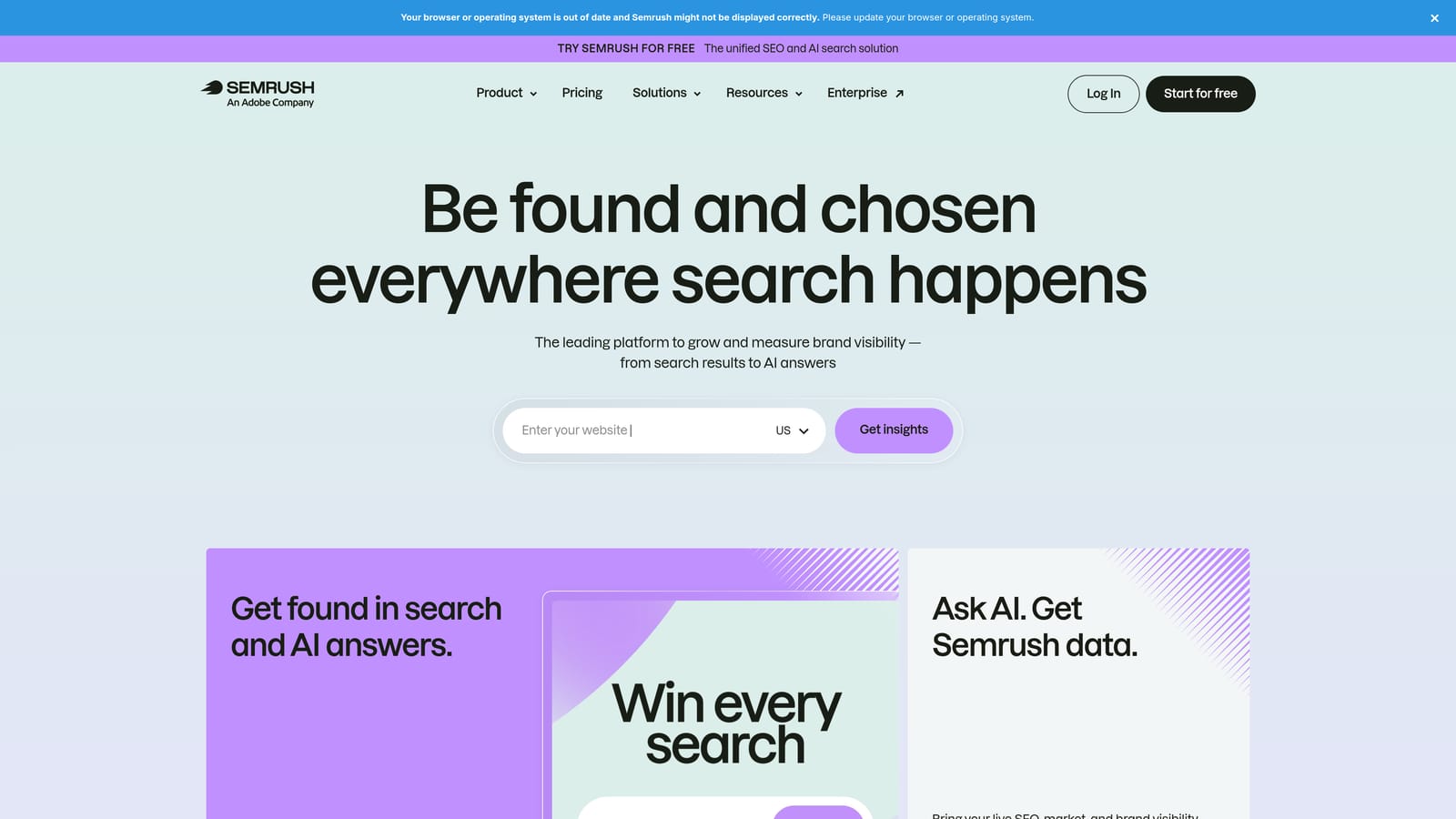
What it offers that the others here do not is competitor ad and keyword data from beyond your own account. You can see what ad copy rivals run and which keywords they target, which helps when your own search term data is thin.
- PPC keyword research suggests terms to consider adding.
- Competitor ad copy research shows how others position similar offers.
- Keyword gap analysis highlights terms rivals use that you do not.
- Domain analytics gives a wider view of a competitor's presence.
It integrates with Google Ads, Google Analytics, and Google Search Console. Setup is light for basic research, but the suite is large and takes time to learn. Marketers or strategists usually use it, not whoever does daily account maintenance.
Remember that it is research only. Changes still happen in Google Ads, and if you only need a simple tool, the breadth may be more than you want. Subscription plans apply; see the website for current pricing.
Best for: Expanding keyword lists with competitor insight.
8. Google Keyword Planner
Google Keyword Planner is Google's free keyword research and forecasting tool inside Google Ads. It sits at the planning end of the workflow, before you launch, whereas search term reviews happen after.

Its advantage is first-party data. The keyword ideas and forecasts come from Google itself, at no cost.
- Keyword ideas help you find themes and variations for a new campaign.
- Search volume ranges show the relative size of demand.
- Forecasts estimate how a keyword set might perform at a given budget.
- Bid estimates give a starting point for setting bids.
It lives inside Google Ads, so there is no integration or setup beyond having an account. Anyone building campaigns can use it.
The limits: it is for research and planning only, and volume data may be broad if you are not actively spending. Treat estimates as directional, not exact. It is free with a Google Ads account.
Best for: Planning new campaigns and finding keyword themes.
9. Swydo
Swydo handles the reporting side. It is a PPC reporting platform for agencies and freelancers, with white-label client reports you can brand as your own.
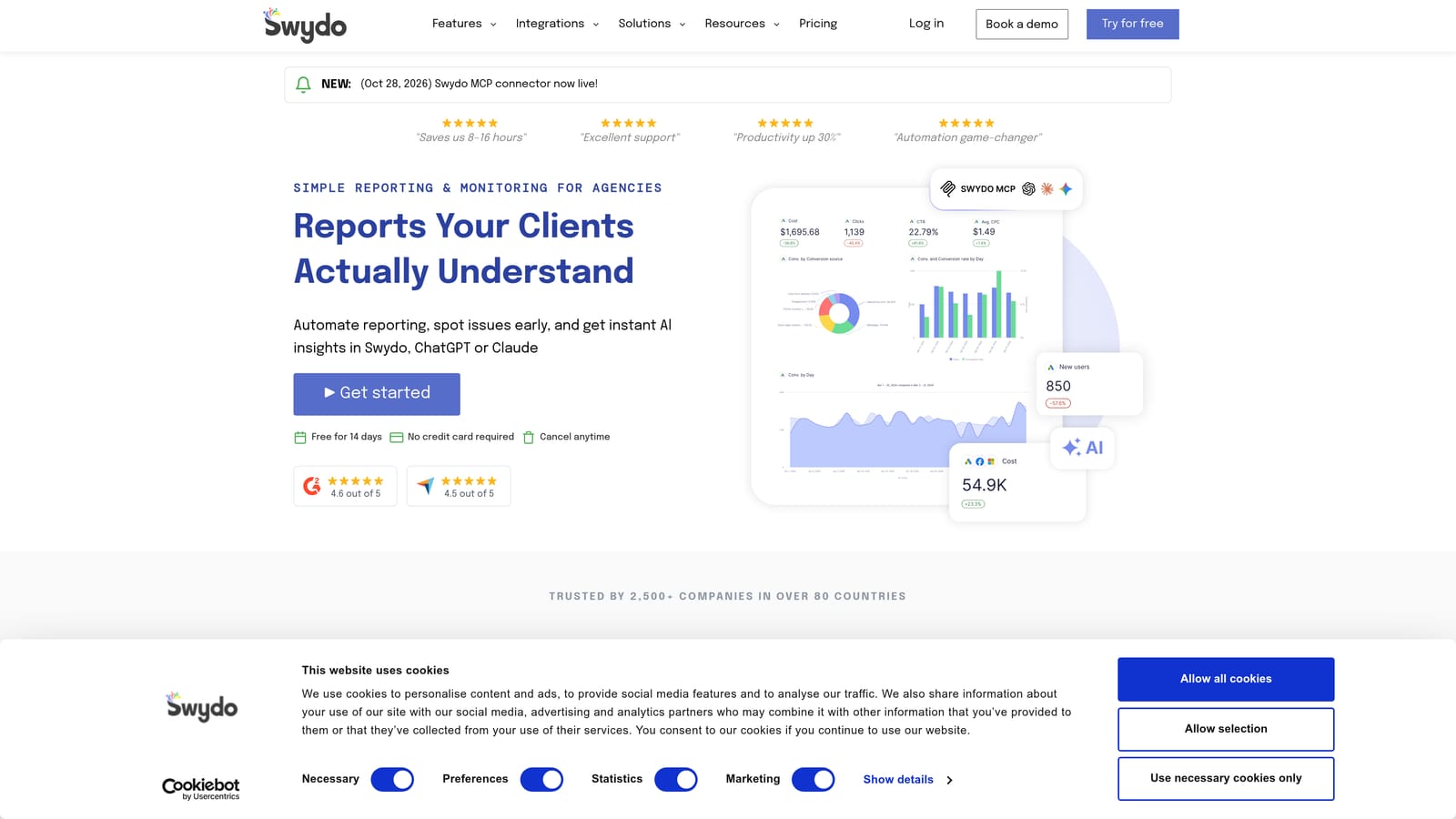
The standout is time saved. Building client reports by hand is tedious, and Swydo is designed to cut that down by pulling data from multiple platforms into a repeatable format.
- White-label reports carry your branding, not the vendor's.
- Multi-platform data connections combine several channels in one report.
- Client dashboards give clients a view of their own results.
- Scheduled report delivery sends reports automatically on a set cadence.
It connects to Google Ads, Meta Ads, Microsoft Advertising, and Google Analytics. Setup involves linking accounts and building a template, after which the freelancer or account manager reuses it for each client.
It reports on performance but does not change campaigns, so it will not help you clean up search terms or restructure an account. Plans are tiered; see the website for current pricing.
Best for: Freelancers and agencies that need client-ready reporting.
Matching Each Tool to Your Biggest Time Sink
You probably do not need all of these. Pick by the job that eats the most of your week:
- Search term cleanup: Keywordme, since it works inside the Search Terms Report.
- Audits: Adalysis for recurring health checks.
- Agency scale: Optmyzr for rules across many accounts, plus Google Ads Editor for bulk structure changes.
- Research: Google Keyword Planner for planning, Semrush for competitor insight.
- Reporting: Swydo.
- Free baseline: Google Ads Recommendations and Automated Rules, reviewed with care.
Combining tools is normal. A common pairing is a search term tool for daily cleanup and a reporting tool for client updates. Start with the one that removes your biggest time sink, then add others only when a new bottleneck shows up.
If that bottleneck is search terms, this is where we come in. Optimize Google Ads Campaigns 10X Faster. Without Leaving Your Account. Keywordme lets you remove junk search terms, build high-intent keyword lists, and apply match types instantly, right inside Google Ads. No spreadsheets, no switching tabs, just quick, seamless optimization. Start your free 7-day trial (then just $12/month) and take your Google Ads game to the next level.
.svg)