
8 Best Simple PPC Management Solutions for Small Teams and Agencies in 2026
A practical guide to simple ppc management solutions.


If you run Google Ads for yourself, for clients, or inside a lean team, you probably want fewer dashboards and more time improving campaigns. The tools below were picked for how fast a non-specialist gets value from them, how much routine work they take off your plate, how clear the pricing is, and how well they fit a small team's workflow. "Simple" here means a tool that removes a specific chore, not an all-in-one suite you grow into over six months.
Quick Comparison of Simple PPC Management Tools
- Keywordme: freelancers and agencies who clean search terms often; $12/month per user as of writing; works inside the native Google Ads Search Terms Report, so no exports.
- Google Ads Editor: advertisers making large structural edits; free; official offline drafting with review before posting.
- Optmyzr: agencies managing many accounts; pricing on the website; the deepest set of PPC-specific optimization tools on the list.
- WordStream by LocaliQ: small business owners who want guided prompts; pricing on the website; plain-language recommendations aimed at beginners.
- Adalysis: agencies needing monitoring and audit coverage; pricing on the website; automated audits and ad test analysis that flag problems.
- Google Ads Scripts: tech-comfortable advertisers; free; custom automation running inside Google Ads.
- Looker Studio: anyone building shareable client dashboards; free; customizable reports with a native Google Ads connector.
- Swydo: agencies sending recurring branded reports; pricing on the website; white-label report automation built for agencies.
1. Keywordme
Keywordme is our own product, so weigh this section with that in mind. It's a Chrome extension that adds one-click actions to the Search Terms Report inside Google Ads. It's built for freelancers, in-house marketers, and agency teams who review search terms every week and are tired of exporting them to a spreadsheet first.
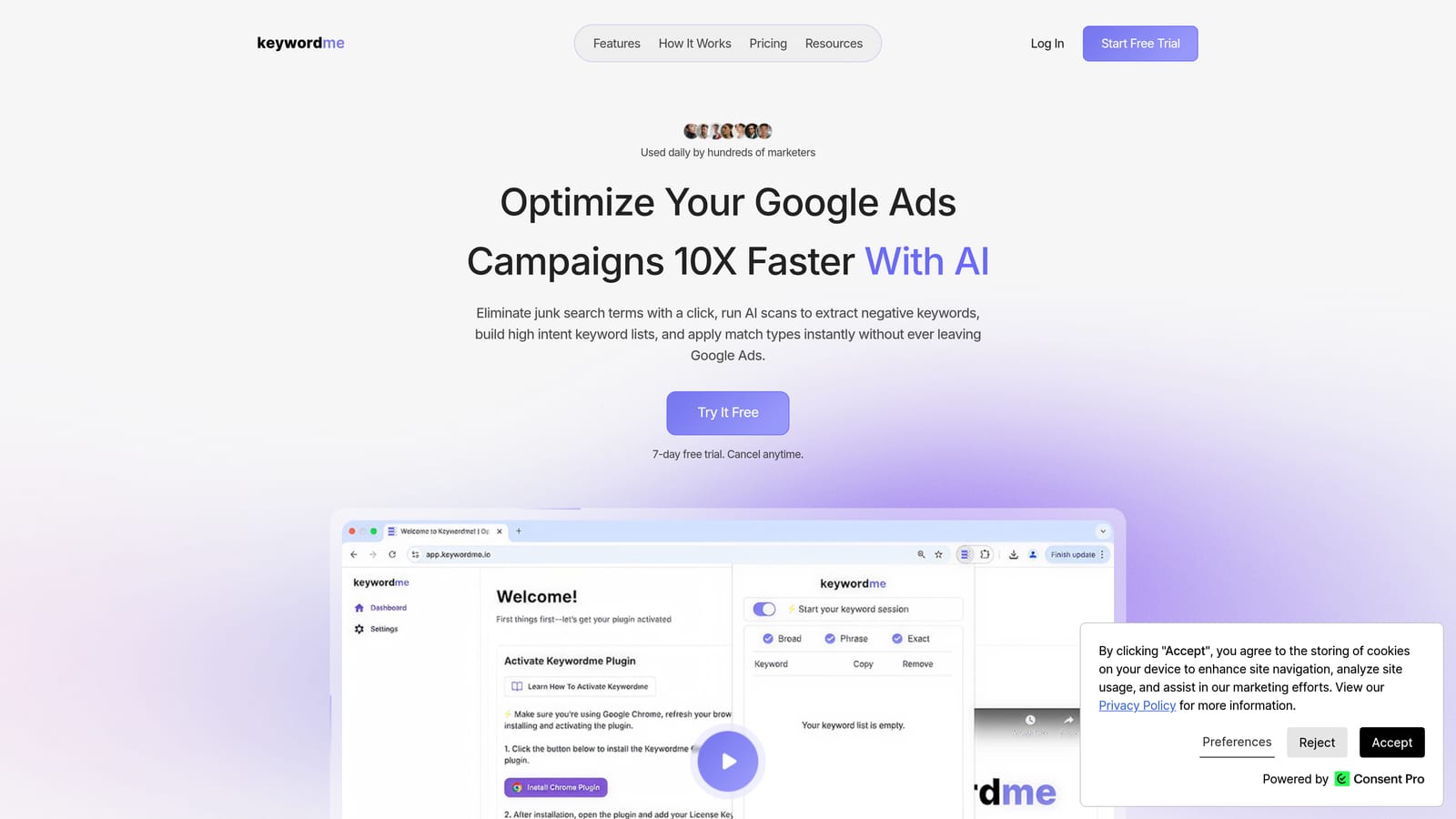
A quick distinction matters here. A keyword is what you bid on. A search term is what someone actually typed. A negative keyword blocks matching searches, while a positive keyword is one you want to trigger ads. Keywordme works on the bridge between them: you see a search term, then either add it as a positive keyword or block it as a negative, without leaving the page.
- One-click negative keywords from the Search Terms Report, so junk queries get blocked as you review them.
- Add high-intent search terms as keywords with the match type already applied, which saves manual typing of brackets and quotes.
- Keyword clustering, which groups related terms so you can build tighter keyword lists faster.
- Bulk editing for applying the same action across many terms at once.
- Multi-account and team support, handy when several people touch several client accounts.
Setup is light: install the extension, open Google Ads in Chrome, and the actions appear in the interface you already use. There's no separate dashboard to learn, and whoever reviews search terms day to day is the person who runs it. You stay in control, because you click each action yourself.
The limits are real. Keywordme is focused on search terms and keywords. It isn't a bidding tool, a reporting platform, or a multi-platform manager, and it requires Chrome. If you need dashboards or audits, you'll pair it with something else on this list.
Pricing is $12 per month per user with a 7-day free trial, as of writing. Cost scales with the number of users, not ad spend; confirm current terms on the website.
Best for: Freelancers and agencies who clean search terms often.
2. Google Ads Editor
Google Ads Editor is Google's free desktop app for making changes in bulk. It suits advertisers who restructure accounts, launch many ad groups at once, or want to draft changes offline before anything goes live.

Its standout trait on this list is that it's the official, free route to bulk editing, with a review step before you post. Nothing else here gives you offline drafting at no cost.
- Bulk edits across campaigns and accounts, so changing hundreds of ads or keywords takes minutes instead of hours.
- Offline editing with review before posting, which lets you check a batch of changes before they touch live campaigns.
- Copy and paste across campaigns, useful for cloning a proven structure into a new campaign.
- Multi-account management, so agencies can work across clients from one app.
You download and install it, then sign in with your Google Ads credentials and pull down accounts. Whoever handles account builds and restructures typically runs it.
The downsides: there's a learning curve, and it gives no optimization guidance. It will happily let you make a bad change faster. It also isn't built around the search term review loop, so you still need to find junk queries elsewhere. Pricing is free.
Best for: Advertisers making large structural edits in bulk.
3. Optmyzr
Optmyzr is a PPC optimization platform with automation and reporting tools, aimed at agencies and in-house teams running many accounts. It's the heaviest tool on this list, and that depth is the point.

What it does better than the others here is breadth of PPC-specific optimization across lots of accounts at once. If you want one platform to surface issues and apply rules everywhere, this is the closest to that.
- Rule-based automations that run routine checks and actions on a schedule you define.
- Optimization suggestions that point you to changes worth considering.
- Account audits that catch structural and performance problems.
- Reporting so you can show clients what changed.
- Bulk management tools for making changes across many campaigns.
It connects to Google Ads, Microsoft Advertising, and Meta Ads. Setup takes more effort than a browser extension: you connect accounts, then configure rules and settings to match how you work. Expect a dedicated person, usually the account manager or PPC lead, to own it.
The trade-off is cost and complexity. It's pricier and more involved than the lightweight tools here, and a solo advertiser with one or two small accounts may never use most of it. Automation also deserves a review habit: check what rules actually changed. Pricing isn't covered here, so check the Optmyzr website for current plans and what drives cost.
Best for: Agencies managing many accounts that want built-in optimizations.
4. WordStream by LocaliQ
WordStream by LocaliQ is a guided PPC management tool aimed at small businesses. It's designed for owners and generalist marketers who don't have a PPC specialist and want the tool to say what to look at next.
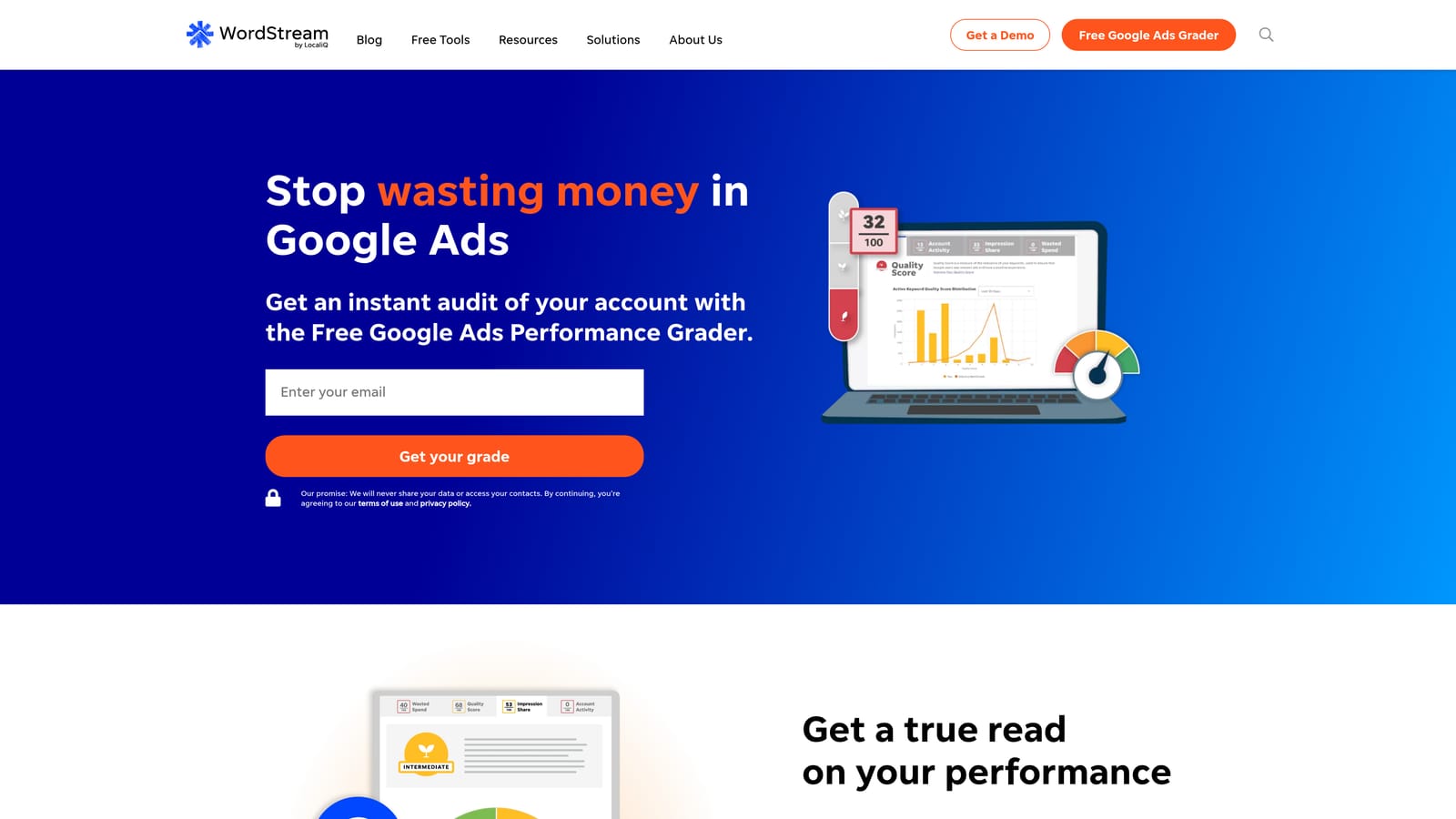
Its edge over the rest of the list is the beginner-friendly guidance. Where other tools assume you know what a good account looks like, this one explains it in plain language.
- Plain-language recommendations, so you know what to change and why without decoding jargon.
- Performance grading, which gives a quick read on how an account is doing.
- Guided account checks that walk you through common trouble spots.
- Campaign management support for people who'd rather not do everything themselves.
It works with Google Ads, Microsoft Advertising, and Meta Ads. Setup is aimed at non-specialists, and the day-to-day user is usually the business owner or a marketing generalist.
The main drawback is pricing. It isn't transparent, and it may be tied to ad spend or to services, so you can't easily compare it against flat-rate tools. Experienced PPC people may find the guidance too basic. Ask for a quote and check exactly what's included before committing, since plan details change.
Best for: Small business owners who want guided prompts.
5. Adalysis
Adalysis is an audit and testing platform for search advertisers. It watches accounts and tells you where things have gone wrong, which makes it a fit for agencies that can't manually inspect every account every week.
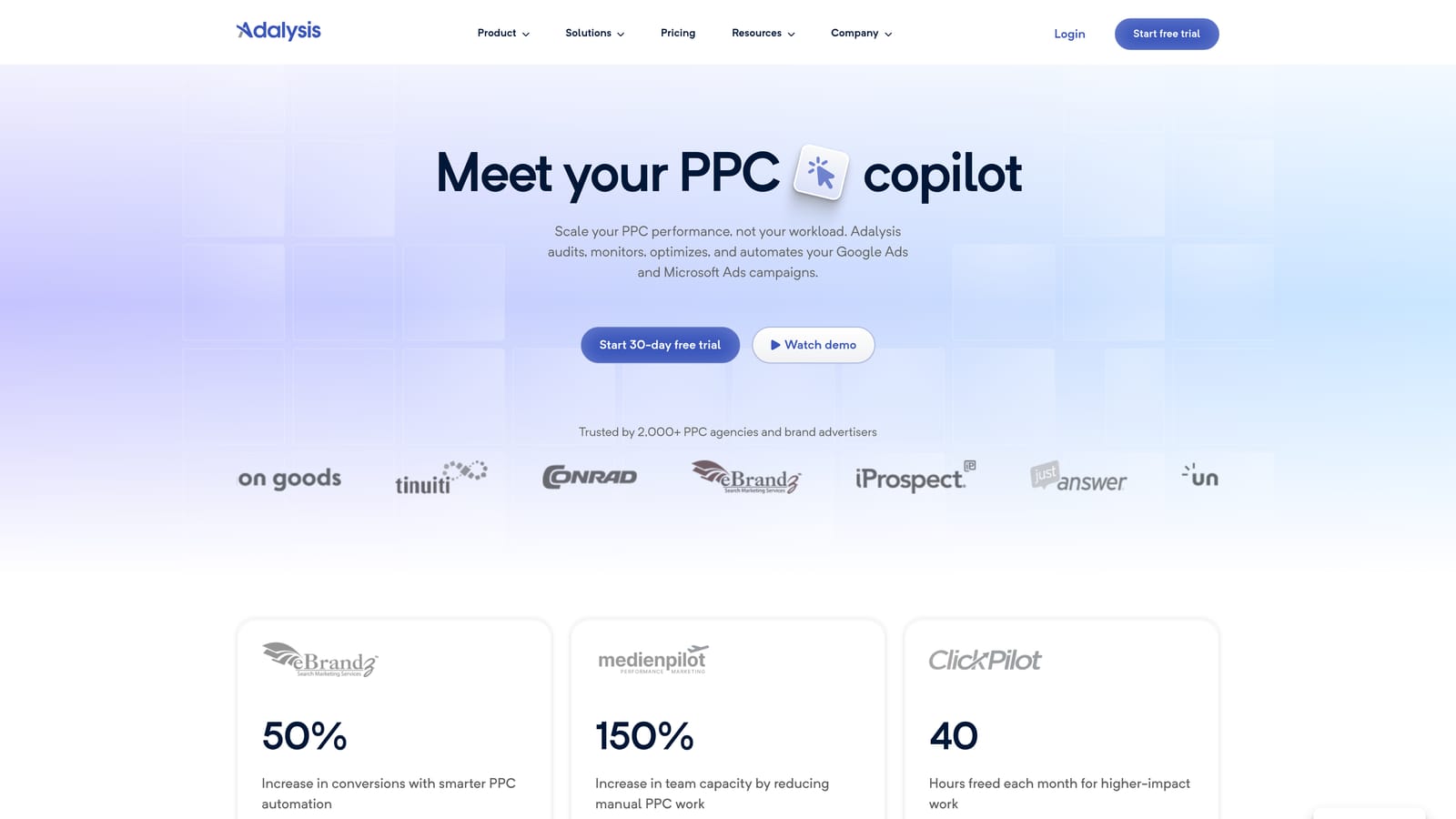
Its distinctive strength is automated audits and ad test analysis. Instead of you hunting for a broken ad or a disapproved asset, it flags the problem.
- Automated account audits that scan for common issues across campaigns.
- Ad testing, so you can see which ad variations are actually winning.
- Alerts that notify you when something changes or breaks.
- Reporting to share findings with clients or teammates.
It connects to Google Ads and Microsoft Advertising. Setup means linking accounts and letting it analyze them; the person who reviews alerts, often an account manager, runs it day to day.
Be clear on what it does and doesn't do. It highlights issues more than it fixes them in one click, so you still do the work. It also doesn't cover Meta, and it isn't a search term cleanup tool. Pricing isn't covered here, so check the Adalysis website for current plans and what affects cost.
Best for: Agencies needing monitoring and audit coverage.
6. Google Ads Scripts
Google Ads Scripts is a free feature inside Google Ads that lets you automate tasks with JavaScript. It's for advertisers comfortable with a little code, or willing to borrow from community scripts, who want custom automation without paying for a platform.
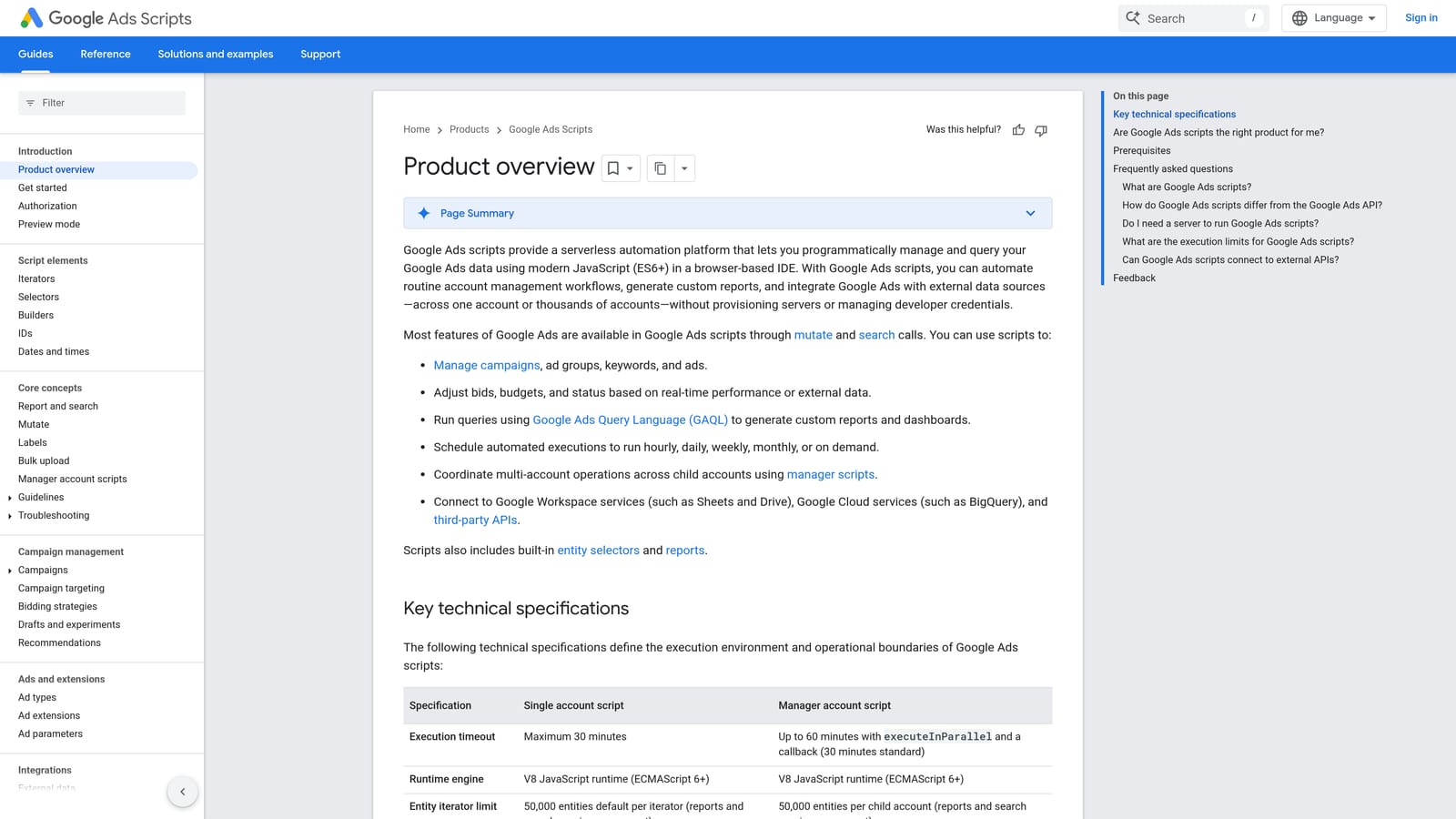
Nothing else here matches it for free, flexible automation that runs directly in the account. You decide exactly what it checks and when.
- Custom alerts, such as an email when spend spikes or a campaign stops serving.
- Automated reports that pull data on a schedule.
- Scheduled tasks that handle repetitive checks without you.
- Reusable community scripts, so you don't have to write everything from scratch.
It works with Google Ads and Google Sheets, which is where many scripts send their output. Setup effort depends on the script; a copied one might take minutes, a custom one considerably longer. The person running it is usually the most technical member of the team.
The catch is that it needs some code knowledge and careful testing. A script that changes things can change the wrong things, so preview and review before letting anything run unattended. It also has no friendly interface for judging search terms. Pricing is free.
Best for: Tech-comfortable advertisers who want free automation.
7. Looker Studio
Looker Studio is Google's free dashboard tool, and it's a common choice for PPC reporting. It suits marketers and agencies who need clear, shareable views of performance without paying for a reporting product.
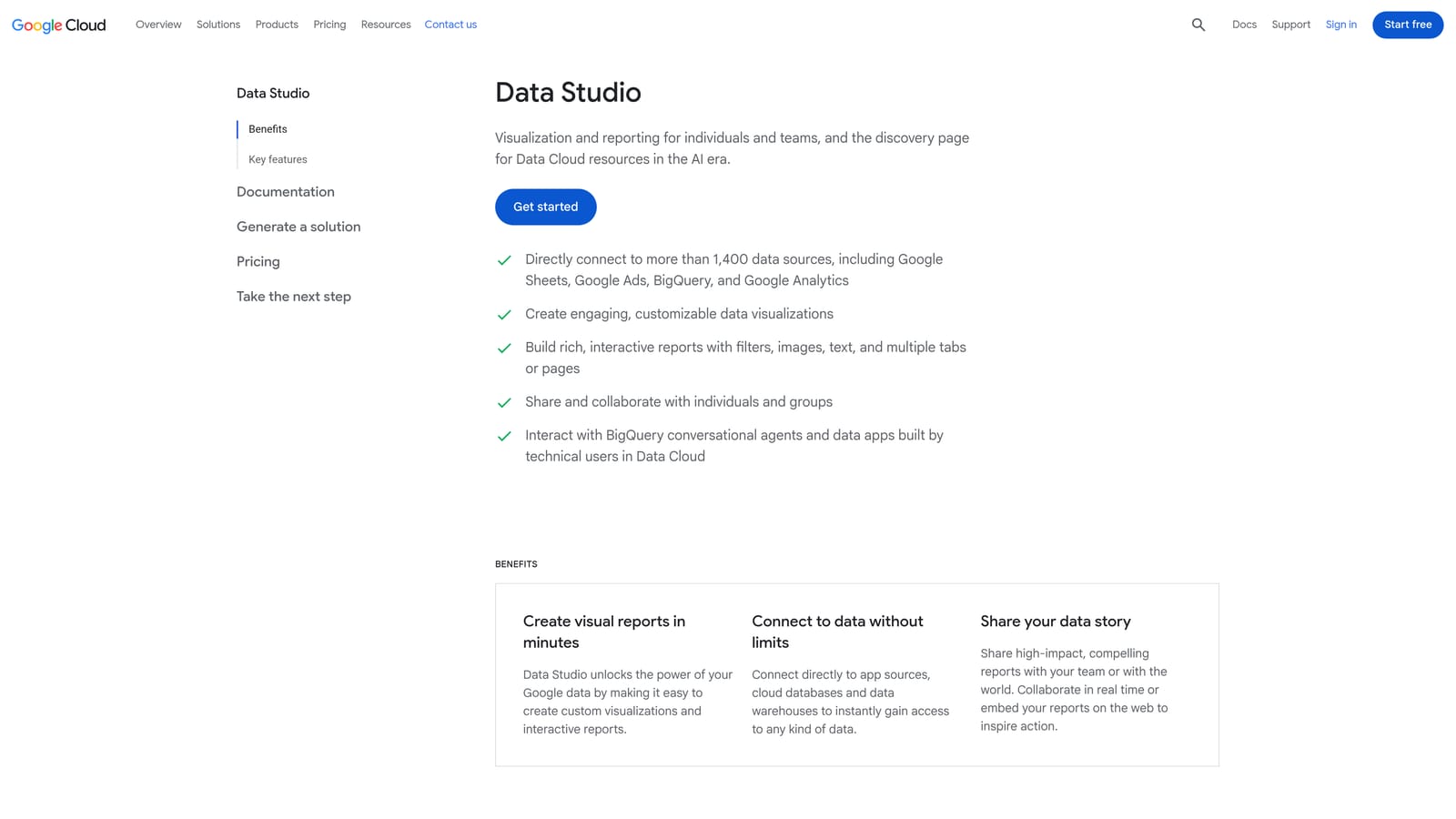
What sets it apart here is free customization. You can design dashboards your way and connect Google Ads natively, rather than accepting a fixed report layout.
- A native Google Ads connector, so campaign data flows in without exports.
- Template dashboards that give you a starting point instead of a blank canvas.
- Shareable reports, so clients or teammates can view live numbers by link.
- Blended data sources, which let you combine ad data with other sources in one view.
It also connects with Google Analytics and Google Sheets. Setup is quick for a template and slower for a custom build. Whoever owns reporting usually builds and maintains it.
It's reporting only. It won't tell you which search terms to block or change a bid. Custom dashboards also take upkeep when fields or accounts change. Pricing is free, with a paid Pro tier available; check Google's site for current details.
Best for: Anyone building free, shareable client dashboards.
8. Swydo
Swydo is an automated reporting tool built for agencies. It turns client data into recurring reports so you aren't rebuilding the same slides every month.
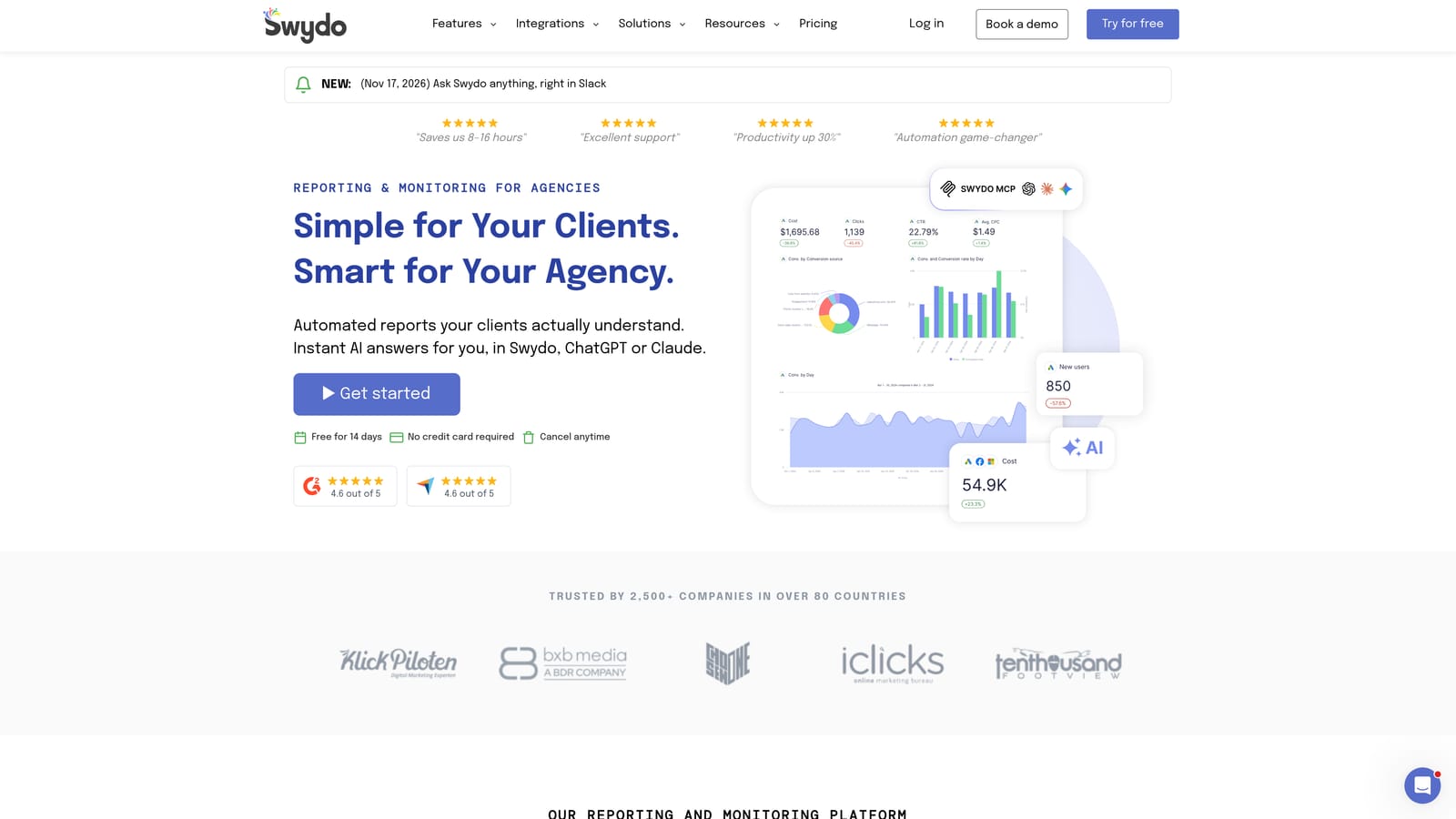
Its difference from Looker Studio is that it's made for the agency workflow: white-label output and scheduled delivery are central, not something you assemble yourself.
- White-label reports that carry your agency's branding instead of a vendor's.
- Scheduled report delivery, so clients get updates without a manual send.
- Multi-platform data sources, which pull several channels into one report.
- Report templates that speed up setting up each new client.
It connects to Google Ads, Meta Ads, and Google Analytics. Setup involves linking each client's accounts and choosing a template. An account manager or ops person typically owns it.
It's reporting-focused, with no campaign optimization, so it won't reduce the time you spend on search term reviews or audits. A solo advertiser with one or two clients may find a free dashboard enough. Pricing isn't covered here; check the Swydo website for current plans and what moves the cost.
Best for: Agencies sending recurring branded client reports.
Matching Tools to Your Team Size and Budget
Most people don't need all eight. The tools split into three jobs: cleaning up what the account does (Keywordme, Google Ads Editor, Scripts), checking account health (Optmyzr, WordStream, Adalysis), and reporting (Looker Studio, Swydo). Pick one from the first group and add support from the others only where you feel the gap.
- Solo freelancer on a tight budget: Keywordme for weekly search term cleanup, plus Looker Studio for free client dashboards.
- Small agency, several clients: Keywordme for the search term workflow, Adalysis for audit coverage, and Swydo for branded reports.
- Larger agency with many accounts: Optmyzr for built-in optimization, with Keywordme still handling hands-on search term review.
- Small business owner doing it yourself: WordStream for guidance, once you've confirmed pricing.
- Technical and cost-conscious: Google Ads Editor and Scripts cost nothing, if you'll invest the learning time.
Whatever you choose, review what automated tools change. Skipping search term review is the quickest way to waste spend, and a big platform on a small account usually adds work instead of removing it.
Optimize Google Ads Campaigns 10X Faster. Without Leaving Your Account. Keywordme lets you remove junk search terms, build high-intent keyword lists, and apply match types instantly, right inside Google Ads. No spreadsheets, no switching tabs, just quick, seamless optimization. Start your free 7-day trial (then just $12/month) and take your Google Ads game to the next level.
