
8 Best Simple Google Ads Optimization Tools Worth Trying
This guide rounds up eight simple Google Ads optimization tools built for fast setup and quick wins, from free native features to lightweight paid options. Each pick was chosen for how quickly a solo advertiser, freelancer, or small team can put it to use, not for feature-list length.


If you spend your week bouncing between the Search Terms Report, a spreadsheet of negative keywords, and a bid adjustment you've been meaning to make, you don't need another sprawling platform. You need tools that fix the tedious parts of Google Ads management without asking you to learn a new interface from scratch. This list sticks to tools that are genuinely fast to set up, whether that means a free Google feature you already have access to or a lightweight paid tool that earns its subscription in the first week. Each one was picked for how quickly a solo advertiser, freelancer, or small agency team can actually put it to use, not just for how many features it lists on a pricing page.
Quick Comparison
- Keywordme: best for advertisers who want faster search term cleanup without leaving Google Ads; starts at $12/month per user; the only tool here that runs its actions directly inside the native Search Terms Report.
- Google Ads Editor: best for advertisers restructuring campaigns or making bulk bid changes; free; the only tool built for offline bulk edits reviewed before they go live.
- Google Ads Automated Rules: best for advertisers who want free, lightweight automation; free; the only option requiring zero installation or account setup beyond Google Ads itself.
- Optmyzr: best for agencies managing multiple client accounts; quote-based; the only tool here with a fully custom Rule Engine for codifying agency-specific logic.
- Adalysis: best for advertisers running ongoing ad copy tests; pricing on request; the only tool that automatically calculates statistical significance on ad tests.
- WordStream (by LocalIQ): best for small business owners wanting a guided routine; pricing on request; the only tool structured as a weekly checklist workflow.
- SEMrush PPC Toolkit: best for marketers wanting competitor research alongside optimization; starts around $139.95/month; the only tool combining PPC keyword gap analysis with a full SEO suite.
- SpyFu: best for building keyword lists from competitor research; starts around $39/month; the only tool showing a historical timeline of a competitor's paid keywords and ad copy.
1. Keywordme
Keywordme is a Chrome extension that adds one-click optimization actions directly into the Google Ads Search Terms Report. Instead of exporting data to a spreadsheet, sorting it, and manually adding negatives back into Google Ads, you take action on search terms right where you're already reviewing them. It's built for the specific workflow of turning search term data into cleaner keyword lists, not for broader account management.
What sets it apart on this list is that it never pulls you out of the native Google Ads interface. There's no separate login, no dashboard to check, and no data sync to wait on. You open your Search Terms Report as usual, and the one-click actions are already there.
- Removes junk search terms as negative keywords with a single click, instead of a multi-step exclusion process
- Adds high-intent search terms as new keywords with the match type you choose, so you're not manually retyping terms into a new keyword list
- Builds negative keyword lists without leaving Google Ads or opening a separate negative keyword manager
- Groups related search terms through keyword clustering, so you can spot patterns instead of scanning rows one by one
- Supports bulk editing and multi-account or team access, useful once you're managing more than one client
Setup is just installing the Chrome extension and connecting it to your Google Ads account, which most users can do in a few minutes. Because it lives inside the interface you already use, whoever currently owns search term reviews (a freelancer, a media buyer, or a junior account manager) can pick it up without additional training.
The tradeoff is scope. Keywordme is focused on search term and keyword workflows, so it won't run full account audits, test ad copy for statistical significance, or manage bids and budgets. If you need those, you'll pair it with another tool or a built-in Google feature. Pricing is flat-rate at $12 per month per user, with a 7-day free trial, which keeps the cost predictable regardless of ad spend or account count.
Best for: Advertisers who want faster search term cleanup without leaving Google Ads.
2. Google Ads Editor
Google Ads Editor is Google's free desktop application for making bulk changes to campaigns, ad groups, ads, and keywords offline, then uploading them once you're satisfied. It's designed for advertisers who need to restructure accounts or push large batches of changes without doing them one by one in the browser.

Its distinct advantage is the offline review step. You can build out a new campaign structure, copy elements from one campaign to another, or adjust bids across hundreds of keywords, and nothing goes live until you explicitly post the changes. That safety net matters when you're making sweeping edits under time pressure.
- Bulk edits campaigns, ad groups, ads, and keywords in one pass instead of clicking through each item
- Copies and pastes structures across campaigns or even across accounts, saving you from rebuilding similar campaigns from scratch
- Lets you review every pending change before it posts, reducing the risk of a rushed mistake going live
- Manages multiple accounts in a single interface, useful for freelancers juggling a handful of clients
It's a free download that connects to your existing Google Ads account, and most PPC managers who already know the Google Ads interface can start using it the same day. It's typically run by whoever handles account structure and bid strategy directly.
Ads Editor doesn't do any of the analysis for you. There's no search term cleanup, no automated recommendation engine, and no ad testing. It's a manual editing tool, so you still need to know what changes you want to make before you open it.
Best for: Advertisers restructuring campaigns or making bulk bid changes across many accounts.
3. Google Ads Automated Rules
Google Ads Automated Rules is a built-in feature that lets you set simple if-then logic, like pausing a keyword if its click-through rate drops below a threshold, or raising bids on a schedule. There's nothing to install and no separate account to manage; it lives inside Google Ads itself.
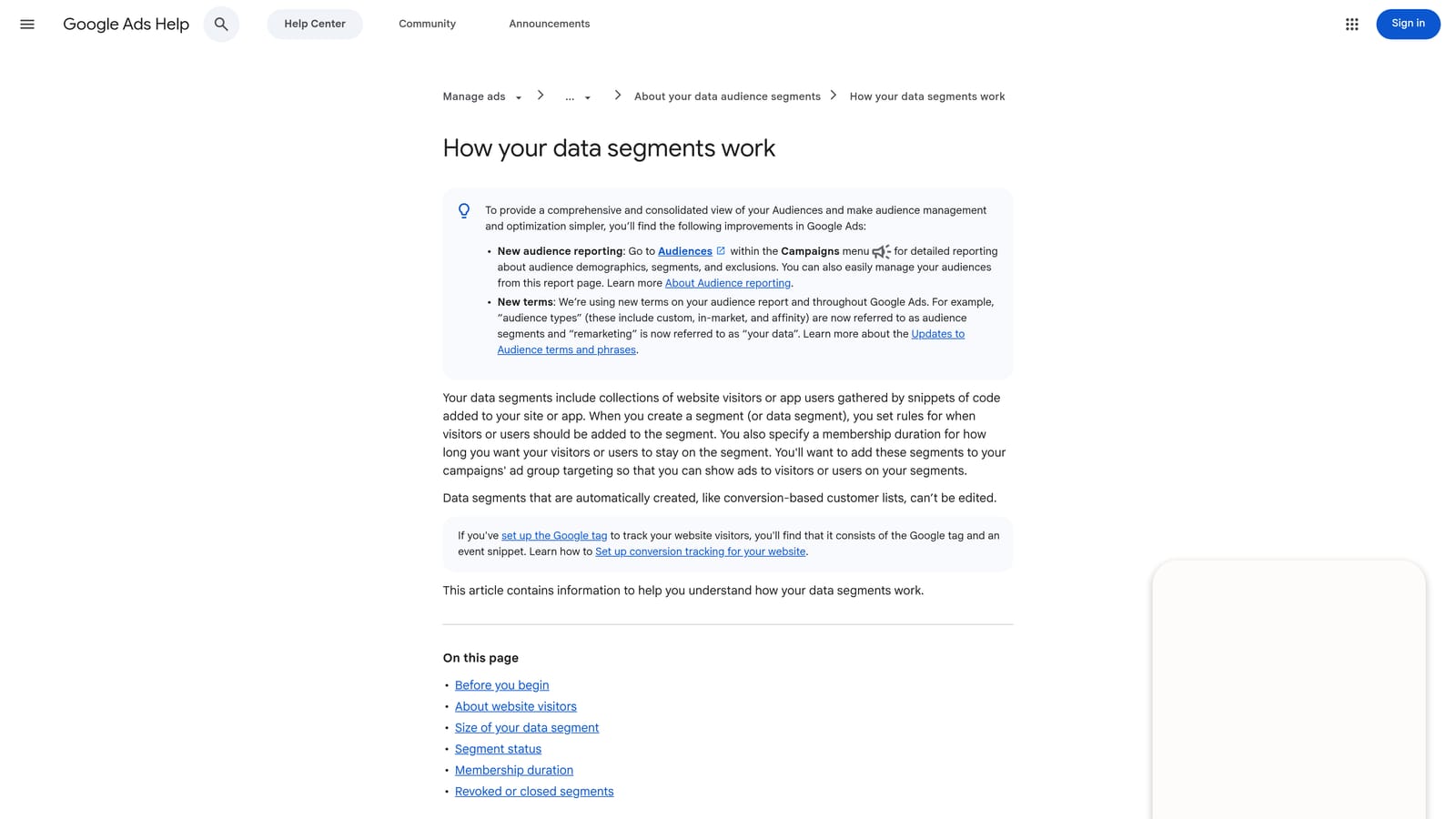
Because it's free and native, it's the natural first stop before paying for automation elsewhere. If you're not sure whether you actually need a paid optimization tool yet, setting up a few rules is a low-risk way to test the idea of automated account management.
- Pauses, enables, or adjusts bids on keywords, ads, or campaigns based on conditions you define
- Runs on a schedule or recurring basis, so routine checks happen without you logging in daily
- Sends email alerts when a rule triggers, keeping you informed without requiring constant monitoring
- Requires no extra software, login, or integration beyond your existing Google Ads account
The catch is that the logic is genuinely basic. Automated Rules can't cluster search terms, apply nuanced match type decisions, or weigh multiple performance signals the way a dedicated tool can. It's also worth remembering that Google's AI-generated recommendations elsewhere in the platform still require manual review and application; they don't apply themselves just because a rule exists. Treat this as a starting point for straightforward pause and bid conditions, not a full optimization system.
Best for: Advertisers who want free, lightweight automation before investing in a paid tool.
4. Optmyzr
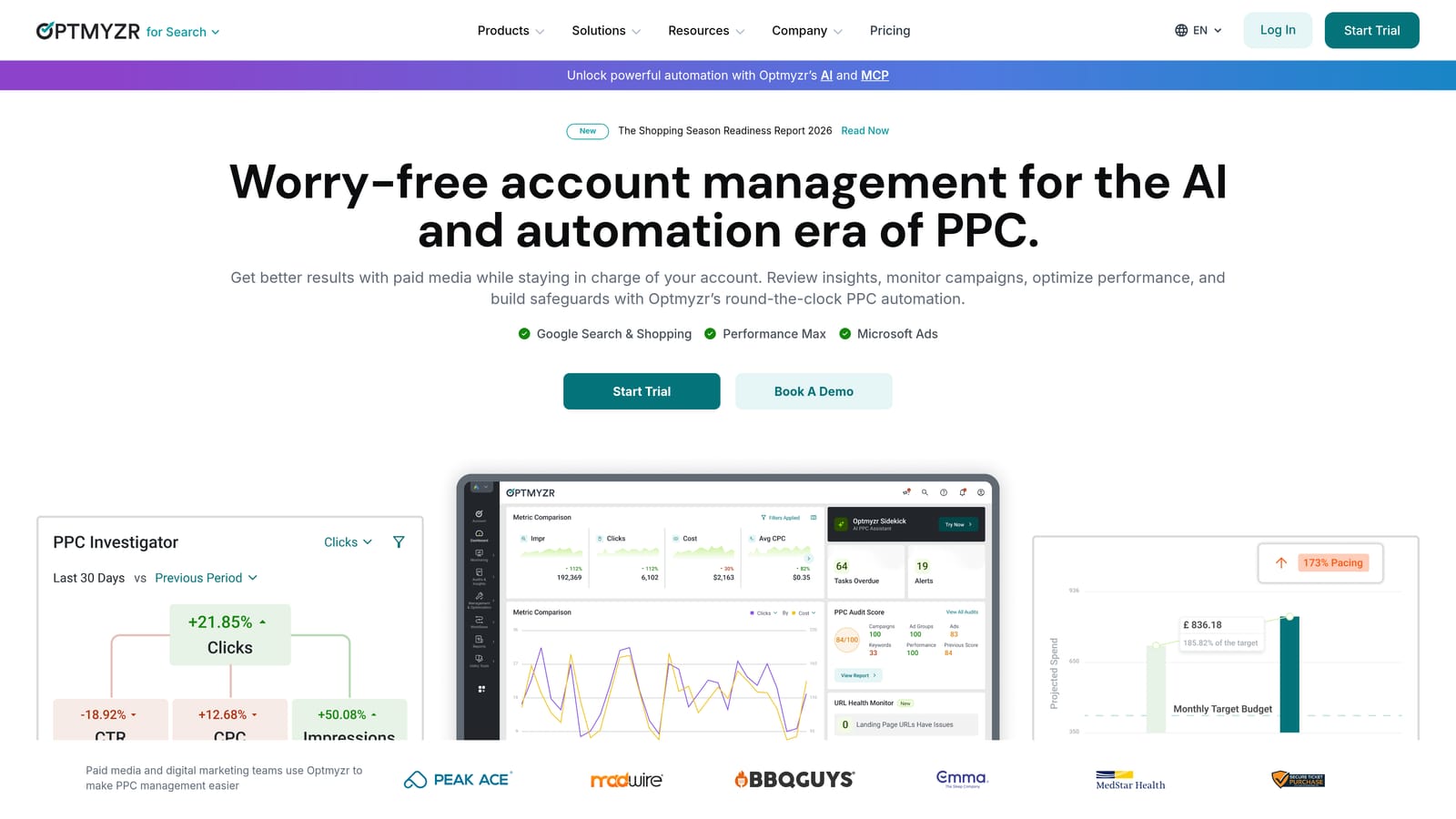
Optmyzr is a PPC management platform built for teams handling multiple accounts, with rule-based optimization suggestions, account audits, and bulk change tools layered on top of Google Ads and Microsoft Advertising data.
What makes it different here
The Rule Engine is the headline feature: instead of relying only on Google's built-in automated rules or Optmyzr's own preset suggestions, you can codify your agency's specific optimization logic and apply it consistently across every account you manage. That consistency is valuable once you have several client accounts and want the same standards applied to all of them.
- Custom Rule Engine for automating optimizations based on logic you define, not just Google's presets
- Tracks Quality Score and broader account health so issues surface before they cost you spend
- Applies bid and budget changes across accounts with one click, instead of adjusting each campaign separately
- Generates white-label reports for client accounts, saving agency time on manual reporting
Who it fits and what it costs
Optmyzr connects to Google Ads and Microsoft Advertising and is generally run by an agency's PPC lead or account manager rather than a single freelancer. Setup involves connecting accounts and configuring rules, which takes more time upfront than a plug-and-play extension. Pricing is quote-based and scales with account count or ad spend, so check the current figures on Optmyzr's site before committing. For a solo advertiser managing one or two accounts, the platform's depth and price point are likely more than necessary.
Best for: Agencies managing multiple client accounts that want configurable automation rules.
5. Adalysis
Ad testing is the part of PPC management most advertisers skip because doing the statistics correctly by hand is tedious. Adalysis automates that testing process, checking for statistical significance so you know when an ad variation is actually winning rather than just performing better for a few days by chance.
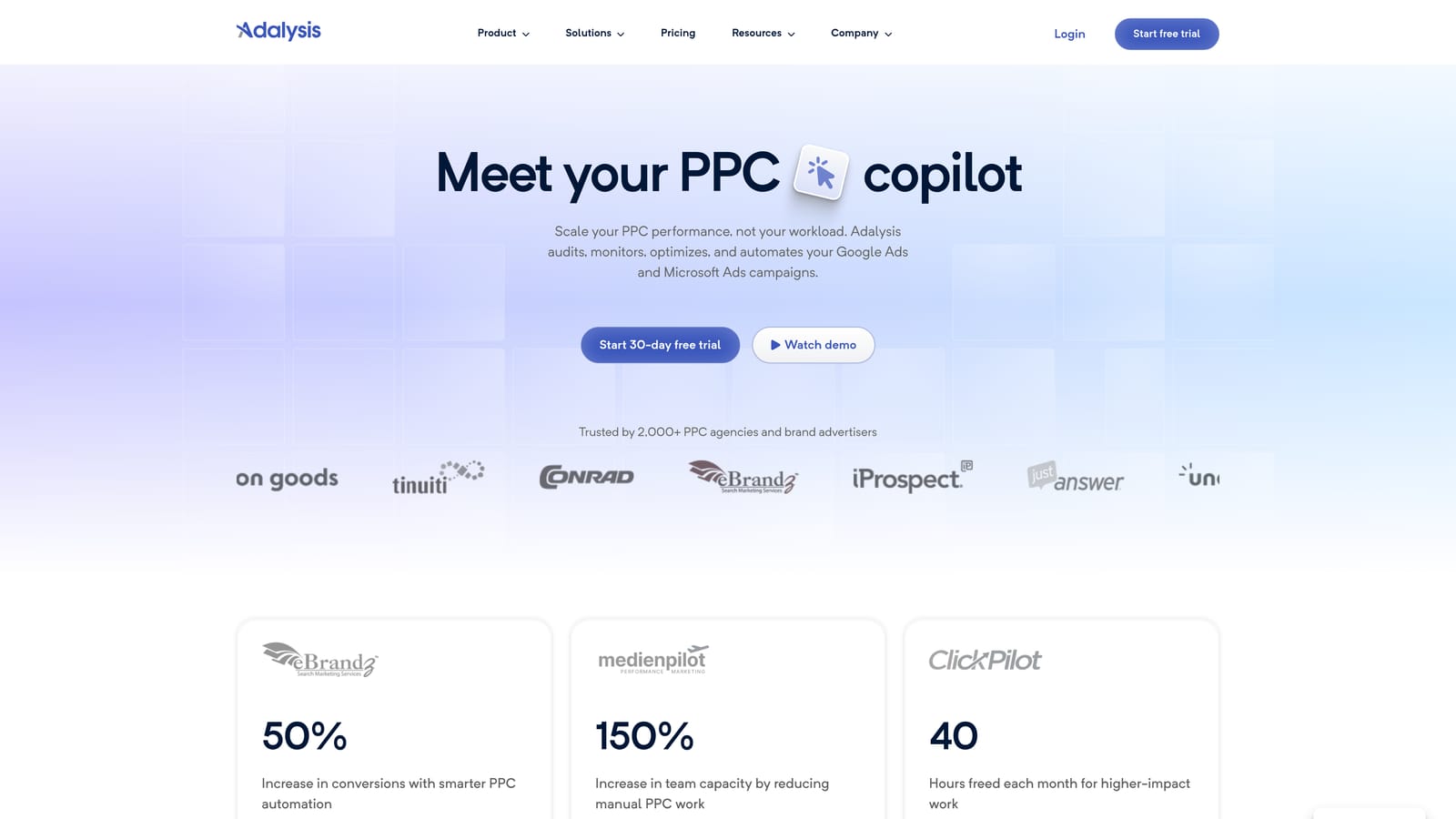
That statistical layer is what separates Adalysis from the rest of this list. Where other tools focus on keywords and search terms, Adalysis puts equal weight on ad copy testing and account-wide auditing, flagging issues like weak ad strength or Quality Score drops as part of its recurring checks.
- Runs automated ad tests and tells you when results are statistically significant, removing guesswork on which ad variant to keep
- Performs recurring account audits covering tracking setup, ad strength, and Quality Score issues
- Suggests search terms to add as keywords or exclude as negatives based on performance patterns
- Lets you configure custom alert rules so you're notified about the specific issues you care about
Adalysis connects to Google Ads and Microsoft Advertising accounts, and setup mainly involves connecting your account and letting it run its initial audit. The interface is data-dense, though, more so than a single-purpose extension, so new users should expect a slightly longer ramp-up before it feels effortless. Check Adalysis's site for current plan pricing, since it varies by account size.
Best for: Advertisers running ongoing ad copy tests who want the math done for them.
6. WordStream (by LocalIQ)
WordStream, now under LocalIQ, is built around a guided weekly workflow rather than an open-ended dashboard. Its "20-Minute Work Week" format walks you through a checklist of optimization tasks, which suits small business owners who manage their own ads without dedicated PPC time.

That checklist structure is the standout feature here. Instead of deciding what to optimize each week, you follow a guided sequence, which lowers the learning curve considerably compared with tools that hand you raw data and expect you to know what to do with it.
- Walks you through a 20-minute weekly checklist covering the highest-impact optimization tasks
- Offers a free Google Ads Performance Grader for a quick snapshot of account health before you commit to anything
- Suggests new keywords and negative keywords based on your account's search term activity
- Reports across Google Ads, Microsoft Advertising, and Facebook Ads in one place
WordStream connects to Google Ads, Microsoft Advertising, and Facebook Ads, and it's typically run directly by a business owner or marketing generalist rather than a specialist. It's less suited to agencies juggling many client accounts, since the guided format is built around single-account management rather than portfolio-level oversight. Pricing is quote-based, so confirm current figures on WordStream's site.
Best for: Small business owners who want a guided, low-time-commitment optimization routine.
7. SEMrush PPC Toolkit
Rather than optimizing an existing campaign, the SEMrush PPC Toolkit helps you figure out what to target in the first place by showing what competitors are bidding on and running as ad copy. It's part of the broader SEMrush marketing suite, so it sits alongside SEO tools most agencies already use for other client work.
Competitor visibility is what makes it useful for Google Ads specifically. You can see the keywords and ad copy a competitor domain is running, then compare that against your own account to find gaps worth targeting.
- Tracks competitor ad copy and keyword targeting over time, so you can see what rivals are testing
- Runs PPC keyword gap analysis to surface terms competitors bid on that you don't
- Provides keyword research with search volume and CPC estimates to prioritize new terms
- Keeps an ad copy history for competitor domains, useful for spotting messaging patterns
Setup means signing up for a SEMrush plan and exporting keyword data for use in Google Ads; there's no direct account connection for optimization actions. Because it's part of a larger SEO and content marketing platform, a solo PPC advertiser may end up paying for a lot of functionality outside their actual needs. As of 2026, plans start around $139.95 a month, though pricing is worth verifying directly on SEMrush's site since it changes periodically.
Best for: Marketers who want competitor research alongside their Google Ads optimization.
8. SpyFu
SpyFu focuses on one thing: showing you the paid keywords and ad copy a domain has used historically, so you can build a keyword list before you ever set up a campaign. It's less an in-account optimization tool and more a research step that feeds into your Google Ads keyword strategy.
The historical view is what sets it apart. Rather than a snapshot of what a competitor is running today, SpyFu shows how their keyword and ad copy choices have changed over time, which can reveal what's worked well enough for them to keep running it.
- Tracks a competitor's paid keyword and ad copy history, showing changes over months or years
- Exports keyword lists in formats compatible with Google Ads uploads, saving manual re-entry
- Compares domains head to head to highlight keyword overlap and gaps
- Surfaces overlap between PPC and SEO keyword opportunities for the same domain
SpyFu isn't built for tasks like search term cleanup or match type management inside an active account; it's strictly a research and list-building tool. As of 2026, plans start around $39 a month, though you should check SpyFu's site for current pricing before signing up.
Best for: Advertisers building initial keyword lists from competitor research before setting up campaigns.
Matching the Tool to Your Workflow
If your main headache is a bloated Search Terms Report and a backlog of negative keywords you haven't gotten around to adding, Keywordme handles that specific job inside Google Ads itself, without asking you to learn a new dashboard. If you're restructuring campaigns or need to push bulk bid changes safely, Google Ads Editor and Automated Rules cover that at no cost, and they're worth using even alongside a paid tool. Agencies with several client accounts and the appetite for deeper automation should look at Optmyzr or Adalysis, depending on whether your priority is custom rule logic or ad testing rigor. And if you're earlier in the process, still building out keyword lists or sizing up competitors, WordStream, SEMrush, or SpyFu each serve a different flavor of that research.
None of these tools require a long onboarding process, which was the point of this list. Optimize Google Ads campaigns 10x faster, without leaving your account. Keywordme lets you remove junk search terms, build high-intent keyword lists, and apply match types instantly, right inside Google Ads. No spreadsheets, no switching tabs, just quick, seamless optimization. Start your free 7-day trial (then just $12/month) and take your Google Ads game to the next level.
.svg)