
8 Best SEO Keyword Dashboards for Marketers and Agencies
This guide reviews the 8 best SEO keyword dashboard tools available in 2026, evaluated on data accuracy, reporting depth, usability, and value for money. Whether you're a freelancer or a multi-client agency, it covers options that fit every workflow — including a standout PPC keyword tool for professionals managing both organic and paid search.


If you're managing keyword research, rankings, and search visibility across multiple clients or campaigns, a dedicated SEO keyword dashboard can save you hours of manual reporting. The market is crowded in 2026 — some tools are bloated enterprise suites that take weeks to learn, others are lightweight options that do one thing well but leave gaps everywhere else.
This list covers the best SEO keyword dashboards available right now, chosen for data accuracy, usability, reporting depth, and value for money. Whether you're a freelancer tracking a handful of sites or an agency juggling dozens of clients, there's an option here that fits your workflow.
One quick note on positioning: Keywordme leads this list, but it's not an SEO rank tracker. It's a PPC keyword optimization tool for Google Ads. It's included because many of the same professionals searching for SEO keyword dashboards also run paid search campaigns — and managing paid keyword lists alongside organic work is a real, often overlooked workflow gap. The distinction is explained clearly in its section.
1. Keywordme
Best for: Google Ads managers and agencies optimizing paid keyword lists inside the native interface
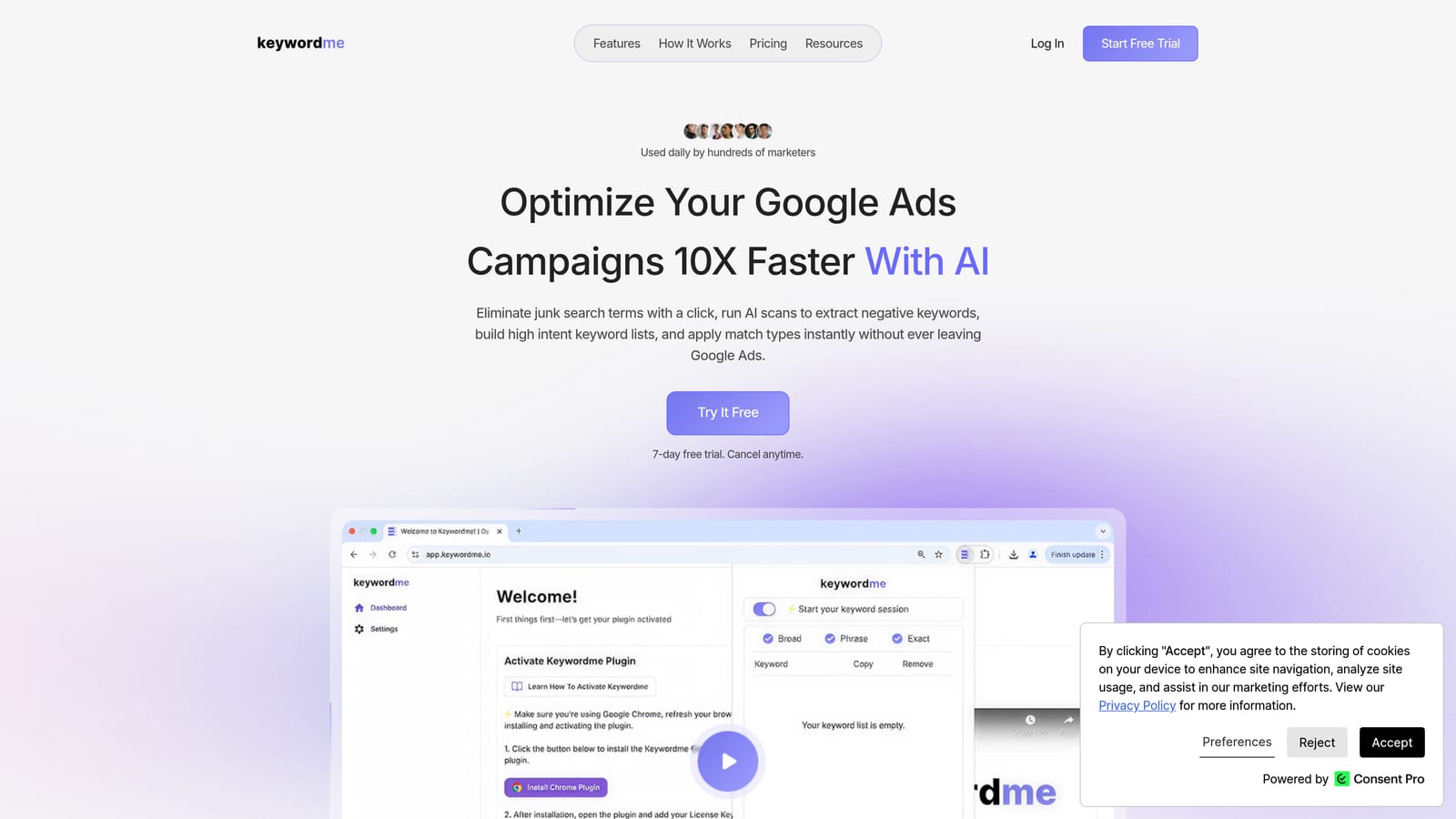
Keywordme is a Chrome extension that streamlines Google Ads keyword management directly inside the Search Terms Report, with no spreadsheets or third-party dashboards required.
Where This Tool Shines
Most PPC professionals spend a surprising amount of time doing repetitive, low-value work inside Google Ads: exporting search term data, filtering in spreadsheets, deciding what to negate, then re-importing changes. Keywordme collapses that entire loop into a few clicks without ever leaving the Google Ads interface.
This is especially useful for agencies managing multiple client accounts. The multi-account and team support means you're not bouncing between tools or maintaining separate keyword lists per client. Everything happens where you're already working.
Key Features
One-click negative keyword management: Remove junk search terms and add negatives directly from the Search Terms Report without exporting data.
Match type application: Apply broad, phrase, or exact match types to keywords instantly without leaving the native Google Ads UI.
Keyword clustering: Group related search terms into logical clusters to build tighter ad groups and keyword lists faster.
Bulk editing: Process multiple search terms at once rather than handling them one by one, which is a significant time saver at scale.
Multi-account and team support: Manage several client accounts and collaborate with team members from a single setup.
Best For
Google Ads managers, PPC freelancers, and agency teams who spend meaningful time in the Search Terms Report. If you're also using an SEO keyword dashboard to track organic rankings, Keywordme handles the paid side of the same workflow — keeping both organized without adding another reporting layer.
Pricing
Flat rate of $12/month per user. A 7-day free trial is available with no commitment required.
2. Ahrefs
Best for: SEO professionals who need deep keyword data, rank tracking, and competitive intelligence in one place
Ahrefs is a comprehensive SEO platform with one of the largest keyword databases available, covering keyword research, rank tracking, backlink analysis, and site auditing.

Where This Tool Shines
Ahrefs is widely regarded as one of the most data-rich SEO platforms available. Its Keyword Explorer goes beyond basic search volume by surfacing click data, keyword difficulty, and parent topic groupings — which helps you understand not just whether a keyword gets searched, but whether ranking for it actually drives traffic.
The SERP history feature is particularly useful for competitive research. You can see how rankings have shifted over time for any keyword, which helps identify whether a position is stable or volatile before you invest content resources into targeting it.
Key Features
Keyword Explorer: Search volume, keyword difficulty, click data, and parent topic analysis across a large keyword database.
Rank Tracker: Daily position monitoring for tracked keywords across desktop and mobile, with visibility trend charts.
SERP history: View how rankings for any keyword have changed over time to assess stability and opportunity.
Content gap tool: Identify keywords your competitors rank for that your site doesn't, surfacing content opportunities directly.
Site Explorer: Competitive keyword and organic traffic analysis for any domain or URL.
Best For
Experienced SEO practitioners, content strategists, and agencies that need reliable data depth and are comfortable with a higher-tier pricing model. Less suited to beginners or budget-conscious freelancers who don't need the full feature set.
Pricing
Paid plans start at a mid-to-high price point. Check ahrefs.com/pricing for current rates, as pricing is updated periodically.
3. Semrush
Best for: Agencies and marketers managing both organic SEO and paid search keyword strategy in one platform
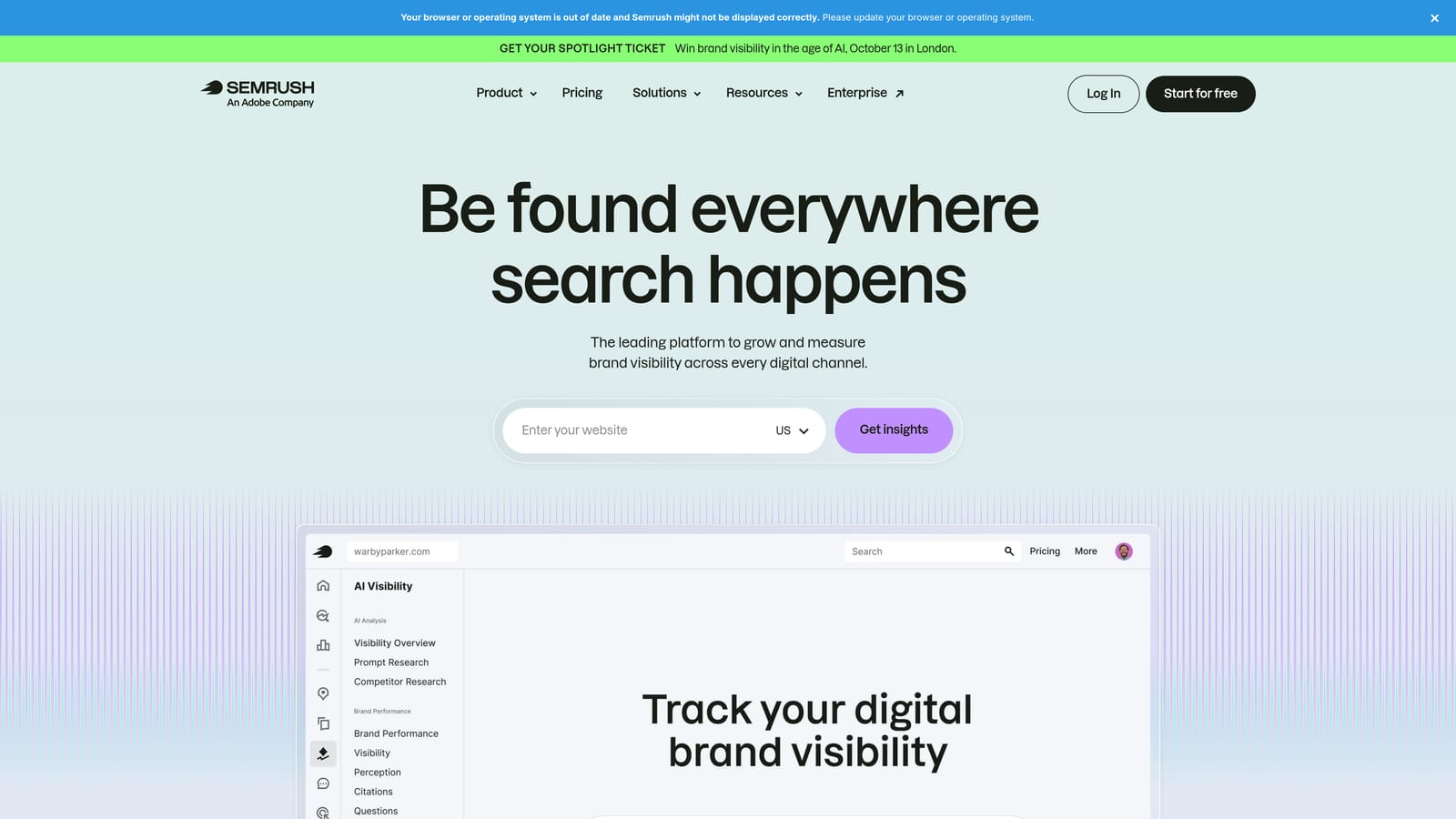
Semrush is an all-in-one digital marketing platform that combines organic keyword tracking with paid keyword research, competitor ad intelligence, and content tools.
Where This Tool Shines
Semrush is one of the few platforms that genuinely bridges SEO and PPC keyword data in a single interface. If you're managing both organic and paid campaigns for a client, you can analyze their organic keyword rankings and their competitors' paid keyword strategies without switching tools.
The Keyword Magic Tool is particularly strong for large-scale keyword discovery. It lets you build and cluster keyword lists at volume, which is useful for agencies building out content strategies or PPC account structures that need to cover broad topic areas systematically.
Key Features
Position Tracking dashboard: Daily keyword rank monitoring with visibility metrics, competitor comparison, and SERP feature tracking.
Keyword Magic Tool: Large-scale keyword discovery with grouping, filtering, and difficulty scoring built in.
Keyword Gap analysis: Side-by-side comparison of your keyword rankings versus competitors to find gaps and overlaps.
Organic and paid keyword data: View both SEO and PPC keyword intelligence from the same platform.
White-label reporting: Agency-friendly reporting options for client-facing deliverables.
Best For
Digital marketing agencies and in-house teams running integrated SEO and PPC programs. Also a strong choice for content marketers who need robust keyword clustering and competitive analysis at scale.
Pricing
Multiple tiers available for individuals, teams, and agencies. Check semrush.com/prices for current rates.
4. Google Search Console
Best for: Any website owner who wants authoritative, first-party data on which keywords are driving organic traffic
Google Search Console is Google's free webmaster tool that shows exactly which search queries are driving impressions and clicks to your site.
Where This Tool Shines
No third-party tool can replicate what Search Console provides, because the data comes directly from Google. The Performance report shows clicks, impressions, click-through rate, and average position for every keyword sending traffic to your site — and it's free, with no limits on the number of properties you can add.
For agencies, Search Console is the baseline layer under every other tool. Connecting it to Looker Studio (more on that below) or GA4 lets you build richer dashboards on top of the raw data. On its own, it's not a full keyword dashboard — there's no competitive data, no keyword research, and no rank tracking for keywords you don't already rank for — but what it does, it does with complete accuracy.
Key Features
Performance report: Clicks, impressions, CTR, and average position by keyword, page, device, country, and date range.
Flexible filtering: Drill into keyword performance by device type, geographic market, and search type.
Index coverage data: Understand which pages are indexed and flag crawling or indexing issues alongside keyword performance.
Native integrations: Connects directly with Google Analytics 4 and Looker Studio for extended reporting.
Completely free: No paywalls, no keyword limits for your own properties, no trial periods.
Best For
Every website owner and SEO practitioner — full stop. It's the essential free baseline that all other SEO tools should complement, not replace. Especially valuable for freelancers and small businesses who need reliable data without a monthly subscription.
Pricing
Free.
5. Moz Pro
Best for: SEO practitioners who want a clean, approachable platform with reliable keyword difficulty scoring and rank tracking
Moz Pro is an SEO platform known for its Keyword Explorer, Domain Authority metric, and interface that works well for practitioners at all experience levels.

Where This Tool Shines
Moz has long been valued for making SEO data accessible without overwhelming users. The Keyword Explorer surfaces organic CTR estimates alongside difficulty scores, which helps prioritize which keywords are actually worth targeting — not just which ones are technically rankable.
The MozBar Chrome extension adds a practical layer for day-to-day research, letting you pull on-page metrics and domain authority data while browsing without logging into the full platform. For practitioners doing a lot of manual SERP research, this is a small but genuinely useful time saver.
Key Features
Keyword Explorer: Keyword difficulty scores with organic CTR estimates to help prioritize targeting decisions.
Rank Tracker: Keyword position monitoring over time with trend visualization.
SERP analysis: Breakdown of who currently ranks for a keyword and the factors contributing to their position.
Site Crawl and On-Page Grader: Technical SEO auditing and on-page optimization recommendations alongside keyword data.
MozBar Chrome extension: Quick on-page metrics and DA data while browsing the web.
Best For
SEO practitioners who are newer to the field, content marketers who want keyword guidance without a steep learning curve, and small agencies that want a solid all-around platform at a mid-range price point.
Pricing
Multiple tiers available. Check moz.com/products/pro/prices for current rates.
6. SE Ranking
Best for: Agencies managing multiple client sites who need accurate daily rank tracking at a scalable price point
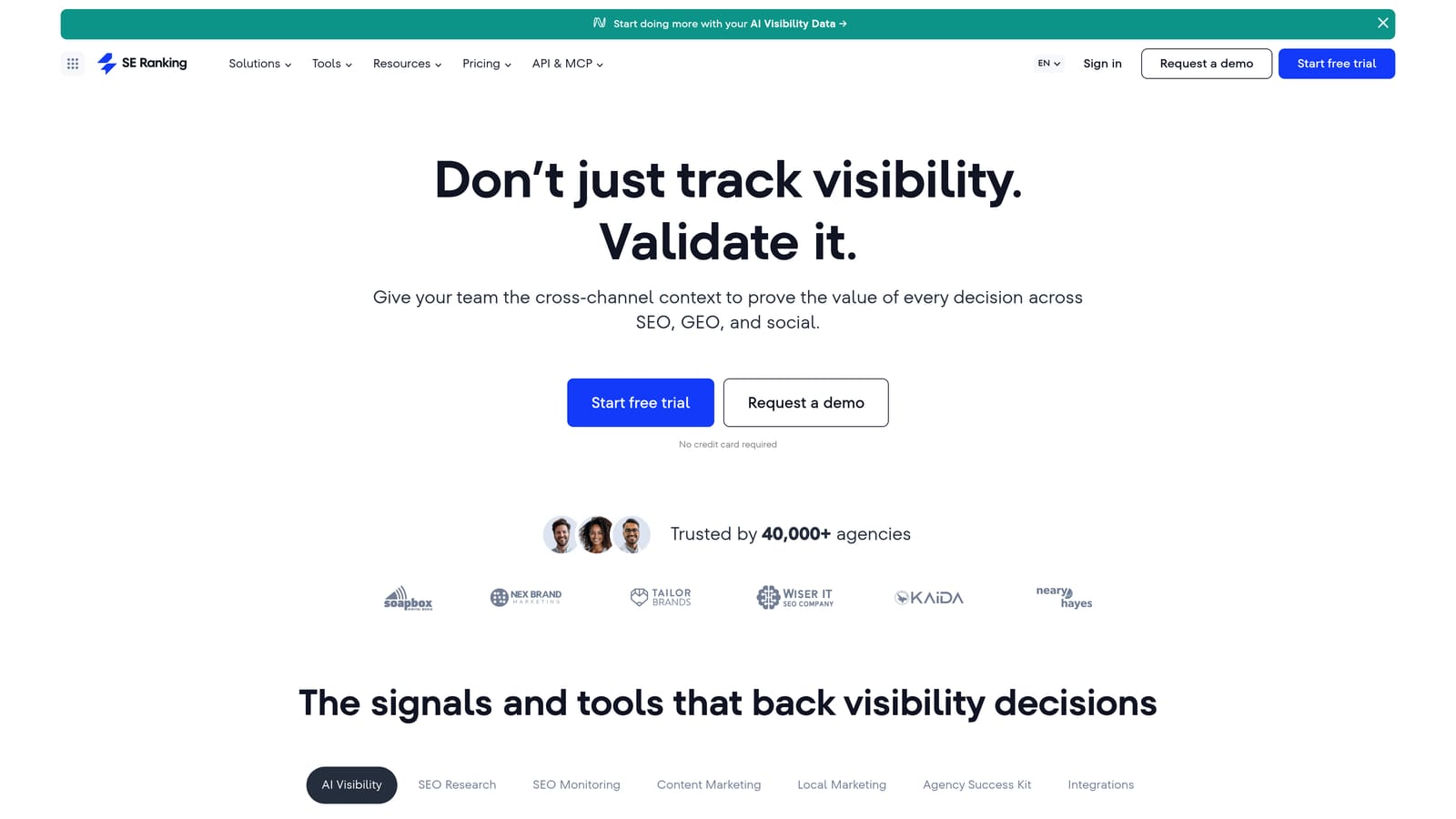
SE Ranking is a cloud-based SEO platform with accurate daily rank tracking and flexible pricing that scales well for agencies managing multiple client sites.
Where This Tool Shines
SE Ranking's pricing model is one of its most practical differentiators. Unlike tools that charge a flat fee regardless of how many keywords you track, SE Ranking lets you configure tracking frequency and keyword volume to match what you actually need. This makes it more cost-efficient for agencies that track large numbers of keywords across many client accounts.
The white-label reporting is also genuinely polished. Agencies can deliver branded keyword performance reports to clients without the client seeing SE Ranking's branding — a small detail that matters for professional presentation at scale.
Key Features
Daily rank tracking: Configurable update frequency for keyword position monitoring across desktop and mobile.
Keyword research tool: Search volume, keyword difficulty, and CPC data for keyword discovery and planning.
Competitor analysis: Keyword and estimated traffic analysis for competing domains.
White-label reporting: Fully branded client-facing reports with your agency's identity.
Flexible pricing structure: Costs scale with tracked keyword volume and update frequency, making it more economical at higher volumes compared to fixed-tier alternatives.
Best For
SEO agencies managing multiple clients who need accurate daily tracking and professional reporting without paying enterprise-level prices. Also a solid choice for in-house teams with large keyword portfolios.
Pricing
Flexible pricing based on keyword volume and tracking frequency. Check seranking.com/pricing for current rates.
7. Mangools (KWFinder)
Best for: Bloggers, content marketers, and smaller agencies who want reliable keyword research and difficulty scoring with a clean, easy-to-use interface
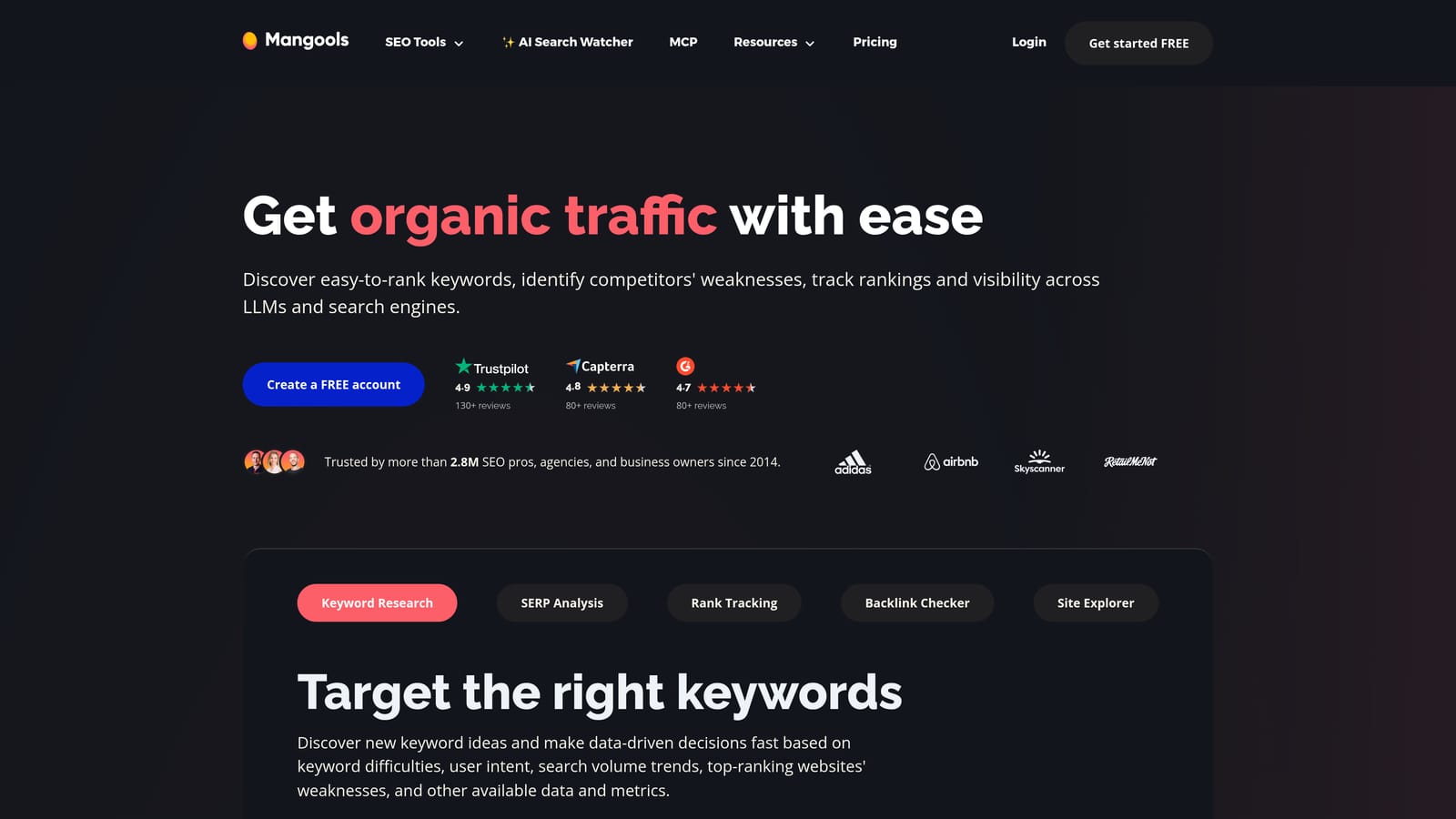
Mangools is a suite of five focused SEO tools built around KWFinder, a keyword research tool known for its clean interface and reliable difficulty scoring.
Where This Tool Shines
Mangools succeeds by staying focused. Rather than trying to match Ahrefs or Semrush feature-for-feature, it delivers a small set of well-executed tools that cover the core SEO workflow: keyword research, SERP analysis, rank tracking, and backlink research. The result is a platform that's genuinely faster to learn and easier to navigate day-to-day.
KWFinder's keyword difficulty scoring is well-regarded for its reliability, particularly for identifying long-tail opportunities where ranking is realistically achievable for newer or lower-authority sites. The SERPWatcher Dominance Index is a useful alternative metric to raw rankings — it measures how much of the available search traffic you're capturing across your tracked keywords, not just where individual keywords sit.
Key Features
KWFinder: Long-tail keyword discovery with difficulty scores and search volume data in a clean, visual interface.
SERPChecker: Detailed SERP analysis for any keyword, including domain authority and page metrics for current ranking pages.
SERPWatcher: Rank tracking with a Dominance Index metric that measures overall search visibility across tracked keywords.
LinkMiner: Backlink analysis tool for competitor link research.
Beginner-friendly UI: Consistent clean design across all five tools, with minimal learning curve.
Best For
Freelancers, bloggers, and small-to-mid-sized agencies that want capable SEO keyword research and rank tracking without the complexity or cost of enterprise-level platforms. A strong entry point for practitioners newer to SEO tooling.
Pricing
Affordable tiers available. Check mangools.com/pricing for current rates.
8. Looker Studio (with GSC/GA4 Connector)
Best for: Agencies and technical marketers who want fully custom SEO keyword dashboards built on first-party Google data at no cost
Looker Studio is Google's free data visualization platform that lets you build custom SEO keyword dashboards by connecting Google Search Console, GA4, and other data sources.
Where This Tool Shines
Looker Studio isn't a keyword research tool — it's a reporting layer. What makes it powerful is the combination of free access, native Google data connectors, and complete layout flexibility. You can build a keyword performance dashboard that shows exactly the metrics your client cares about, in the visual format that makes most sense for their business, without paying for a reporting add-on or exporting data manually.
The automated data refresh means reports stay current without anyone touching them. For agencies delivering weekly or monthly keyword performance reports to clients, this removes a recurring manual task. The shareable link format also means clients can check their own dashboard at any time without needing a platform login.
Key Features
Native GSC and GA4 connectors: Pull keyword performance data directly from Google's own tools without third-party integration or data export.
Fully customizable layouts: Build dashboards with the exact charts, tables, filters, and date controls your reporting needs require.
Automated data refresh: Reports update automatically so keyword data stays current without manual intervention.
Shareable links and branded reports: Deliver polished client-facing dashboards via link, with your agency's branding applied.
Free with no limits: No cost, no keyword caps, no report limits — as long as your data sources are connected.
Best For
Agencies that want to deliver custom-branded keyword dashboards to clients without paying for reporting software. Also useful for technical marketers who want to combine SEO keyword data with other business metrics in a single view. Requires some setup time and comfort with data connections.
Pricing
Free.
What a Keyword Dashboard Should Show
A keyword dashboard is a single view of how your keywords perform, so you can decide which to push, fix or drop without pulling separate reports. The tools below differ in data source, but a useful dashboard answers the same few questions.
Core metrics for an organic keyword dashboard
- Position by keyword and page: current rank and the trend over time, so you can separate real movement from daily noise.
- Impressions, clicks and CTR: Google Search Console is the first-party source. A keyword with high impressions and low CTR points to a title or snippet problem, not a ranking problem.
- Search volume and difficulty: third-party estimates from tools like Ahrefs, Semrush or Mangools. Treat them as directional, not exact.
- Competitor comparison: which keywords competitors rank for that you don't.
- Segmentation: filters by page, device, country and keyword group, so reports stay readable across many clients.
If you also run Google Ads
Paid keywords need their own view. Track impressions, clicks, cost and conversions by search term and keyword, and watch which search terms triggered your ads. Terms that spend without converting are candidates for negative keywords. Terms that convert under a loose match type are candidates to add as exact or phrase keywords. Comparing this list with your organic queries also shows where you pay for clicks you might already win for free.
How to choose
Pick the dashboard that covers the decisions you make weekly. If you only need first-party organic data, Search Console plus Looker Studio is enough. If you need competitor data or daily rank tracking for many clients, use one of the paid platforms in this list. Keep paid keyword clean-up inside Google Ads, where search term data already lives.
SEO Keyword Dashboard Comparison: All 8 Tools at a Glance
Here's how all eight tools compare across the dimensions that matter most when choosing an SEO keyword dashboard.
| Tool | Best For | Rank Tracking | Keyword Research | White-Label Reports | Starting Price |
|---|---|---|---|---|---|
| Keywordme | Google Ads / PPC keyword management | No (paid search focus) | Via Google Ads search terms | No | $12/month per user |
| Ahrefs | Data depth & competitive intelligence | Yes (daily) | Yes (large database) | No | Paid (see site for current rates) |
| Semrush | Integrated SEO + PPC keyword strategy | Yes (daily) | Yes (Keyword Magic Tool) | Yes | Paid (see site for current rates) |
| Google Search Console | First-party organic keyword data | Yes (via Performance report) | No | No | Free |
| Moz Pro | Approachable all-around SEO platform | Yes | Yes (with CTR estimates) | No | Paid (see site for current rates) |
| SE Ranking | Agency rank tracking at flexible pricing | Yes (daily, configurable) | Yes | Yes | Paid, scales with keyword volume |
| Mangools (KWFinder) | Beginner-friendly keyword research | Yes (SERPWatcher) | Yes (long-tail focus) | No | Affordable (see site for current rates) |
| Looker Studio | Custom branded dashboards on GSC/GA4 data | Via GSC connector | No | Yes (fully customizable) | Free |
Key takeaway: If you need organic rank tracking and keyword research, Ahrefs, Semrush, SE Ranking, or Moz Pro are your primary options depending on budget and depth required. Google Search Console and Looker Studio give you strong free baselines using first-party data. Mangools suits smaller operations wanting simplicity. Keywordme is the only tool here focused exclusively on paid search keyword management inside Google Ads — it complements any SEO dashboard rather than replacing it.
Which SEO Keyword Dashboard Is Right for You?
The right tool depends on what you're actually trying to do. Here's a quick breakdown by use case.
Freelancers on a budget: Start with Google Search Console for first-party keyword data, then add Mangools if you need keyword research and rank tracking. You get a solid, practical setup without significant monthly spend.
Agencies needing data depth: Ahrefs or SE Ranking are the strongest options. Ahrefs wins on raw data depth and competitive intelligence. SE Ranking wins on pricing flexibility for high-volume keyword tracking across multiple client accounts.
Teams managing both SEO and PPC: Semrush covers organic keyword tracking and paid keyword research in one platform. But Semrush doesn't help you manage what actually happens inside Google Ads — cleaning up search terms, applying negatives, and refining match types. That's where Keywordme fits alongside it, handling the paid keyword workflow directly inside the Google Ads interface.
Custom reporting without the cost: Looker Studio connected to Search Console and GA4 is the most flexible free option available. It takes setup time, but the result is a fully branded, automated keyword dashboard you can share with clients directly.
One thing worth keeping in mind: SEO keyword dashboards track organic rankings and search visibility. If you're also running Google Ads campaigns, you need a separate workflow to manage search terms, negative keywords, and match types. Those are paid keyword tasks, and most SEO platforms don't handle them well. That's the specific gap Keywordme addresses — working directly inside Google Ads so you're not bouncing between platforms or maintaining spreadsheets to keep your paid keyword lists clean.
If you're spending meaningful time each week manually reviewing search terms and managing negatives in Google Ads, Start your free 7-day trial and see how much faster that workflow can move. After the trial, it's $12/month per user — no spreadsheets, no tab-switching, just faster optimization right where you're already working.
.svg)