
9 Best SEM Optimization Tools for Google Ads and Microsoft Ads in 2026: A Comparison
This SEM optimization tools comparison reviews nine tools for Google Ads and Microsoft Ads, covering search term cleanup, bulk editing, bid and budget automation, auditing, competitor research, and reporting. Each tool is judged on the job it does, the workflow it replaces, pricing transparency, and who it suits, so marketers, freelancers, and agencies can match a tool to their actual bottleneck.


Paid search (SEM) work gets split across a lot of different jobs: cleaning up search terms, bulk editing, automating bids and budgets, auditing, researching competitors, and reporting to clients or bosses. Most tools do one or two of these well and the rest badly. This list is for marketers, freelancers, and agency owners who run Google Ads, and sometimes Microsoft Ads, and want to match a tool to their actual bottleneck. Each tool is judged on the same things: the job it does, the workflow it replaces, how transparent its pricing is, and who it suits.
Quick Comparison of the SEM Optimization Tools
- Keywordme: solo advertisers and agencies who spend lots of time on search terms; $12/month per user; works inside the native Google Ads Search Terms Report, so there is no export step.
- Google Ads Editor: people building or restructuring large Google Ads accounts; free; bulk structural edits with a change review before posting.
- Optmyzr: agencies automating optimization across many accounts; pricing on its website, tiered by ad spend; a highly customizable rule engine.
- Adalysis: agencies wanting systematic ad testing and audits; pricing on its website; statistically driven ad copy testing with ongoing audits.
- WordStream Advisor: small businesses with limited PPC expertise; quote-based; a graded, guided workflow for non-specialists.
- Google Ads Scripts: technical practitioners who need custom checks; free; unlimited custom automation at no cost.
- SEMrush: strategists researching competitors and keyword opportunities; subscription tiers listed on its website; competitor paid search research inside a broad SEO and SEM suite.
- SpyFu: budget-conscious teams researching competitor ads; pricing on its website; a historical view of competitors' paid keywords and ad copy.
- Looker Studio: freelancers and agencies producing client reports; free; customizable visual reporting with blended data sources.
1. Keywordme
Keywordme is a Chrome extension that adds one-click actions directly inside the Google Ads Search Terms Report. It is built for advertisers who review search terms (the actual queries people typed) and decide which to add as keywords (what you bid on) and which to block as negative keywords. It is our own product, so weigh this section with that in mind.
Its standout trait is where it lives. You work in the native Google Ads interface, which removes the usual export-to-spreadsheet, sort, and re-upload loop for search term cleanup. The company says it can make optimization up to 10x faster; treat that as a vendor claim, since your results depend on how you work today.
- Add keywords and negative keywords straight from the Search Terms Report, so a review pass becomes a series of clicks.
- Apply match types instantly, so you do not retype broad, phrase, or exact syntax by hand.
- Keyword clustering groups related terms so you can build tighter keyword lists.
- Bulk editing handles many terms at once instead of one at a time.
- Multi-account and team support lets agencies run the same workflow across clients and users.
Setup is light: install the extension in Chrome and open Google Ads. The person who does search term reviews day to day is the one who uses it, so no admin or developer is needed. It works with Google Ads through Chrome.
The limits are clear. It is Google Ads and Chrome only, so Microsoft Ads accounts are out. It is also not a bid management, auditing, or reporting platform. If your bottleneck is automation, diagnostics, or client dashboards, you will need another tool alongside it. And you still make the judgment calls on which terms are junk; it speeds up the clicking, not the thinking.
Pricing is $12 per month per user, with a 7-day free trial (as of October 2026; confirm current terms on the Keywordme site). Cost scales with the number of users, not ad spend.
Best for: Solo advertisers and agencies who spend lots of time cleaning search terms.
2. Google Ads Editor
Google Ads Editor is Google's free desktop app for editing campaigns and accounts in bulk, including offline. It is aimed at practitioners who build, clone, or restructure big accounts and find the web interface too slow for that.

What it does better than anything else here for the price (nothing) is structural editing with a review step. You make a pile of changes, look them over, and only then post them to the account. That review habit is worth having for any large change.
- Bulk edits across campaigns and accounts, so one change can replace hundreds of manual ones.
- Offline editing lets you work on a plane or draft changes before anyone approves them.
- Review before posting catches mistakes before they go live.
- Copy and paste of campaign structures speeds up building similar campaigns for new clients or regions.
- Multi-account management lets you move between accounts without constant switching in the browser.
It integrates with Google Ads only, and setup is a download and an account sign-in. Whoever manages the account structure runs it, typically a PPC specialist.
The limitation is that it is an editor and nothing more. It does not recommend optimizations, does not flag wasted spend, and does not support Microsoft Ads. It also is not built around the flow of reviewing search terms, so it complements rather than replaces a search term workflow. There is a learning curve if you are used to the web interface.
Pricing: free.
Best for: Building and restructuring large Google Ads accounts.
3. Optmyzr
Optmyzr is a PPC management platform combining rule-based automation, audits, optimization suggestions, and reporting. It is designed for agencies and in-house teams managing many accounts who want repetitive optimizations handled on a schedule.

Its distinguishing strength is the Rule Engine. You define the conditions and actions for recurring tasks, so the platform handles routine work the way you specified rather than the way a generic algorithm would.
What you get
- A Rule Engine for custom automations, so your own logic runs on repeat across accounts.
- Optimization suggestions that point out where to look in an account.
- Account audits that surface issues without a manual walkthrough.
- Reporting that cuts down on assembling client updates by hand.
Setup, fit, and limits
It connects to Google Ads and Microsoft Ads. Setup takes more effort than a browser extension: you connect accounts, then decide which rules and audits to turn on. Someone with solid PPC knowledge should own it, because automation is only as good as its settings. Review what it changes, especially early on.
The trade-offs are a steeper learning curve and pricing aimed at agencies or larger spend. A freelancer with a handful of small accounts may find it more than they need. Pricing is tiered by ad spend; see the Optmyzr website for current figures, as the vendor does not publish a simple flat number we can quote here.
Best for: Agencies automating optimization across many accounts.
4. Adalysis
Adalysis is a PPC auditing and ad testing platform with alerts and account-wide checks. It suits agencies and teams that want continuous diagnostics rather than one-off reviews.
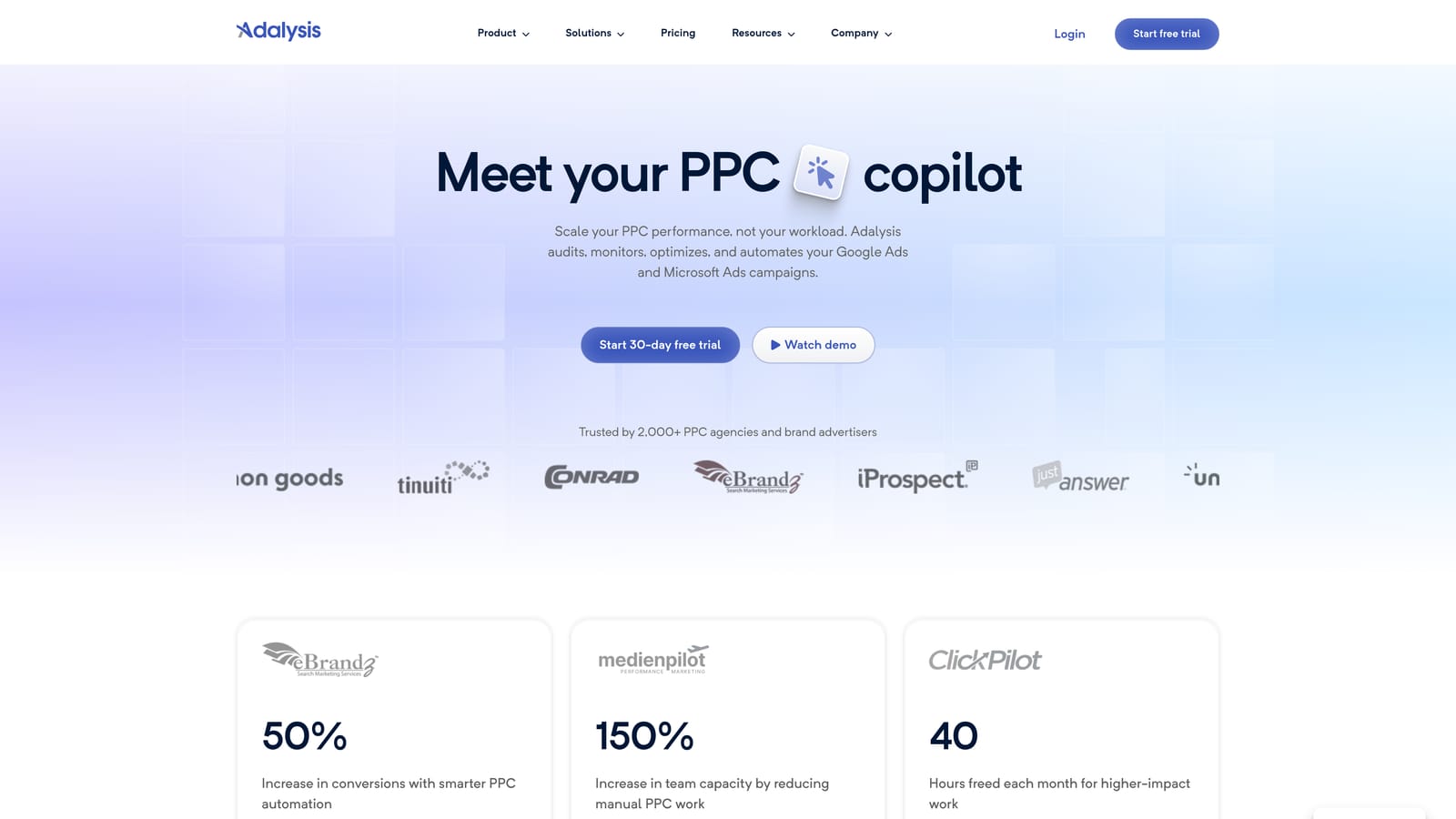
Its edge over the rest of this list is statistically driven ad copy testing. Instead of eyeballing which ad variation looks better, you get ongoing tests and audits that help you decide when there is enough evidence to act.
- Automated ad testing evaluates ad variations so you spend less time comparing them by hand.
- Scheduled audits keep checking accounts without a manual session each time.
- Alerts flag problems as they appear, rather than at the next monthly review.
- Reporting packages findings for stakeholders.
It integrates with Google Ads and Microsoft Ads. Expect some setup time connecting accounts and tuning what gets checked. A PPC manager or account lead usually owns it, working through findings and deciding what to implement.
The limitation is its diagnostic focus. It tells you where to look; it is not the quickest way to work through a search term report by hand, so teams with heavy search term cleanup needs usually pair it with something faster for that job. It can also be more than a solo advertiser with one small account needs.
Pricing is listed on the Adalysis website. As of October 2026 we are not quoting a figure; check the site for current plans.
Best for: Agencies that want systematic ad testing and account audits.
5. WordStream Advisor
WordStream Advisor is small-business PPC software from LocaliQ. It grades account performance and walks users through suggested improvements, so it is designed for people who run ads but are not full-time PPC specialists.
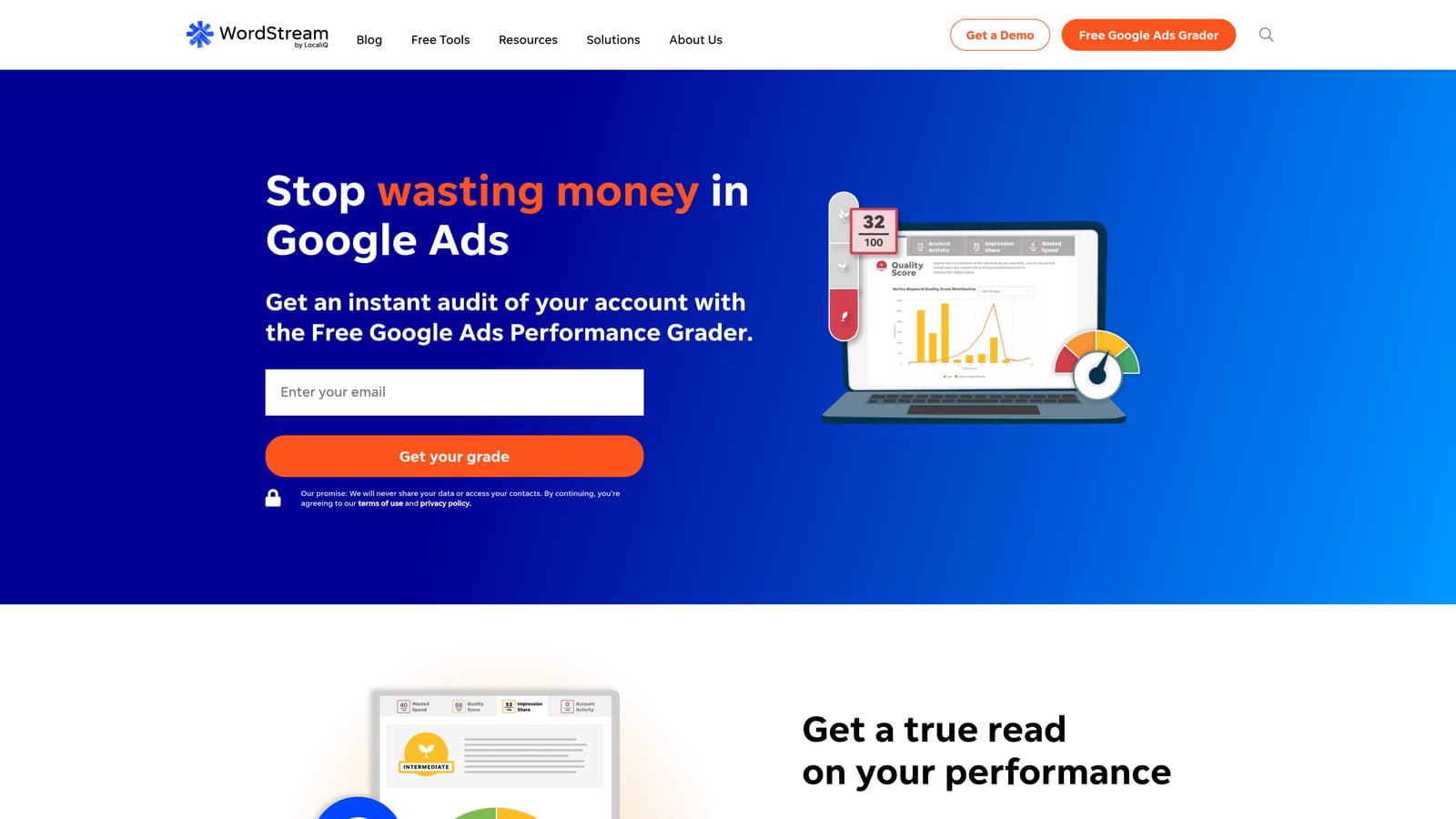
The guided, graded workflow is what sets it apart. Where most tools on this list assume you know what to look for, this one tells you where an account stands and what to address next.
- Account performance grading gives a quick read on where you stand.
- Guided optimization suggestions turn findings into a to-do list.
- Multi-platform campaign management covers Google Ads, Microsoft Ads, and Meta Ads from one place.
- Reporting helps owners keep tabs on results without building dashboards.
Setup means connecting your ad accounts, and the day-to-day user is typically a business owner or marketing generalist. That is the whole point of the product.
Expert practitioners may find the control limited compared with tools like Optmyzr or Google Ads Scripts. Packaging may also be tied to services, so what you get can depend on how you buy it. Treat suggestions as prompts to review, not instructions to follow blindly.
Pricing is quote-based; see the WordStream website for current details.
Best for: Small businesses running PPC with limited expertise.
6. Google Ads Scripts
Google Ads Scripts lets you write JavaScript that runs inside Google Ads to automate tasks. It is for technical practitioners who want checks and automations exactly as they define them, without paying for a platform.

Nothing else here matches its flexibility per dollar. If you can describe a task precisely, you can probably script it, and there is no software fee.
- Custom reports and alerts tell you when something drifts, such as spend spikes or paused campaigns.
- Budget pacing checks help you catch overspend or underspend before month end.
- Bulk automated tasks replace repetitive manual edits.
- Scheduled runs mean the work happens without you opening the account.
It integrates with Google Ads and Google Sheets, which is handy for outputting reports. Setup means writing or adapting code, so the owner needs JavaScript skills, or a developer friend. Test carefully, preferably with scripts that only report before ones that change anything, since a bug can touch a live account.
That is also the main limitation: it is not for anyone who wants a point-and-click interface. There is no support desk, no polished dashboard, and no guidance on what to automate. It is also Google Ads only.
Pricing: free.
Best for: Technical practitioners needing custom checks.
7. SEMrush
SEMrush is an SEO and SEM suite with competitor paid search intelligence and keyword research. It is built for strategists who want to see what rivals bid on and where keyword opportunities sit before spending anything.
Its distinguishing quality is breadth. Paid search research sits alongside SEO tools, so one subscription covers both organic and paid competitive analysis.
- PPC keyword research suggests terms worth testing.
- Competitor ad and keyword data shows what others in your space are running.
- Keyword gap analysis highlights terms competitors target that you do not.
- Advertising research gives a view into competitor paid strategies.
It connects to Google Ads, Google Analytics, and Looker Studio. Setup is mostly account creation and project configuration. Strategists, SEO leads, and planners tend to use it, rather than whoever manages the ad account daily.
A common mistake is buying a research suite expecting it to clean up search terms. It does not edit ad accounts, and its data is estimated, so use it for direction, not exact numbers. It can also be more suite than a PPC-only freelancer wants.
Pricing is subscription tiers; see the SEMrush website for current plans.
Best for: Strategists researching competitors and keyword opportunities.
8. SpyFu
SpyFu is a competitor keyword and ad research tool with historical data. It is aimed at teams that want to see how rivals' paid strategies have evolved, without a big suite subscription.
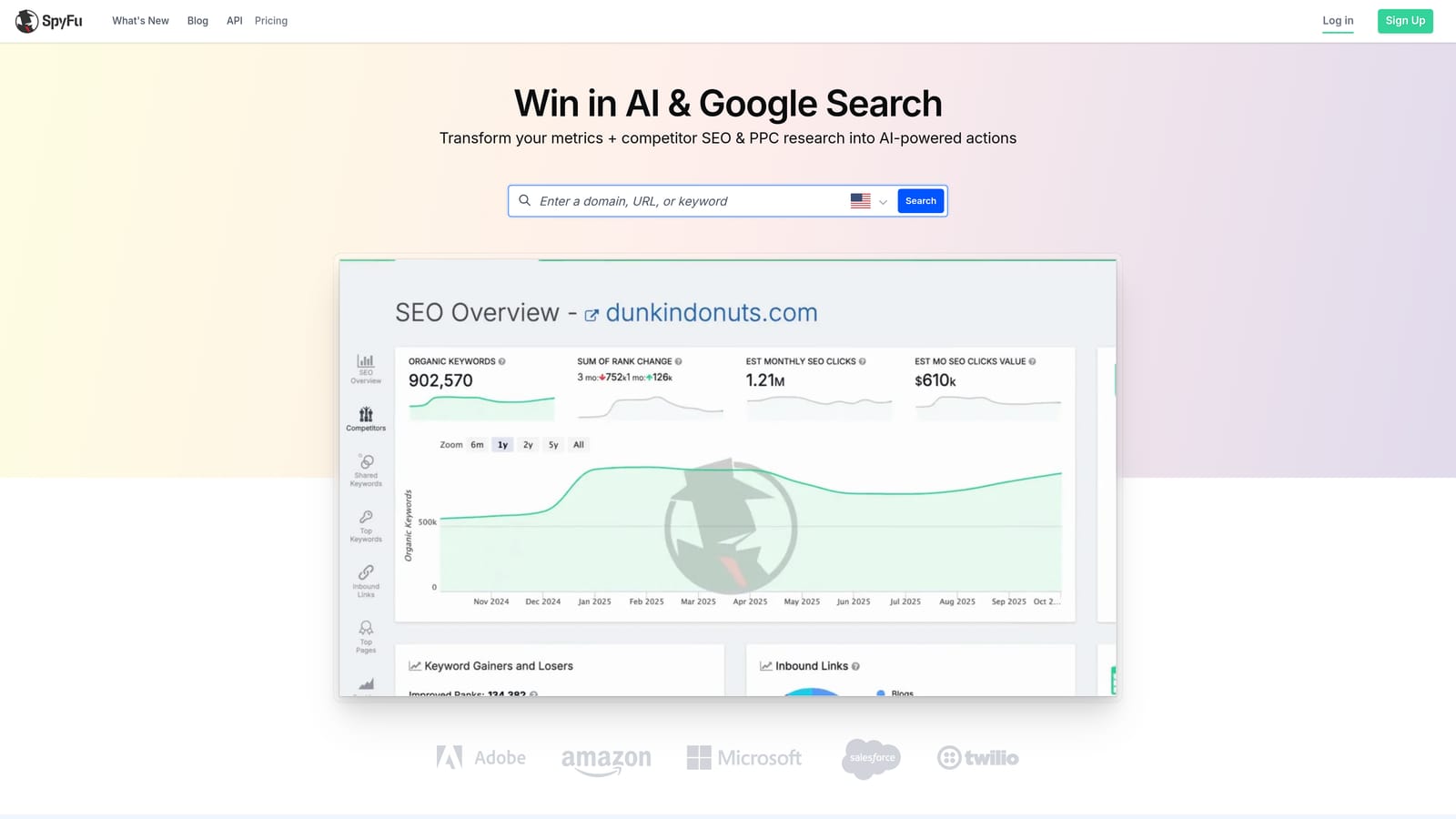
The historical view is its strength. You can look at which paid keywords and ad copy competitors have used over time, which helps separate long-running winners from short experiments.
- Competitor paid keyword lists show which terms others are bidding on.
- Ad history reveals how competitors' messaging changed over time.
- Keyword research helps you build a starting list for new campaigns.
- Domain comparisons show where you overlap and diverge from rivals.
Check the SpyFu website for its current integrations. Setup is simple, since you mostly enter domains and keywords. Researchers, strategists, and account managers planning new campaigns are the usual users.
It does no account management at all, so it will not fix anything inside your campaigns. Verify regional data coverage before committing if you advertise outside the markets you assume it covers. Like other competitor tools, its numbers are estimates.
Pricing is listed on the SpyFu website; check it for current plans.
Best for: Budget-conscious teams doing competitor ad research.
9. Looker Studio
Looker Studio is Google's free reporting and dashboard tool, with a Google Ads connector. It is for freelancers and agencies who need client-ready reports without paying for a reporting platform.
It is the only free tool on this list that handles blended data well. You can combine Google Ads with other sources in one dashboard, then share the result with a link.
- Custom dashboards let you show clients the metrics they care about.
- The Google Ads connector pulls campaign data in without manual exports.
- Blended data sources combine ads with analytics or spreadsheet data.
- Shareable client reports replace slide decks you rebuild every month.
It works with Google Ads, Google Analytics, Google Sheets, and BigQuery. Setup takes some time to design templates, but once built they can be reused across clients. Whoever owns reporting, often an account manager or freelancer, runs it.
It is reporting only. It will show you wasted spend but will not help you remove it. Third-party connectors for other ad platforms may cost extra, and complex blended reports can be fiddly to maintain.
Pricing: free, with possible connector costs.
Best for: Freelancers and agencies producing client-facing reports.
Matching the Tool to Your Biggest Bottleneck
Most accounts do not need all nine. Pick the tool for the job that eats the most of your week.
If search term review is the time sink, Keywordme is built for it, and it is the only one here that works inside the Search Terms Report itself. If you run large structural changes, Google Ads Editor is free and worth learning. Agencies with many accounts and a need for automation should look at Optmyzr, with Adalysis if ad testing and audits matter more. Small businesses without a PPC specialist will find WordStream Advisor's guidance more usable than a power tool.
Technical folks can get a lot from Google Ads Scripts, and almost anyone reporting to clients benefits from Looker Studio. For competitor research, SEMrush covers more ground while SpyFu leans on history. Whatever you choose, review what automated tools change before trusting them.
Optimize Google Ads Campaigns 10X Faster. Without Leaving Your Account. Keywordme lets you remove junk search terms, build high-intent keyword lists, and apply match types instantly, right inside Google Ads. No spreadsheets, no switching tabs, just quick, seamless optimization. Start your free 7-day trial (then just $12/month) and take your Google Ads game to the next level.
.svg)