
9 Best SEM Campaign Management Software Tools for Google Ads and Microsoft Ads in 2026
A practical guide to sem campaign management software.


Spreadsheets and the native ad platform UI work fine until you're juggling several accounts, or reviewing search terms every morning. This list is for freelancers, agency owners, and in-house marketers running paid search on Google Ads and Microsoft Ads who want software that takes real work off their plate.
The tools are grouped by the job they do: search term cleanup, bulk editing, multi-platform management, automation and rules, auditing, research, and reporting. We also weighed pricing transparency, fit for freelancers versus agencies, and the limits of each tool. Almost none of them cover everything, and that's by design.
Quick Comparison of the Tools
- Keywordme: freelancers and agencies who review search terms daily; $12/month per user; handles search term actions inside the Google Ads interface itself, with no spreadsheet or separate dashboard.
- Google Ads Editor: anyone doing large structural builds or mass edits in Google Ads; free; offline editing with a review step before changes post.
- Microsoft Advertising Editor: advertisers extending Google search campaigns to Microsoft Ads; free; imports Google Ads campaigns to speed up expansion.
- Optmyzr: agencies managing many accounts that want automation and reporting; pricing on its website; a large library of optimization and reporting tools built around agency workflows.
- Adalysis: teams that want ongoing audits and ad testing insight; pricing on its website; automated ad test analysis plus issue alerts.
- SEMrush: planning campaigns and benchmarking against competitors; pricing on its website; competitor keyword and ad copy intelligence.
- WordStream: small businesses that want guided optimization; quote-based; a prioritized to-do list for less experienced advertisers.
- Google Ads Scripts and Automated Rules: technical advertisers on a tight budget; free; custom automation running natively in the account.
- Looker Studio: client reporting without a paid suite; free; customizable, shareable dashboards with a Google Ads connector.
1. Keywordme
Keywordme is a Chrome extension that adds one-click actions to the Search Terms Report inside Google Ads. A quick distinction before going further: search terms are what people actually typed, while keywords are what you bid on. Keywordme is built for the daily loop between the two, where you spot a junk search term, block it as a negative keyword, or promote a good one to a positive keyword with the right match type.
That in-interface approach is the whole point. You stay in the native Google Ads screen, so there's no export, no spreadsheet, and no separate dashboard to log into. Every action is still your decision; you click, and it applies. Nothing changes on its own.
- Add negative keywords straight from the Search Terms Report, so wasted queries stop at the source.
- Add search terms as keywords and choose the match type as you do it, which cuts the copy-and-paste round trip.
- Cluster keywords to group related terms and build tighter keyword lists faster.
- Bulk edit across multiple items instead of handling them one at a time.
- Use multi-account and team support to run several client accounts across a team.
Setup is light: install the extension in Chrome and use it in the Google Ads account you already have open. Whoever reviews search terms day to day, usually a freelancer or a PPC specialist at an agency, is the person who runs it.
The limits are clear. It focuses on Google Ads search term and keyword optimization. It isn't a campaign builder, a bid manager, or a reporting suite, and it needs Chrome. If you want automation rules or client dashboards, you'll pair it with something else on this list.
Pricing is $12/month per user with a 7-day free trial, as of writing; confirm on the site before buying. Cost scales with the number of users.
Best for: Freelancers and agencies who review search terms daily.
2. Google Ads Editor
Google Ads Editor is Google's free desktop app for managing accounts in bulk. You download account data, make changes offline, and then post them back. It suits anyone building or restructuring large accounts, such as new campaign launches, ad copy rollouts across dozens of ad groups, or mass bid and budget changes.

Its standout trait on this list is the review step. You see a summary of what will change before anything goes live, which is a real safety net when you're touching hundreds of items at once. As an official Google tool, it also tends to support new Google Ads features early.
- Make bulk edits across campaigns and accounts, so repetitive changes take minutes rather than hours.
- Work offline, then review and post when you're ready.
- Copy and paste between campaigns and ad groups to reuse structures instead of rebuilding them.
- Import and export CSV files so you can plan builds in a spreadsheet and load them in.
Setup means installing the app and downloading your accounts, and it works with multiple accounts. Expect a learning curve; the interface is dense, and the first few imports can feel clunky. It covers Google Ads only, with no automation and no reporting, and it doesn't make search term review any faster, since that's a different job.
It's free, with no tiers or per-seat costs.
Best for: Large structural builds and mass edits in Google Ads.
3. Microsoft Advertising Editor
Microsoft Advertising Editor is the free desktop counterpart for Microsoft Advertising accounts. It's the sensible starting point if you already have solid Google search campaigns and want to bring them to Bing and the wider Microsoft network.
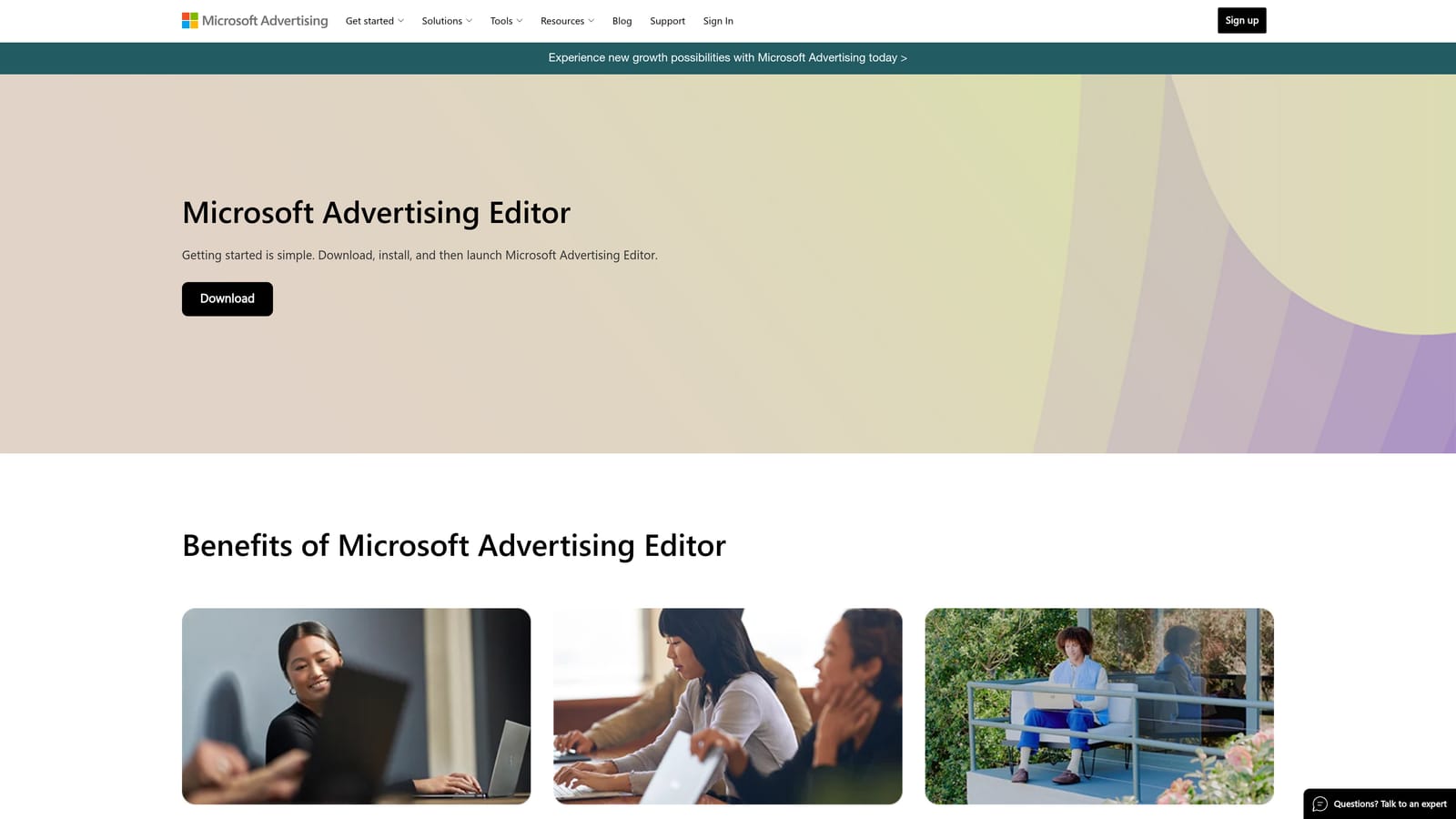
What sets it apart here is the Google Ads import. Instead of rebuilding campaigns by hand, you bring them in and adjust, which makes expansion a matter of hours rather than days. After the import, you'd typically review budgets, bids, and targeting settings before going live, since the two platforms don't behave identically.
- Edit campaigns in bulk to change many ad groups, keywords, or ads at once.
- Work offline and sync later, so you can prepare changes without being tied to the browser.
- Import from Google Ads to carry your existing structure across.
- Manage multiple accounts from one app, handy if you handle several clients on Microsoft Ads.
Setup is a download and account sign-in. The person running it is usually whoever owns the Microsoft side of paid search, which in small teams is the same person handling Google.
The obvious limit: it does not manage Google campaigns. It's also an editing tool, so there's no auditing, automated optimization, or reporting. If you only advertise on Google, skip it.
It's free.
Best for: Advertisers extending Google search campaigns to Microsoft Ads.
4. Optmyzr
Most of the tools above do one thing. Optmyzr is the opposite: a PPC management platform that bundles optimization tools, automation, and reporting. It's designed for agencies and in-house teams running many accounts, where repeatable processes matter more than any single click.

Its edge over the rest of the list is breadth. The library of optimization and reporting tools is large, and it's built around agency workflows, meaning you can apply the same checks and reports across a whole client roster instead of rebuilding them each time.
- Rule-based automation lets you set conditions once and have the platform act on them across accounts.
- Optimization suggestions point to places to improve, which you can then review and apply.
- Reporting tools help you produce client-ready reports without assembling them manually.
- Multi-account management keeps a large book of clients in one place.
Optmyzr works with Google Ads and, to our understanding, Microsoft Ads; confirm current platform support on its site. Setup takes longer than a browser extension, since you connect accounts and configure rules, and someone on the team should own that configuration.
It is more complex and more expensive than lightweight tools, and it's overkill for a solo advertiser with one or two accounts. If your real bottleneck is daily search term review, a suite like this is a lot of software for one problem.
Pricing is tiered, and the starting price isn't quoted here; check the Optmyzr website for current plans. Expect cost to track with the scale of accounts and ad spend you manage.
Best for: Agencies managing many accounts that want automation and reporting.
5. Adalysis
Adalysis sits in the audit and testing corner of paid search. It watches your accounts, flags problems, and analyzes ad copy tests so you don't have to compare ad variations by hand.
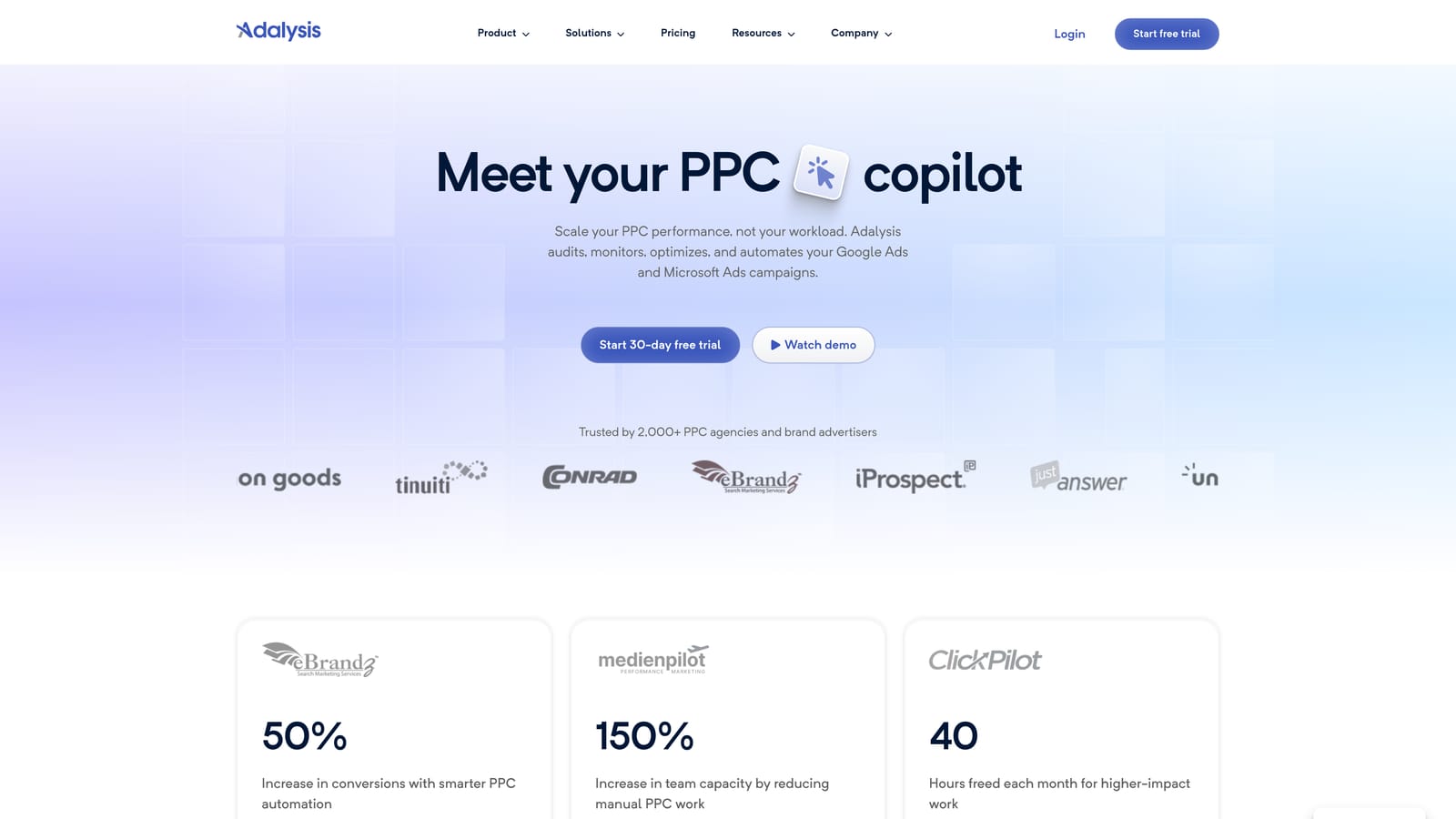
The standout piece is automated ad test analysis. Instead of exporting ad performance and judging winners yourself, you get a view of which variations are performing and which have enough data to call. Alerts add a second layer, surfacing issues so they don't sit unnoticed for weeks.
- Run automated account audits to find structural and settings issues without a manual checklist.
- Get alerts when something changes or breaks, so you can respond quickly.
- Analyze ad copy tests so you can decide on winners faster.
- Produce reports to share findings with clients or stakeholders.
It connects to Google Ads and, as we understand it, Microsoft Ads; verify current support before committing. Setup is account connection plus some alert tuning, and it's usually run by a PPC manager or an account lead who reviews findings regularly.
The main limitation is that it's recommendation-focused. It tells you what to look at, but execution still takes manual work, or another tool. Teams that want hands-off automation will find it only partly satisfying.
Pricing is tiered; see the Adalysis website for current plans. The price generally depends on the size of what you're monitoring.
Best for: Teams that want ongoing audits and ad testing insight.
6. SEMrush
SEMrush is a broad marketing suite, and its paid search value is on the research side. It's where you go before you launch or when you want to know what competitors are doing, not where you edit campaigns.
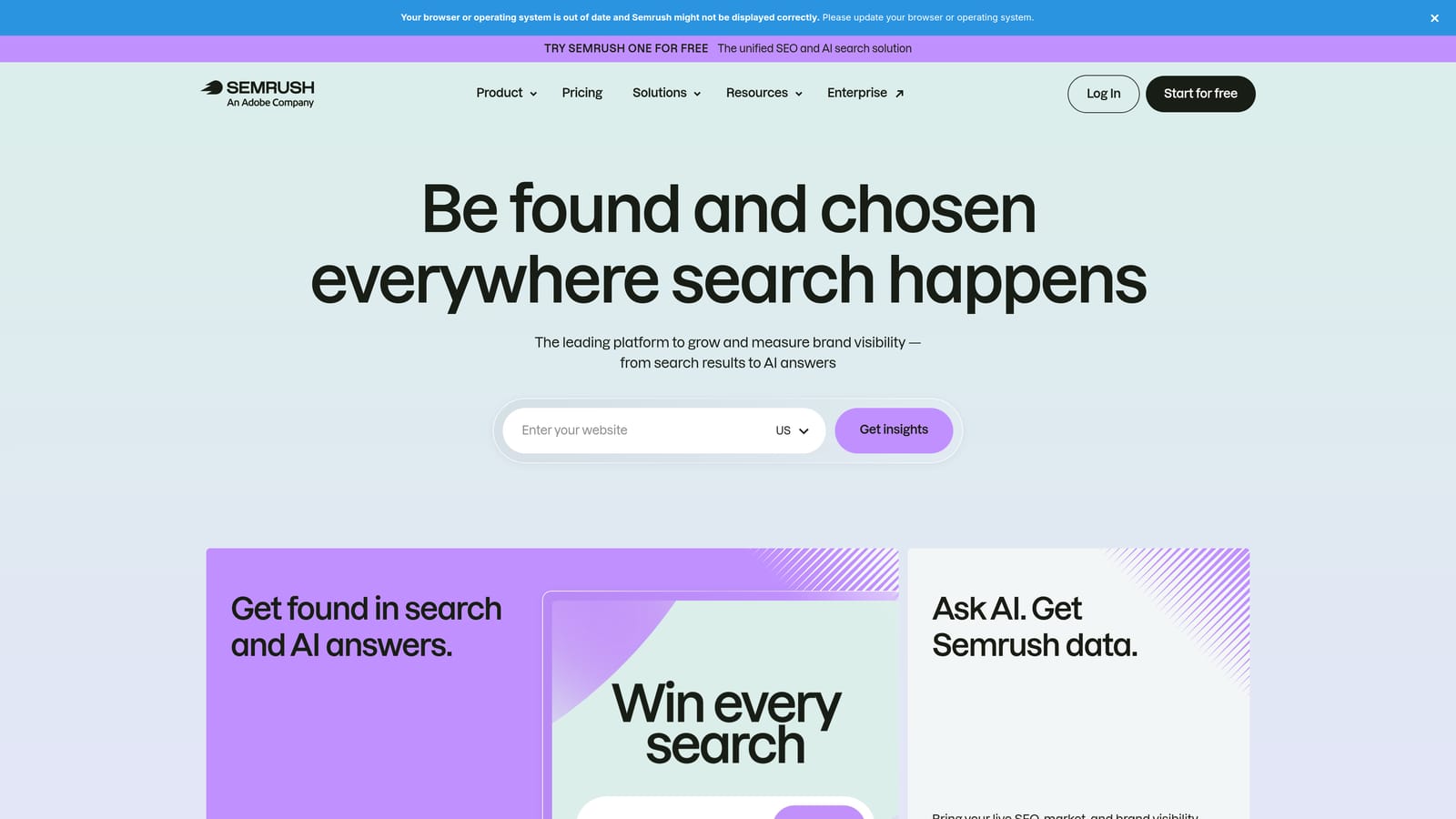
What it does that others here don't is competitor intelligence. You can look at the keywords rivals bid on and the ad copy they run, which feeds directly into keyword planning and messaging.
- PPC keyword research helps you find terms worth bidding on before spending anything.
- Competitor ad research shows how rivals phrase their ads.
- Keyword gap analysis shows where competitors appear and you don't.
- An advertising toolkit groups these paid search tools in one place.
It integrates with various marketing tools, and Google Ads connection options should be verified on the site. Setup is simple since research needs no account access, and it's usually run by a strategist, SEO lead, or PPC planner. Because SEMrush spans SEO and content too, other team members often share the subscription.
The limitation is plain: it's research-oriented rather than in-account campaign management. It won't clean up search terms or edit your campaigns, and competitor data is an estimate, not your competitors' actual numbers. If you only need PPC editing, you'd be paying for a lot you won't use.
Pricing is subscription-tiered; see the SEMrush website for current plans, as tiers and limits change.
Best for: Planning campaigns and benchmarking against competitors.
7. WordStream
WordStream, from LocaliQ, is an advertising management platform aimed at small businesses. Its pitch is guidance: instead of handing you a hundred levers, it tells you what to do next. Confirm its current branding and positioning on the site, as it has changed hands and naming over time.
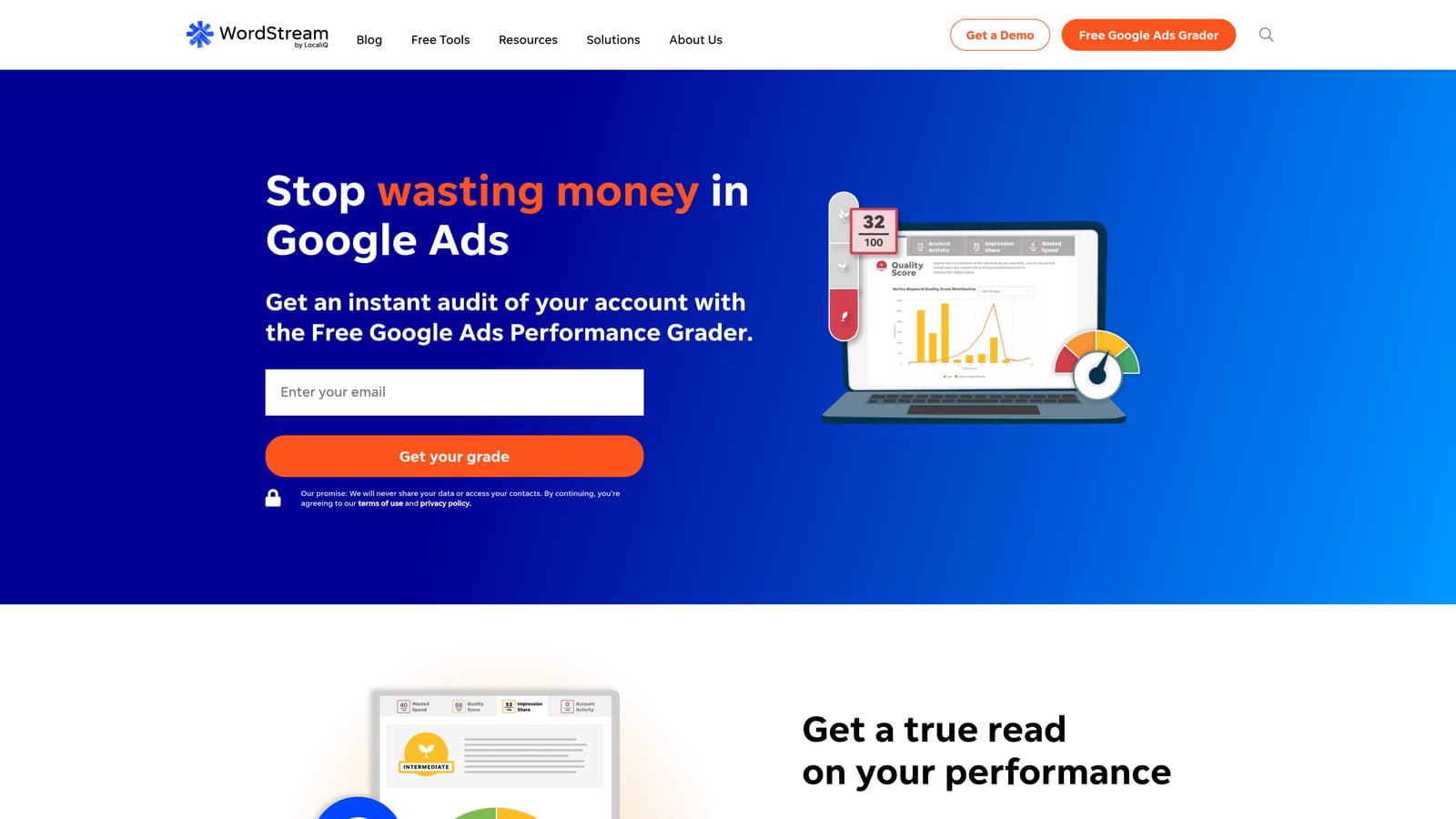
Its distinctive strength is the prioritized to-do list, which suits owners or generalist marketers who don't live in Google Ads every day and want direction on what matters most.
- A guided optimization workflow walks you through improvements in priority order.
- Performance grading gives a quick read on how an account is doing.
- Multi-channel ad management may cover platforms beyond search; verify what's currently included.
- Reporting keeps stakeholders informed without extra tooling.
It connects to Google Ads, Microsoft Ads, and, we believe, Facebook Ads; check current integrations. Setup is guided, and it's meant to be run by a business owner or a small marketing team rather than a specialist.
The trade-off is control. Advanced agencies tend to want more granularity than a guided tool offers, and a freelancer managing many accounts will likely outgrow it. Pricing is quote-based; see the WordStream website, and expect cost to relate to ad spend and the services included.
Best for: Small businesses that want guided optimization.
8. Google Ads Scripts and Automated Rules
Google Ads Scripts and Automated Rules are built-in automation features, so there's nothing to install or buy. Automated rules handle simple conditions, such as pausing or adjusting something when a threshold is hit. Scripts are JavaScript programs that can do far more custom work.
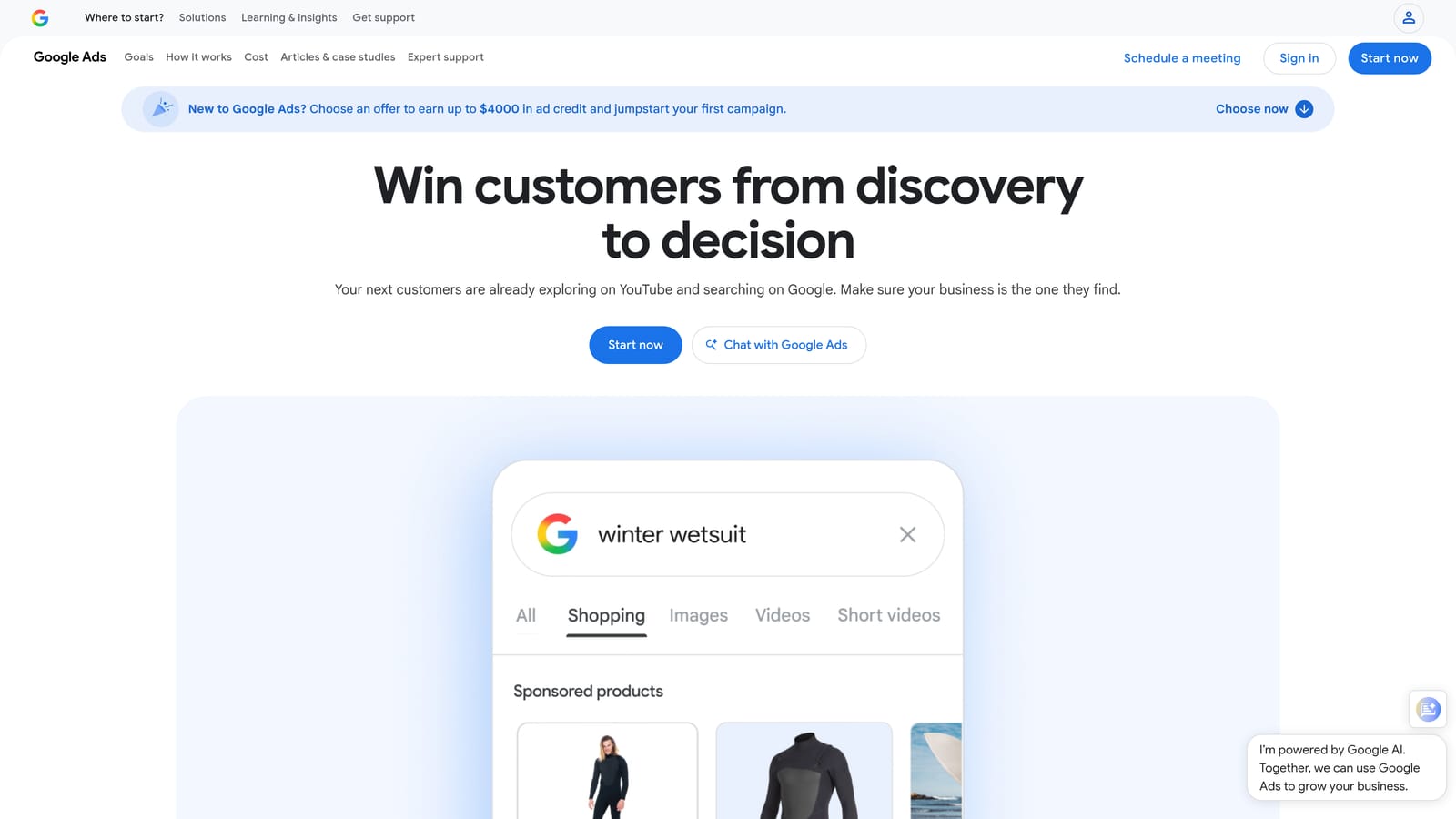
The advantage is cost and control: custom automation running natively in your account, free. If you can describe the logic, a script can probably run it on a schedule.
- Automated rules apply simple changes on a schedule without custom code.
- JavaScript scripts let you build custom checks and actions for needs no tool covers.
- Scheduled reports and alerts keep you informed when something shifts.
- There is no extra cost, which keeps small budgets intact.
It integrates with Google Ads and Google Sheets, which makes it easy to push data out for reporting. Setup effort varies: rules take minutes, while scripts need someone who can code and who will maintain them as accounts and Google's platform change.
That maintenance is the catch. Scripts break, need testing, and depend on one technically capable person, which is risky for an agency. Non-technical advertisers will find it frustrating, and it covers Google Ads only.
It's free, and the only real cost is the time to build and maintain what you create.
Best for: Technical advertisers on a tight budget.
9. Looker Studio
Looker Studio is Google's free dashboard tool, and its Google Ads connector makes it a common choice for client reporting. It doesn't manage campaigns; it shows you how they're doing.
Its edge is flexible, client-facing dashboards at no cost. You design the layout, pick the metrics, and share a live link, which beats sending monthly spreadsheets and often replaces paid reporting add-ons.
- The Google Ads connector pulls account data into reports without manual exports.
- Custom dashboards let you show clients the metrics they care about.
- Shareable reports give stakeholders a live link instead of static files.
- A template gallery gets you started without designing from scratch.
It also connects to Google Analytics and offers third-party connectors for other sources. Setup takes a few hours for the first good dashboard, and then it's reusable across clients. Whoever owns reporting, often an account manager, maintains it.
The limitation is that it's reporting only, with no campaign editing. Third-party connectors for non-Google sources may carry their own cost, and large or complex dashboards can get slow. You also have to build and maintain the reports yourself.
Looker Studio is free; paid connectors may apply for other data sources.
Best for: Client reporting without a paid suite.
Matching Tools to Your Biggest Bottleneck
Few teams use just one of these. A common mistake is buying a large suite when the real bottleneck is search term review, so start with where your hours actually go and add from there.
- Daily search term cleanup: Keywordme, since it works inside the Search Terms Report.
- Bulk structural edits: Google Ads Editor.
- Microsoft expansion: Microsoft Advertising Editor.
- Agency automation and audits: Optmyzr for automation and reporting, Adalysis for audits and ad testing.
- Competitive research: SEMrush.
- Small business guidance: WordStream.
- Free reporting: Looker Studio, with Scripts and Automated Rules for free automation if you're technical.
A realistic stack for a freelancer might be Keywordme, Google Ads Editor, and Looker Studio. An agency might add Optmyzr or Adalysis on top. Pick the two or three that cover your slowest jobs.
Optimize Google Ads Campaigns 10X Faster. Without Leaving Your Account. Keywordme lets you remove junk search terms, build high-intent keyword lists, and apply match types instantly, right inside Google Ads. No spreadsheets, no switching tabs, just quick, seamless optimization. Start your free 7-day trial (then just $12/month) and take your Google Ads game to the next level.
.svg)