
8 Best Search Term Report Tools Compared for Google Ads in 2026
A practical guide to search term report tools comparison.


Search terms are what people actually typed before they saw your ad. Keywords are what you bid on. This comparison is for marketers, freelancers, and agency owners who want a faster way to review that gap, add negative keywords, and promote the winners. We judged each tool on workflow speed, depth of analysis, automation controls, and cost, and sorted them by working style: in-interface, suite, audit, and DIY. Details were checked against general knowledge and may have changed, so confirm pricing and features on each official site (as of November 2026).
Quick Comparison of Search Term Report Tools
- Keywordme: freelancers and agency teams who triage search terms in the Google Ads UI; $12/month per user; adds one-click actions inside the native Search Terms Report.
- Google Ads Editor and native Search Terms Report: advertisers with small accounts and no tool budget; free; first-party baseline with no setup.
- Optmyzr: agencies wanting an all-in-one PPC suite; tiered pricing, see website; spans bids, ads, and reporting.
- Adalysis: teams wanting ongoing automated account checks; see website; alert-driven monitoring across many accounts.
- Google Ads Scripts: technical advertisers who want custom automation; free; fully customizable flagging logic.
- Google Sheets or Excel: analysts working on big exports; free with Sheets; unlimited flexibility for custom n-gram analysis.
- WordStream: small business owners who want guided help; see website; recommendations written for non-specialists.
- Negator.io: advertisers wanting AI-assisted negative suggestions; see website; classifies search terms against your business profile.
1. Keywordme
Keywordme is a Chrome extension that adds one-click actions directly inside the Google Ads Search Terms Report. It is our own product, so weigh this section with that in mind. It is built for people who open that report every day and want to get through it without exports or a separate dashboard.
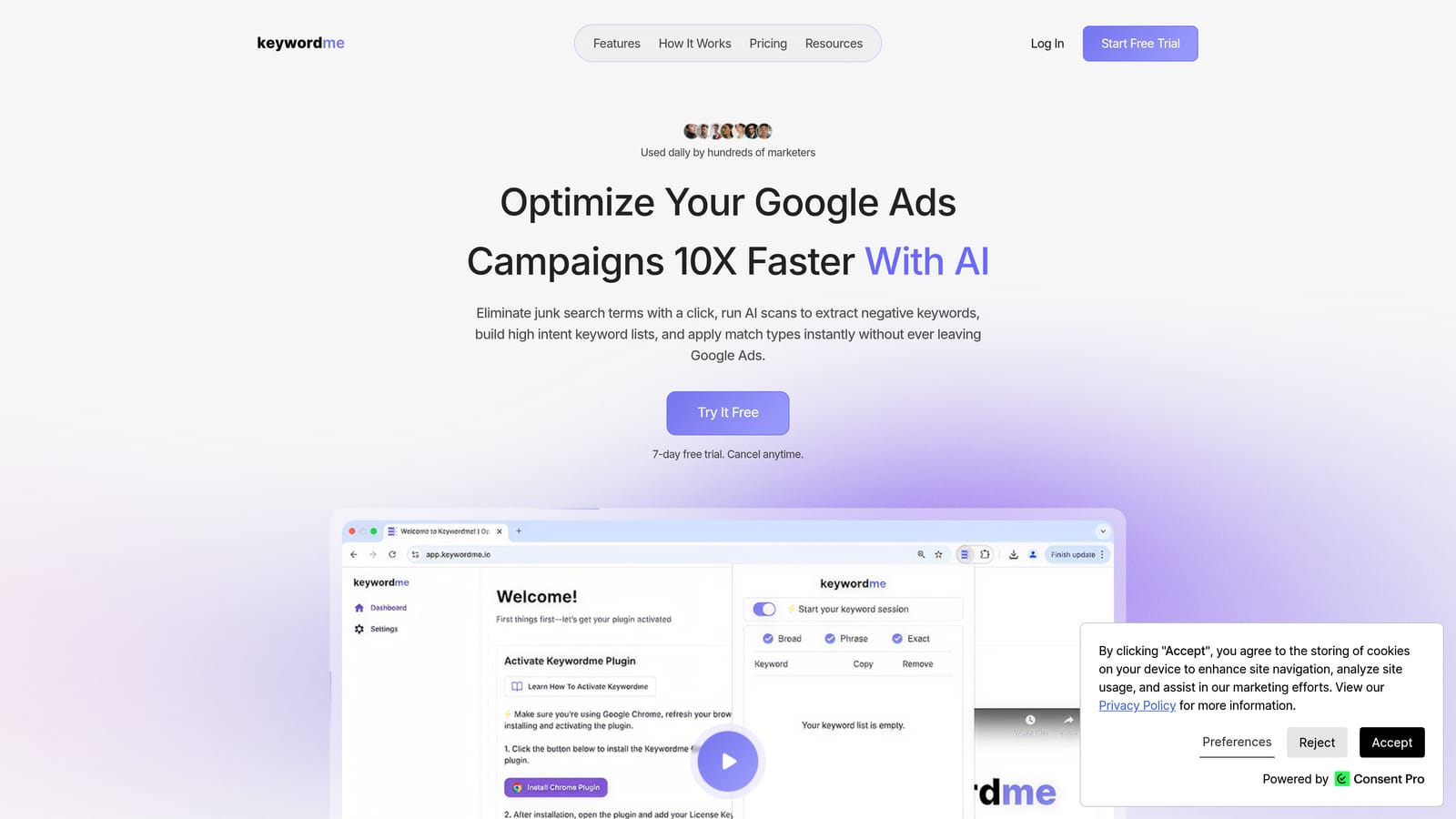
Its distinguishing trait is where it lives. Every other option here either sits in a separate interface, runs on a schedule, or needs an export. Keywordme works on the report you are already looking at, so you read a search term, click, and move on.
- One-click negative keywords straight from the Search Terms Report, so junk terms stop taking spend without a copy-paste trip.
- Add high-intent search terms as keywords with the match type you choose, keeping you in control of how tightly they trigger.
- Keyword clustering to group related terms and build tighter keyword lists faster.
- Bulk editing for applying changes across many terms at once.
- Multi-account and team support, which matters if several people manage client accounts.
Setup is installing the extension in Chrome and opening Google Ads. There is no data pipeline to build, and whoever does the daily search term review is the person who runs it.
The limits are plain. It works only in Chrome and only with Google Ads, so it does nothing for Microsoft Advertising. It also speeds up manual review rather than making decisions for you. You still judge which terms are irrelevant, and you still need to check conversions before negating anything. If you want unattended monitoring or automatic flagging, look at the suite and audit tools below.
Pricing is a flat $12/month per user, with a 7-day free trial (verify on the website). Cost scales with the number of users, not ad spend or account count.
Best for: Freelancers and agency teams who triage search terms daily in the Google Ads UI.
2. Google Ads Editor and Native Search Terms Report
Google's own Google Ads Editor and the built-in Search Terms Report are the free baseline every other tool is measured against. The report shows the queries that triggered your ads, and you can add a term as a keyword or a negative from it. Editor is Google's desktop app for making bulk changes offline and posting them later. Confirm Editor's current search term support in Google Ads Help, since its coverage has differed from the web interface over time.

Its edge is cost and trust: it is first-party, free, and needs no setup or permissions.
- Filters and segments let you narrow the report to terms with spend and no conversions, for example.
- Add a term as a keyword or negative keyword directly from the report.
- Offline bulk editing in Editor lets you stage many changes and review them before posting.
- No fee, so it suits any budget.
It integrates with Google Ads only, and anyone with account access can use it. The downside is effort. On large accounts, reviewing terms and applying match types takes many clicks, and the native flow gives little help with grouping or pattern spotting. That friction is exactly what the paid tools target.
Pricing: free.
Best for: Advertisers with no tool budget and small accounts.
3. Optmyzr
Optmyzr is a PPC management suite with rule-based optimization, audits, reporting, and search term and negative keyword tools. Search terms are one module among many, which is both its appeal and its drawback.

Where it differs from the rest of this list is breadth. It covers bids, ads, and reporting alongside search term cleanup, so an agency can run most routine account work from one place.
- Search term and negative keyword tools help surface wasteful queries without building your own reports.
- Rule-based automation lets you encode your own thresholds and have the platform apply or queue the work.
- Account audits point out issues beyond search terms.
- Reporting helps with client updates.
It connects to Google Ads and Microsoft Advertising. Expect a real onboarding period, since you need to connect accounts and configure rules, and it suits someone who will own the platform. If you only want to clean search terms, it is more platform than you need. Because automation is available, set rules carefully and review what they change.
Pricing is tiered, so check the website. Cost generally tracks the scale of what you manage.
Best for: Agencies wanting an all-in-one PPC management suite.
4. Adalysis
Adalysis is a PPC audit and monitoring platform. It watches accounts and flags problems, including search term and negative keyword issues, ad testing gaps, and quality checks.
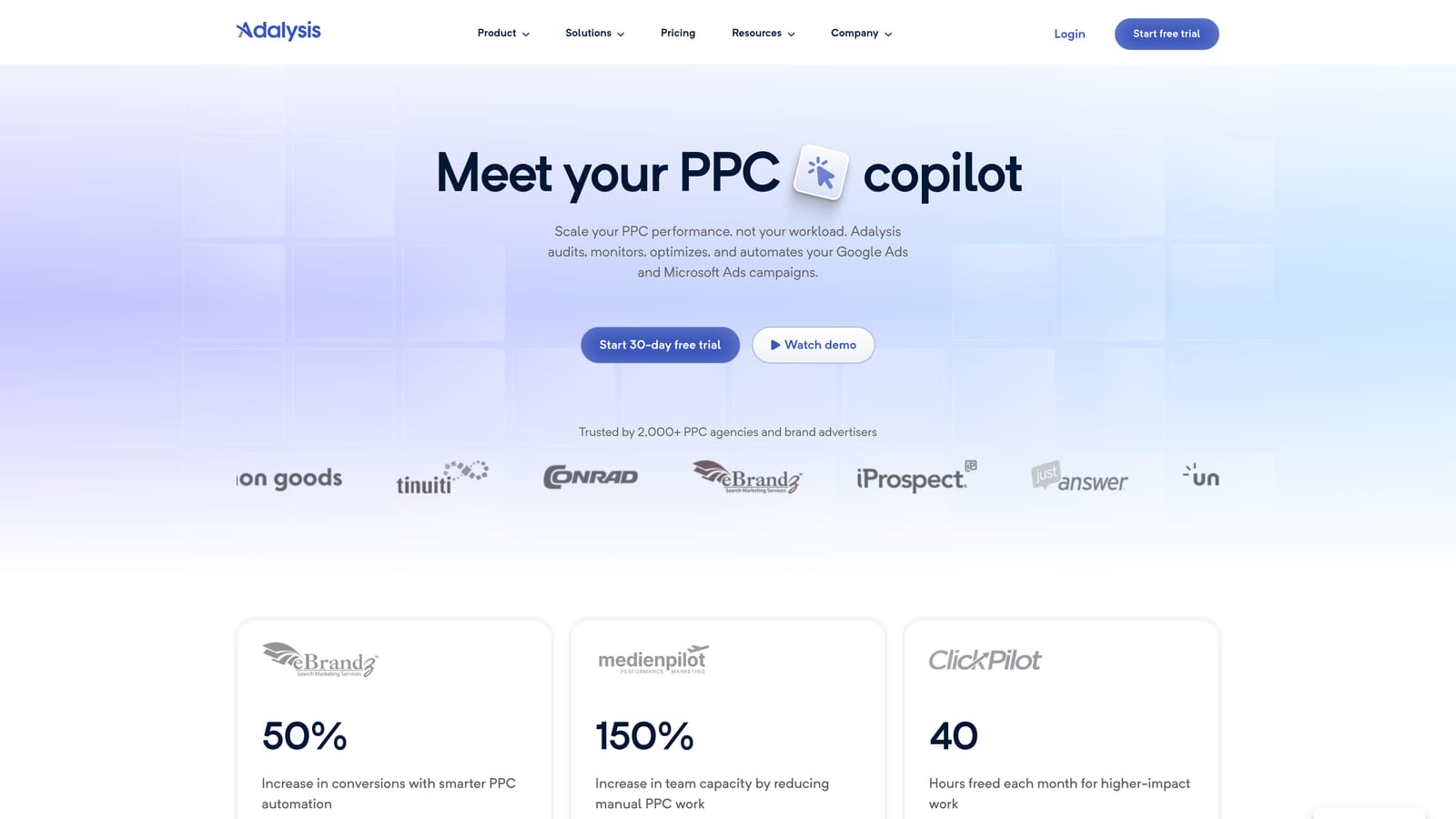
Its distinct strength is alert-driven monitoring across many accounts. Rather than you opening each account to hunt for waste, it tells you where to look, which helps when you manage a long client roster.
- Automated account audits surface issues on a schedule so nothing waits for your next manual review.
- Search term and negative keyword alerts point you to queries worth acting on.
- Ad testing support shows which ad variants are winning.
- Quality checks catch setup mistakes early.
It supports Google Ads and Microsoft Advertising. Setup means connecting accounts and tuning alerts, and a PPC lead or account manager typically owns it. The output is audit-style, so it is a weaker fit for fast, hands-on triage where you want to work through a list of terms in one sitting. Pair it with an in-interface tool if you want both monitoring and quick action.
Pricing: see the website, as plans were not verified for this article.
Best for: Teams that want ongoing automated account checks.
5. Google Ads Scripts
Google Ads Scripts lets you write JavaScript that runs inside your Google Ads account. For search terms, that means custom rules that pull queries and flag wasteful ones on your terms.
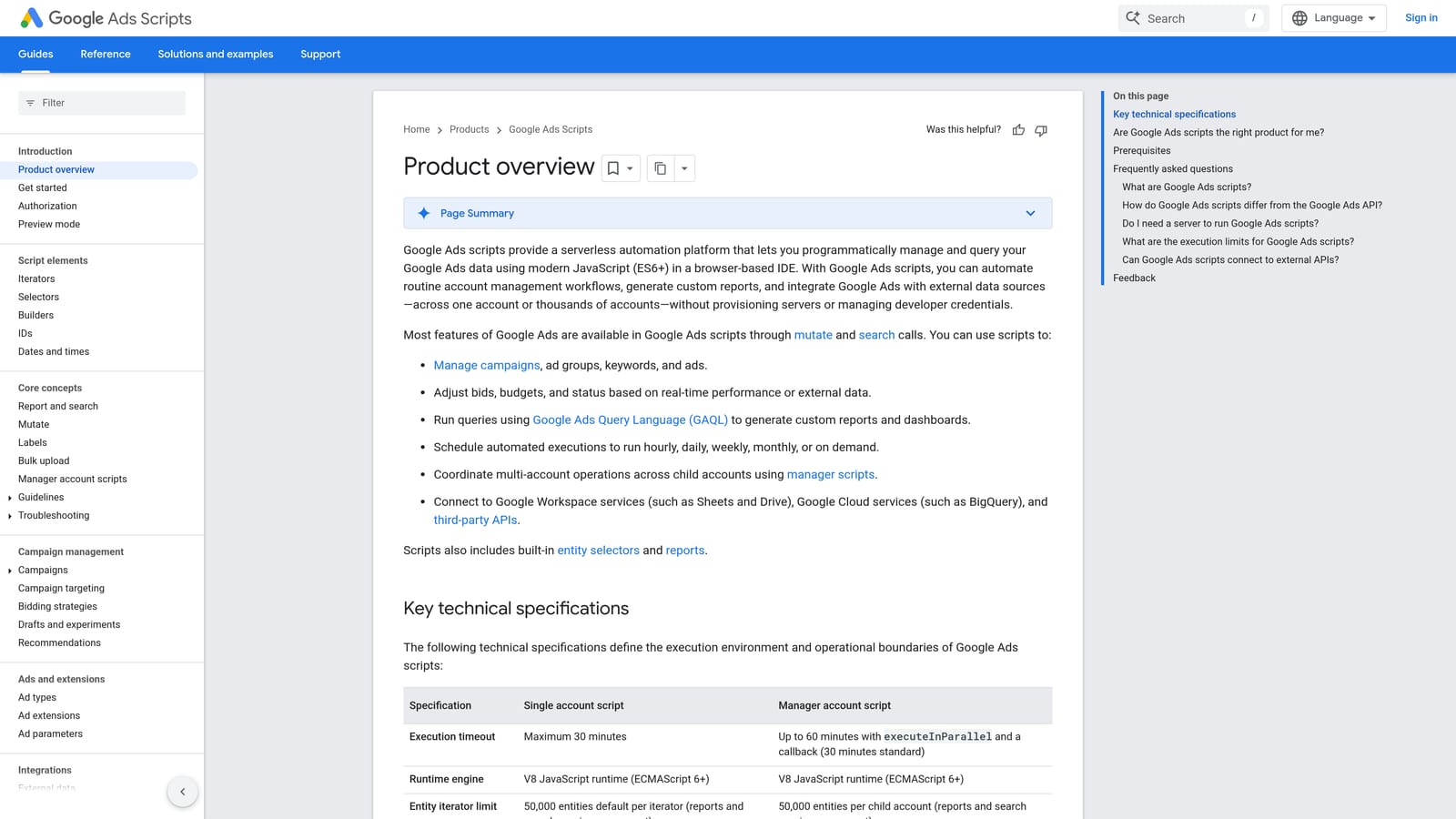
Nothing else here offers logic this customizable at no cost. If your definition of "wasteful" is specific, such as spend above a threshold with zero conversions over a set window, you can encode exactly that.
- Custom rules flag search terms by whatever criteria you can code.
- Scheduled runs mean the check happens without you remembering.
- Output to Google Sheets or email puts flagged terms where your team will see them.
- No license fee.
It works with Google Ads and Google Sheets. The cost is skill and upkeep: someone has to write the script, test it, and fix it when something changes. A script that flags terms still leaves you to review and apply them unless you deliberately code changes, which carries risk. Non-technical users should skip it.
Pricing: free.
Best for: Technical advertisers who want custom automation for free.
6. Google Sheets or Excel (Manual Export)
The oldest method is to export the report and dig in with Google Sheets or Excel. You can build pivot tables, run n-gram analysis (counting single words or phrases across thousands of queries to find recurring waste), and score terms any way you like.
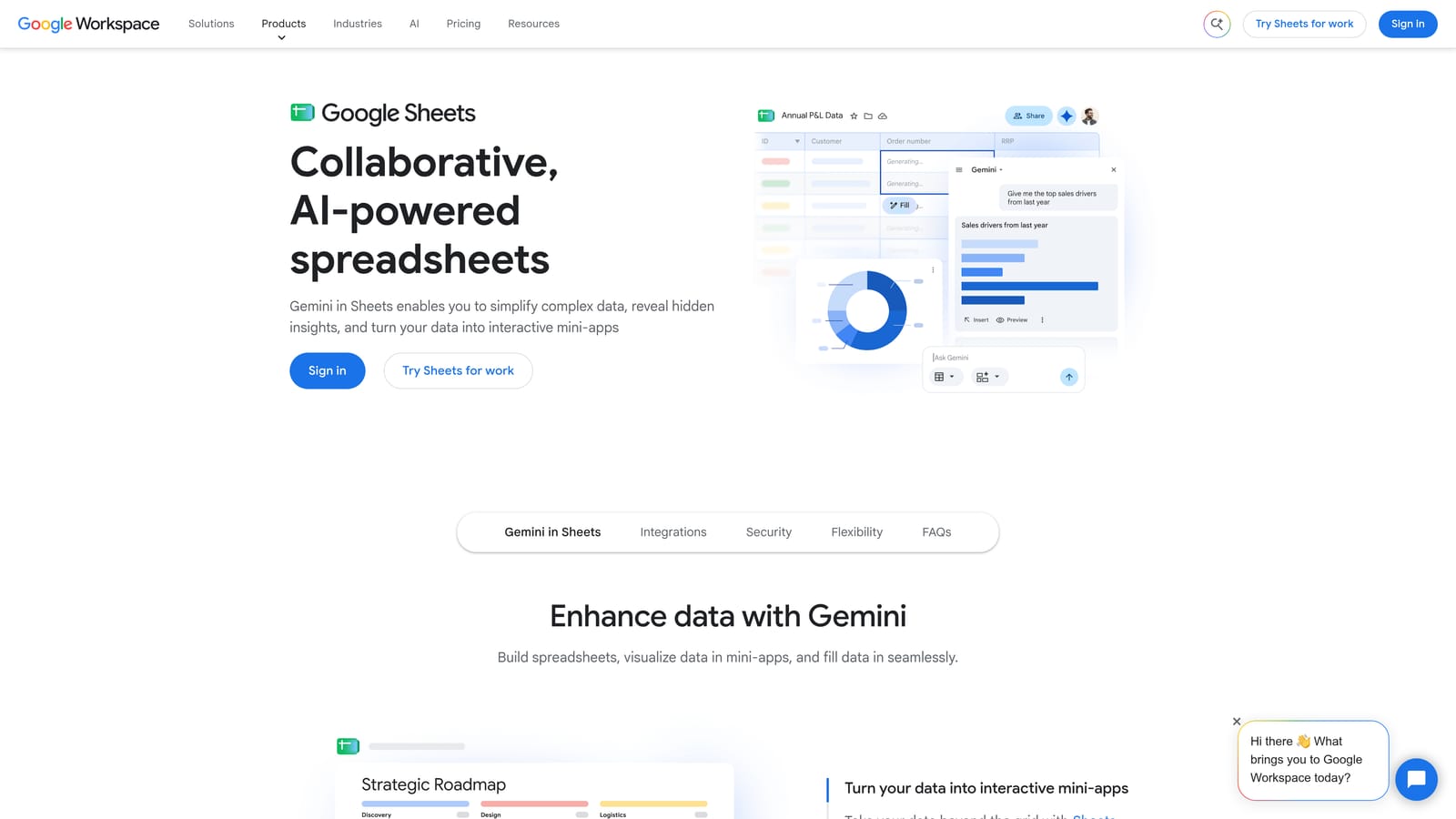
The standout is flexibility. When you want to see that one word drives wasted spend across hundreds of different queries, a spreadsheet handles it better than most dedicated tools.
- Pivot tables summarize cost and conversions by word, campaign, or any column you pick.
- N-gram analysis through formulas or templates reveals patterns hidden in long query lists.
- Custom scoring lets you rank terms by your own logic.
- Sharing makes it easy to review with a client or colleague.
It works from Google Ads exports, and Sheets add-ons can extend it. The main problem is staleness: an export is a snapshot, disconnected from the live account, and you must still go back into Google Ads to apply every decision. It is slow for routine work.
Pricing: Sheets is free with a Google account; Excel requires Microsoft 365.
Best for: Analysts who need custom pattern analysis on big exports.
7. WordStream
WordStream is a small-business PPC platform that gives guided recommendations, including negative keyword suggestions, along with a performance grader and reporting.
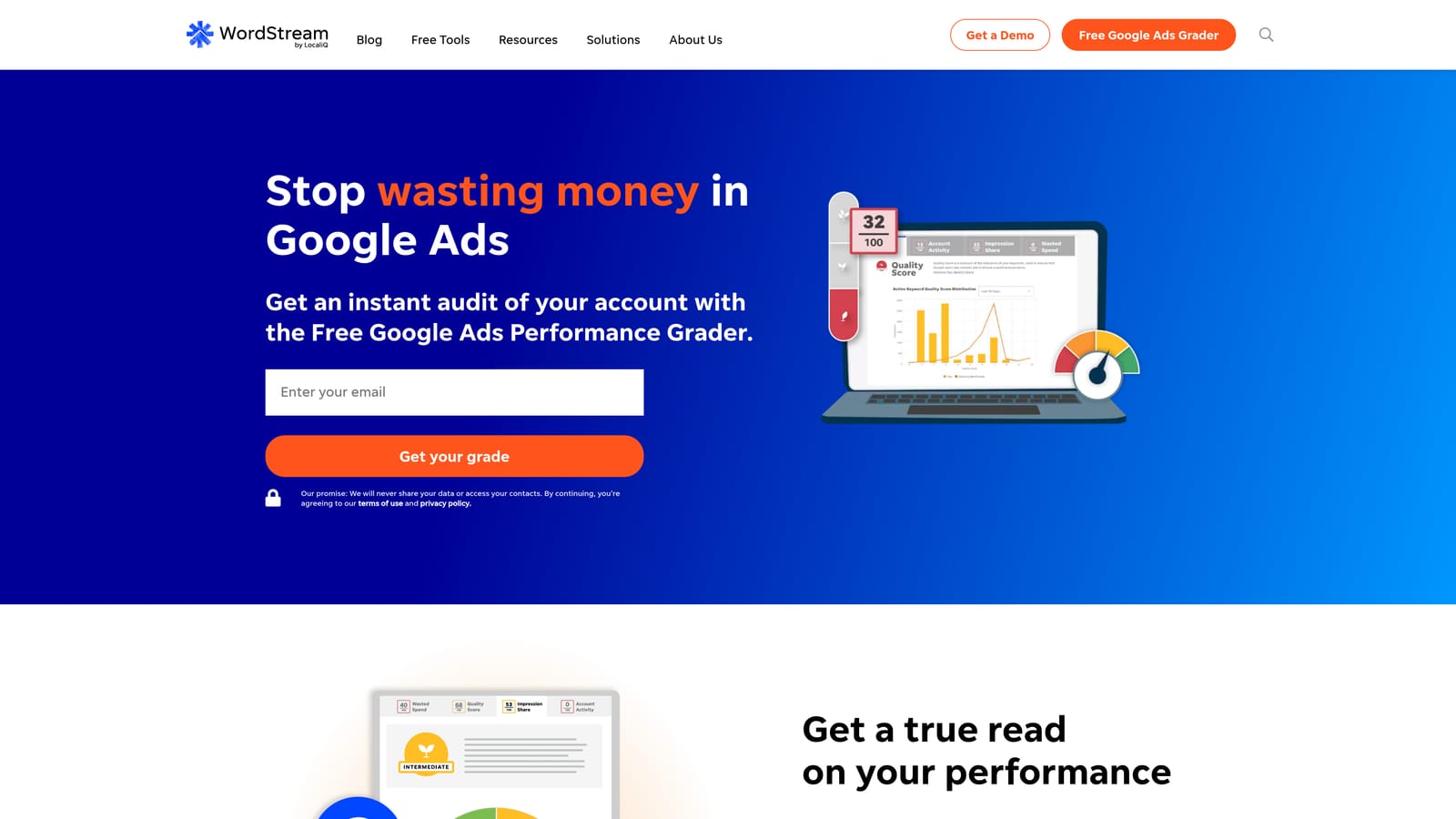
It is written for people who are not PPC specialists. Where other tools assume you know what you want to change, WordStream tells you what it thinks is worth fixing.
- Guided optimization suggestions give owners a to-do list instead of a blank dashboard.
- Negative keyword guidance helps trim irrelevant queries.
- The performance grader gives a quick read on account health.
- Reporting summarizes results without a lot of setup.
It connects to Google Ads, Microsoft Advertising, and Meta Ads, so it also helps if you advertise across platforms. Setup is light and the business owner can run it. The tradeoff is control: advanced practitioners will find it less granular than the suite or scripting options, and suggestions should still be checked against your own conversion data before you apply them.
Pricing: see the website, as it was not verified for this article.
Best for: Small business owners who want guided PPC help.
8. Negator.io
Negator.io is an AI-based negative keyword tool. It classifies search terms as irrelevant by comparing them with the business context you provide.
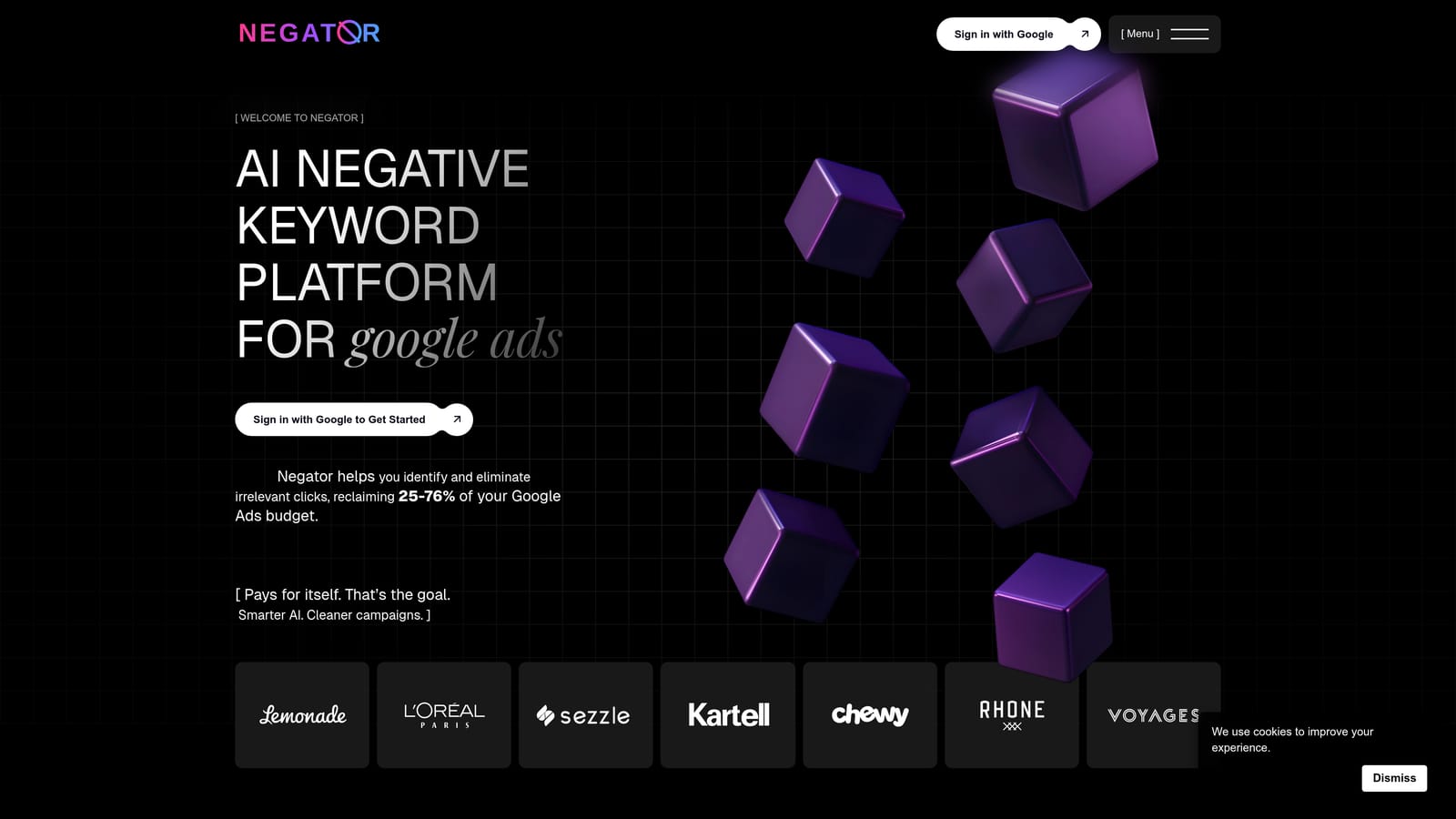
That is its difference: instead of rules based on spend or clicks, it judges relevance against what your business actually sells. That can catch junk queries that look fine on the numbers alone.
- AI relevance scoring sorts search terms by how well they fit your business.
- Negative keyword suggestions turn that scoring into a list you can act on.
- Business context input lets you describe what you sell so the judgments are tailored.
It works with Google Ads. Setup centers on writing a good business description, and the person doing search term review would run it. AI classification is not always right, so every suggestion needs human review, especially before blocking terms that might convert. This is also the newest and least established name here, so verify current product details and pricing on the website before committing.
Pricing: see the website.
Best for: Advertisers who want AI-assisted negative keyword suggestions.
Which Search Term Tool Fits Your Setup
Match the tool to how you work. Solo advertisers and freelancers who live in the Google Ads UI will get the most from Keywordme, since it speeds up the review they already do. Agencies split in two: those who want hands-on speed across client accounts fit Keywordme's team support, while those who want one platform for bids, ads, and reporting should look at Optmyzr, with Adalysis added for monitoring.
If you have no budget, start with the native report and Editor, and add Google Ads Scripts if you can code. Analysts with huge exports will still want Sheets for n-gram work. Small businesses that want direction rather than control can try WordStream, and anyone curious about AI relevance scoring can test Negator.io.
Whatever you pick, review suggestions before applying them. Check conversions before adding a negative, and choose match types deliberately, because adding a search term as broad match can pull in the very junk you are trying to avoid.
Optimize Google Ads Campaigns 10X Faster. Without Leaving Your Account. Keywordme lets you remove junk search terms, build high-intent keyword lists, and apply match types instantly, right inside Google Ads. No spreadsheets, no switching tabs, just quick, seamless optimization. Start your free 7-day trial (then just $12/month) and take your Google Ads game to the next level.
