
9 Best Search Term Report Optimization Solutions for Google Ads in 2026
Discover the 9 best search term report optimization solutions for Google Ads in 2026, from lightweight Chrome extensions to full-scale PPC platforms. This guide helps marketers, freelancers, and agency owners turn raw search term data into actionable decisions—blocking wasted spend, surfacing high-intent keywords, and tightening match types across every budget and workflow.


TL;DR: The Google Ads Search Terms Report is one of the most valuable reports in PPC, and also one of the most ignored. It tells you exactly what people typed before clicking your ad. The right search term report optimization solution turns that raw data into action: blocking junk terms, promoting high-intent keywords, and tightening match types. Without a solid workflow here, you're essentially funding Google's algorithm with your client's money and hoping for the best.
This list covers the top tools that help marketers, freelancers, and agency owners get more out of the Search Terms Report. From Chrome extensions that work inside Google Ads to full-scale PPC management platforms, there's something here for every workflow and budget.
1. Keywordme
Best for: Freelancers and agency teams who want to optimize search terms without leaving Google Ads.
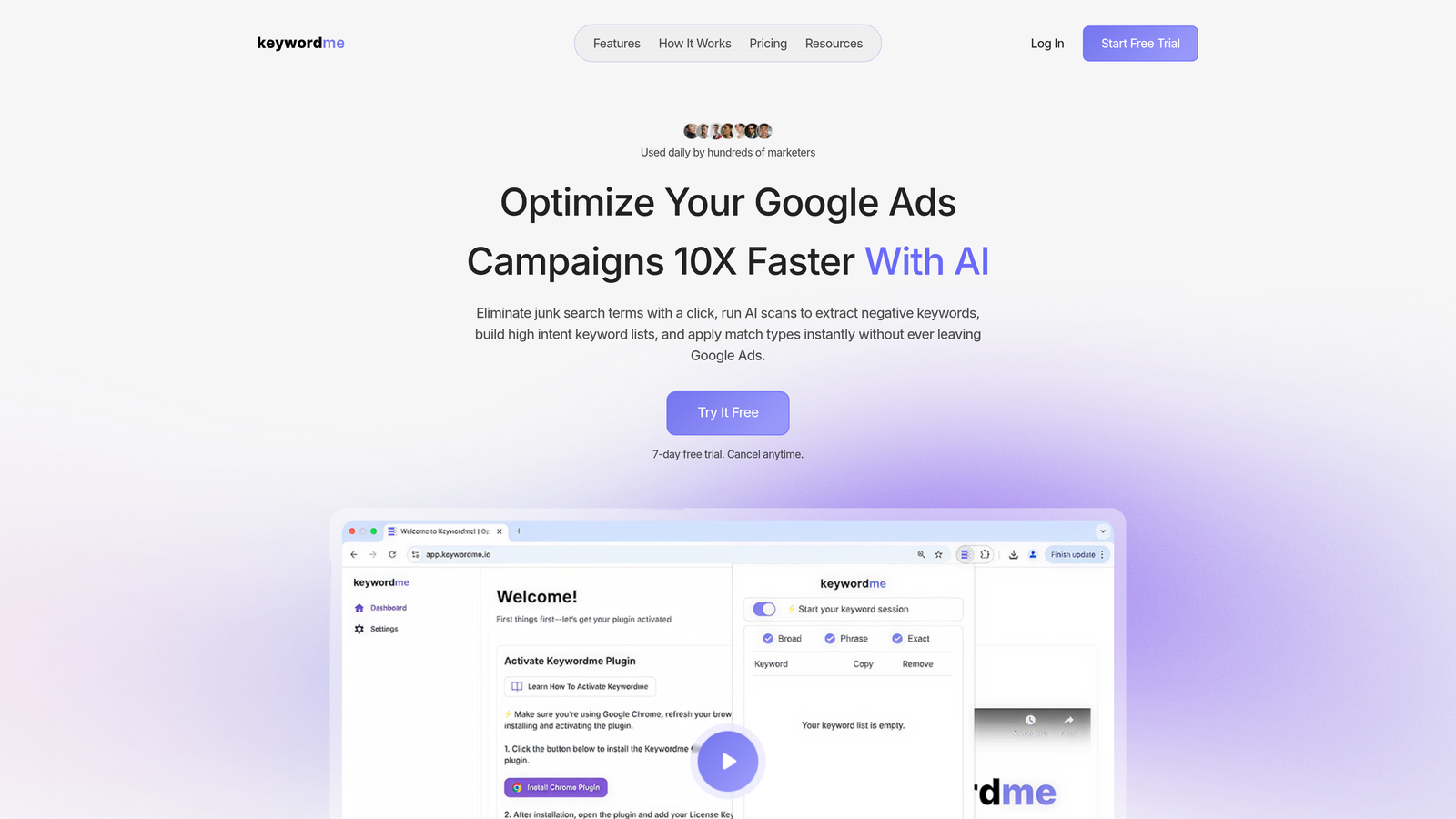
Keywordme is a Chrome extension that plugs directly into Google Ads' Search Terms Report, turning what's normally a slow, export-heavy process into a series of fast, one-click actions.
Where This Tool Shines
Most search term optimization workflows involve exporting a CSV, filtering in Excel or Google Sheets, making decisions, then re-uploading. It works, but it's slow and it's the kind of task that gets skipped during busy weeks. Keywordme eliminates all of that by letting you act directly inside the native Google Ads interface.
In most accounts I audit, the Search Terms Report is either untouched or reviewed sporadically. Keywordme lowers the barrier enough that it becomes a regular habit rather than a quarterly cleanup. That consistency is where the real spend savings come from.
Key Features
One-Click Negative Keyword Addition: Remove junk search terms instantly from within the Search Terms Report, without switching tabs or exporting data.
Instant Match Type Application: Apply broad, phrase, or exact match to any term directly in the interface—no separate keyword tool required.
Keyword Clustering and Bulk Editing: Group related search terms and manage them in bulk, which is especially useful when building tighter ad group structures.
Multi-Account and Team Support: Designed for agencies managing multiple clients, with team workflows built in from the start.
No Spreadsheet Exports Required: Everything happens in-interface, which is the core differentiator and the biggest time saver in practice.
Best For
Freelancers and agency owners managing Google Ads accounts who want to cut the time spent on search term review without adding another external dashboard to their stack. If you're already living in the Google Ads UI, this fits naturally into how you already work.
Pricing
$12/month per user, with a 7-day free trial. One of the more straightforward pricing models in this space—flat rate, no ad spend tiers.
2. Search Ads 360 (SA360)
Best for: Enterprise advertisers running campaigns across Google and Microsoft Ads simultaneously.
Search Ads 360 is Google's enterprise-grade search management platform, built for advertisers who need cross-engine reporting, sophisticated bidding, and deep integration with the broader Google Marketing Platform.

Where This Tool Shines
SA360 earns its place when you're managing significant ad spend across multiple search engines and need a unified view of search term performance. The cross-engine reporting alone—pulling in both Google and Microsoft Ads data—is something most tools can't match at this level of depth.
The tradeoff is complexity and cost. This is not a tool for a freelancer managing a handful of accounts. But for an in-house enterprise team or a large agency with dedicated PPC operations, it's a serious platform.
Key Features
Cross-Engine Search Term Reporting: Unified search term data from Google Ads and Microsoft Ads in a single reporting layer.
Automated Bidding at Scale: Advanced bid strategies that factor in conversion data, audience signals, and budget pacing across campaigns.
Google Marketing Platform Integration: Deep connectivity with Analytics, Display and Video 360, and Campaign Manager for full-funnel reporting.
Custom Dashboards and Reporting: Enterprise-grade reporting tools for teams that need to present search term efficiency data to stakeholders.
Best For
Enterprise in-house teams and large agencies managing substantial budgets across multiple search engines. Overkill for smaller operations, but genuinely powerful at scale.
Pricing
Enterprise pricing. Contact Google directly for a quote—there's no publicly listed rate.
3. Optmyzr
Best for: Agencies that want rule-based automation and keyword harvesting built into their PPC workflow.
Optmyzr is a PPC management platform with a strong reputation in the agency community, particularly for its one-click optimizations and search term analysis features.

Where This Tool Shines
What usually happens here is that agencies use Optmyzr to build repeatable optimization workflows. Instead of manually reviewing search terms every week, you set rules that surface opportunities automatically—negative keyword candidates, high-performing terms worth promoting, and patterns that indicate structural issues.
The keyword harvesting feature is genuinely useful. It identifies search terms that are converting and recommends promoting them to dedicated keywords with appropriate match types. That's the kind of proactive optimization that separates well-managed accounts from stagnant ones.
Key Features
Automated Negative Keyword Mining: Surfaces negative keyword candidates from search term data based on performance thresholds you define.
Keyword Harvesting Workflows: Identifies high-performing search terms and recommends promoting them as new keywords.
Rule-Based Automation: Set recurring optimization rules so routine tasks happen consistently, even during busy periods.
Multi-Account Management Dashboard: Manage and monitor multiple client accounts from a single interface.
Pre-Built Optimization Scripts: One-click apply for common optimization tasks, reducing the time from insight to action.
Best For
Mid-size to large agencies that want to systematize their Google Ads optimization process and reduce manual review time across multiple client accounts.
Pricing
Starts at several hundred dollars per month, tiered by ad spend. Check Optmyzr.com for current plan details.
4. WordStream Advisor
Best for: SMBs and smaller agencies that want a structured, guided weekly PPC workflow.
WordStream Advisor is a guided PPC management tool that surfaces search term and negative keyword recommendations through a structured weekly workflow it calls the "Work Week."

Where This Tool Shines
The Work Week feature is the core value proposition here. It tells you exactly what to do each week, including which search terms to review and which negatives to add. For users who find the raw Google Ads interface overwhelming, that structure is genuinely helpful.
It's worth noting that WordStream has evolved significantly over the years since its acquisition by LocaliQ, and some experienced PPC managers have moved toward more flexible alternatives. But for SMBs and non-technical users, the guided approach still delivers real value.
Key Features
Structured Weekly Workflow: The Work Week feature guides users through search term review and optimization tasks on a consistent schedule.
Automated Negative Keyword Suggestions: Surfaces irrelevant terms for review and one-click exclusion.
Performance Alerts: Notifications for underperforming ad groups, helping catch issues before they compound.
Simplified Interface: Designed for users who aren't PPC specialists, lowering the learning curve significantly.
Best For
Small business owners and smaller agencies managing modest budgets who benefit from a structured, step-by-step optimization process rather than an open-ended platform.
Pricing
Pricing varies by plan and ad spend. Contact WordStream directly for current rates.
5. Adalysis
Best for: Data-focused PPC managers who want automated alerts and deep diagnostic analysis.
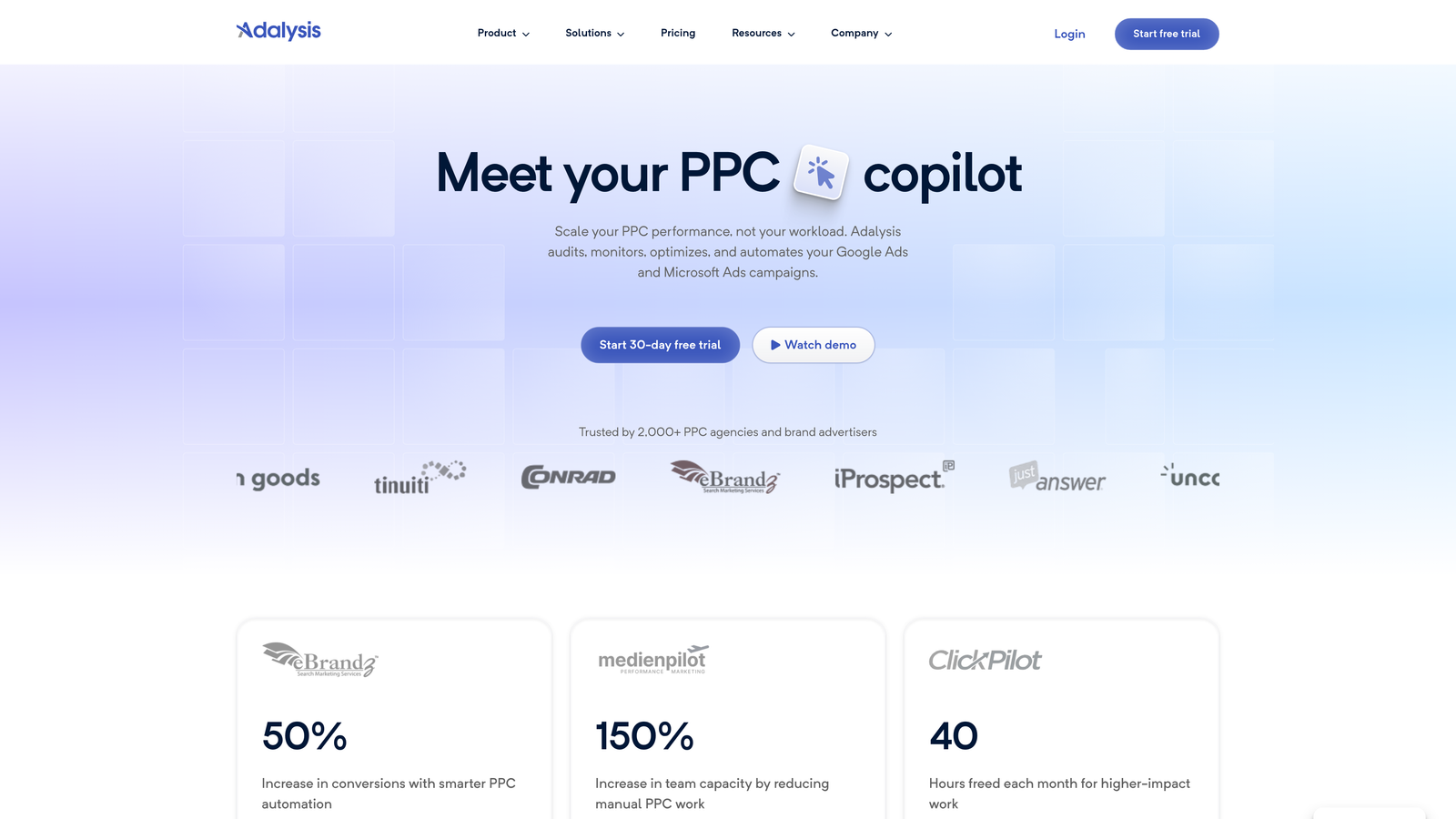
Adalysis is a PPC audit and monitoring platform that automates performance alerts and provides diagnostic analysis across search term efficiency, ad relevance, and Quality Score.
Where This Tool Shines
The mistake most agencies make is treating search term review as a one-time cleanup rather than an ongoing monitoring task. Adalysis flips that by alerting you when search term performance degrades, so you catch problems proactively rather than discovering wasted spend in a monthly report.
The search term overlap detection is particularly useful for accounts with complex campaign structures. When the same search terms are triggering ads across multiple campaigns, you end up bidding against yourself—and Adalysis surfaces that clearly.
Key Features
Automated Performance Alerts: Notifies you when specific search terms show performance degradation, before it becomes a budget problem.
Ad Relevance and Quality Score Diagnostics: Pinpoints where poor search term-to-keyword mapping is hurting your Quality Scores.
Search Term Overlap Detection: Identifies when the same queries are triggering ads across multiple campaigns or ad groups.
Bulk Negative Keyword Management: Manage and report on negatives across campaigns from a centralized view.
Tiered Account Health Monitoring: Ongoing account-wide health scoring to prioritize where to focus optimization effort.
Best For
PPC managers and agencies who want continuous monitoring rather than periodic manual reviews, especially those managing accounts with complex campaign structures.
Pricing
Tiered pricing based on ad spend. Check Adalysis.com for current plan details.
6. SEMrush PPC Toolkit
Best for: Advertisers running both paid and organic campaigns who want unified keyword intelligence.
SEMrush's PPC Toolkit bridges competitor keyword research and search term strategy, making it most relevant for advertisers who want to inform their paid keyword decisions with competitive and organic data.
Where This Tool Shines
Where SEMrush adds real value in a search term optimization context is competitor intelligence. Before you even launch a campaign, you can see what terms competitors are bidding on, which terms they've stopped bidding on, and where there are keyword gaps you could exploit. That context shapes smarter search term strategy from the start.
It's not a replacement for an in-account optimization tool, but it's a strong complement—especially for agencies that run both SEO and PPC for the same client and want keyword data to flow between both channels.
Key Features
Competitor PPC Keyword Research: See which keywords competitors are actively bidding on and use that to inform your own search term targeting.
Keyword Gap Analysis: Identify search terms competitors are capturing that your account is missing.
Unified SEO and PPC Keyword Data: Cross-channel keyword intelligence in a single platform.
Ad Copy and Landing Page Analysis: Understand how competitors are matching their ads and landing pages to specific search terms.
Best For
Agencies and in-house teams managing both paid and organic search who want competitive keyword intelligence to inform their search term strategy before and during campaign optimization.
Pricing
Pro plan starts at approximately $139/month. Verify current pricing at SEMrush.com.
7. SpyFu
Best for: Freelancers and budget-conscious advertisers who want competitor PPC keyword history.
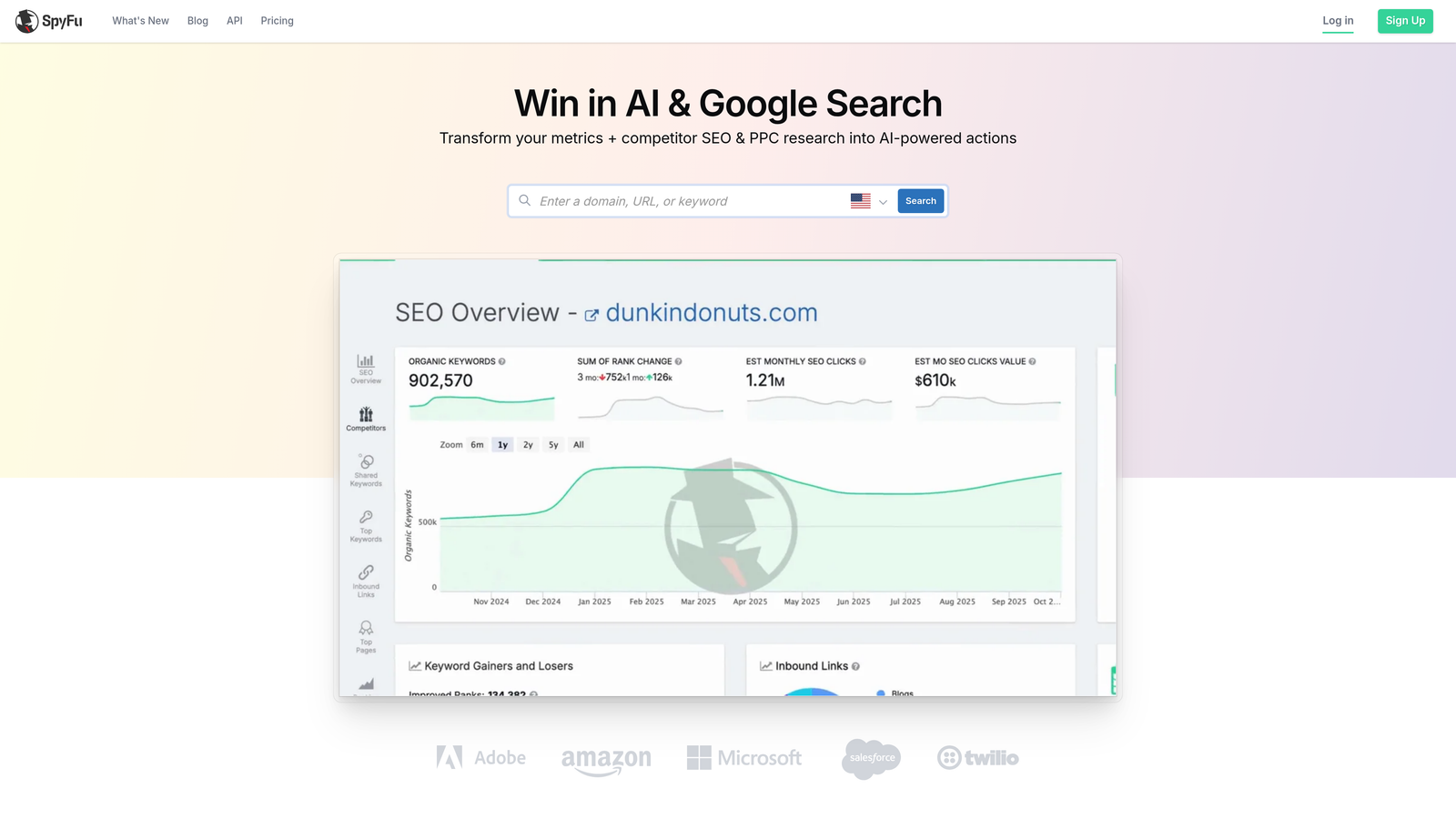
SpyFu is a competitive intelligence platform that surfaces years of competitor PPC keyword data, helping you build smarter search term and negative keyword strategies before you spend a dollar.
Where This Tool Shines
SpyFu's real value is in the historical data. You can see which keywords a competitor has been bidding on for years versus which ones they recently dropped. When a competitor consistently avoids a term, that's often a signal that it converts poorly or attracts the wrong audience—useful intelligence for building your own negative keyword list.
For freelancers in particular, the pricing makes it accessible in a way that enterprise tools simply aren't. You get meaningful competitive context without committing to a platform priced for large agencies.
Key Features
Competitor PPC Keyword History: Years of historical data showing what terms competitors have bid on, and when they stopped.
Negative Keyword Discovery: Identify terms competitors consistently avoid as signals for your own exclusion lists.
Search Term Overlap Analysis: See where multiple advertisers are competing on the same queries.
Affordable Entry-Level Pricing: Accessible for individual freelancers and small teams, not just enterprise accounts.
Best For
Freelancers and smaller agencies who want competitive keyword intelligence to build stronger search term strategies from the outset, without enterprise-level costs.
Pricing
Starts at approximately $39/month. Verify current pricing at SpyFu.com.
8. Google Ads Editor
Best for: Any Google Ads user who needs reliable bulk editing at no cost.
Google Ads Editor is Google's free, native desktop application for offline bulk editing—including mass negative keyword uploads and match type changes across campaigns and ad groups.
Where This Tool Shines
There's no automation here, no AI, no dashboards. What you get is a reliable, free tool that handles bulk operations well. If you've exported a list of negative keywords from your search term review and need to apply them across ten campaigns simultaneously, Editor handles that cleanly and quickly.
It's the baseline tool every Google Ads manager should know cold. Even if you use other platforms day-to-day, Editor is often the fastest path for specific bulk tasks—especially when working offline or dealing with large structural changes.
Key Features
Completely Free: No subscription, no ad spend tiers, no hidden costs.
Bulk Negative Keyword Additions: Apply negatives across multiple campaigns and ad groups in a single action.
Offline Editing with Batch Upload: Make changes offline and push them live when you're ready, which is useful for reviewing changes before they go live.
Match Type Editing at Scale: Change match types across large keyword lists without clicking through individual campaigns.
Multi-Account Support: Manage multiple accounts within the same desktop application.
Best For
Every Google Ads user, regardless of experience level. Especially valuable for anyone who needs bulk negative keyword management without paying for a third-party tool.
Pricing
Free.
9. Tenscores
Best for: PPC managers focused on reducing CPCs through Quality Score improvement and tighter account structure.
Tenscores is a niche tool that analyzes how search terms map to keywords and ad copy, surfacing the relevance gaps that push Quality Scores down and CPCs up.
Where This Tool Shines
Most search term optimization focuses on blocking bad terms or promoting good ones. Tenscores approaches it from a different angle: it looks at whether the terms triggering your ads are actually well-matched to the keywords and ad copy in your account. When they're not, Quality Scores suffer and you pay more per click than you should.
It's a more focused tool than the others on this list, but for accounts where CPCs are high and Quality Scores are stuck, the diagnostic approach here can surface structural issues that aren't obvious in the standard Google Ads interface.
Key Features
Quality Score Tracking and Trend Analysis: Monitor Quality Score changes over time to understand whether optimizations are moving the needle.
Search Term-to-Keyword Relevance Mapping: Identifies where search terms are triggering ads they're not well-matched to.
Ad Relevance Gap Identification: Pinpoints specific ad groups where ad copy doesn't align well with the search terms being captured.
Keyword Grouping Recommendations: Suggests structural changes to improve relevance and Quality Scores across campaigns.
Best For
PPC managers dealing with persistently high CPCs or low Quality Scores who want to diagnose the structural causes rather than just adjusting bids.
Pricing
Check Tenscores.com for current pricing.
Which Search Term Optimization Tool Is Right for You?
Here's the honest breakdown: the best search term report optimization solution is the one you'll actually use consistently. A tool that lives in a separate tab or requires CSV exports will get skipped during busy weeks—and that's when wasted spend quietly compounds.
If you're a freelancer or agency manager working directly in Google Ads every day, Keywordme is the obvious starting point. It works inside the interface you're already using, which means the activation energy for search term review drops significantly. For enterprise teams with cross-channel complexity, SA360 or Optmyzr offer the depth and automation those operations need. If your budget is zero, Google Ads Editor handles bulk negative keyword work reliably—it's not glamorous, but it gets the job done.
For competitive intelligence before campaigns launch, SpyFu punches well above its price point. For ongoing monitoring and diagnostic analysis, Adalysis and Tenscores each cover distinct angles that the bigger platforms often miss.
The pattern across every well-managed account is the same: search term review happens regularly, not occasionally. The right tool makes that regular cadence feel effortless rather than like a chore.
Ready to cut the spreadsheet workflow entirely? Start your free 7-day trial of Keywordme and see how much faster search term optimization feels when it happens right inside Google Ads. After the trial, it's just $12/month per user.
Want to go deeper? Check out our guides on what is negative keywords in Google Ads, the best way to reduce wasted spend in Google Ads, and why automate keyword management to build a complete optimization system around your search term workflow.
.svg)